# Read and Edit the Wiki in Your Browser
Open your local Nimbalyst Wiki in a browser tab from Claude Code, Codex, or any agent, or with nim wiki serve. Read and edit pages, typed tables, drawings, mind maps, spreadsheets, and mockups, with edits saved straight to the files. No app or account.
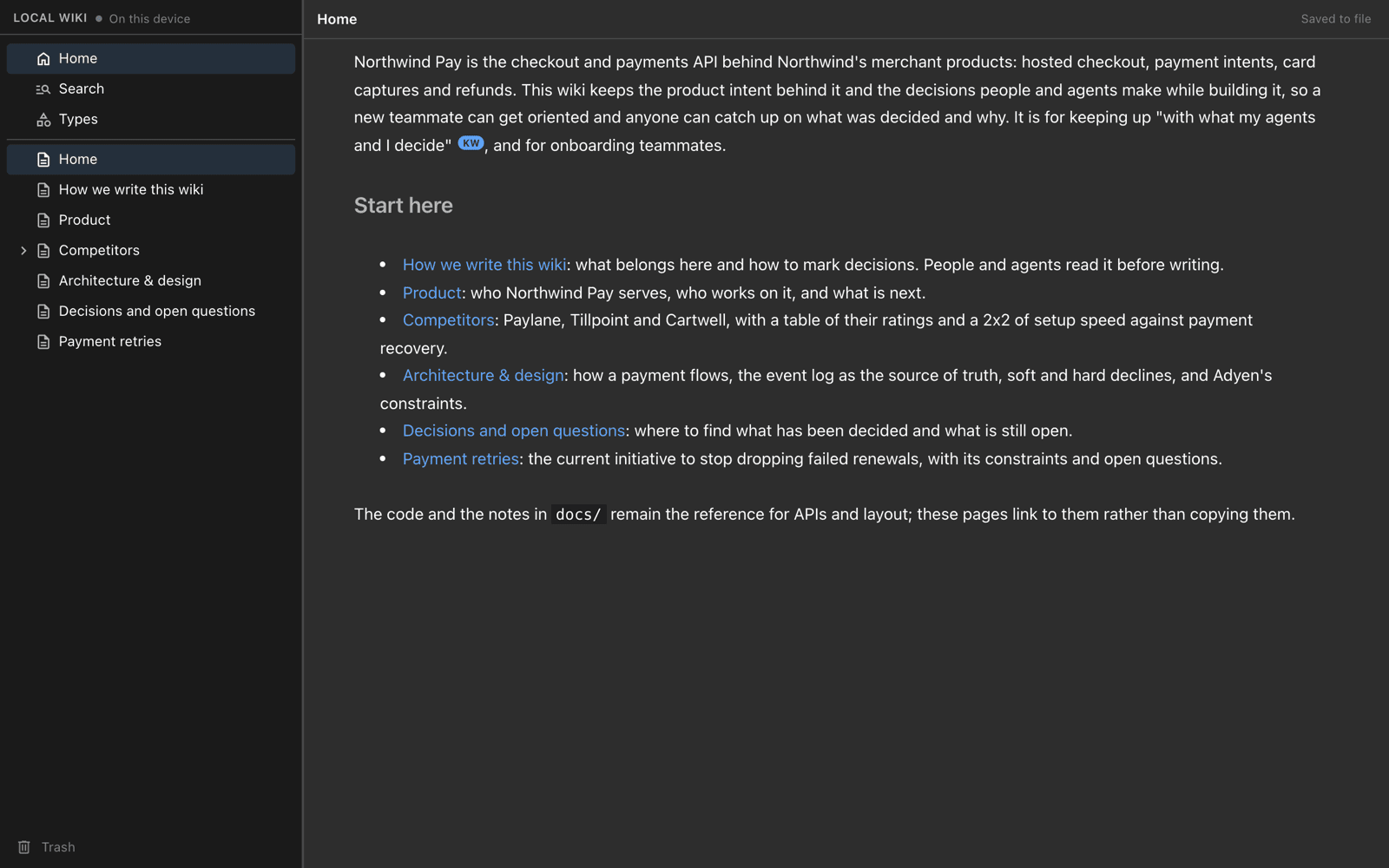
The browser view is how you read and edit a local wiki without the Nimbalyst app. Ask your agent to "open the wiki in my browser," or run `nim wiki serve`, and a tab opens with the page tree and the page editor. Edits save straight to the markdown files in your repo, and what your agents write shows up live.
### Open it from your agent
With the [Nimbalyst Wiki plugin](https://nimbalyst.com/docs/wiki/start-in-your-coding-agent/) in Claude Code or the Codex CLI, ask:
```text
Open the wiki in my browser.
```
The browser app ships inside the plugin, so there is nothing to install. The plugin's `nimbalyst-local` server starts the view on your machine and opens a tab.
In the Codex app, Cursor, VS Code, Cowork, and other agents that use the wiki through `nim mcp`, ask the same thing. The browser app installs with the `nim` CLI.
### Open it with nim wiki serve
```sh
nim wiki serve
```
| Option | What it does |
| --- | --- |
| `--no-open` | Prints the URL instead of opening a browser. |
| `--port` | Picks the port. |
`nim` comes from `npm install -g @nimbalyst/cli` and needs Node.js 22 or later. See [Wiki Plugin and nim CLI Reference](https://nimbalyst.com/docs/wiki/agents-and-the-wiki/) for the rest of its commands.
### What you can do there
* **Read and edit pages** in a rich editor, with the page tree on the left. Edits save straight to the file.
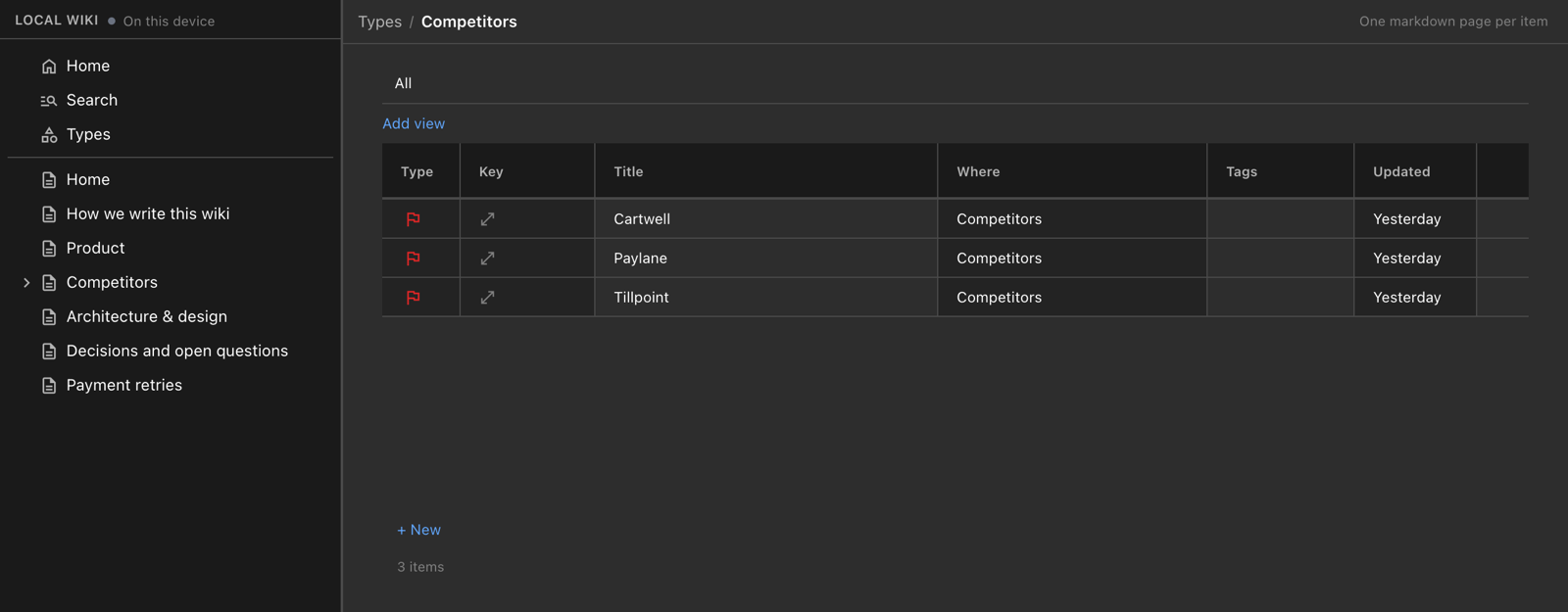
* **Browse typed pages and types.** **Types** lists each type, and a type's table shows every item with its fields. A typed page shows its fields at the top. See [Pages, Types, and Fields](https://nimbalyst.com/docs/wiki/pages-types-and-fields/#types-typed-databases-inside-your-wiki).
* **Open drawings, mind maps, spreadsheets, data models, mockups, and canvases** in their own editors, and create them from the **New page** menu.
* **Click through interactive HTML pages,** such as a product map where each box opens the page it links to. See [Interactive HTML pages](https://nimbalyst.com/docs/wiki/pages-types-and-fields/#interactive-html-pages).
* **Search** the wiki, and find deleted pages in **Trash**. Deleting a page moves it to a `.trash` folder, from where it can be restored.
* **See decisions and open questions** marked in each page, with who decided, when, and what was passed over.
A type's table in the browser view. Each competitor is its own page.
### Live in both directions
The browser view and your agents work on the same files. A page your agent writes or updates appears in the open tab without a reload, and a change you make in the browser is what the next agent reads. Edits you make in your own editor show up too.
### Private to your machine
The view listens on your machine only and requires the token in the URL it opens, so other devices on your network cannot reach it. A local wiki needs no account and no server beyond this view on your own machine, and its pages stay in your repo. To share the wiki with teammates, check it into a folder in your repo, or move it to [Wiki Teams](https://nimbalyst.com/docs/wiki/move-local-wiki-to-teams/), where everyone edits the same pages in their browser.