Excalidraw
Hand-drawn style diagrams with AI-assisted editing
.excalidraw Available in the Nimbalyst Extension Marketplace
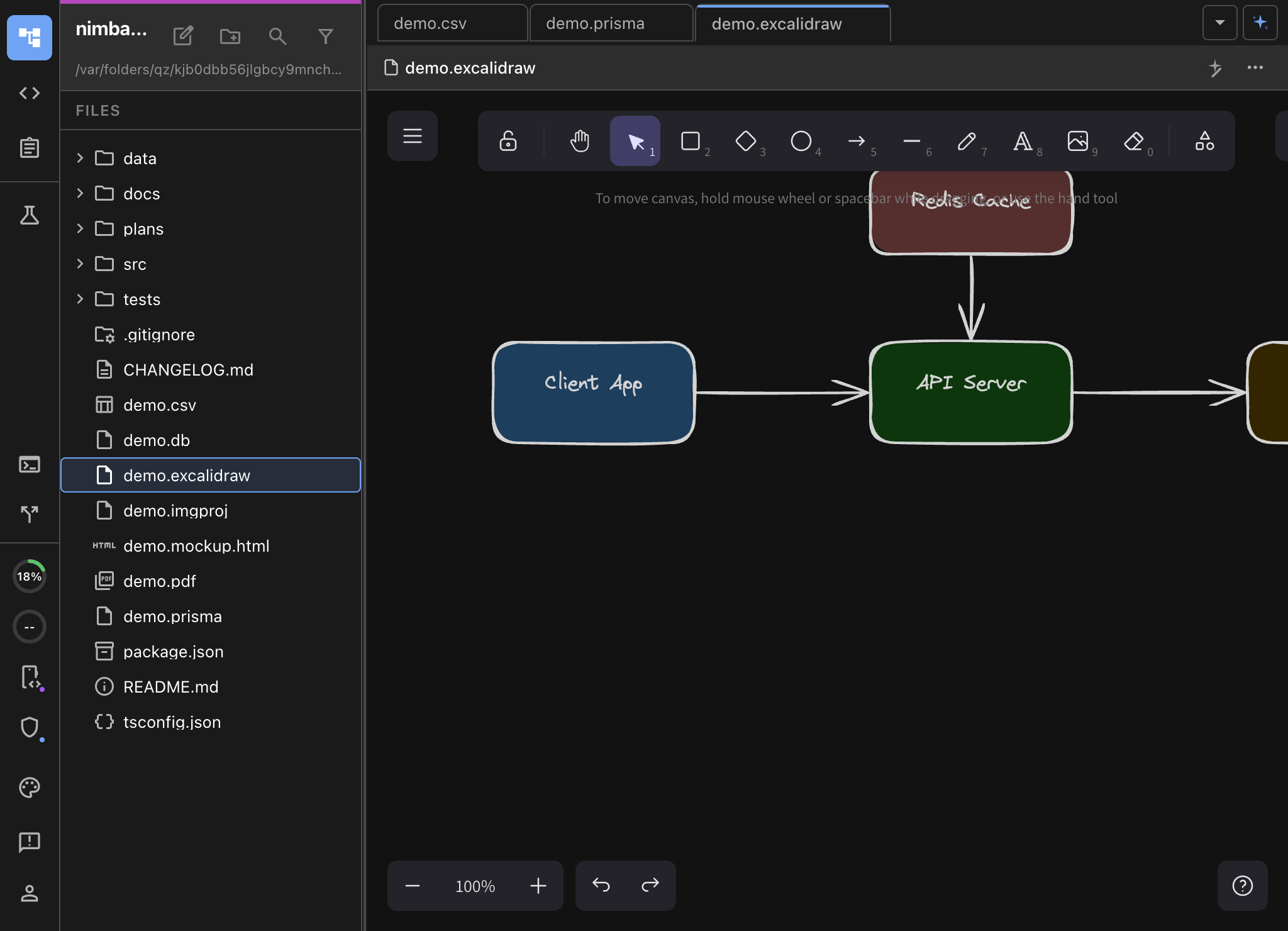
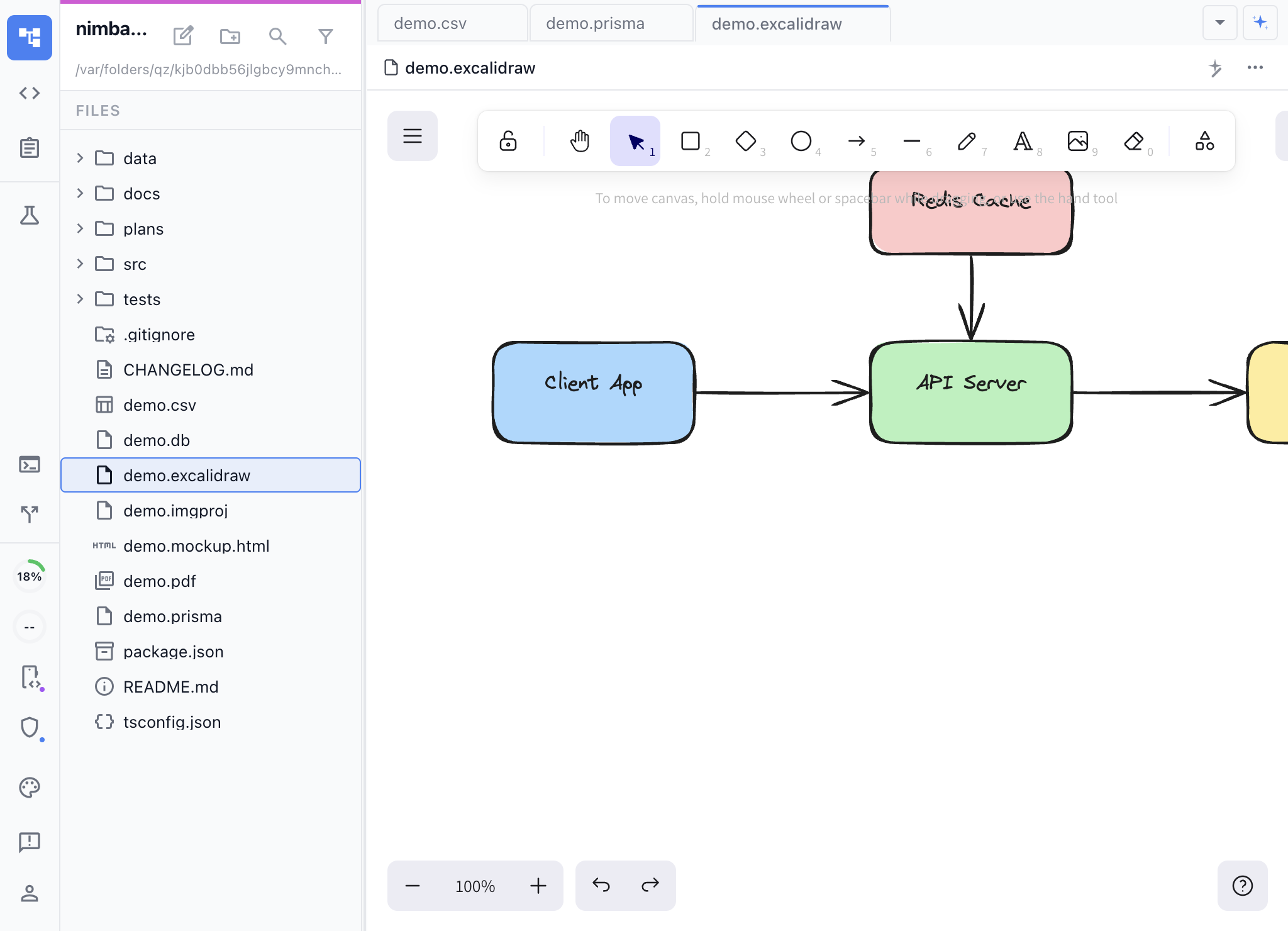
Why Excalidraw in Nimbalyst?
Excalidraw’s hand-drawn aesthetic makes diagrams approachable and easy to iterate on. Inside Nimbalyst, you get the full Excalidraw canvas plus deep AI integration that no standalone diagramming tool can match.
Tell the AI what you want, and it draws it. Describe an architecture diagram in plain English — “three microservices talking to a shared database through an API gateway” — and the AI creates it as an Excalidraw diagram with proper layout, connections, and labels. The agent is in your project able to read your code, your plan, and leverage this for your architecture diagram. Likewise, it can leverage your plan and architecture diagram directly to implement your code.
Key Features
- AI-powered diagram creation — Describe what you want and the AI builds it. Modify existing diagrams by describing changes.
- Mermaid import — Convert Mermaid flowcharts, sequence diagrams, and class diagrams into editable Excalidraw elements.
- Bidirectional editing — Switch between the visual canvas and JSON source mode. Changes in either view sync instantly.
- Full Excalidraw toolset — Shapes, arrows, text, frames, grouping, alignment, and distribution tools.
- Embed in documents — Insert Excalidraw diagrams inline in your markdown notes using the slash command menu.
Use Cases
- Software architecture diagrams — Map out system components, service boundaries, and data flows.
- Flowcharts and decision trees — Visualize business logic, user flows, and process documentation.
- Wireframes and sketches — Quick, low-fidelity UI layouts before building mockups.
- Meeting whiteboarding — Capture ideas visually during planning sessions.
- Technical documentation — Add clear visuals to design docs, READMEs, and ADRs.
How It Works
Create a new .excalidraw file from the New File menu, or open any existing Excalidraw file. The visual canvas loads with the full drawing toolbar. Ask the AI to create or modify diagrams using natural language in the chat panel.
The extension registers 17 AI tools that give the AI fine-grained control over the canvas — adding elements, creating connections, grouping, aligning, and importing from Mermaid syntax.