3D Object Editor
Design and edit 3D objects with AI assistance
.obj.stl Available in the Nimbalyst Extension Marketplace
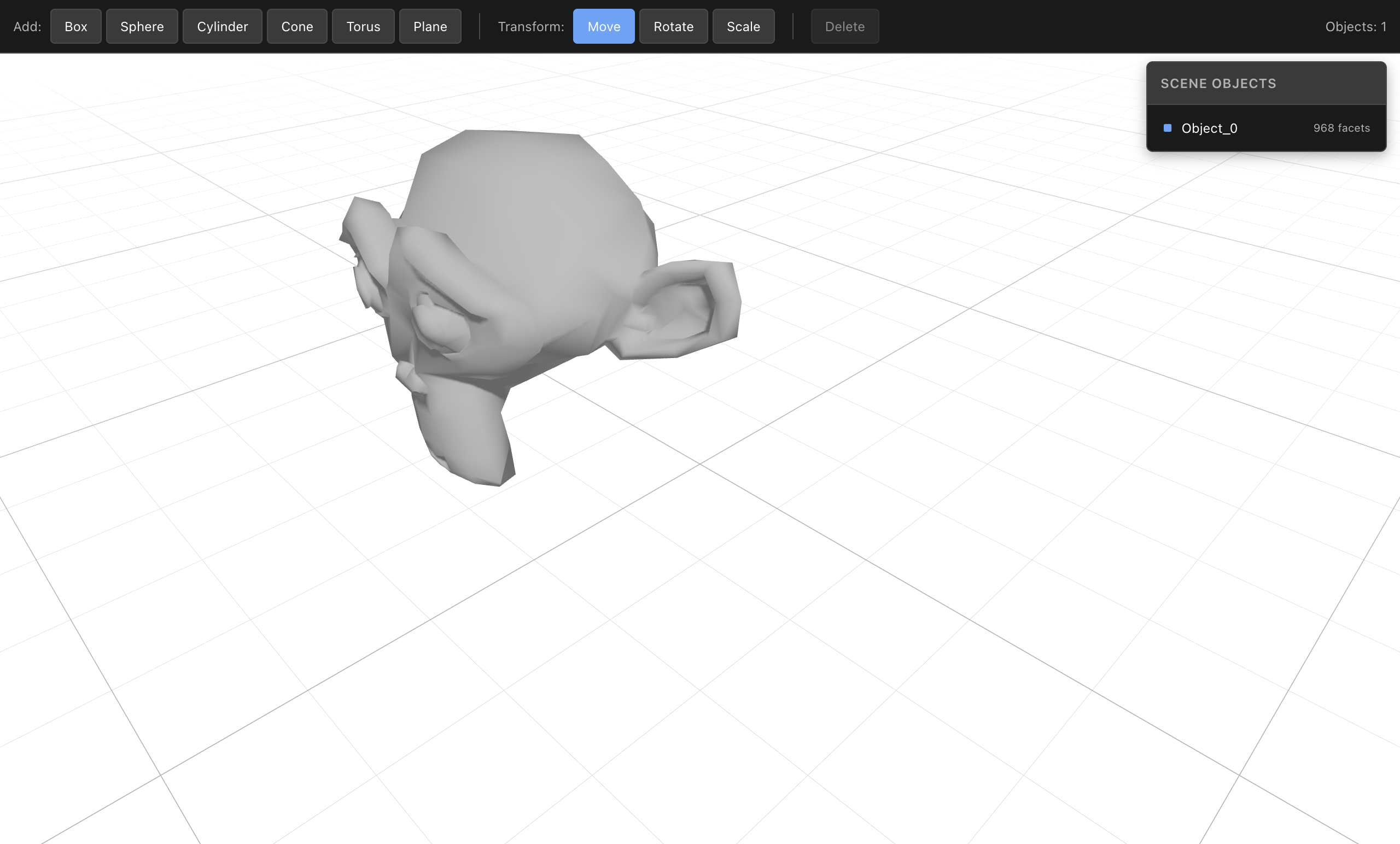
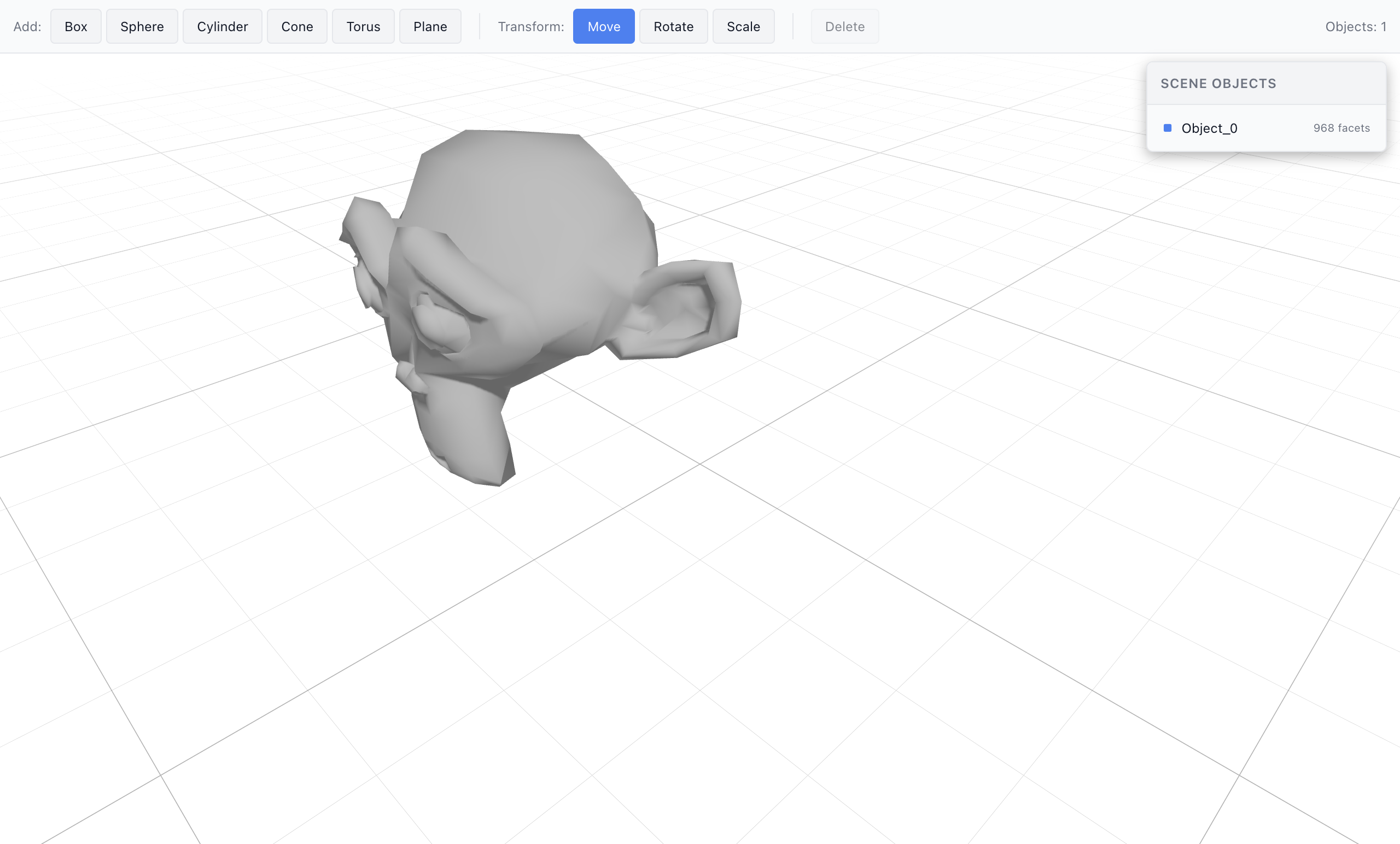
Why 3D Editing in Nimbalyst?
3D modeling tools are typically heavyweight applications with steep learning curves. Nimbalyst’s 3D Object Editor brings lightweight 3D editing directly into your workspace — open OBJ and STL files, add primitives, transform objects, and use AI to build scenes programmatically.
AI meets 3D. Describe what you want to build and the AI creates primitives, positions them, and assembles scenes using six dedicated 3D tools. No need to learn a complex modeling interface.
Key Features
- OBJ and STL support — Open industry-standard 3D file formats directly in the editor.
- Primitive creation — Add boxes, spheres, cylinders, cones, tori, and planes from the toolbar.
- Transform controls — Move, rotate, and scale objects with the toolbar or by entering exact values.
- 3D viewport — Orbit, pan, and zoom with mouse controls. Grid overlay for spatial reference.
- AI scene building — Six AI tools let the AI create primitives, transform objects, inspect the scene, and update files.
- Object management — List, select, and delete objects. Object count displayed in the toolbar.
Use Cases
- Prototyping — Quickly assemble 3D scenes from primitives for concept visualization.
- File inspection — Open OBJ/STL files to inspect geometry without launching a full 3D application.
- AI-assisted modeling — Describe a scene and let the AI build it from primitives.
- Education — Learn 3D concepts with an approachable editor and AI guidance.
- Asset review — Preview 3D assets alongside your project files in the same workspace.
How It Works
Open any .obj or .stl file, or create a new one from the New File menu. The 3D viewport loads with orbit controls and a grid. Use the toolbar to add primitives and switch between move, rotate, and scale transforms. Ask the AI to build or modify scenes using natural language — it has full access to the scene graph through dedicated tools.