For builders
The open-source visual workspace for building with Codex, Claude Code, and more
Manage your agents, sessions, tasks, and files. Visually edit markdown, mockups, diagrams, diffs, and code. Extend.
Trusted by thousands of builders
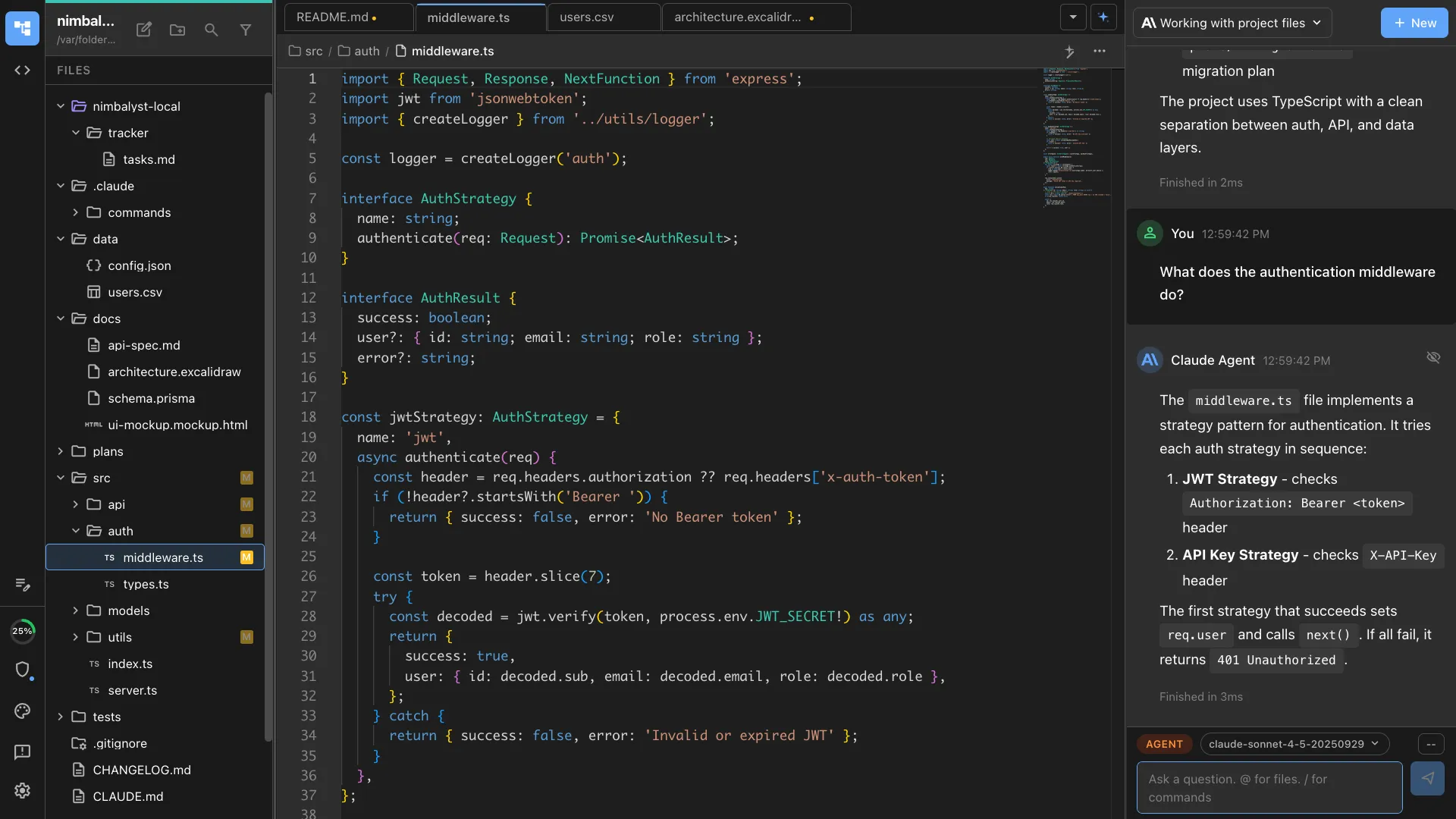
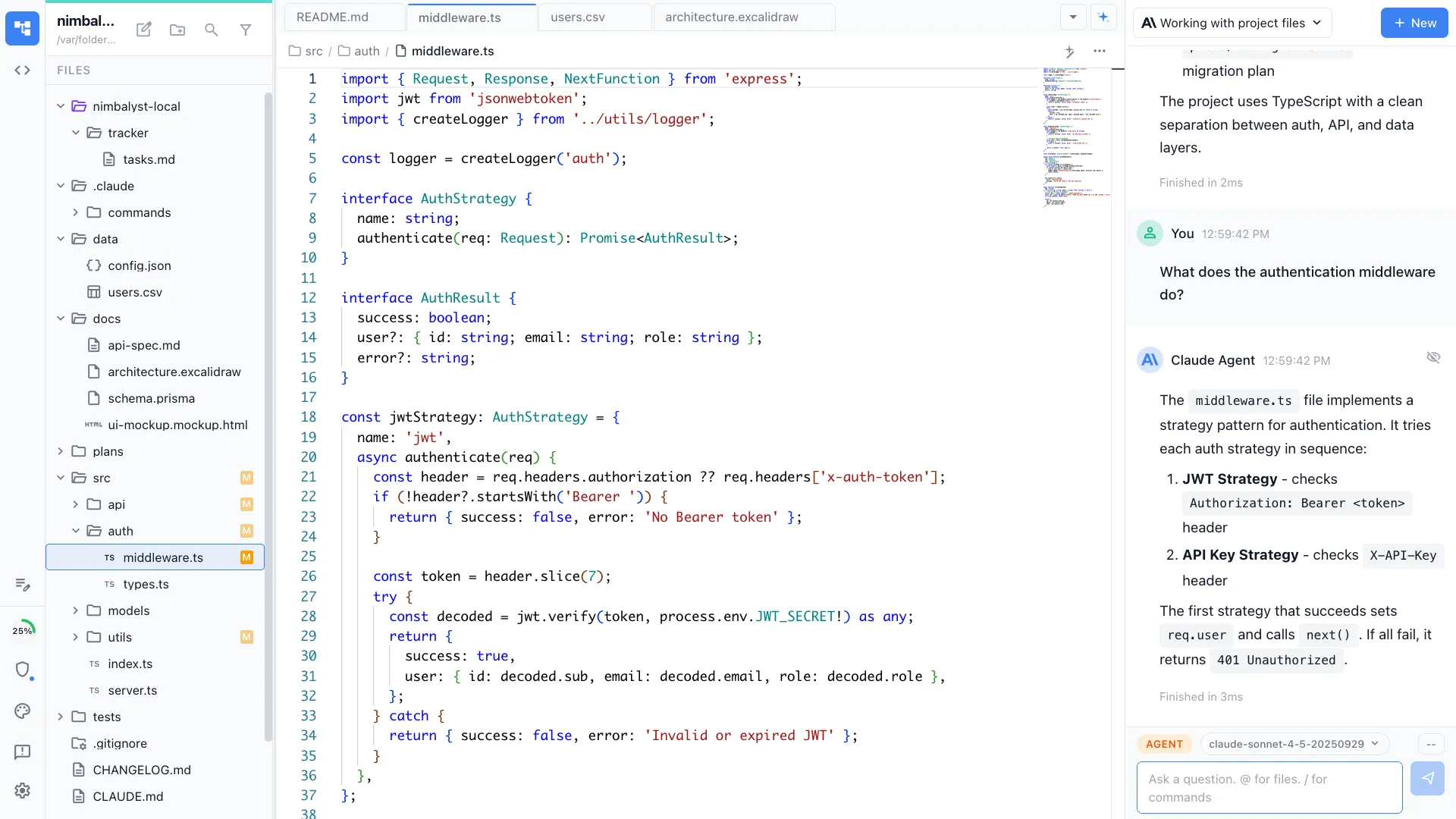
Visual File Editing
Agent-powered visual editors
Use all your context. Review AI changes. Approve, reject, edit, iterate.


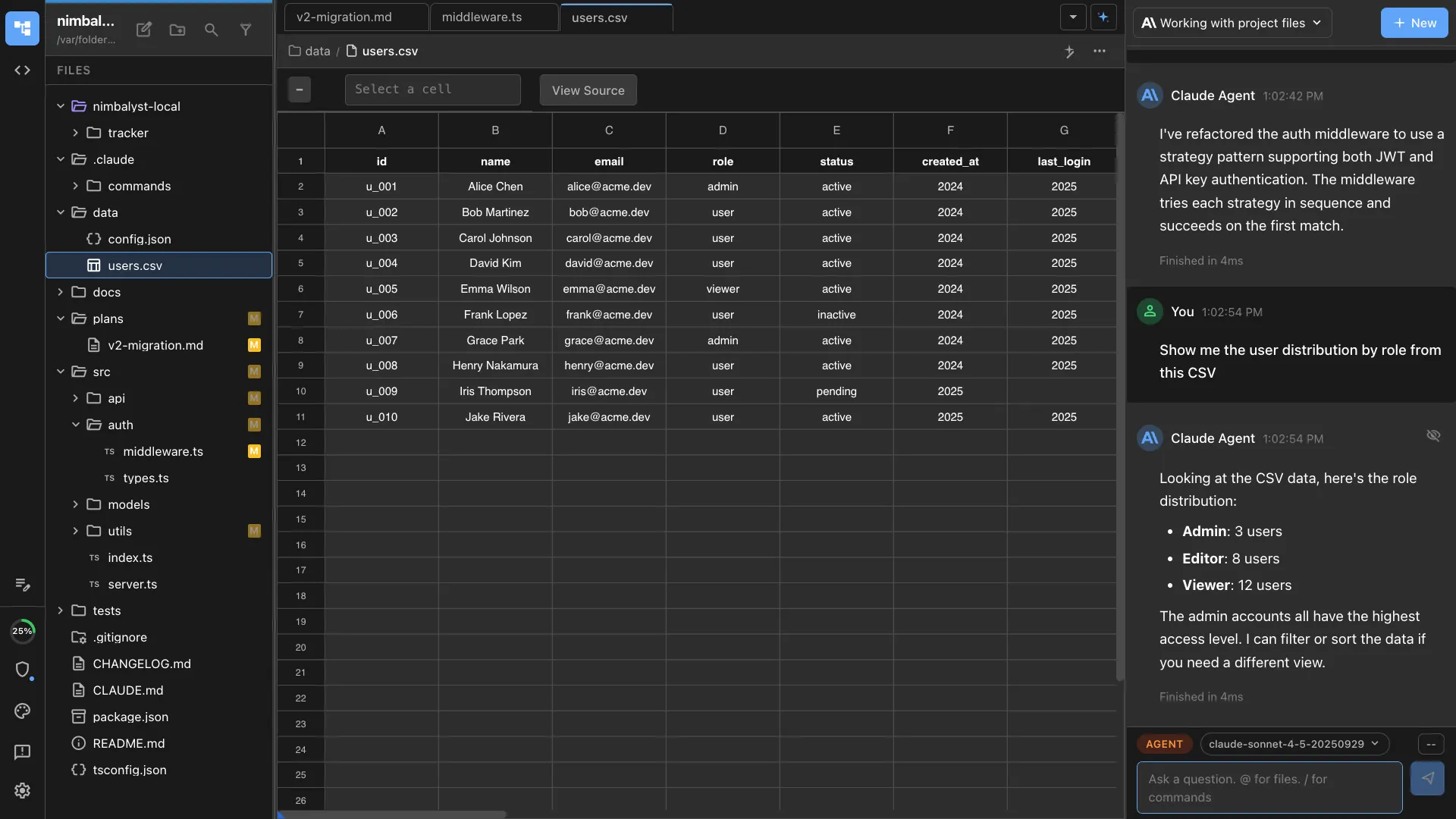
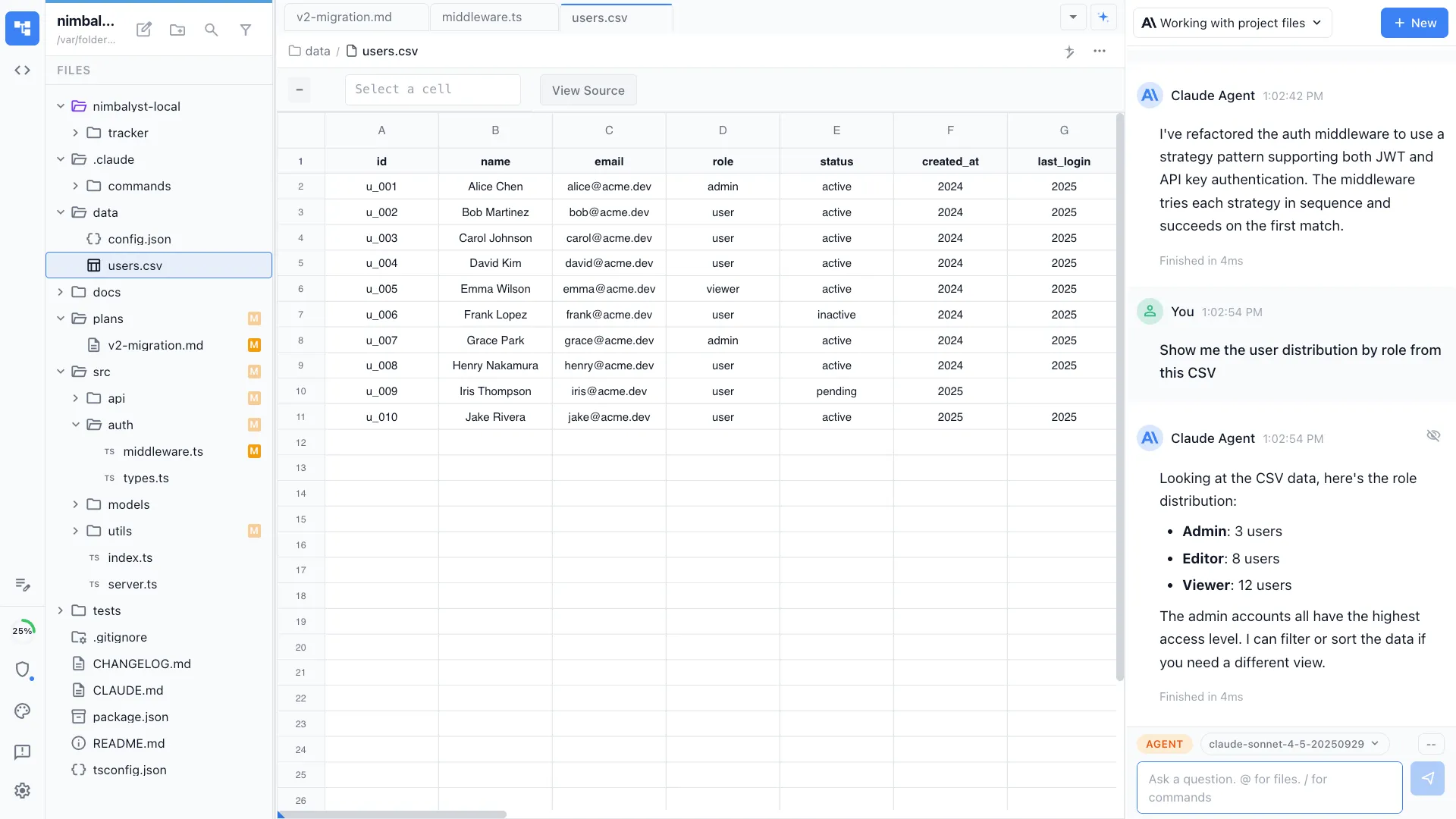

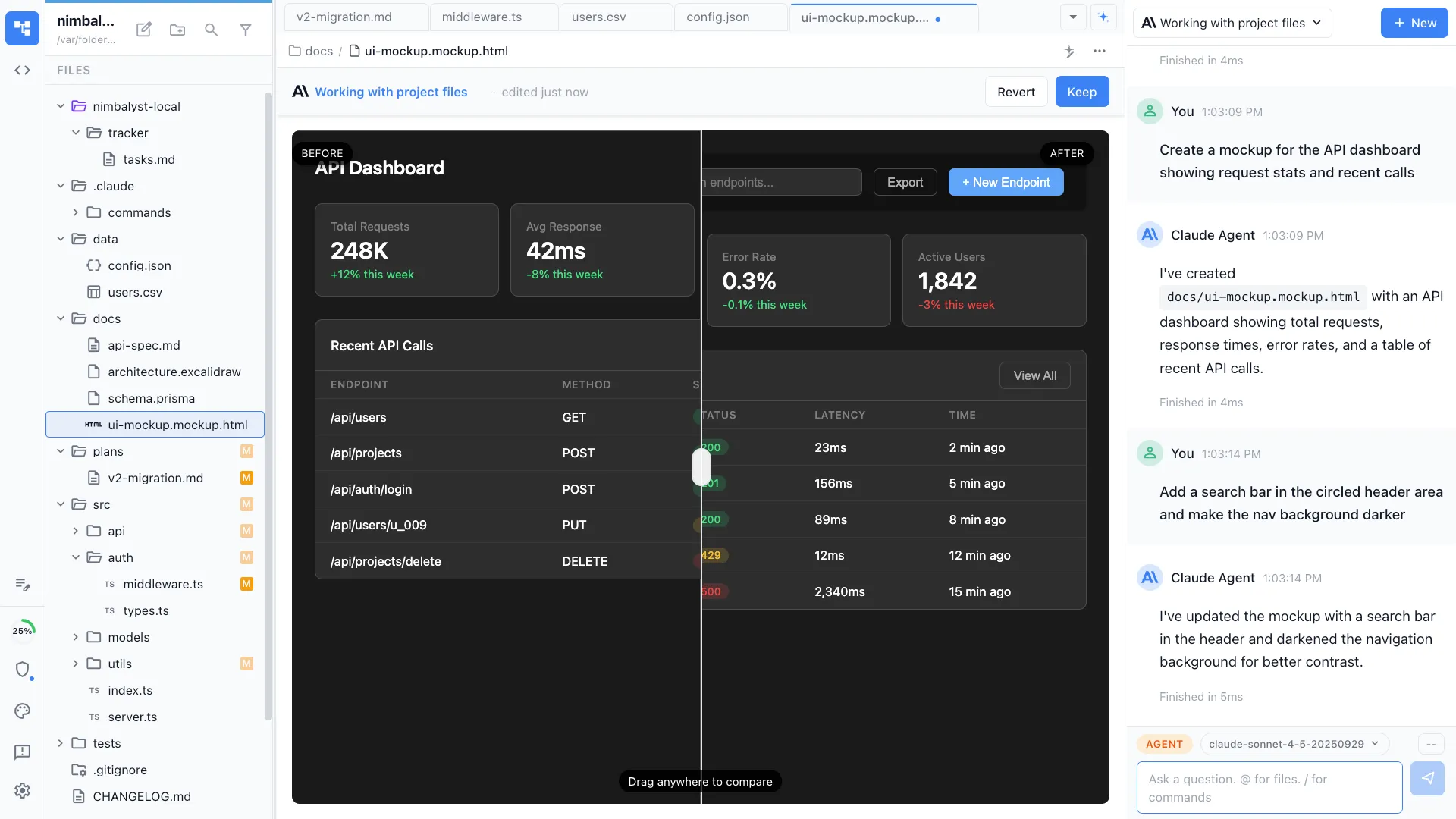




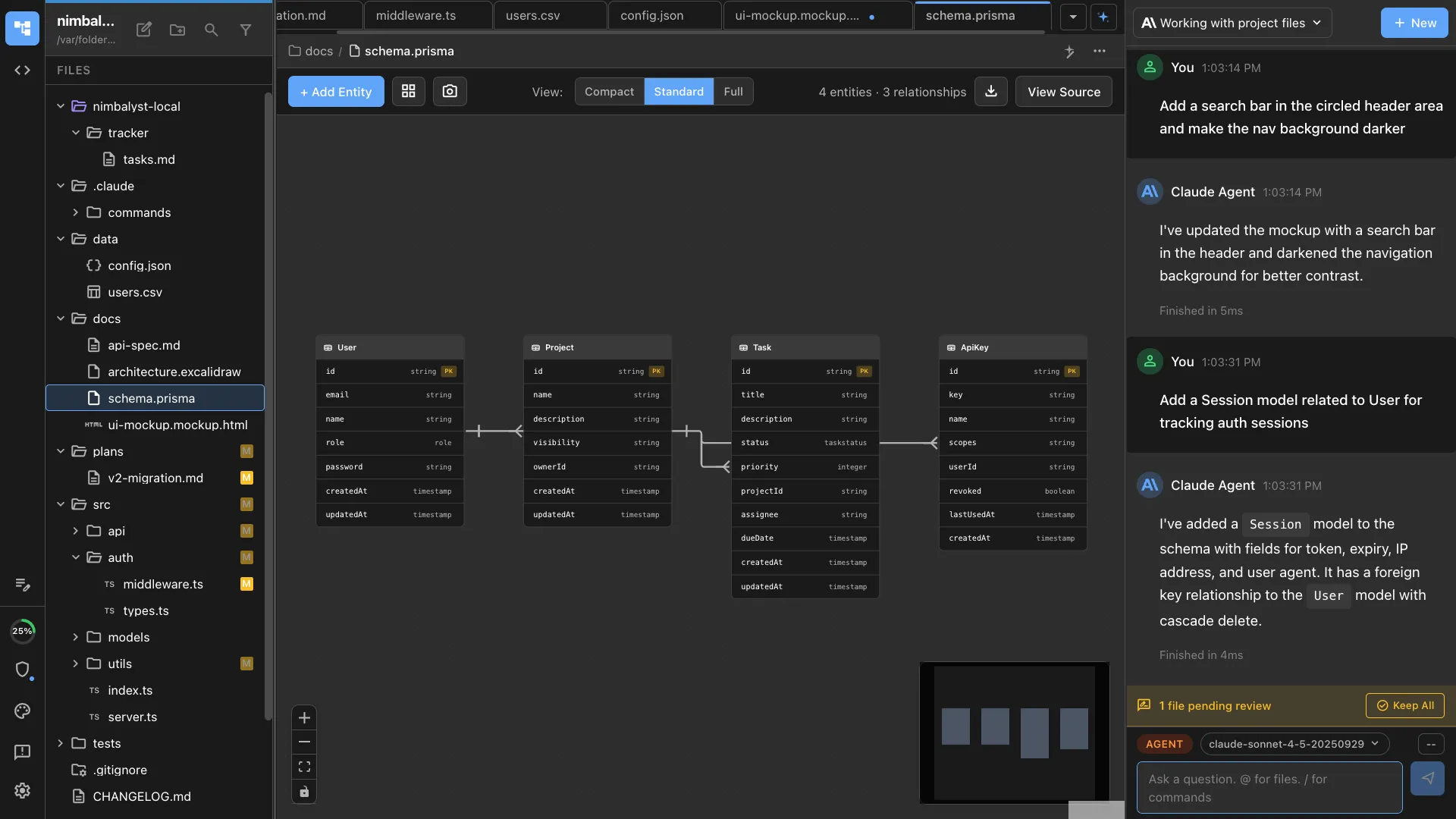
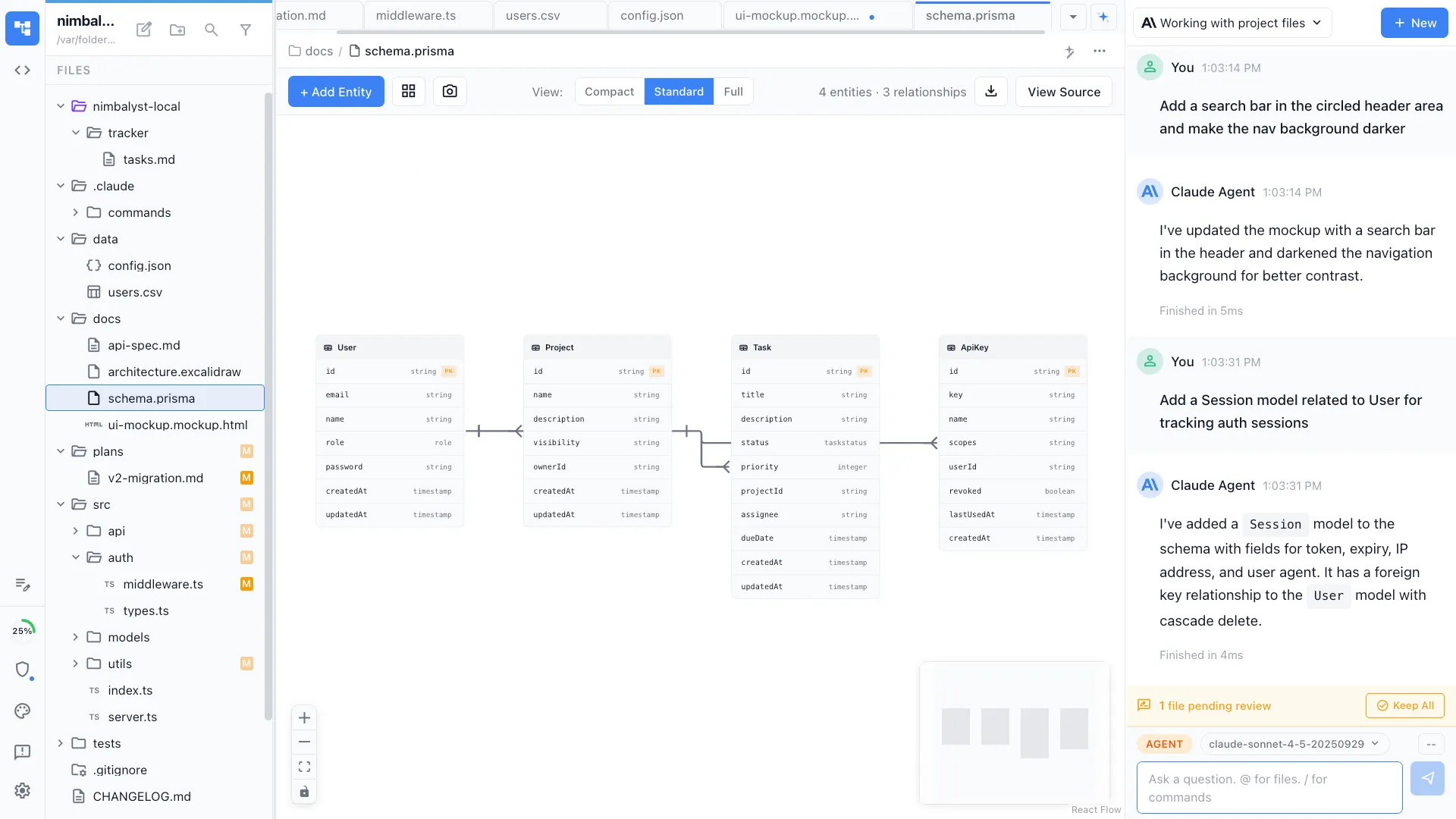
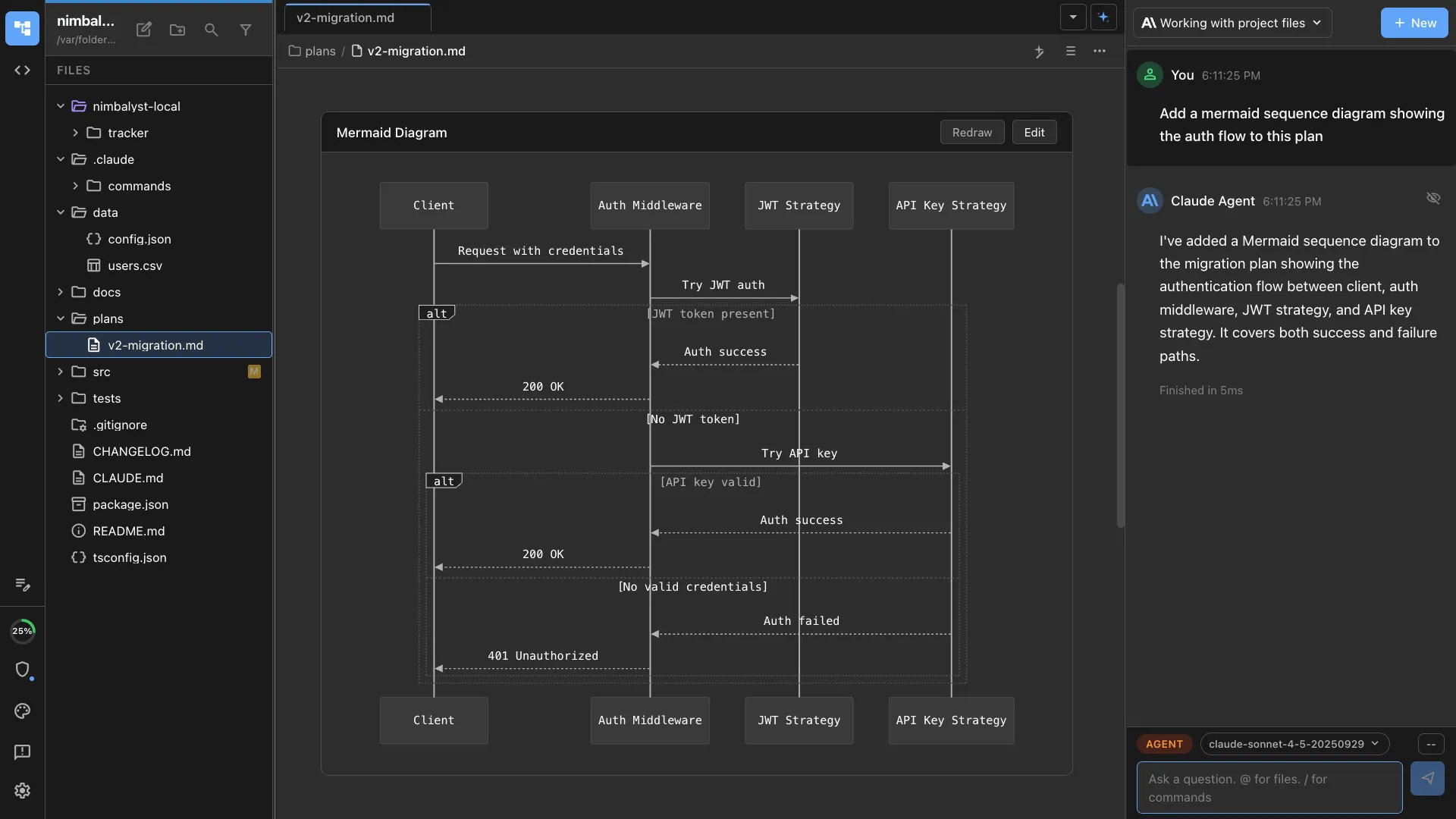
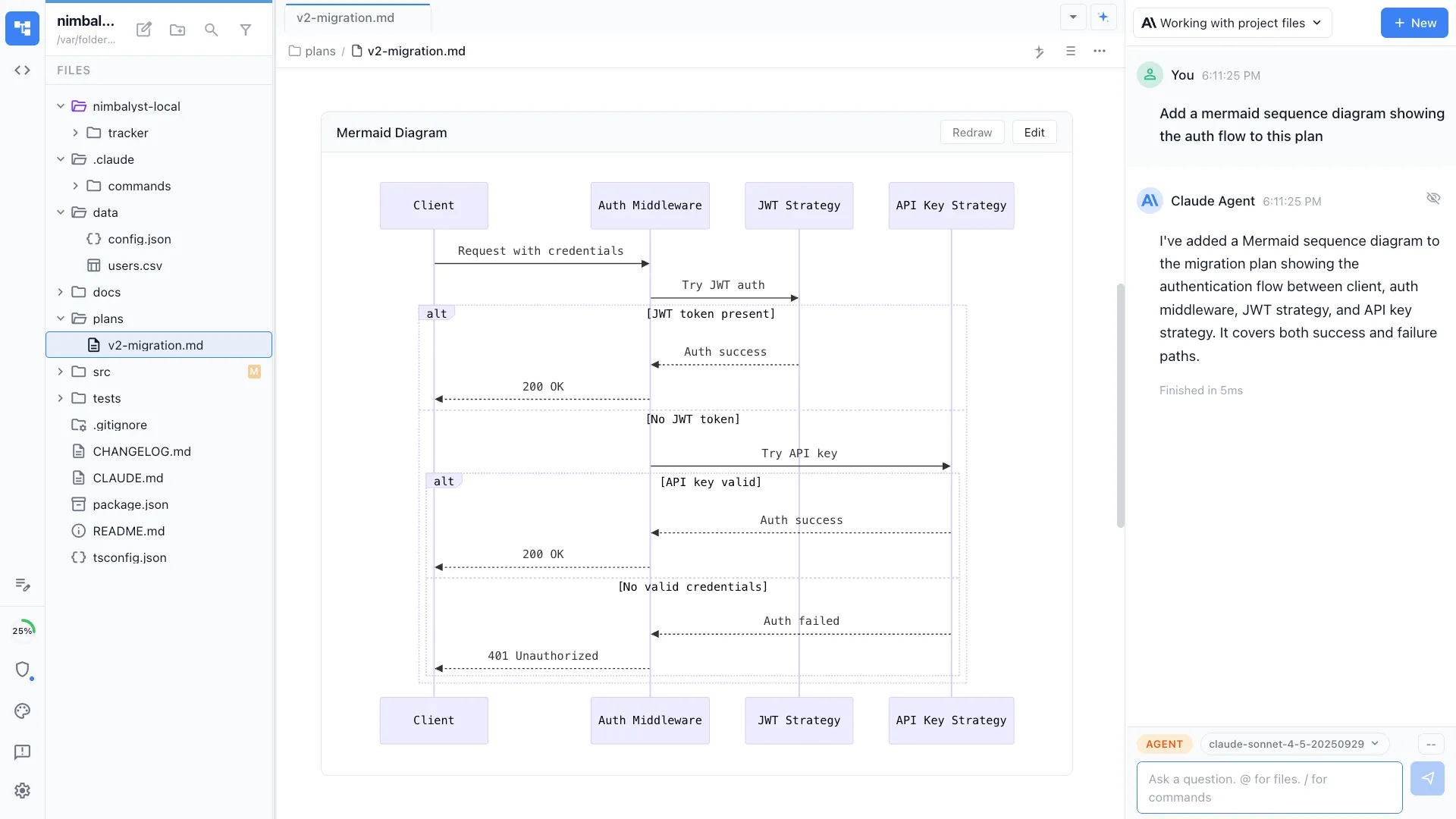
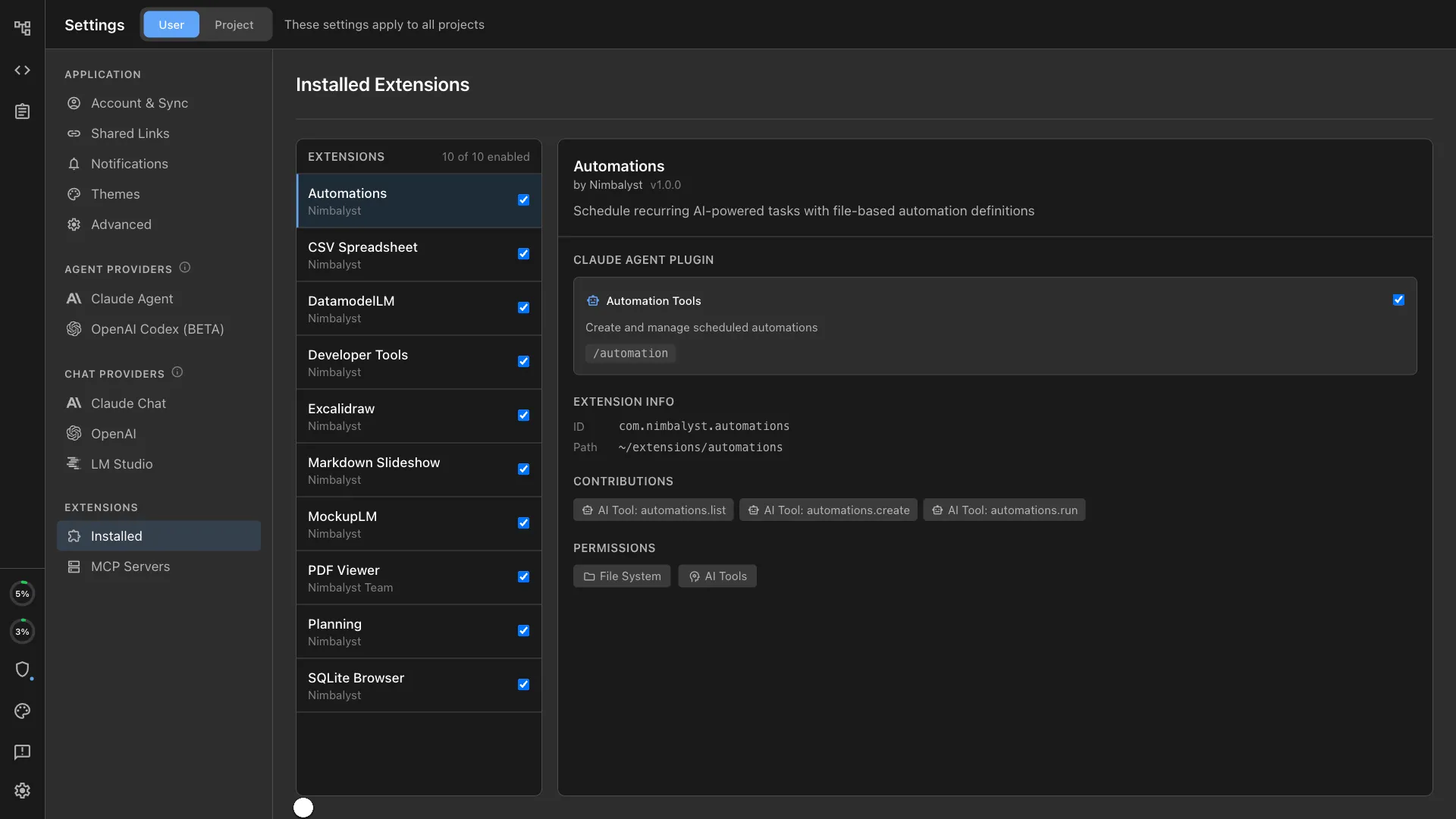
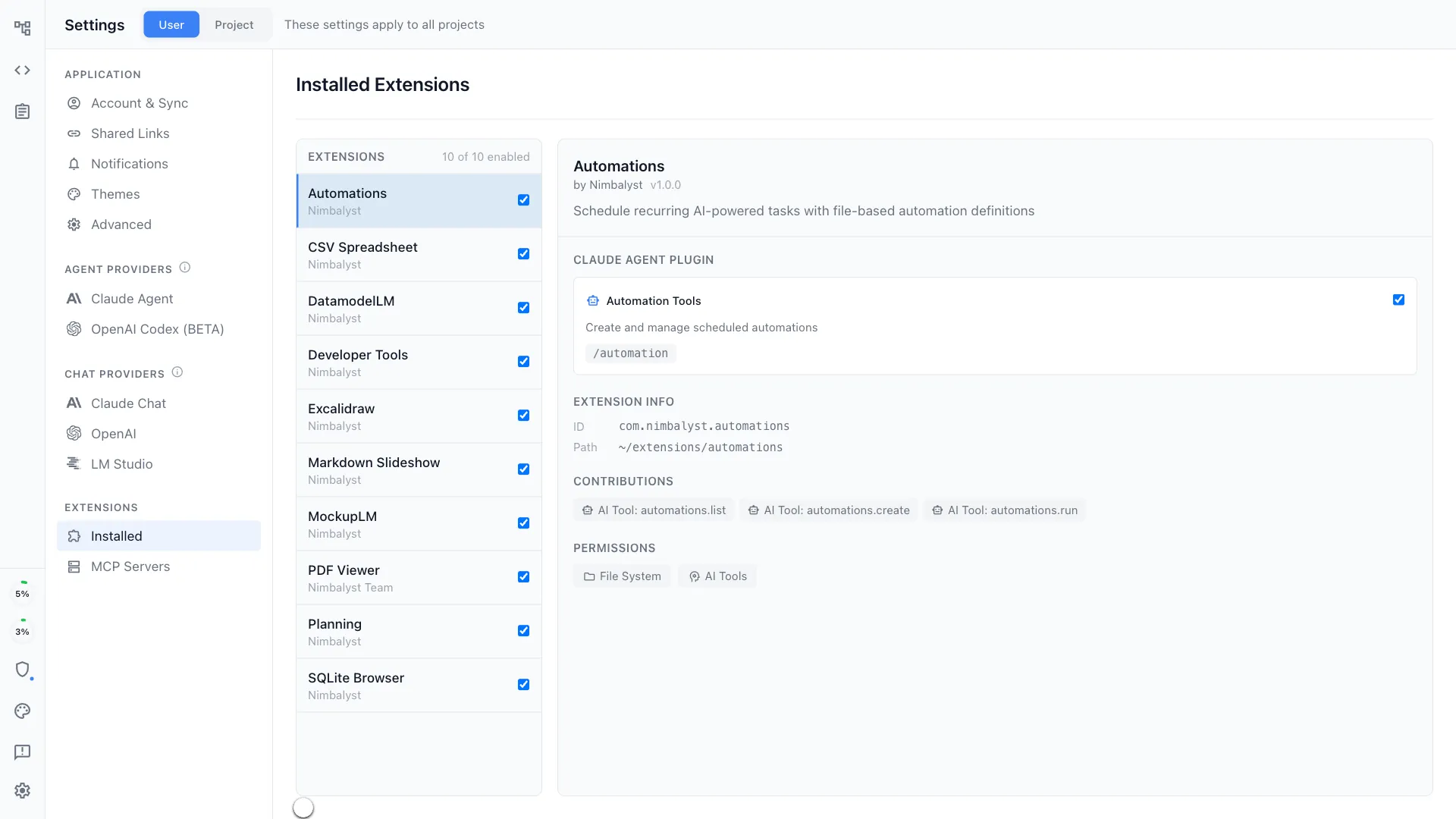
Context-aware editing
Edit Markdown files while Claude Code and Codex understands the full project structure, related files, and intent.
Side-by-side AI assistance
Work directly in your markdown while interacting with Claude Code and Codex in parallel — no context switching.
Review and Approve AI Edits
See which files the agent reads or edits, review changes instantly, and stay in full control of every update.
Session Management
Agent Management Environment
Chat, organize, research, plan, write, analyze, and code with full context and visibility.
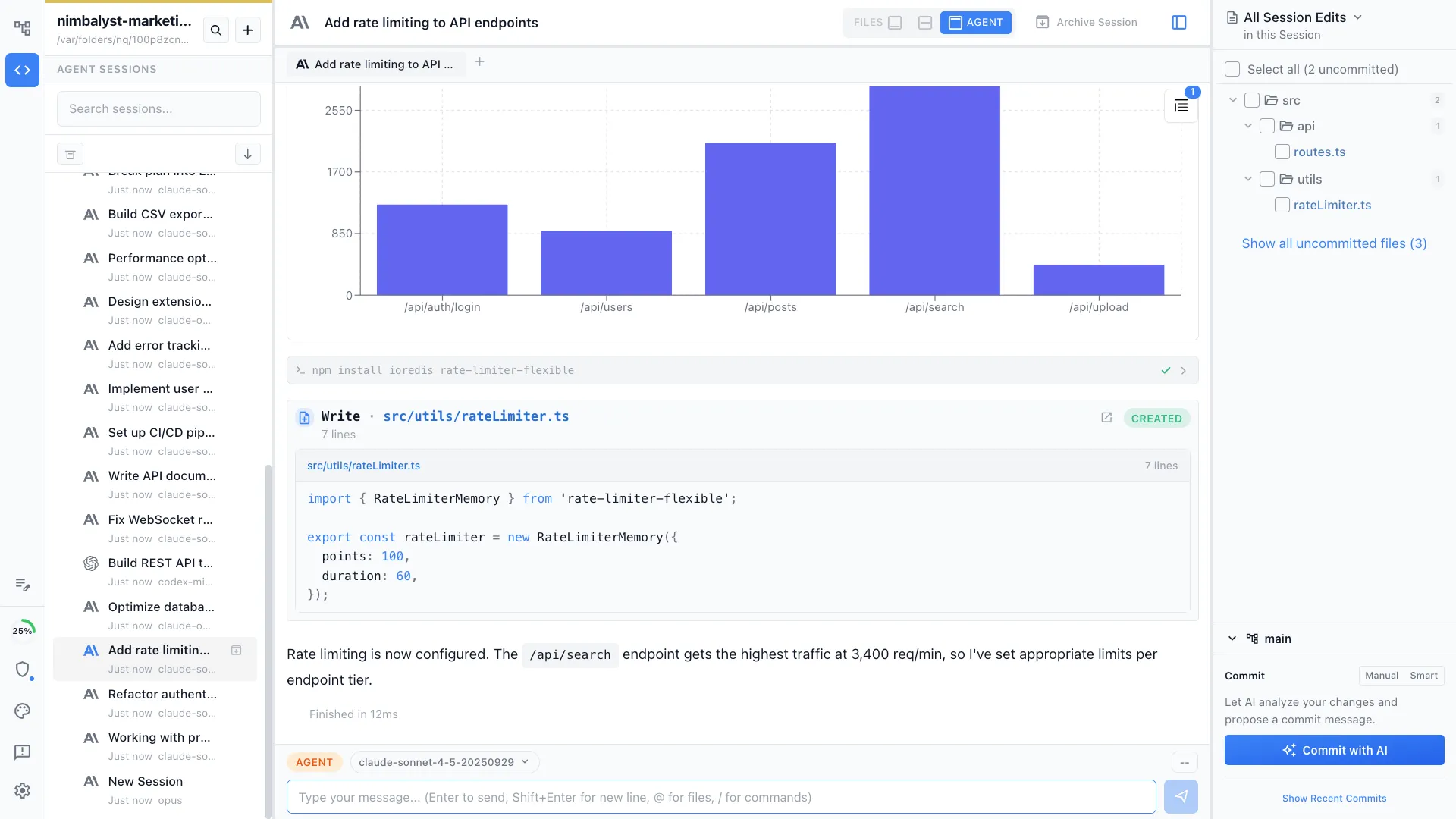
Agent Window
Interact with your agent with full visibility into context, actions, and outputs. Interactive questions, visual elements in the session.

Session Kanban
Organize sessions on a kanban board by phase — backlog, planning, implementing, complete. See your full workstream at a glance.


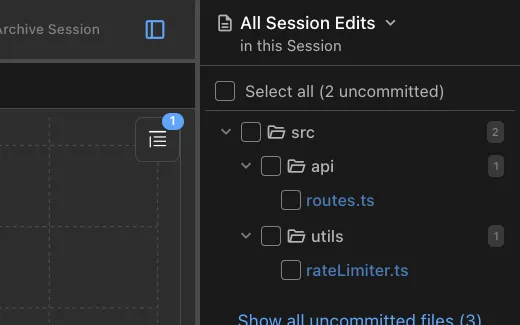
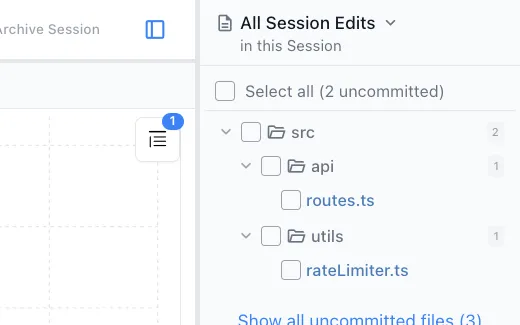
File Edits Sidebar
See the files modified in a session. Open them. Manage git state. AI git commit.
Task Management
Integrated task management
When your tasks live where you work, your agents see what needs doing and your task board reflects what's actually happening. No syncing between tools. No stale tickets. Just one shared picture of the work.


Your agents know what's on your plate
Because tasks are part of the workspace, agents can read your backlog, pick up context from related items, and prioritize — without you copy-pasting tickets into a prompt.
Work updates the board automatically
As agents complete tasks, the board updates. As you drag items around, agents see the change. The feedback loop is instant because there's nothing to sync.
Track plans, bugs, ideas, and more
Blog drafts, feature specs, research tasks, bugs — all tracked with status, tags, and priority. Edit yourself or let your agents do it.
Open Source
Nimbalyst is open source
The local app is MIT licensed. The team collaboration layer is AGPL. Read the code, file issues, build extensions, or fork it.
Mobile App
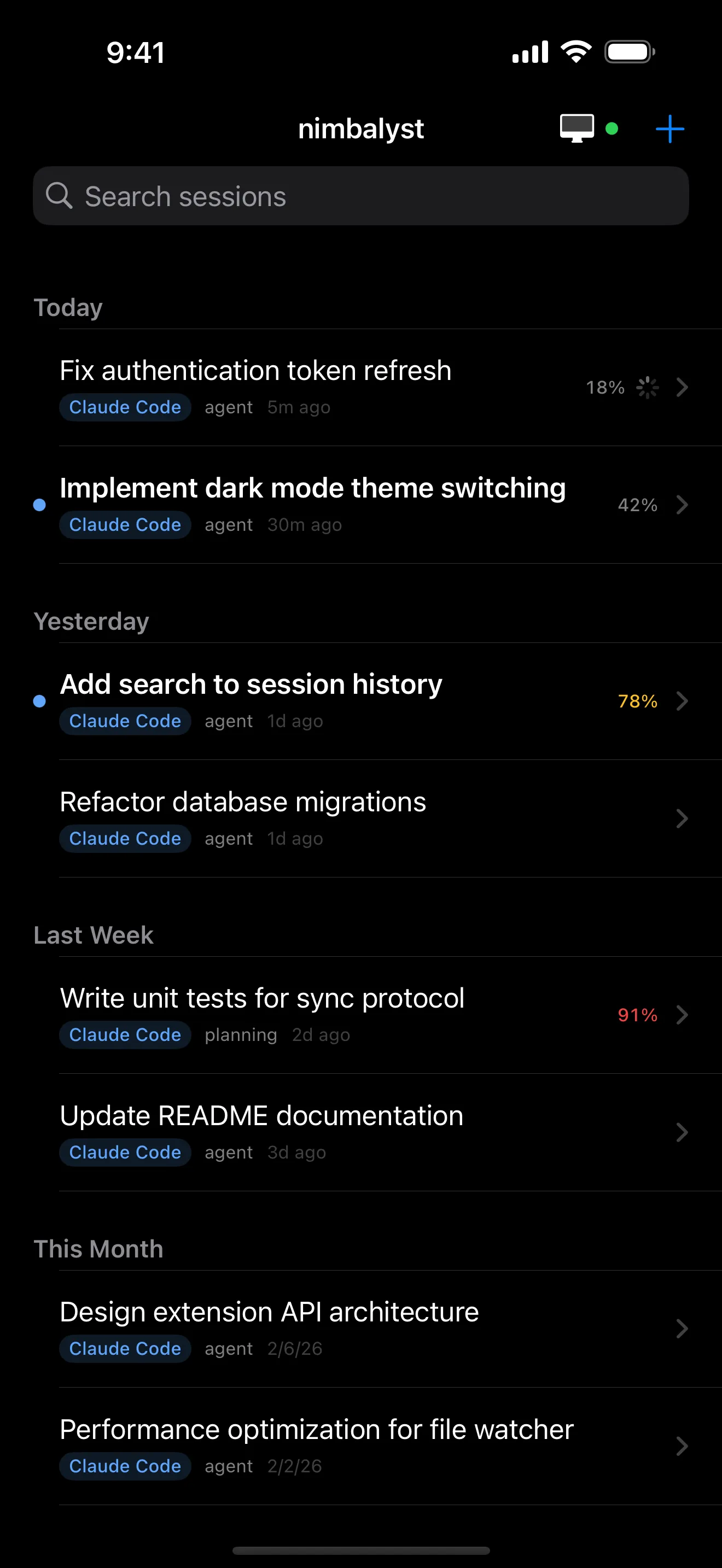
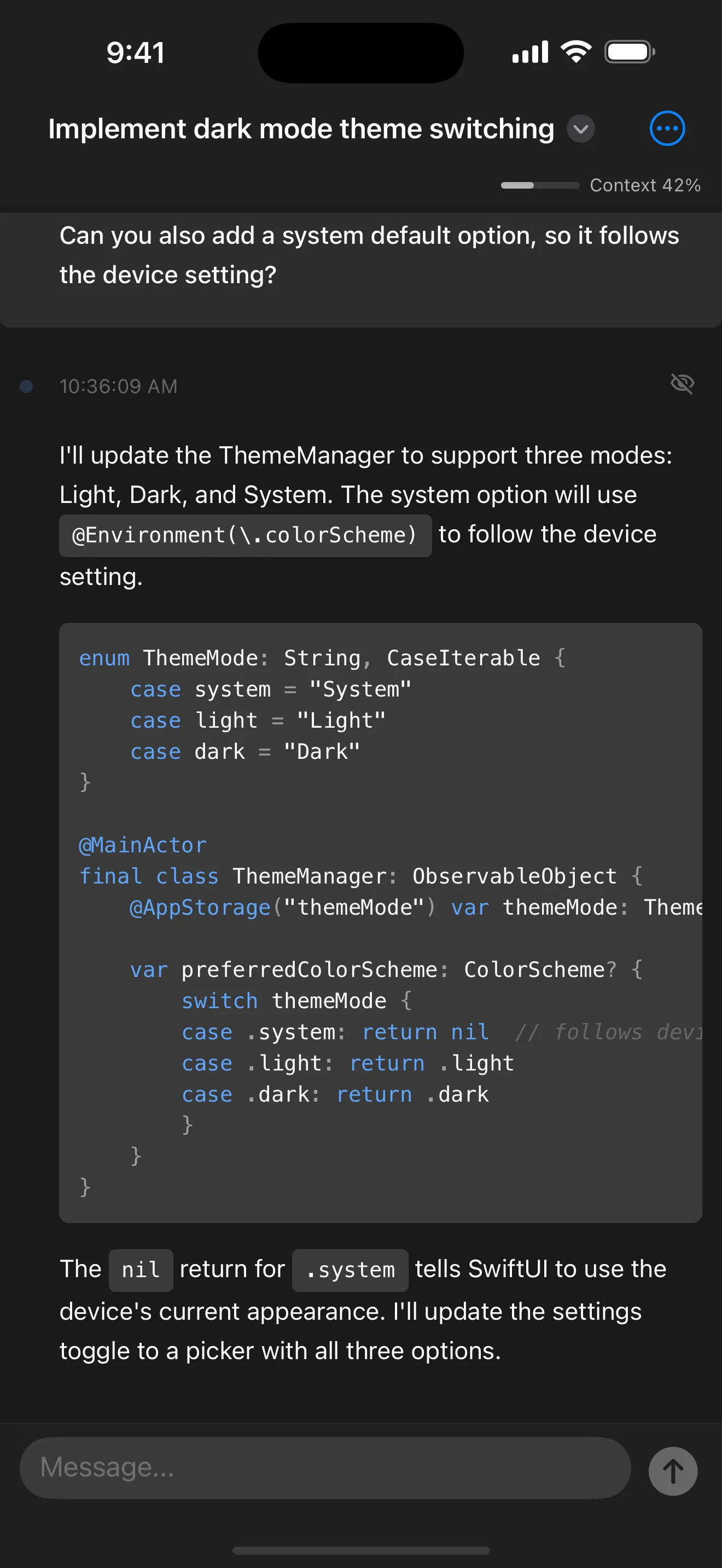
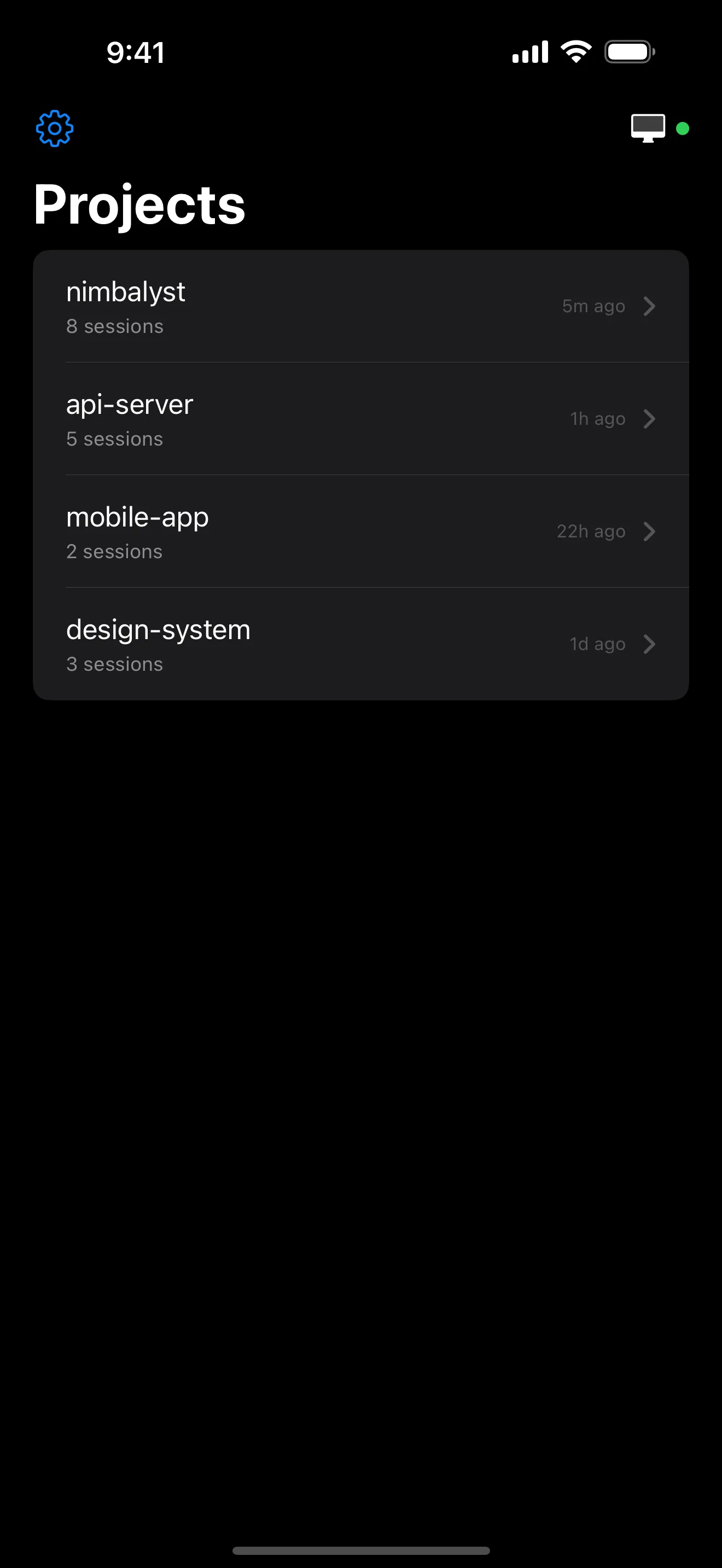
Your Agent sessions, in your pocket
Start new sessions, Monitor running sessions, review agent work, and chat with Claude Code and Codex from your iPhone. Pair with your desktop Nimbalyst in seconds and stay connected to your work from anywhere.
What Drives Us
Six beliefs behind Nimbalyst
Visual interfaces are the highest bandwidth
We are all managers of agents
Integration produces richer shared context
Open format. Open source. Local.
Collaborate inline as you work
It is your workspace. Extend and modify it.
Testimonials
Trusted by Builders
"Nimbalyst blew my mind from day one and continues to do so. Easy to set up and use. It has truly upped my product game and my productivity!"
- Satya Gunnam
"Nimbalyst works great and is seamless for my day-to-day product work PRDs, discovery, and prototypes."
- Kyle Marks
"Nimbalyst has quickly become my indispensable daily driver for Claude Code. The user experience is vastly superior to using it in the terminal."
- Ishan Mandhan
"Nimbalyst is my preferred way of working whether coding or planning my demos. Nimbalyst is great. Everything organized in 1 place."
- Vishal Patel
"Hands-down, Nimbalyst is best way to work with Claude Code."
- Carl Velotti
"I use Nimbalyst now! Find it more adapted for beautifying markdown files."
- Jules Boiteux
FAQ