Open Source Obsidian Alternatives 2026: 8 Tools for AI Workflows
Open source Obsidian alternatives compared in 2026: Logseq, Joplin, SilverBullet, Zettlr, Anytype, AppFlowy, VSCodium, and Nimbalyst. Licences, platforms, and which ones let AI agents edit your markdown.
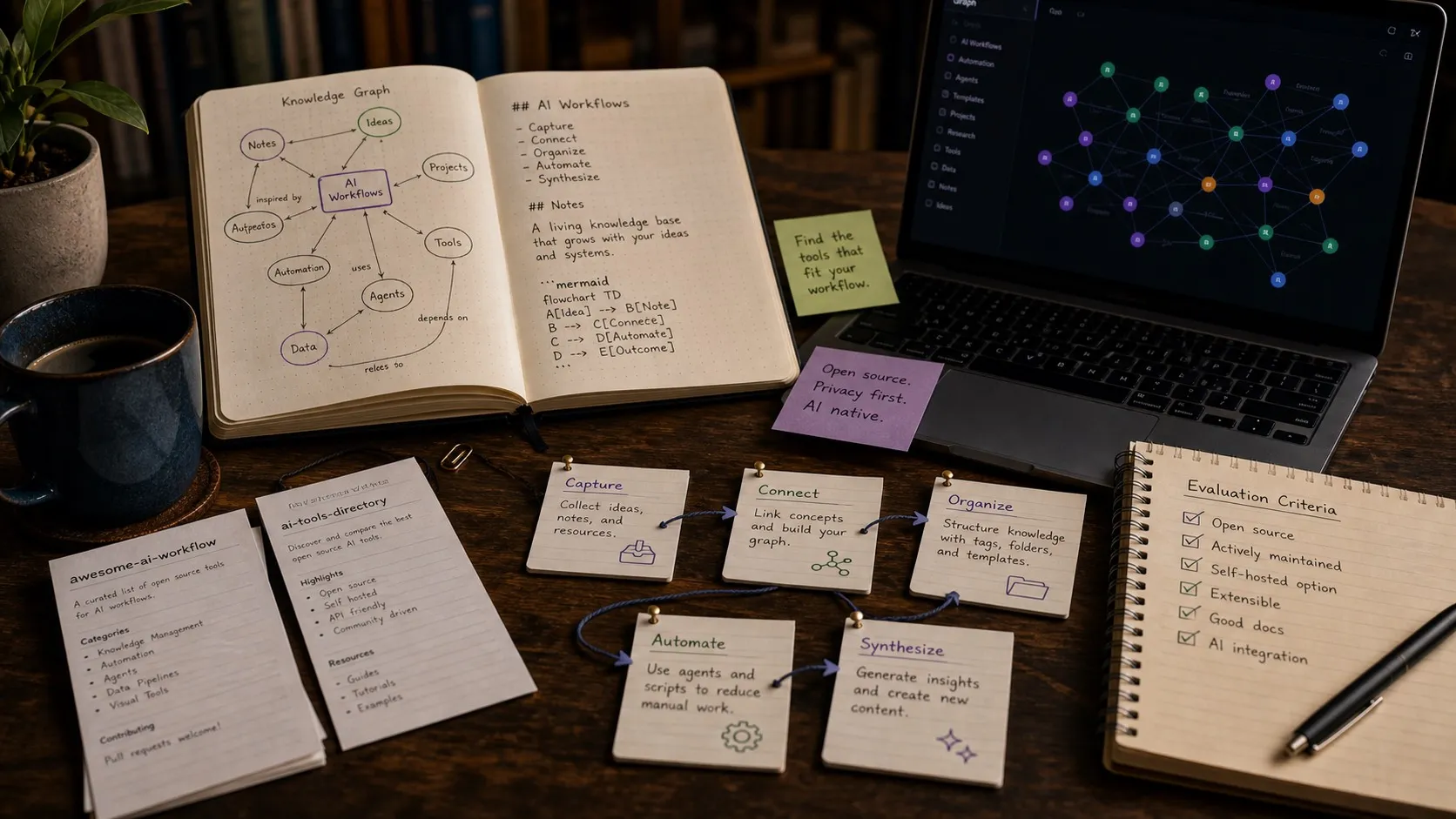
Obsidian is the best linked-notes app available, and it is not open source. Both of those are true, and this guide takes them both seriously.
If you are here because the source model bothers you, the ranking is: Logseq for linked personal notes, Joplin for notes across desktop and mobile with encrypted sync, SilverBullet for a self-hosted browser vault, Zettlr for academic writing, and Nimbalyst if your markdown has stopped being notes and become the context that AI coding agents read and write.
If you are here because you want AI in your vault, the question is different, and it is covered in its own section below. Licences, platforms, and prices were checked against each project’s own repository or pricing page in August 2026.
What Obsidian Genuinely Does Better
Starting here, because a round-up that pretends the incumbent has no advantages is not worth reading.
The plugin ecosystem. Obsidian advertises thousands of community plugins against an open API. Nothing else in this category is close, and for a lot of people the vault is really the plugins. Dataview, Templater, and the calendar and task plugins have no equivalent-quality counterpart in Logseq or Joplin.
Graph and backlinks. The graph view and the backlink model are more mature than the open source implementations here. Logseq’s block-level linking is arguably a better model on paper; Obsidian’s is better built.
Mobile. First-class iOS and Android apps alongside macOS, Windows, and Linux, with optional end-to-end encrypted Sync at $4 per user per month billed annually and a year of version history per note. Joplin is the only alternative here with comparably solid mobile apps.
Canvas. An infinite spatial surface sitting next to the notes, for research and layout. Only AppFlowy and Anytype attempt anything similar, and neither does it as well.
Price, for individuals. Free without limits, no sign-up. Business use needs a commercial licence at $50 per user per year, which is where the source model starts to matter to teams rather than individuals.
None of which makes Obsidian a bad tool. A vault of personal notes and a body of specs that AI agents read and write are two different jobs, and Obsidian was designed for the first.
Quick Answer
- Closest open source linked-notes app: Logseq (AGPL-3.0)
- Best open source notes across desktop and mobile: Joplin (AGPL-3.0)
- Best self-hosted browser-based vault: SilverBullet (MIT)
- Best for academic and long-form writing: Zettlr (GPL-3.0)
- Best Notion-style open source workspace: AppFlowy (AGPL-3.0)
- Best if your markdown already lives in a git repo: VS Code or VSCodium
- Best when AI agents write your markdown: Nimbalyst (MIT for individual-use features)
- Source-available, not open source, despite the round-ups: Anytype
Comparison Table
| Tool | Licence | Storage | Platforms | Mobile | AI agent editing |
|---|---|---|---|---|---|
| Obsidian | Closed source, free personal, $50/user/yr commercial | Plain markdown in a local vault | macOS, Windows, Linux | iOS, Android | Agents edit the files directly; no native session-aware review |
| Logseq | AGPL-3.0 | Plain markdown (file version); SQLite (DB version, beta) | macOS, Windows, Linux | iOS; Android in progress | Agents can edit the files directly |
| Joplin | AGPL-3.0-or-later | Local database, markdown import and export | macOS, Windows, Linux | iOS, Android | Not a file-first target for agents |
| SilverBullet | MIT | Plain markdown pages, self-hosted | Self-hosted server, macOS and Linux binaries | Any phone browser | Via its own extensions |
| Zettlr | GPL-3.0 | Plain markdown files | macOS, Windows, Linux | None | Agents can edit the files directly |
| AppFlowy | AGPL-3.0 | Local database, structured pages | macOS, Windows, Linux | iOS, Android | Not a file-first target for agents |
| Anytype | Any Source Available License 1.0 | Local encrypted object store | macOS, Windows, Linux | iOS, Android | Not a file-first target for agents |
| VSCodium | MIT-licensed build of the VS Code source | Plain markdown in your repo | macOS, Windows, Linux | None | Yes, via extensions |
| Nimbalyst | MIT for individual-use features | Plain markdown in your project folder | macOS, Windows, Linux | iOS companion | Built in, with inline diff review |
Logseq
Logseq is the closest open source answer to Obsidian for linked thinking. It is local-first, AGPL-3.0, and built around outlining and block-level references rather than page-level ones, which is a genuinely different model and a better fit if you think in bullets.
Where it fits:
- Personal knowledge management and daily notes.
- Outliner-first thinking, with block references and embeds.
- People who want the source and an AGPL licence.
One thing to know before you commit: Logseq is mid-rewrite. The file-based version is the stable path. The database version, backed by SQLite, is in beta, with the new mobile app and real-time collaboration sync in alpha, and the project’s own README warns that data loss is possible and recommends automated backups and a dedicated test graph. Plan on the file-based build.
Where it falls short for AI development: it is a knowledge base, not a workspace. It does not know about Claude Code or Codex sessions, and there is no path from a spec to implementation review inside it.
Joplin
Joplin is the alternative most people underrate. It is AGPL-3.0-or-later, offline first, and it has the only mobile story in this list that stands up next to Obsidian’s: real iOS and Android apps, with end-to-end encrypted sync to Nextcloud, Dropbox, OneDrive, or Joplin Cloud, plus a browser web clipper.
Where it fits:
- Notes you need on a phone as much as a laptop.
- Encrypted sync without paying a vendor for it.
- Importing a large Evernote archive, which Joplin handles better than anything else here.
Where it falls short for AI development: Joplin keeps notes in its own database rather than as plain files in a folder, with markdown as an import and export format. A coding agent cannot simply be pointed at a directory and told to update the spec. If file-first is the requirement, Joplin is the wrong shape.
SilverBullet
SilverBullet is a self-hosted, browser-based markdown workspace under an MIT licence, with server binaries for macOS and Linux. Every page is a markdown file, and a scripting layer lets pages query and transform each other.
SilverBullet fits people who want one instance reachable from every device they own, including a phone browser, with no third-party sync service and no app store.
Where it falls short: you are running a server, and the reading and writing feel is closer to a personal wiki than to a polished desktop editor.
Zettlr
Zettlr is GPL-3.0 and aimed at researchers and long-form writers. It carries citation support integrating with Zotero, JabRef, and Juris-M, Zettelkasten-style wiki linking with a graph view, Pandoc export with journal and conference templates, and LaTeX and Mermaid rendering.
Zettlr fits papers, chapters, and anything with a bibliography, and on that job it beats Obsidian without plugins.
Where it falls short: the academic apparatus is either exactly what you need or entirely in the way, and there is no mobile app.
AppFlowy
AppFlowy is compared to Notion more often than to Obsidian, and it comes up in the same open source productivity conversation. It is AGPL-3.0, with desktop and mobile apps, and it is useful if you want databases, project pages, and structured page hierarchies.
Where it falls short for AI development: markdown portability is not the whole product model, so it has the same file-first problem as Joplin. It is a good open source productivity tool and not a direct replacement for a markdown vault.
Anytype
Anytype gets listed as open source in a lot of round-ups and it is worth being precise. Anytype ships under the Any Source Available License 1.0, which grants use, modification, and redistribution under conditions rather than meeting the Open Source Definition. If the whole reason you are leaving Obsidian is the source model, that distinction is the one that matters, and it is the one the tables usually drop.
Where it fits: local-first encrypted objects, cross-device sync, and a Notion-like structured model, if source-available is acceptable to you.
VS Code or VSCodium
For developers, the simplest Obsidian alternative may be a code editor. VS Code has strong markdown extensions, git integration, search, file-tree navigation, and enough plugins to approximate a knowledge base. VSCodium builds the MIT-licensed VS Code source without Microsoft branding or telemetry. Our markdown editors deep dive covers the trade-off properly.
Where it fits: docs, READMEs, ADRs, and technical notes that already live in a repository next to the code they describe.
Where it falls short: markdown editing stays source-first. Tables are typed by hand, the writing experience is nothing like Obsidian’s, and diagrams and mockups need external tools.
Nimbalyst
Nimbalyst is the open source option for the case where your markdown has stopped being notes. Specs, plans, and decision records that AI coding agents read before they write code are a different artifact from a personal vault, and they need a different set of guarantees.
- Agents edit the document in place. Ask Claude Code or Codex to draft a section, restructure a spec, or update a plan from what actually shipped, and the change lands in the file.
- You see what changed before you accept it. Agent edits render as an inline red and green diff you approve or reject per file, rather than arriving as a silently rewritten note.
- The markdown is not alone. Diagrams, Excalidraw sketches, mockups, data models, tasks, and code live in the same workspace and link to each other, so a spec can point at the diagram and the tracker item it belongs to.
- Files stay plain markdown in ordinary folders on your local filesystem, under git, so switching away costs you nothing.
Licence: MIT for individual-use features. Platforms: macOS, Windows, and Linux, plus an iOS companion app. We compare it directly with the Obsidian plus Claude Code setup in Obsidian and Claude Code vs Nimbalyst.
Where it falls short: Nimbalyst is not a personal knowledge graph and does not try to be. No graph view, no daily-notes habit layer, no Zettelkasten apparatus, and a much smaller plugin ecosystem than Obsidian’s. For journaling, research notes, and linked personal thinking, Obsidian or Logseq is the better tool and we would use one of them.
Test the AI Workflow Before You Switch
If you are choosing an Obsidian alternative for AI work, run this before you commit:
- Write a feature spec.
- Add a diagram to it.
- Ask a coding agent to update the spec.
- Review the exact changes inline, and reject one of them.
- Ask the agent to turn the spec into implementation steps.
- Link the resulting code changes back to the plan.
- Reopen it a week later and work out why a decision was made.
Every tool here handles step one. Steps four and six are where the field thins out, because they need the editor to know about the agent’s session rather than just about the file.
Can AI Agents Edit an Obsidian Vault?
Yes, and it is worth knowing exactly how far that gets you, because it is the cheapest path if you already have a vault you like.
An Obsidian vault is a folder of markdown files. Point Claude Code or Codex at that folder and it will read and edit the notes directly, and Obsidian will pick the changes up on its next file scan. Nothing needs installing on either side.
What you do not get is the review step. The note is simply different when you next open it. There is no diff, no per-file accept or reject, and no record of which session made the change or why. For notes that is often fine. For a spec that six people work from, or a plan an agent will read back next week, it is the part that breaks.
Community plugins add AI features inside Obsidian, and they are worth trying; some also add git integration, which gives you version history and a text diff over the vault. What none of them reproduce is the agent-edits-then-you-review loop tied to a specific session, because that needs the editor to know which agent run produced a change rather than only that the file changed.
When Obsidian Is Still the Right Tool
Use Obsidian if your main workflow is personal notes, research, journaling, Zettelkasten, or a deeply customised plugin-based knowledge base. It is mature, flexible, and extremely good at what it does, and the plugin ecosystem is a genuine moat.
The case for an alternative gets stronger when:
- Open source is a requirement rather than a preference, or you are past the point where a $50 per user per year commercial licence is free.
- AI agents are editing your files and you want to review what changed.
- Your notes are part of a software delivery process rather than a personal archive.
- You want specs, diagrams, mockups, and code in one workspace instead of a vault beside four other apps.
Frequently Asked Questions
Is Obsidian open source?
No. Obsidian’s application code is closed source. It is free without limits for personal use, and business use requires a commercial licence at $50 per user per year. The plugin API is open and there are thousands of community plugins, which is why Obsidian is often described as open even though the app itself is not. Your notes are plain markdown files on your own disk either way, so leaving does not cost you your data.
What is the best open source Obsidian alternative?
For linked personal notes, Logseq (AGPL-3.0) is the closest open source equivalent. For notes across desktop and mobile with encrypted sync, Joplin (AGPL-3.0). For a self-hosted browser-based vault, SilverBullet (MIT). For academic writing with citations, Zettlr (GPL-3.0). If your markdown has become the context that AI coding agents read and write, Nimbalyst is the fit, MIT licensed for individual-use features.
What does Obsidian do better than the open source alternatives?
Four things clearly. The plugin ecosystem runs to thousands of community plugins, which nothing else in this category matches. The graph view and backlink model are more mature than any open source equivalent. It ships first-class iOS and Android apps alongside desktop, with optional end-to-end encrypted Sync at $4 per user per month billed annually. And Canvas gives you an infinite spatial surface next to your notes.
Which markdown editor works best with Claude Code and Codex?
Any editor that stores plain markdown in a normal folder lets a coding agent read and write it, because the agent works on the filesystem rather than through the app. What differs is what you see afterwards. In the other tools here, the note is simply different next time you open it. Nimbalyst renders agent edits as an inline red and green diff you accept or reject per file, and keeps the markdown in the same workspace as the diagrams, mockups, tasks, and code the document refers to.
Can AI agents edit an Obsidian vault?
Yes. An Obsidian vault is a folder of markdown files, so Claude Code or Codex can be pointed at it and will read and edit the notes directly. Obsidian picks the changes up on its next file scan. What the app itself does not give you is a review step: the note is simply different when you next open it. Community plugins can add git integration, which gets you version history and a text diff over the vault; what stays missing is a review loop tied to the specific agent session that made the change.
Is Anytype open source?
Not in the OSI sense. Anytype ships under the Any Source Available License 1.0, which grants use, modification, and redistribution under conditions rather than meeting the Open Source Definition. Several round-ups file it under open source without the caveat.
Is Logseq still actively developed?
Yes, and it is mid-rewrite. The file-based version remains the stable release path. The database version, backed by SQLite, is in beta, with the new mobile app and real-time collaboration sync in alpha. Logseq’s own README warns that data loss is possible on the DB version and recommends automated backups and a dedicated test graph.
Do I lose my notes if I leave Obsidian?
No. Obsidian stores notes as plain markdown in ordinary folders, so the files move to any other markdown tool without conversion. What does not move is anything that lived in a plugin rather than in the text: dataview queries, canvas layouts, and plugin-specific frontmatter conventions need rebuilding or dropping. Export those to plain markdown before you switch.
How to Choose
- Personal linked notes, open source required: Logseq.
- Notes on a phone as much as a laptop: Joplin.
- One vault reachable from any browser, self-hosted: SilverBullet.
- Papers and citations: Zettlr.
- Markdown that already lives in a git repo next to code: VS Code or VSCodium.
- Markdown that AI coding agents read and write, with review before you accept: Nimbalyst.
- None of the above applies and the plugins are why you are there: stay on Obsidian.
Related Reading
- Obsidian and Claude Code vs Nimbalyst: the direct comparison if you are already running that pair.
- Typora alternatives in 2026: the writing-first side of the same question, with MarkText and Zettlr covered in detail.
- The complete guide to markdown editors: the broader landscape.
- Best markdown editors for developers: the technical deep dive.
- Best AI-native editors for markdown, mockups, and diagrams: where this category is heading.
- How to review AI code changes before applying: the diff review loop referenced above.
Related posts
-
Typora Alternatives 2026: Open Source Markdown Editors
Open source Typora alternatives compared in 2026: MarkText, Zettlr, Obsidian, SilverBullet, VSCodium, and Nimbalyst. Live-preview writing, local files, licences, and AI workflows.
-
Obsidian + Claude Code vs. Nimbalyst
A balanced comparison of using Obsidian with Claude Code versus Nimbalyst for AI-assisted planning, specs, and technical writing in markdown.
-
Open Source Agent Workspaces 2026: 8 Tools Compared
cmux, Superset, Orca, Paseo, Herdr, T3 Code, Goose, and Warp compared in 2026: platforms, licences, worktree isolation, mobile access, and which agent workspace fits which workflow.