Best Local-First AI Coding Tools 2026: 14 Compared
14 local-first AI coding tools compared in 2026. Cline, Continue, Aider, Tabby, Goose, Roo Code, Nimbalyst, and more for private, offline, self-hosted coding.
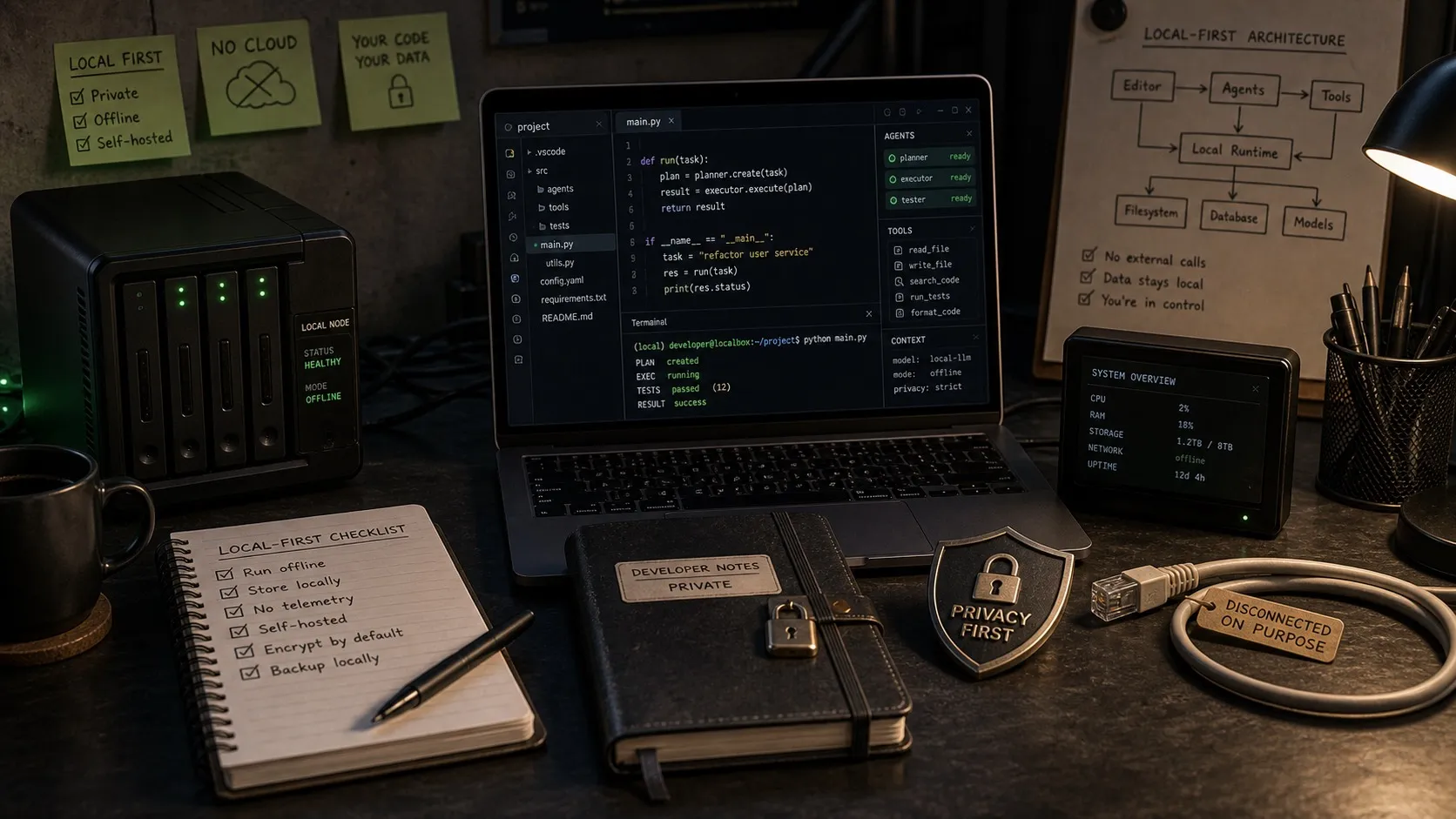
Local-first AI coding means your code, sessions, and history stay on your machine. Sometimes the model runs locally too. Sometimes a cloud model still does the heavy lifting while everything else stays put. The tools below give you that control, with different tradeoffs depending on whether you care most about privacy, offline use, or running on your own hardware.
I build Nimbalyst, a local-first desktop workspace for multi-agent coding, so I’ve worked with most of these directly. Here are the 14 options that matter in 2026, with a clear comparison table and tool-by-tool notes.
Comparison table
| Tool | License | Form factor | Local model | BYOK cloud | Local-first data | Self-hosted option |
|---|---|---|---|---|---|---|
| Cline | Apache 2.0 | VS Code extension | Yes (Ollama) | Yes | Yes | No |
| Continue.dev | Apache 2.0 | VS Code, JetBrains | Yes (Ollama) | Yes | Yes | Yes (Continue Hub) |
| Aider | Apache 2.0 | Terminal | Yes (Ollama) | Yes | Yes | No |
| Tabby | Apache 2.0 | Self-hosted server + IDE plugin | Yes (built-in) | Optional | Org-controlled | Yes (by default) |
| Roo Code | Apache 2.0 | VS Code extension | Yes (Ollama) | Yes | Yes | No |
| Kilo Code | Apache 2.0 | VS Code, JetBrains | Yes (Ollama) | Yes | Yes | No |
| Goose | Apache 2.0 | Desktop app, ACP | Yes (Ollama) | Yes | Yes | No |
| Zed | GPL + proprietary | Editor | Yes (via ACP) | Yes | Yes | No |
| LM Studio | Free, proprietary | Desktop model runner | Yes | No | Yes | No |
| Ollama | MIT | Model runner (CLI, Docker) | Yes only | No | Yes | Yes (Docker) |
| Pieces for Developers | Proprietary (free + paid) | Desktop | Yes | Paid tier | Yes (SQLite) | No |
| Codeium Enterprise | Proprietary | IDE plugin | Optional | Yes | Org-controlled | Yes (by default) |
| Cursor (Ghost Mode) | Proprietary | IDE | No | Yes | Limited | No |
| Nimbalyst | MIT (app) | Desktop + iOS | Yes (LM Studio, Ollama) | Yes | Yes (PGLite + files) | No |
Quick picks
- Best open-source option inside VS Code: Cline.
- Best lightweight IDE plugin with strong local-model flexibility: Continue.dev.
- Best terminal-first local workflow: Aider.
- Best self-hosted team option: Tabby.
- Best local-first workspace data with hybrid model routing: Nimbalyst.
- Best for enterprise compliance: Tabby or Codeium Enterprise.
- Best pure model runner to pair with anything above: Ollama (with LM Studio if you want a UI).
The three flavors of “local-first”
The category gets confusing because the same phrase describes three different privacy models. Knowing which one you actually need is the difference between a tool that fits and one that fights you.
Local-first data. Your code, context, history, sessions, and settings live on your machine in a local database or flat files. The model might still run in the cloud. This is what most developers actually want. Examples: Nimbalyst, Pieces for Developers, Cursor’s Ghost Mode (with caveats).
Local model execution. The LLM runs on your hardware. Zero bytes leave the box, but you need real GPU memory and your model choices are narrower than the cloud frontier. Examples: Ollama, LM Studio, llama.cpp, Tabby.
Self-hosted. You run the server or admin plane on infrastructure you control, usually for a team. Developers connect to it. The data is yours in an org sense but not per-device. Examples: Tabby, Codeium Enterprise, Continue Hub self-hosted.
Most practical setups in 2026 are a mix. The common pattern is local-first data plus a hybrid model choice: keep sessions and files on your machine, use a local Qwen3-Coder model for routine autocomplete, and route the hard 20% of tasks to Claude or GPT-5 through a bring-your-own-key setup. Tools that force all-or-nothing (pure local Ollama with no cloud fallback, or Cursor with everything in the cloud by default) keep losing to tools that let you mix. Keep that frame in mind as you read the tool notes below.
The tools
Cline (with Ollama, or BYOK cloud)
VS Code extension, Apache 2.0, free. Cline CLI 2.0 shipped in early 2026 with stronger parallel and headless workflow support. It’s a bring-your-own-key client, so you pick the model: Claude, GPT-5, local Ollama, or anything OpenAI-compatible.
Local-first posture: fully local-first data (your code, settings, history stay in VS Code’s workspace). Local model if you plug in Ollama. Cloud model if you bring a Claude or GPT key.
Strength: flexible, mature, the community MCP marketplace is the best in open source. Weakness: long agent loops on Claude or GPT APIs can get expensive quickly.
Continue.dev
Apache 2.0. VS Code and JetBrains extension. Any LLM, any MCP server. Lighter weight than Cline (less autonomous by default). Continue Hub offers a self-hosted option for teams.
Good for developers who want local model support inside their existing IDE without handing over the whole loop to an agent. Strong autocomplete story.
Aider
Terminal-first, Apache 2.0. Git-native: every change is a commit with a reasonable message. Maps large codebases, supports a wide range of languages, and pairs well with Ollama for fully local work.
Best for developers who already live in the terminal and want the simplest possible AI pair programming flow. You lose the IDE niceties but keep total control.
Tabby
Apache 2.0. Self-hosted, turnkey, and it runs models locally by default. VS Code and JetBrains plugins. Enterprise dashboard with SSO, admin controls, and GitHub issue-to-PR workflow that can run fully on-prem.
Tabby is the clearest pick for teams that need an air-gapped or fully self-hosted AI coding assistant. It is self-hosted, not local-first per device, which is an important distinction for your threat model.
Roo Code
Fork of Cline. Apache 2.0. Adds Code, Architect, Ask, and Debug modes with scoped tool permissions per mode. Good for developers who want tighter control over what the agent is allowed to do in each phase.
Local-first posture is identical to Cline: VS Code extension, BYOK, works with Ollama.
Kilo Code
Newer fork of Roo Code. $8M seed in early 2026. Orchestrator multi-agent mode, Memory Bank for persistent context, JetBrains support, router for 500-plus models. Youngest of the three Cline family members. Worth watching; still carries newest-fork risk.
Goose (by Block, now Linux Foundation AAIF)
Open source, Apache 2.0. Block moved Goose under the Linux Foundation AI and Data Foundation in late 2025, a strong signal for enterprise adoption. Desktop app plus Agent Communication Protocol support means it plugs into Zed, JetBrains, and VS Code as the model backend.
Supports local Ollama, cloud models, and the hybrid mix. 70-plus documented extensions. One of the few open-source tools designed from the start for the Claude-Code shape without being tied to Claude.
Zed
GPL plus proprietary. Mac and Linux GA, Windows still in preview. Native MCP via context_servers. Ollama-friendly via the Agent Communication Protocol. Fast, Rust-based.
Good editor for developers who want modern UI performance and a serious local model path in one place.
LM Studio
Desktop LLM runner. Proprietary but free. Great UI for downloading, tuning, and running local models. Functions more as the “model side” of a local-first setup than the “workspace side,” so pair it with Cline, Continue, Aider, or Nimbalyst for coding.
Ollama
MIT-licensed open source. The model runner most teams standardize on for local LLMs. CLI plus Docker. Ubiquitous enough that “supports Ollama” is now table-stakes marketing for any local-first coding tool.
Pieces for Developers
SQLite on-device storage. Runs local models through their own runtime. Free tier plus paid. One of the earliest purely local-first developer tools and still one of the best for snippet management, search, and AI assist on local-only data.
Codeium Enterprise (including Windsurf Enterprise)
Proprietary. Self-hosted for enterprise customers who need a Copilot-alternative behind the firewall. Works on IDE plugins. Pricing is enterprise-only. Strong option for regulated industries.
Cursor (Ghost Mode)
Proprietary. Cursor’s default mode retains data. Ghost Mode (opt-in) is the only truly zero-retention option, but it disables memories and some team features. Worth knowing about if you’re on Cursor and have privacy requirements, but it’s the weakest of the “local-first” options listed here because “local-first” was never Cursor’s design center.
Nimbalyst
Full disclosure: I build this. Local-first desktop workspace plus iOS companion. Data stored in local files, open format, and a local PGLite database, which means your sessions, transcripts, tracker items, and file history stay on your machine. BYOK for models: plug in Claude, OpenAI, or any mix.
The design center is local-first data with hybrid model choice. Heterogeneous agents (Claude Code + Codex + others), visual editors (markdown, mockup, Excalidraw, Prisma data model), and session kanban.
Strength: local-first data with genuine hybrid model support, plus the multi-agent workspace layer most IDE plugins do not have. Weakness: it is a full workspace, not just a lightweight editor extension, so it makes the most sense if you actually want session management, visual editors, and parallel-agent workflows.
Recent news that matters for this category
A few things shifted in 2025 and 2026 that materially change the local-first calculation.
Local models got good enough to matter for real coding work. You no longer need to talk about local inference like it is a science experiment.
Hybrid setups are now the default serious answer. Many teams want local storage and local models for routine work, then a cloud frontier model for the hardest 10 to 20 percent of tasks.
Open-source governance matters more than it did a year ago. Goose moving under Linux Foundation stewardship in late 2025 is one example of the trust signal enterprise buyers actually pay attention to.
Privacy moved from nice-to-have to buying criterion. The more AI coding usage becomes normal, the more teams care about where code, prompts, and transcripts actually live.
Things to remember
Don’t conflate “local model” with “local-first.” A dev who wants their code to never leave the box is a different user than a dev who wants sessions and files stored locally but doesn’t care which cloud model is reading the code. Articles that rank Ollama next to Cursor Ghost Mode are mixing those two users.
Don’t ignore the hybrid pattern. Most practicing developers I talk to want local-first data with the ability to call Claude or GPT-5 when the task needs frontier-model reasoning. Tools that support this (Cline, Continue, Goose, Nimbalyst) are winning. Tools that don’t (pure Ollama-only setups, Cursor default mode) lose on one side of the tradeoff.
Don’t forget about self-hosted versus per-device. Tabby is self-hosted. Nimbalyst is local-first per device. Different threat models, different answers for different teams.
How to pick
Fully offline / air-gapped: Tabby (complete turnkey self-hosted) or Goose plus Ollama or Aider plus Ollama (BYO local model).
Local-first workspace with flexibility on model choice: Nimbalyst or Pieces for Developers. Pieces is stronger if snippet management is your primary workflow. Nimbalyst is stronger if you need multi-agent coding with visual editors.
VS Code user who wants an agentic flow: Cline. If you need mode separation (Code/Architect/Ask/Debug), Roo Code. If you want the newest fork with multi-agent orchestration, Kilo Code.
VS Code user who prefers tighter control over autonomy: Continue.dev.
Terminal-native, git-first workflow: Aider. Still the cleanest option for “LLM writes the code, git manages the trust boundary.”
Enterprise / on-prem team: Tabby (open source, admin dashboard, SSO) or Codeium Enterprise.
Hybrid cloud-plus-local setup that doesn’t force a choice: Goose via ACP, Nimbalyst via BYOK.
Cursor user with privacy concerns: privacy-oriented modes help, but Cursor is still not really designed around local-first storage in the same way the tools above are.
The shift in 2026
Local models finally crossed the line in early 2026. Qwen3-Coder-Next, Llama 4 Scout, and DeepSeek V3.2 on the right hardware do the work that required GPT-4 two years ago. The story changed from “local is a toy, cloud is the real thing” to “local is a second brain you run while the expensive cloud model handles the hard calls.”
That makes the hybrid setup the dominant pattern. Local-first data is now the table-stakes story (your code should not silently leak), and the interesting product decisions are around model routing (which model for which task), agent orchestration (one agent or several), and how tightly the workspace integrates with the coding loop.
If you want a workspace designed from day one for that hybrid pattern, with first-class Claude Code, Codex, and Ollama support in the same window, Nimbalyst is exactly that. If you want pure open source and you’re happy to assemble the stack yourself, Cline plus Ollama (with a cloud fallback through a Claude or GPT key) is the combination I’d start with. Either way, pick based on the flavor of “local-first” that matches your actual privacy model, not the one that sounds best in marketing copy.
Related reading: Best MCP Clients in 2026, Best Multi-Agent Coding Tools in 2026, Open sourcing Nimbalyst, and Open source Obsidian alternatives for AI workflows.
FAQ
What does local-first mean in AI coding?
Local-first usually means one of three things. Your workspace data (sessions, files, history) stays on your machine. The model itself runs locally on your hardware. Or the whole system is self-hosted by your organization. Good comparison pages separate those three because they solve different privacy problems.
What is the difference between local-first and self-hosted?
Local-first usually means the individual developer keeps sessions, files, and history on their own machine. Self-hosted usually means the organization runs the service on infrastructure it controls. Tabby is self-hosted. Nimbalyst is local-first per device. Different threat models, different answers for different teams.
Can you use local and cloud models together?
Yes, and that is increasingly the sensible setup in 2026. Use local models for cheap routine work like autocomplete and small edits, then route harder reasoning tasks to a stronger cloud model like Claude Sonnet 4.6 or GPT-5 when you actually need frontier capability. Tools like Cline, Continue, Goose, and Nimbalyst support this hybrid pattern out of the box.
Which local-first AI coding tool is best for VS Code users?
Cline is the strongest open-source choice for VS Code users who want agentic coding with bring-your-own-key flexibility. Continue.dev is a lighter alternative if you want more control and less autonomy. Both support Ollama for local models and any cloud provider via API key.
Which local-first AI coding tool is best for enterprise teams?
Tabby is the clearest pick for teams that need an air-gapped or fully self-hosted AI coding assistant. It is open source, ships with admin dashboard and SSO, and runs models locally by default. Codeium Enterprise is a proprietary alternative with similar capabilities.
Related Reading
- Best AI IDEs for Claude Code and Codex users — IDE options that pair with local-first workflows.
- Best Claude Code GUI in 2026 — local Claude Code GUI options compared.
- Best Opcode alternatives in 2026 — local-first GUI replacements after Opcode.
Karl Wirth is the founder of Nimbalyst, a local-first desktop workspace for multi-agent coding that keeps your sessions, transcripts, and file history on your machine.
Related posts
-
Open Source Agent Workspaces 2026: 8 Tools Compared
cmux, Superset, Orca, Paseo, Herdr, T3 Code, Goose, and Warp compared in 2026: platforms, licences, worktree isolation, mobile access, and which agent workspace fits which workflow.
-
Best AI Diagram Tools for Engineers and Claude Code Workflows (2026)
AI diagram tools compared for engineers using Claude Code or Codex via MCP. Excalidraw, Mermaid, Eraser, tldraw, Miro AI, Lucidchart, Napkin, D2, PlantUML.
-
Best AI Mockup Tools for Spec-Driven AI Coding (2026)
AI mockup tools compared for Claude Code and Codex feature planning. v0, Lovable, Bolt.new, Figma Make, Uizard, Visily, Galileo AI, and MockupLM.