Nimbalyst Use Cases
for Developers
Free for individuals. Works with your existing Claude Code or Codex subscription or API key.


Workflows
Comprehensive Developer Workflows
Debug, plan, implement, test, release, and document with Claude Code and Codex. Review PRs, refactor legacy code, and set up dev environments.
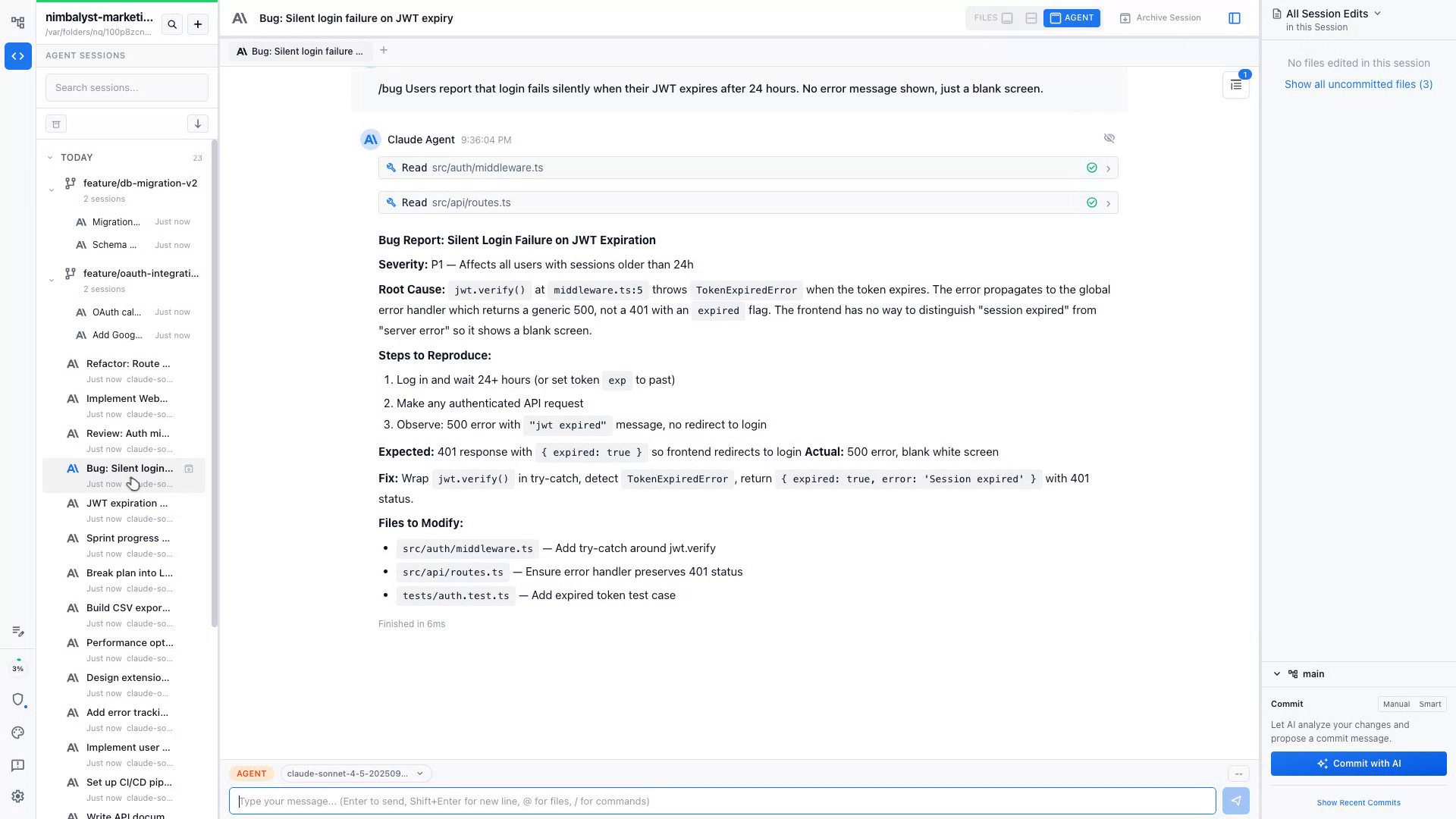
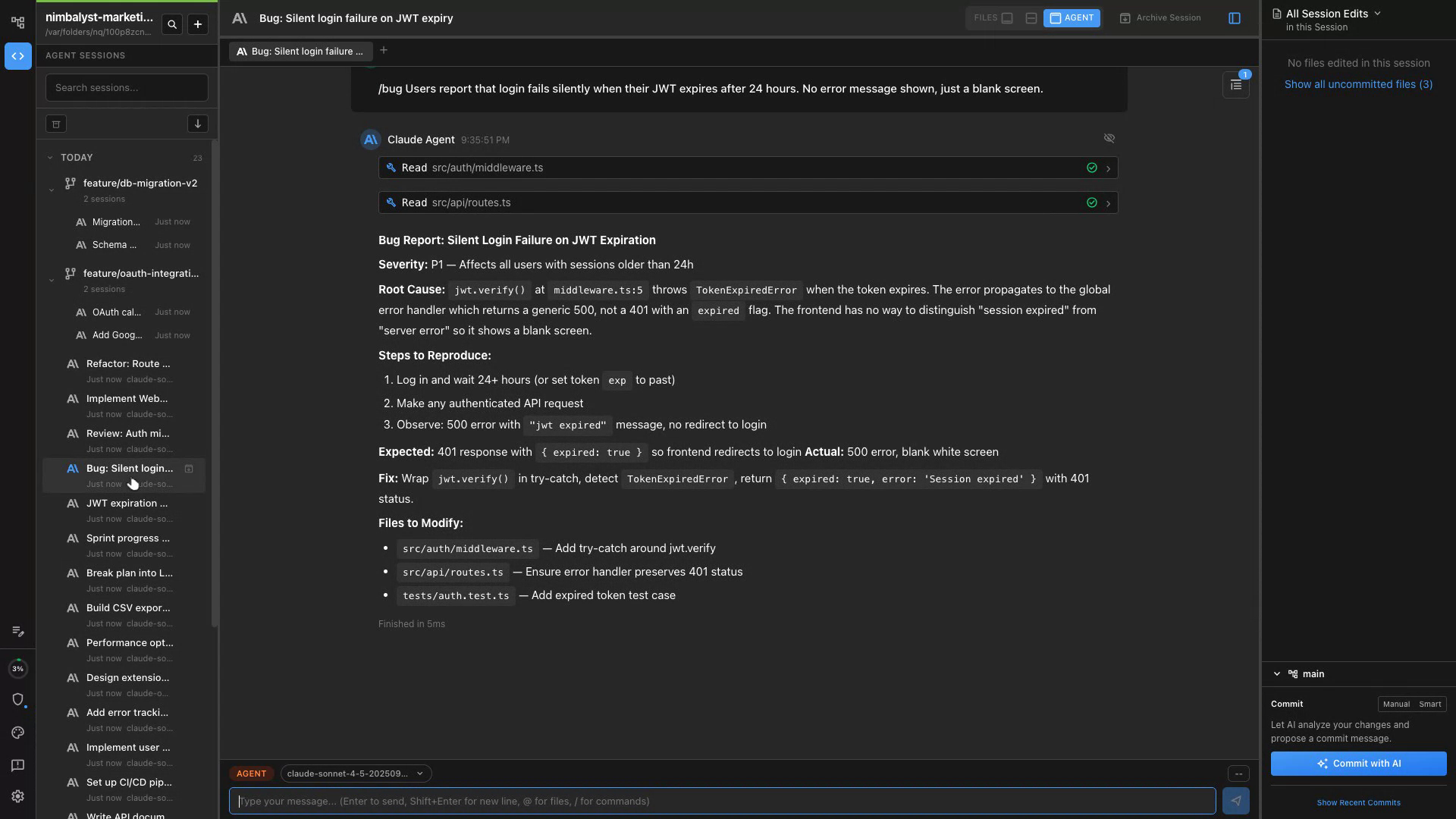
Investigate Stack Traces
Paste a stack trace and Claude Code and Codex pinpoint the root cause across your entire codebase.
Reproduce & Isolate
Claude Code and Codex write a minimal reproduction case so you can verify the fix before merging.
Apply & Verify the Fix
Review the proposed changes in Nimbalyst's diff view and approve with one click.
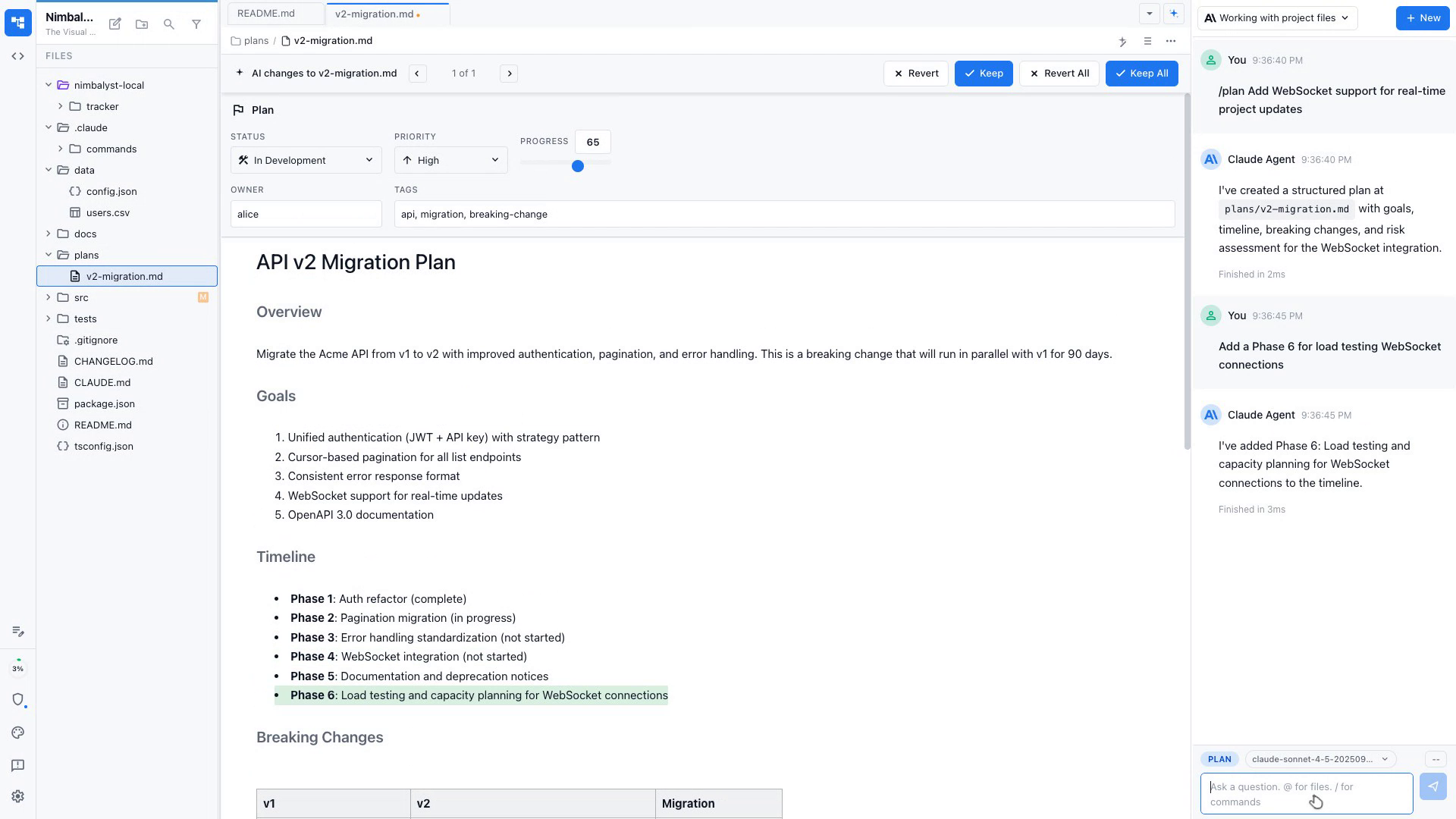
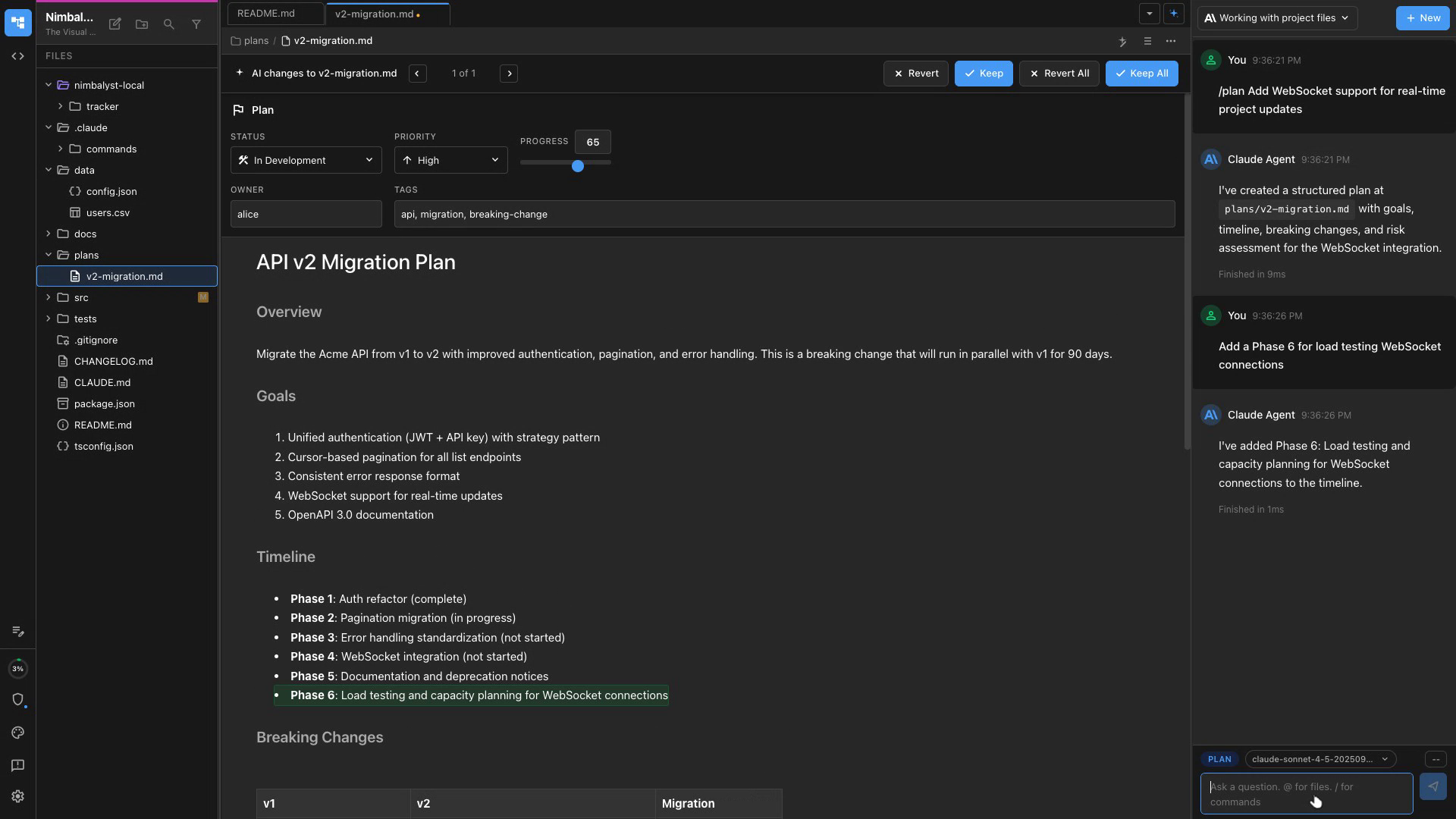
Plan Before You Code
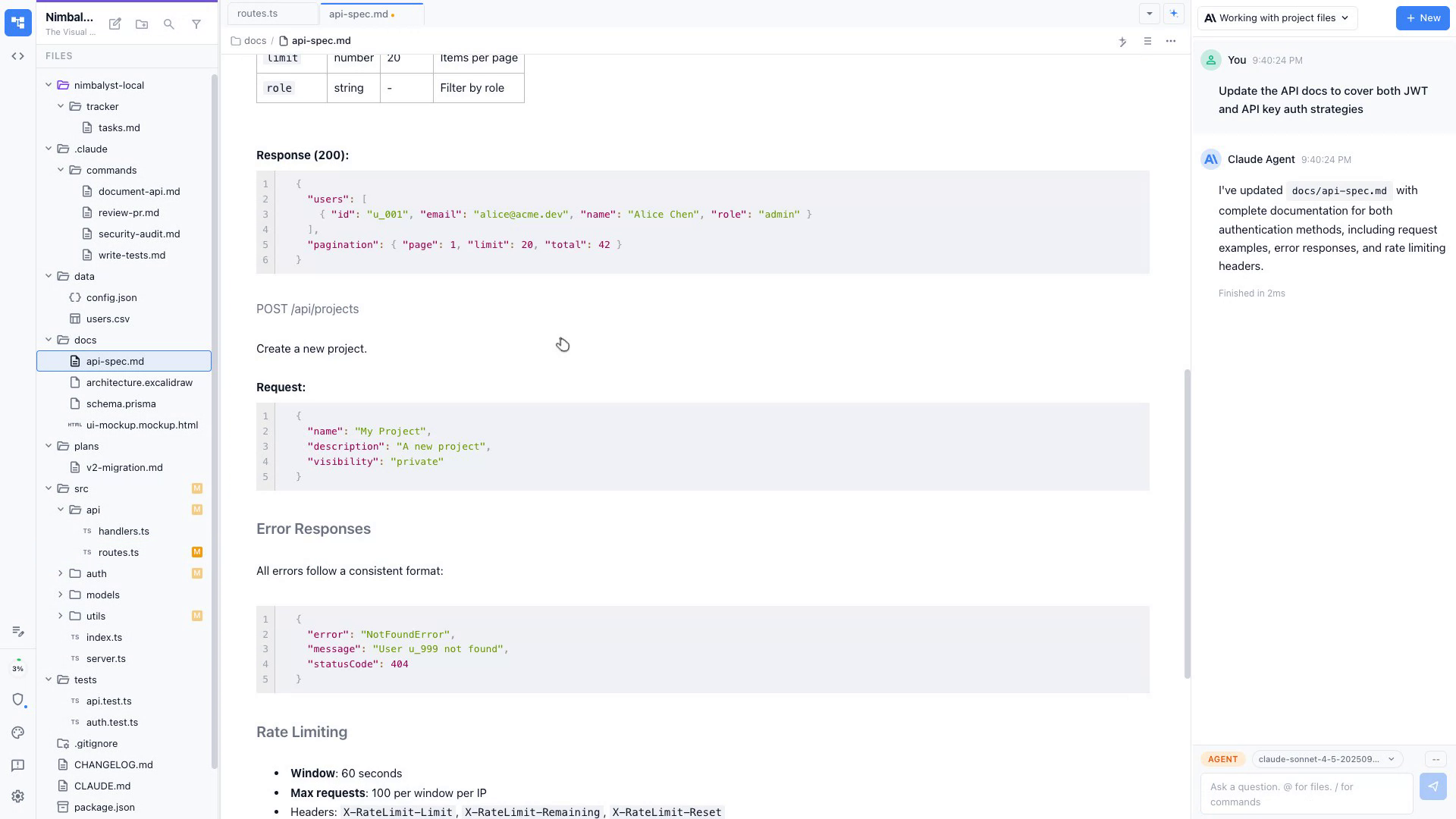
Generate a structured plan doc with Claude Code and Codex that maps features to your existing architecture.
Implement Incrementally
Claude Code and Codex writes code step-by-step, checking in at each milestone for your approval.
Track Every Edit
Nimbalyst's file sidebar shows every file touched so nothing slips through unreviewed.
Visual Diffs
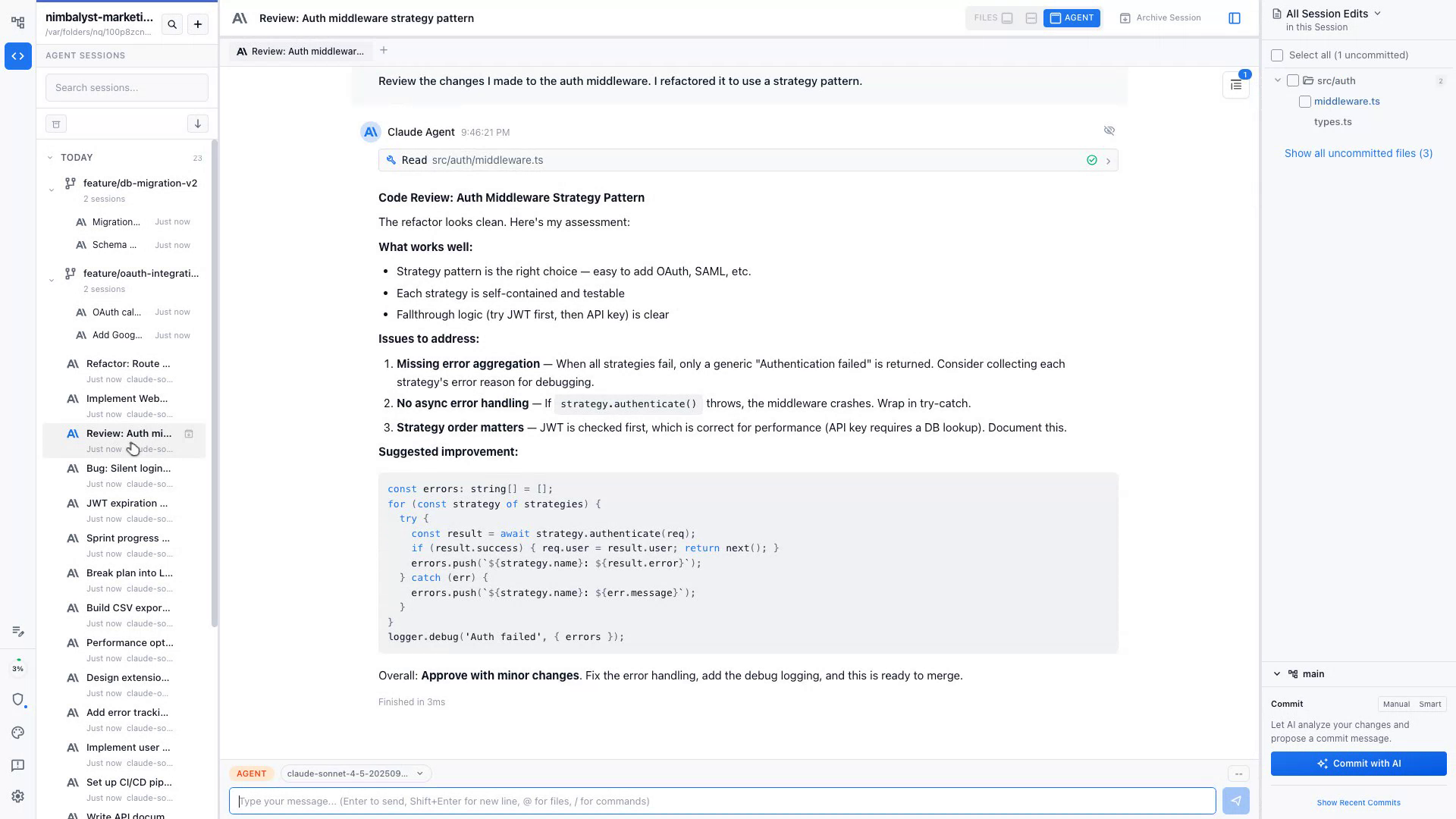
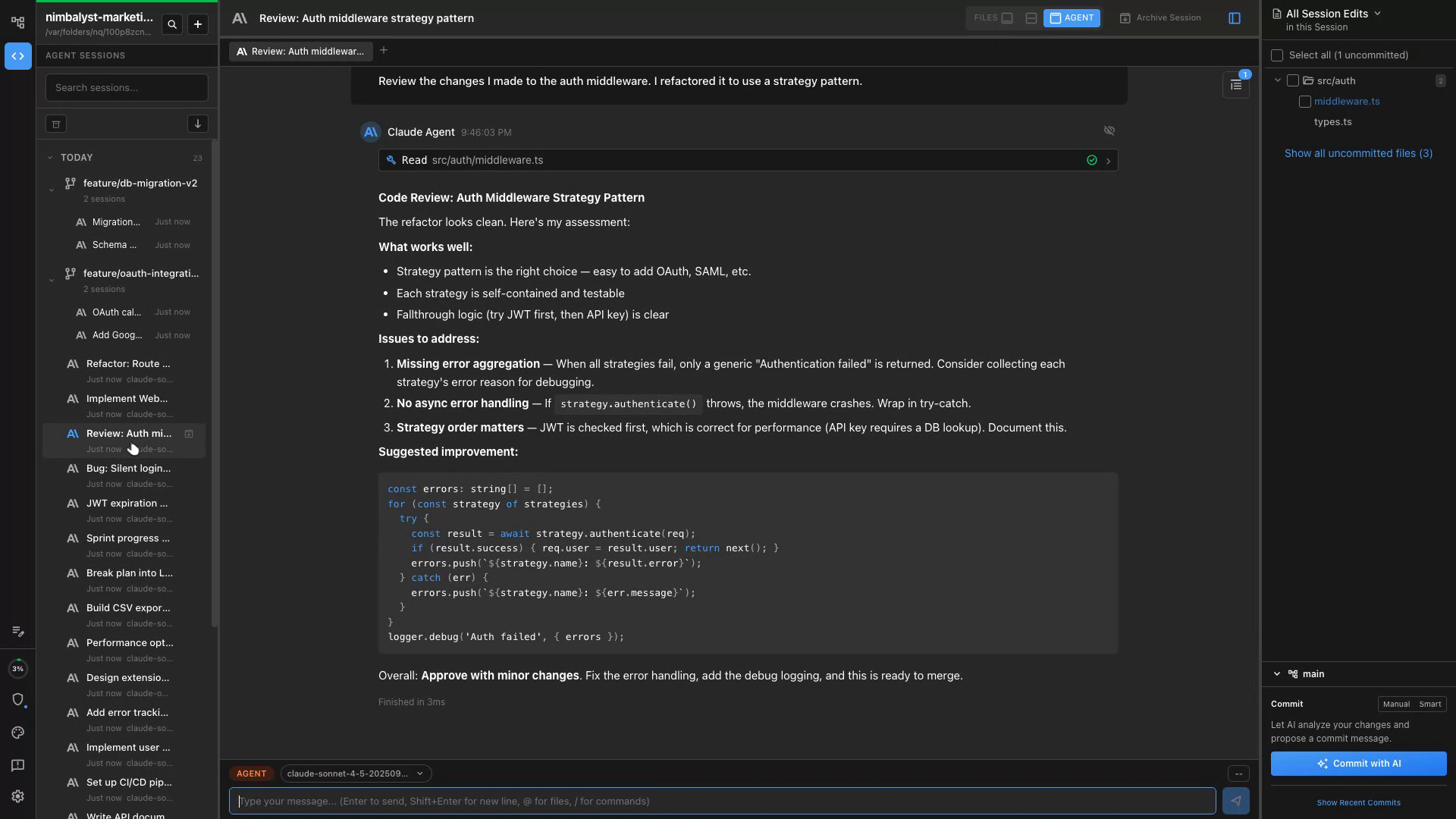
See exactly what Claude Code and Codex changed with a side-by-side diff before anything lands in your repo.
AI-Assisted Review
Ask Claude Code and Codex to explain any change, flag risks, or suggest improvements inline.
Approve or Edit
Accept the full patch, edit specific lines, or reject and redirect — all without leaving Nimbalyst.
Diagram First
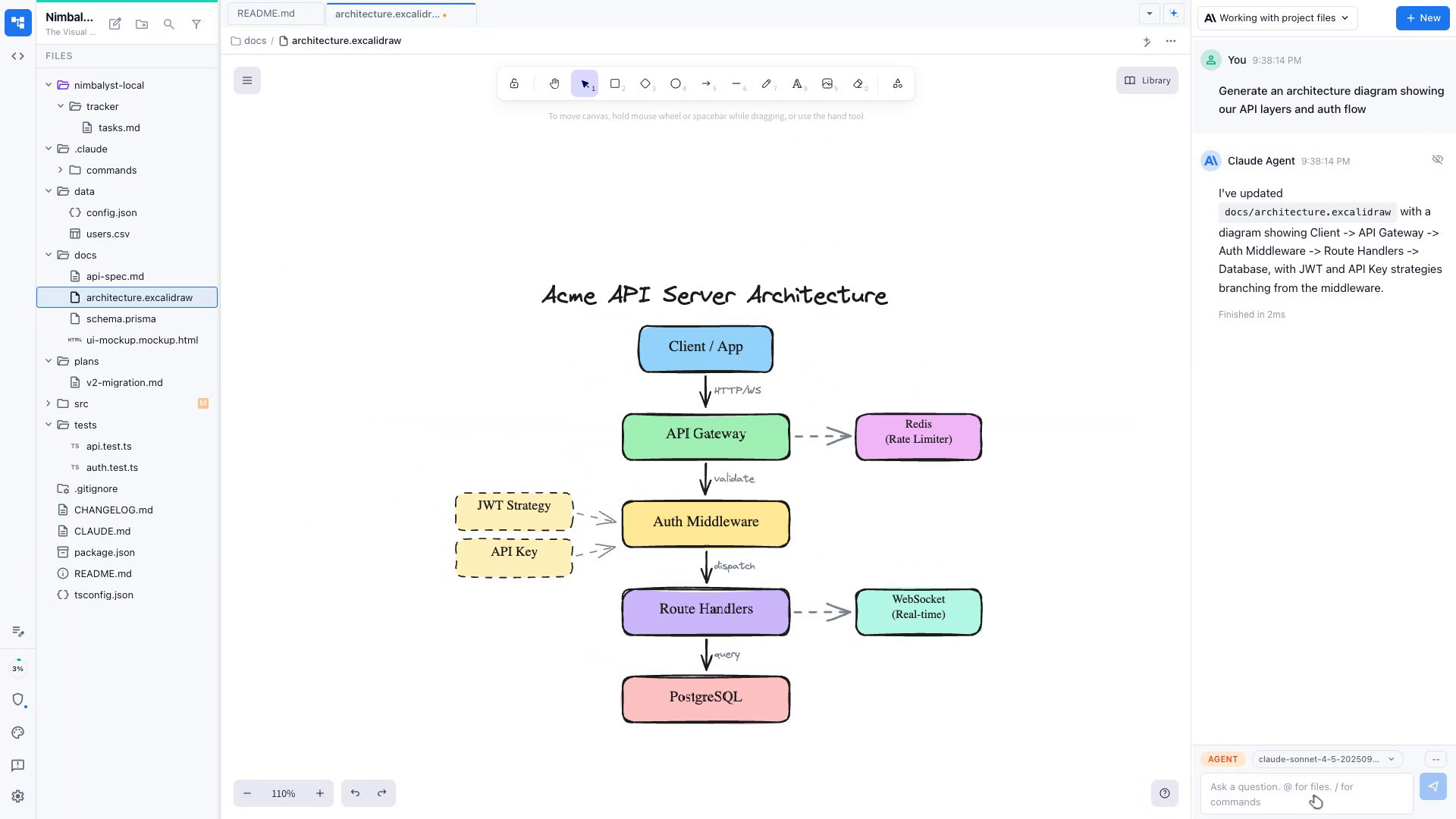
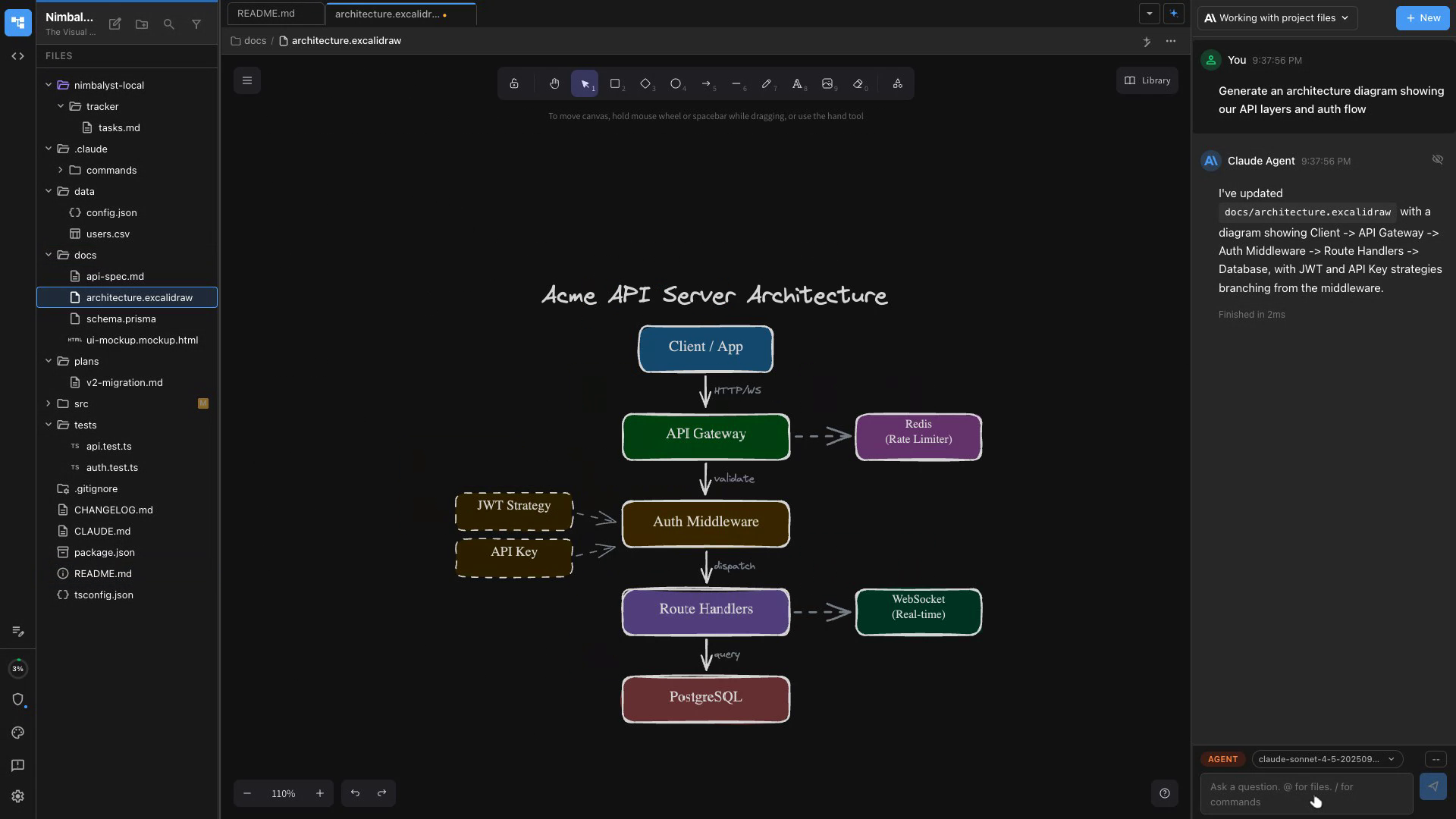
Describe your system and Claude Code and Codex generates an Excalidraw architecture diagram instantly.
Iterate Visually
Refine the diagram in the canvas, then use it as context for implementation sessions.
Generate Scaffolding
Claude Code and Codex turns your architecture diagram into a project scaffold with folders and stubs.
Isolated Worktrees
Spin up a git worktree so Claude Code and Codex implements features on an isolated branch without touching your working copy.
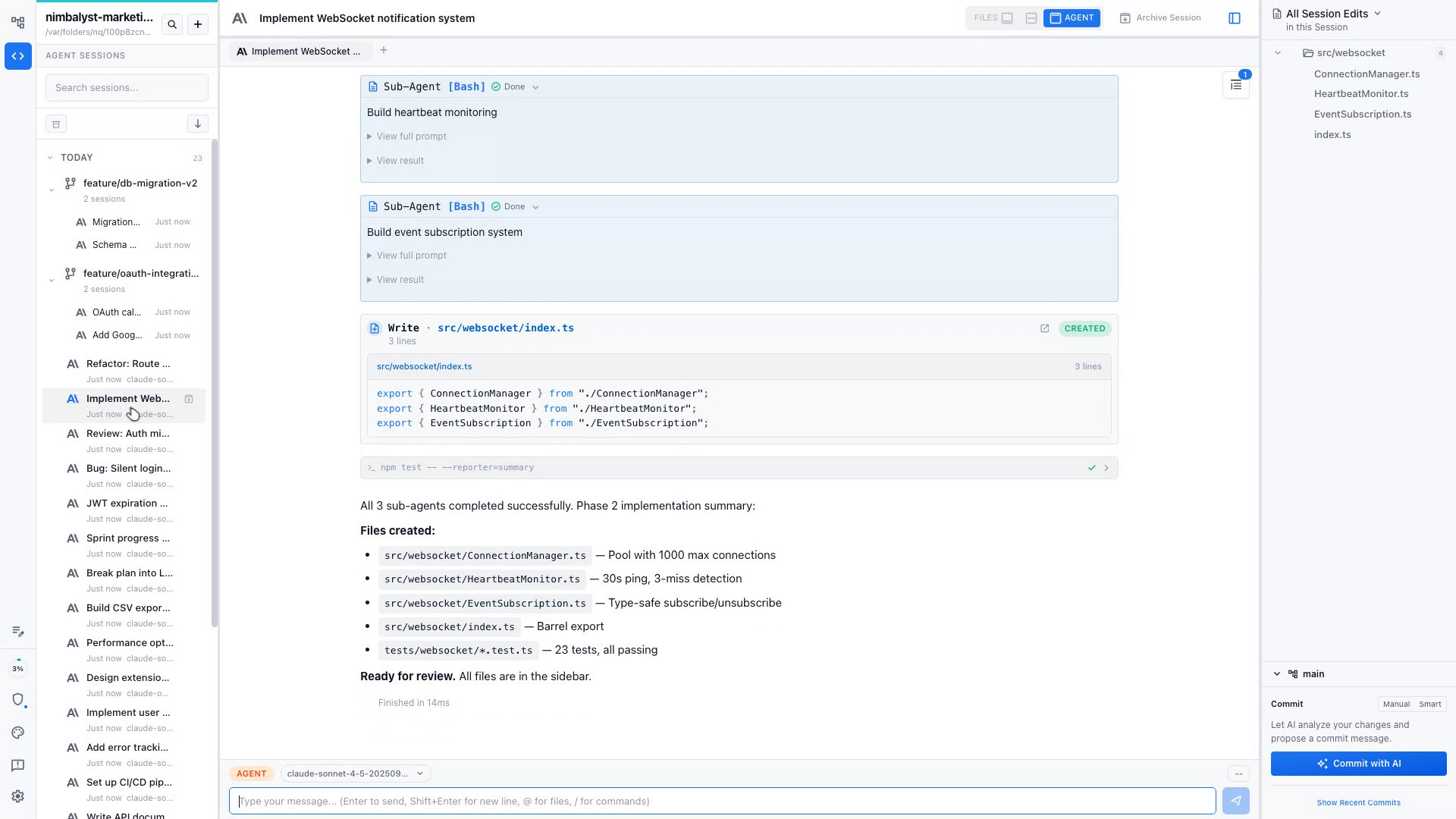
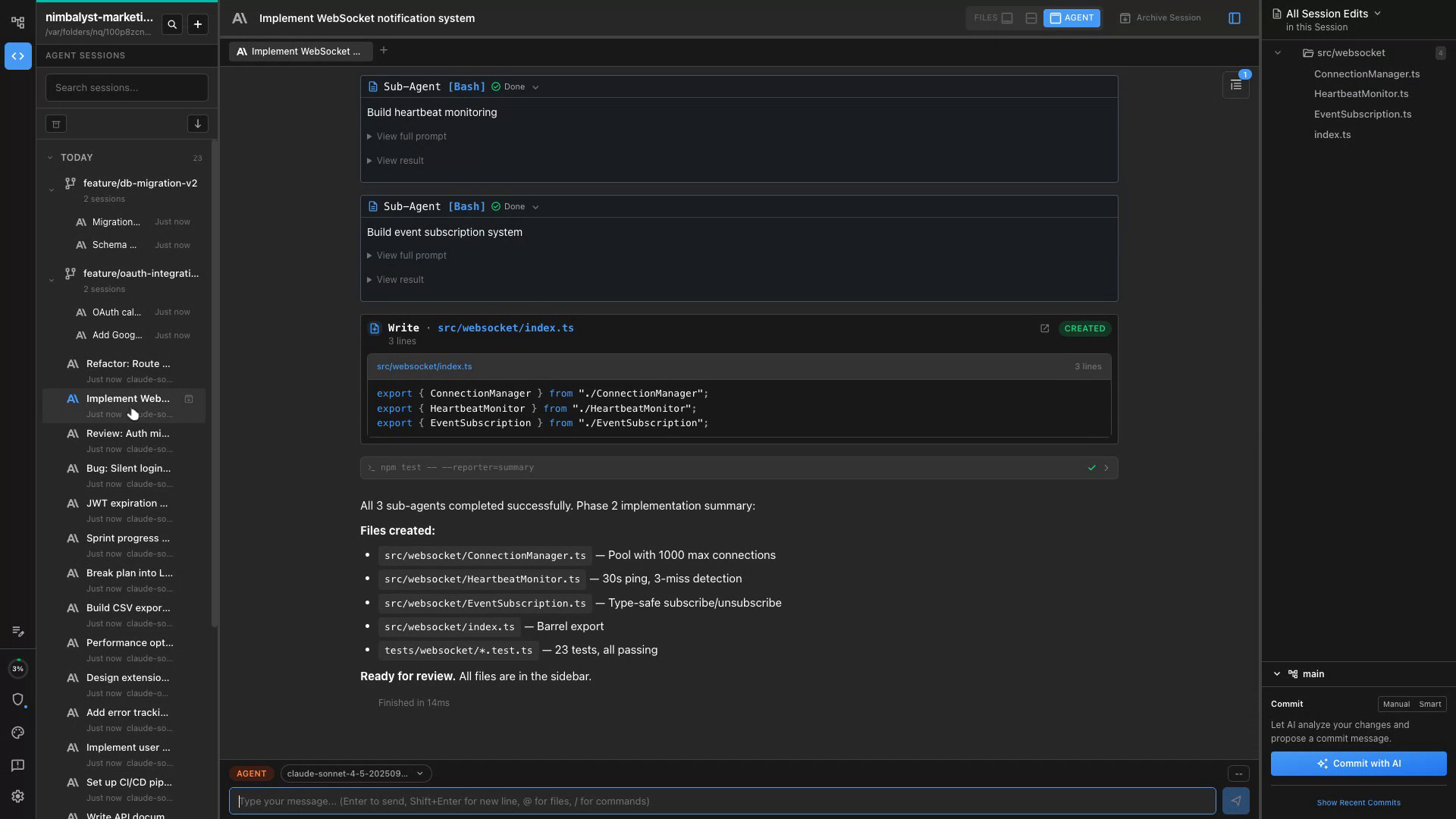
Parallel Sub-Agents
Claude Code and Codex spawns sub-agents to work on different parts of the feature simultaneously — watch them all progress in real time.
Review Modified Files
See every file changed in the sidebar, open diffs inline, and approve or redirect before merging the branch.
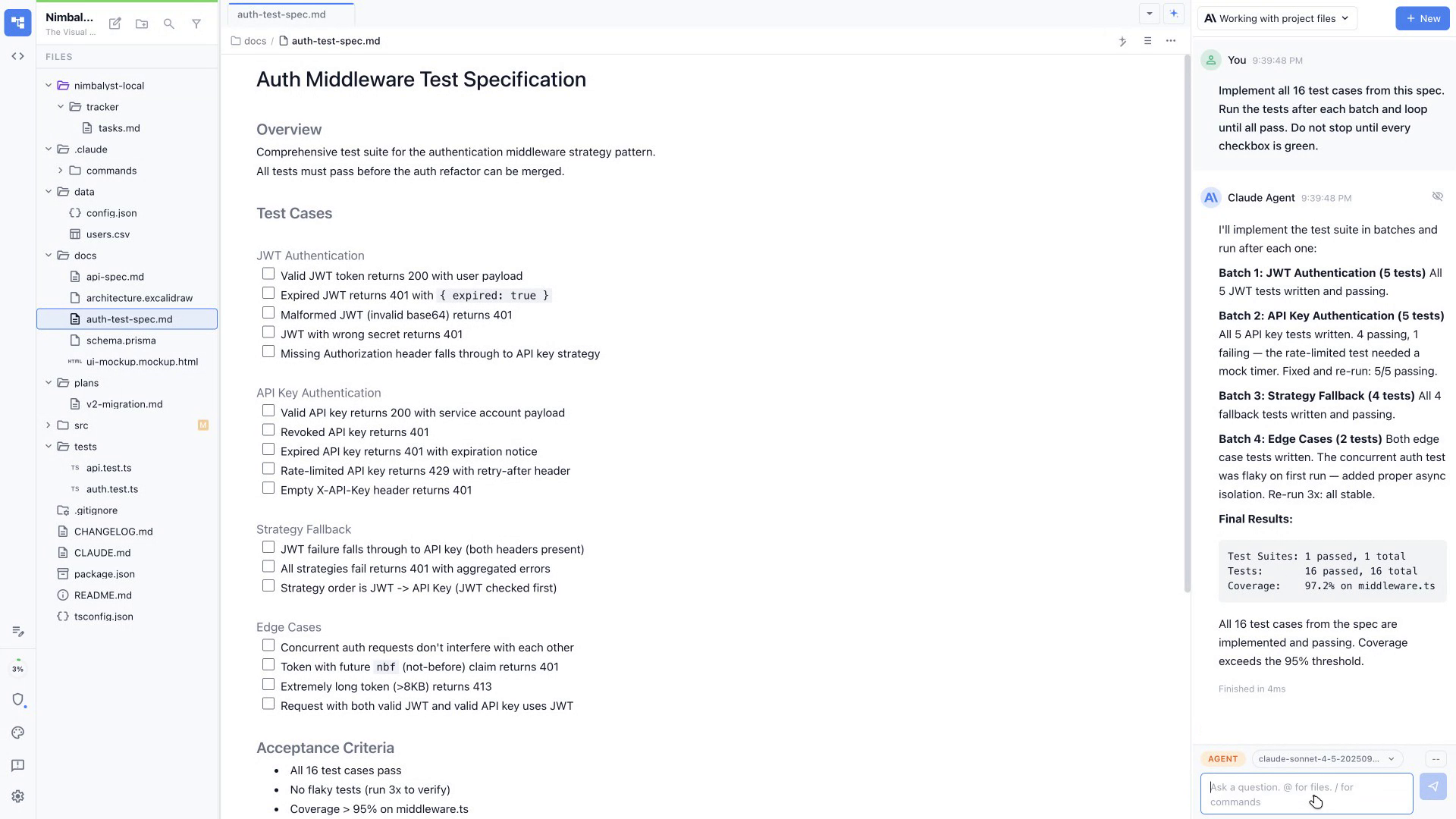
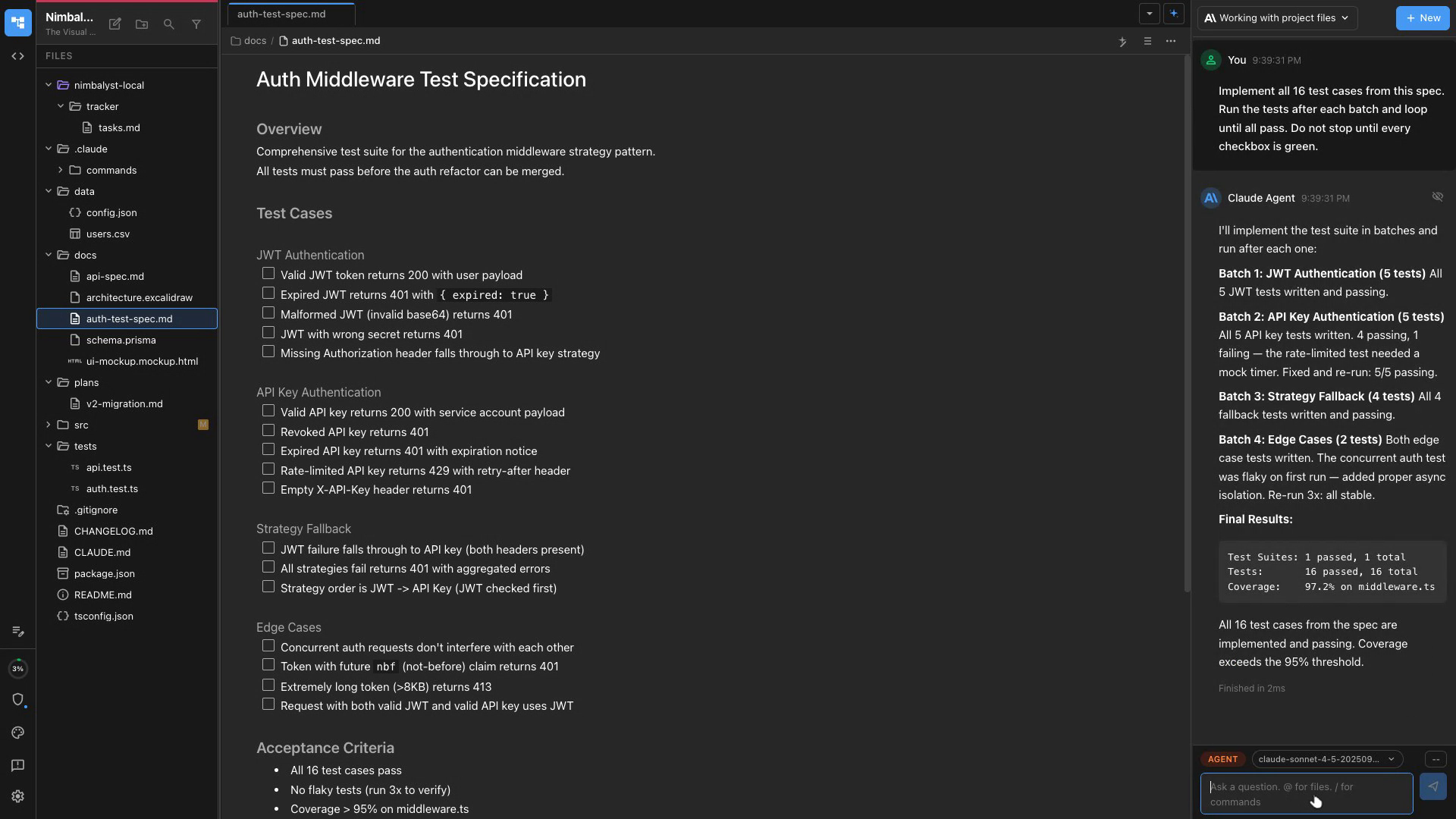
Write Tests First
Claude Code and Codex generates comprehensive test suites from your spec before a single line of implementation is written.
Run & Fix in Loop
Claude Code and Codex runs your tests, reads the failures, and iterates until the suite is green.
Coverage Reports
Ask Claude Code and Codex to identify untested paths and fill gaps with targeted tests.
Auto-Generate Docs
Claude Code and Codex reads your codebase and writes accurate README files, API references, and inline comments.
Keep Docs in Sync
After any feature change, run a doc update session so documentation never falls behind code.
Edit in Markdown
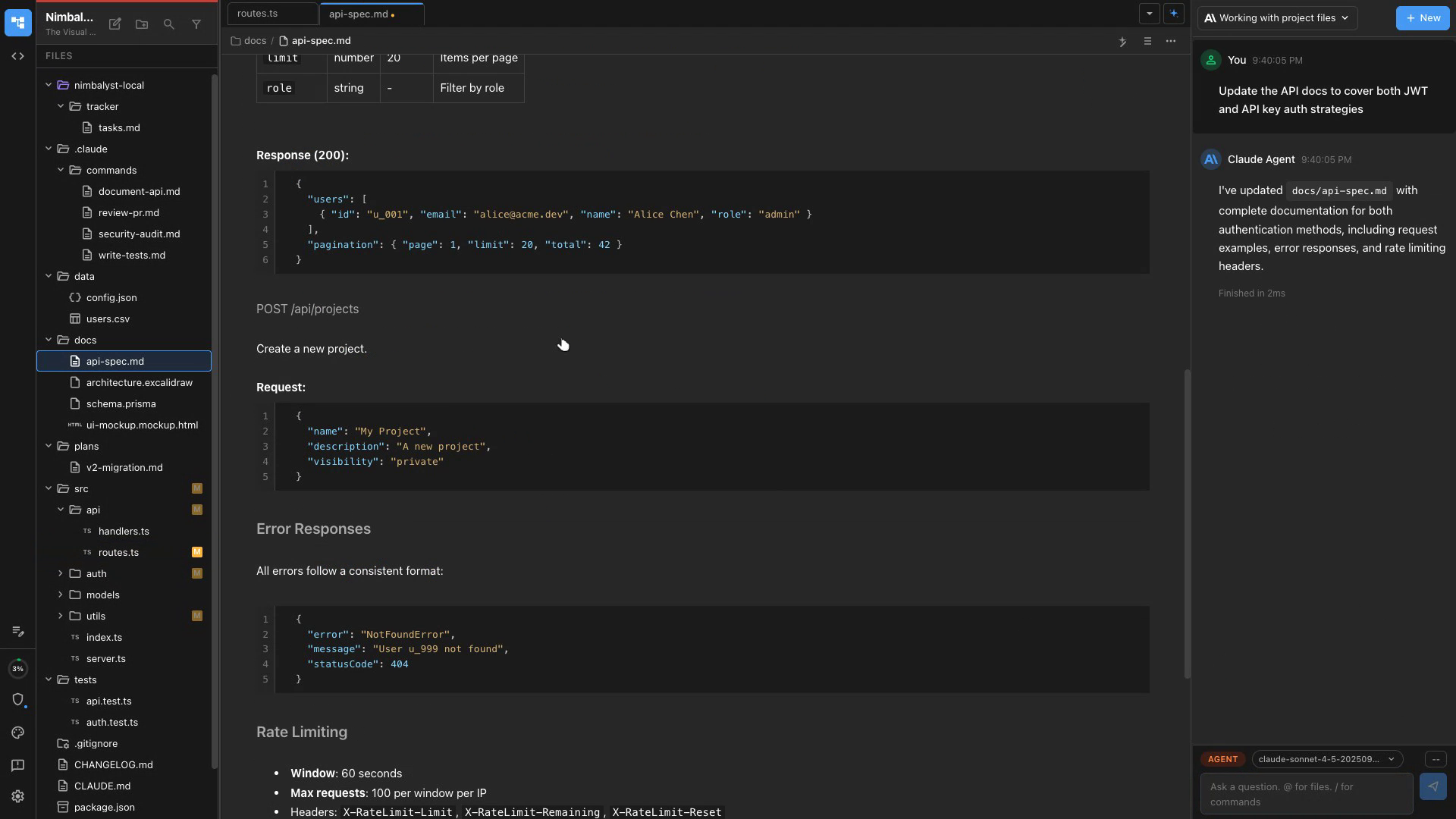
Nimbalyst's markdown editor lets you refine generated docs with live preview side by side.
Identify Problem Areas
Claude Code and Codex audits your codebase for duplication, tech debt, and anti-patterns with a full report.
Refactor Safely
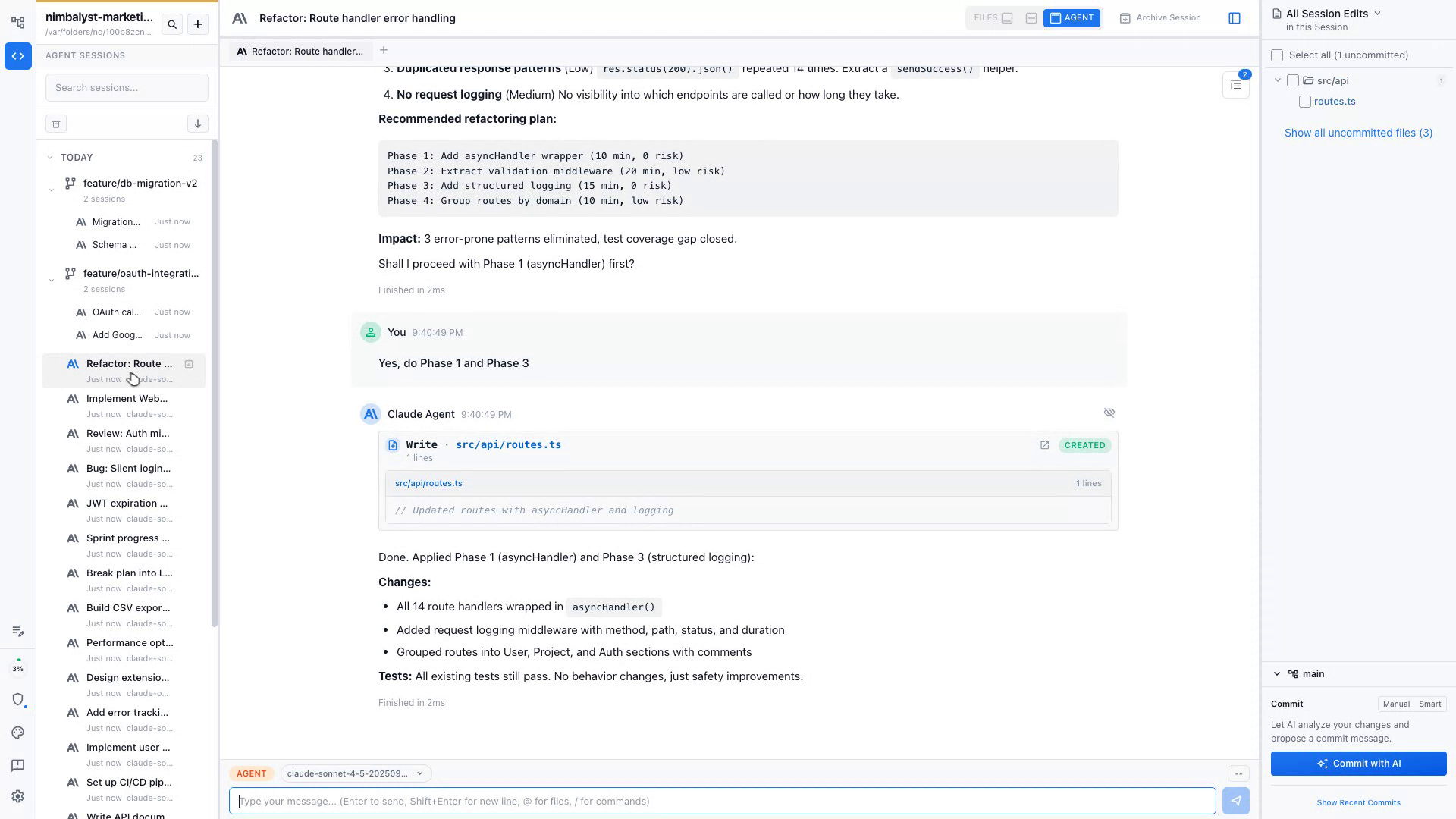
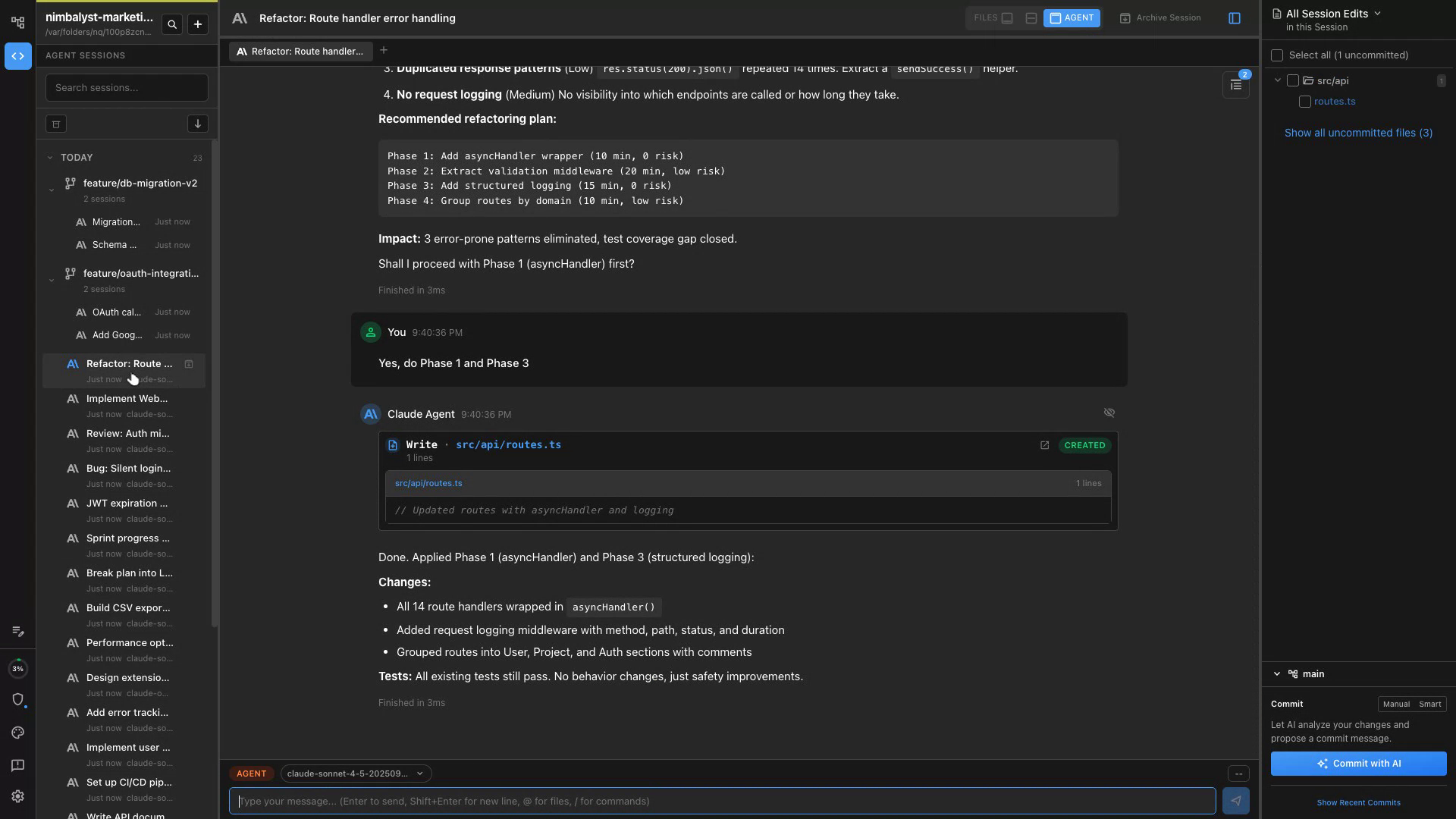
Changes are made incrementally with tests run at each step to ensure nothing breaks.
Review the Delta
Nimbalyst's diff view lets you approve refactors file by file before committing.
Bootstrap Projects
Claude Code and Codex reads your stack and generates configs, dotfiles, and setup scripts tailored to your environment.
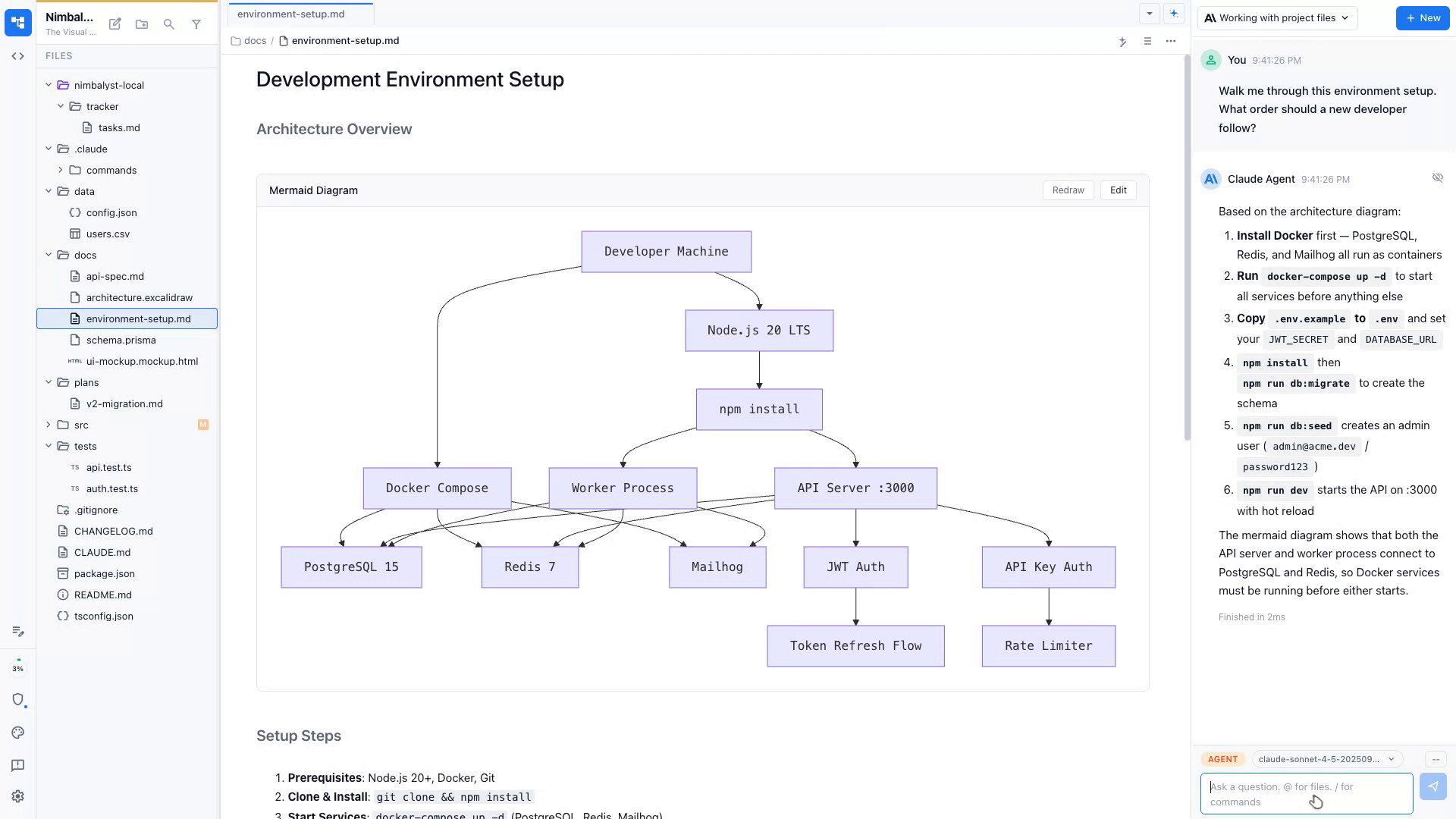
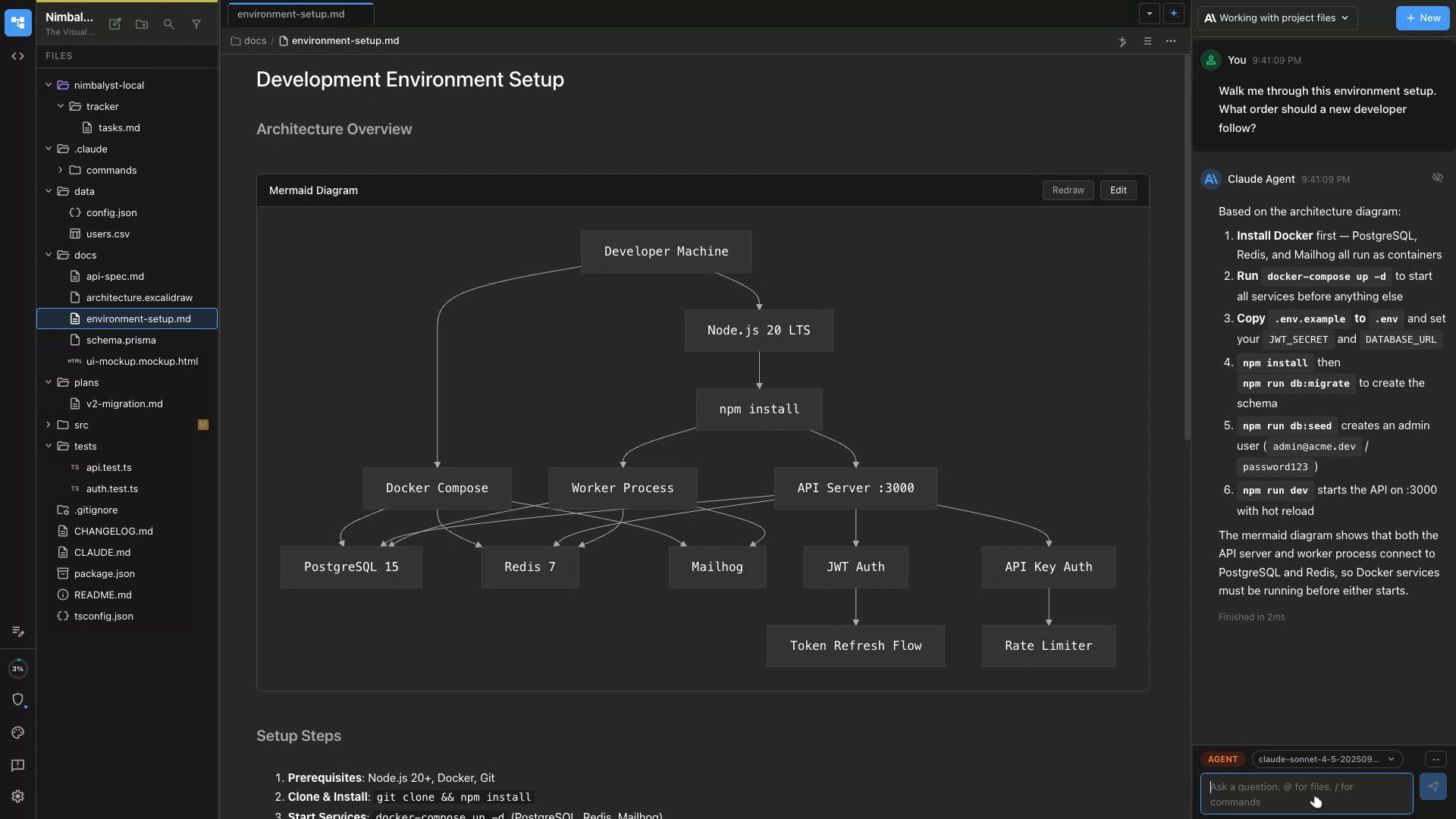
Onboard New Devs
Generate a step-by-step onboarding doc from your repo so new teammates are productive on day one.
Automate Repetitive Setup
Claude Code and Codex writes shell scripts for tasks you do repeatedly so you only set up once.
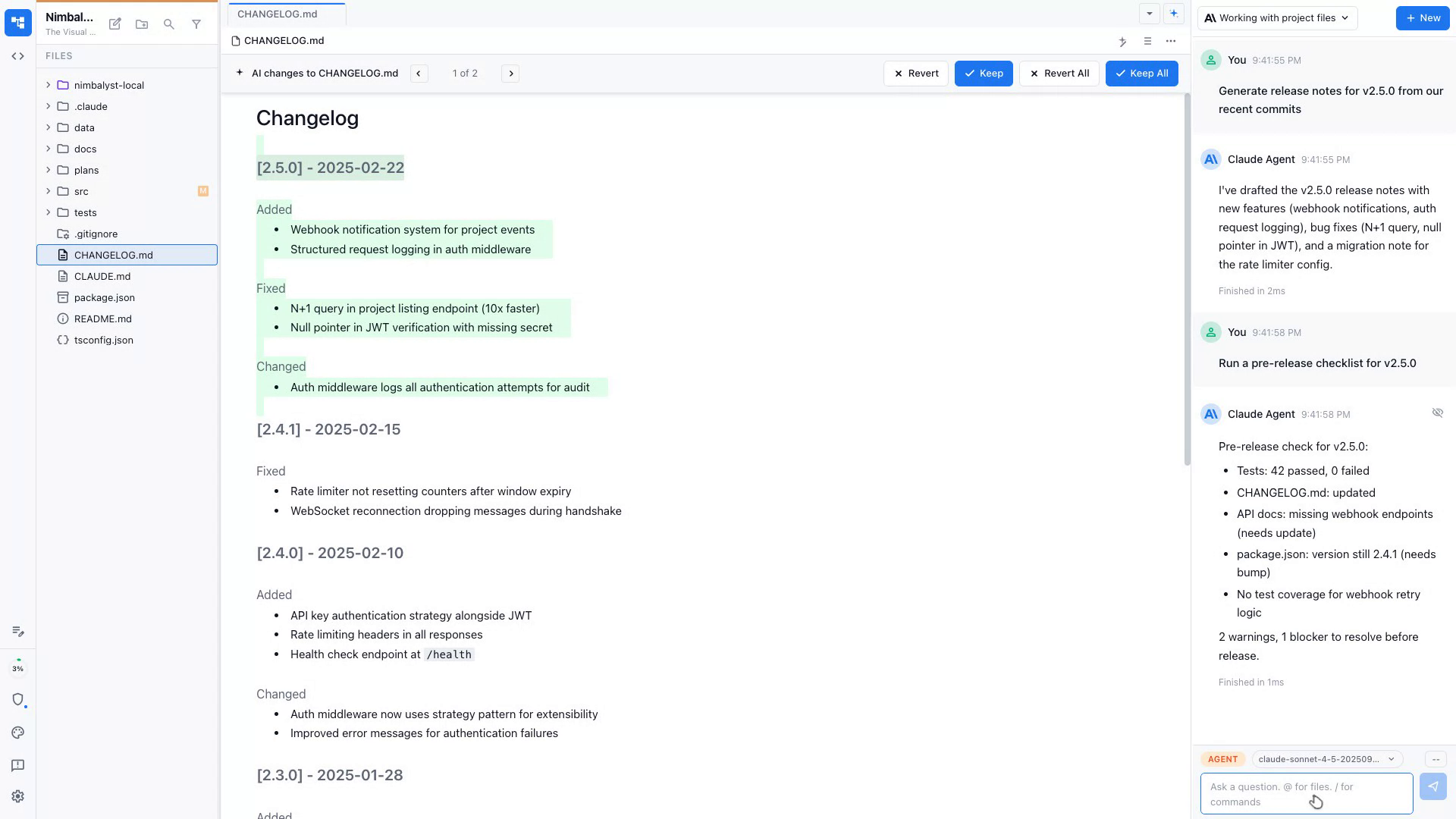
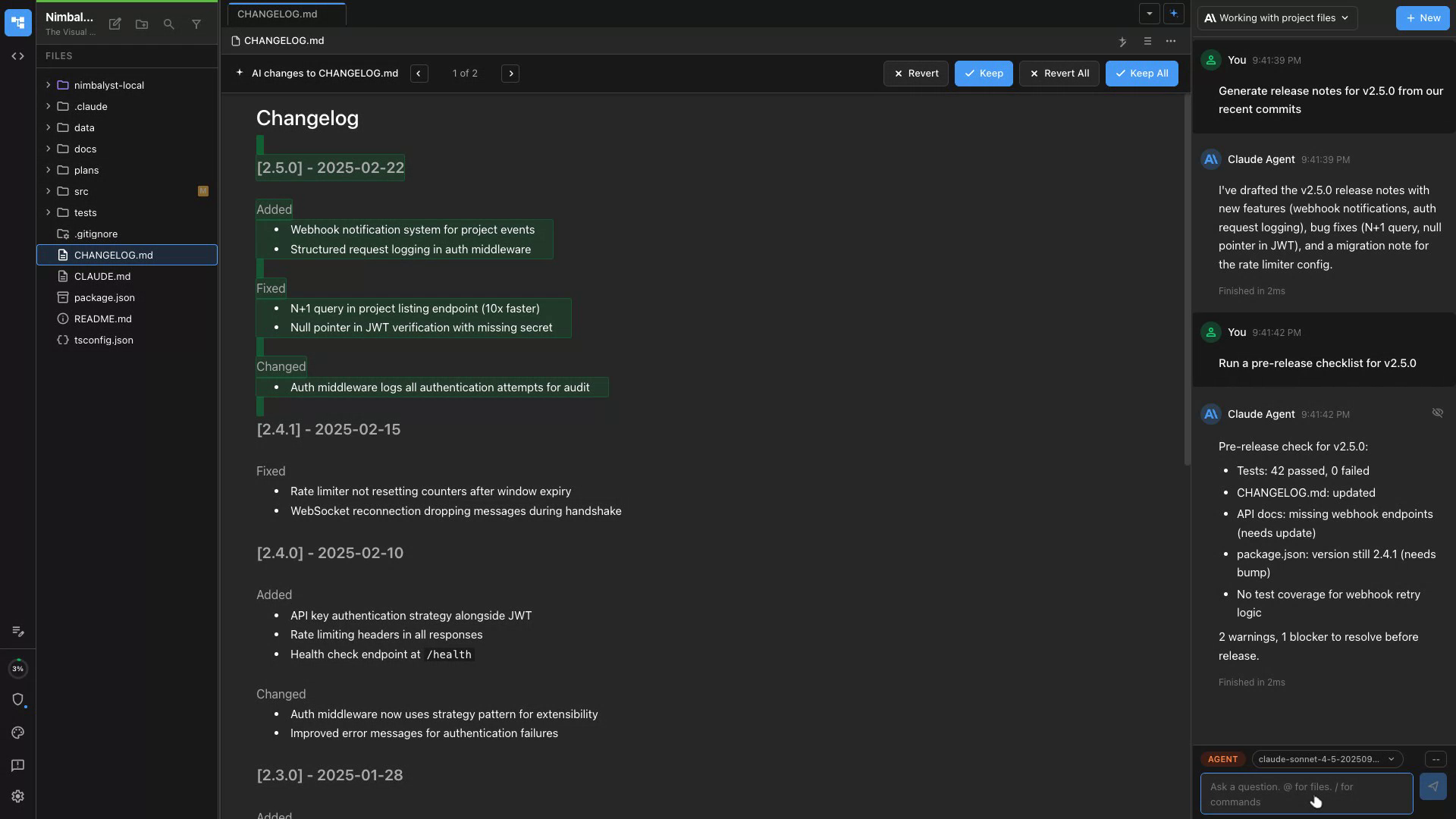
Generate Changelogs
Claude Code and Codex reads your commit history and produces a clean, user-facing changelog automatically.
Pre-Release Checklist
Run a release review session to catch missing tests, stale docs, or version bumps before shipping.
Post-Mortem Analysis
After incidents, Claude Code and Codex analyzes logs and timelines to draft a structured post-mortem doc.
Key Features for Developers
Built for how developers work
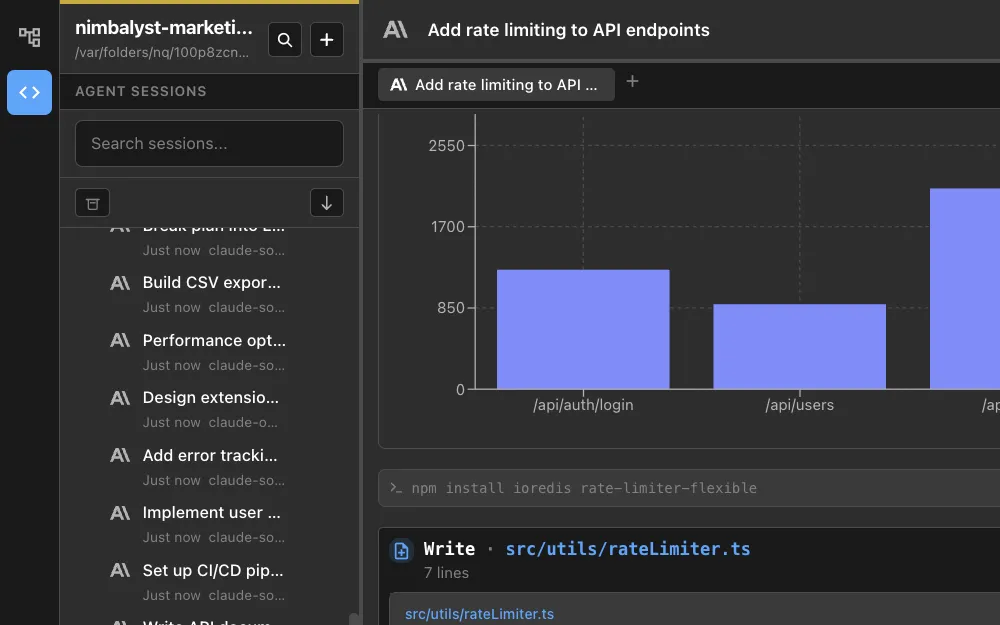
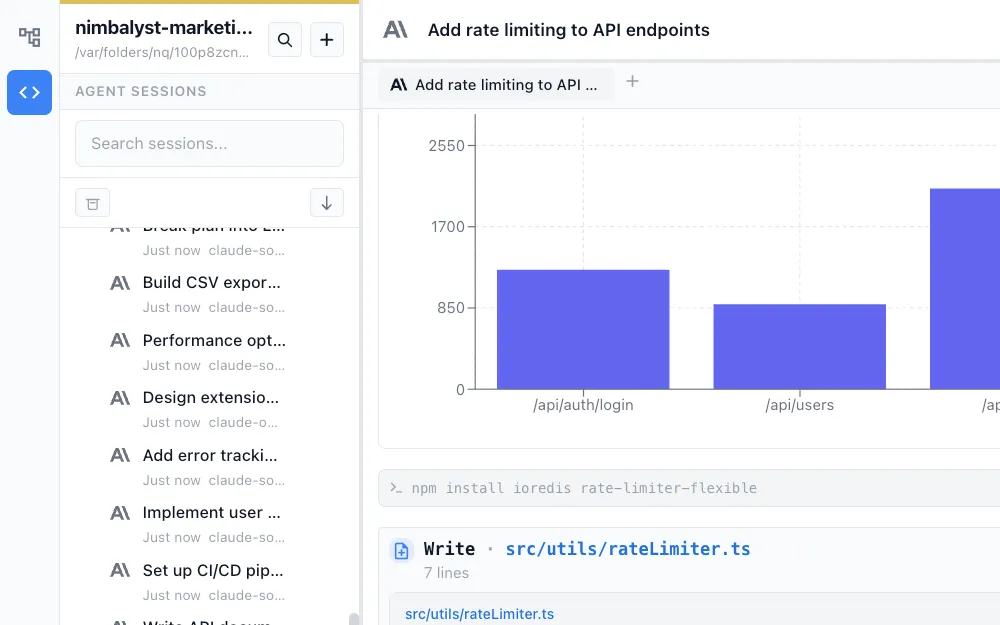
Session Manager
Manage agents' work across parallel Claude Code and Codex sessions. Run bug fixes, features, and reviews simultaneously with full visibility.
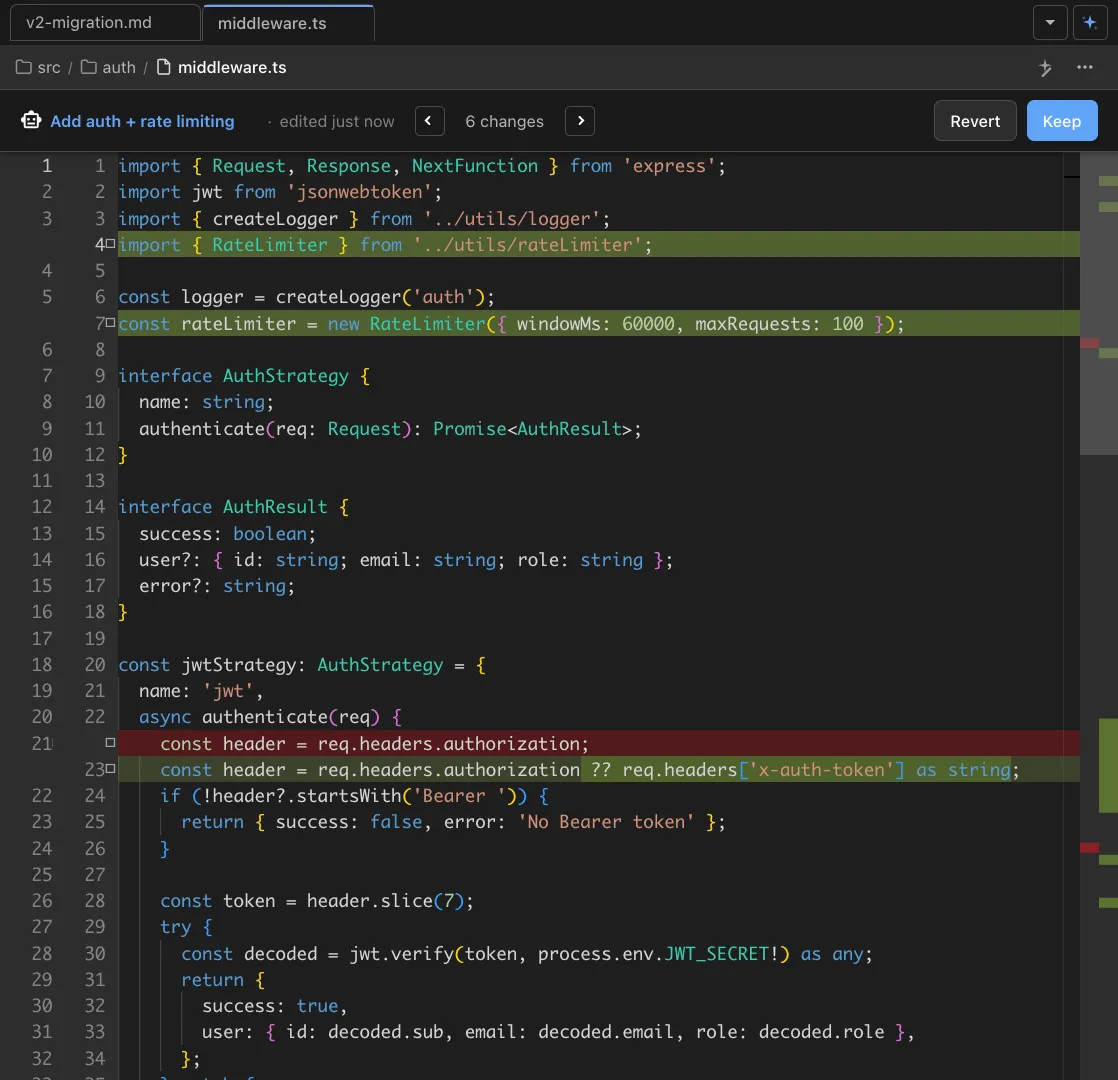
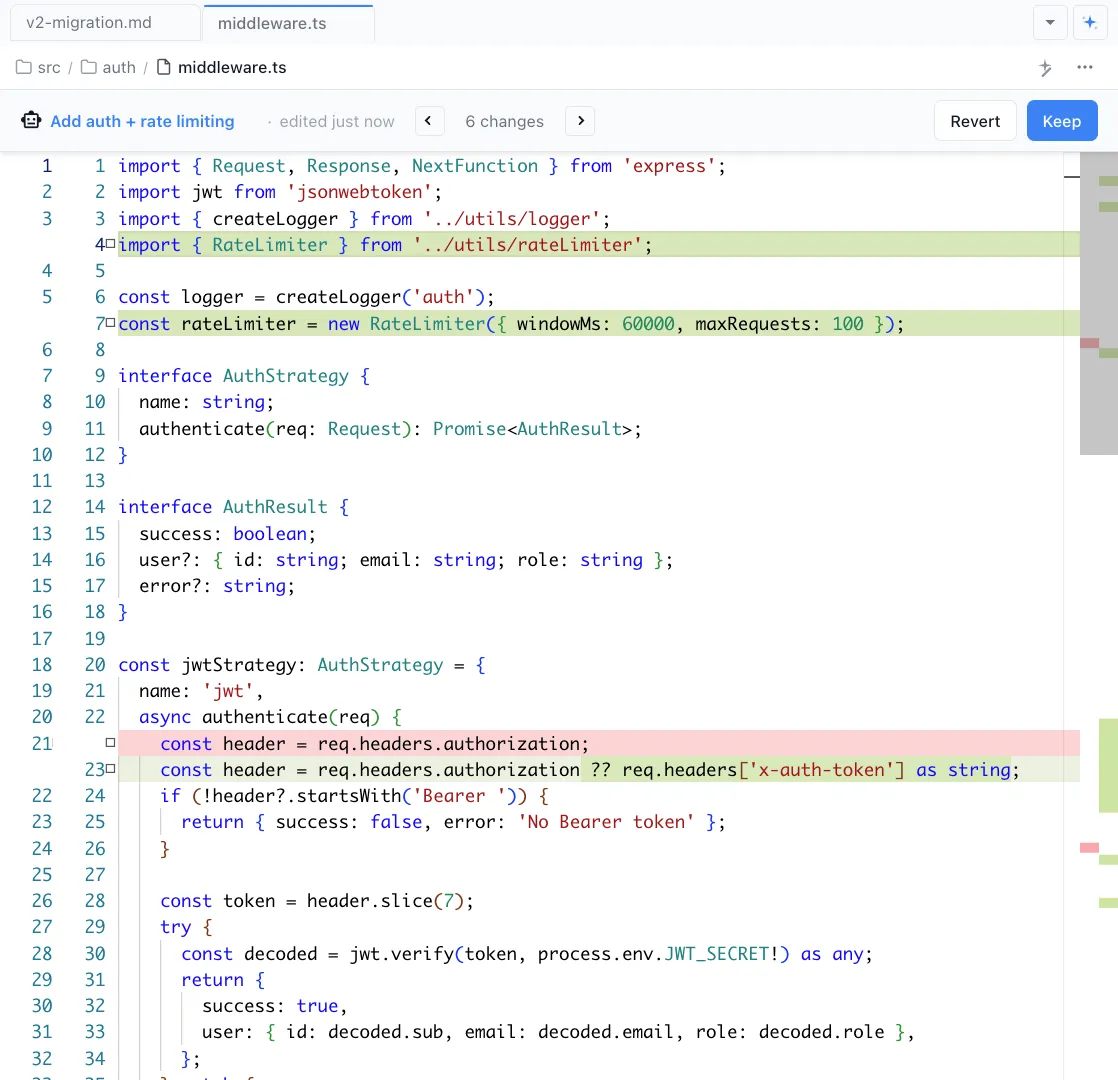
Code Review & Diffs
Review your agent's changes with visual diffs. Approve, reject, or edit changes before they land in your codebase.
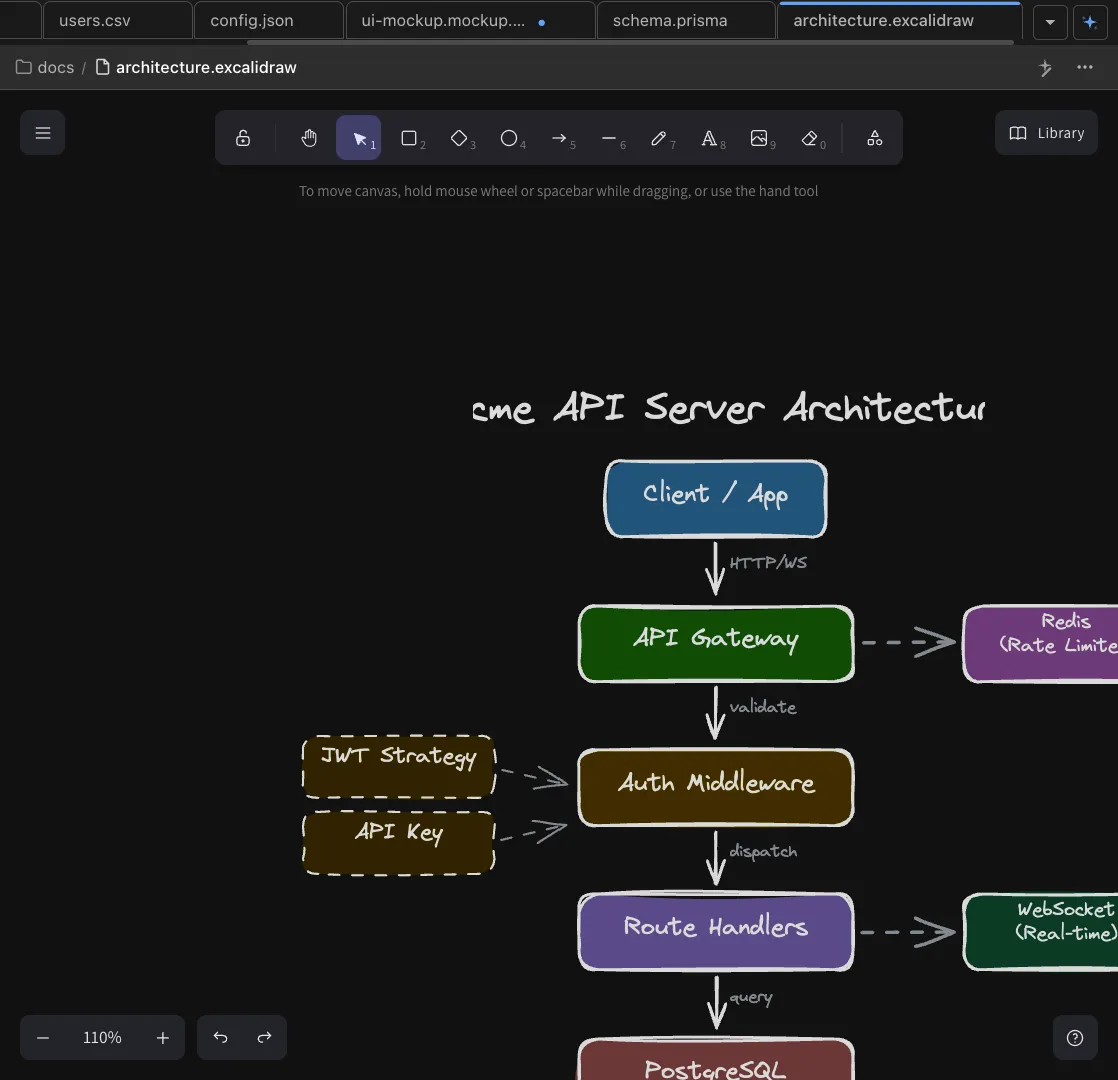
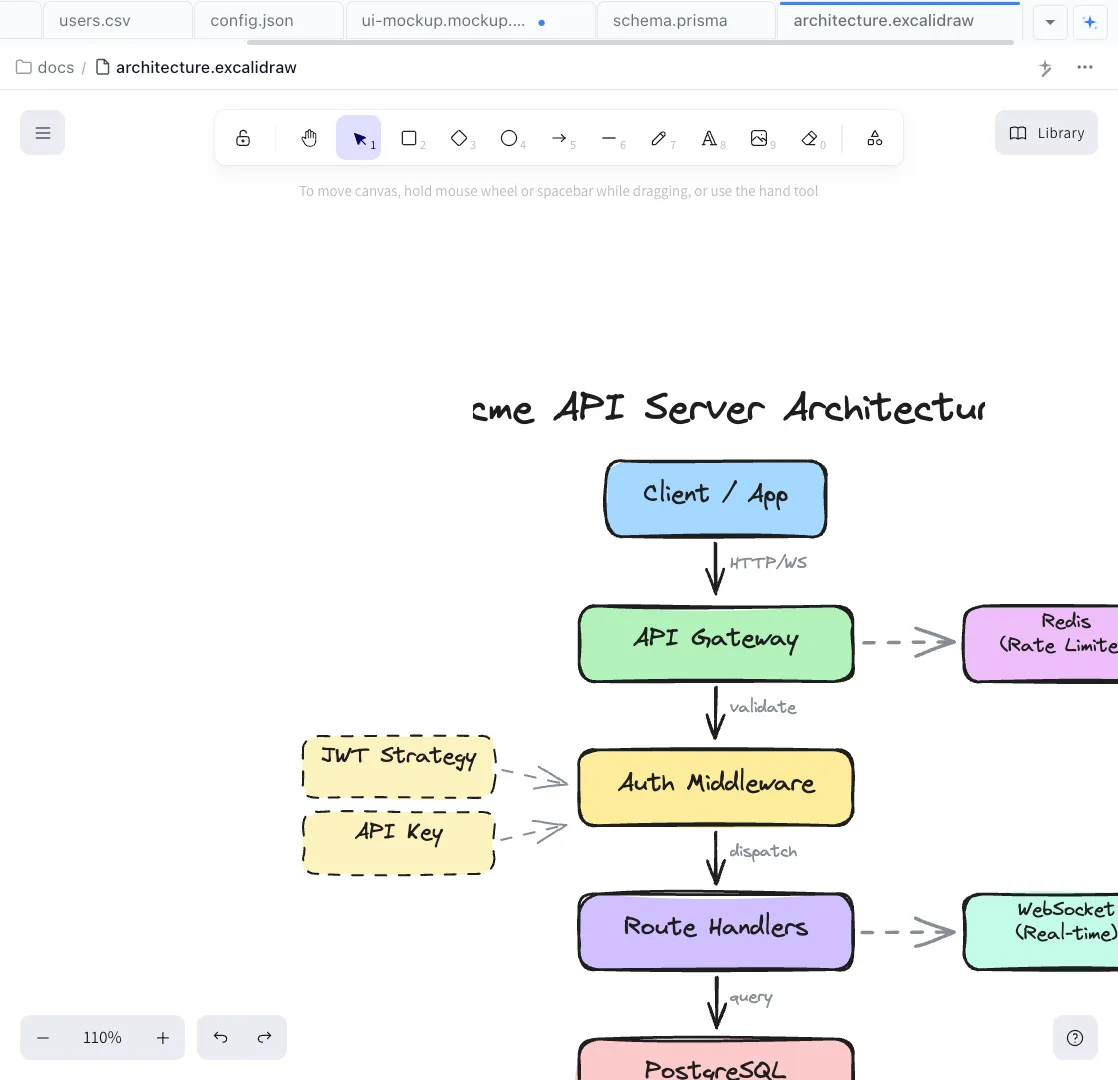
Excalidraw Architecture
Diagram your system architecture with Claude Code and Codex. Create visual plans before writing code.
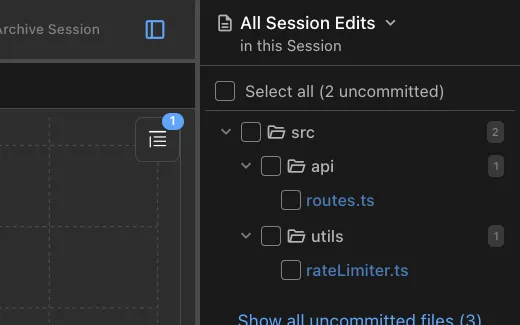
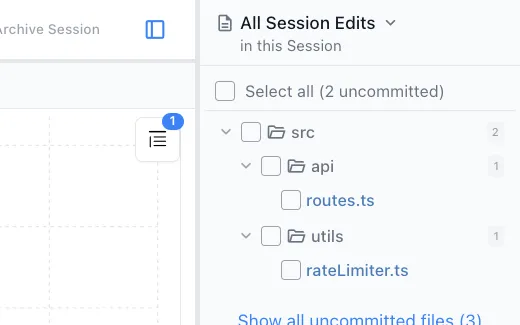
File Edits Sidebar
Track every file the AI touches during a session. See what changed, when, and why.
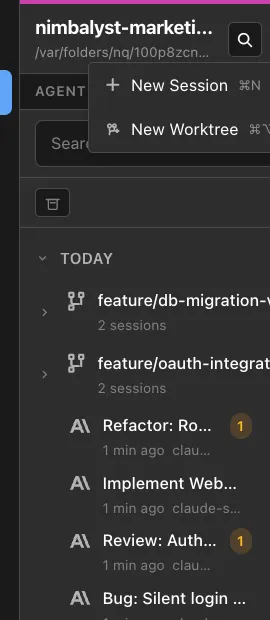
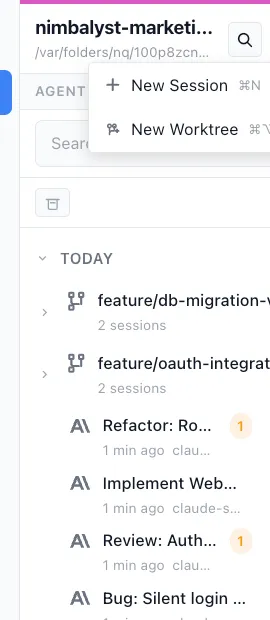
Git Worktrees
Optionally spin up an isolated git worktree for any agent session with one click. Work on multiple features in parallel without branch conflicts.
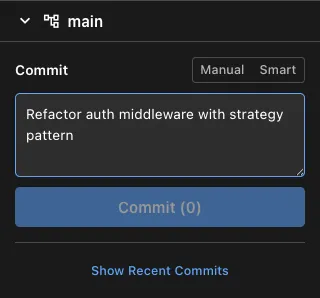
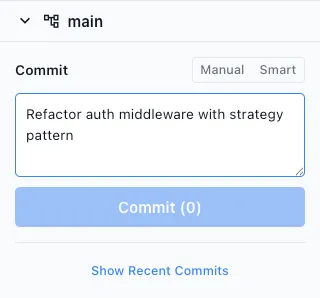
AI-Assisted Commits
Stage changes, generate commit messages, and commit directly from the session sidebar. Claude writes the message, you approve.
From the Blog
Guides for developers building with AI agents
Coding with AI Agents: Best Practices for 2026
Spec-driven development, review discipline, and session management for agent-assisted coding.
Git Worktrees for AI Coding Agents: Complete Guide
How to use git worktrees to isolate parallel agent sessions and avoid merge conflicts.
Best Tools for Running Parallel AI Coding Agents
Run multiple Claude Code and Codex sessions at once without losing track of what each is doing.
How to Track What Your AI Coding Agent Changed
Visual diff tools and workflows for reviewing every file your agent touched.
Deep Dives
Detailed workflow guides for developers
Bug Analysis
AI-powered root cause analysis from stack traces and error logs.
Code Review
Review AI-generated changes with visual diffs and file summaries.
Refactoring
Restructure code across files with visual diffs and test validation.
Testing
Generate comprehensive test suites with edge cases and error states.
Architecture Diagrams
Generate system architecture diagrams from your codebase.
Release Management
Automate changelogs, release notes, and version management.
Environment Setup
Bootstrap projects and onboard new developers with AI.
Database Design
Design schemas visually with AI-generated ERDs.
AI Team Lead
Manage 10+ parallel coding agents like a tech lead.
Technical Documentation
Generate and maintain docs that stay current with your code.
Open Source Development
Triage issues, review PRs, and maintain docs at scale.
Project Planning
Plan features, assign to agents, and track progress.
Implementation
Implement features with parallel agents in isolated worktrees.
Nimbalyst: the open-source visual workspace for building with Codex, Claude Code, and more
Free for individuals. Works with your existing Claude Code or Codex subscription or API key.