Parallel Claude Code sessions
Run six Claude Code sessions in parallel.
Optional one-click git worktree isolation per session. Kanban session board. Per-session file traceability. Mobile review. Multi-session Claude Code work without the terminal-tab chaos.
Free for individuals. Works with your existing Claude Code or Codex subscription or API key.


Parallel Claude Code is the new normal.
Most Claude Code power users in 2026 run multiple sessions in parallel. A refactor in one. A feature in another. A bug fix in a third. The hard part is not the coding. It is the bookkeeping: which session is still running, which one needs input, which one already merged its branch, which files belong to which session.
Nimbalyst makes parallel Claude Code sessions tractable. Any session can opt into its own git worktree with one click. Every session is a card on a kanban board. Every session has a sidebar showing exactly which files it changed. You can run six sessions and still know what is going on.
Why Nimbalyst
What multi-session Claude Code needs


Session kanban: every session on one board
Six sessions on one screen. Drag between phases. Tag by type. Filter to find what is active right now.


Task kanban: tasks alongside the agents
Plans, bugs, features, and ideas live on their own kanban board next to your sessions. Drag tasks through their own phases. Link them to the sessions doing the work.
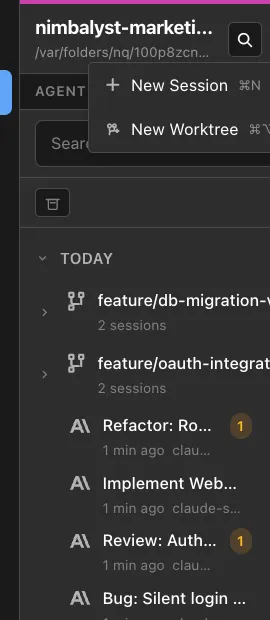
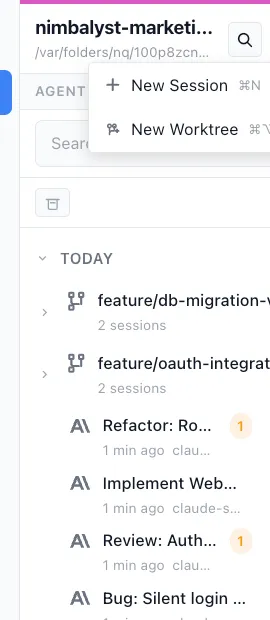
Optional one-click git worktree isolation
Spin up any session in its own worktree and branch with one click. Two sessions editing the same project at the same time then cannot conflict in the working tree.
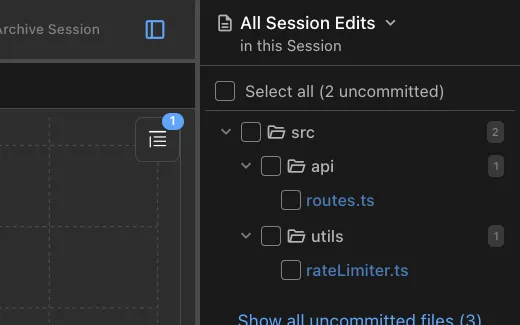
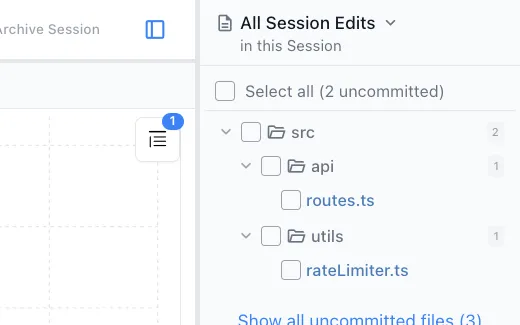
Per-session file traceability
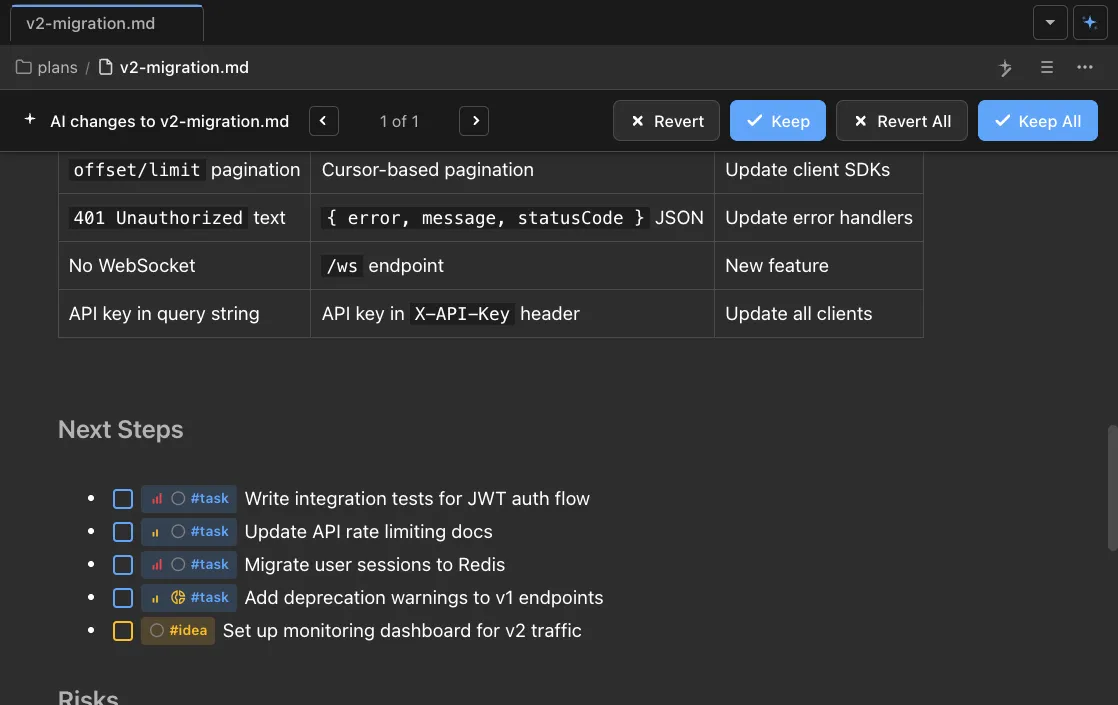
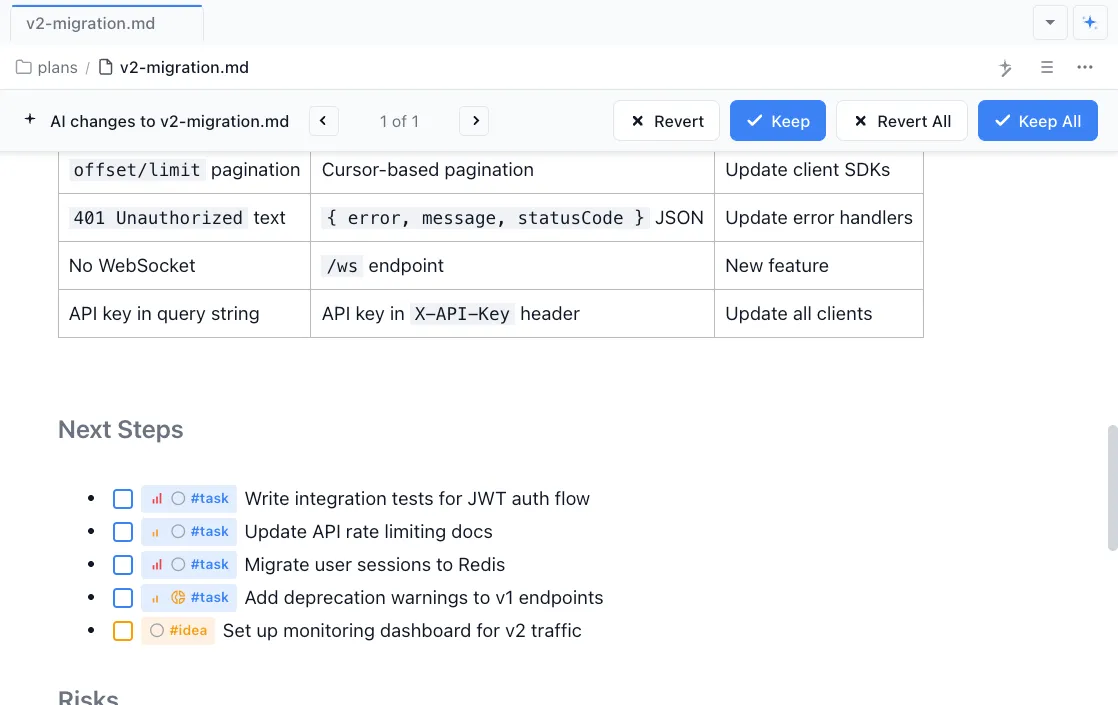
Every session card shows exactly which files that session touched. Review the diffs inline before merging.
Link files to tasks to sessions
Files belong to tasks. Tasks belong to sessions. Click any file and see which task it serves and which session changed it last. The whole chain stays connected.
iOS app for mobile monitoring
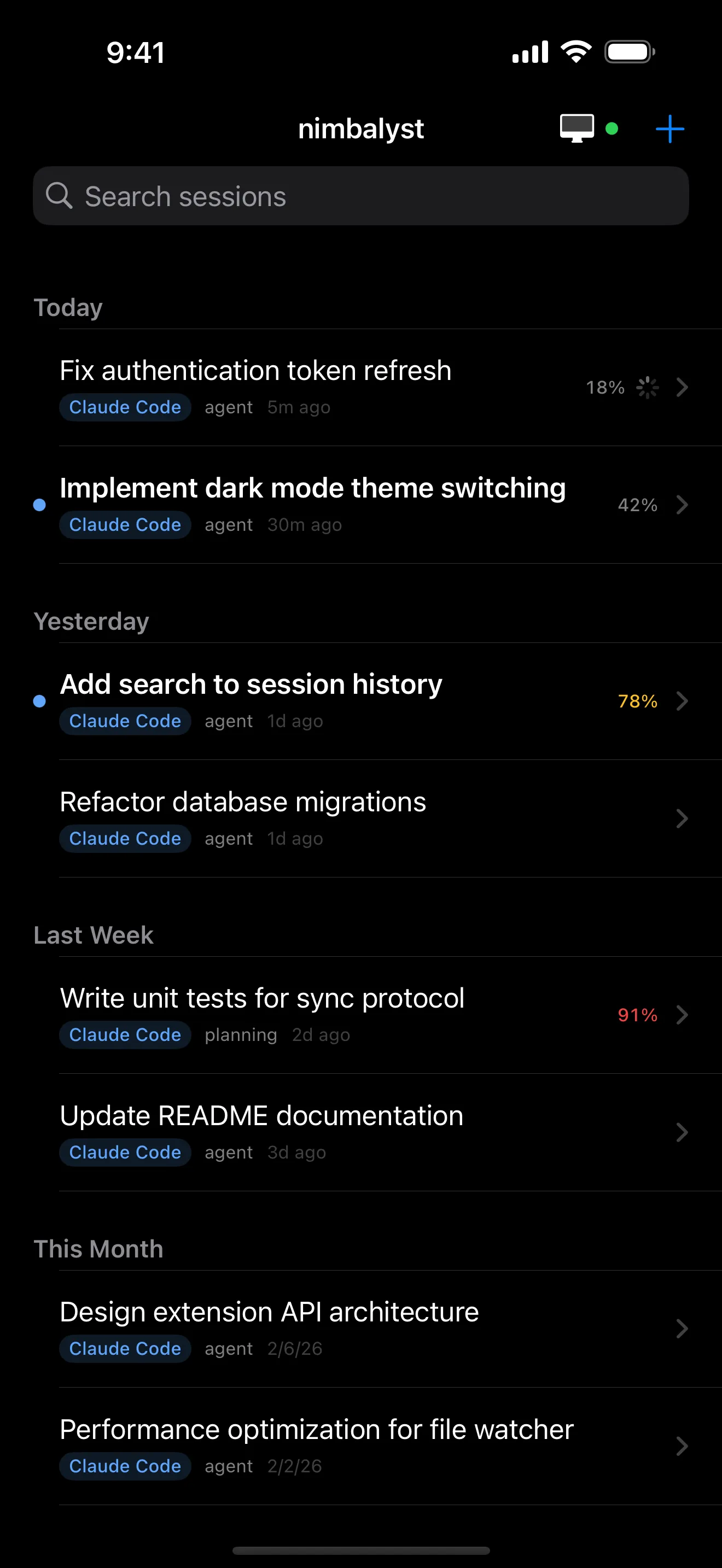
Watch sessions, review diffs, and respond to agent questions from your phone while you are away from your desk.
Comparison
Parallel Claude Code: Nimbalyst vs terminal tabs
| Feature | Terminal tabs | Nimbalyst |
|---|---|---|
| Session count | Limited by tab management | 6+ tracked on a kanban board |
| Worktree isolation | Manual via git CLI | Optional one-click per session |
| Status tracking | Mental model only | Phases, tags, filters |
| File traceability | — | Per-session sidebar |
| Notifications when a session needs input | — | iOS push and desktop notifications |
| Mobile monitoring | — | iOS app |
FAQ
Frequently asked questions
How do I run multiple Claude Code sessions in parallel?
Do parallel Claude Code sessions conflict?
Can I see what each parallel session changed?
How is this different from running multiple terminal tabs?
What models can run in parallel sessions?
Learn More
Related guides and comparisons
Parallel Claude Code Agents: What Breaks After Worktrees
What still breaks when you scale up parallel Claude Code work.
Best Tools for Running Parallel AI Coding Agents
Comparison of every parallel-agent tool in 2026.
Agent Harness for Claude Code and Codex
How a workspace coordinates parallel agents, worktrees, review, and provenance.
Nimbalyst vs Claude Code
The broader comparison for teams deciding between Claude Code alone and a multi-agent workspace.
Git Worktrees for AI Coding Agents
Why worktrees are the right primitive for parallel AI work.
Nimbalyst is the open-source visual workspace for building with Codex, Claude Code, and more
Free for individuals. Works with your existing Claude Code or Codex subscription or API key.
Nimbalyst Teams is multiplayer. Your whole team, Codex, and Claude Code in one shared workspace.