Parallel Claude Code Agents: What Still Breaks
Parallel agents with git worktrees still break in five ways, even after Claude Code desktop's April 14 redesign shipped the feature widely.
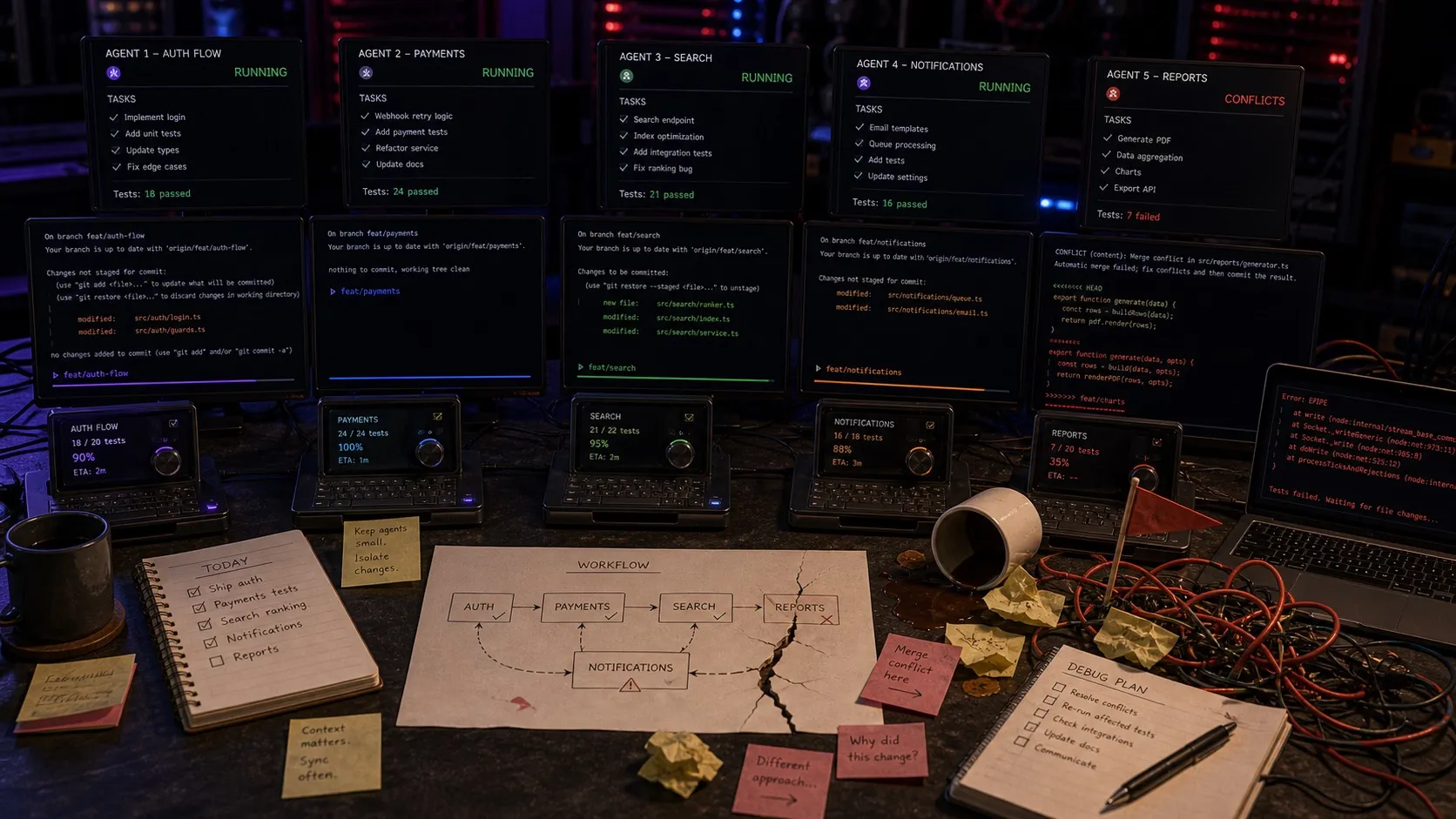
It’s 4pm. You’ve got five Claude Code sessions running at once. Two in worktrees on the same repo. One is a research task sweeping through your transcript pipeline. One is rewriting a config parser. One is a long-running experiment you’ve been nudging along for two days.
One of them pings you. You have no idea which one. You alt-tab through four windows before you find the right session, and by then you’ve forgotten what you were about to ask it.
That’s the part the new tools still don’t fully solve.
The parallel-agent workflow stopped being a frontier a few weeks ago. Cursor 3 shipped an Agents Window built around running many agents in parallel. Windsurf 2.0 added free parallel agents on every plan. On April 14 Anthropic rebuilt the Claude Code desktop app around the same idea: a multi-session sidebar, git worktrees for every session by default, a rebuilt diff viewer aimed at large changesets, and a new Routines feature for scheduled agent work. Every major AI coding tool now ships some version of “run lots of agents at once.”
That’s a real step forward. Worktrees are the correct primitive for file-system isolation, and the new sidebars solve the most obvious orientation problem: knowing what sessions exist. If you were still juggling raw terminal tabs last month, upgrade to one of these tools this week.
After that, five things keep breaking.
1. A session list isn’t the same as knowing what an agent is doing
A session sidebar helps. Claude Code desktop’s new sidebar shows every active session, filters by project and status, and groups them however you want. Cursor’s Agents Window does similar work. Going from zsh, zsh 2, zsh 3 to a dedicated session list is a step-change.
It still doesn’t get you to “what is this agent doing right now.” A list with a status chip tells you session 3 is in progress. It doesn’t tell you that session 3 was supposed to refactor the file watcher but is currently stuck reconciling three conflicting test fixtures, and that you already wrote notes about those fixtures last Tuesday in another session’s transcript. The session is a row. The work is a richer object than a row.
2. Finding the session that’s pinging you is better, not solved
The new sidebars partially fix this. A session waiting on permission shows up differently from one that’s still running. That’s a real improvement over terminal bells.
What still isn’t there is the connective tissue between sessions and the work they’re attached to. Imagine you’re heads-down on one session and another pings you. You want to see the question in context: not just “session 3 needs input” but “session 3 (refactor file watcher, linked to tracker item #432) is asking whether to keep the old onChange signature.” That’s a product question, and the answer usually lives in something other than the session that’s asking.
3. Reviewing diffs across parallel agents is still brutal
Every new tool has rebuilt the diff viewer. Claude Code desktop’s rebuilt viewer is aimed at large changesets. Cursor 3’s has its own pass at it. These are genuine improvements over git diff | less.
The real gap isn’t per-diff UI, it’s cross-diff review. Picture a common scenario: one agent refactors your file watcher, another adds new IPC handlers that call into the watcher, and a third writes tests exercising both. All three changesets land in the same hour. No single-session diff viewer surfaces “these three changes are coupled and need to be reviewed together.” You end up back in your terminal running git diff main.. across three worktrees and copy-pasting to compare. We haven’t seen a tool that treats related parallel agent work as a single reviewable unit.
4. Context handoff between agents is still manual
This one hasn’t really moved. Agent A designs a data model. Agent B implements the migration and updates the queries. Agent C writes tests. Each agent can read the code. What they can’t easily recover is the reasoning from the previous session: why you picked this structure, what you ruled out, what customer conversation prompted the change.
Every AI coding tool has a transcript, and every transcript is trapped inside the session that produced it. There’s no clean way to say “carry the relevant chunks of session A’s transcript forward to session B” without copy-pasting. You do it because it works. You skip it when you’re tired, and the next agent’s work gets measurably worse.
It’s worse when you mix tools. Claude Code is better at some tasks, Codex is better at others, and plenty of developers use both in the same day. A Claude Code session’s transcript isn’t legible to a Codex session, and vice versa. Every cross-tool handoff means a round trip through the clipboard.
5. Scheduled work needs access to the whole workspace
Claude Code now has Routines. Cursor has scheduled agents. The space is moving here fast.
What’s actually needed is scheduled work that can read and write across the full workspace, not run in isolation. Every morning an agent pulls yesterday’s customer support tickets, clusters them, and drops a summary into a markdown file you can read with coffee. Every Monday an agent sweeps the repo for TODOs older than a month and files tracker items. Every deploy an agent checks the release notes against the commit log. A stateless scheduled script does part of that. A scheduled agent that sees your open sessions, your tracker items, your decisions, and yesterday’s transcripts does all of it.
What actually needs to exist
Stack these five gaps and the pattern is clear. The parallel-agent layer is now table stakes. Multiple tools do it and do it well. The next layer up, the workspace around the sessions, is still mostly empty:
Work as a first-class object. Not sessions on a list, but tasks with linked context, related sessions, review state, and connections to the decisions that shaped them.
Cross-session review. When three parallel agents touch coupled code, the review surface should know they’re coupled.
Shared context that travels. Transcripts, notes, decisions, mockups, data models, all readable by any agent in the workspace without copy-pasting.
Scheduled agents that see the whole workspace. Not stateless cron. Scheduled work with access to the same context the interactive sessions have.
That’s the layer we’re building with Nimbalyst. It works across Claude Code and Codex (you can run sessions from both in the same workspace), gives every session a card on a kanban, puts transcripts, notes, diagrams, and data models in the same file tree so any agent can read them, and runs scheduled automations that share that context. Our thesis is that the coding tools have won the session-management fight, and the next fight is about the workspace around the sessions, and it has to span whichever agents developers actually use.
If any of this resonates, or if you’ve solved these same gaps with a different setup, we’d love to hear what’s working for you. Running five agents used to be the hard part. Running five agents well, with everything they need to understand the project, is what’s still open.
Related posts
-
Spec-Driven Development with Coding Agents: A Practical Guide
Spec-driven development treats a written specification as the source of truth and code as its output. What a spec contains, how to hand one to Claude Code or Codex, how to keep it current as the code moves, where the practice breaks, and how Spec Kit, Kiro, BMAD, GSD, and OpenSpec compare.
-
Why we put Obsidian, Linear, Terminal, Codex app, and Conductor in one workspace
Plans, diagrams, tasks, agent sessions, and diff review used to live in five apps. Putting them in one workspace changes how agentic engineering feels.
-
What Agentic Engineering Is and How to Practice It
Agentic engineering is a software workflow built around delegation, structured context, parallel execution, and rigorous review. Here is how to do it well.