
The Best Way to Work with Claude Code
Nimbalyst is the free, local, interactive visual editor & session manager where you iterate with Claude Code on your sessions, markdown docs, mockups, diagrams, csv, Excalidraw, data models, MCP, and code
Work in a local, WYSIWYG, markdown editor powered by Claude Code
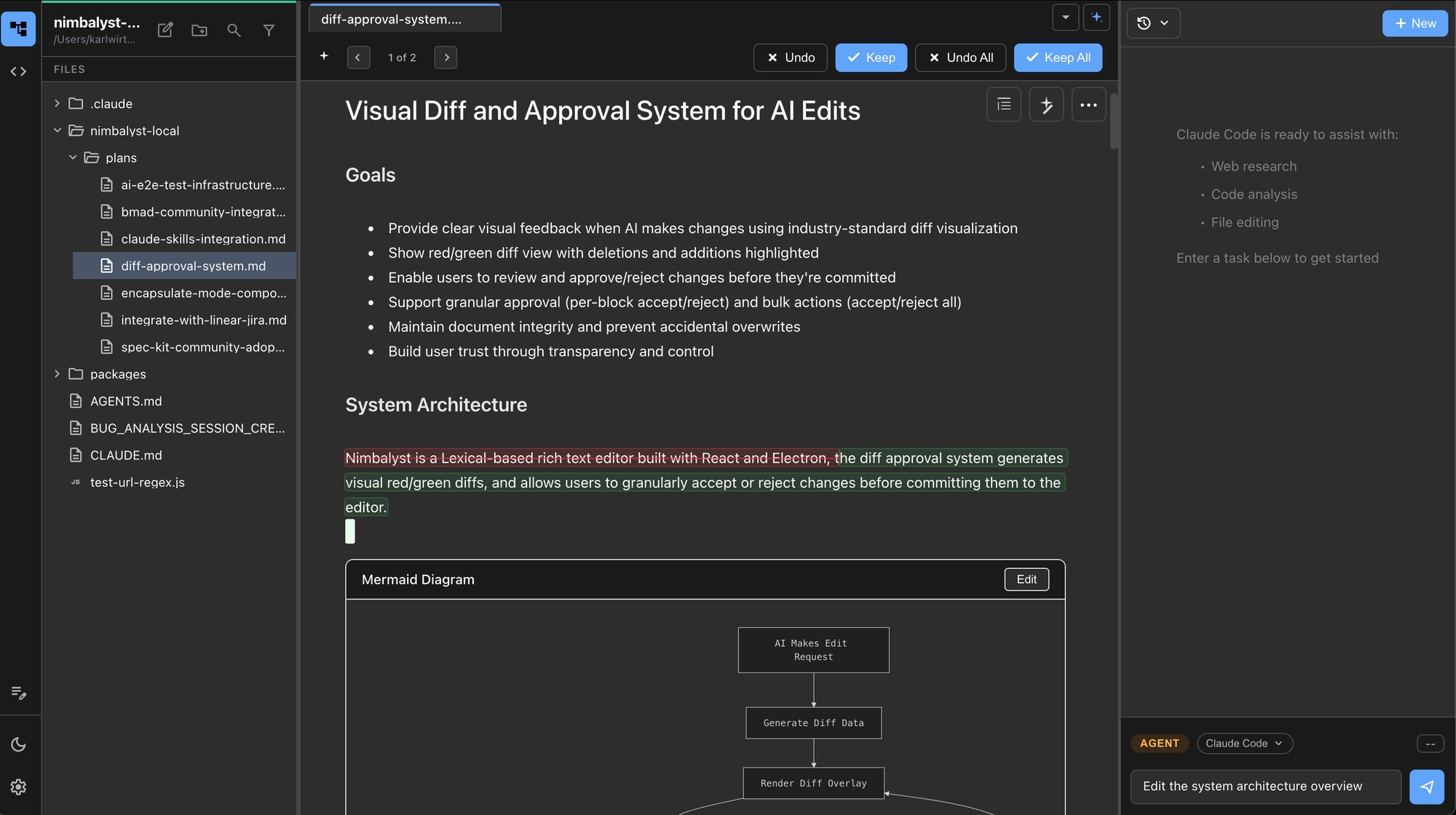
Don't limp along in an IDE wasn't built for words and diagrams. Stop switching between your markdown editor and the command line.
Manage agents' work across parallel Claude Code sessions
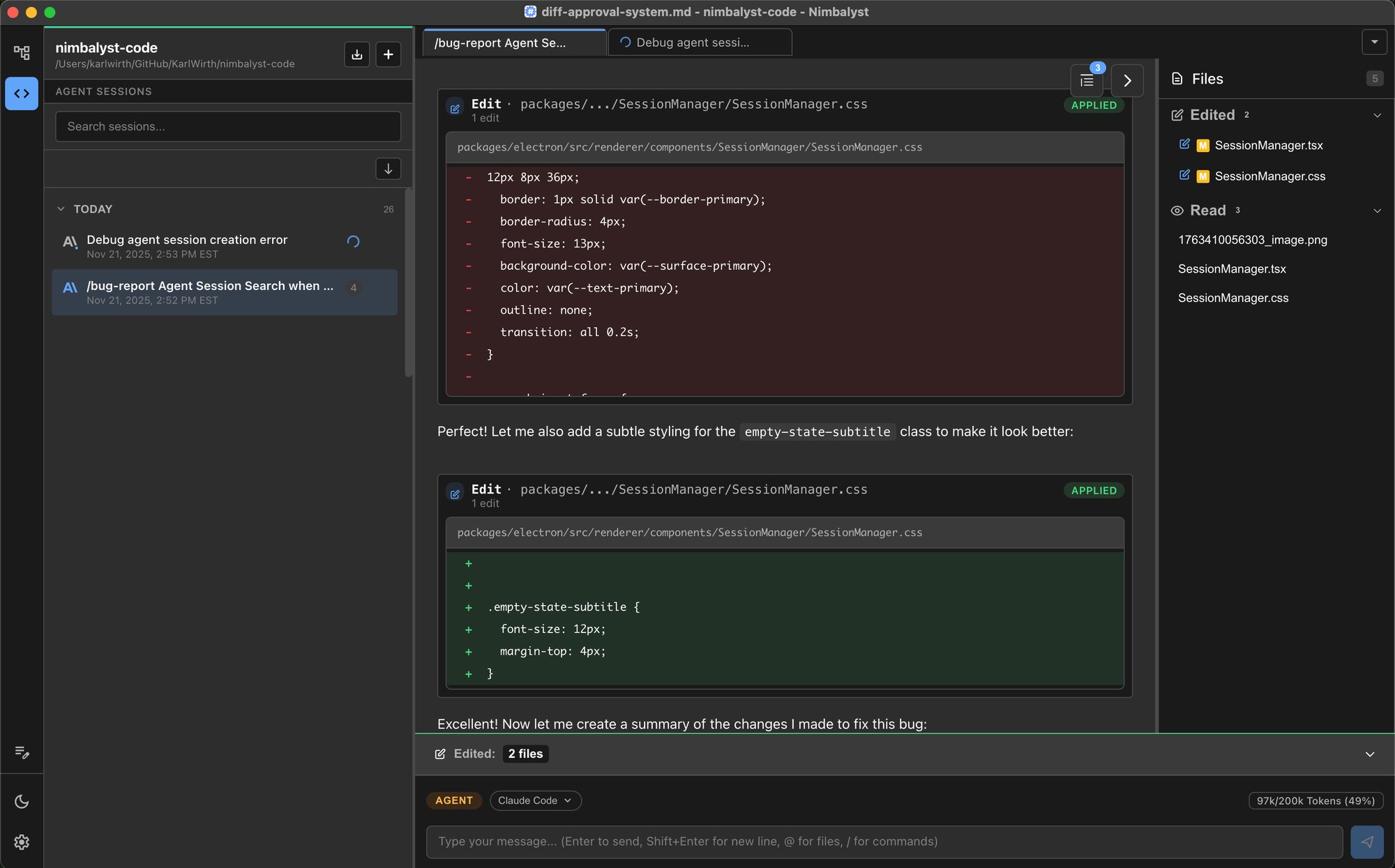
Tie sessions to documents to sessions, find and resume sessions, treat sessions as context, code, review, commit.
Iterate with AI on html mockups. Annotate, edit, embed, & use to code.
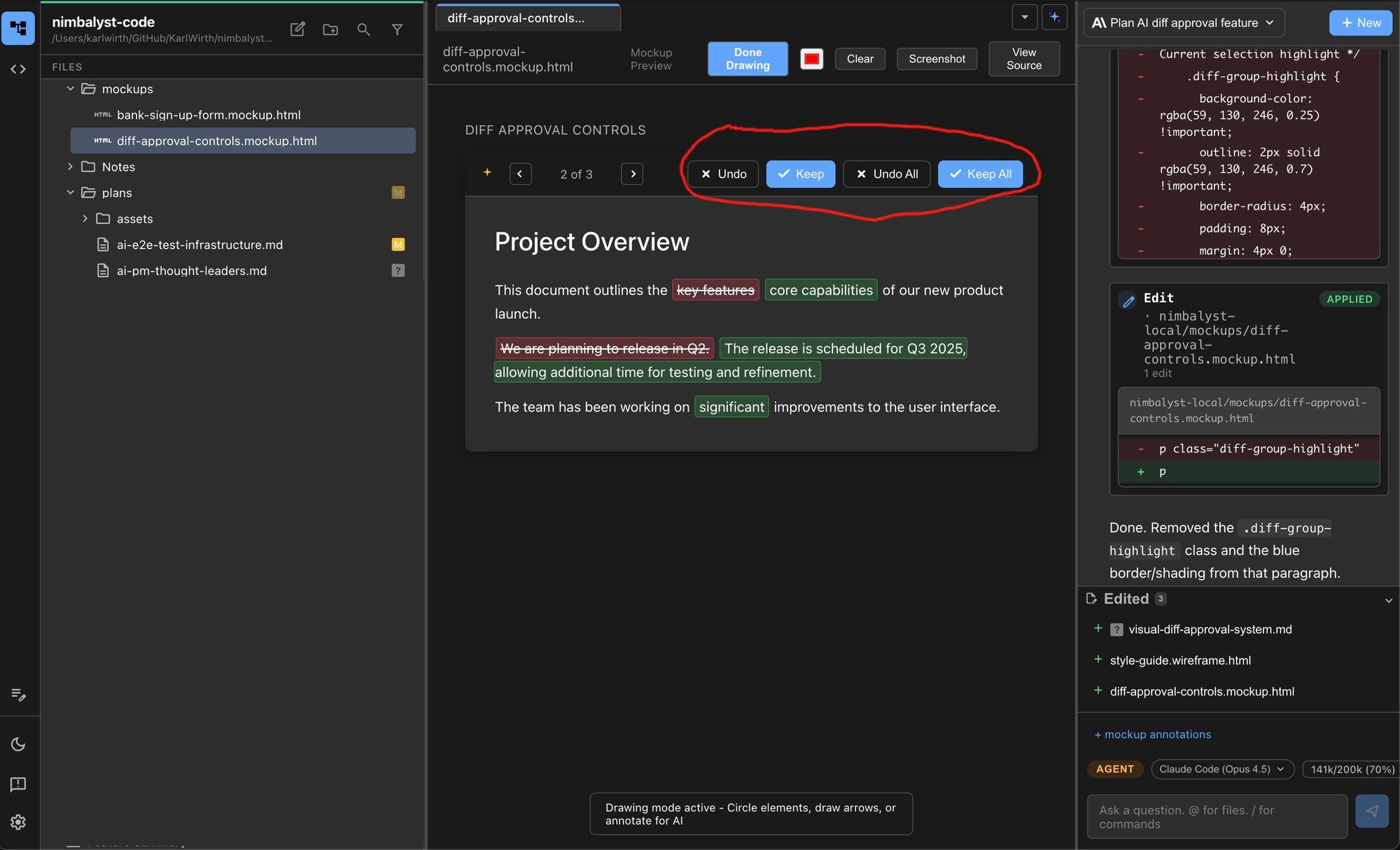
Use all your context (docs, sessions, code) to build your mockups with Claude Code. And vice versa. No copy/paste needed.
CSV too? Yup. You and Claude Code can both edit CSV in Nimbalyst
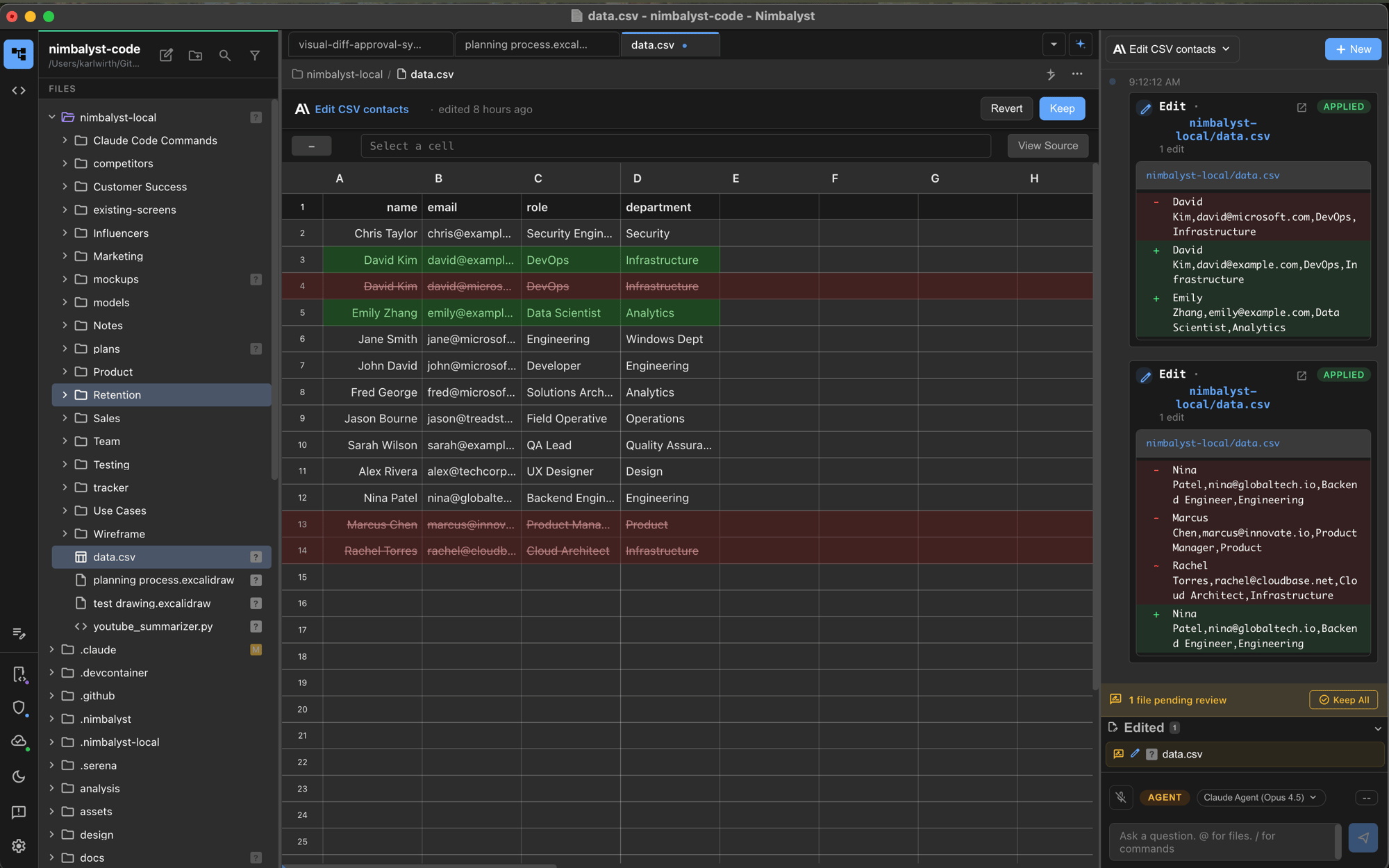
Review Claude Code's changes. Approve, Reject, Edit, Iterate.
Excalidraw. Imagine you and Claude Code drawing together.
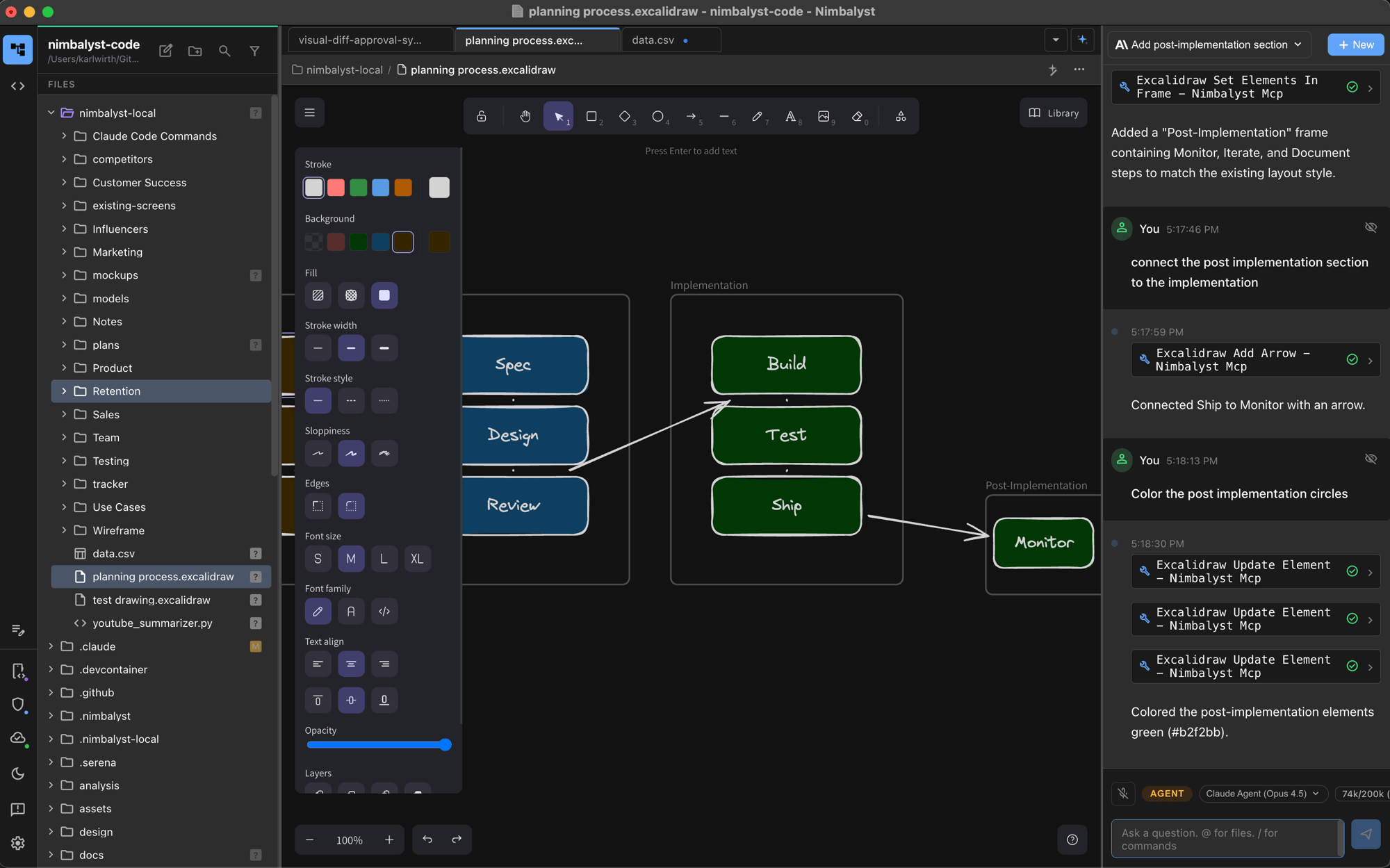
All your context. All available. All used by you and Claude Code.
Build your data model with AI based on your code and docs. Use it to write better code.
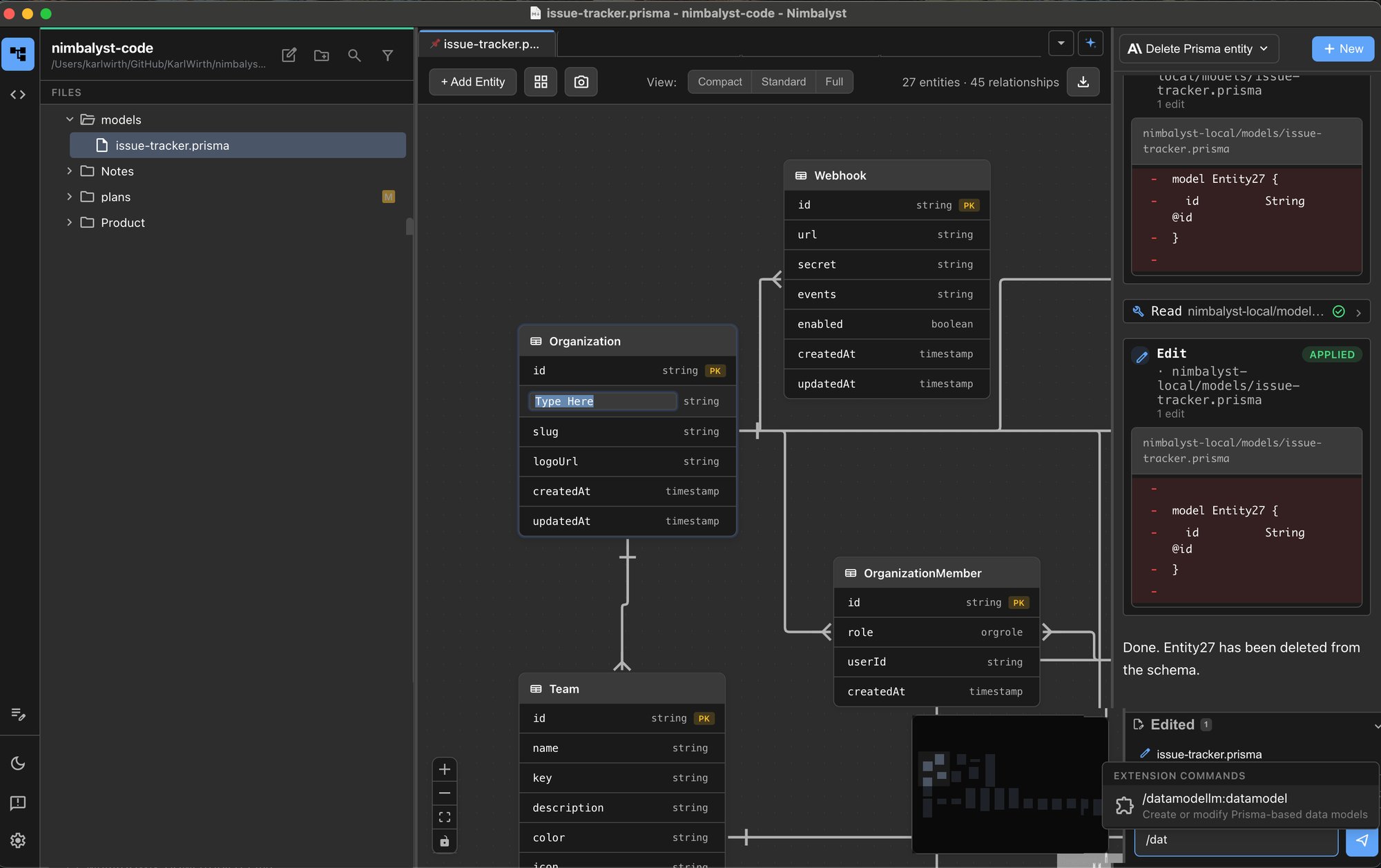
Export your data models in standard formats. Work with them in Nimbalyst with Claude Code.
Edit your code with Claude and on your own. Approve Claude's changes
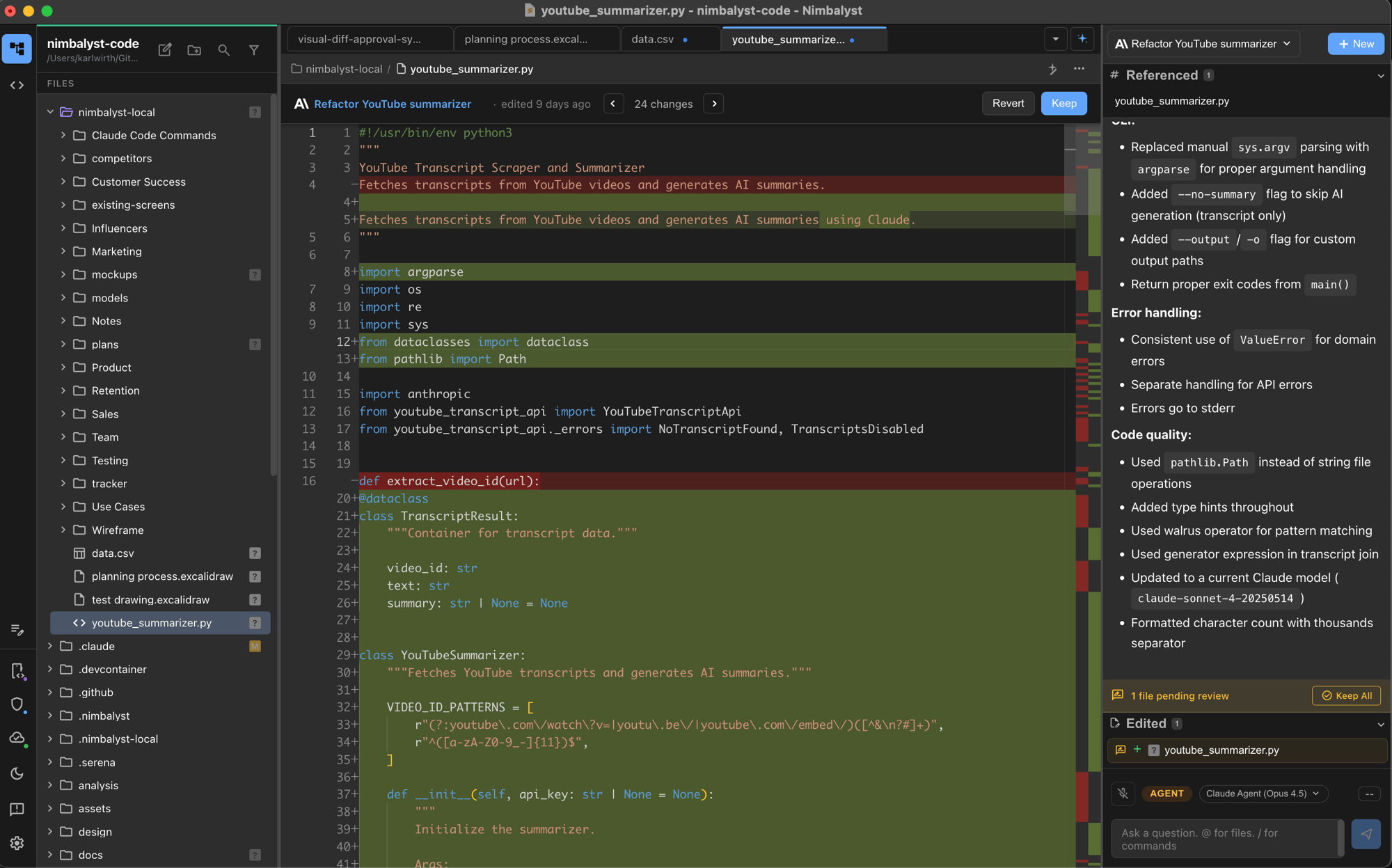
Integrate your context. Work in one UI with all your files local and in git.
You are working in a new way. Use the right tool for the job.
Nimbalyst unleashes Claude Code from the terminal
| Nimbalyst | Claude Code CLI | |
|---|---|---|
| Claude Code | ||
| Access to the full power of Claude Code | ✓ | ✓ |
| Use your Anthropic monthly account | ✓ | ✓ |
| Session Management | ||
| Preserves conversation history | ✓ | ✕ Deletes buffer |
| Session tracking & organization | ✓ | ✕ |
| Search for a session | ✓ | ✓ |
| Named sessions | ✓ | ✕ |
| Parallel sessions | ✓ | Multiple terminals |
| Tie Sessions to Files Modified | ✓ | ✕ |
| Search conversations | ✓ | ✕ |
| File Context | ||
| Shows which file was edited | ✓ | ✕ |
| Understands contents of open file | ✓ | Limited |
| One-click file opening | ✓ | ✕ |
| Configuration | ||
| Visual MCP server installation | ✓ | ✕ |
| Interactive Visual Editors | ||
| Markdown | ✓ | ✕ |
| Mockups | ✓ | ✕ |
| Mermaid diagrams | ✓ | ✕ |
| Data Model Editor | ✓ | ✕ |
| CSV Editor | ✓ | ✕ |
| Excalidraw Editor | ✓ | ✕ |
| Code | ✓ | ✕ |
Nimbalyst eliminates the cognitive overhead of juggling Claude Code, Obsidian, and your IDE in separate windows.
| Obsidian | Nimbalyst | VSCode, IDE | |
|---|---|---|---|
| For: | Editing markdown | Achieving maximum bandwidth between human and agent |
Editing code |
| Code Aware? | ✕ | ✓ | ✓ |
| Visual Interactive Editors powered by Claude Code | |||
| Markdown | Limited | ✓ | Limited |
| Mermaid | Limited | ✓ | ✕ |
| Mockups | ✕ | ✓ | ✕ |
| Data Model | ✕ | ✓ | ✕ |
| CSV Editor | ✕ | ✓ | ✕ |
| Excalidraw | Limited | ✓ | ✕ |
| Code | ✕ | ✓ | ✓ |
| Parallel AI Session Management | ✕ | ✓ | Limited |