Git
Visual git log with push, pull, and branch management, with AI assistance
by Nimbalyst v1.0.0
filesystem
Available in the Nimbalyst Extension Marketplace
Don't have Nimbalyst yet? Download it
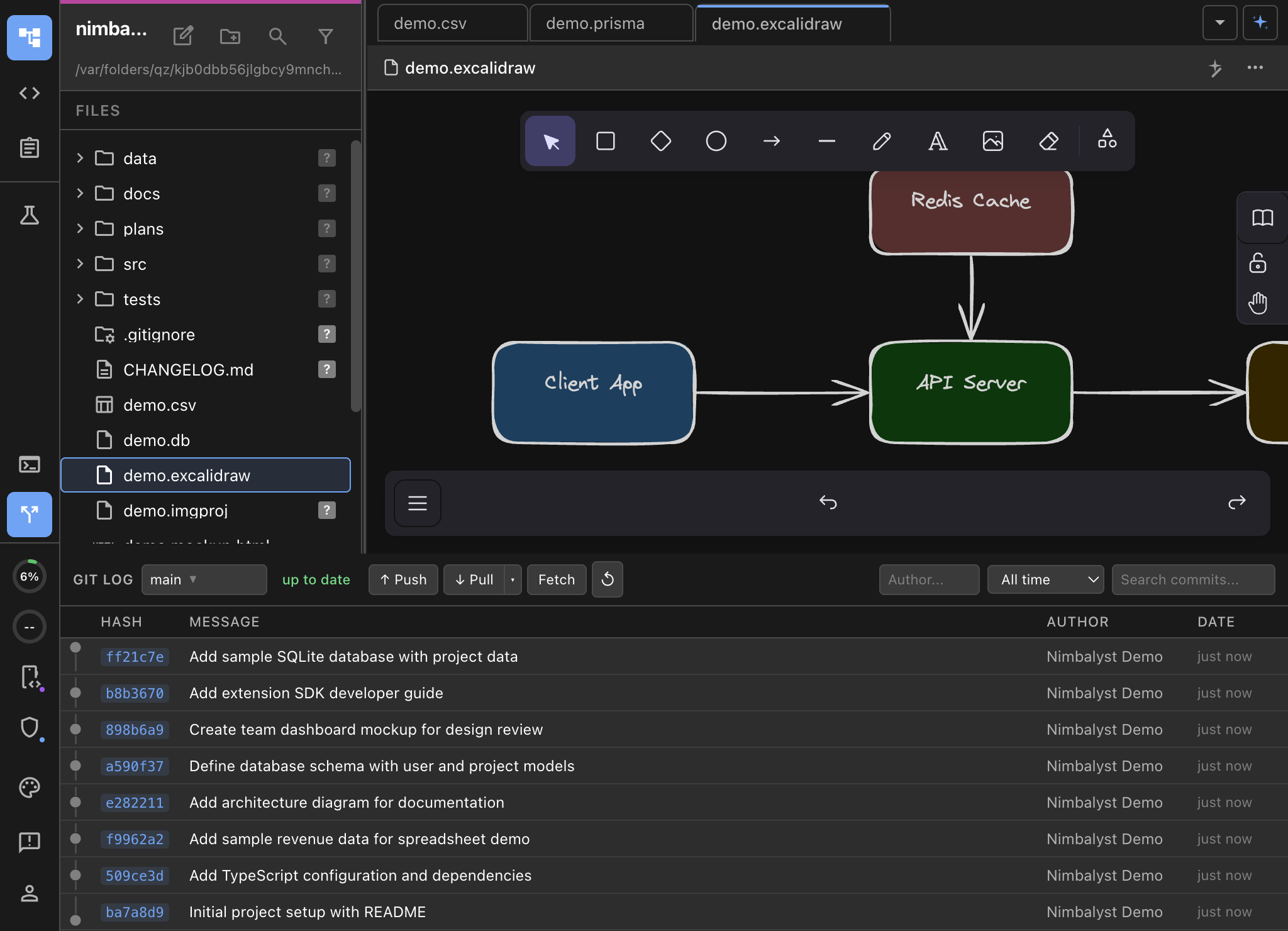
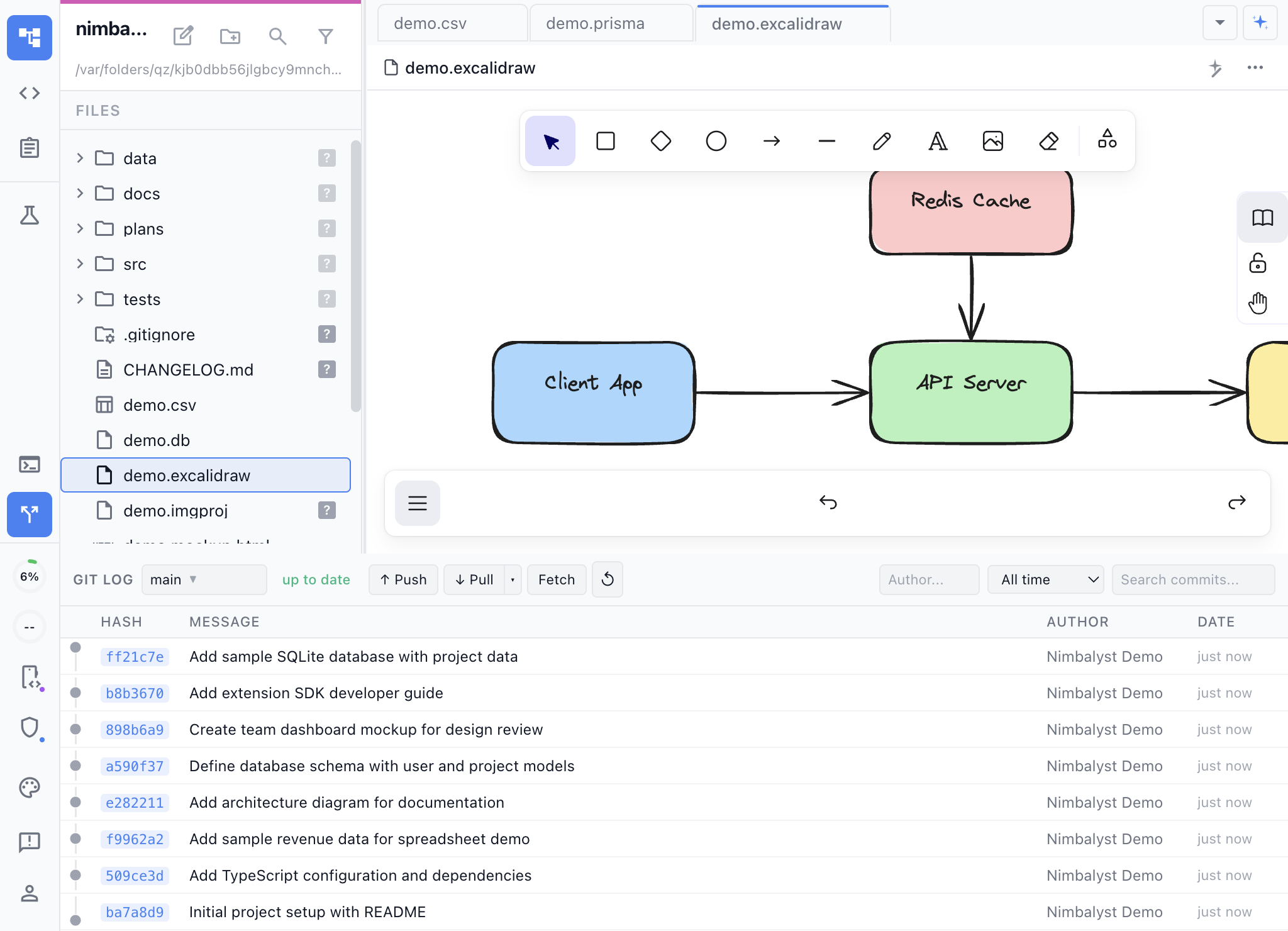
Git History at Your Fingertips
The Git extension adds a visual commit log panel to Nimbalyst’s bottom panel area. Browse your project’s history, inspect diffs, push and pull changes, and manage branches — all without opening a terminal.
Key Features
- Visual commit history — See your commit log with authors, dates, and messages in a clean, scrollable list.
- Diff inspection — Click any commit to see exactly what changed, with full diff highlighting.
- Push, pull, and rebase — Common git operations available directly from the panel.
- Branch management — Switch branches, create new ones, and see which branch you’re on.
- Keyboard shortcut — Toggle the panel with Ctrl+Shift+G (or Cmd+Shift+G on macOS) for quick access.
Use Cases
- Code review context — Browse recent commits to understand what changed before reviewing or modifying code.
- Release preparation — Review the commit log to write changelog entries or verify what’s included in a release.
- Branch navigation — Quickly switch between feature branches without leaving the editor.
- Collaboration — See what teammates have pushed and pull their changes.
How It Works
Press Ctrl+Shift+G to open the Git Log panel at the bottom of your workspace. The panel shows the commit history for the current branch. Click commits to inspect diffs. Use the toolbar buttons for push, pull, and branch operations.