Nimbalyst Mindmap
Freeform spatial mindmap editor with AI-assisted editing
.mindmap Available in the Nimbalyst Extension Marketplace
Don't have Nimbalyst yet? Download it
Why Mindmaps in Nimbalyst?
Mind maps are one of the most effective tools for brainstorming, organizing knowledge, and exploring ideas spatially. Nimbalyst Mindmap gives you an infinite canvas with a keyboard-driven workflow and AI that can generate entire maps from a description.
Think spatially, organize visually. Start with a central idea and branch out. Color-code branches by category, add notes and tags to nodes, and let the AI expand topics you want to explore deeper.
Key Features
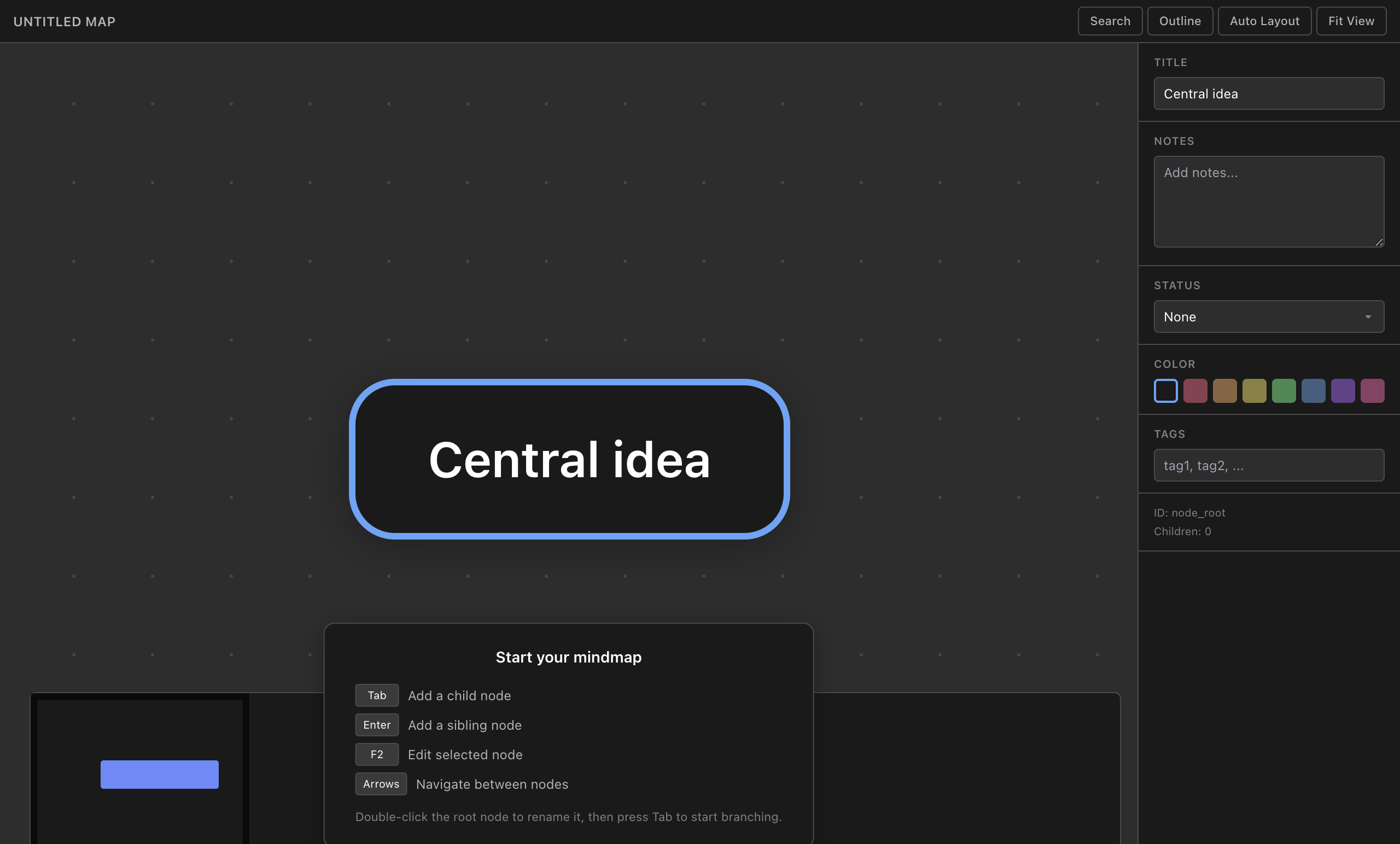
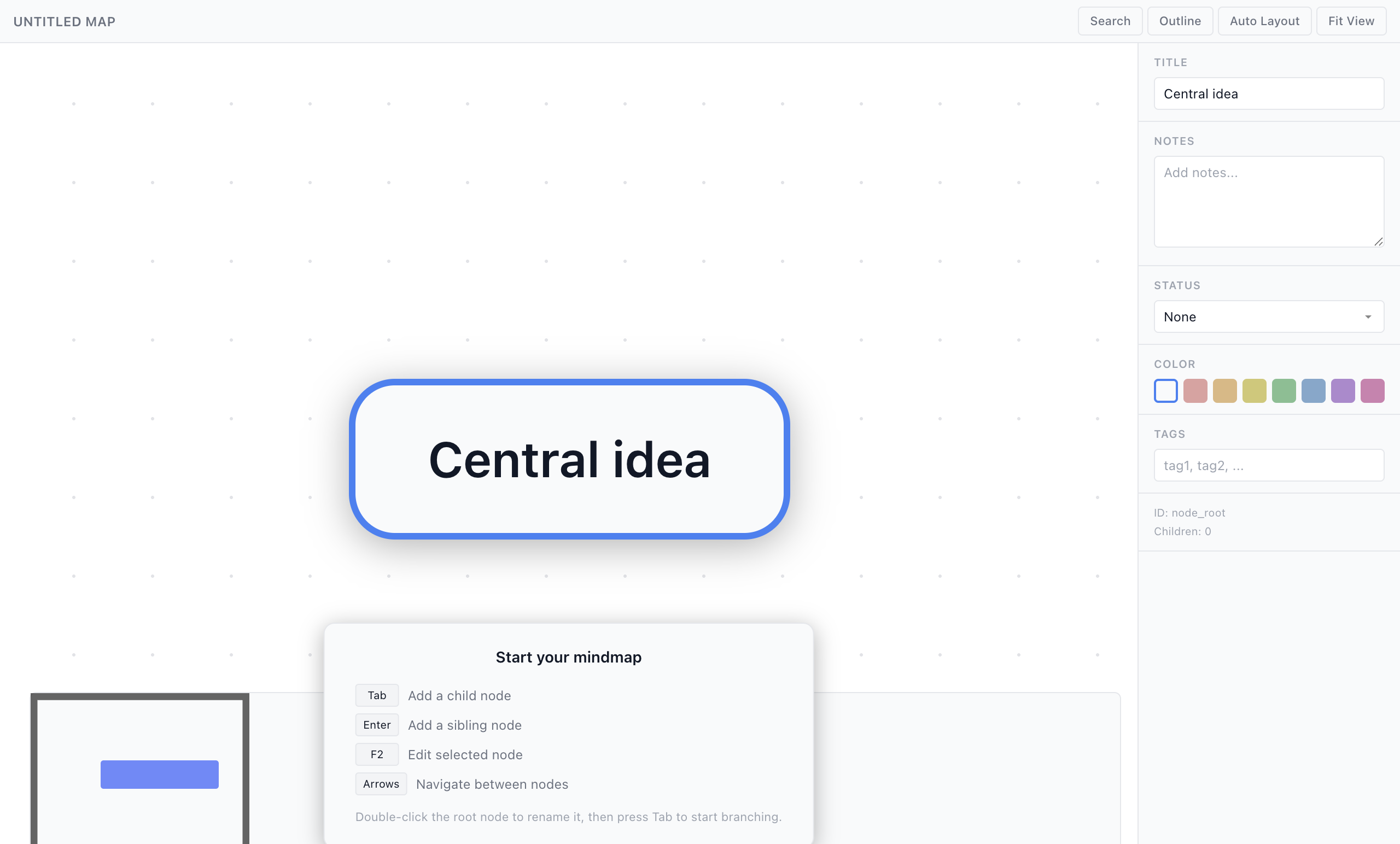
- Infinite canvas — Pan and zoom freely. The minimap in the corner shows your position in the full map.
- Keyboard-driven — Tab to add children, Enter for siblings, F2 to edit, arrow keys to navigate. Fast and fluid.
- Color-coded branches — Assign colors to nodes and their children for visual categorization.
- Node properties — Each node supports a title, notes, status, color, and tags.
- Auto layout — One-click automatic layout organizes your map cleanly.
- Outline view — Toggle between the spatial canvas and a hierarchical outline for quick editing.
- Search — Find nodes by text across the entire map.
- AI-powered creation — Describe a topic and the AI generates a complete mind map with branches, sub-branches, and color coding.
Use Cases
- Research organization — Map out a domain with interconnected concepts and references.
- Project planning — Break down a project into workstreams, tasks, and dependencies.
- Meeting notes — Capture ideas spatially during brainstorming sessions.
- Learning maps — Organize what you’re learning about a new topic hierarchically.
- Decision trees — Explore options and their implications visually.
How It Works
Create a new .mindmap file from the New File menu. Double-click the root node to rename it, then press Tab to add child nodes. Use the property panel on the right to set colors, notes, and tags. Ask the AI to create a mind map from a topic using the /mindmap command, or ask it to expand specific branches.