PDF Viewer
View PDF documents directly in the editor, with AI assistance
by Nimbalyst v1.0.0
.pdf filesystem
Available in the Nimbalyst Extension Marketplace
Don't have Nimbalyst yet? Download it
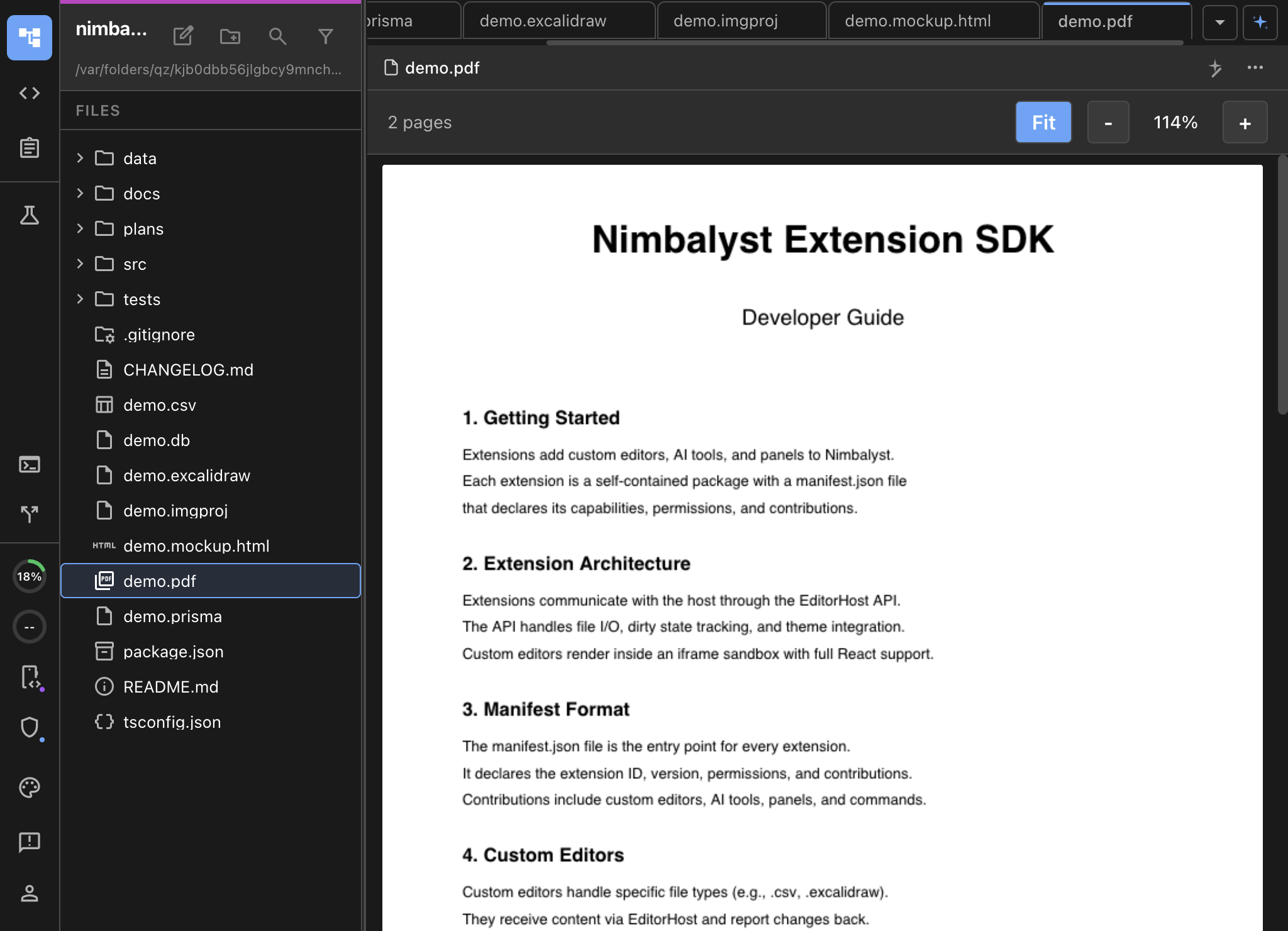
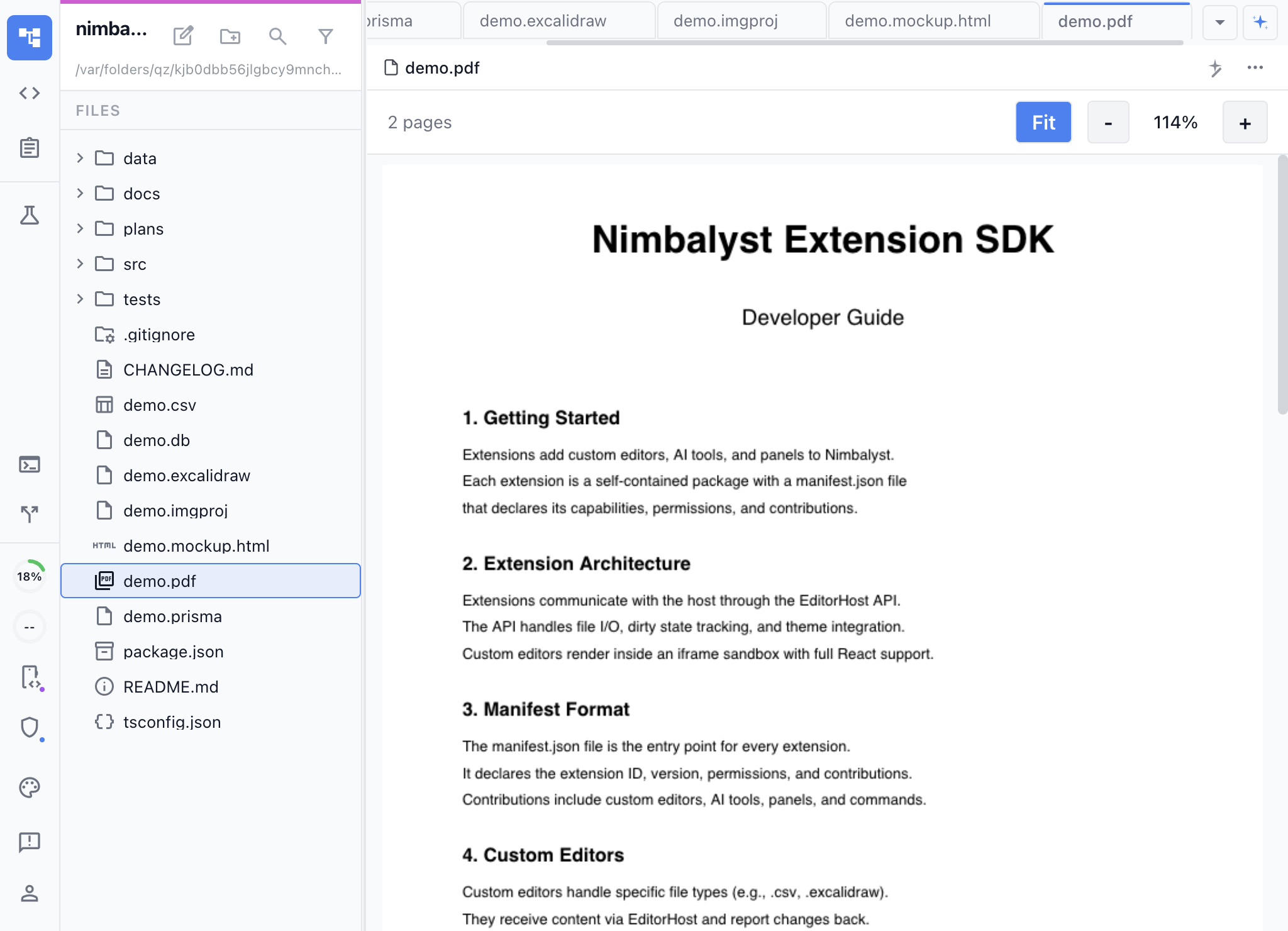
Read PDFs Without Leaving Your Workspace
Reference documentation, research papers, design specs, vendor contracts — PDFs are part of every project. The PDF Viewer extension lets you open them directly in Nimbalyst instead of switching to Preview or a browser tab.
Key Features
- Full-fidelity rendering — PDFs render exactly as they should, with fonts, images, and layouts preserved.
- Multi-page navigation — Scroll through documents or jump to specific pages.
- Zoom controls — Zoom in on details or zoom out for an overview.
- Stays in context — Keep your code, notes, and PDFs all in the same workspace with tabs.
Use Cases
- API documentation — Reference PDF specs alongside your implementation code.
- Research papers — Read papers while taking notes in markdown in an adjacent tab.
- Design handoffs — View design PDFs next to the code implementing them.
- Project documentation — Keep vendor docs, contracts, and specs in your project folder and open them inline.
How It Works
Open any .pdf file from the file tree or tab bar. The viewer renders all pages in a scrollable view with page navigation controls. That’s it — no configuration needed.