SQLite Browser
Browse and query SQLite databases with AI assistance
by Nimbalyst v1.0.0
.db.sqlite.sqlite3.db3 filesystem ai
Available in the Nimbalyst Extension Marketplace
Don't have Nimbalyst yet? Download it
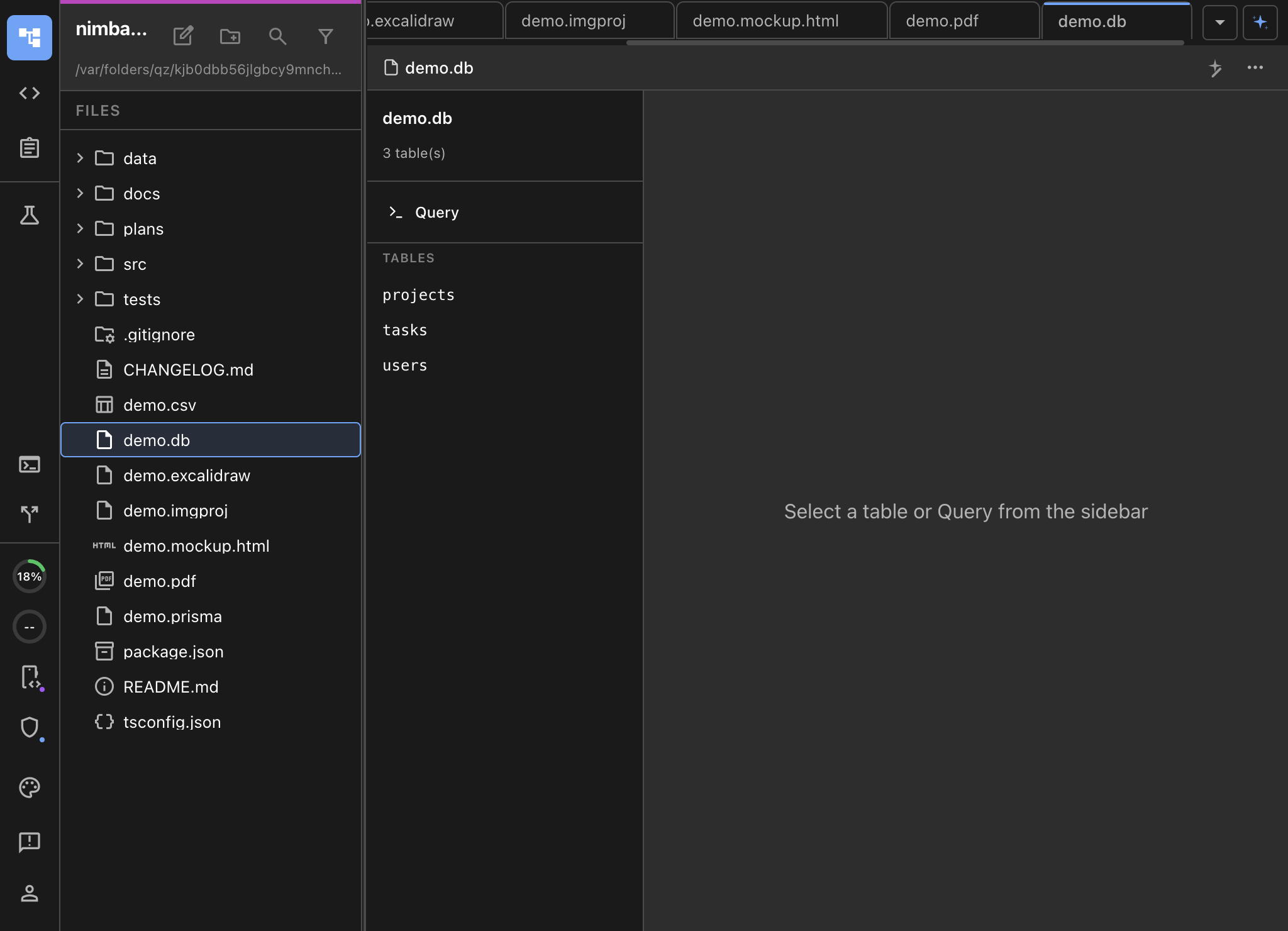
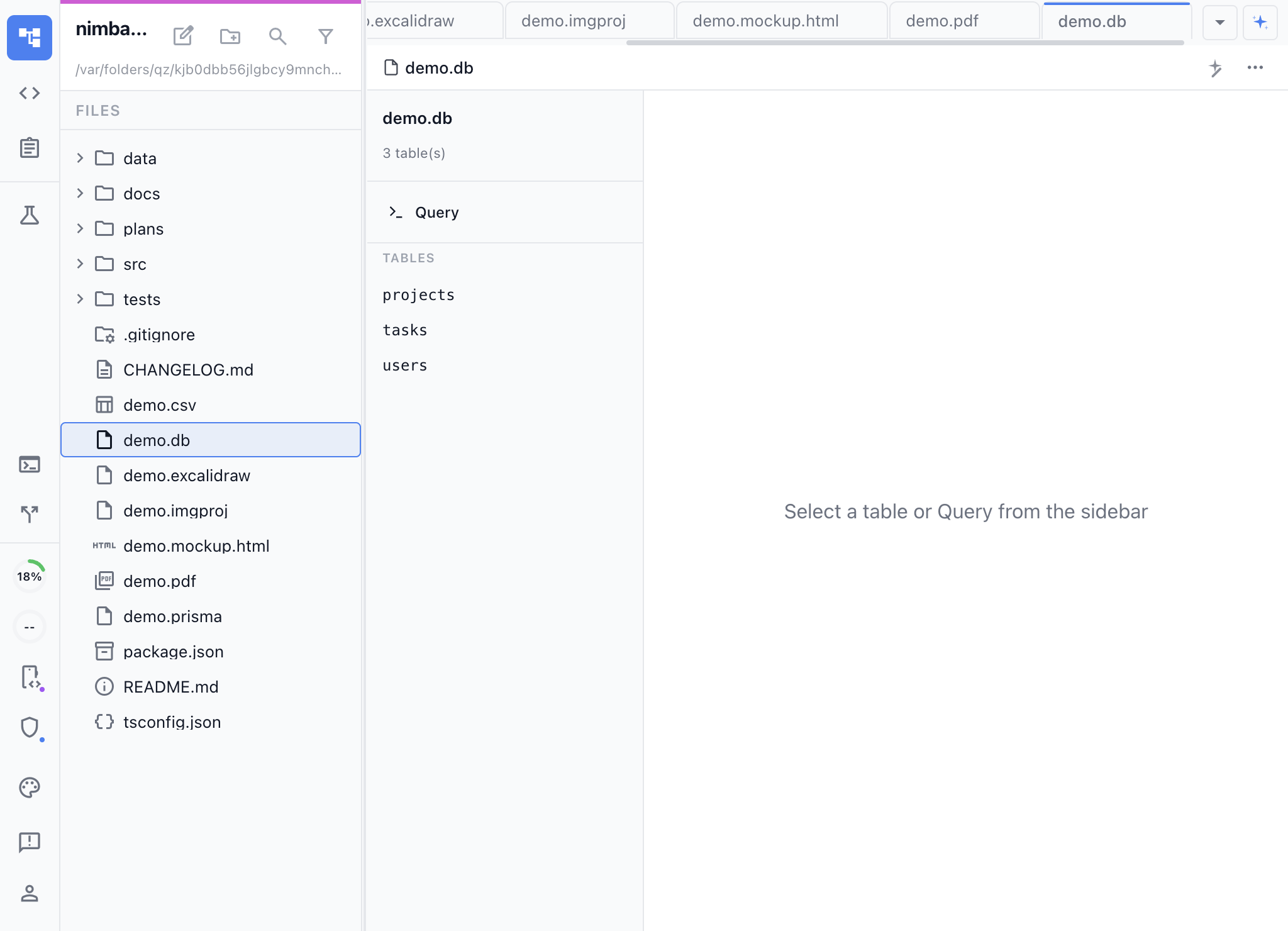
Your Database, Right in Your Editor
SQLite is everywhere — local app storage, embedded analytics, prototyping, test fixtures. But browsing a .db file usually means switching to a separate tool. The SQLite Browser extension opens any SQLite database directly in Nimbalyst so you can explore data without leaving your workspace.
Key Features
- Visual table browser — See all tables at a glance, browse rows with column sorting, and preview data without writing a single query.
- AI-powered SQL — Describe what you want in natural language and the AI writes the SQL for you. Ask “show me the top 10 users by order count” and get the query and results instantly.
- Schema introspection — Inspect table structures, column types, indexes, and foreign key relationships.
- Query editor — Write and run raw SQL queries with syntax highlighting and result tables.
Use Cases
- Exploring local databases — Open
.dbfiles from mobile apps, Electron apps, or embedded systems to inspect their contents. - Debugging data issues — Quickly query and filter data to track down bugs without a separate database client.
- Learning SQL — Ask the AI to explain queries or generate examples against your actual data.
- Prototyping — Use SQLite as a lightweight data store during development and browse it without context-switching.
How It Works
Open any .db, .sqlite, .sqlite3, or .db3 file and the SQLite Browser loads automatically. Browse tables in the sidebar, click a table to preview its data, or switch to the query editor to run SQL. The AI has access to your schema and can write queries, analyze tables, and explain results.