Extensions
Nimbalyst is built out of its own extensions
The diagram editor, the mockup editor, data models, spreadsheets, the SQLite browser, the git panel, agent memory, scheduled runs, and the planning commands are all extensions. They use the same manifest, the same editor contract, and the same agent hooks that your extension uses. Ask for the editor you wish existed and your agent can build it, install it, and reload it while you keep working.
Free for individuals. Works with your existing Claude Code or Codex subscription or API key.


Capabilities
What the extension system gives you
Everything here is already an extension
Diagrams, mockups, data models, spreadsheets, PDF, SQLite, the browser preview, and image generation are extensions. So are the git panel, agent memory, scheduled agent runs, GitHub issue import, and the design, implement, and track commands. None of them have access your extension does not.

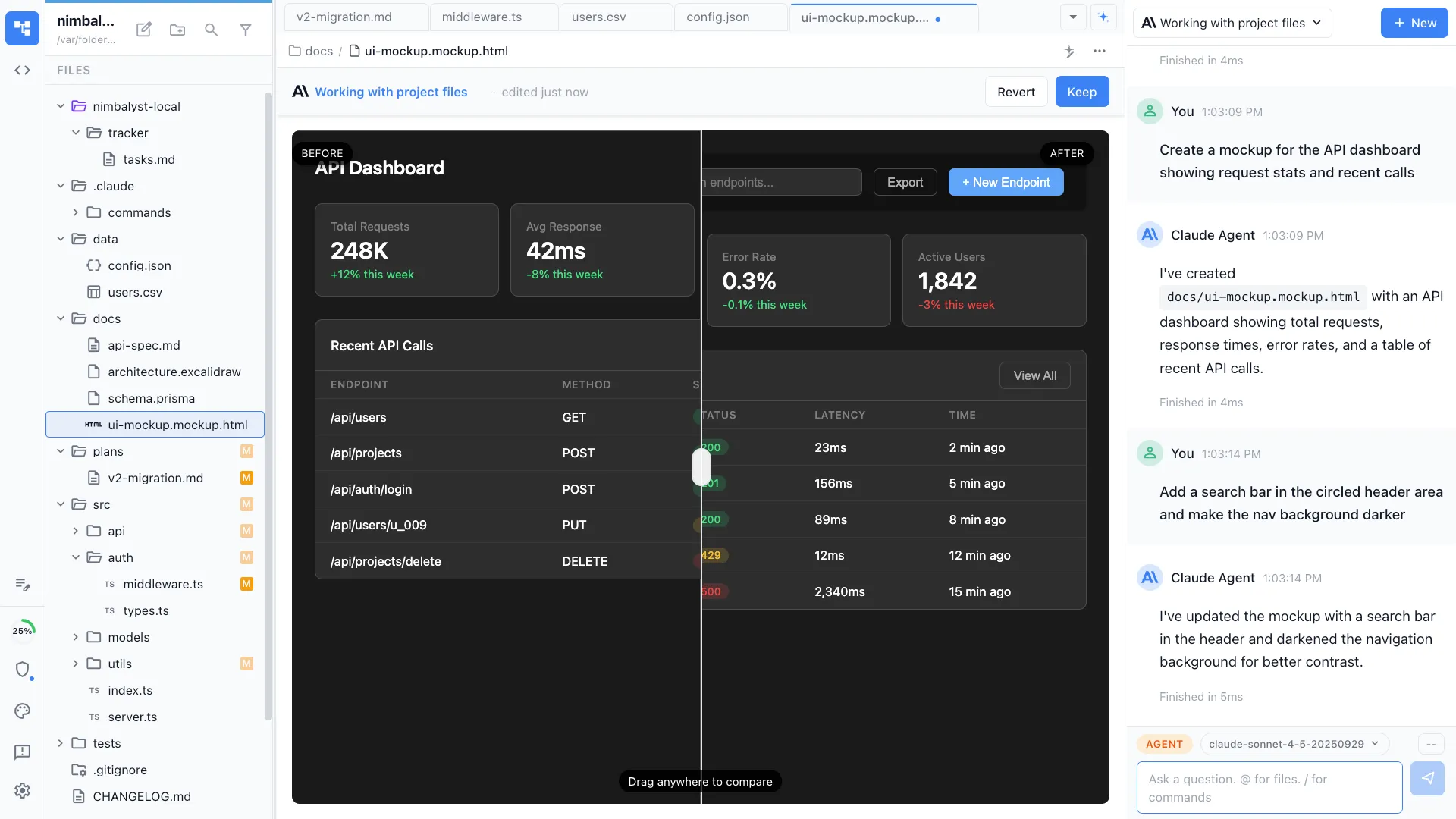
Real editors, with the same standing
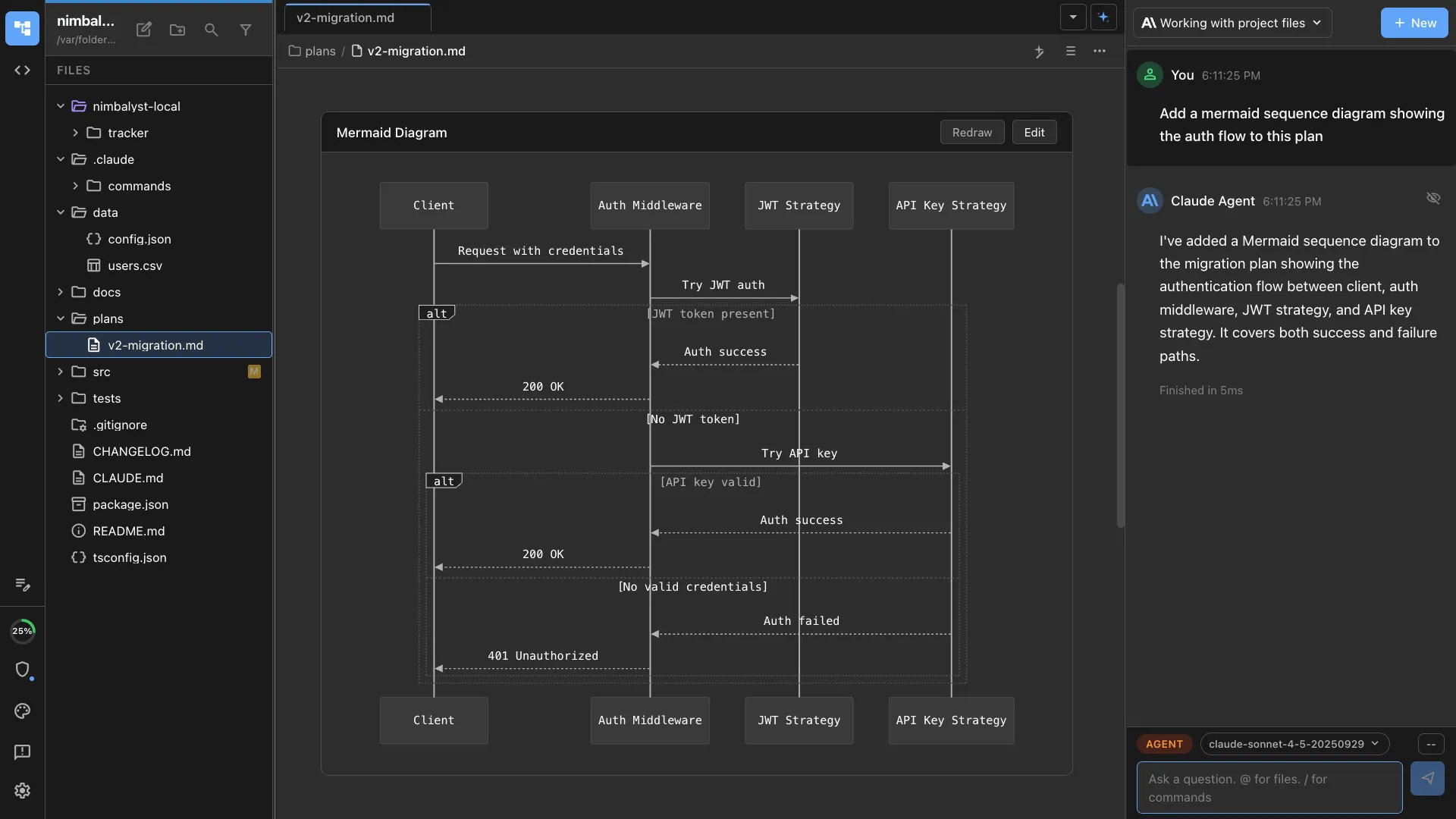
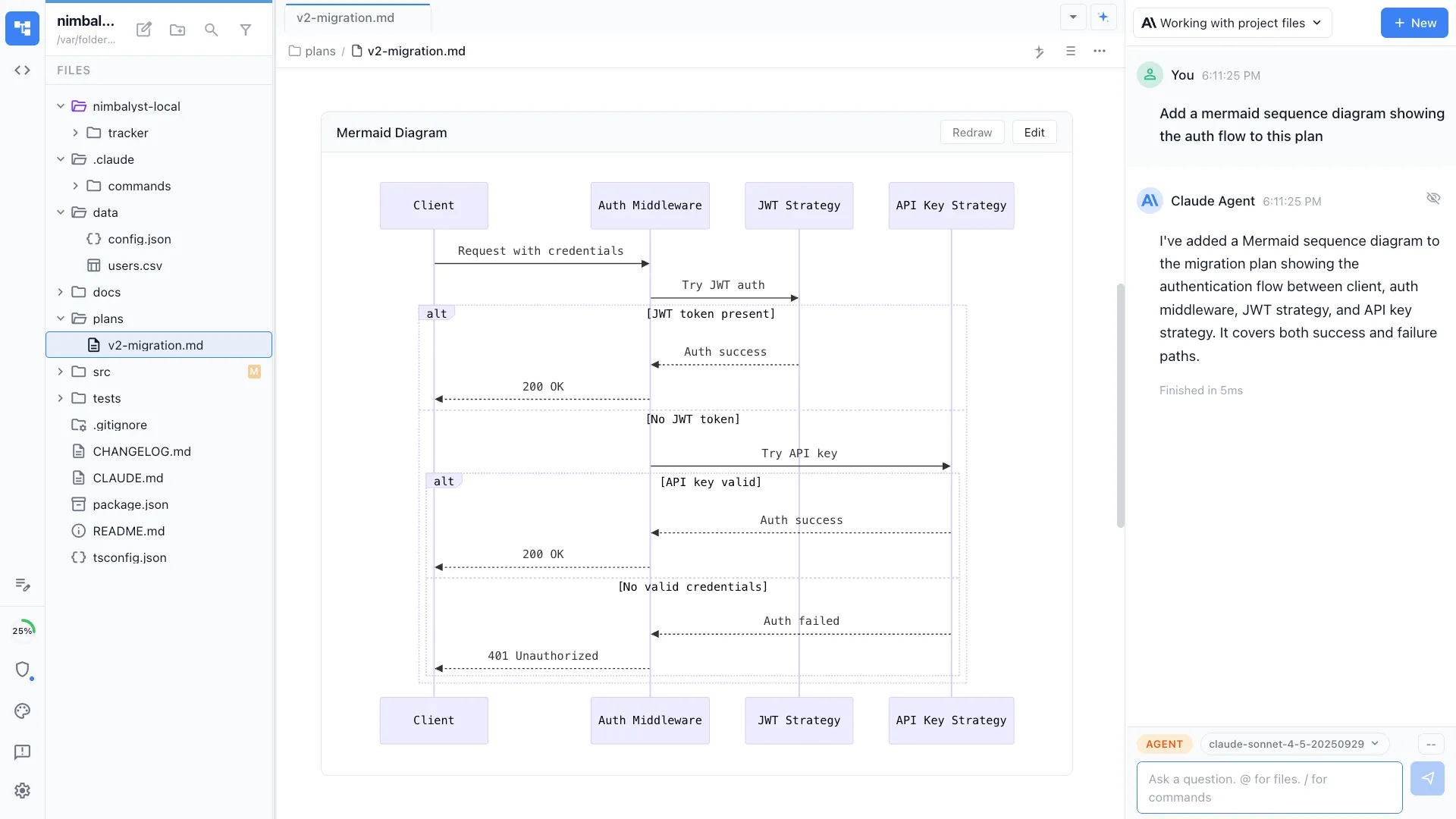
Register a file type and ship a full editor in the workspace rather than a side panel or an embedded iframe. Your custom format gets the same treatment markdown does, including source mode, diff view, and transcript embeds.
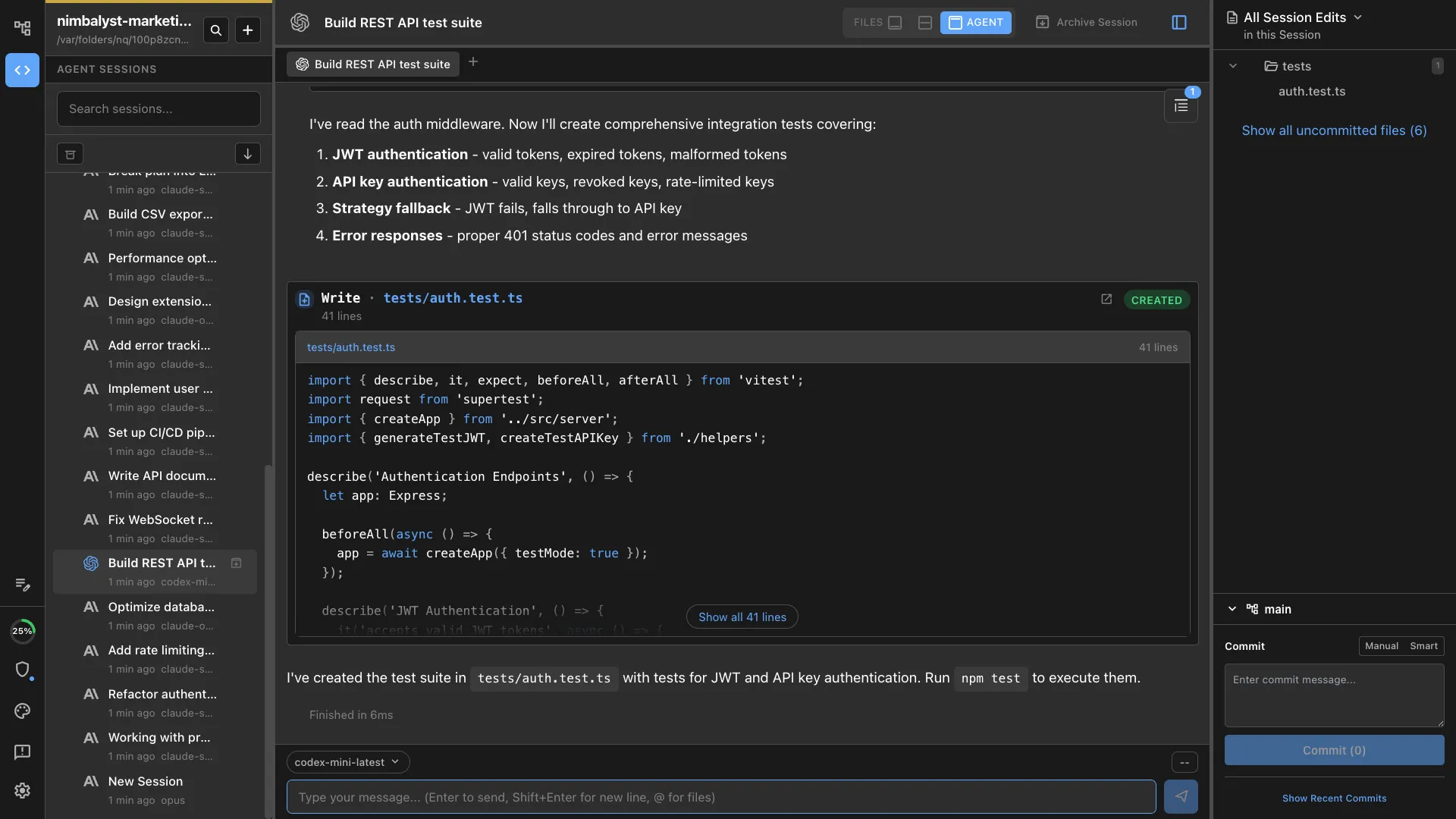
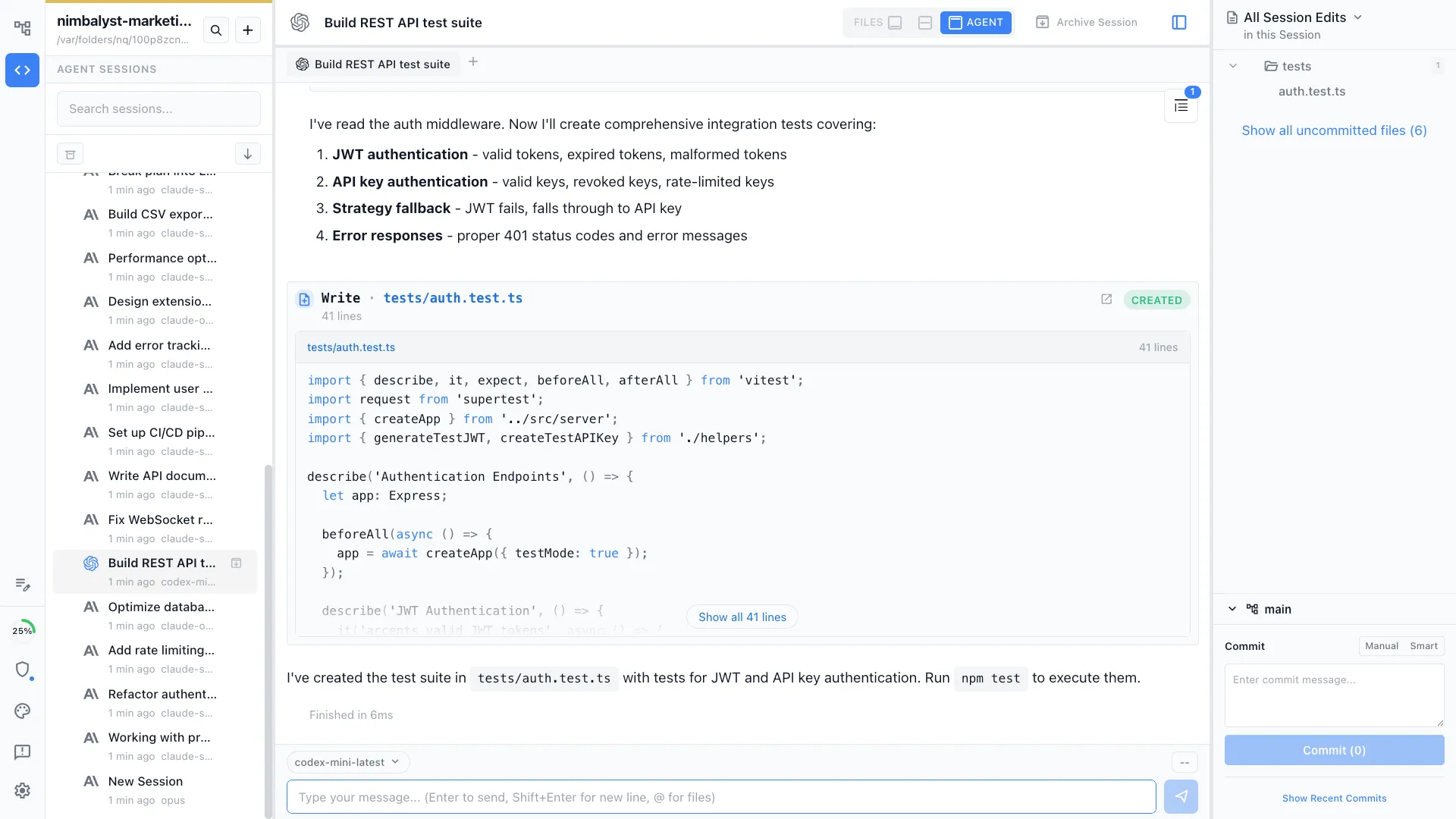
Extensions reach the agent layer
An extension can register a full agent provider with its own models, settings, and backend, not only an editor or a tool. Gemini arrives in Nimbalyst that way, so adding an agent is something an extension can do.


Shared agent hooks
Agents talk to your extension through the same structured hooks the built-in editors use. An agent that can edit markdown can edit your custom format too, with no special integration.
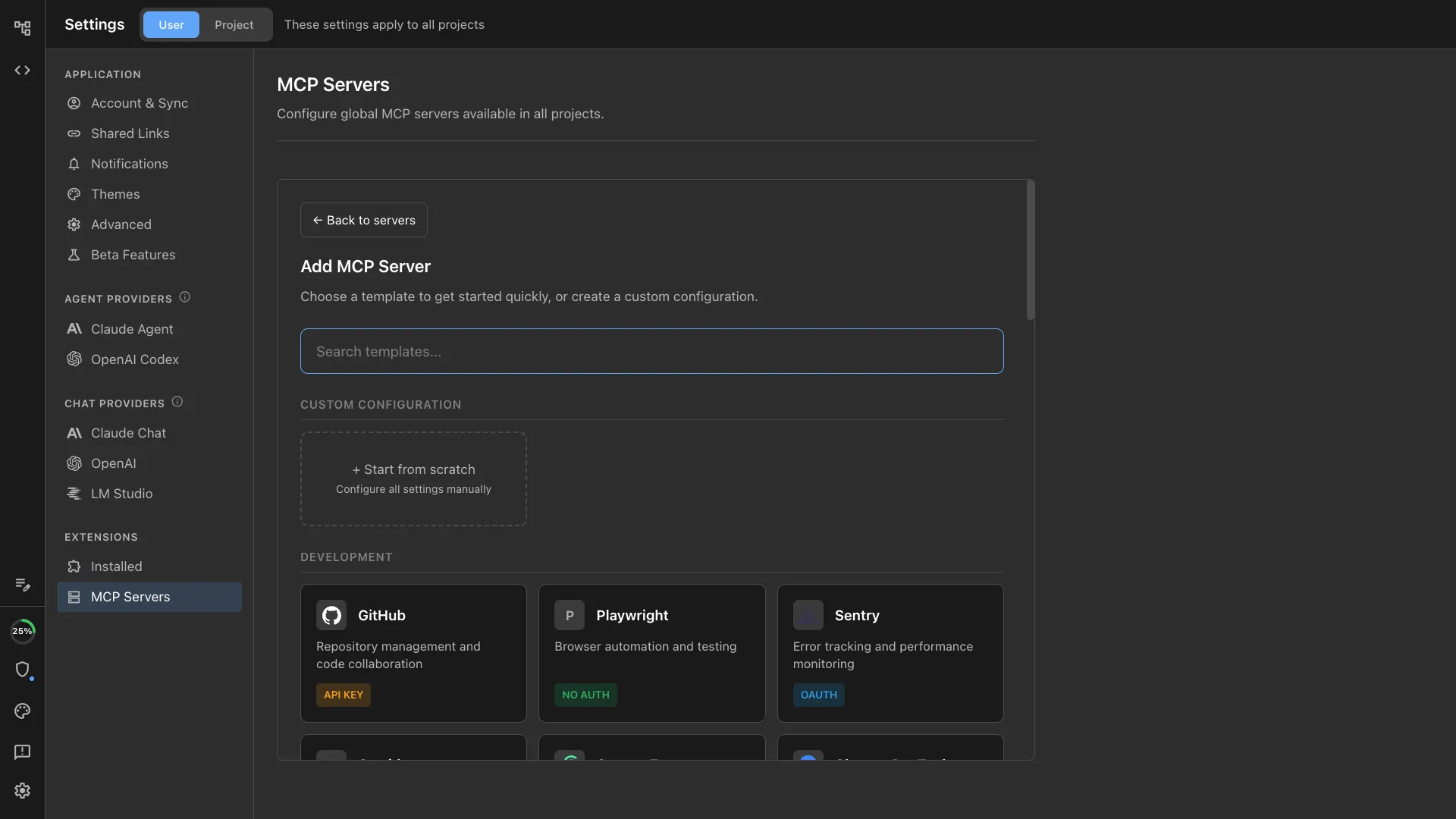
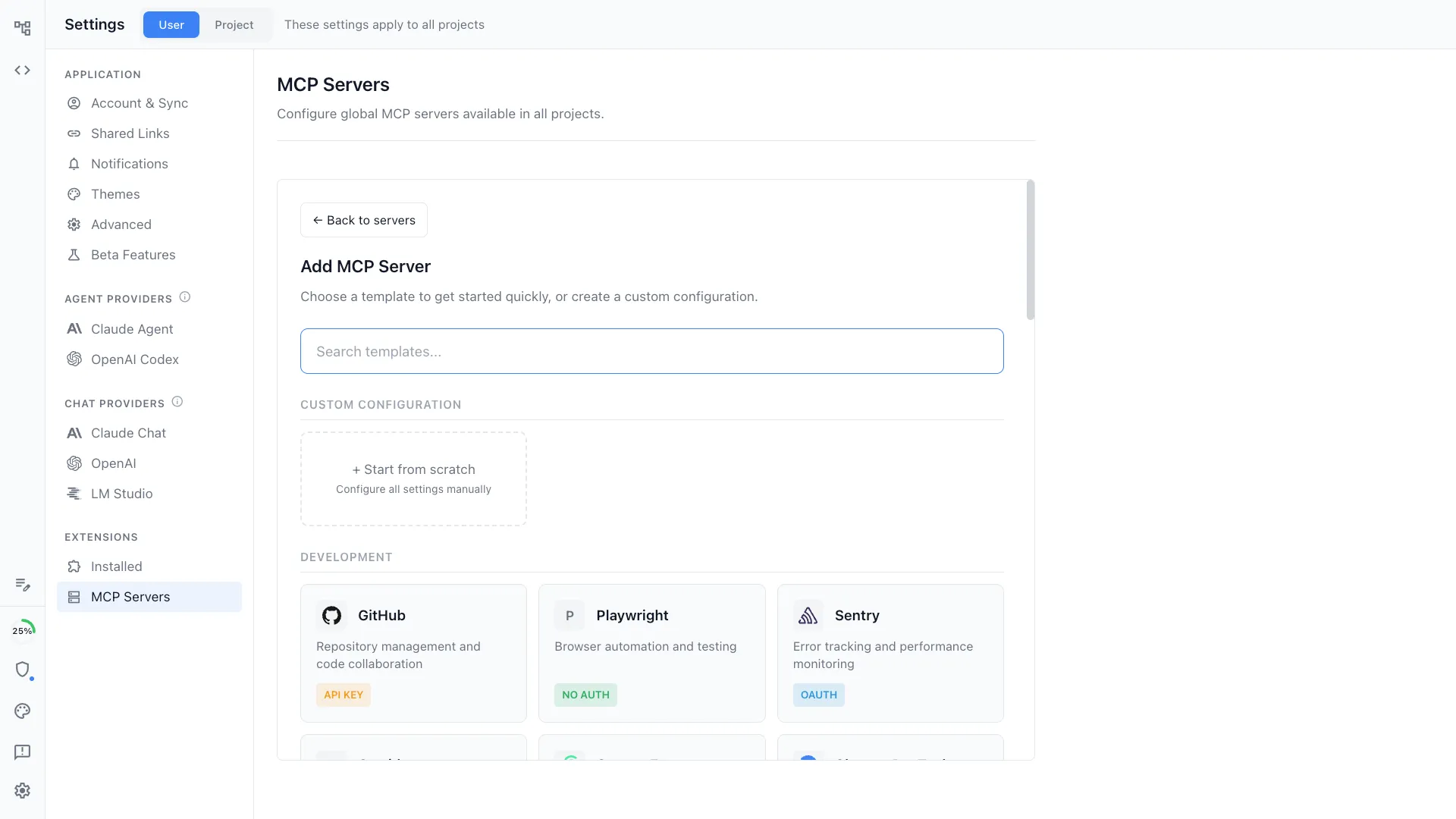
MCP tool integration
Expose MCP tools from your extension so agents can read and write your data. Tools register alongside the host's tools and show up in the agent's tool list automatically.
Heterogeneous agents
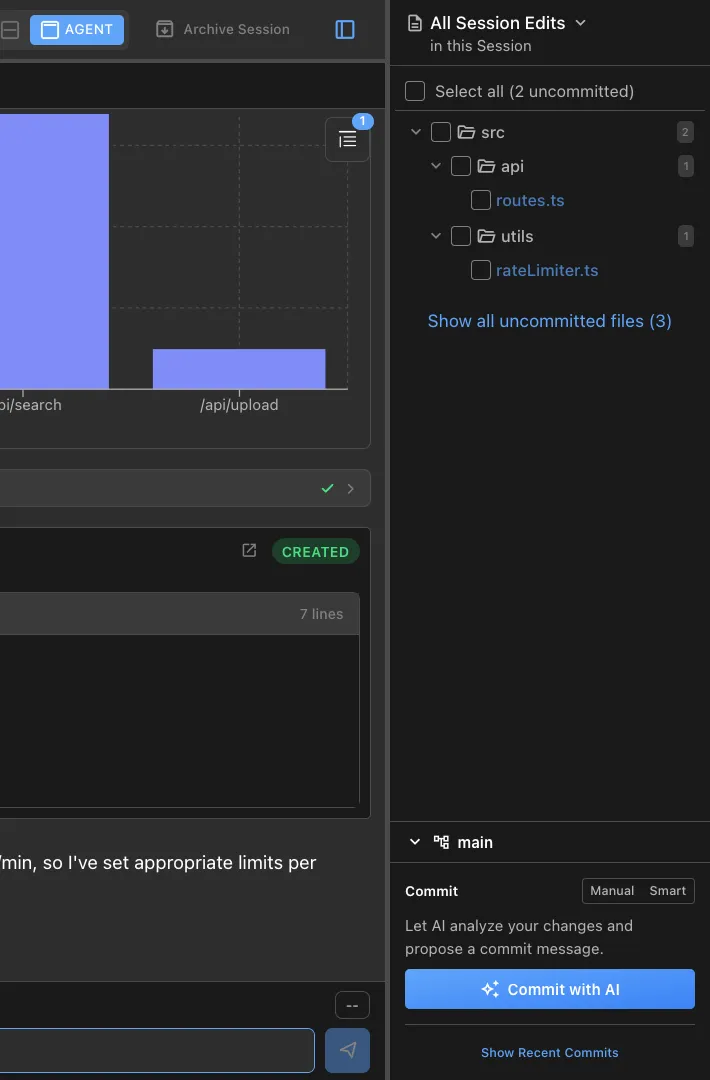
Claude Code and Codex are first-class agents. Other agents are pluggable at the host level. Your extension does not pick a vendor for the user.
Fork it for your own team
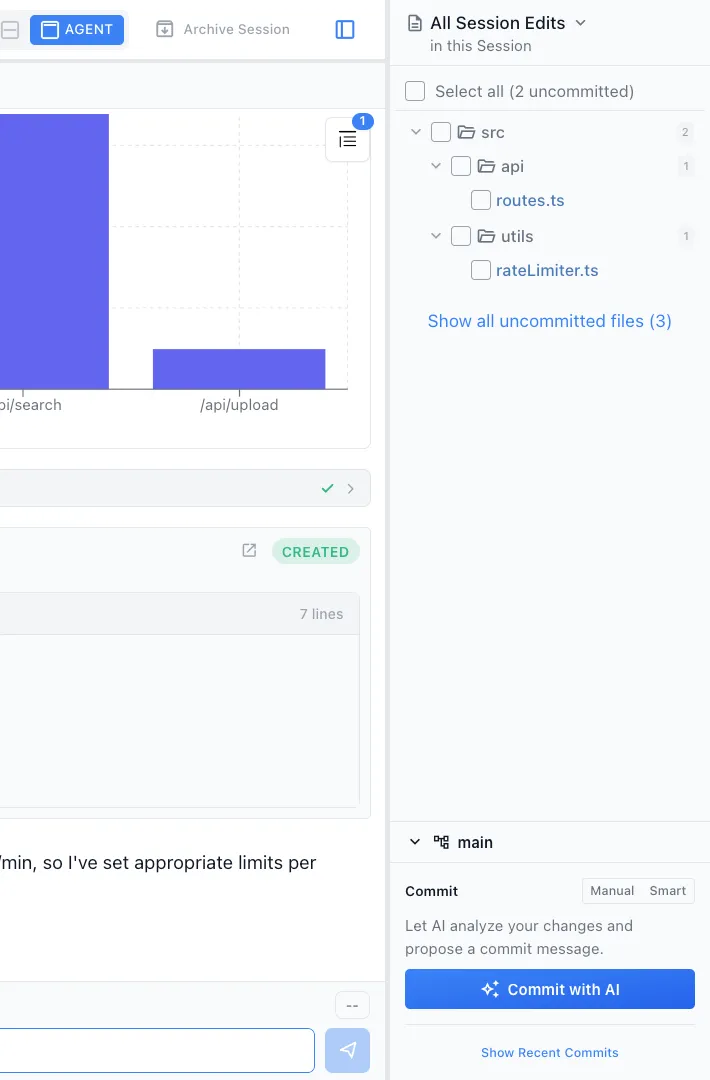
The desktop and iOS apps are MIT licensed. A team can fork Nimbalyst, add the editors and tools their work needs, and hand out a build with those extensions enabled from first launch.
Multiplayer on Teams
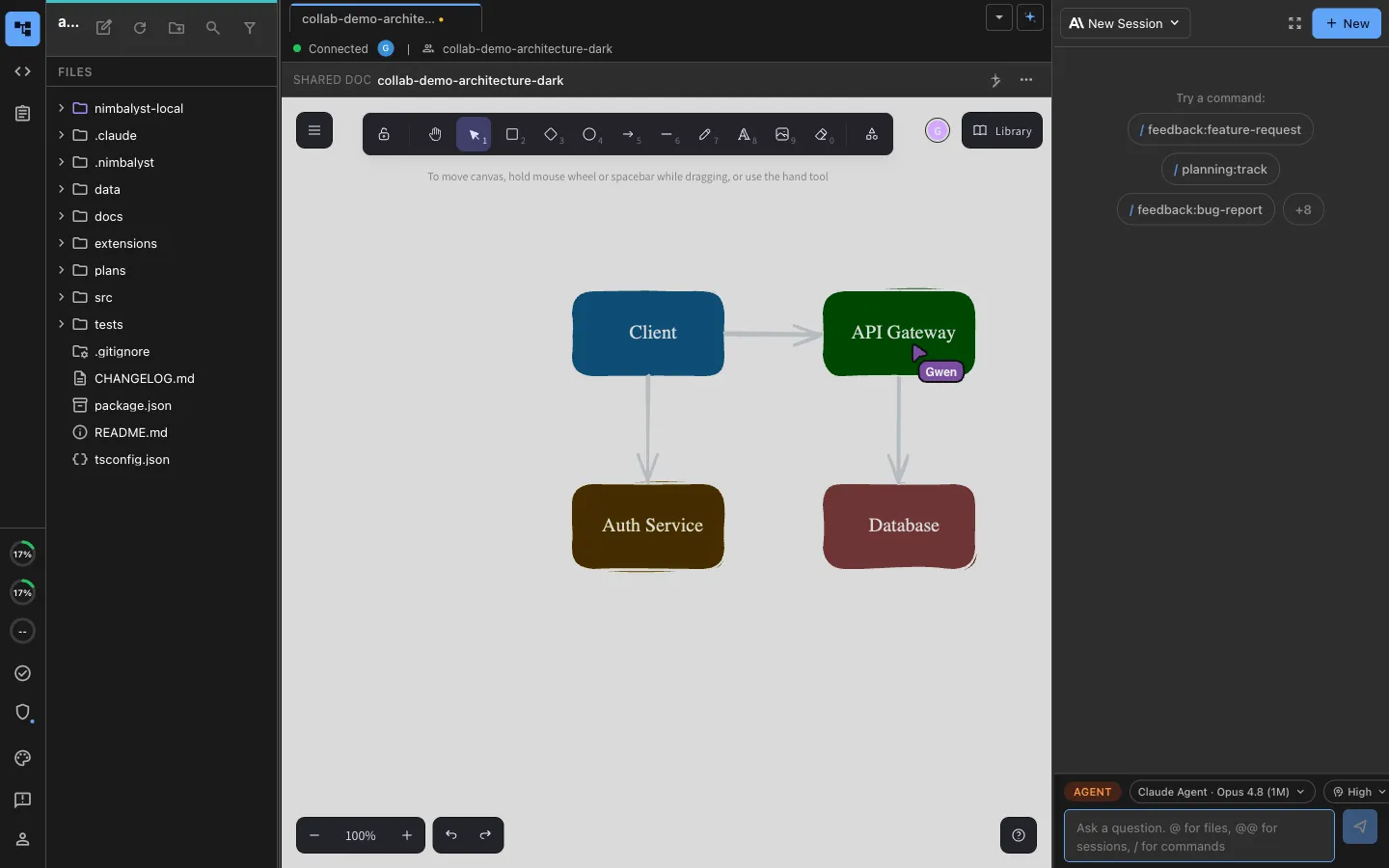
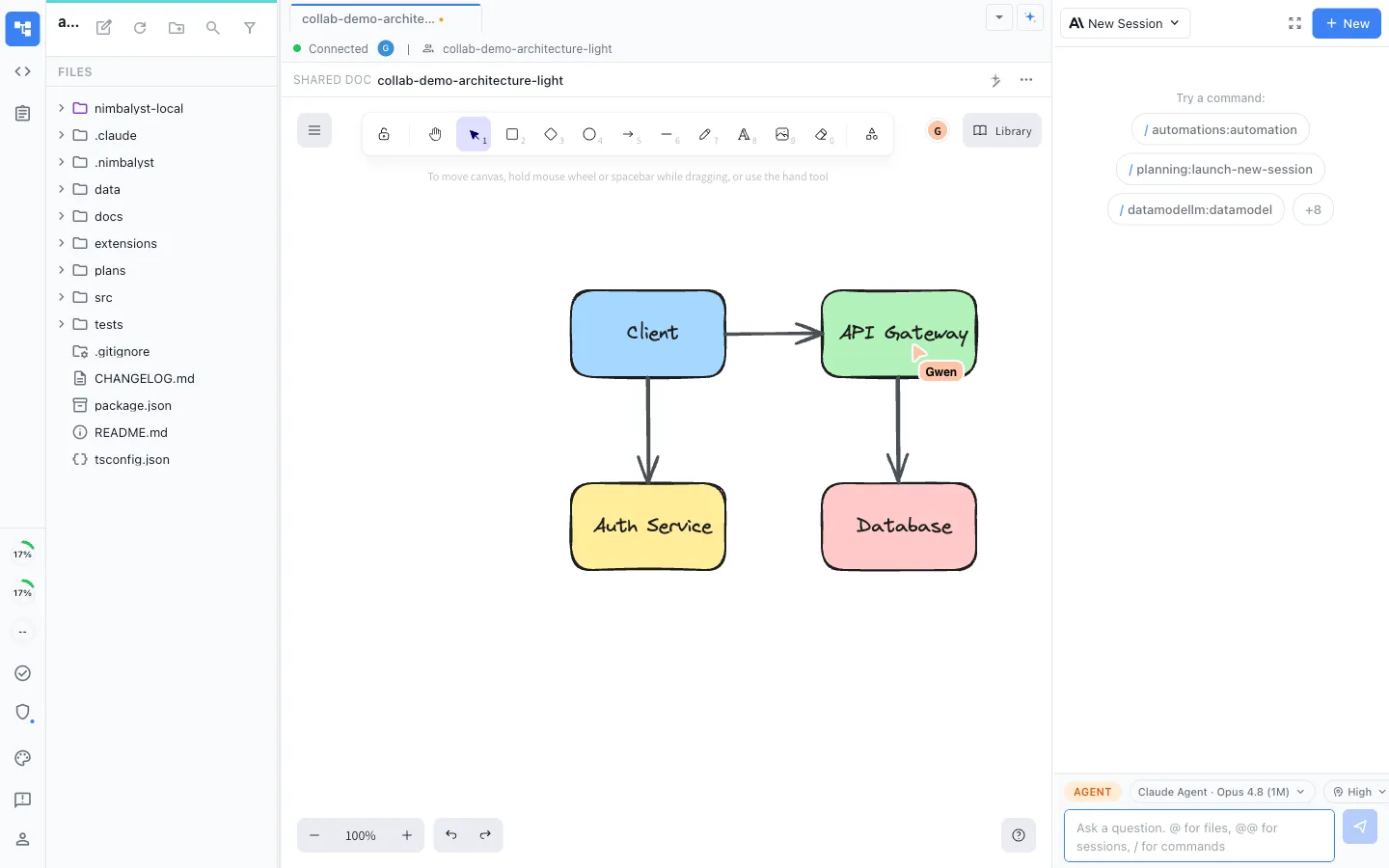
An extension editor can opt into collaboration and become multiplayer for the whole team. The host provides the shared document, encrypted sync, and presence; your editor decides how cursors and selections appear on its canvas.
How It Works
How a Nimbalyst extension works
Start from what already ships
Every built-in editor is an extension you can read. Copy the manifest shape from the one closest to what you are building, or run the extension dev kit command and let your agent scaffold it.
Register a file type
Declare which file extensions your editor handles in the extension manifest. Nimbalyst routes matching files to your editor automatically.
Implement EditorHost
Your editor receives content from the host, marks itself dirty when the user edits, and saves through the host. The same contract applies to the markdown editor and the diagram editor.
Expose MCP tools
Define the tools agents can call to read and write your editor's data. Tools register alongside Nimbalyst's built-in tools.
Ship to the marketplace or sideload
Submit to the marketplace for distribution, or install a local build with the Extension Dev Kit and iterate with hot reload.
Nimbalyst is the open-source visual workspace for building with Codex, Claude Code, and more
Free for individuals. Works with your existing Claude Code or Codex subscription or API key.
Nimbalyst Teams is multiplayer. Your whole team, Codex, and Claude Code in one shared workspace.