Comparison
Nimbalyst vs Continue.dev
Continue.dev is one of the leading open-source AI coding assistants across IDE and CLI surfaces. Nimbalyst is the open-source visual workspace for building with Codex, Claude Code, and more. They serve different layers. Continue lives close to your editor and terminal. Nimbalyst is a workspace around your agents.
Free for individuals. Works with your existing Claude Code or Codex subscription or API key.


Overview
Two tools, different approaches
Nimbalyst
Nimbalyst is an AI-native workspace built on top of Claude Code and Codex. It runs full Claude Code and Codex sessions with kanban-style management, optional one-click git worktree isolation per session, inline diff review, and visual editors for markdown, mockups, diagrams, and data models. It is not an editor extension.
Continue.dev
Continue.dev is an open-source AI coding assistant spanning IDE extensions and a CLI. It connects to multiple model providers and brings AI chat, autocomplete, edits, and agent flows close to the editor. It focuses on the in-editor and terminal-adjacent experience.
Feature Comparison
Side-by-side breakdown
Nimbalyst Advantages
Where Nimbalyst shines


Kanban session management
Run six parallel Claude Code or Codex sessions on a kanban board. Continue has strong editor and CLI surfaces, but not a dedicated cross-session management board.


Visual editors beyond code
Edit markdown, mockups, diagrams, and data models with AI support. Continue is editor-bound.


Inline diff review across all file types
Approve or reject AI edits across markdown, mockups, diagrams, code, and data models. Continue applies edits inside the editor.
Honest Assessment
Where Continue.dev is stronger
Editor-native
Continue runs inside VS Code or JetBrains, so you do not leave your editor. For developers who want AI features without a second app, that is decisive.
Wide model support
Continue connects to many model providers. Mix and match Anthropic, OpenAI, Google, and local models from one extension.
Recommendation
Who should use which
Choose Nimbalyst if…
You want a visual workspace around Claude Code or Codex with parallel sessions, worktree isolation, and visual editors for non-code artifacts. Many users run Nimbalyst alongside an editor with Continue.
Choose Continue.dev if…
You prefer AI features inside your existing editor, want broad model support, and run one or two sessions at a time.


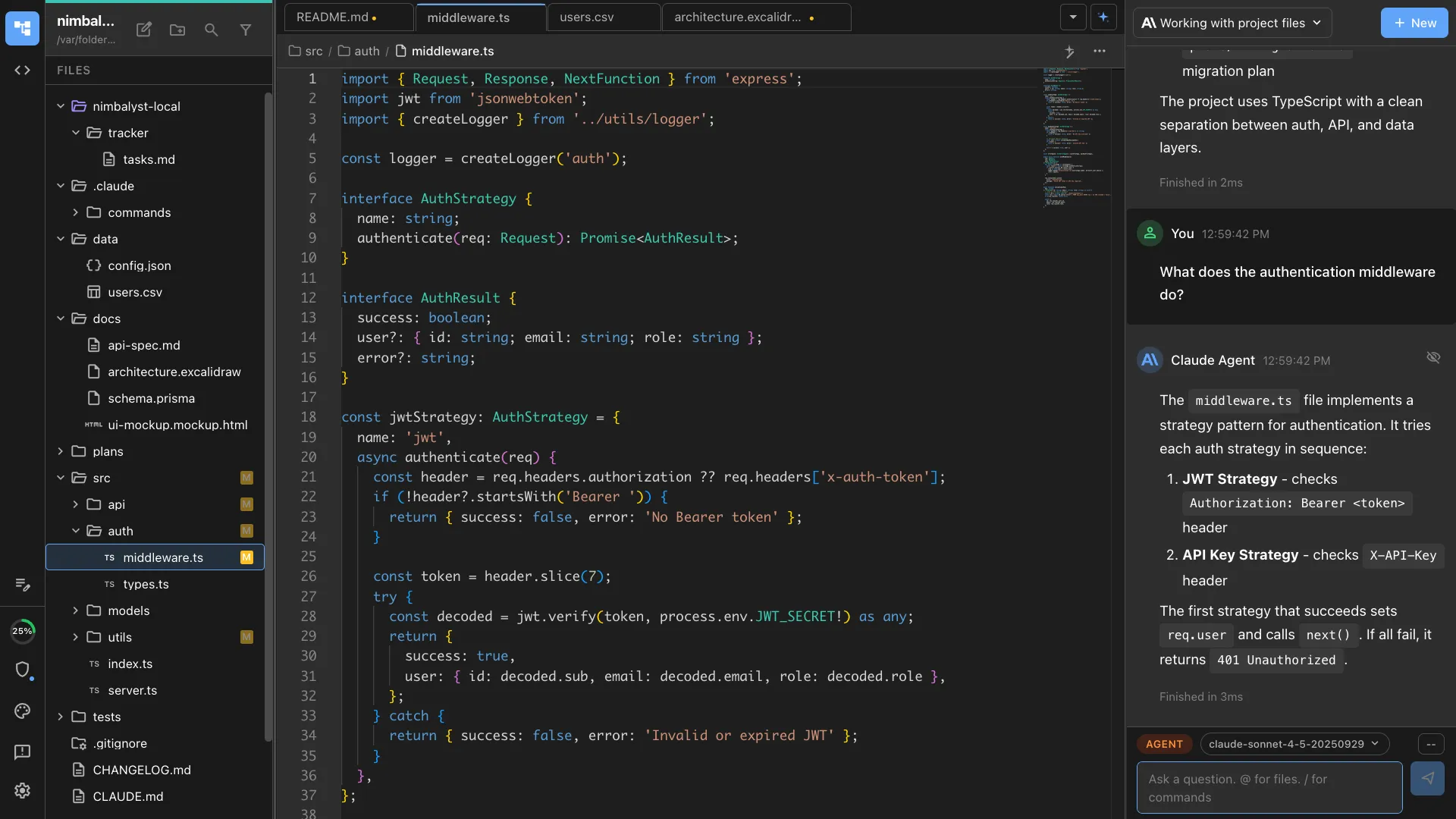
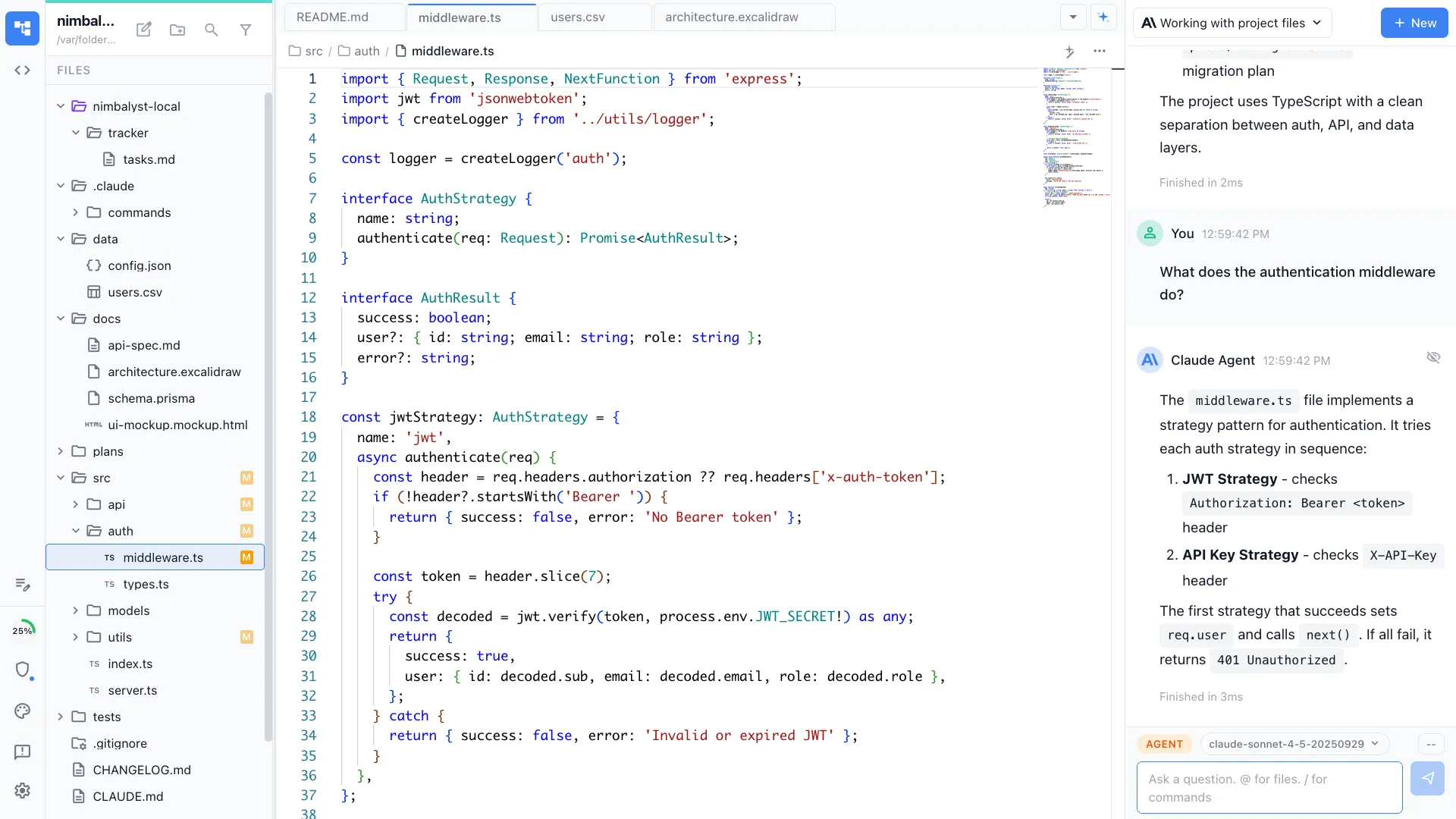
Want your agents, code, docs, and visual planning in one workspace? Try Nimbalyst free.
Free for individuals. Works with your existing Claude Code or Codex subscription or API key.
Nimbalyst Teams is multiplayer. Your whole team, Codex, and Claude Code in one shared workspace.