Comparison
Best Aider Alternative for AI Pair Programming
Looking for an Aider alternative? Aider is a powerful terminal tool for AI pair programming. Nimbalyst is the open-source visual workspace for building with Codex, Claude Code, and more. Bring your agents out of the terminal with session management, task tracking, and visual editors for markdown, mockups, diagrams, and code.
Free for individuals. Works with your existing Claude Code or Codex subscription or API key.
Overview
Two tools, different approaches
Nimbalyst
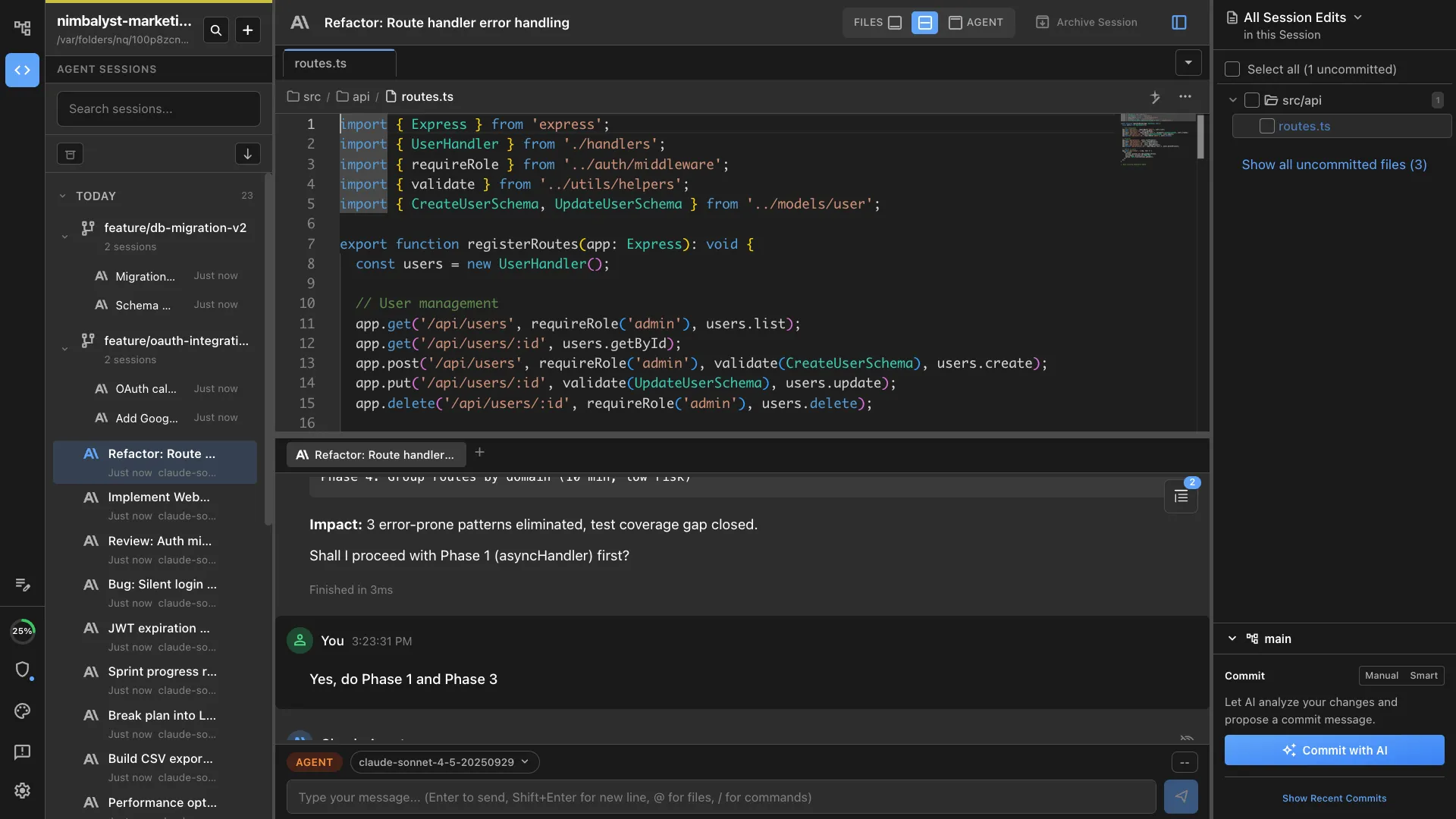
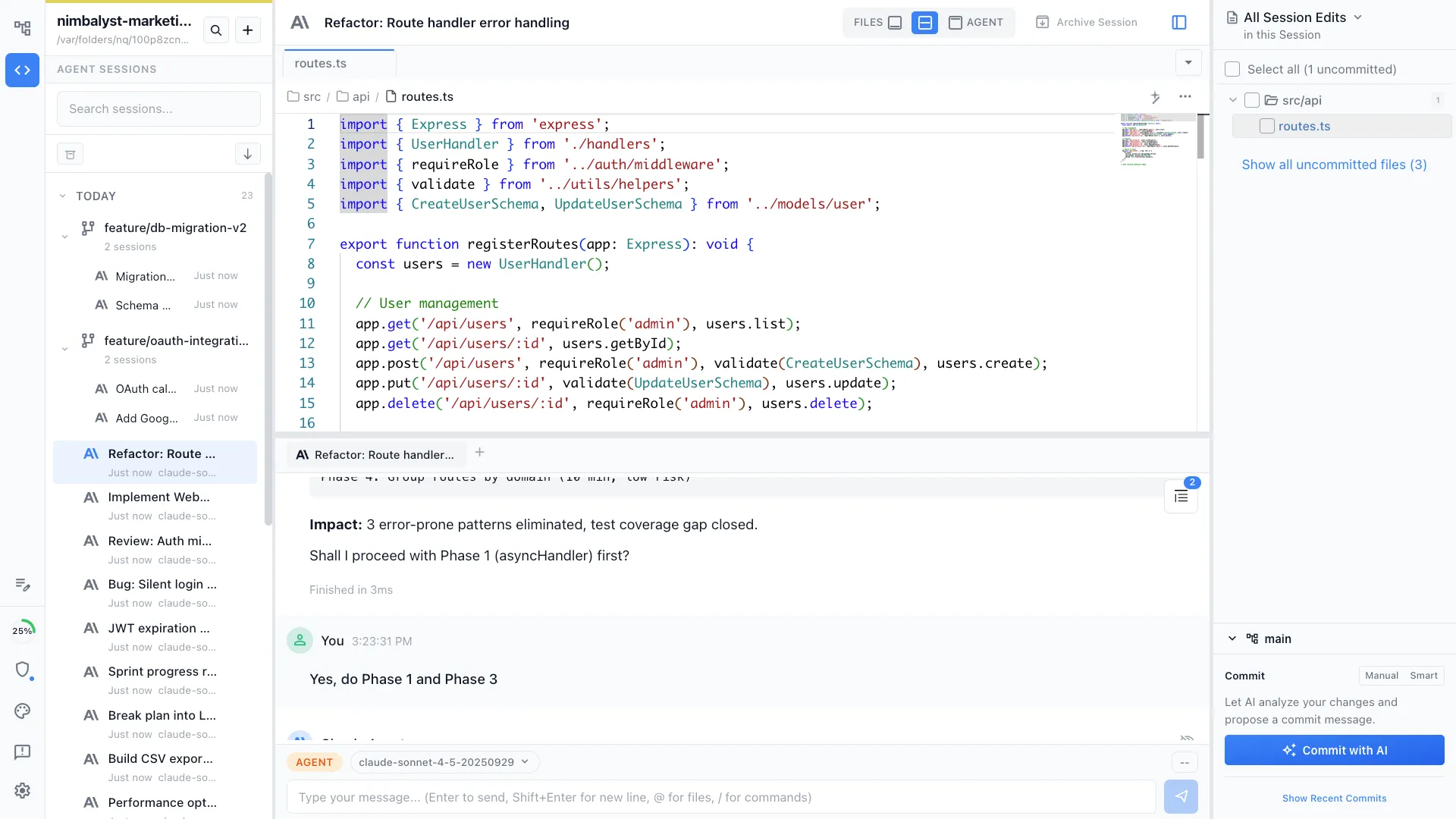
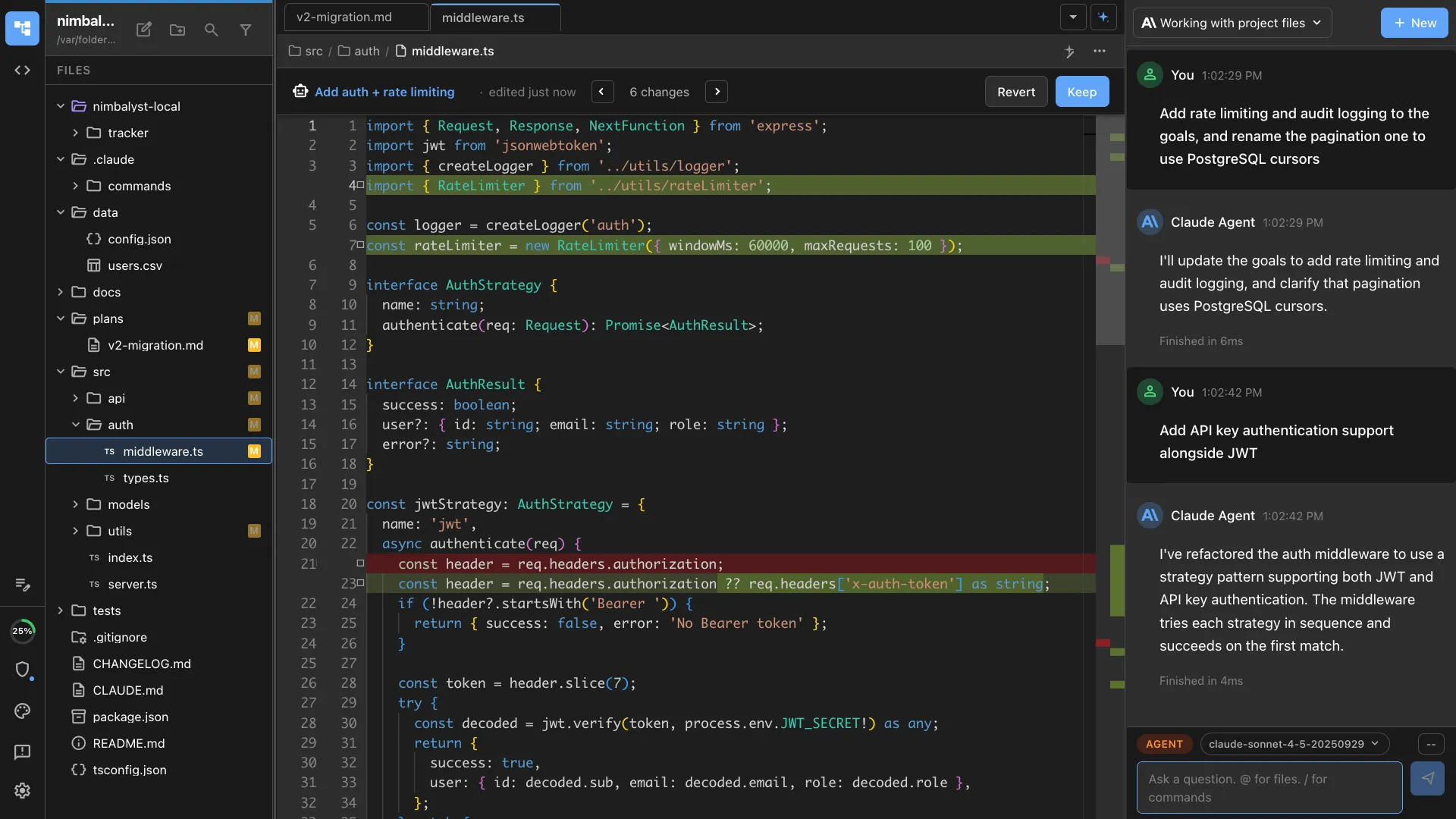
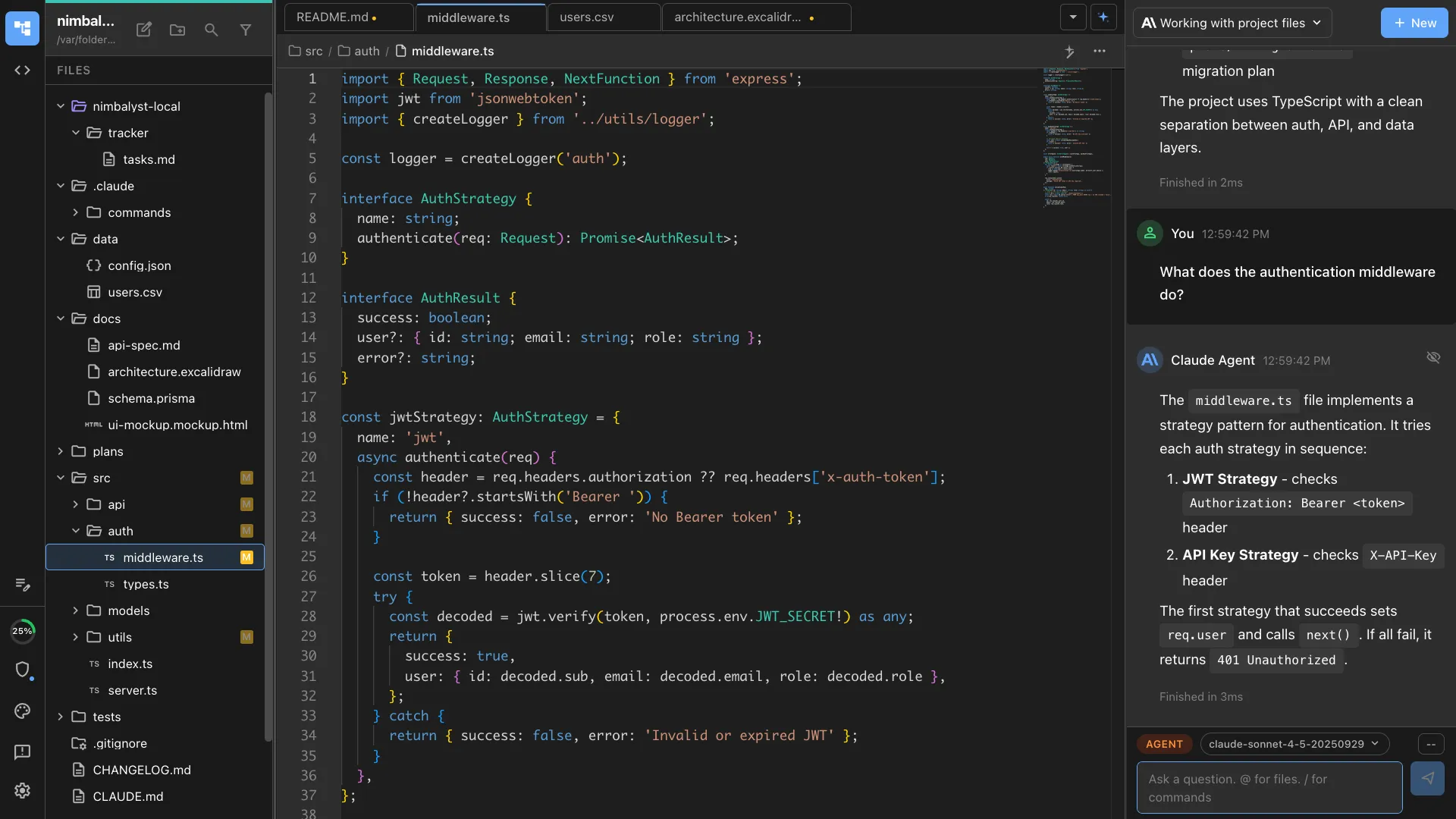
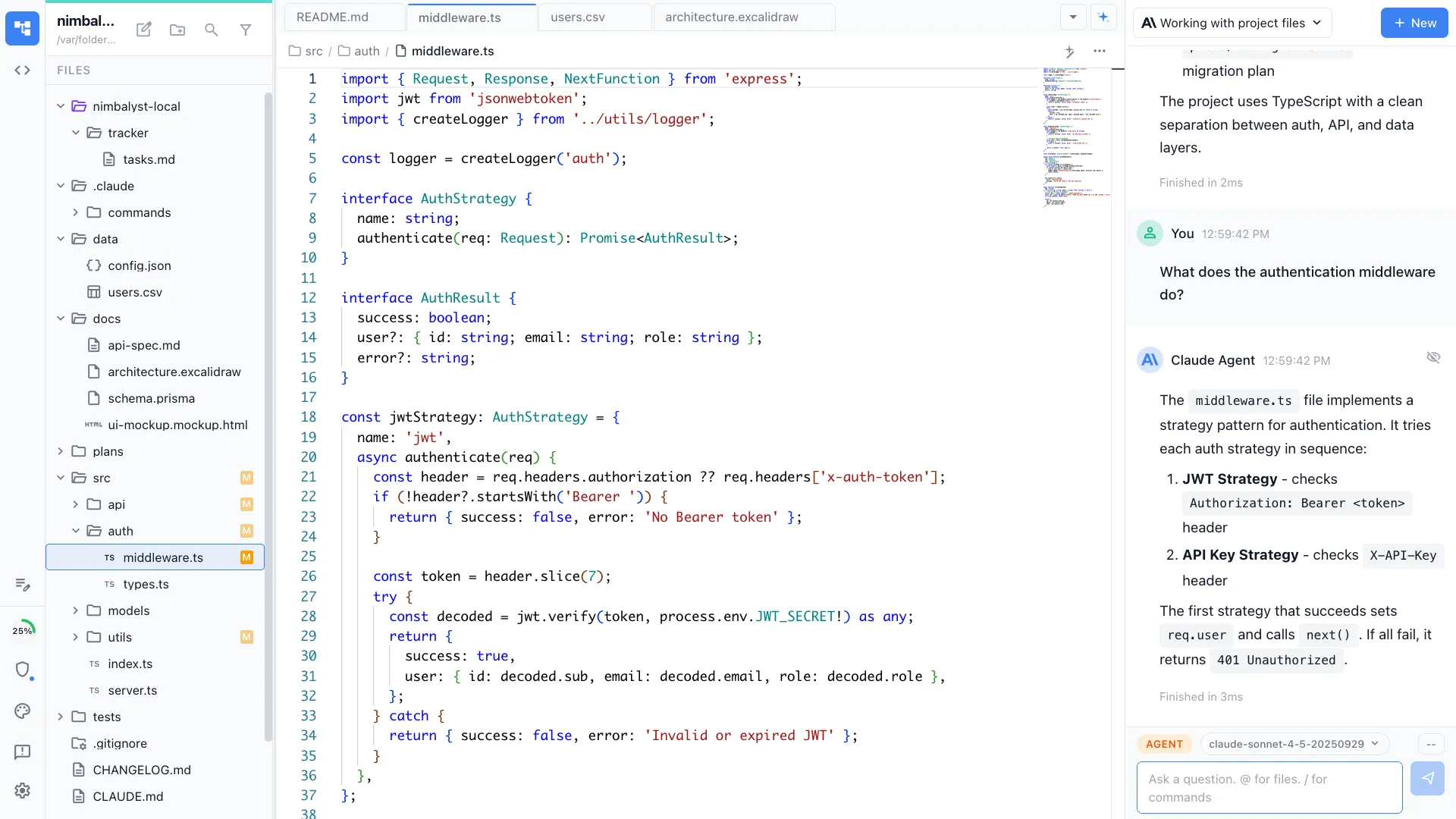
Nimbalyst is an AI-native workspace built on top of Claude Code and Codex. It adds a session kanban board for managing parallel agents, visual editors for markdown, mockups, diagrams, and data models, built-in planning and task tracking, and a mobile companion app. You get the same powerful agents inside a visual workspace designed for managing multiple sessions across projects.
Aider
Aider is an open-source AI pair programming tool that runs in the terminal. It supports multiple AI models and provides excellent git integration, automatically committing changes with descriptive messages. It is one of the most respected terminal AI coding tools.
Feature Comparison
Side-by-side breakdown
Nimbalyst Advantages
Where Nimbalyst shines
Visual session management
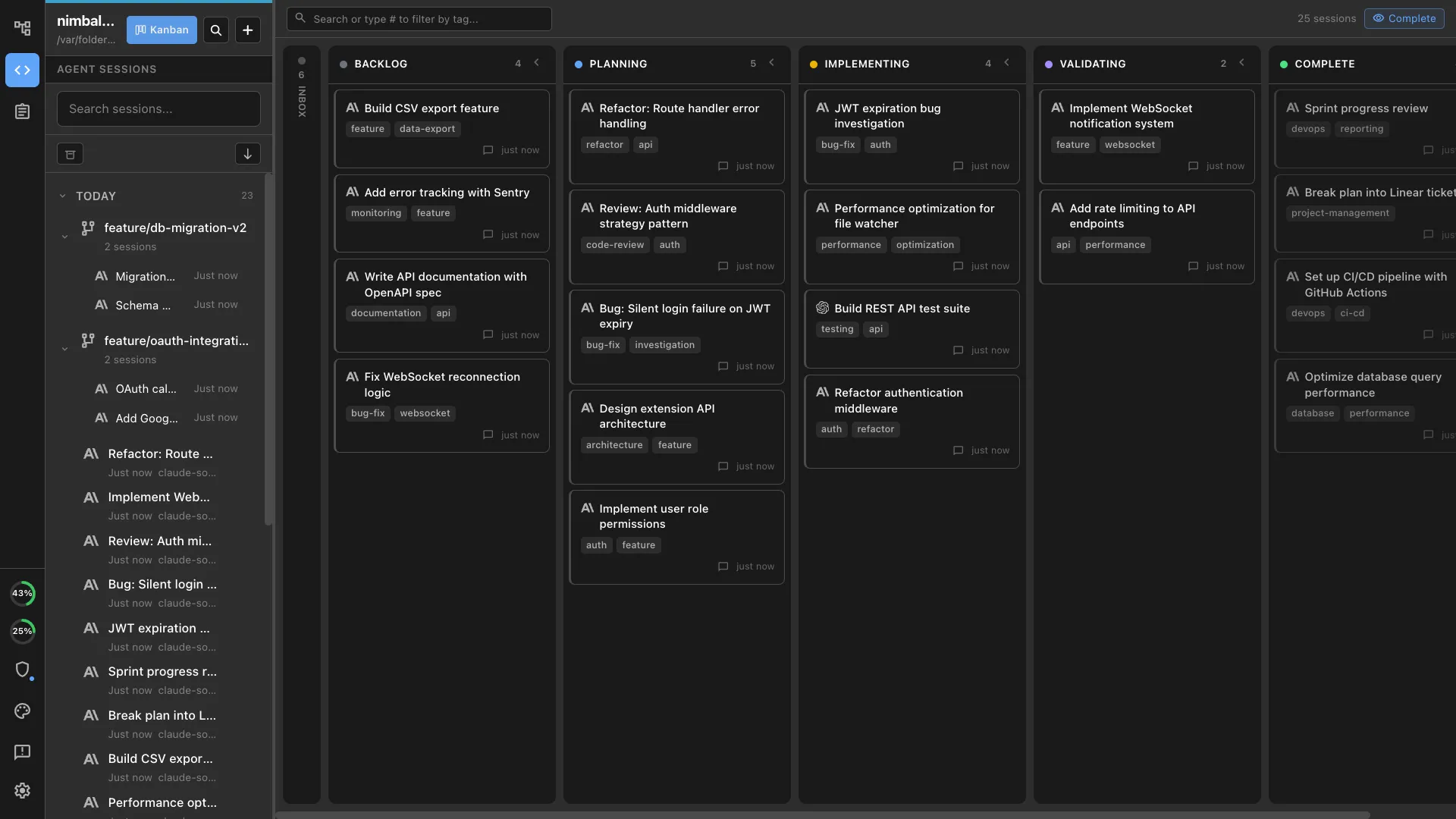
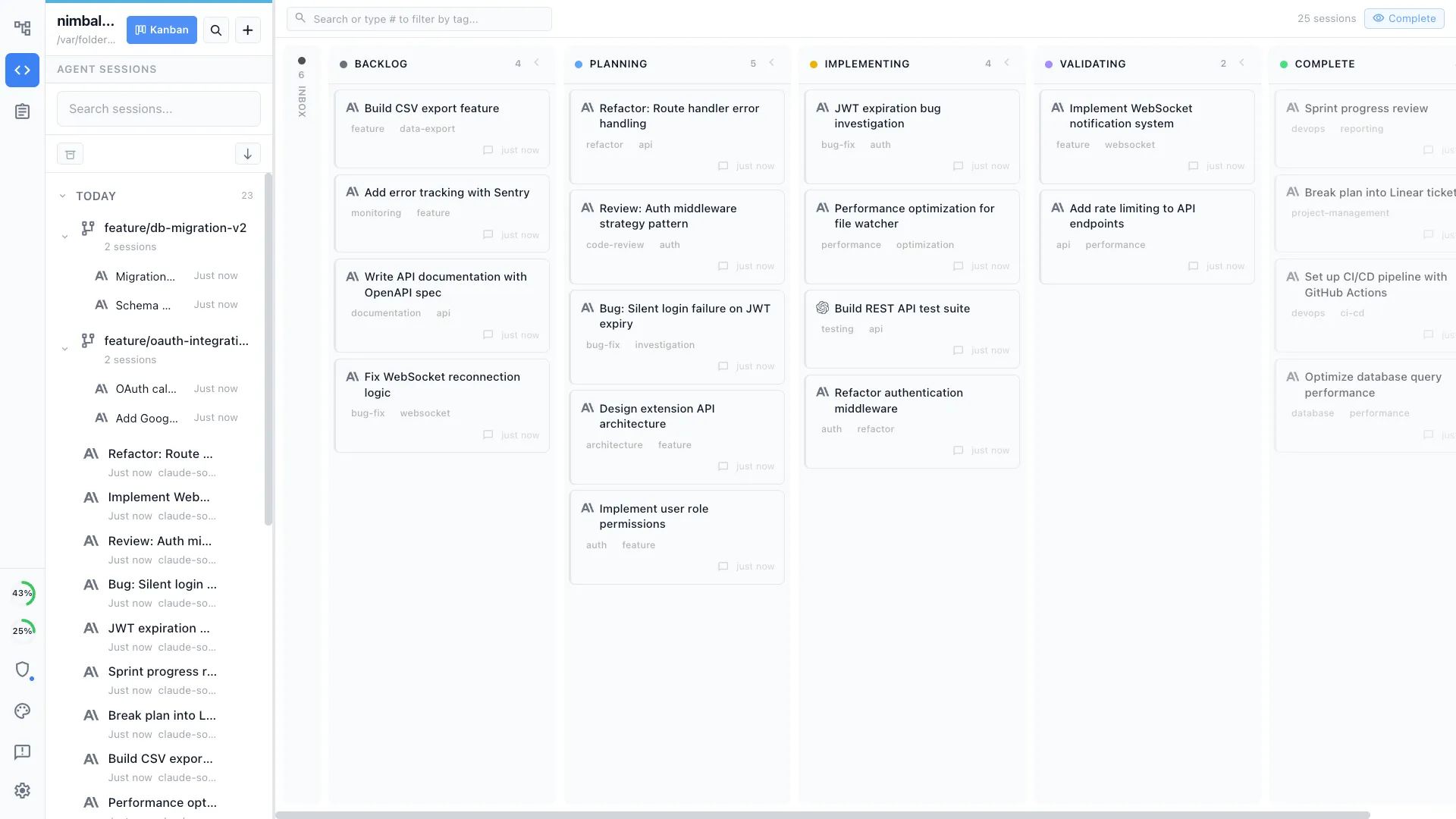
Track all your AI coding sessions on a kanban board with status, phases, and progress. In Aider, you manage sessions across terminal windows manually.
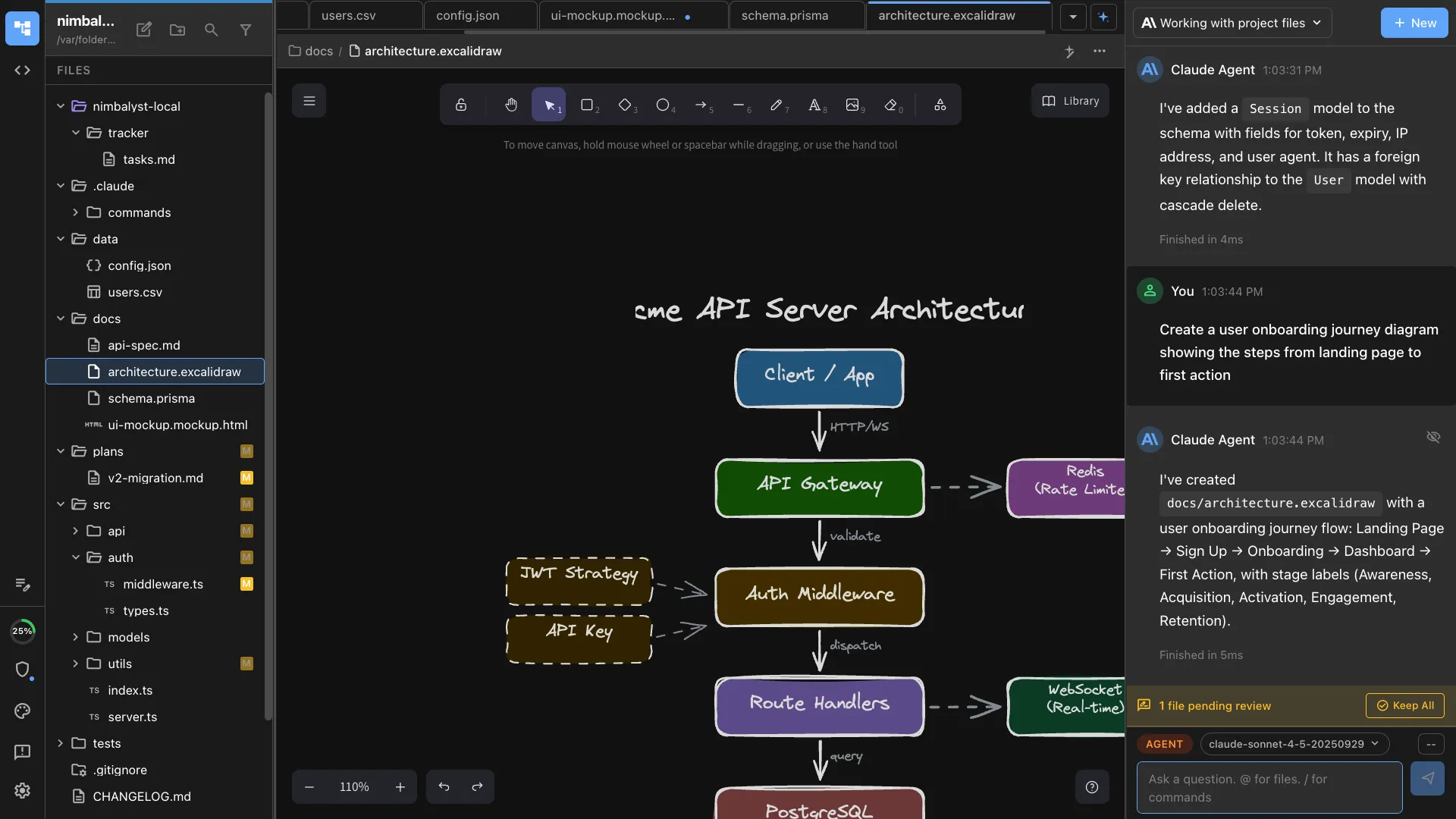
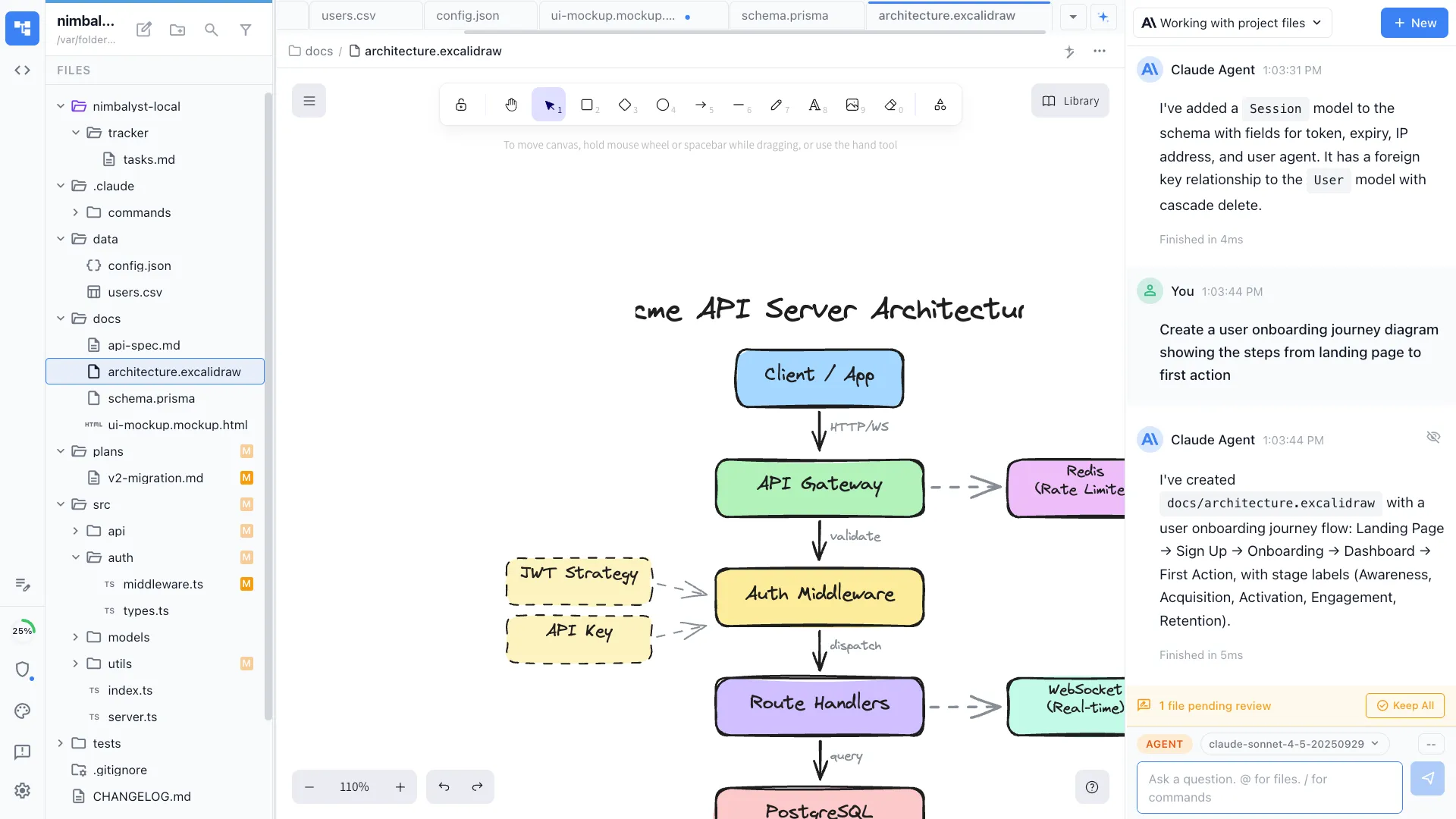
Visual editors for non-code artifacts
Create diagrams, mockups, and data models in visual editors that your agent can use. Aider is text-only.
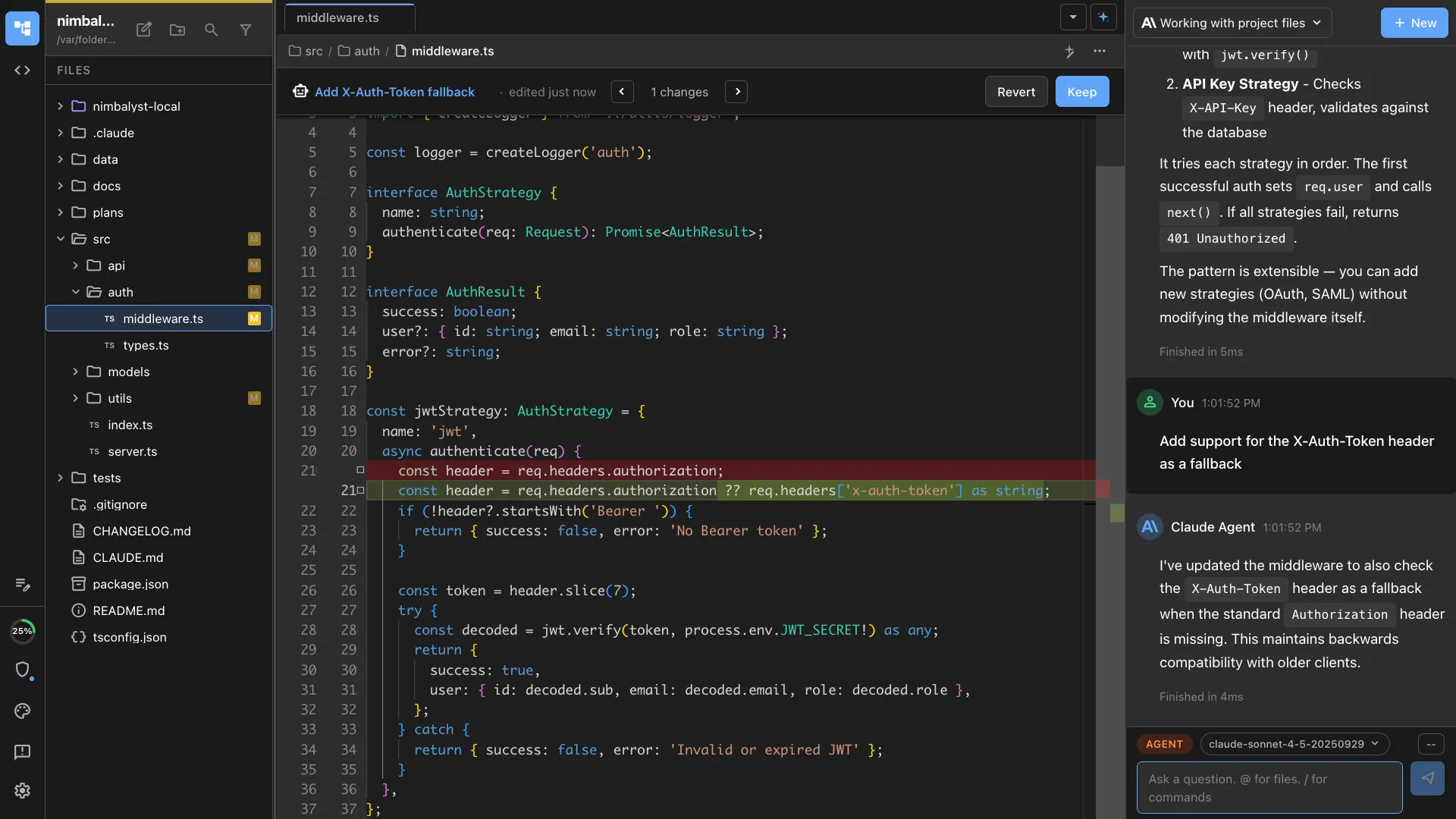
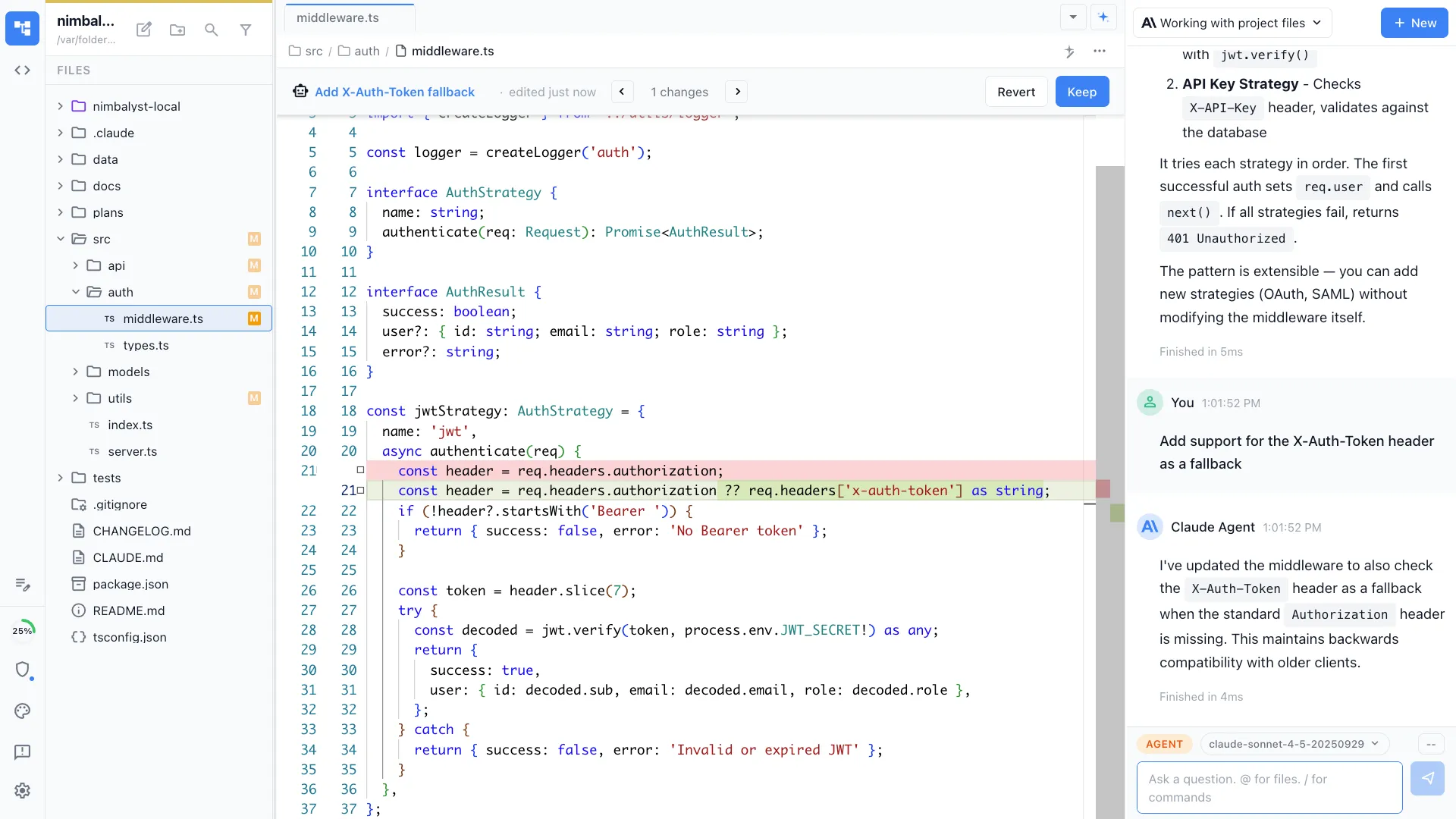
Visual diff review
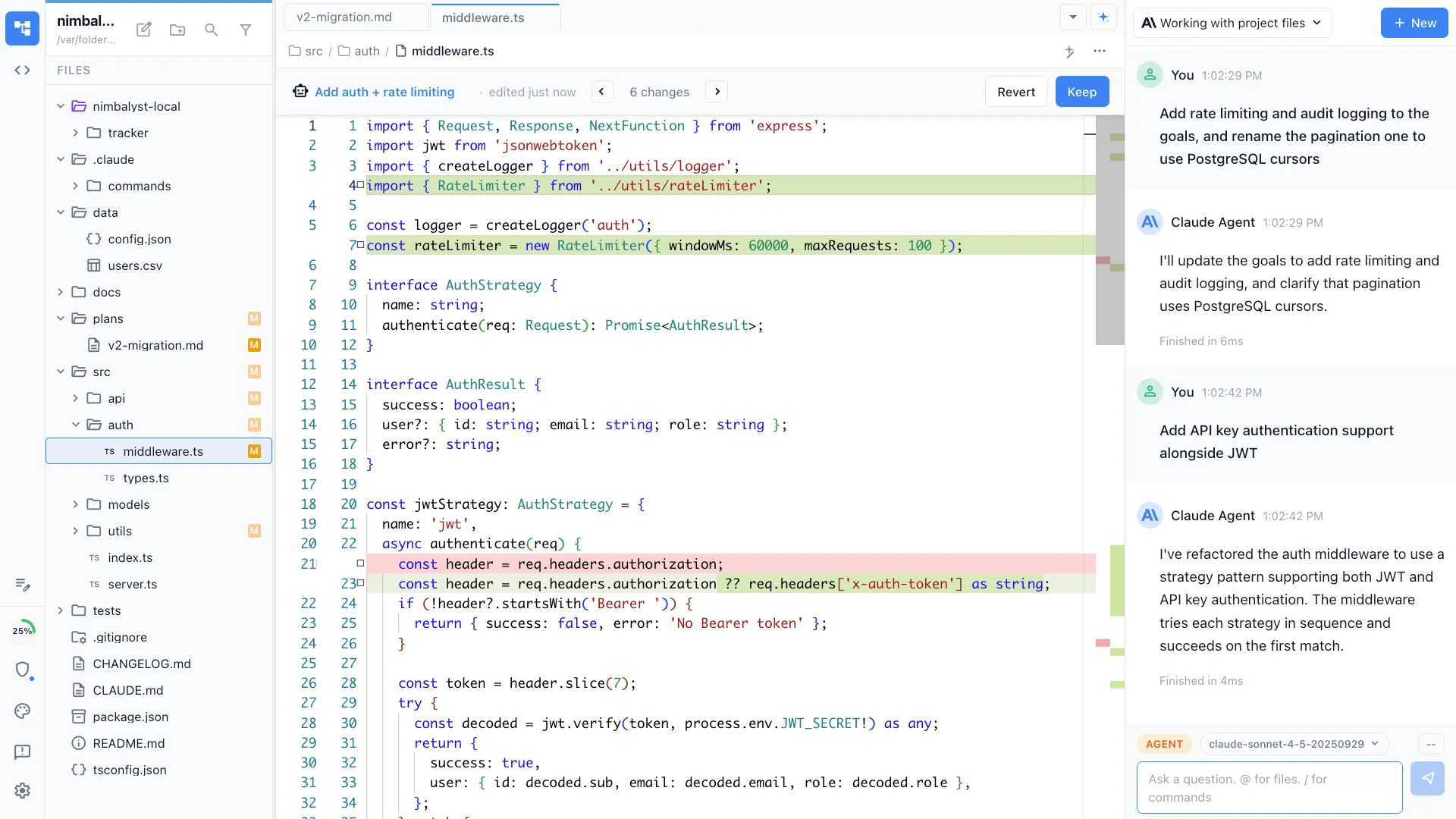
Review AI-generated code changes with syntax-highlighted diffs, approve or reject inline. Aider shows diffs in the terminal.
Your coding agents, integrated
Claude Code, Codex, and other supported agents work directly with the files, plans, tasks, and visual artifacts in the workspace.
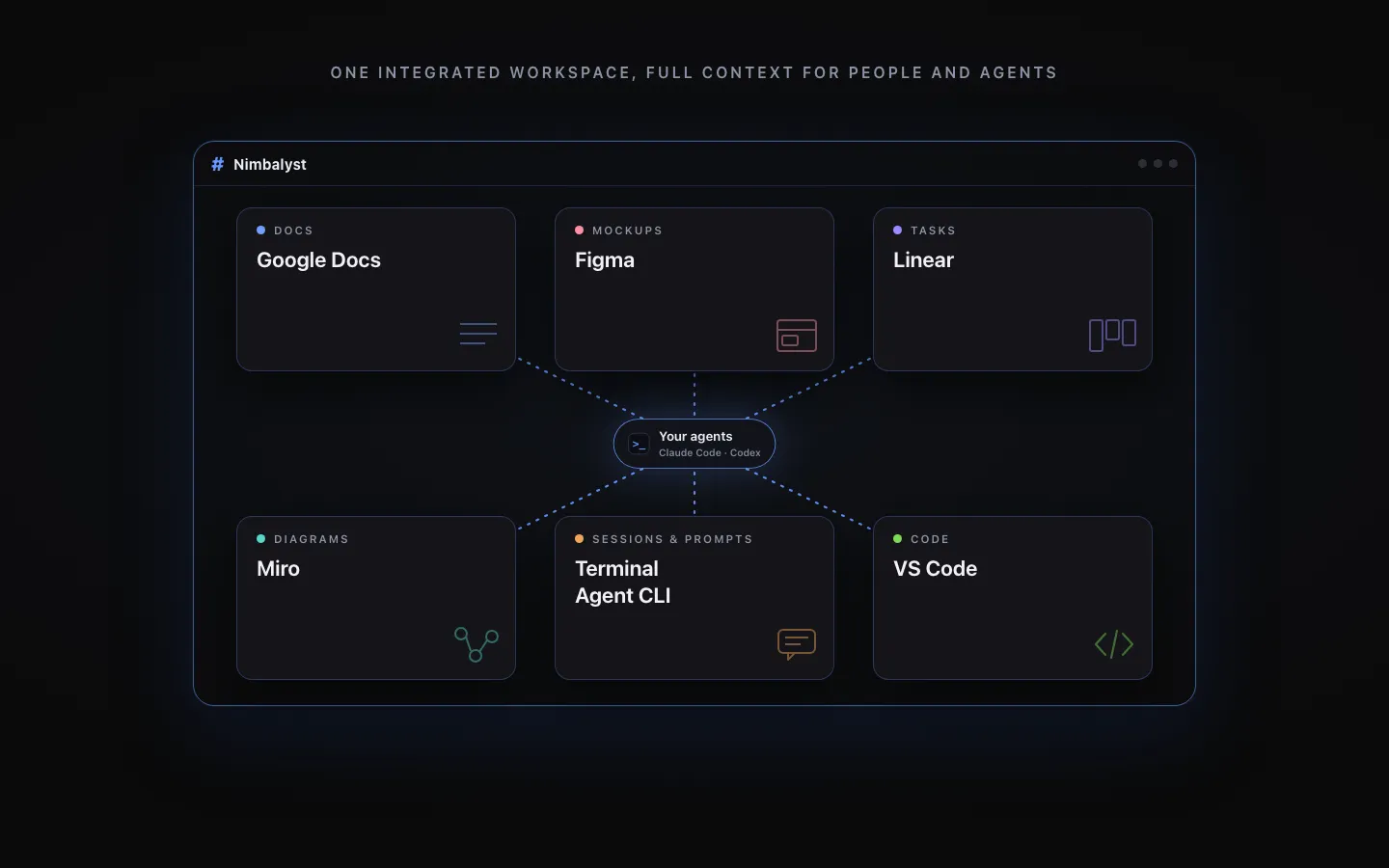
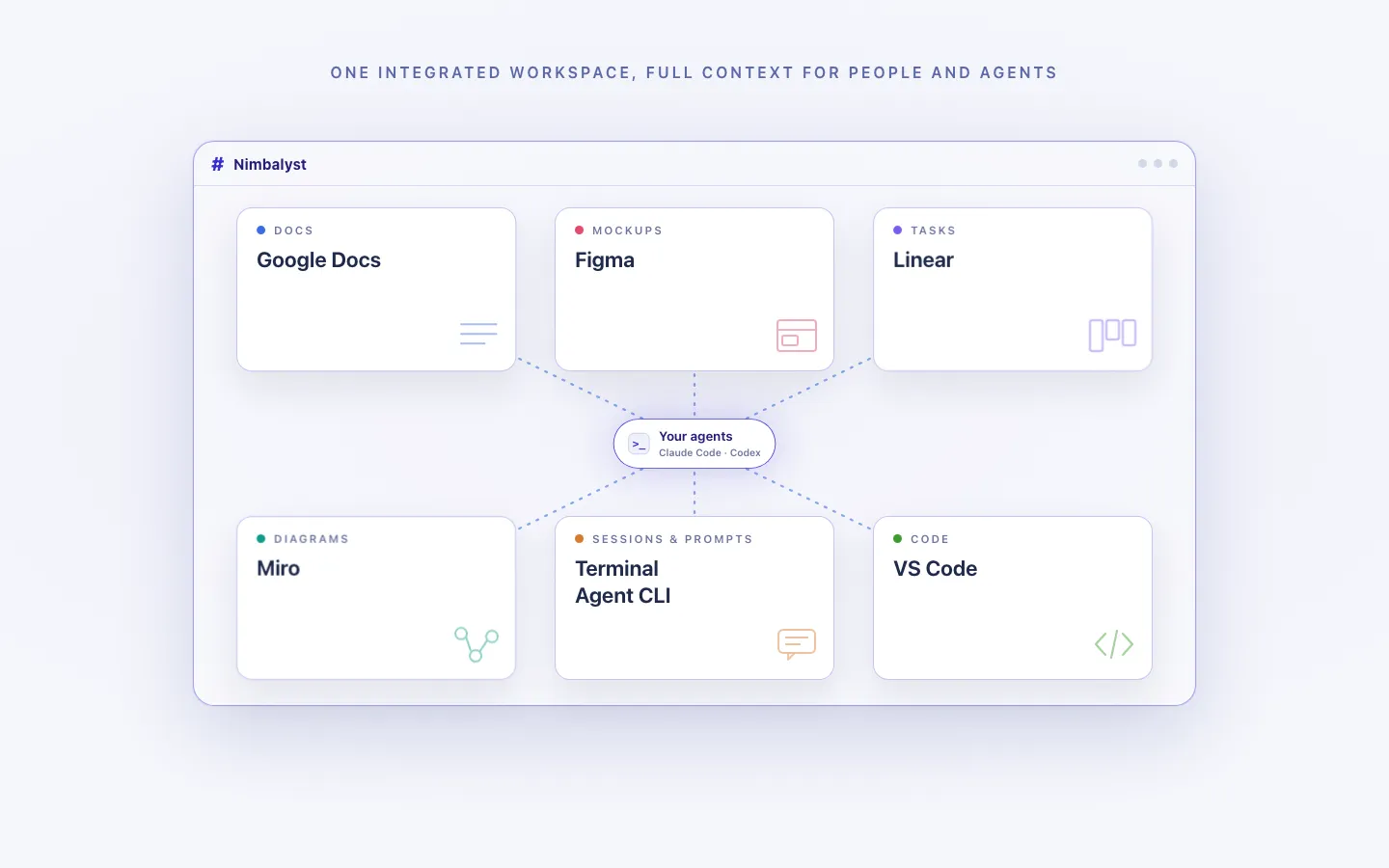
Every artifact in one workspace
Edit markdown, mockups, diagrams, code, and CSV data together, with the same project context available to people and agents.
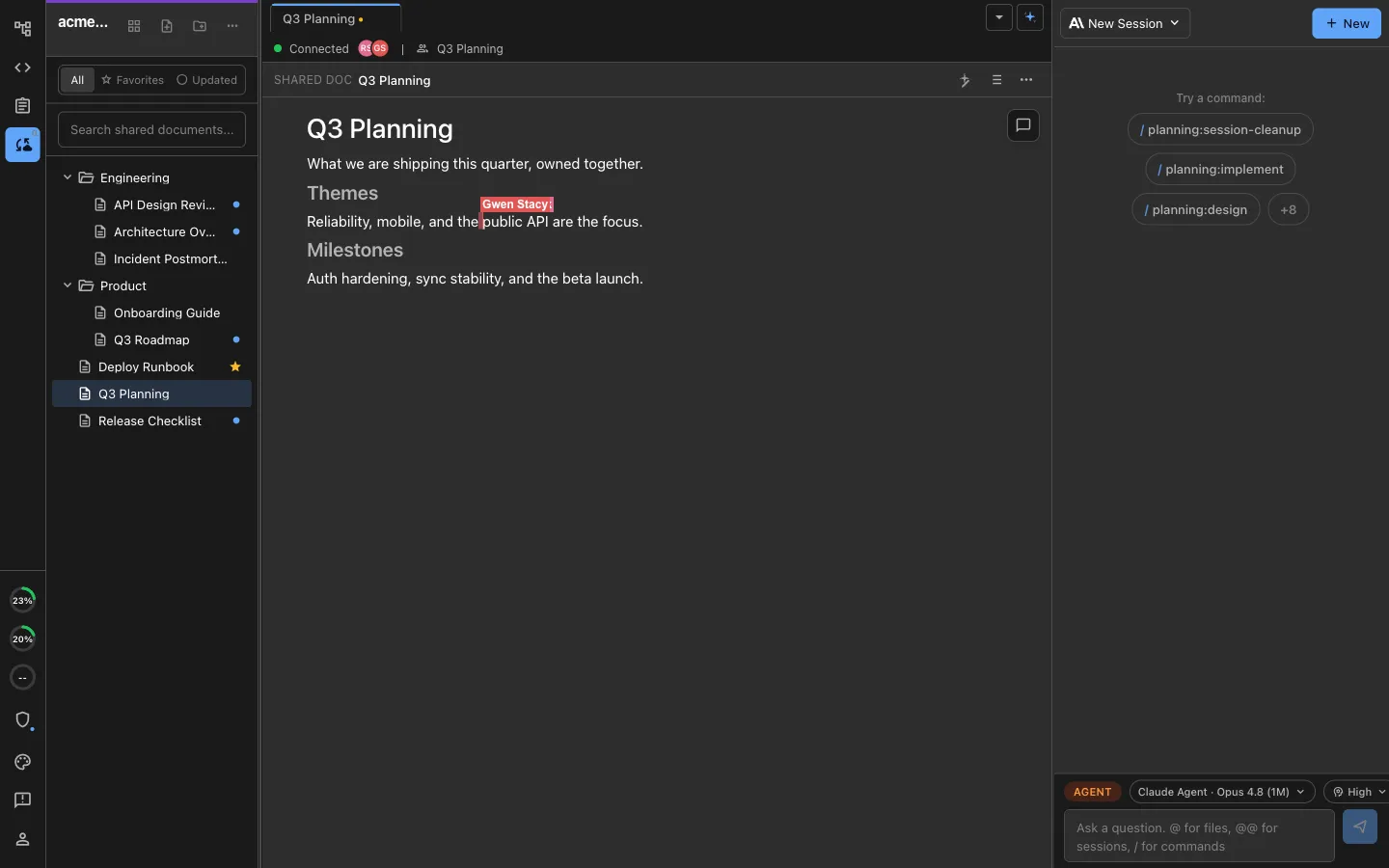
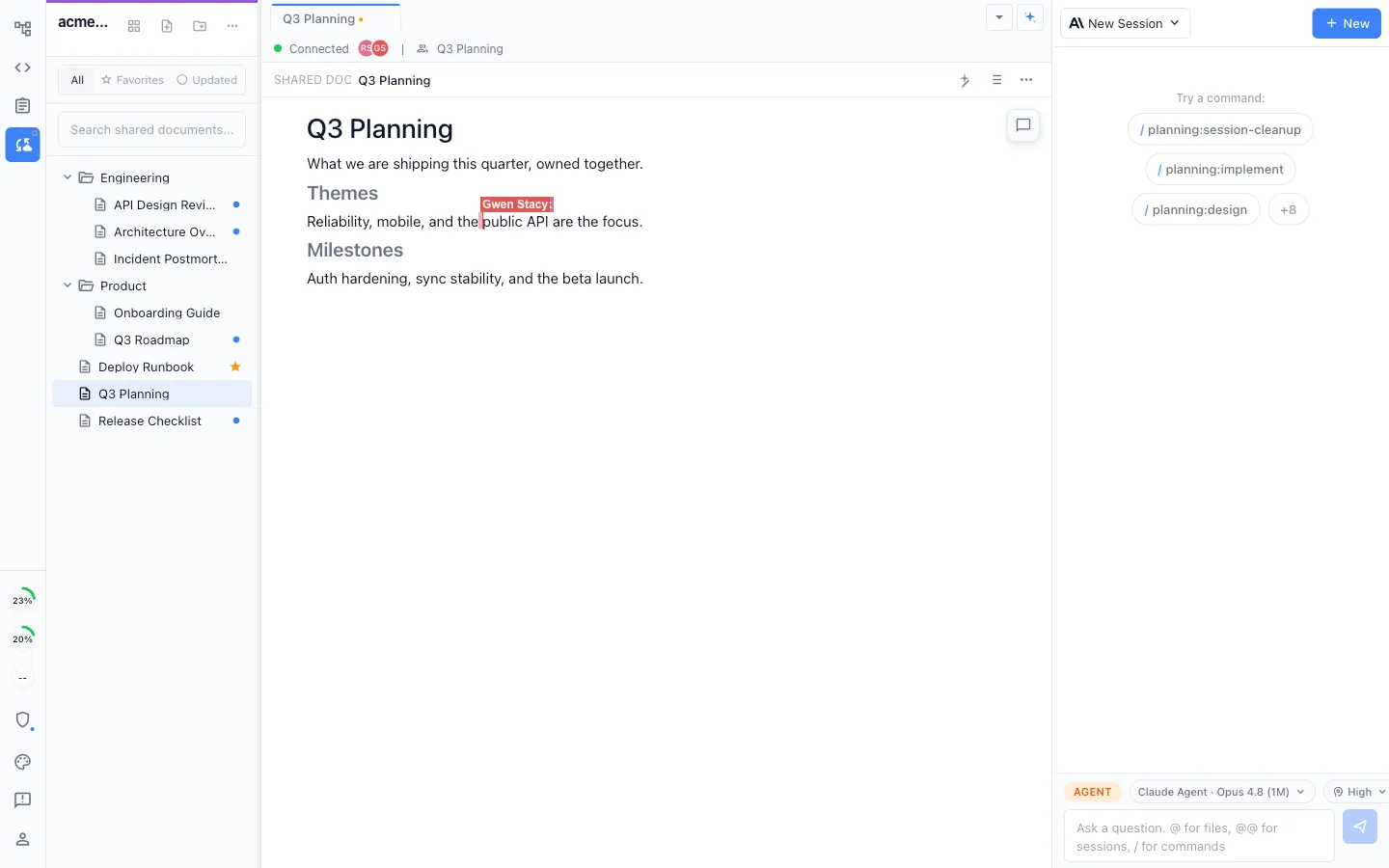
Local for individuals, collaborative for teams
Work locally in the MIT-licensed desktop app, or collaborate in real time on shared docs, diagrams, mockups, and trackers.
Honest Assessment
Where Aider is stronger
Model flexibility
Aider supports virtually any AI model via API: GPT-4, Claude, Gemini, open-source models, and more.
Excellent git integration
Aider automatically commits changes with descriptive messages, manages context across files, and handles complex multi-file edits cleanly.
Recommendation
Who should use which
Choose Nimbalyst if…
You want an open-source visual workspace for managing AI sessions, creating visual artifacts, and planning and implementing work. You prefer a graphical interface over the terminal.
Choose Aider if…
You want a model-agnostic terminal tool with excellent git integration, or you prefer working in the terminal.
More Comparisons
Related comparisons
From the Blog
Related guides
Run terminal agents in a workspace
How Nimbalyst adds sessions, visual editors, and diff review around command-line coding agents.
Best Tools for Running Parallel AI Coding Agents in 2026
A useful category view if you are weighing terminal agents against orchestration layers.
Coding with AI Agents: Best Practices for 2026
Guidance on specs, review, and context discipline across agent workflows.
Want terminal coding agents plus visual diff review, session management, and planning? Try Nimbalyst free.
Free for individuals. Works with your existing Claude Code or Codex subscription or API key.
Nimbalyst Teams is multiplayer. Your whole team, Codex, and Claude Code in one shared workspace.