Knowledge Base
A self-maintaining knowledge base from one prompt
Based on Andrej Karpathy's LLM Wiki pattern. Paste one prompt into Nimbalyst and your agent builds a compounding wiki with automatic daily compilation and weekly health checks.
Free for individuals. Works with your existing Claude Code or Codex subscription or API key.
The Problem
Knowledge systems only work if you maintain them
Karpathy's LLM Wiki idea is, instead of RAG, have an LLM build and maintain a structured wiki from your raw documents. Atually doing it requires stitching together multiple tools.
- You need Obsidian to read and edit the wiki, then switch to a terminal for Claude Code to run commands resulting in constant context-switching between windows
- Every ingest, every query, every lint pass is manual as the system only runs when you remember to trigger it
- Claude Code only sees whatever folder you point it at so you have to manually feed it every source document
- If you forget to do the lint step, contradictions and stale content accumulate silently
The Nimbalyst Approach
One window. Automatic compilation. Full context.
In Nimbalyst, the agent and the editor are integrated. You read a wiki page, ask a question about it, and see the changes without switching windows. And the system runs itself.
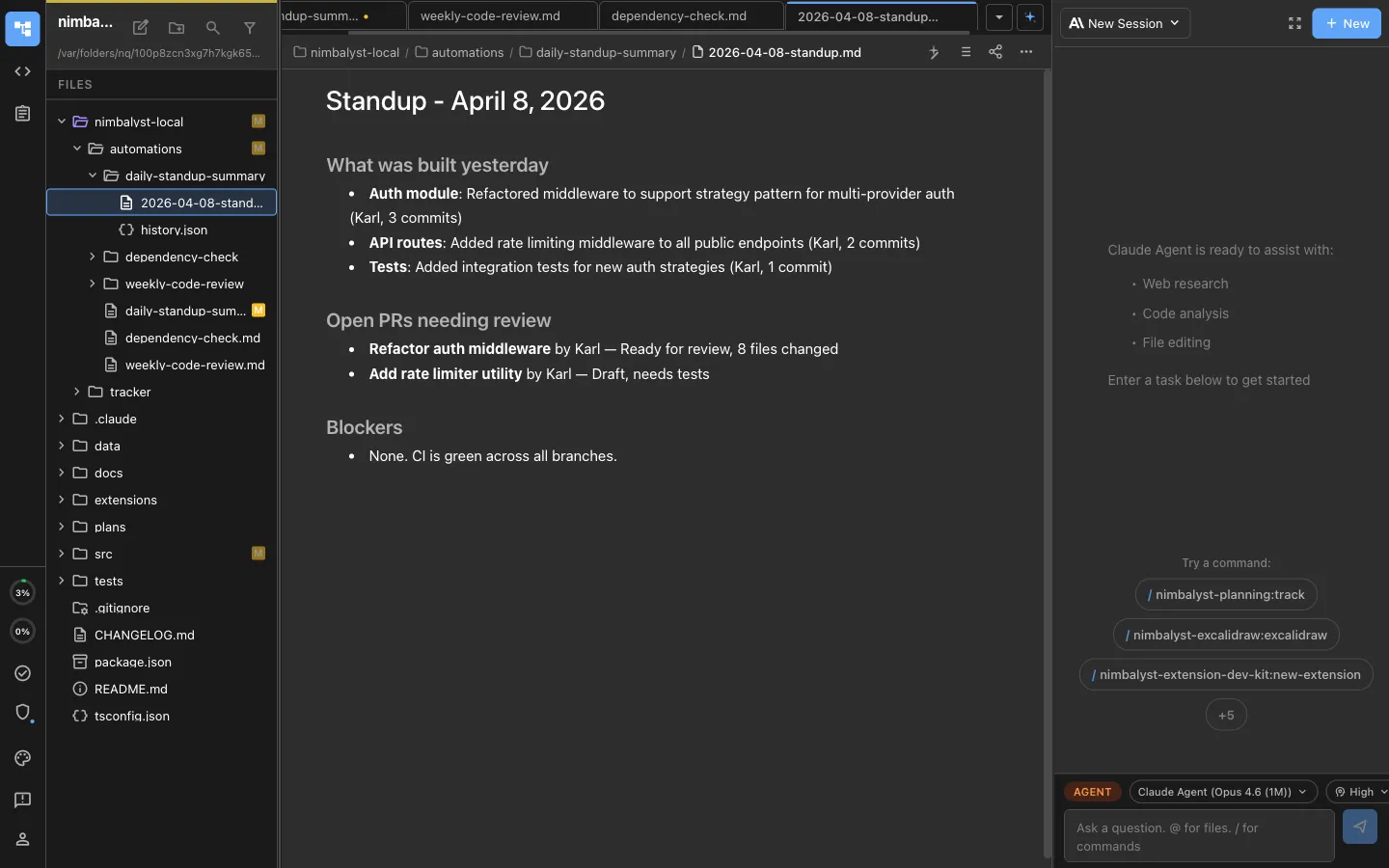
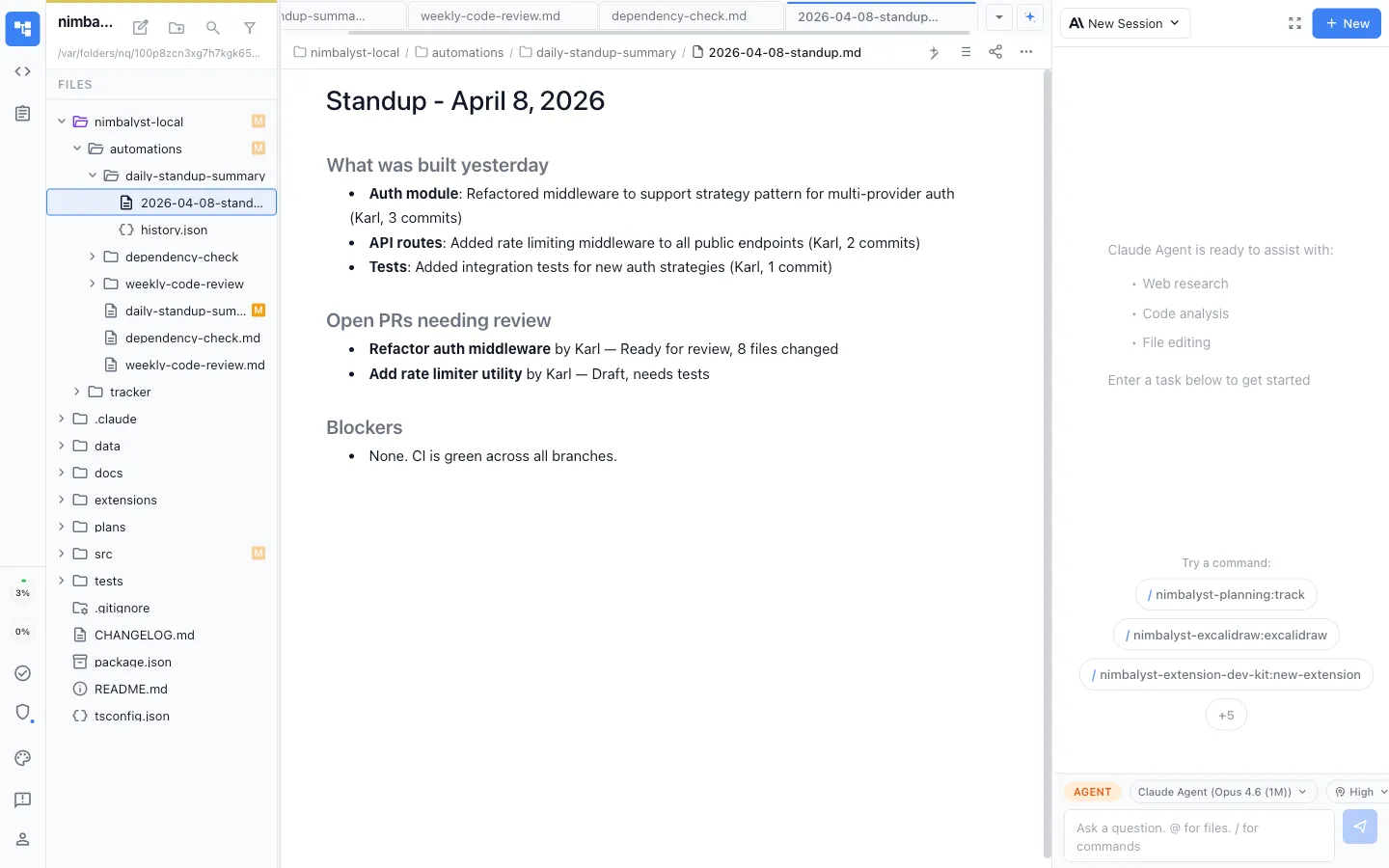
- No app-switching. The AI agent, the markdown editor, and the file tree all live in one window. Query the wiki, ingest a source, and read the results without leaving your workspace.
- Automatic compilation. A daily automation scans for new sources and compiles them into wiki pages -- no manual ingest command, no "remember to run it." You drop a file in, and by end of day it's cross-referenced and indexed.
- Self-healing wiki. A weekly health check catches contradictions, stale content, and orphaned pages automatically. The maintenance step nobody does manually -- now it runs whether you remember or not.
- Full workspace context. The AI already sees your sessions, files, plans, and decisions -- that's all raw material for the wiki compiler. In the multi-tool setup, Claude Code only sees one folder.
- Browse and edit directly. Navigate your wiki's file tree, read pages with rich markdown rendering, and edit them -- all inside Nimbalyst. No need to open a separate editor or terminal.
Get Started
One prompt. Paste it. Hit enter.
Copy this prompt into a Nimbalyst session. Your agent builds the entire knowledge base system -- the wiki folder structure, a /wiki slash command, and two automations that keep it running automatically.
Set up a self-maintaining LLM Wiki in this workspace, based on Andrej Karpathy's LLM Wiki pattern. Knowledge should compound over time instead of resetting every conversation.

Create these three things:

1. WIKI FOLDER STRUCTURE

Create wiki/ in the workspace root:
- wiki/index.md -- content catalog organized by category (you maintain this)
- wiki/log.md -- append-only chronological record of all operations
- wiki/pages/ -- individual wiki articles, one concept per file
- wiki/raw/ -- immutable source documents (never modify files here)

Initialize index.md with a category-based catalog (empty to start). Initialize log.md with a timestamped [INIT] entry.

2. SLASH COMMAND: /wiki

Create .claude/commands/wiki.md with a slash command that supports three operations via its argument:

- Query (default, any natural language): Read the wiki index, find relevant pages, synthesize an answer with citations. If the answer reveals a gap, offer to create a new page.
- Ingest (e.g. "/wiki ingest path/to/file.md"): Copy source to wiki/raw/, read it, update affected wiki pages, create new pages for uncovered concepts, update index.md, log the operation.
- Lint ("/wiki lint"): Audit for contradictions, stale content (30+ days), orphaned pages, missing cross-references, and index drift. Output a health report. Don't auto-fix.

All operations append to wiki/log.md.

Wiki page format:
- H1 title, one-line summary, tags, source citations, last-updated date, content, and a Related section with [[wikilinks]] to other pages.
- One concept per file, 500-1500 words.

3. TWO AUTOMATIONS

Use the Nimbalyst automations system (automations_create tool) to create:

a) "Wiki Knowledge Compiler" -- runs daily at 6pm
- Checks wiki/log.md to see what's been processed
- Scans wiki/raw/ for unprocessed files and the broader workspace for new notes, plans, or research docs
- For each new source: reads it, updates affected wiki pages, creates new pages, updates index.md
- Appends a [COMPILER] entry to wiki/log.md with pages created/updated
- Output mode: append to wiki/log.md
- If nothing new, logs "No new sources" and stops

b) "Wiki Health Check" -- runs weekly on Fridays at 4pm
- Audits for: contradictions, stale content, orphaned pages, missing cross-references, index drift, uncited sources
- Produces a health report with Critical/Moderate/Low sections and suggested actions
- Output mode: new-file in wiki/lint-reports/ with template {{date}}-lint-report.md
- Does NOT auto-fix, just reports
- Appends a [LINT] summary to wiki/log.md

After creating everything, give me a summary of what was set up and how to use it.
What Your Agent Builds
Three things, fully configured
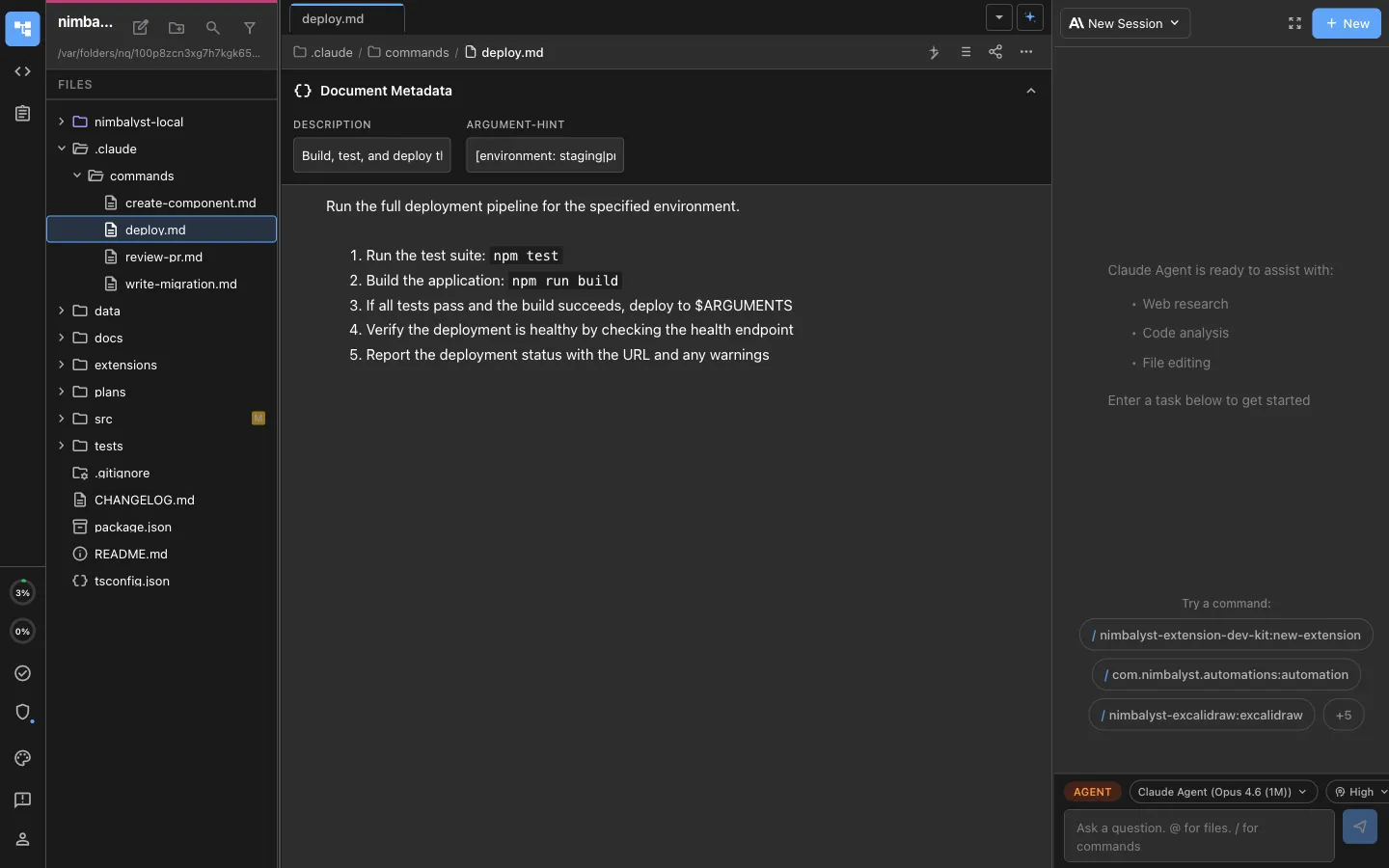
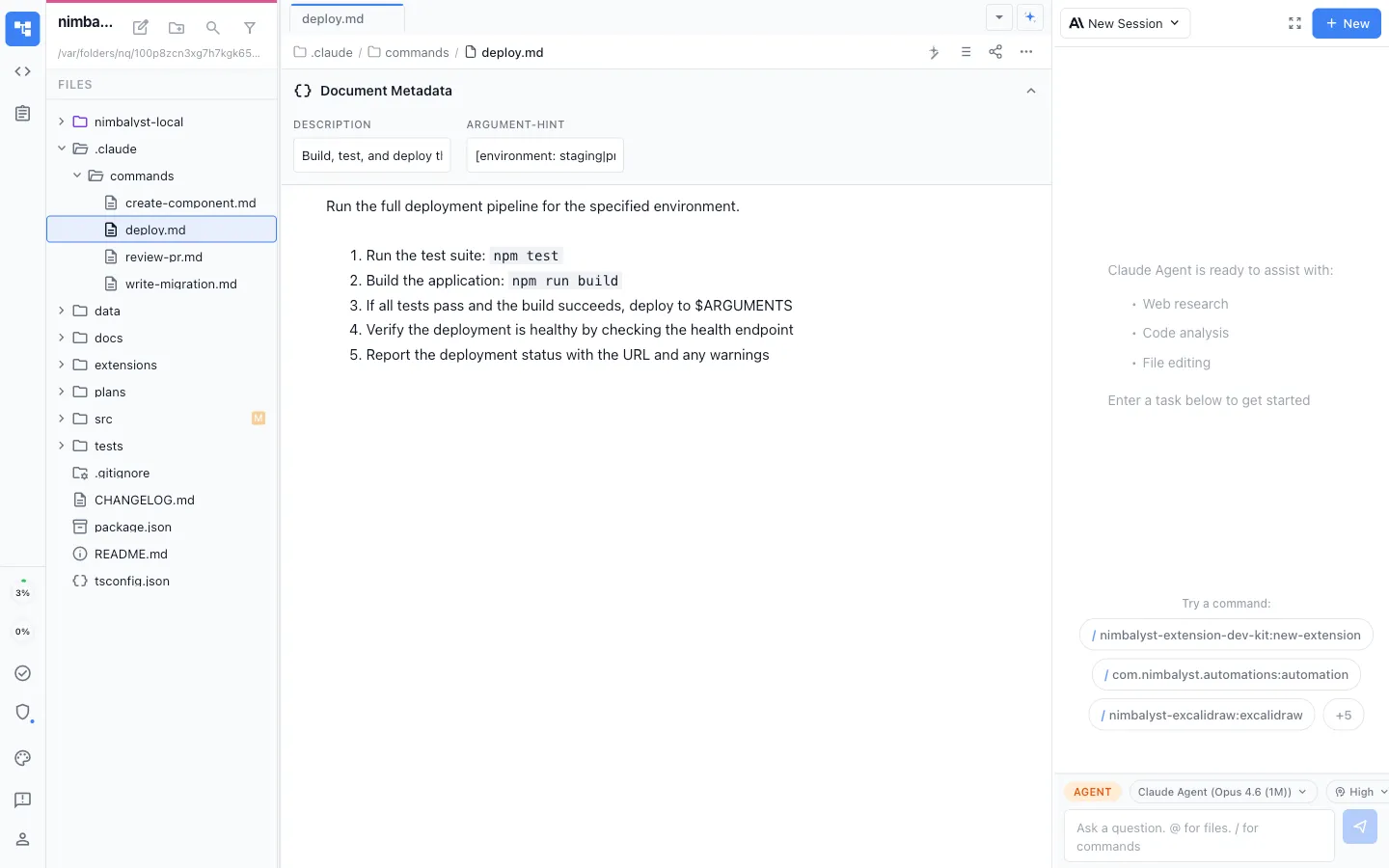
/wiki slash command
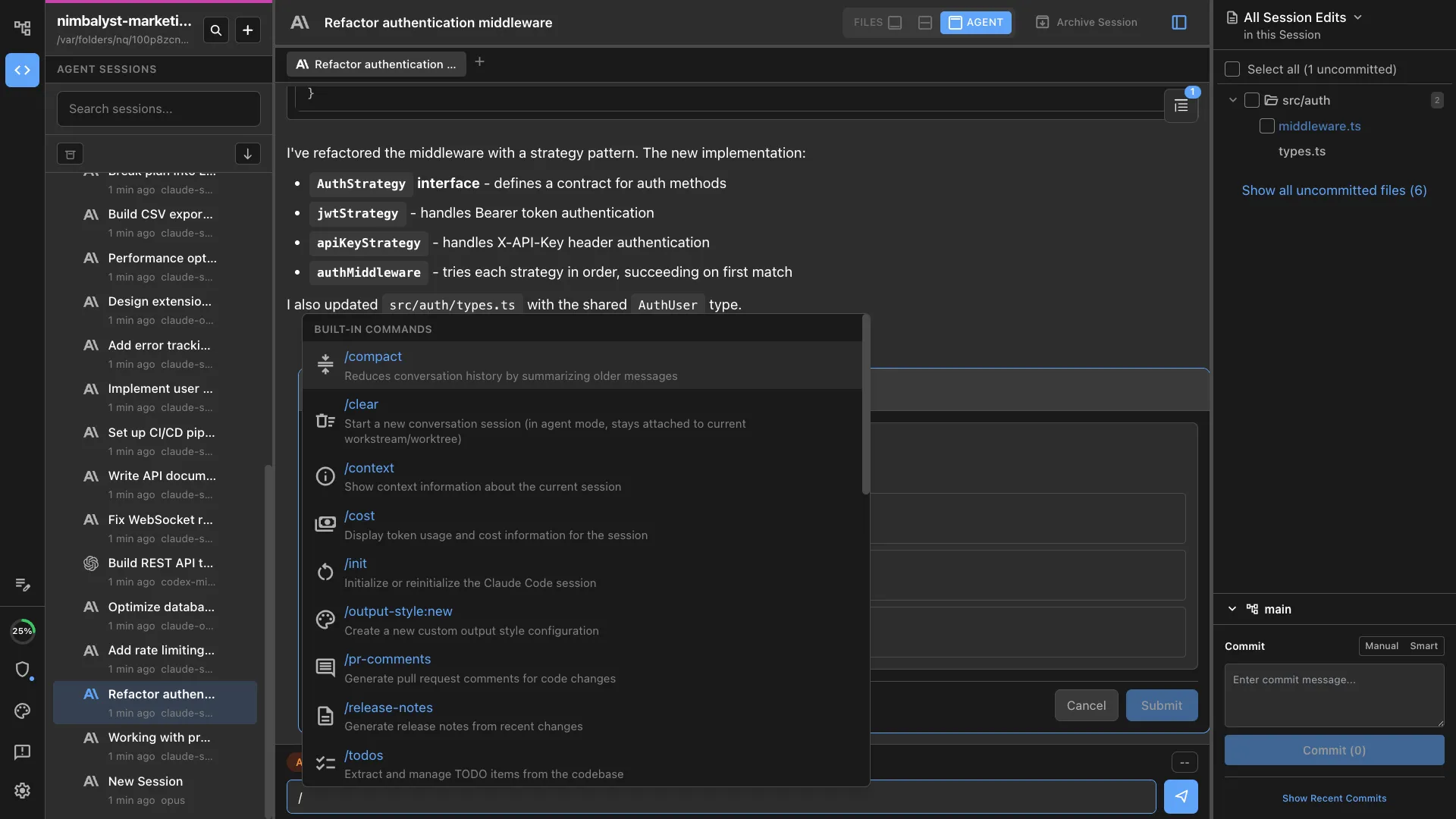
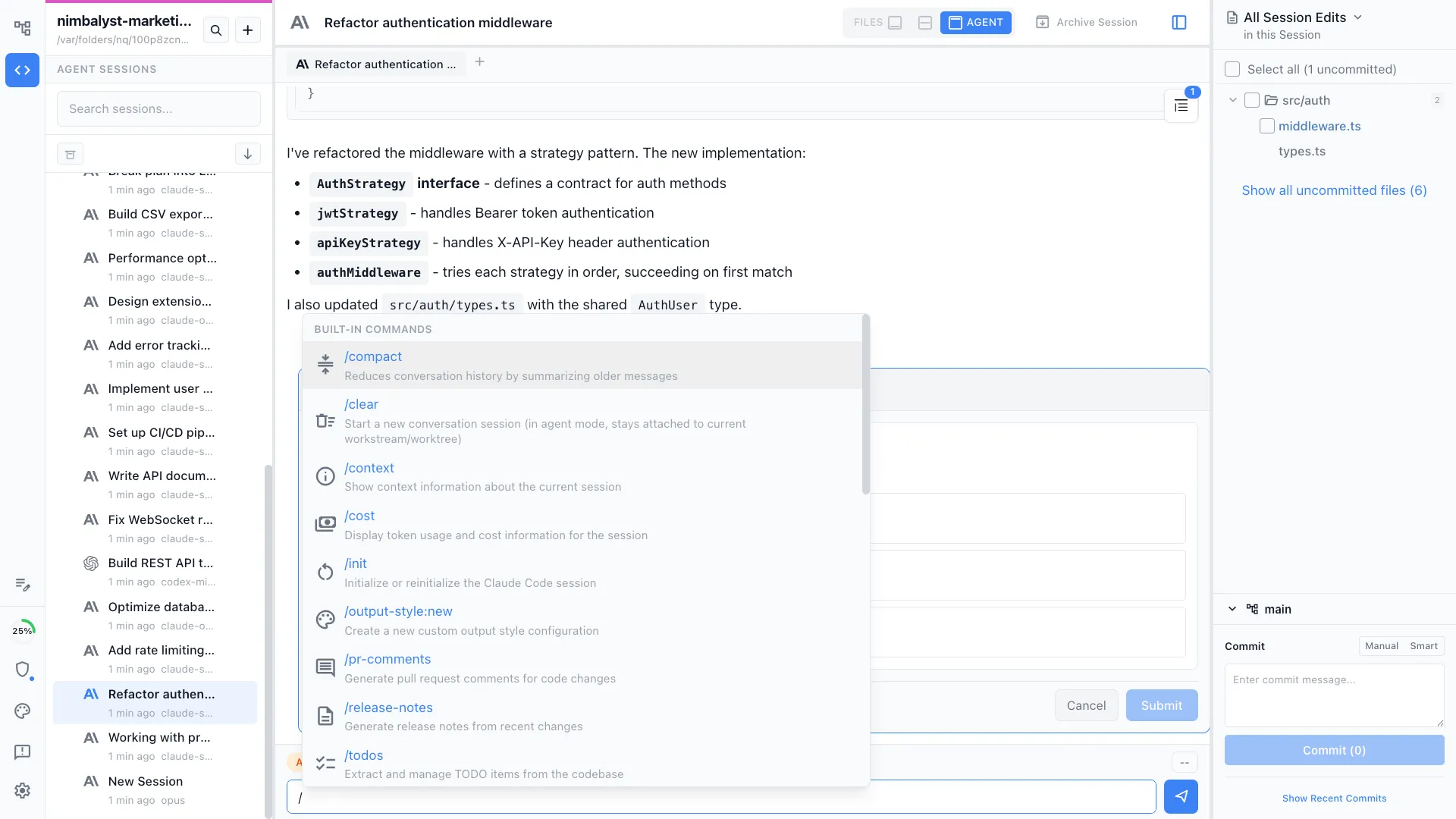
Query your knowledge base, ingest new sources, or run a health check -- all from the same session where you're already working. No terminal, no app-switching.
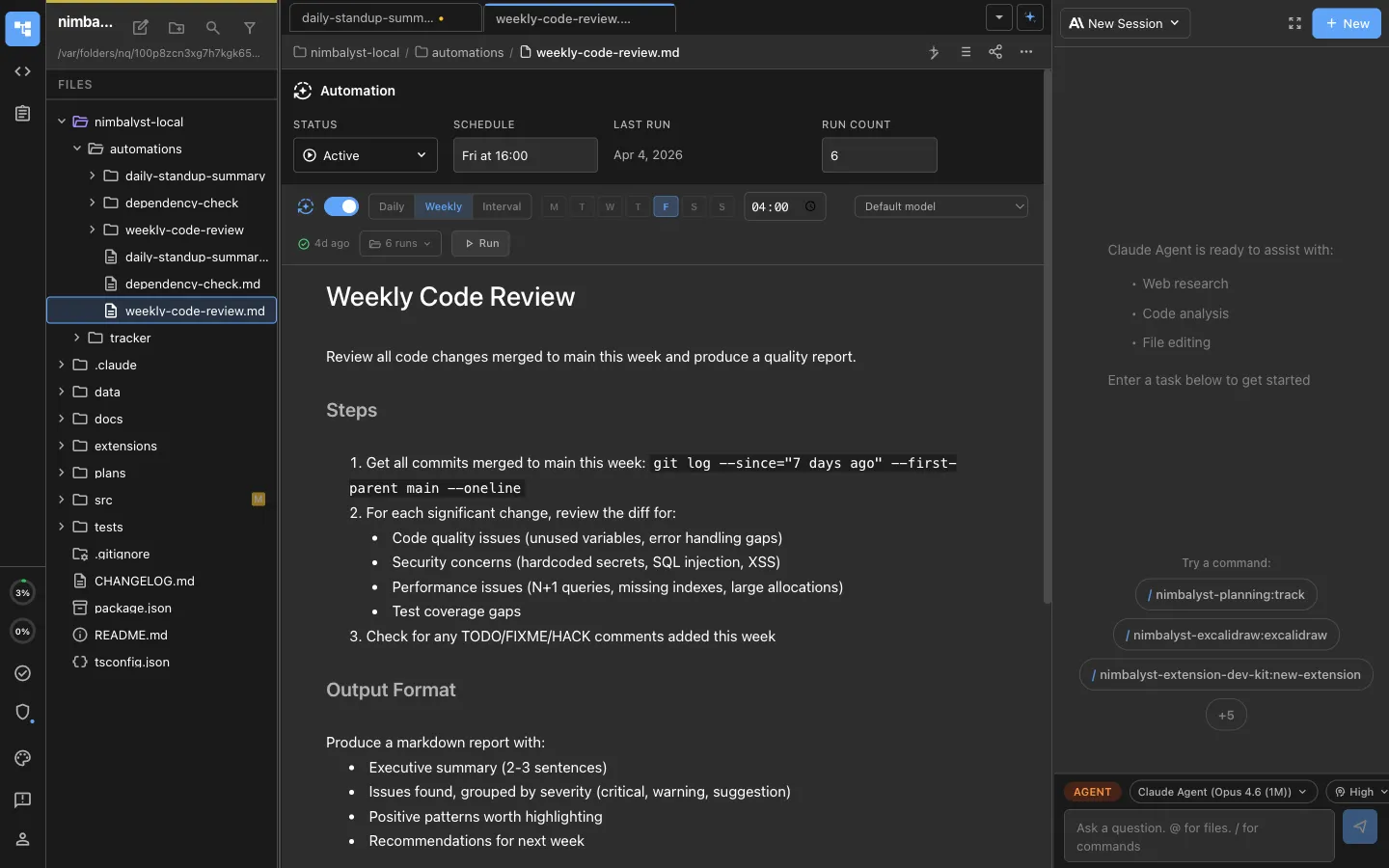
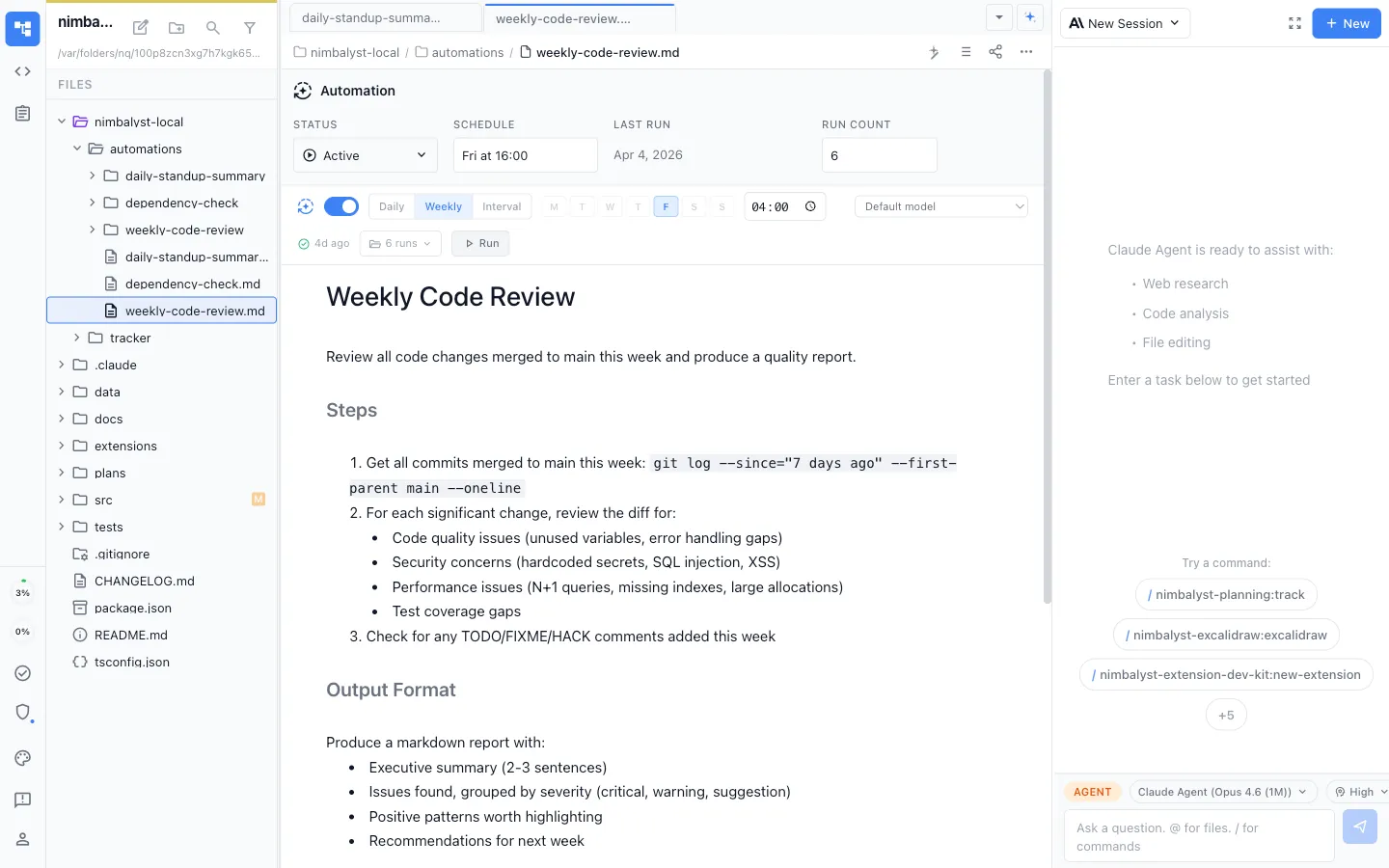
Daily knowledge compiler
Runs every day at 6pm. Scans for new sources, reads them, updates affected wiki pages, creates new pages for uncovered concepts, and maintains cross-references. You never run an ingest command.
Weekly health check
Runs every Friday at 4pm. Audits for contradictions, stale content, orphaned pages, and missing cross-references. Reports issues without auto-fixing -- you decide what to act on.
The Difference
One unified workspace with automation
Multi-tool setup
- ✕ Switch between Obsidian, terminal, and browser constantly
- ✕ Every ingest and lint step is a manual terminal command
- ✕ Agent only sees the wiki folder -- you feed it everything manually
- ✕ System stops compounding the moment you stop maintaining it
With Nimbalyst
- ✓ One window -- agent and editor in the same environment
- ✓ Daily compiler and weekly lint run automatically on schedule
- ✓ Agent sees your whole workspace -- sessions, files, plans, decisions
- ✓ Knowledge compounds whether you remember to maintain it or not
After Setup
How you use it day to day
/wiki how does our auth system work
Query the knowledge base. Your agent reads the relevant wiki pages and synthesizes an answer with citations.
/wiki ingest docs/architecture-decision.md
Ingest a new source. The agent reads it, updates affected wiki pages, and creates new pages for uncovered concepts.
Drop files in wiki/raw/
The daily compiler picks them up automatically. By the next morning, they're cross-referenced and indexed.
Browse and edit wiki pages directly
Navigate the wiki file tree, read pages with rich markdown rendering, and edit them -- all inside Nimbalyst. No separate editor needed.
Check wiki/lint-reports/ on Fridays
Weekly health reports flag contradictions, stale content, and orphaned pages. Review and decide what to fix.
Powered By
Nimbalyst features behind this workflow
Commands & Skills
The /wiki slash command that handles querying, ingesting, and linting your knowledge base.
Automations
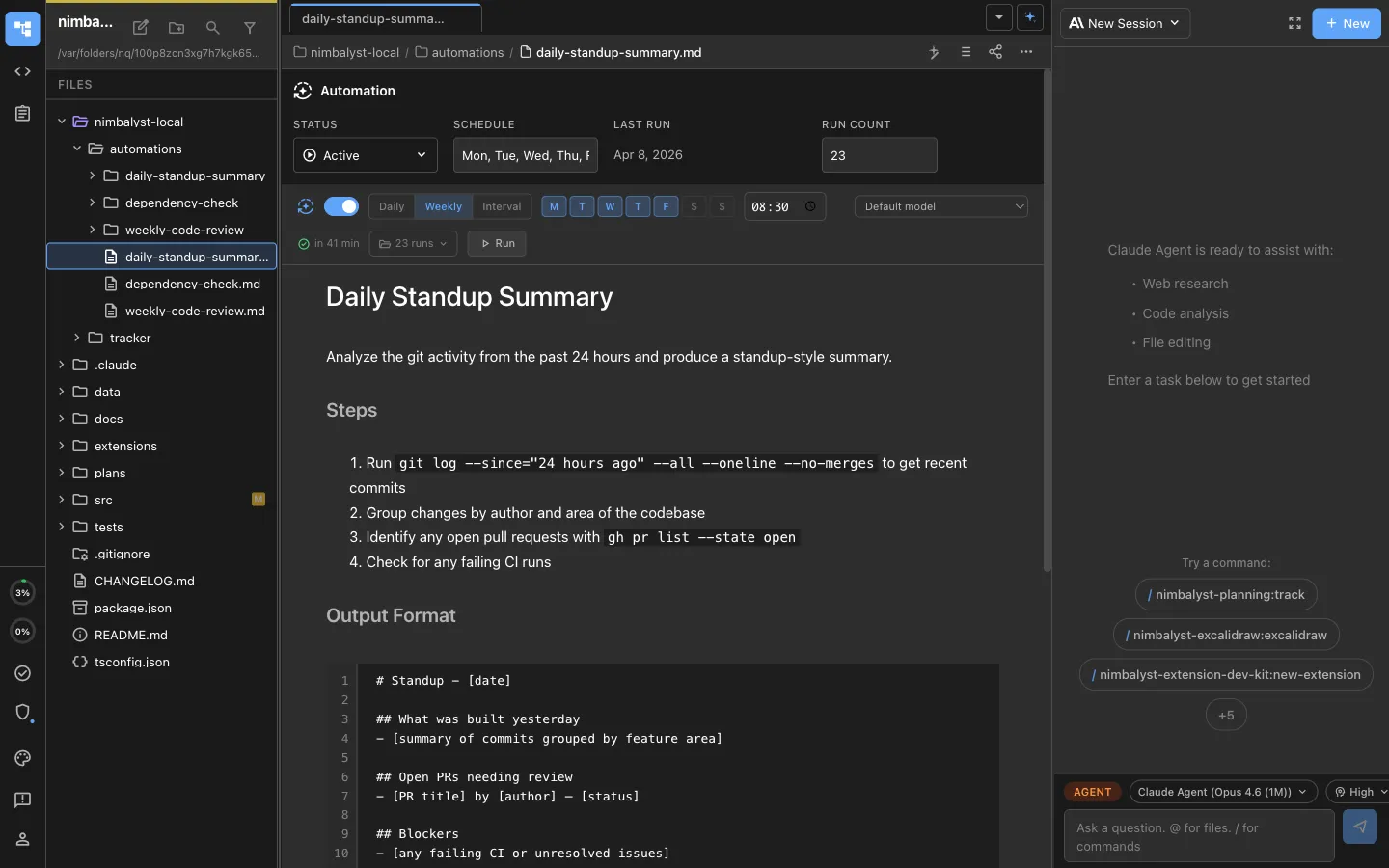
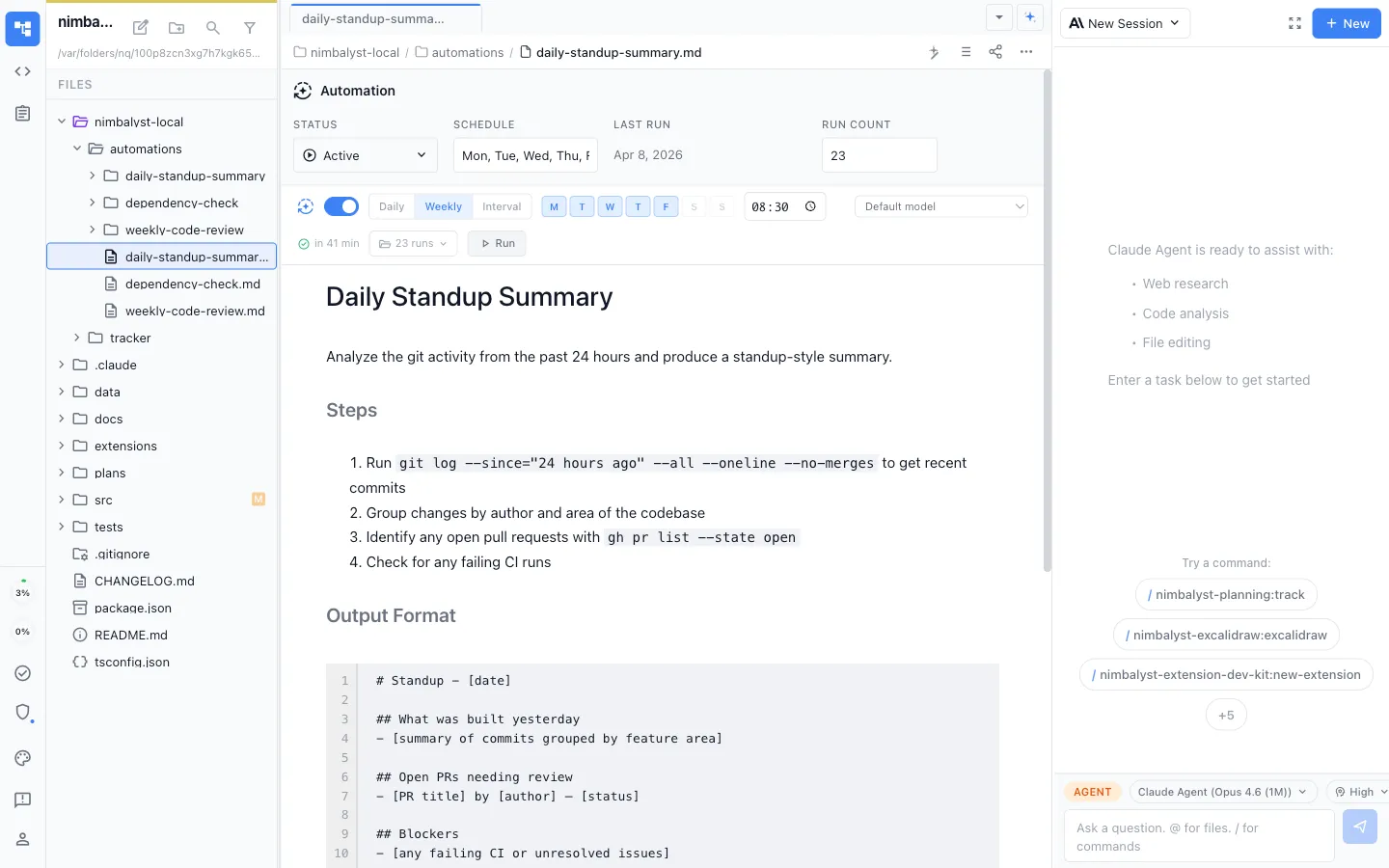
The daily compiler and weekly health check that keep your wiki running without manual intervention.


Markdown Editor
Read and edit wiki pages with rich formatting, right where the agent creates them.


Agent Integration
Claude Code sees your full workspace -- sessions, files, plans -- giving the wiki compiler richer source material.


Build a knowledge base that maintains itself
Free for individuals. Works with your existing Claude Code or Codex subscription or API key.