Technical Documentation
AI-powered technical documentation
Your agent reads your codebase and writes documentation that stays accurate. Edit in a WYSIWYG markdown editor with inline diagrams, diffs, and version history.


The Problem
Documentation is always out of date
Technical docs are essential but painful to maintain. They go stale the moment code changes, and writing them from scratch takes hours.
- Nobody wants to write docs -- they're always the last priority
- Docs drift from code within weeks and become misleading
- External doc tools (Notion, Confluence) have no awareness of your codebase
- Diagrams in docs require switching to a separate drawing tool
How It Works
Documentation that writes itself and stays current
Generate from your codebase
Ask your agent to document a module, API, or feature. It reads the actual code and produces accurate, structured markdown with code examples.
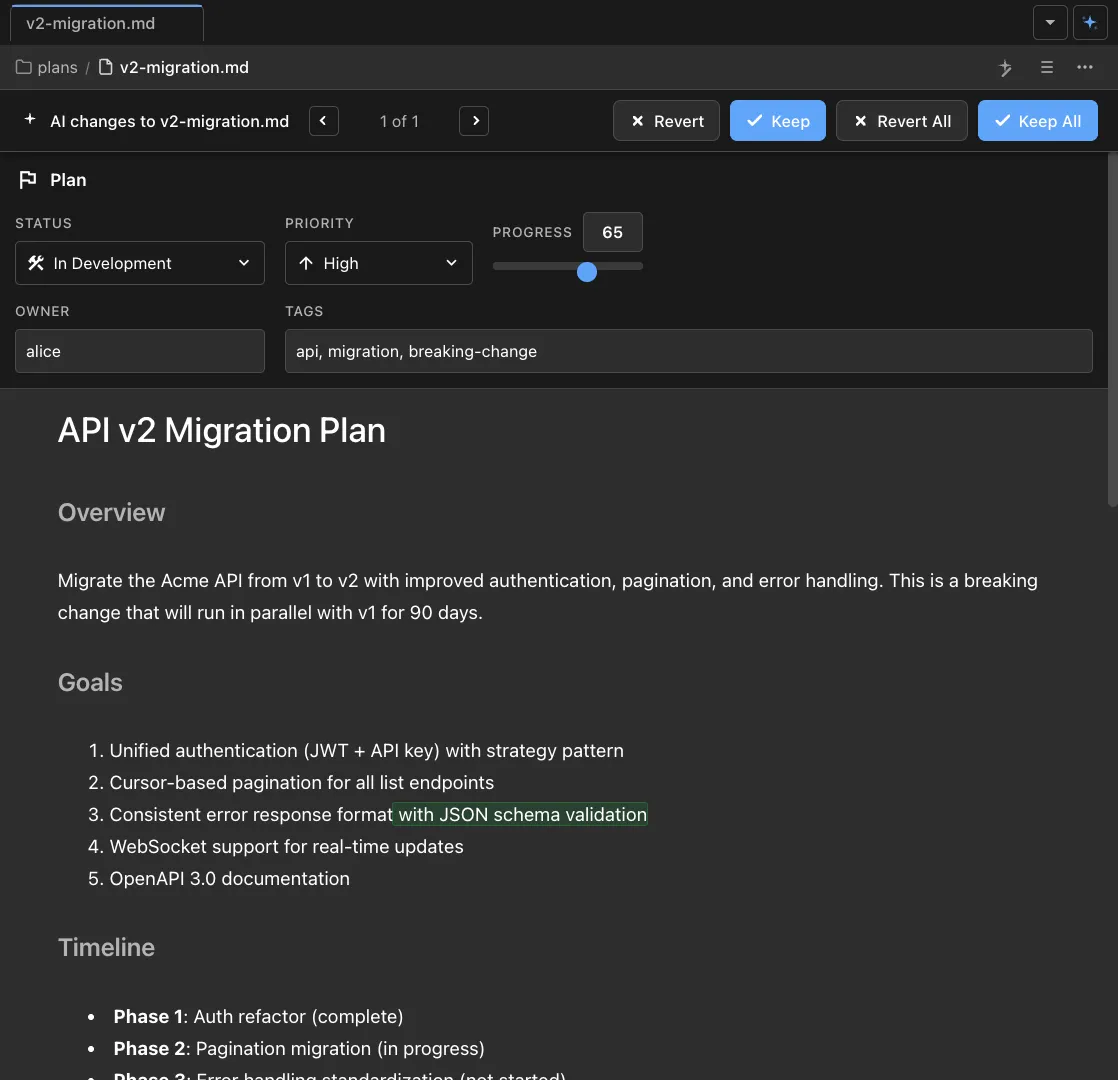
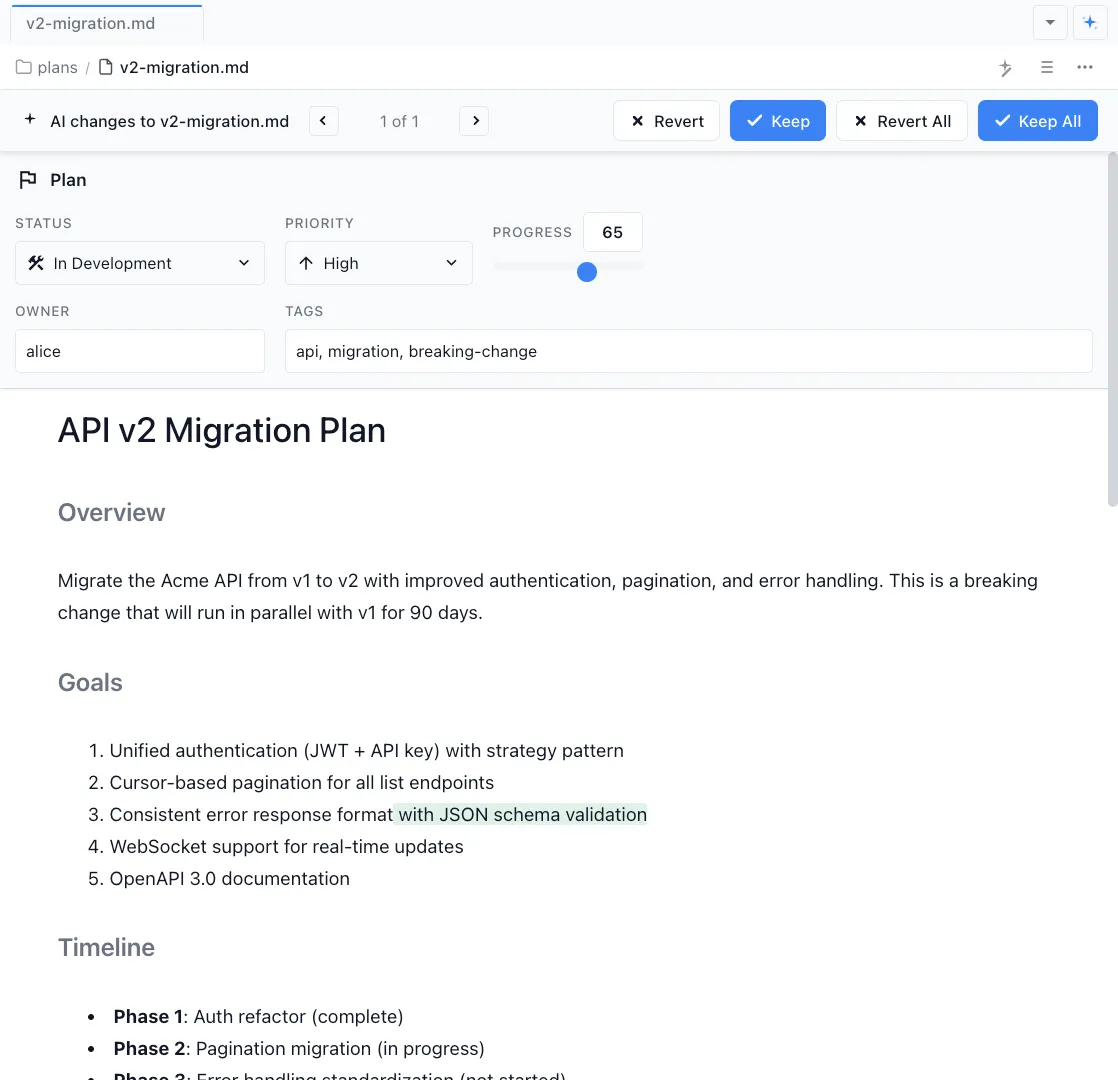
Edit in a rich editor
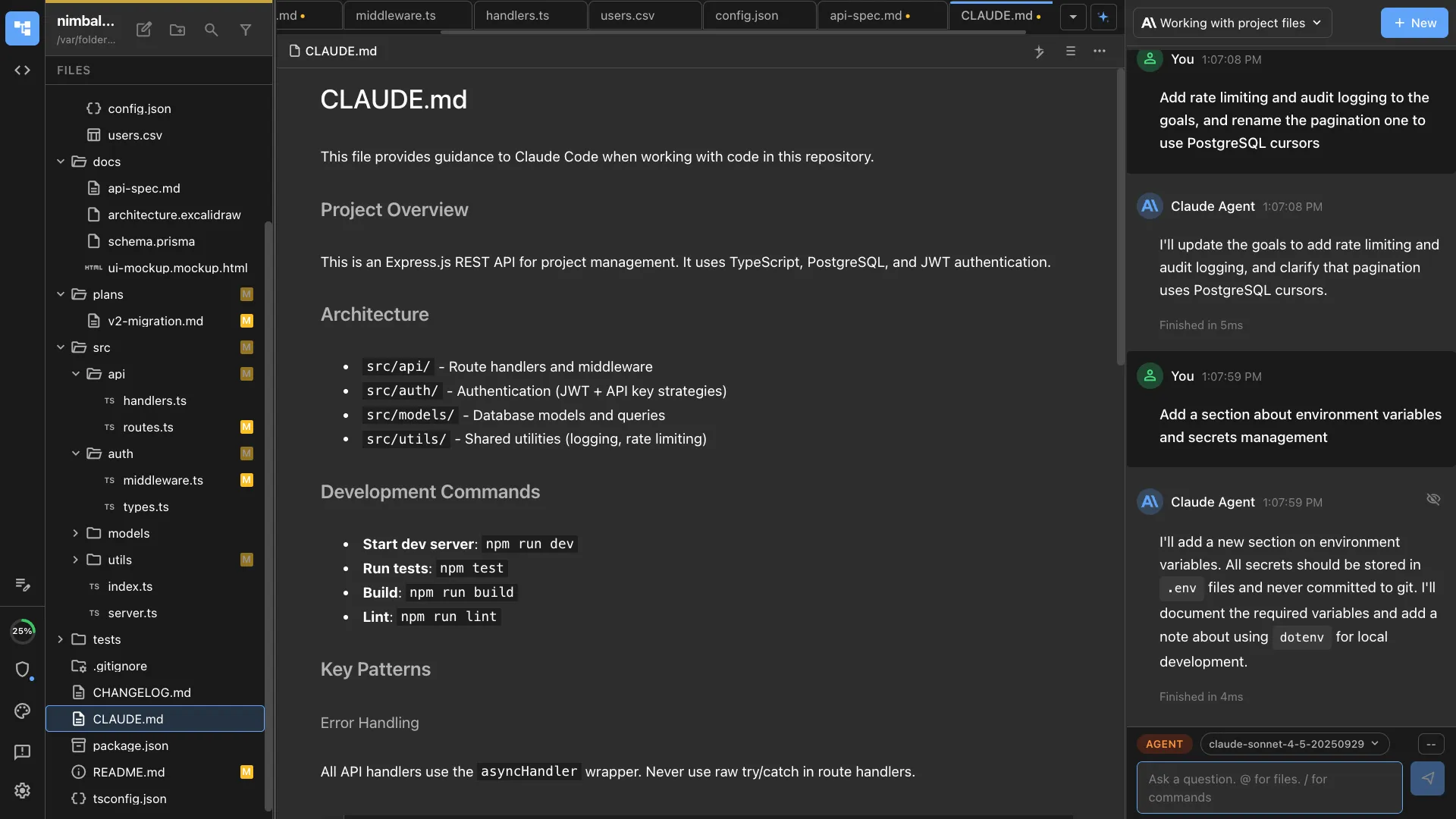
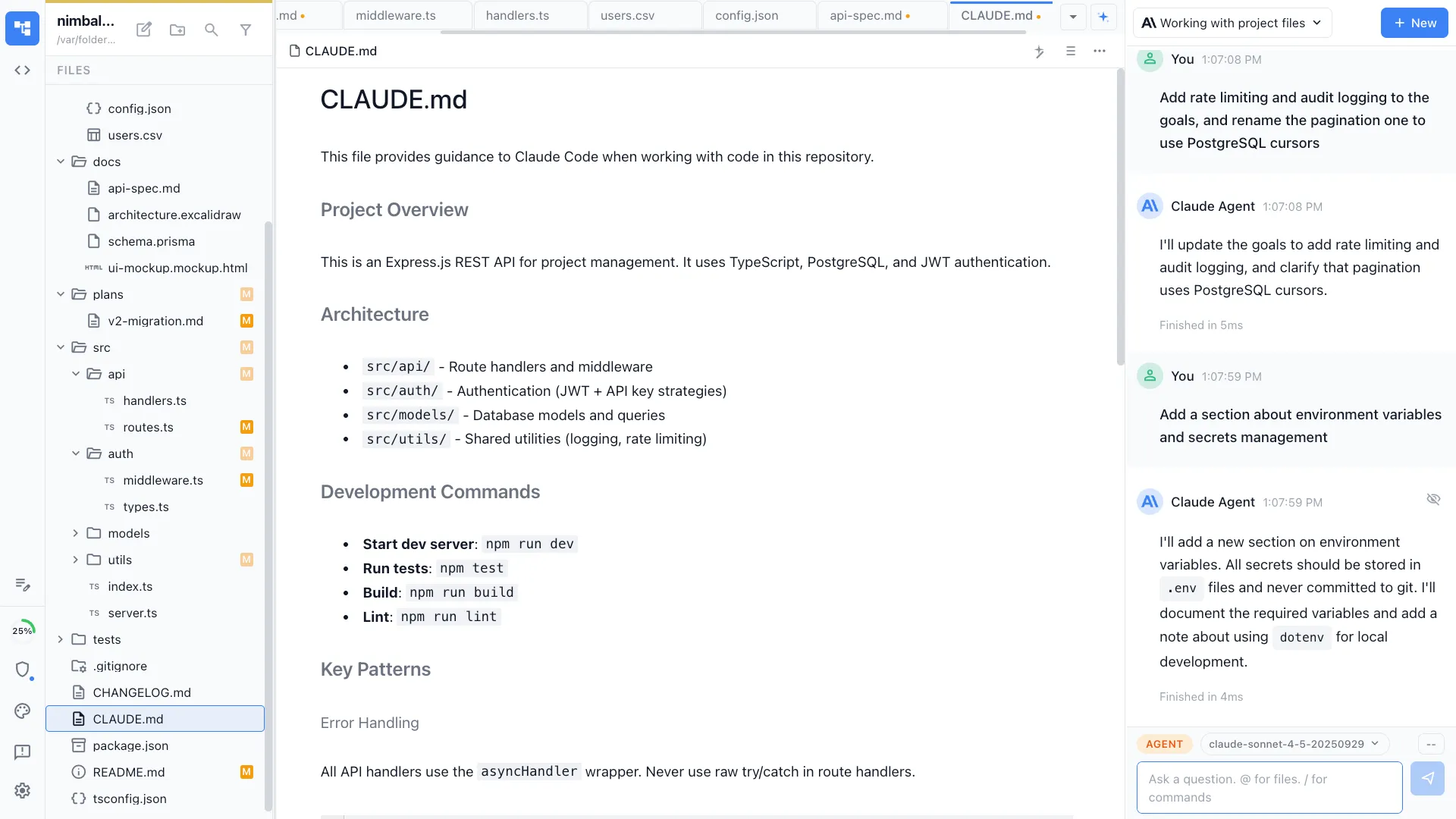
Nimbalyst's WYSIWYG markdown editor renders headings, tables, code blocks, and images inline. Edit naturally -- no raw markdown syntax required.
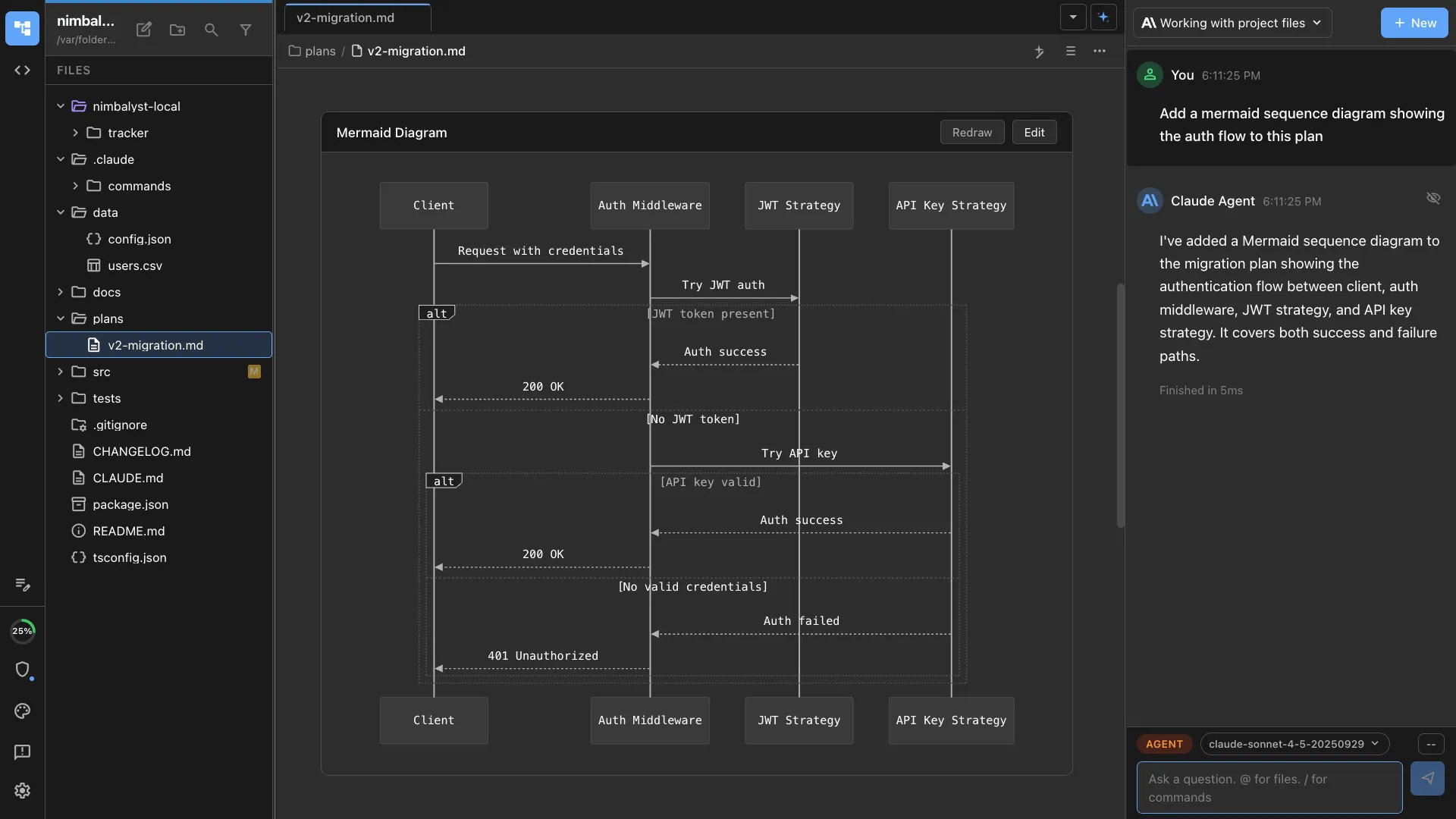
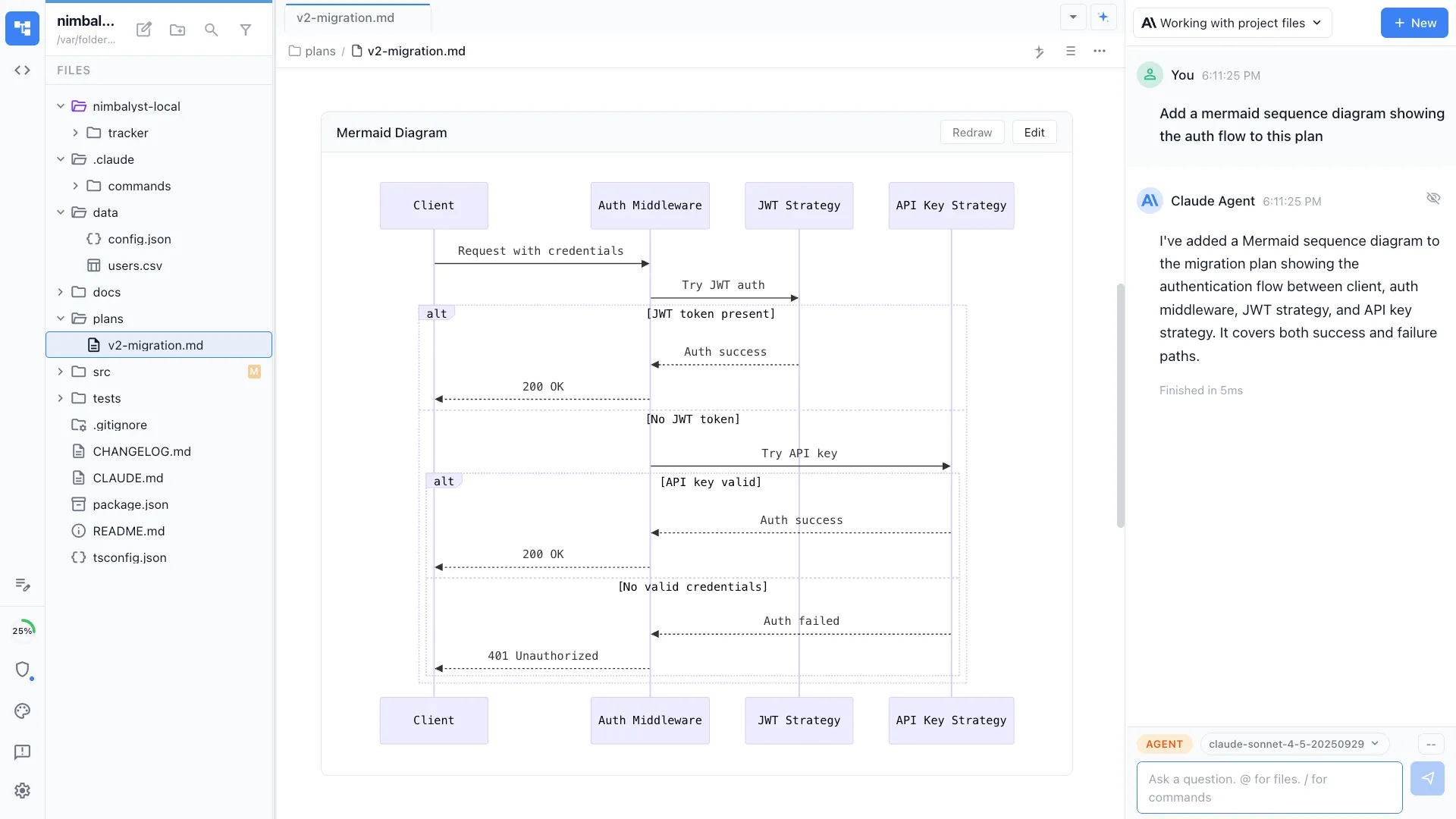
Embed diagrams inline
Add Mermaid diagrams directly in your docs. Your agent generates architecture diagrams, sequence diagrams, and flowcharts that render alongside your text.
The Difference
Docs that keep up with your code
Without Nimbalyst
- ✕ Spend hours writing docs that go stale in weeks
- ✕ Manually copy code examples that drift from the actual source
- ✕ Switch to Lucidchart or Draw.io to add diagrams
- ✕ Docs live in Notion or Confluence, disconnected from code
With Nimbalyst
- ✓ Agent generates docs from the actual codebase in minutes
- ✓ Code examples reference real files and stay current
- ✓ Mermaid and Excalidraw diagrams render inline in your docs
- ✓ Docs live alongside code in your workspace as plain markdown
Powered By
Nimbalyst features behind this workflow
Markdown Editor
WYSIWYG editing with inline diffs, images, and code blocks.
Diagrams & Drawing
Mermaid and Excalidraw diagrams render inline in markdown docs.
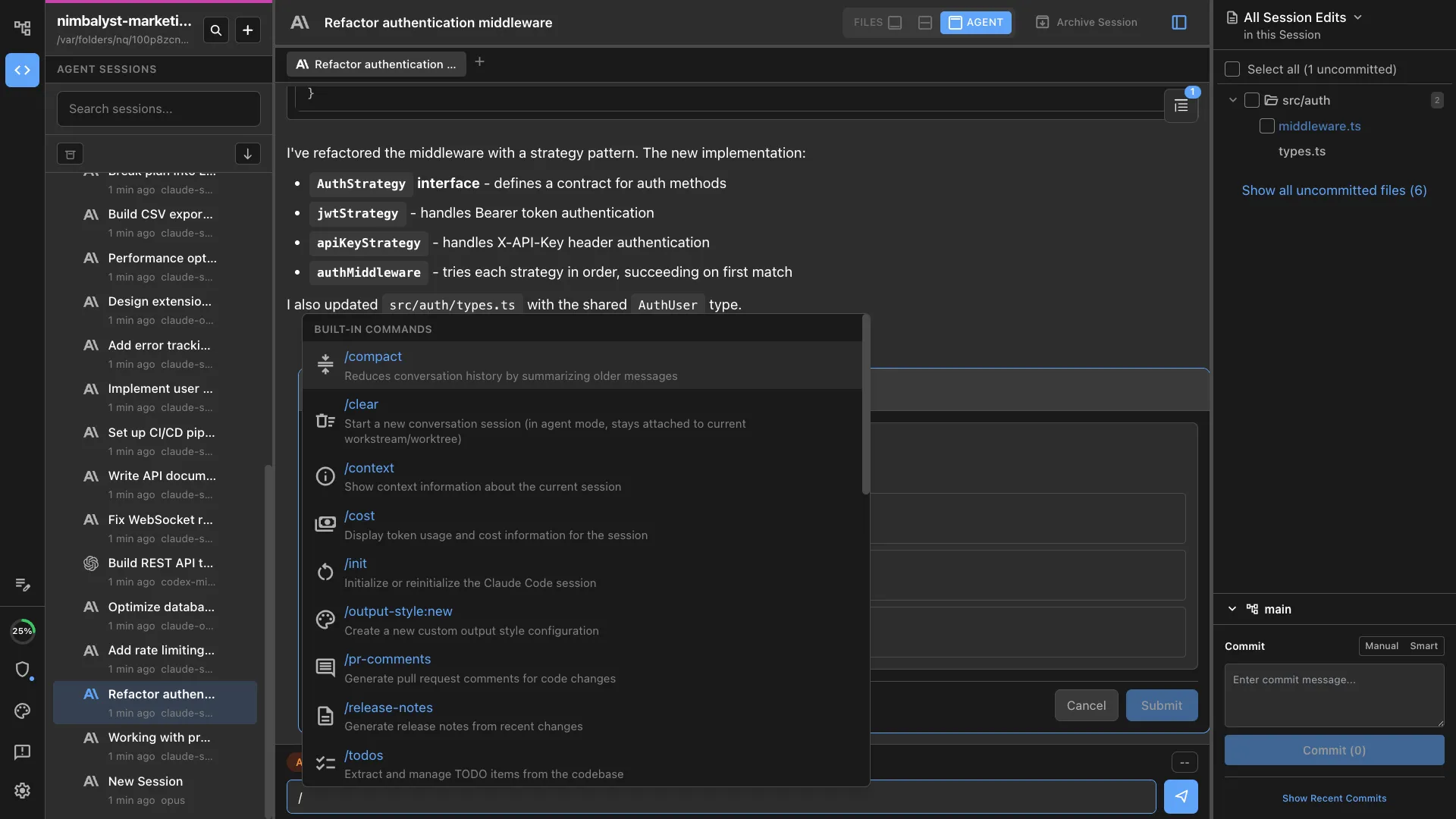
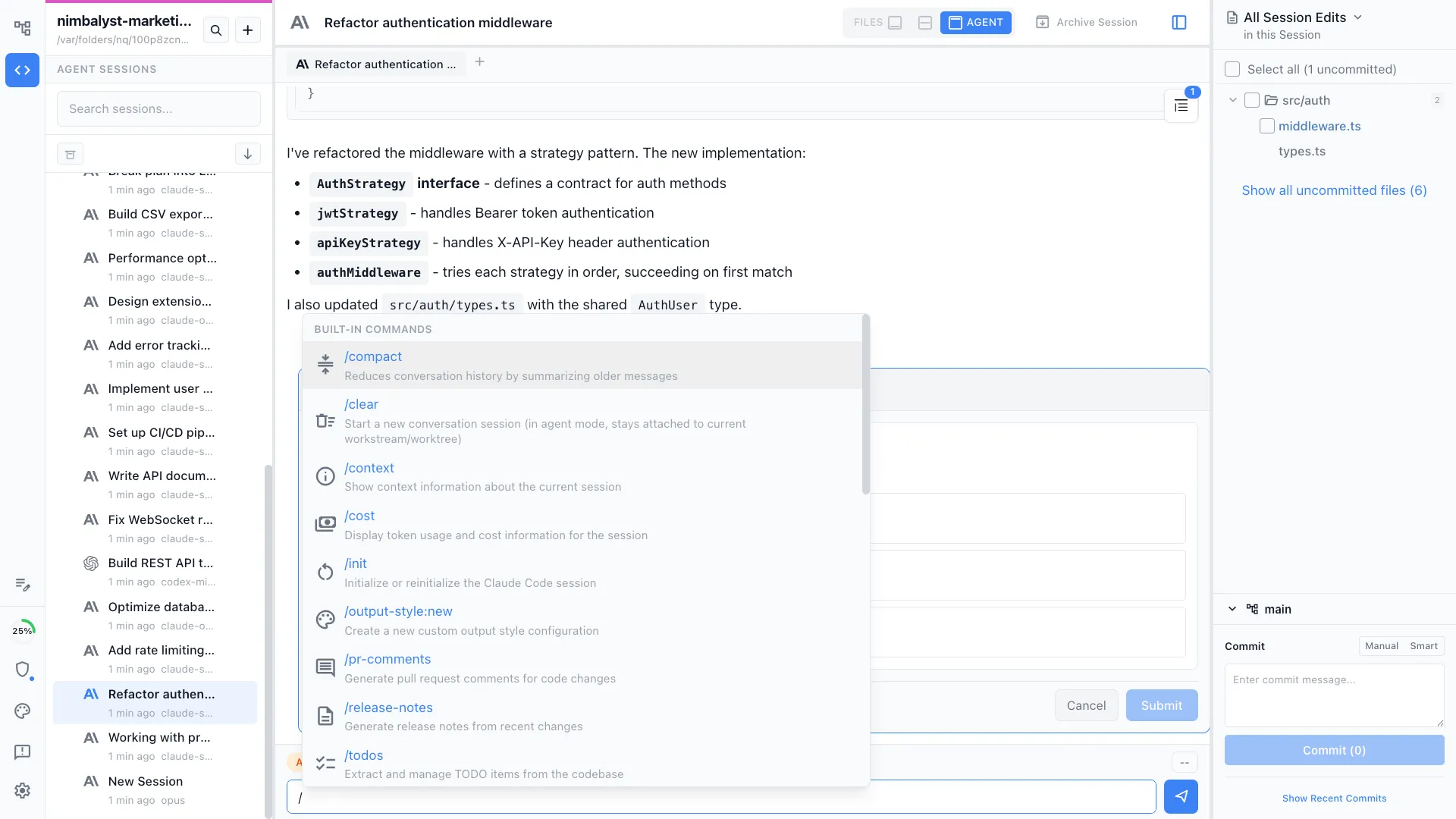
Commands & Skills
Use /docs to generate structured documentation from any codebase.
AI Context
Your agent has full codebase context when writing and updating docs.



