Agentic IDE
An agentic IDE puts the agent at the center, not the cursor.
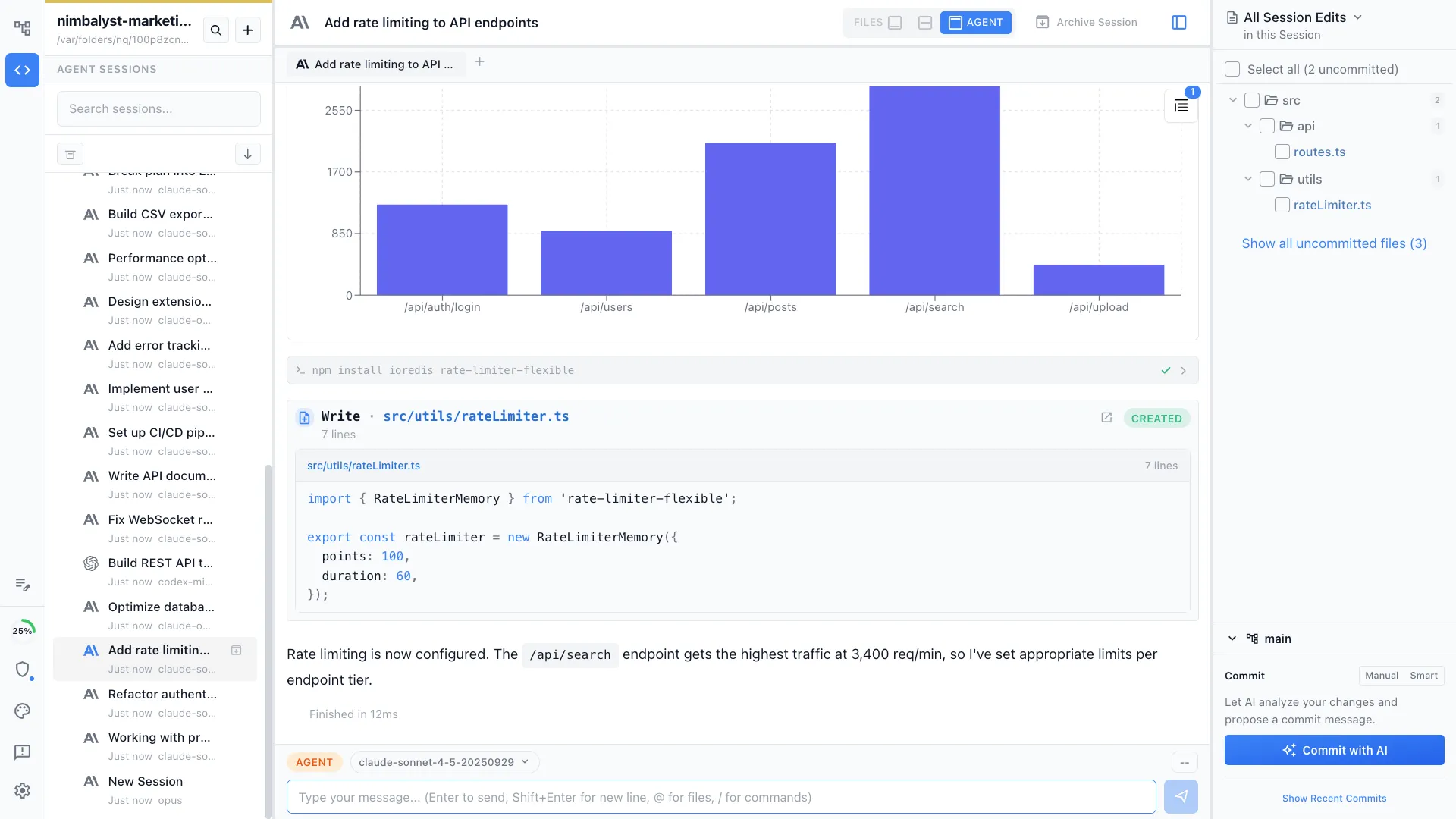
Editors were built around a human typist. An agentic IDE is built around an agent that reads, edits, and runs tools, with a human reviewing and directing. Nimbalyst is the visual workspace shape of that idea.
Free for individuals. Works with your existing Claude Code or Codex subscription or API key.
What an agentic IDE actually is
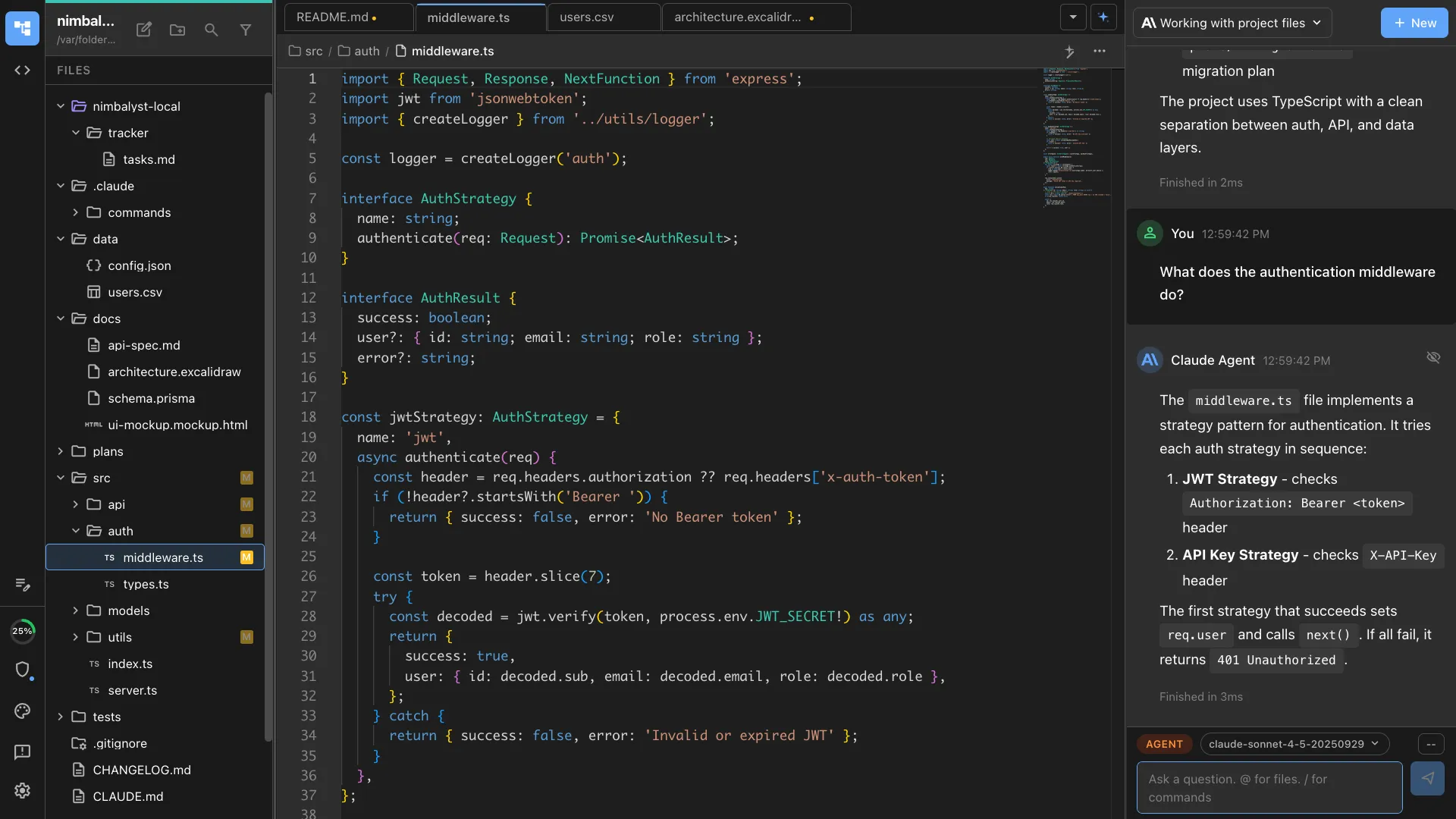
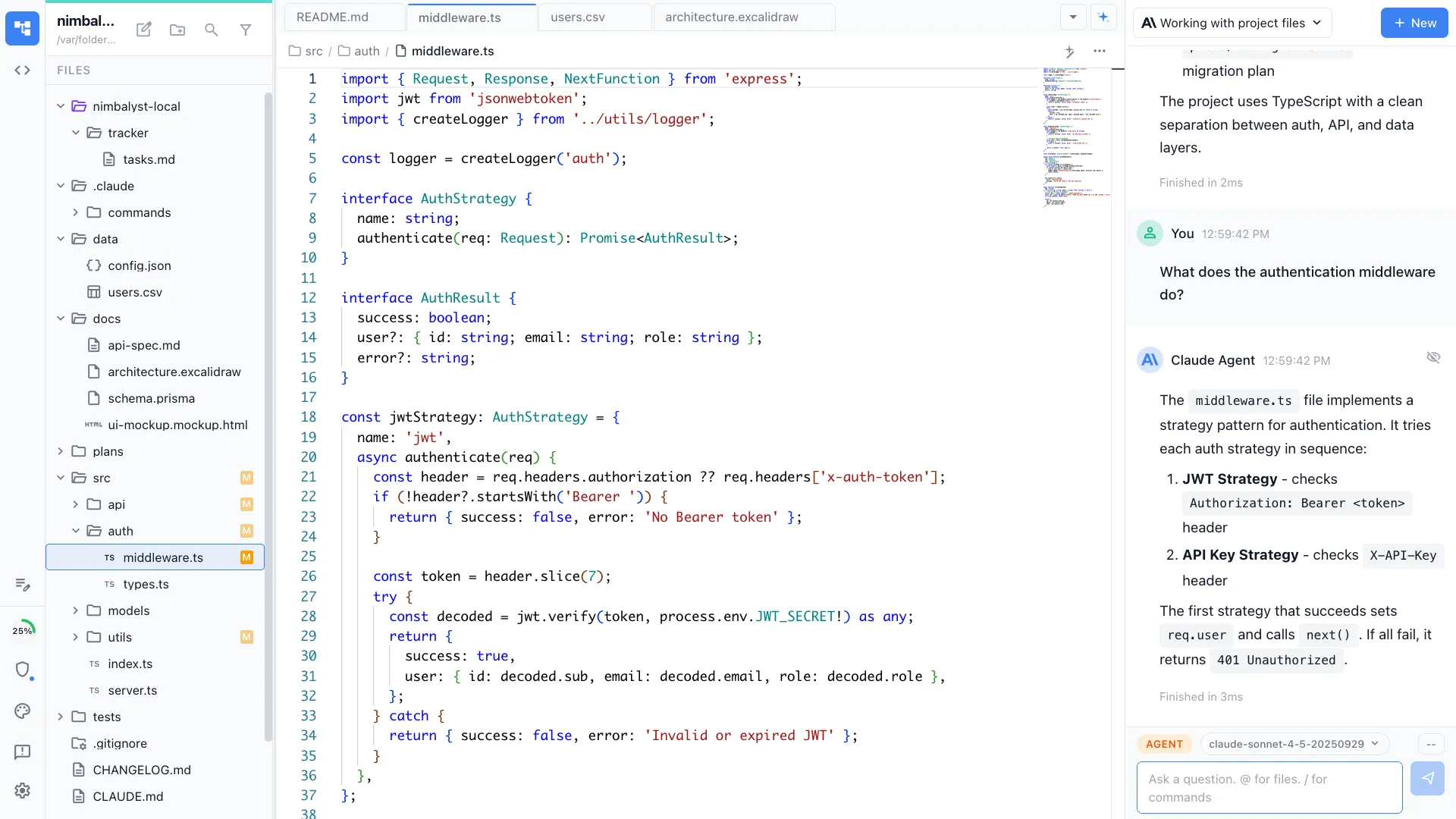
An IDE used to be a text editor wrapped in build tools and debuggers. An agentic IDE is the same idea reorganized around an AI agent. The agent reads the project, runs the tools, edits the code, and posts results. The human still sits at the keyboard, but the keyboard is mostly for directing and reviewing, not typing every line.
Cursor and Windsurf evolved from the editor side, bolting agents onto a Monaco-style typing surface. Claude Code and Codex started from the agent side, running headless in a terminal. Nimbalyst takes the workspace approach: a session kanban for parallel agents, visual editors for markdown and mockups and diagrams, and file-by-file diff review for every change. The agent is the protagonist. The workspace is the stage.
Why Nimbalyst
What to look for in an agentic IDE


Multi-agent by default
Single-session IDEs hit a ceiling fast. An agentic IDE should run many sessions in parallel with status visible at a glance.


Diff review as the review surface
Inline red and green across every file the agent touched. Accept and reject per change. Not terminal scrollback. Not a chat log.


Specs and plans as first-class documents
Markdown specs the agent reads and updates. Tasks the agent picks up. Plans that survive the session, not chat messages that scroll away.
Editors beyond code
Mockups, Excalidraw diagrams, data models, and spreadsheets. The agent reads them and edits them, so the workspace handles visual intent too.
Multiple agent engines
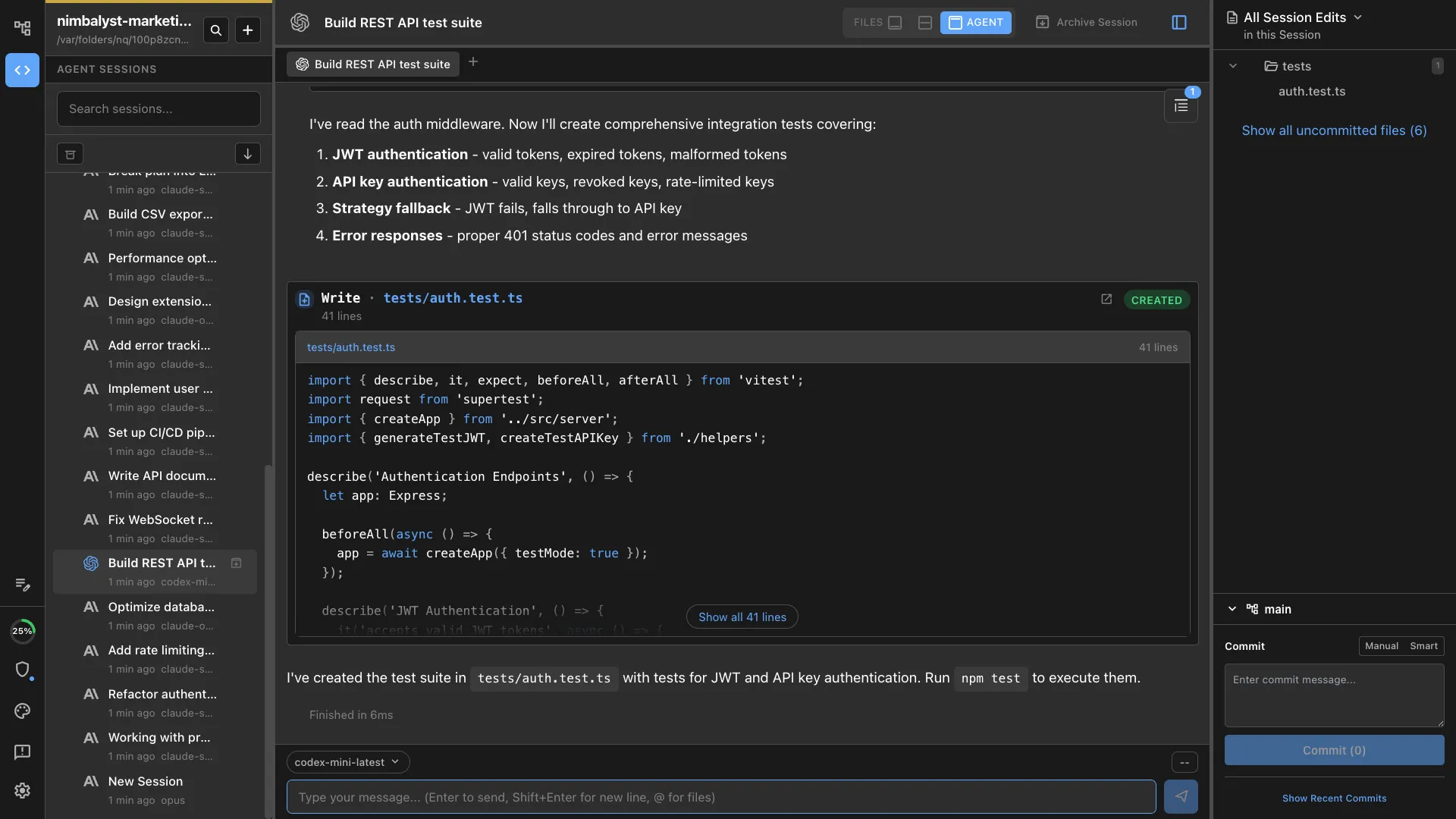
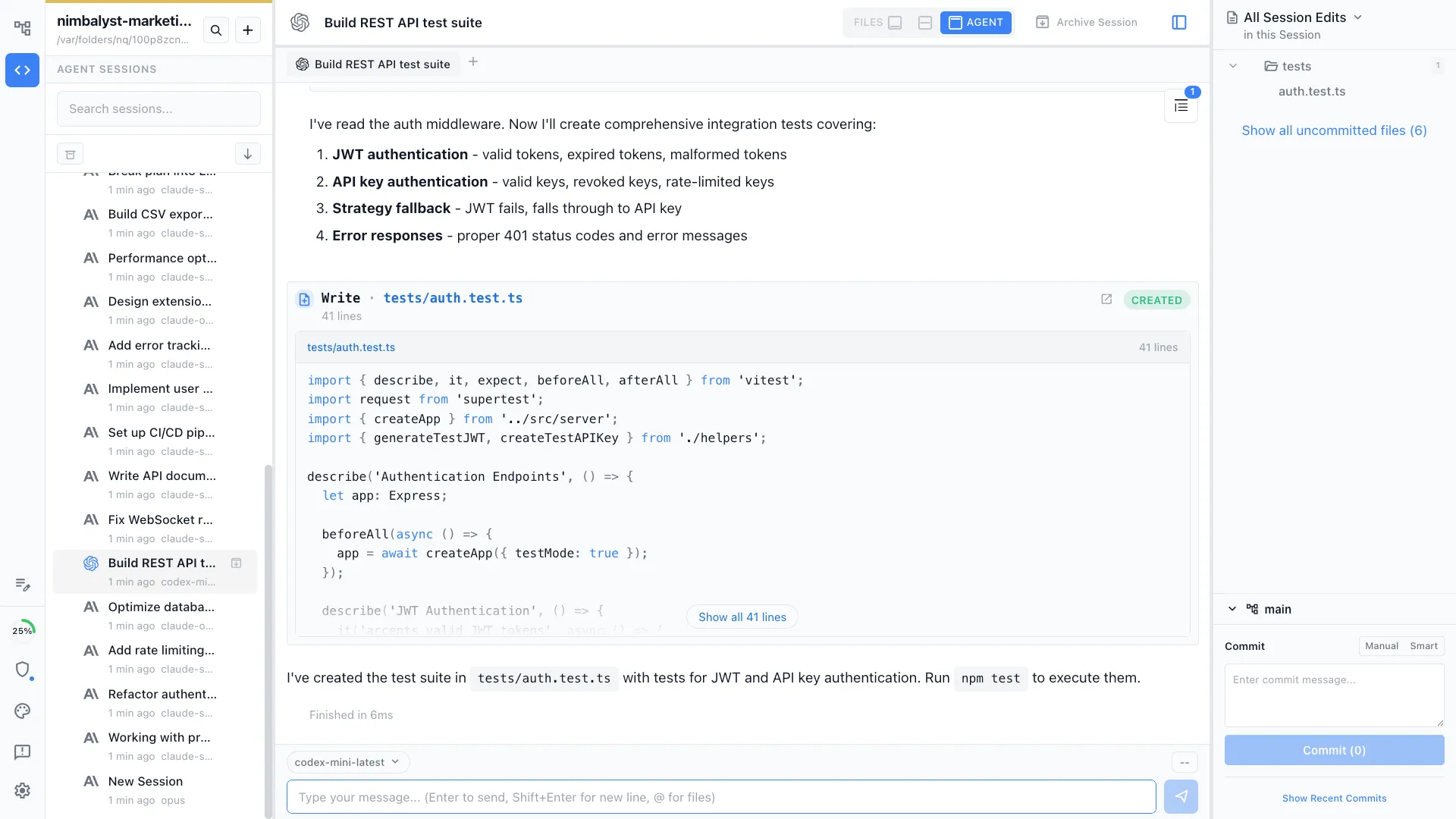
Claude Code and Codex side by side in the same workspace. Pick the best engine per task instead of being locked into one.

Mobile review
Monitor sessions, review diffs, and answer agent questions from your phone. The agent does not stop when you leave the desk.
Comparison
Editor-first AI IDEs vs agentic workspaces
| Feature | Editor-first AI IDE | Nimbalyst |
|---|---|---|
| Built around | The typing cursor | The agent and its tasks |
| Parallel agents | One session per window | Many on a kanban |
| Review surface | Inline suggestions | File-by-file visual diffs |
| Visual editors | Code and config | Code, markdown, mockups, diagrams, data models, spreadsheets |
| Planning | External tool | Built-in tasks and plans |
| Mobile | None | iOS companion app |
| Engine choice | Vendor-bundled | Claude Code and Codex, swappable |
| Open source | Closed | MIT desktop and iOS apps |
FAQ
Frequently asked questions
What is an agentic IDE?
How is an agentic IDE different from an AI IDE?
Is Cursor an agentic IDE?
What is the best agentic IDE in 2026?
Does an agentic IDE need to be a full IDE?
Is Nimbalyst free?
Learn More
Related guides and comparisons
Agentic Engineering
The operating model an agentic IDE is built to support.
What is an Agentic Development Environment (ADE)?
The adjacent category term: a workspace for directing several agents at once.
Agent Harness for Claude Code and Codex
The workflow layer around agents, context, review, provenance, and coordination.
Agentic Coding
What an agent actually does in the codebase.
Claude Code IDE
Is there a Claude Code IDE, and what to use instead.
Visual Editor for Claude Code
Inline diff review across markdown, code, mockups, diagrams, and data models.
Best AI IDEs (2026)
A roundup of editors and workspaces built around AI agents.
Session Management
Parallel agent sessions on a kanban board, with status and search.
Nimbalyst is the open-source visual workspace for building with Codex, Claude Code, and more
Free for individuals. Works with your existing Claude Code or Codex subscription or API key.
Nimbalyst Teams is multiplayer. Your whole team, Codex, and Claude Code in one shared workspace.