Google Antigravity IDE Review (2026): Worth Switching?
An honest review of Google Antigravity IDE in 2026. Manager View, Gemini 3.1, built-in Chrome, pricing, and where Antigravity falls short.
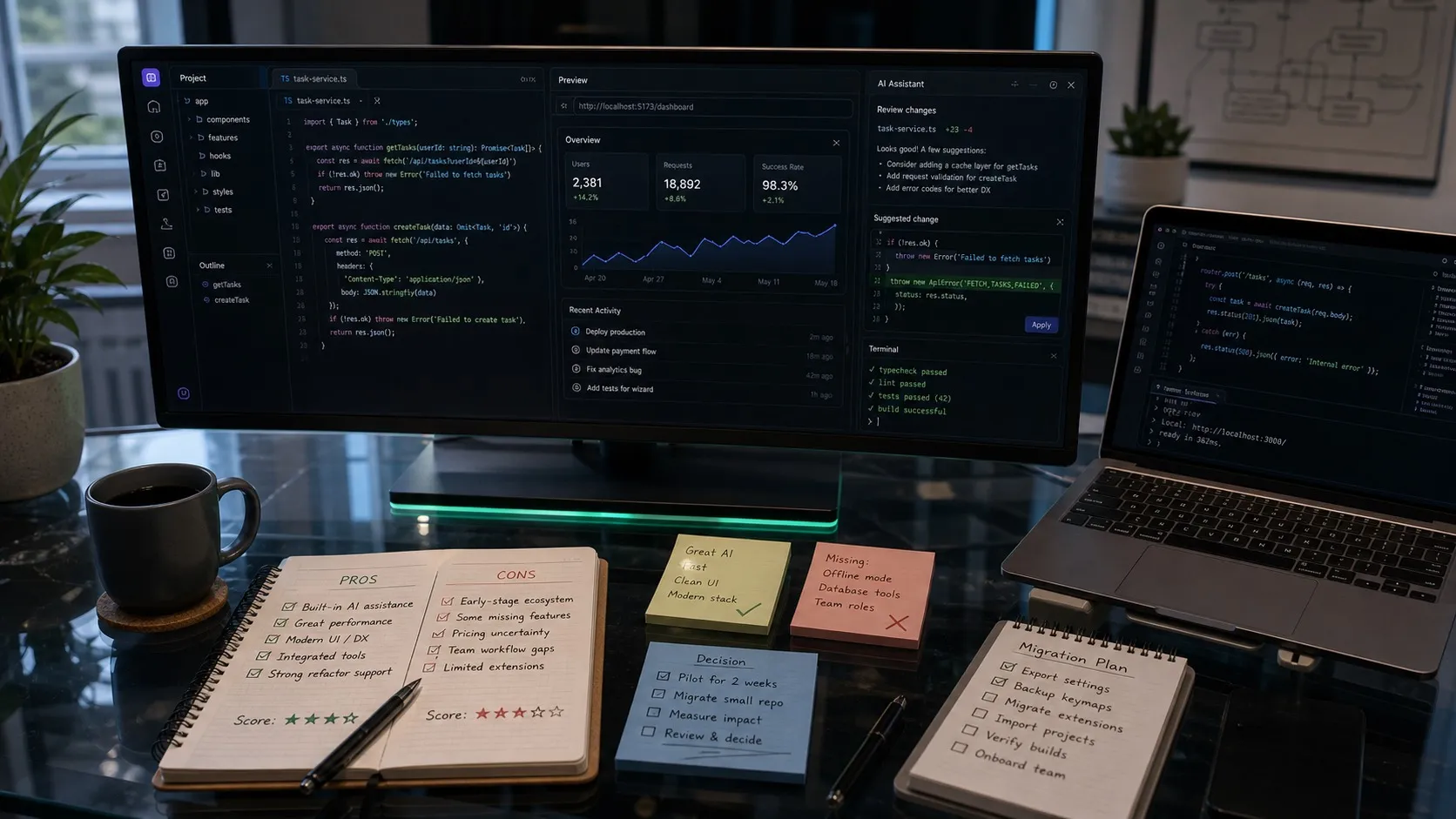
Google Antigravity is a VS Code fork with a built-in Manager View for orchestrating up to five parallel agents and a built-in Chrome browser for visual verification. It is Google’s bet on what an agent-first IDE looks like in 2026, with Gemini 3.1 Pro and Flash as the default models. This is a verified review based on Antigravity’s public documentation and product pages, with honest assessments of where it shines and where it falls short.
Antigravity IDE Review: Quick Take
- Strongest feature: Manager View for parallel agents, plus the built-in Chrome browser for front-end verification.
- Weakest area: Pricing has been a source of controversy, with unclear credit systems and reduced free-tier limits over time.
- Best for: Developers who want parallel agents inside a full IDE, especially for front-end work where the built-in browser pays off.
- Worst for: Developers who want a simple AI IDE for single-session work (Cursor or Windsurf are simpler) or developers who use Claude Code or Codex as their primary agent (Nimbalyst is a better visual layer for those).
What Antigravity actually is
Antigravity is a VS Code fork that ships two modes: a traditional Editor View and a Manager View.
The Editor View is what you would expect from a VS Code fork. The full extension ecosystem, familiar keybindings, and a chat sidebar that uses Gemini 3.1 by default with Claude and GPT as alternatives.
The Manager View is the differentiator. It is a control center for dispatching up to five parallel agents across workspaces. You can hand off tasks, see progress, get inbox-style notifications when agents need input, and review work without switching projects. This is Google’s answer to the question “what does an agent-first IDE look like?”
The other notable inclusion is a built-in Chrome browser. The agent can launch the browser, interact with your app, and screenshot the result. For front-end work, this turns the agent from a code generator into something that can actually verify its own changes.
What Antigravity does well
Parallel agents in a single IDE
This is the headline. Antigravity is the first major VS Code fork to make parallel agents a first-class part of the experience. You can run up to five agents at once, each on a different task, and see their status without leaving the IDE.
The Manager View’s inbox model is well-designed. Agents that need input show up as inbox items. Agents that are still running show progress indicators. Agents that have completed work show diffs you can review and merge.
For developers who run multiple agents in parallel today (and the trend is unmistakably toward more parallel work), Antigravity gives you a dedicated UI for that workflow.
Built-in Chrome for verification
The integrated Chrome browser is more useful than it sounds. The agent can navigate to localhost, fill out forms, click buttons, and screenshot the result. For front-end work, this closes a loop that has been broken in every other AI IDE: the agent can see whether its UI changes actually work.
This is the kind of feature that does not seem essential until you use it, and then you wonder how you worked without it. Front-end developers are the audience that benefits most.
Gemini 3.1 as a strong default
Google’s models have been catching up fast. Gemini 3.1 Pro scores 53.8 percent on Terminal-Bench 2.0, leading the credible benchmarks. Antigravity uses it as the default and the experience reflects that. Tool calling is reliable. Code quality on standard tasks is competitive with Claude Sonnet 4.6 and the current Codex-family GPT-5 results.
If you are already in Google’s ecosystem (Workspace, Cloud, Gemini API), Antigravity is the most natural agent IDE.
VS Code compatibility
Because Antigravity is a VS Code fork, your extensions, keybindings, and settings carry over. The cost of trying it is low. You can install Antigravity, point it at an existing project, and have a working setup in minutes.
Where Antigravity falls short
Pricing has been controversial
Google has changed Antigravity’s pricing several times since launch. Free-tier limits have been reduced. The credit system is harder to model than competitors’ simple per-month plans. Several developer-community threads in early 2026 voiced frustration with running out of credits without clear warning.
Pricing is the single most-cited concern in Antigravity reviews. If you are evaluating Antigravity for a team, run a representative workload for a week before committing. The average cost per day matters more than the headline plan price.
Five parallel agents is the cap
The Manager View supports up to five parallel agents. For most developers that is enough, but power users who routinely run six to ten parallel sessions are hitting the wall. Cursor 2.0 supports up to eight. Nimbalyst supports more than six with no hard cap.
If your workflow is parallel-agent heavy, audit whether five is enough before switching.
Closed source
Antigravity is closed source. You cannot read the code, audit the agent harness, or fork it. For developers who care about transparency or who work in regulated environments, this is a real cost. Cursor and Windsurf are also closed. Open-source alternatives exist (Continue.dev, OpenCode in the terminal, Nimbalyst as a workspace) for developers who need that property.
Locked to Google’s ecosystem for first-party features
Antigravity supports Claude and GPT alongside Gemini, but the first-party features (Manager View polish, Chrome integration, default model tuning) are optimized for Gemini. If you primarily run Claude Code or Codex, you are using a Google product as a host for someone else’s agent. The fit is not as tight as a tool built around Claude or Codex specifically.
Antigravity vs alternatives
The decision tree, simplified.
- Want a polished single-session AI IDE? Cursor or Windsurf. Antigravity is overkill if you do not run parallel agents.
- Want parallel agents inside a full IDE? Antigravity is the strongest option in this category.
- Want parallel agents outside an IDE, with a kanban board and worktree isolation? Nimbalyst. It treats parallel agent management as the primary workflow, with git worktree isolation and a mobile companion for monitoring sessions away from your desk.
- Want Claude Code or Codex as your primary agent? Antigravity supports both, but a tool built around them (Claude Code Desktop, Codex App, or Nimbalyst as a workspace layer) gives you a tighter experience.
- Want open source? Continue.dev for an IDE plugin, OpenCode for the terminal, or Nimbalyst for a visual workspace. Antigravity is closed.
For a fuller side-by-side, see Cursor vs Windsurf vs Antigravity vs Nimbalyst.
Should you switch to Antigravity?
The honest answer for most developers: not as your primary tool, but worth installing as a secondary tool.
Antigravity’s Manager View and Chrome integration are genuinely useful. If your primary agent is Gemini 3.1, Antigravity is the natural home for it. If your primary agent is Claude Code or Codex, the IDE is fine but the agent integration is not as deep as a Claude Code or Codex specialist.
For front-end work specifically, the built-in Chrome is a strong enough draw that some developers will keep Antigravity open just for that loop, even if their primary IDE is something else.
Frequently Asked Questions
Is Google Antigravity worth using in 2026?
Antigravity is worth installing for two specific use cases: front-end work that benefits from the built-in Chrome browser, and parallel-agent workflows that fit inside a single IDE. For other workflows, Cursor or Windsurf are simpler, Claude Code or Codex specialists give a tighter agent experience, and Nimbalyst gives a richer parallel-session story outside of an IDE.
What models does Antigravity support?
Antigravity defaults to Gemini 3.1 Pro and Flash. It also supports Claude (Sonnet 4.6 and Opus 4.6) and GPT-family models. The first-party features are tuned for Gemini, but the alternative models are first-class options in the chat and Manager View.
How much does Antigravity cost?
Antigravity has a free preview with limited credits. Paid tiers run roughly $20 per month, with team plans in the $40 to $60 per seat range. The credit system has changed several times since launch, so the effective cost depends on workload. Run a representative week before committing.
Can Antigravity run parallel agents?
Yes. The Manager View supports up to five parallel agents. Each runs on its own workspace and reports back through an inbox interface. For workflows that need more than five parallel agents, Cursor 2.0 supports up to eight, and Nimbalyst supports more with no hard cap.
Is Antigravity open source?
No. Antigravity is closed source. Google distributes the binary but does not publish the source. Open-source alternatives include Continue.dev (IDE plugin), OpenCode (terminal), and Nimbalyst (visual workspace).
Antigravity vs Cursor: which is better?
Antigravity wins on parallel agents and the built-in Chrome browser. Cursor wins on polish, simplicity, and ecosystem maturity. For single-session work, Cursor is the cleaner choice. For multi-agent work or front-end verification, Antigravity is genuinely useful. Many developers run both.
Related Reading
Related posts
-
Windsurf vs Antigravity vs Cursor vs Nimbalyst (2026)
Windsurf vs Antigravity vs Cursor vs Nimbalyst compared in 2026. Features, parallel agents, browser testing, mobile access, and pricing.
-
Best MCP Servers for Codex in 2026 (Ranked and Tested)
The best MCP servers for OpenAI Codex in 2026, ranked and tested: GitHub, Context7, Playwright, Postgres, Exa, and the essential picks, with the exact codex mcp add commands and the context-cost tradeoffs of running many at once.
-
Best AI Agent Orchestration Platforms 2026: Coding vs Workflow
AI agent orchestration means two different products. Compare control planes for your own coding agents (Nimbalyst, Orca, Emdash, Superset, Conductor, Warp) against workflow frameworks like LangGraph and CrewAI.