Comparison
Nimbalyst vs GitHub Copilot
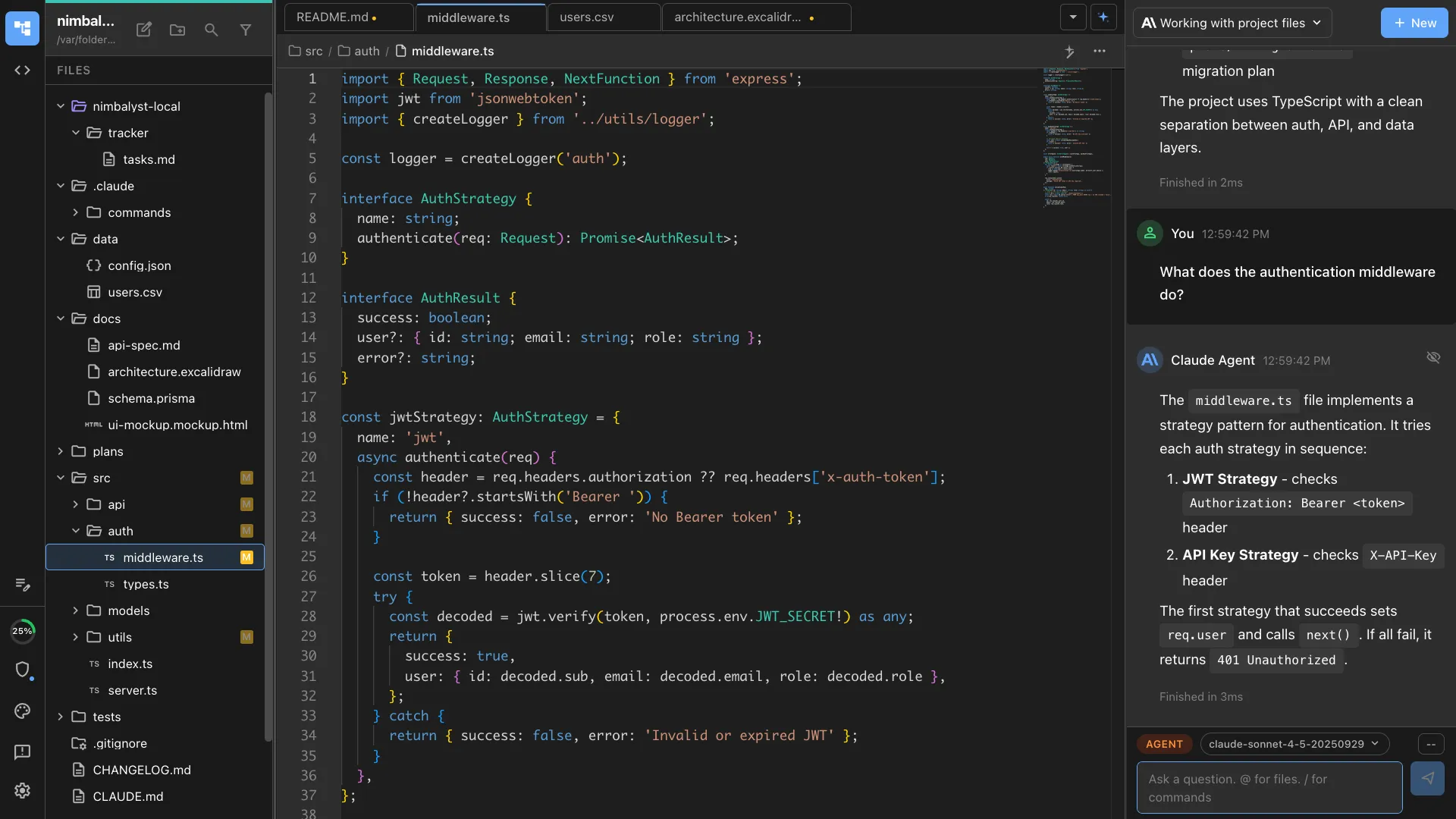
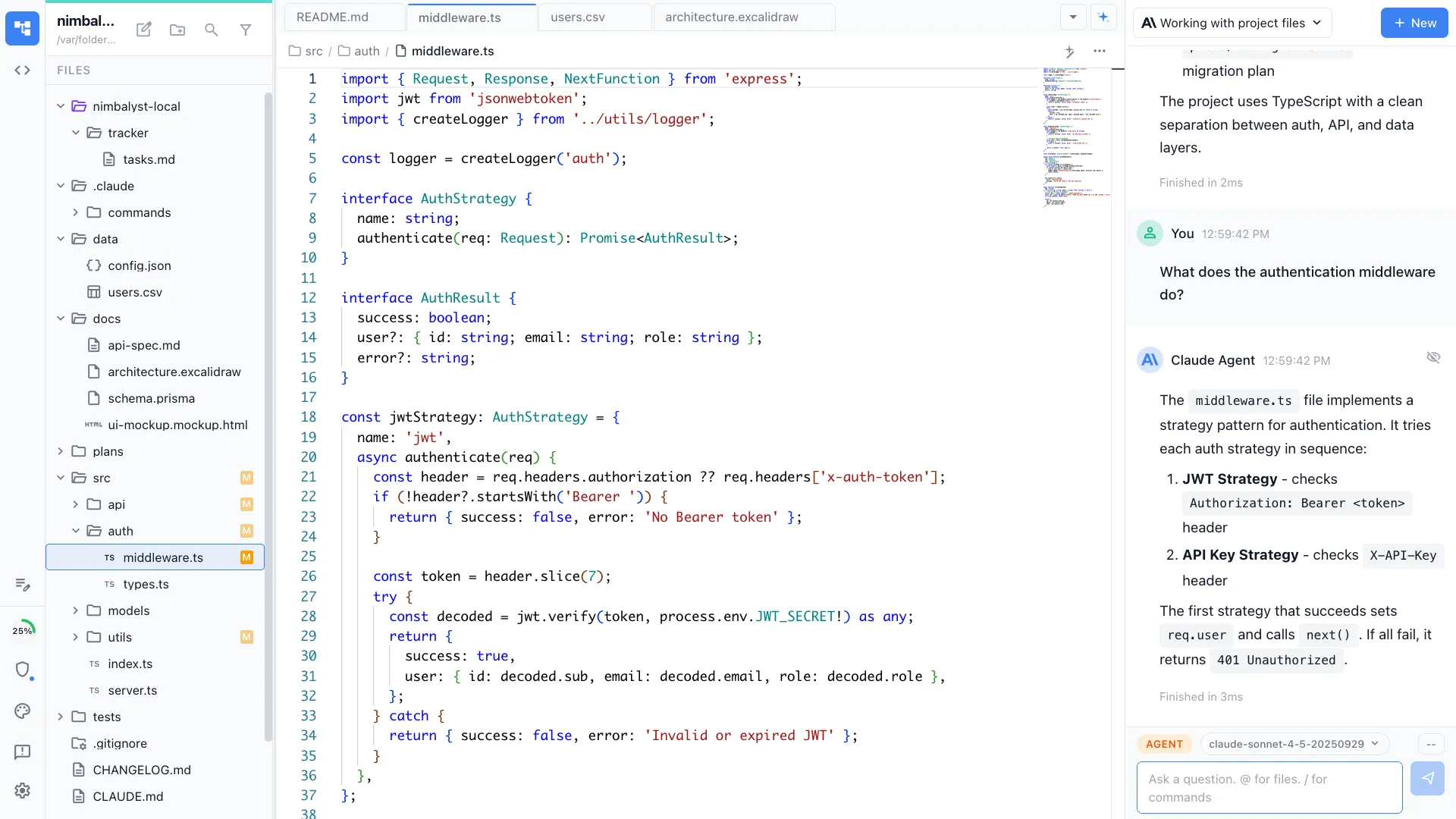
Copilot completes your code. Nimbalyst is the visual workspace for building with Codex and Claude Code. Go from line completions to full agent collaboration with session management, task tracking, and visual editors for markdown, mockups, diagrams, and code.


Overview
Two tools, different approaches
Nimbalyst
Nimbalyst is an AI-native workspace built on top of Claude Code and Codex. It adds a session kanban board for managing parallel agents, visual editors for markdown, mockups, diagrams, and data models, built-in planning and task tracking, and a mobile companion app. You get full coding agents — not just completions — inside a workspace designed for delegating entire tasks.
GitHub Copilot
GitHub Copilot is an AI coding assistant that integrates into VS Code, JetBrains, and other IDEs. It provides inline code completions, chat, and agent mode for multi-step tasks. It is the most widely adopted AI coding tool, used by millions of developers.
Feature Comparison
Side-by-side breakdown
Nimbalyst Advantages
Where Nimbalyst shines


Visual editors for planning / design work
Create markdown, diagrams, mockups, and data models that you and your agent can both create and implement. Copilot is limited to code files in your IDE.


Session management at scale
Track multiple AI sessions on a kanban board, each working on different tasks. Copilot runs one conversation at a time inside your IDE.


Agent-first workflow
Nimbalyst is built around the paradigm of delegating entire tasks to agents and managing their output. Copilot augments your manual coding with suggestions.
Honest Assessment
Where GitHub Copilot is stronger
Inline code completions
Copilot's real-time code completions are unmatched. As you type, it suggests the next line or block of code based on context.
IDE integration
Copilot works inside your existing editor (VS Code, JetBrains, Neovim). No need to switch to a different application.
Massive user base and ecosystem
Copilot is the most widely used AI coding tool. It has the largest community, extensive documentation, and deep integration with the GitHub ecosystem.
Recommendation
Who should use which
Choose Nimbalyst if…
You delegate entire tasks to AI agents and need a workspace to manage sessions, create and edit visual artifacts, and plan and manage work. You want agents to handle full features, not just line-by-line suggestions.
Choose GitHub Copilot if…
You want AI to augment your manual coding with inline completions and quick chat inside your existing IDE, without changing your workflow.
More Comparisons