Use Cases
Nimbalyst is the agent-native visual workspace that lets builders collaborate with Claude Code and Codex on files, sessions, and tasks in a single interface. See how developers, product managers, and designers use Nimbalyst to build better and faster.
Developers
Debug, plan, implement, test, release, and document with Claude Code and Codex. Review PRs, refactor legacy code, and set up dev environments.
Product Managers
Research markets, create feature plans and PRDs, build mockups, track engineering progress, and manage launches with Claude Code and Codex.
Designers
Plan features visually, create mockups and prototypes, diagram user flows, build design systems, and iterate on UI with Claude Code and Codex.
Core Capabilities
What you can do with Nimbalyst
Every role benefits from the same core capabilities. Nimbalyst brings visual context, session management, and task tracking to any workflow powered by Claude Code or Codex.


Manage parallel agent sessions
Run 10+ Claude Code or Codex sessions simultaneously. Organize them on a kanban board by phase. Tag, search, filter, and group into workstreams. Resume stalled sessions instantly.


Visually edit any file type
Work with AI on markdown, mockups, diagrams, data models, spreadsheets, and code — all in purpose-built visual editors with inline diff review.


Track tasks and plans
Track bugs, features, ideas, and projects in a built-in task tracker. Your agents update task status automatically as they work. Link tasks to sessions and files.


Review and approve AI changes
See every file your agent reads or edits. Review changes with red/green inline diffs. Approve, reject, or edit individual changes before they land.
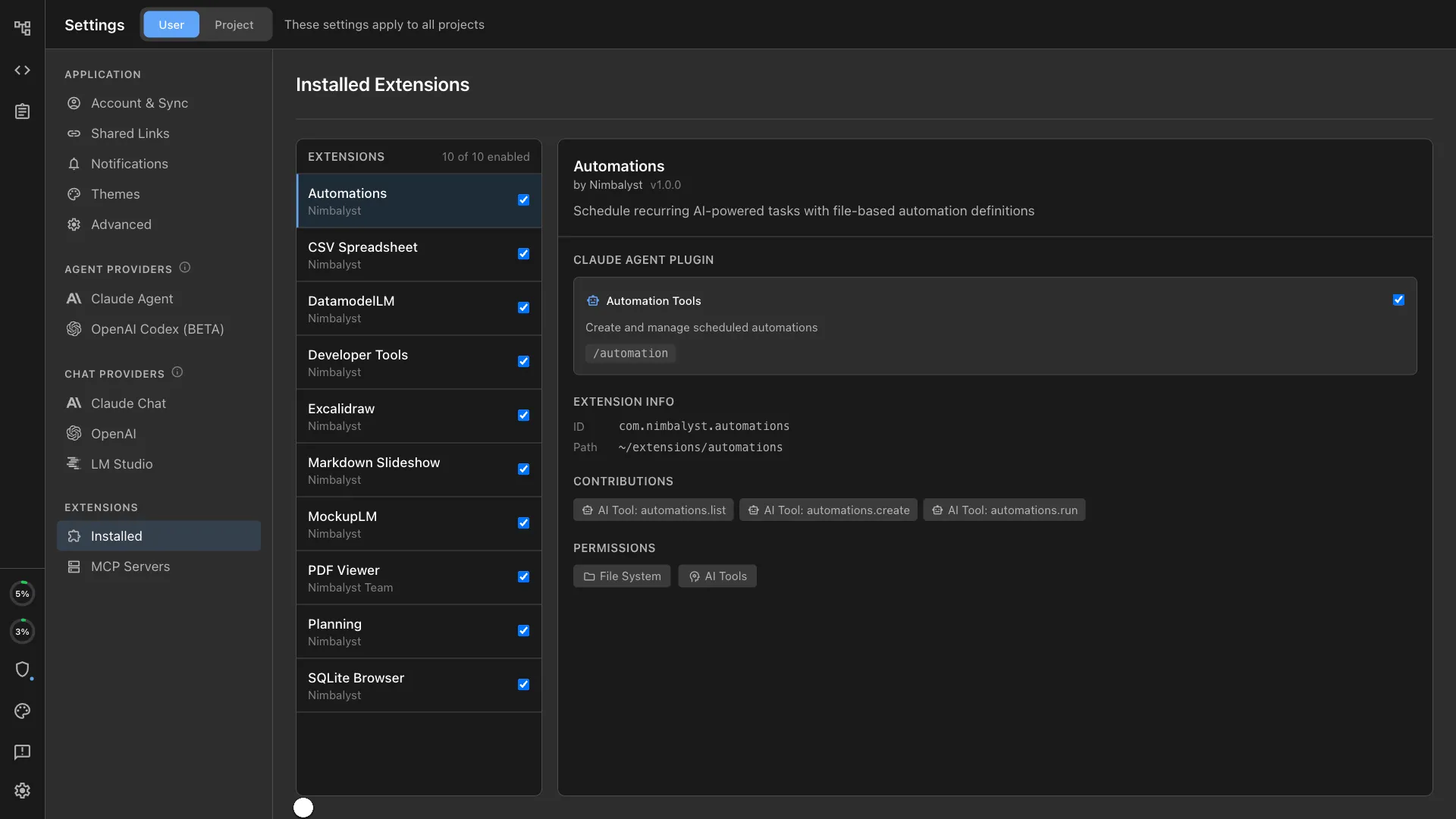
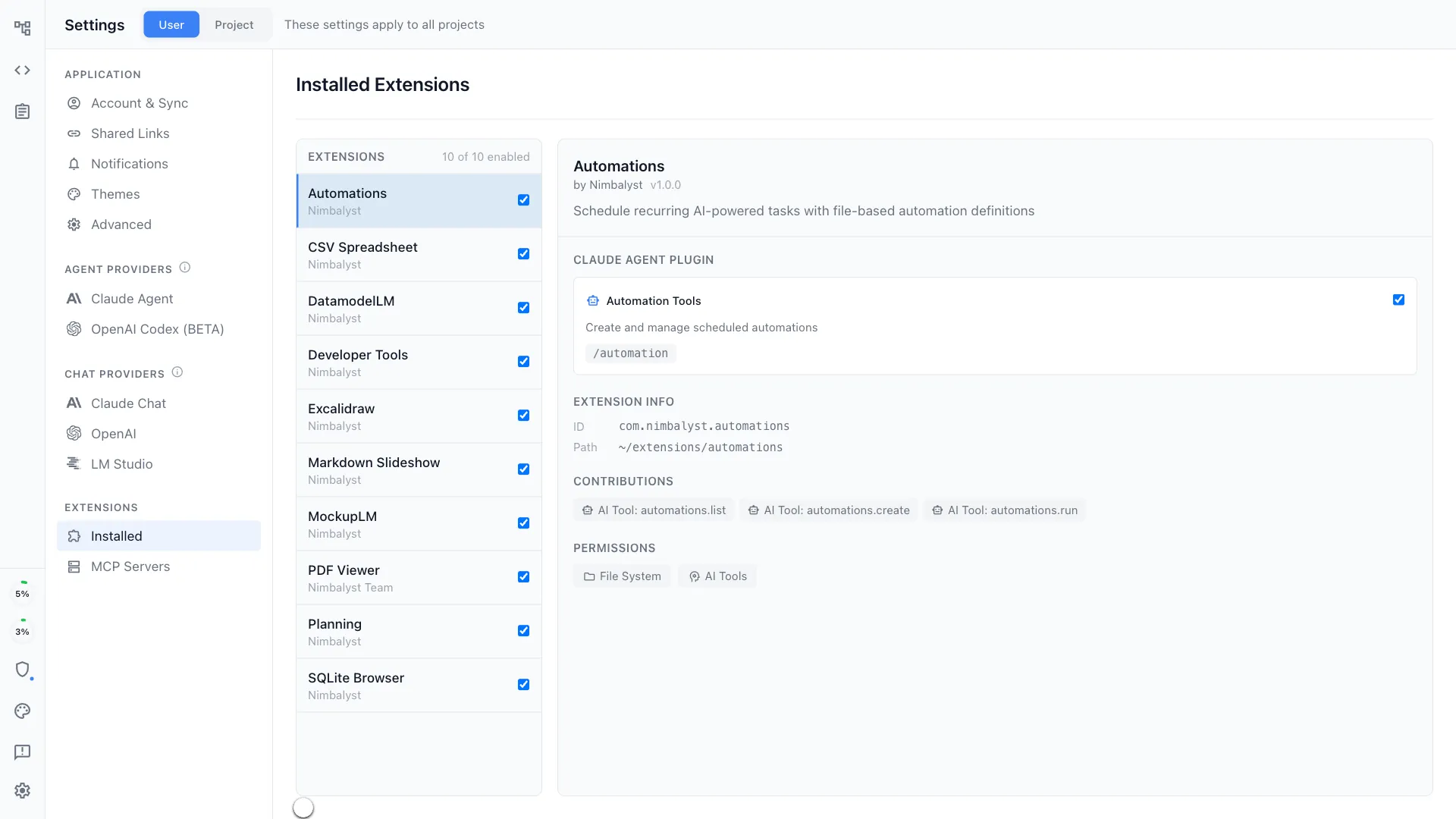
Build custom workflows
Your agent can build custom visual extensions inside Nimbalyst — tailored tools for your specific workflow, with full access to the coding agent and workspace.
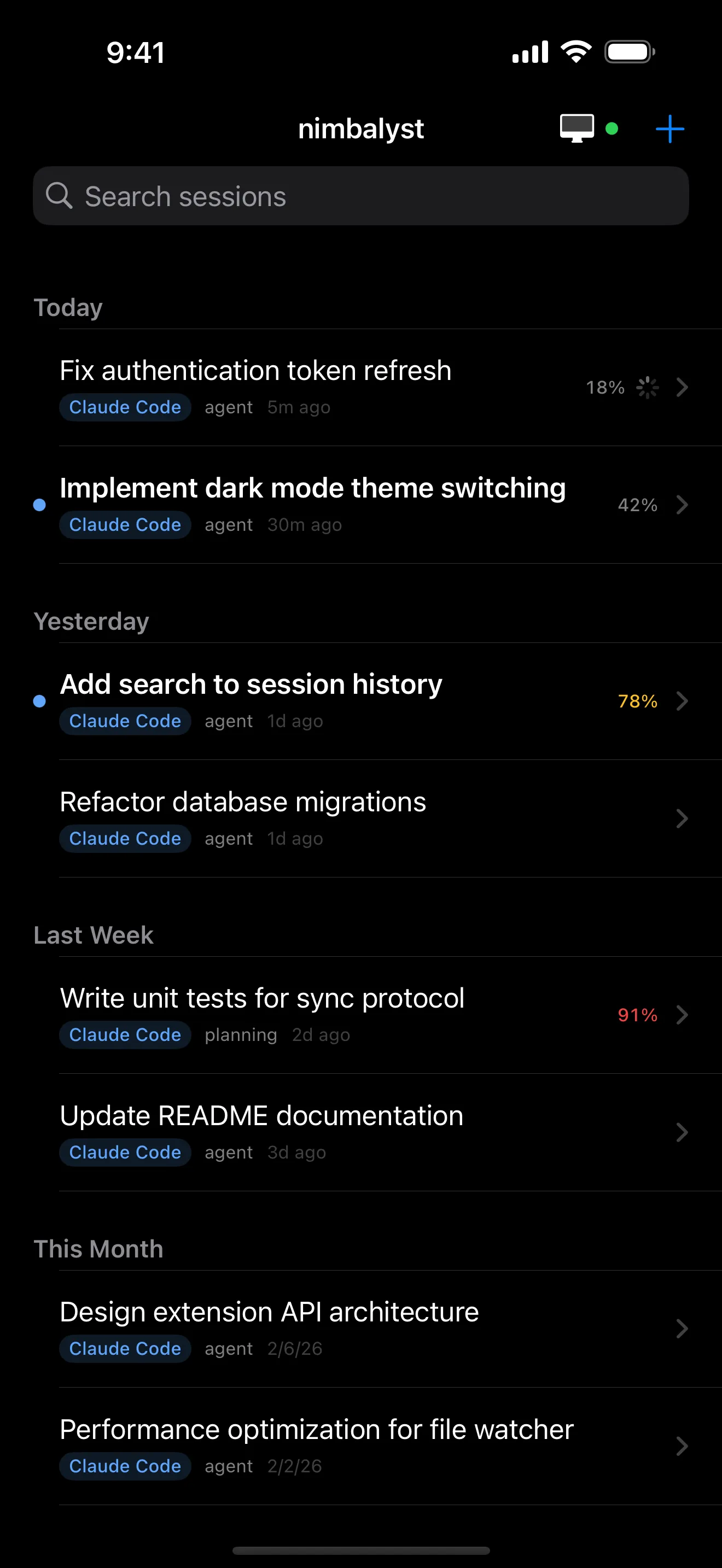
Work from anywhere
Manage sessions from your iPhone. Start new sessions, review diffs, resume stalled work, and get push notifications when sessions complete or need approval.
Workflows
Use cases by workflow
Explore specific workflows where Nimbalyst and AI agents transform how you work.
Architecture Diagrams
Generate architecture diagrams, system maps, and flowcharts from natural language.
Code Review
Review AI-generated code changes with visual diffs and file summaries.
Technical Documentation
Generate and maintain docs that stay accurate with your codebase.
Database Design
Design schemas visually with AI-generated ERDs and Prisma output.
UI Mockups & Wireframes
Generate wireframes from text descriptions. The agent that designs also implements.
Project Planning
Create structured plans, break work into tasks, and assign to AI agents.
Bug Analysis
Paste a stack trace and get root cause analysis with a proposed fix.
Refactoring
Restructure code across files with visual diffs and test validation.
Testing
Generate comprehensive test suites with edge cases and error states.
Release Management
Automate changelogs, release notes, and version management.
Environment Setup
Bootstrap projects and onboard developers with AI-powered setup.
Competitive Research
Run competitive analysis with SWOT, feature comparisons, and strategy memos.
User Flow Design
Map user journeys and UX flows with AI-generated diagrams.
Prototyping
Build working HTML prototypes from text descriptions in one conversation.
Feature Planning
Write PRDs, break features into tasks, and hand them to agents.
Internal Communications
Generate release notes, stakeholder updates, and team communications.
Design Systems
Build and maintain component libraries and style guides with AI.
Ticket Writing
Generate structured tickets with acceptance criteria from feature plans.
Startup Planning
Plan, design, build, and ship — all with AI agents in one workspace.
Open Source Development
Triage issues, review PRs, and maintain docs for open source projects.
AI Team Lead
Manage 10+ parallel coding agents like a tech lead manages developers.
Implementation
Implement features with parallel agents in isolated git worktrees.
Tech Insight
Understand your codebase without reading code -- for PMs and leads.
Coding Progress
Monitor what AI agents are building in real time.
Feedback Analysis
Analyze customer feedback, identify patterns, and turn insights into action.
Visual Iteration
Generate design variants, apply feedback, and track iterations with AI.
Design Handoff
Generate specs, create tickets, and review implementation against mockups.