Comparison
Nimbalyst vs Cursor
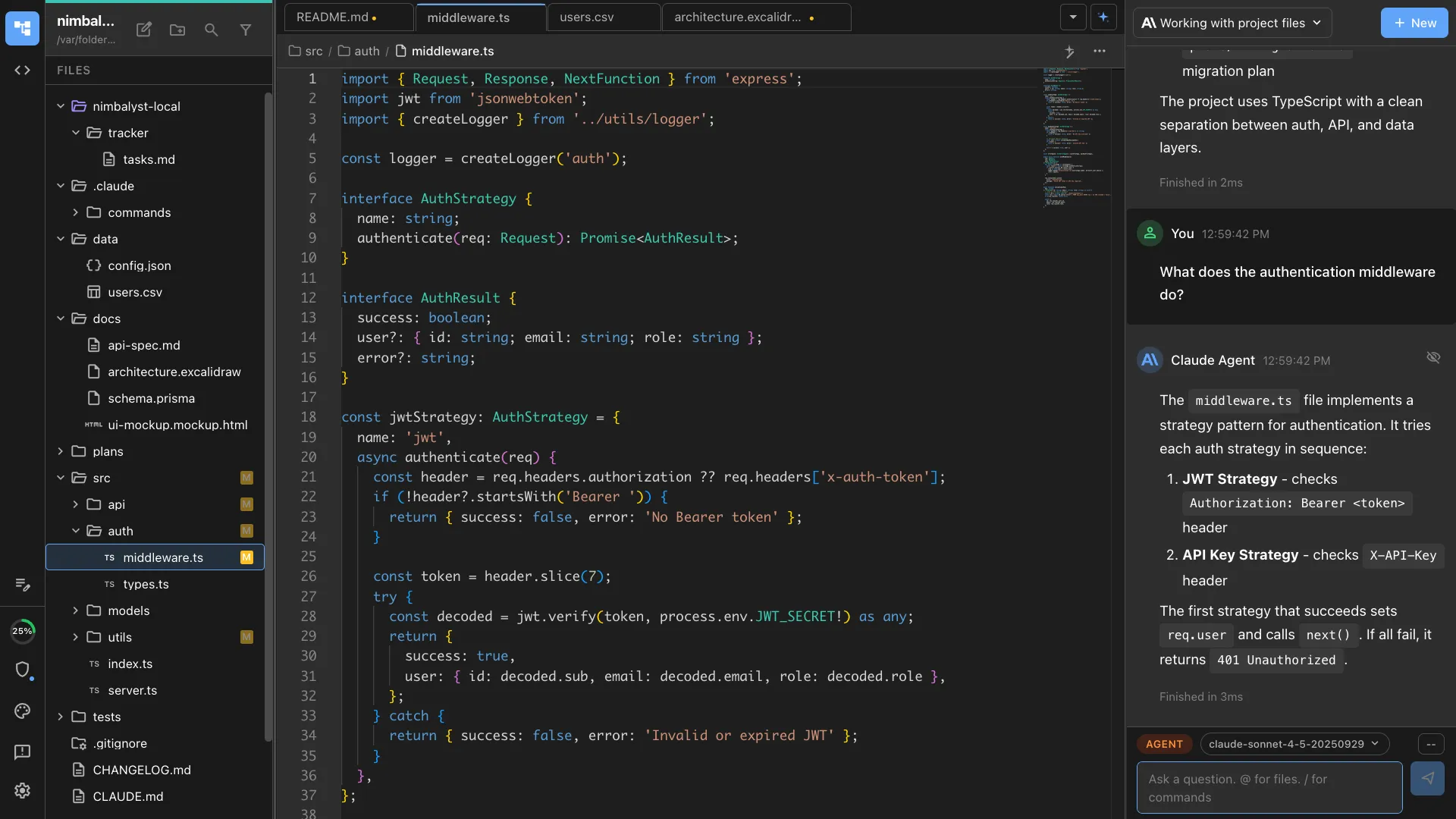
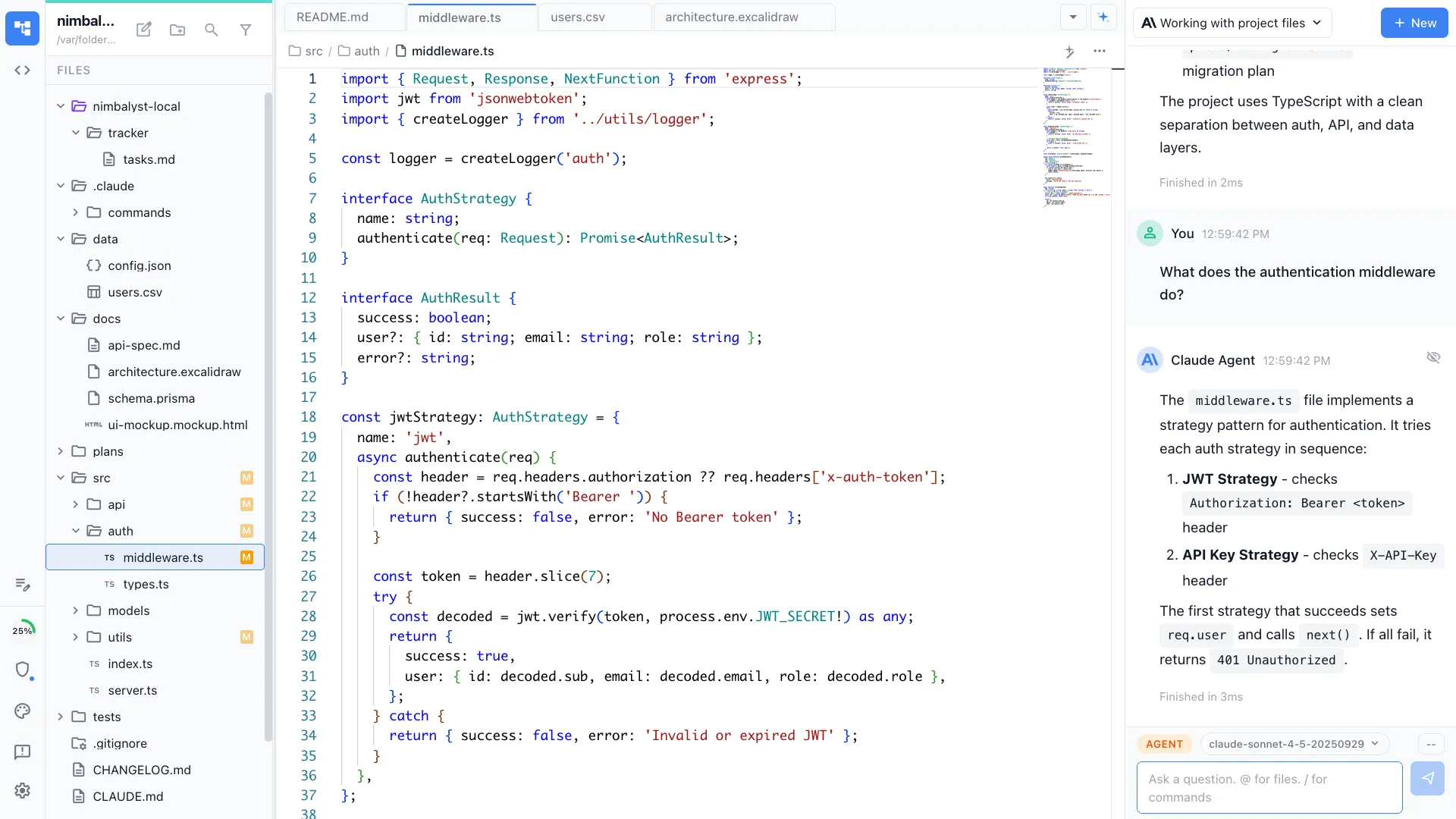
Cursor is an IDE with AI features. Nimbalyst is the visual workspace for building with Codex and Claude Code. Go beyond code editing with session management, task tracking, and visual editors for markdown, mockups, diagrams, and code.


Overview
Two tools, different approaches
Nimbalyst
Nimbalyst is an AI-native workspace built on top of Claude Code and Codex. It adds a session kanban board for managing parallel agents, visual editors for markdown, mockups, diagrams, and data models, built-in planning and task tracking, and a mobile companion app. You get full coding agents inside a workspace designed for the workflow of managing agents, not just writing code.
Cursor
Cursor is an AI-first IDE built as a VS Code fork. Cursor 3 introduced multi-file editing, background agents, and a unified workspace for AI coding. It provides inline code completions, AI chat, and the ability to use multiple AI models. It is the most popular AI code editor with millions of developers.
Feature Comparison
Side-by-side breakdown
Nimbalyst Advantages
Where Nimbalyst shines


Session kanban for agent orchestration
Nimbalyst treats each AI session as a work item you can track, prioritize, and manage. Drag sessions between phases on a kanban board. Cursor's background agents run but lack visual workflow management.


Visual editors agents can use
Your AI agent can create mockups, architecture diagrams, and data models in purpose-built visual editors. In Cursor, agents are limited to code files and text output.


Integrated task management
Write plans, track tasks, and manage the work your agents execute, all inside the same workspace. Cursor focuses on code editing and leaves task management to external tools.
Honest Assessment
Where Cursor is stronger
Inline code completions
Cursor's tab-complete feature provides real-time, context-aware code suggestions as you type. Nimbalyst does not have inline completions.
VS Code extension ecosystem
Cursor is a VS Code fork and supports the full VS Code extension marketplace. Nimbalyst has its own extension platform but a smaller ecosystem.
Broad model support
Cursor supports many AI models (GPT-4, Claude, Gemini, etc.) and lets you switch between them. Nimbalyst focuses on Claude Code and Codex.
Recommendation
Who should use which
Choose Nimbalyst if…
You manage multiple parallel AI sessions, want visual editors for design and planning artifacts, need a mobile app, or want a workspace that goes beyond code to cover the full development lifecycle.
Choose Cursor if…
You want the most polished AI code editor with inline completions, access to the full VS Code extension ecosystem, and support for many AI models.