Comparison
Nimbalyst vs Replit
Replit is a cloud IDE for quick projects. Nimbalyst is the visual workspace for building with Codex and Claude Code. Work locally on serious codebases with session management, task tracking, and visual editors for markdown, mockups, diagrams, and code.


Overview
Two tools, different approaches
Nimbalyst
Nimbalyst is an AI-native workspace built on top of Claude Code and Codex. It adds a session kanban board for managing parallel agents, visual editors for markdown, mockups, diagrams, and data models, built-in planning and task tracking, and a mobile companion app. Everything runs locally on your machine — your code stays on your filesystem.
Replit
Replit is a cloud-based IDE with AI features, instant hosting, and a collaborative environment. It is designed for rapid prototyping, learning, and deploying applications directly from the browser.
Feature Comparison
Side-by-side breakdown
Nimbalyst Advantages
Where Nimbalyst shines


Professional session management
Track complex, multi-session development workflows on a kanban board. Replit is project-based without session orchestration.


Visual editors for design
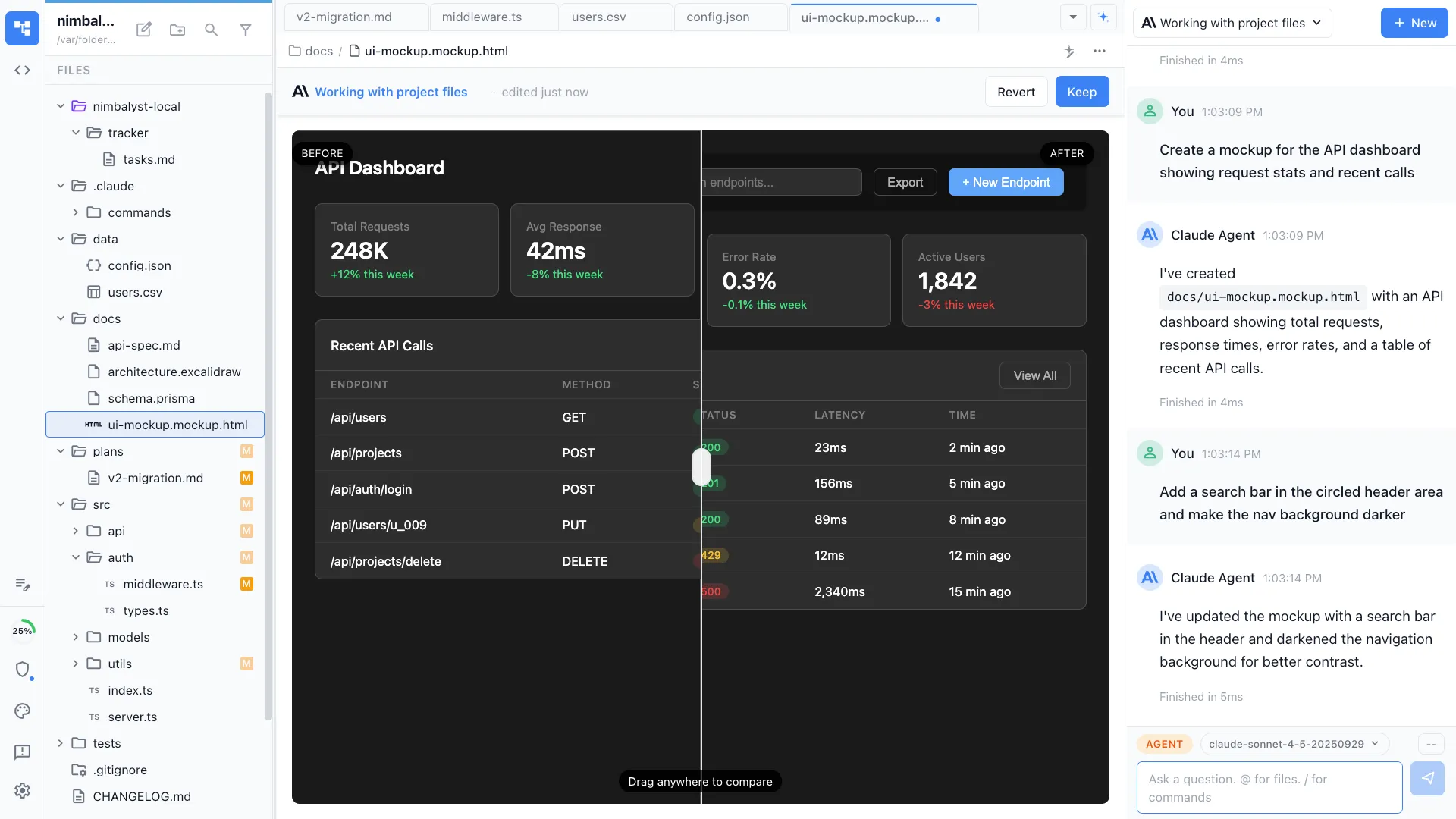
Create architecture diagrams, mockups, and data models in visual editors. Replit focuses on code and preview.

Local-first privacy
Your code and data stay on your machine. Replit runs everything in the cloud, which may not work for proprietary codebases or security-sensitive projects.
Honest Assessment
Where Replit is stronger
Instant hosting
Replit provides built-in deployment. You can go from code to live application without configuring infrastructure.
Browser-based access
Replit runs entirely in the browser. No installation required, accessible from any device.
Learning-friendly
Replit's zero-setup environment and community features make it excellent for learning to code and rapid prototyping.
Recommendation
Who should use which
Choose Nimbalyst if…
You are a professional developer working on real codebases who needs local execution, session management, visual editors, and planning tools.
Choose Replit if…
You want a cloud-based environment for rapid prototyping, learning, or projects where built-in hosting and zero-setup matter most.
More Comparisons