Codex vs Claude Code (2026): A Real Head-to-Head
Codex vs Claude Code in 2026: models, autonomy, surfaces, pricing, mobile, and platform compared head-to-head, plus how to run both in one workspace.
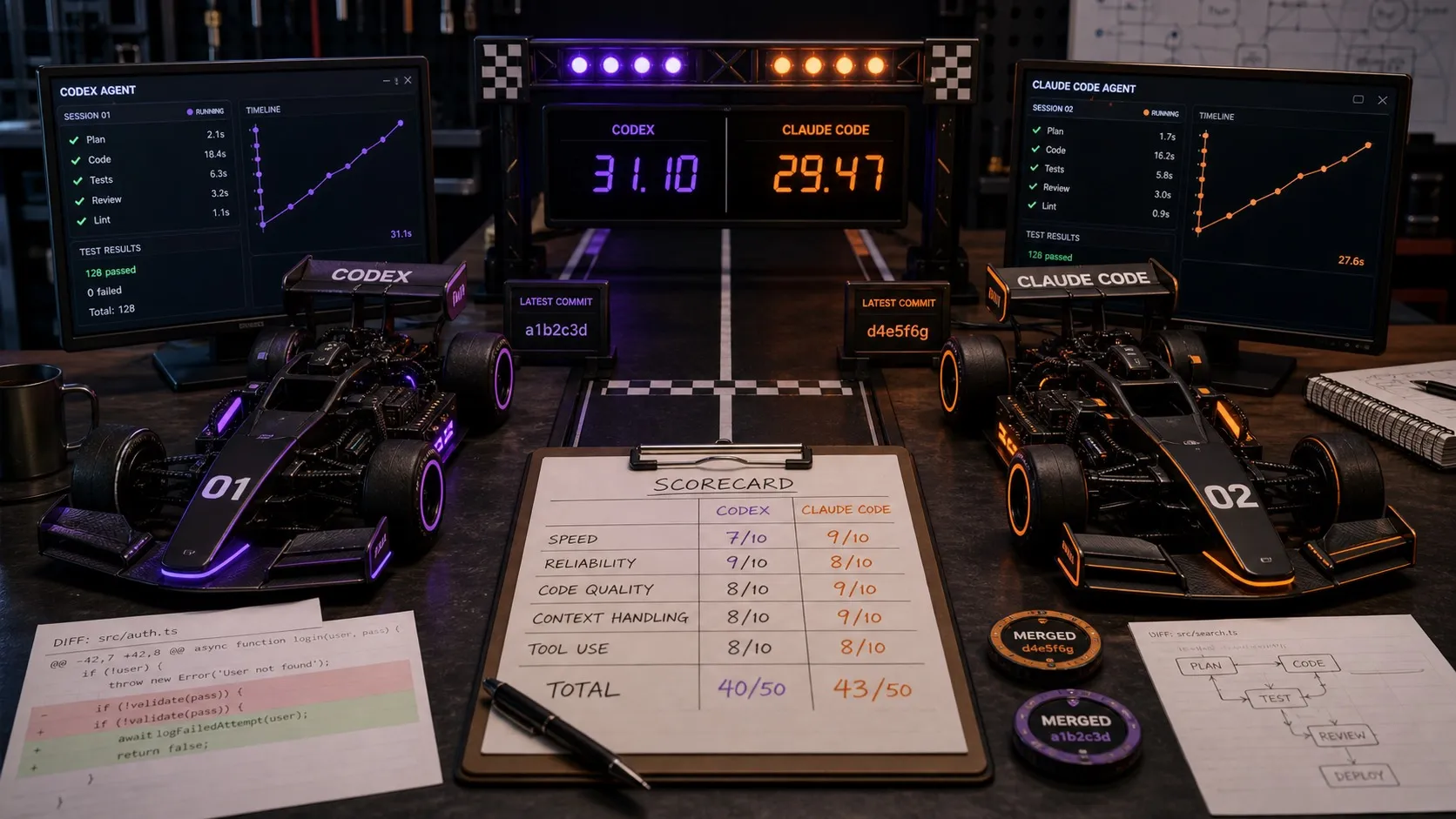
The “Codex vs Claude Code” debate usually gets framed as a model fight: Anthropic’s Claude Opus 4.8 and Sonnet 4.6 against OpenAI’s codex-tuned gpt-5.5. On most coding benchmarks the two sit within a few points of each other, and the lead shifts every few weeks. So the model question is mostly settled, or at least unsettled in a way no blog post can resolve.
What actually separates them in 2026 is working style and the harness around the model: how you start a session, how you review diffs, how you run several agents at once, how you plan work, and how you keep multi-day context. This guide does both halves. First a straight head-to-head on the two agents, then the harness comparison that decides how much you get out of either one.
Codex vs Claude Code at a glance
| Dimension | OpenAI Codex | Claude Code |
|---|---|---|
| Default model (2026) | gpt-5.5, codex-tuned | Claude Opus 4.8 and Sonnet 4.6 |
| Where it runs | CLI, IDE extension, desktop app, cloud, ChatGPT mobile follow-up | CLI, Claude desktop app, VS Code extension, Remote Control |
| Working style | Supervised passes with explicit approval modes | Long autonomous repo runs with subagents |
| Diff review | Inline in the CLI; richer in the app | Inline in the CLI; richer in the desktop app |
| Mobile | Follow up on runs from the ChatGPT app | Remote Control mirror; no native review app |
| Platform | macOS and Windows app; CLI on Linux | macOS, Windows, and Linux |
| Openness | CLI open source (Apache 2.0); app and cloud closed | Closed source |
| Pricing shape | Bundled with ChatGPT plans; usage-based | Anthropic subscription or API credits; usage-based |
| Context file | AGENTS.md | CLAUDE.md |
The short version: Codex spreads across more surfaces and makes the supervised, approval-gated path explicit, which suits careful work where you want to see each step. Claude Code feels most natural for long, low-interruption runs inside a repo, and it runs on Linux as a first-class target. The benchmarks are close enough that this difference in rhythm matters more than the raw model.
Which should you pick
Pick Codex if you want explicit approval modes and supervised passes, you already live in the ChatGPT and OpenAI ecosystem, and you like being able to follow a run from your phone.
Pick Claude Code if you want long autonomous terminal sessions, you are standardized on Claude, you lean on first-party skills, hooks, and subagents, and you want official Linux support.
Run both if your choice is really task-shaped rather than fixed. One job wants Codex for a careful, reviewed pass; the next wants Claude Code for a larger delegated run. That is common, and it is the case the rest of this guide is about, because once you want both, the harness matters more than either agent on its own.
What “harness” actually means
A harness is the tooling between you and the model. It includes:
- Session entry point. CLI, native app, IDE extension, web console, mobile.
- Diff review. Inline terminal text, file-by-file visual diffs, or PR-style review.
- Session management. One window at a time, tabs, kanban, or full orchestration.
- Planning layer. None, a markdown file, or a structured plan document the agent reads from.
- Memory and context files. AGENTS.md for Codex, CLAUDE.md for Claude Code, plus any repo conventions the harness loads automatically.
- Parallelism. Running one task end to end or fanning out work to several agents.
Same model, different harness, different output velocity. That gap is the whole bet.
The Codex harness options
1. Codex CLI
The default. The CLI is open source under Apache 2.0, sandboxes commands by default, supports approval modes, and reads AGENTS.md for context. It is fast, scriptable, and the most direct way to talk to Codex.
What you get:
- A single session in a single terminal window
- Configurable sandbox and approval policy
- Solid GitHub integration through
gh - AGENTS.md for project context
What you do not get: visual diff review, parallel session management, a planning surface, or anything to look at while the agent is running.
2. Official Codex Desktop App
OpenAI’s native desktop app is no longer a thin CLI wrapper. It runs multiple Codex agents in parallel, organizes work by projects and threads, includes worktree support, and lets you review diffs and comment on changes. It is available on macOS and Windows, not Linux.
The strength: it is the cleanest first-party experience and inherits everything from the CLI, including AGENTS.md and approval policies.
The trade-off: it is Codex only, with no support for Claude Code or other engines. If you ever want to run a parallel agent on a different model, you leave the app.
3. Codex in ChatGPT and the cloud
Codex inside ChatGPT lets you delegate tasks to cloud sandboxes, then review the resulting PRs in GitHub. Useful for fire-and-forget scaffolding, less useful for interactive work where you want to steer the agent.
4. Third-party Codex GUIs
A small set of third-party tools wrap Codex in a richer workspace. The two worth knowing:
- CodexMonitor (open source, MIT, Tauri): multi-workspace and multi-thread Codex management with worktrees and built-in diff stats.
- Nimbalyst (open source, MIT desktop): a visual workspace for Codex with parallel sessions, file-by-file visual diff review, markdown and mockup editors, planning documents, and an iOS companion. Also runs Claude Code as a peer engine.
The Claude Code harness options
1. Claude Code CLI
Anthropic’s official terminal binary. Reads CLAUDE.md, supports --allowedTools for approval, can spawn subagents, and resumes sessions with claude -c and claude -r. Like the Codex CLI, it is fast and direct, with no visual layer.
2. Claude Code in Claude Desktop and VS Code
Anthropic ships Claude Code inside the Claude desktop app and as a VS Code extension. Both are first-party and well integrated, and both are still single-session in shape. The same desktop app also hosts Claude Cowork, a separate agent aimed at non-technical knowledge work rather than coding, so do not confuse the two when you are choosing a coding harness.
3. Third-party Claude Code GUIs
The third-party Claude Code ecosystem is broader than Codex’s:
- Opcode (formerly Claudia): desktop GUI with checkpoints and timeline.
- Claude Squad: tmux-plus-worktrees terminal multiplexer.
- Nimbalyst: visual workspace with kanban sessions, optional one-click worktrees per session, visual diff review across markdown and code, planning documents, and the same Codex-side support as above.
Harness-vs-harness, head to head
This is the comparison that decides day-to-day velocity, because it is where the work actually lives.
| Capability | Codex CLI | Codex App | Claude Code CLI | Claude Code Desktop | Nimbalyst |
|---|---|---|---|---|---|
| Engines | Codex | Codex | Claude Code | Claude Code | Codex + Claude Code |
| Session entry | Terminal | Native chat | Terminal | Native chat | Visual workspace |
| Parallel sessions | Manual (tmux) | Built in | Manual (tmux) | Limited | Kanban with 6+ |
| Visual diff review | No | Yes (chat-style) | No | Yes (chat-style) | File-by-file inline |
| Markdown WYSIWYG | No | No | No | No | Yes |
| Mockups, diagrams, data models | No | No | No | No | Yes |
| Planning documents | None | None | None | None | Built in |
| Git worktree per session | Manual | Built in | Manual | Manual | Optional one-click |
| Mobile app | None | ChatGPT follow-up | None | Remote Control mirror | iOS companion |
| Linux support | Yes | No | Yes | Yes | Yes |
| Open source | Apache 2.0 | No | No | No | MIT |
The pattern: the official harnesses are good at single-engine, single-session work. The visual-workspace harnesses are good at multi-engine, multi-session work with structured review.
When each harness wins
The Codex CLI wins when you want speed and scriptability. Quick scaffolds, CI-driven runs, and headless automation belong in the CLI. The harness is “as little as possible,” which is the right call for those jobs.
The official Codex desktop app wins if you live entirely in OpenAI’s ecosystem, you are on macOS or Windows, and one Codex agent at a time is enough. It is the cleanest first-party experience, and it inherits worktrees and projects out of the box.
Claude Code Desktop and the VS Code extension win when you want the official Anthropic experience for Claude Code specifically, with first-party skills, hooks, and subagents, plus Linux support on the official tool.
A visual workspace harness wins when:
- You want to run Codex and Claude Code in the same project
- You want parallel sessions on a kanban with status visible at a glance
- You want to review every change inline, file by file, before it lands
- You want planning documents the agent reads from and writes back to
- You want a mobile app that is more than a remote-desktop mirror
- You are on Linux, where the official Codex app does not run
That slot is what Nimbalyst is built for. Same Codex engine, same Claude Code engine, more workflow around them, with the desktop and iOS apps MIT licensed and free for individual use.
The honest verdict
If your work is mostly single-session and your model preference is fixed, the official harnesses are excellent. They are well built, they are first-party, and they keep getting better.
If your work is parallel, multi-engine, or visual, the harness gap is where the productivity sits. Picking Codex over Claude Code or the reverse matters less than picking a harness that lets you run several agents at once, review their work without scrolling terminal output, and plan the next move in the same place you executed the last one.
The Codex vs Claude Code question is real. The harness question is bigger. If you want to stop choosing and run both, Nimbalyst is free to download.
Related Reading
Related pages
-
Open-Source Agent Harness Blueprint
Build one portable project layer above both coding agents.
-
Agent Harness Benchmark Protocol
Measure harness differences separately from model differences.
-
Nimbalyst vs OpenAI Codex
Codex alone vs a workspace that adds planning, review, sessions, and other agents.
-
Nimbalyst vs Claude Code
Claude Code alone vs a workspace that can run Claude Code and Codex together.
-
Nimbalyst vs Codex App
OpenAI's graphical Codex app vs a broader multi-agent workspace.
-
Codex GUI & Workspace
What a visual workspace adds to OpenAI Codex.
-
Claude Code GUI & Workspace
What a visual workspace adds to Claude Code.
-
Agent Harness for Claude Code and Codex
The hub for the workflow layer around both agents: context, provenance, review, and coordination.
Related posts
-
Best Conductor Alternatives 2026: Windows, Linux, and Open Source
Conductor is macOS only. The best Conductor alternatives in 2026 compared on platform support, agent coverage, licensing, and worktree isolation.
-
Best AI Agent Orchestration Platforms 2026: Coding vs Workflow
AI agent orchestration means two different products. Compare control planes for your own coding agents (Nimbalyst, Orca, Emdash, Superset, Conductor, Warp) against workflow frameworks like LangGraph and CrewAI.
-
Open Source Agent Workspaces 2026: 8 Tools Compared
cmux, Superset, Orca, Paseo, Herdr, T3 Code, Goose, and Warp compared in 2026: platforms, licences, worktree isolation, mobile access, and which agent workspace fits which workflow.