Why we put Obsidian, Linear, Terminal, Codex app, and Conductor in one workspace
Plans, diagrams, tasks, agent sessions, and diff review used to live in five apps. Putting them in one workspace changes how agentic engineering feels.
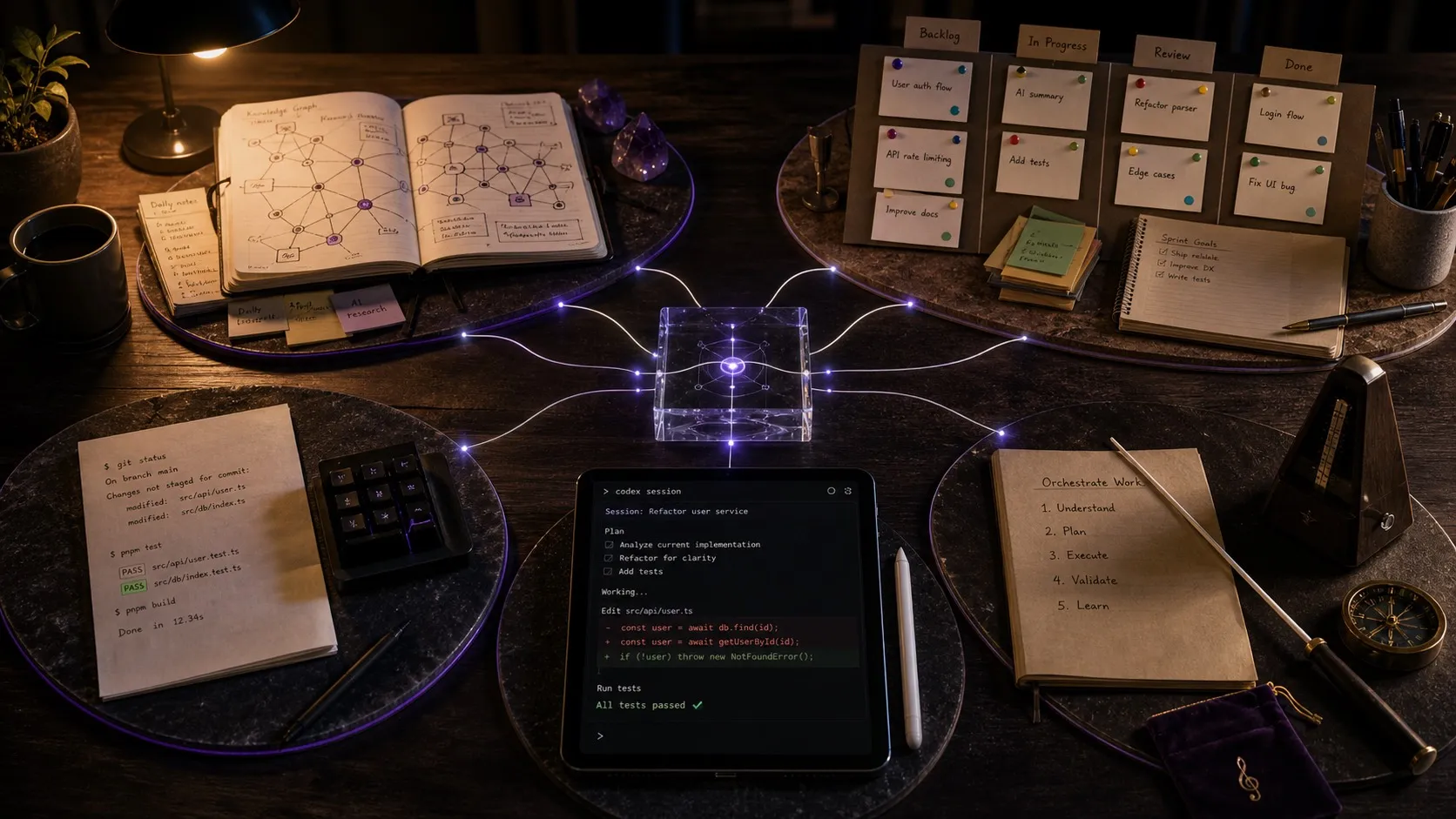
For the last year, my daily stack for working with coding agents has looked something like this. Plans and specs in Obsidian. Diagrams in Excalidraw. Tasks and bugs in Linear. Agent sessions in the Codex app and Claude Cowork app, Conductor for parallel Claude Code, and a terminal when I want raw control. Code in VS Code. Diff review in the terminal or on GitHub.
The integration tax
When I start a session, I want to point the agent at the plan I wrote yesterday, the mockup I sketched, and the task it’s executing against. Today that means copying file paths, pasting context, and hoping the agent picks up the right thing. The agent can reach files via MCP, but it doesn’t know that this plan in Obsidian is connected to that task in Linear, or that the session running in Conductor is the one that needs the mockup attached.
When the agent finishes, I want to review its changes, mark the task as done, and update the plan with what we learned. Today that’s three tools and four context switches. The agent transcript lives in one place, the diff lives in another, the task in a third, the plan in a fourth.
The result is that I spend more time moving artifacts and state between apps than I do actually directing the work. The agent runs with a fraction of the context, because most of what would help it live outside its reach.
What integration actually buys you
Putting the planning doc, the diagram, the task, the session, and the diff in one workspace changes the shape of the work in a few specific ways.
Sessions, files, and tasks become linked. Open a session and you can see which files it touched, which tasks it ran against, and which plan it executed. Open a file and you can see which sessions changed it. Open a task and you can see the session that did the work.
Context flows to the agent automatically. The agent already has access to the same files, plans, diagrams, and tasks you do, because everything lives in the same workspace. You don’t paste a path. You don’t repeat yourself across tools. The integration is the context.
Review happens where the work is. When an agent changes a file, red and green diffs show up inline with per-block accept and reject. The surface where you read and write is also the surface where you review, so there is no app switch from editing to reviewing.
Project knowledge stays connected. A month later, when you’re trying to remember why something was built a certain way, you can follow plan to task to session to diff to commit, with each piece pointing to the others, instead of reconstructing it from memory.
A few concrete examples
A spec lives next to its mockup, its data model, and its task. When you hand the task to an agent, the agent already has the spec, the mockup, and the model as context because they’re in the same workspace.
A bug report is linked to the session that’s fixing it. When the agent proposes a fix, the diff shows up inline. You accept the parts you like, ask for changes on the rest, and the bug moves to review without leaving the app.
A planning conversation from three weeks ago is searchable. You find the session, see the files it touched, open the resulting plan, and pick up where you left off. Nothing was lost to a closed terminal tab.
Three sessions run in parallel on a kanban board. You see what each one is doing, what’s waiting on review, and what’s blocked. The work that used to require tabbing through terminals fits on one screen.
What Nimbalyst is
Nimbalyst is the workspace we built around this idea. Visual editors for markdown, mockups, diagrams, data models, spreadsheets, and code. A session manager with kanban, parallel sessions, search, and resume. A task tracker where agents and humans both create, update, and execute tasks linked to files and sessions. Diff review with per-block accept and reject. Developer tools like a terminal, worktrees, visual git, and agent-driven commits and branches. An iOS app for managing sessions away from the desk.
It supports Codex, Claude Code, OpenCode (alpha), and Copilot (alpha) through a pluggable provider system, so you’re not locked into one agent. The desktop and iOS apps are MIT licensed.
If you’re running multiple agents across multiple projects today, you’ve probably felt the same friction we did. We’d love your feedback and contributions.
Repo: github.com/nimbalyst/nimbalyst Website: nimbalyst.com
Related posts
-
What Agentic Engineering Is and How to Practice It
Agentic engineering is a software workflow built around delegation, structured context, parallel execution, and rigorous review. Here is how to do it well.
-
Spec-Driven Development with Coding Agents: A Practical Guide
Spec-driven development treats a written specification as the source of truth and code as its output. What a spec contains, how to hand one to Claude Code or Codex, how to keep it current as the code moves, where the practice breaks, and how Spec Kit, Kiro, BMAD, GSD, and OpenSpec compare.
-
Best Tools for Agentic Coding in 2026
A practitioner's tour of the agentic coding tool landscape in 2026, covering terminal agents, IDE agents, workspace surfaces, and unsolved gaps.