Best Multi-Agent Desktop Apps (2026)
Compare every multi-agent desktop app for AI coding in 2026 — VS Code, JetBrains Air, Claude Squad, and Nimbalyst — for Claude Code and Codex.
You Shouldn’t Have to Pick One Agent
Six months ago, the question was “Claude Code or Codex?” Now the question is “which tool lets me use both?”
Claude Code is better at large refactors. Codex is faster for targeted edits and code review. Gemini CLI handles documentation well. Each AI coding agent has strengths and those relative strengths will change over time, and the developers getting the most out of them are not picking one, they are running multiple agents from a single interface.
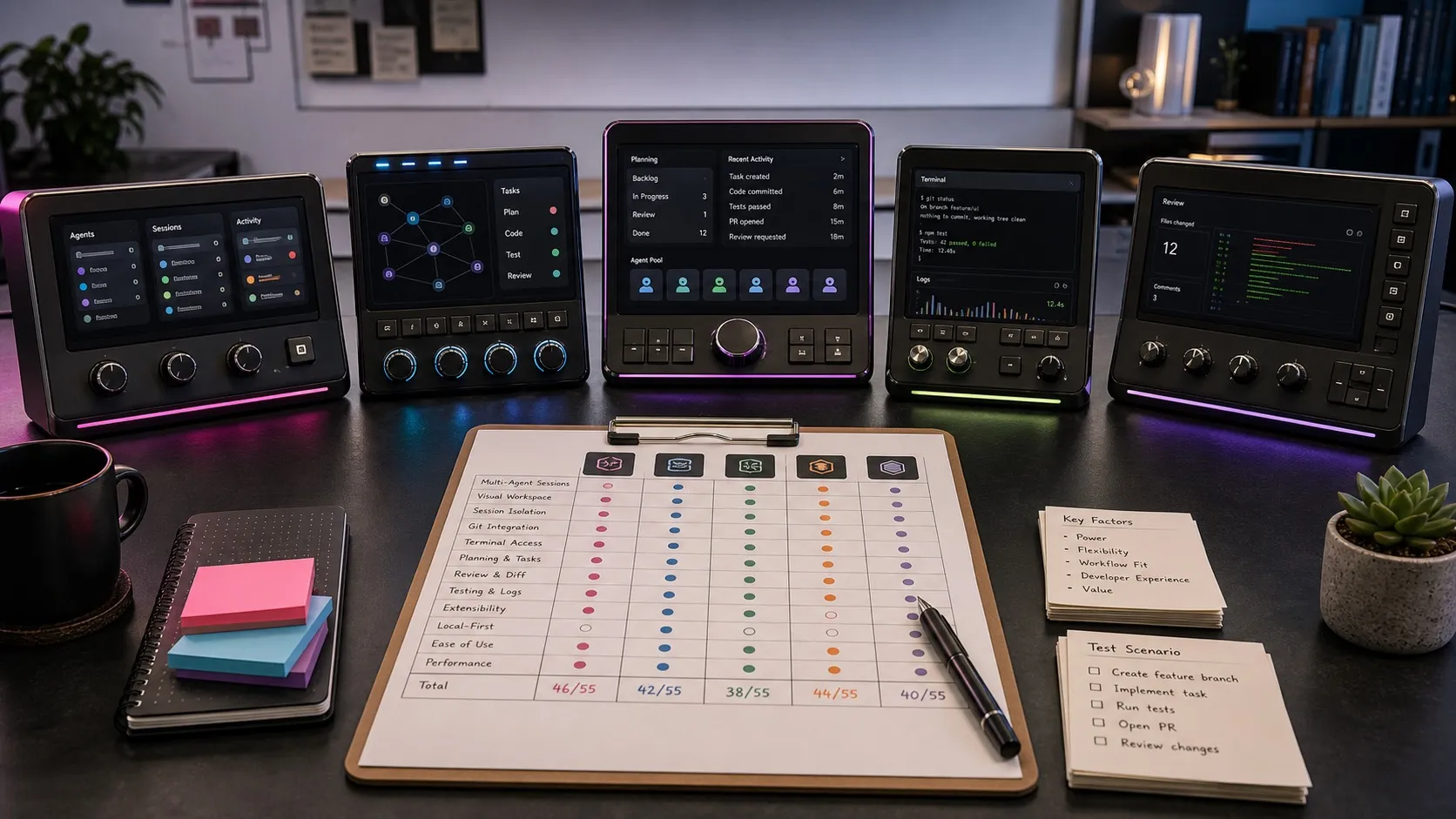
A new category of multi-agent desktop apps has emerged to support this workflow. Some are terminal multiplexers. Some are full workspaces. Some are IDE features you might not know about. This post compares every option worth considering in 2026.
Why One App for Multiple Agents
Running Claude Code in one terminal and Codex in another technically works. Here is why it falls apart in practice.
Context fragmentation. Each agent runs in isolation. The Codex session does not know what your Claude Code session just refactored. You become the message bus between agents, copy-pasting context and re-explaining decisions.
Session sprawl multiplied. Managing five Claude Code sessions is already hard. Managing five Claude Code sessions and three Codex sessions across two projects is impossible without visual tooling. You need one place to see all your agents, regardless of provider.
Inconsistent review workflows. Reviewing Claude Code output in the terminal, then reviewing Codex output in the Codex app, then reviewing Copilot output in VS Code means three different review interfaces for the same kind of work. A multi-agent desktop app gives you one review workflow for all agents.
The tools below solve these problems to varying degrees.
VS Code Multi-Agent Mode
Price: Free (with agent subscriptions)
Since the January 2026 release, VS Code supports running Claude Code, Codex, and GitHub Copilot agents side by side. All agents appear in the same Agent Sessions view. You can delegate tasks between them, compare outputs, and switch between sessions without leaving your editor.
Strengths:
- Zero additional tooling. If you already use VS Code, multi-agent support is built in.
- Unified session view across Claude Code, Codex, and Copilot.
- Deep integration with your existing editor workflow.
- Free — you only pay for the agent subscriptions you already have.
Limitations:
- Tied to VS Code. If you use a different editor for your main work, this does not help.
- Session management is basic — a flat list, not a kanban or project-organized view.
- No visual planning tools, mockup editors, or diagram support.
- Limited isolation between agents — no automatic git worktree separation.
Best for: VS Code users who want multi-agent support without adding another tool to their stack.
JetBrains Air
Price: Free (preview)
JetBrains Air is a standalone desktop app for orchestrating multiple AI coding agents. It supports Codex, Claude Code, Gemini CLI, and JetBrains’ own Junie agent out of the box. Tasks run locally by default, with optional Docker container and git worktree isolation.
Strengths:
- Four-agent support on day one, with more planned.
- Standalone app — not tied to any specific IDE.
- Docker and worktree isolation for safe parallel work.
- Backed by JetBrains, with deep understanding of developer tooling.
Limitations:
- macOS only in preview. Windows and Linux coming later.
- New product — still early, feature set evolving.
- No visual editors, diagram tools, or planning features.
- No mobile access for monitoring agents remotely.
Best for: Developers who want a dedicated multi-agent orchestration tool from a trusted vendor.
Claude Squad
Price: Free (open source)
Claude Squad is a terminal-based manager for multiple AI agents. Despite the name, it supports Claude Code, Codex, Aider, OpenCode, and Amp. Each agent gets its own git worktree, so parallel sessions do not conflict.
With 5,800 GitHub stars, it has the largest community of any open-source multi-agent tool.
Strengths:
- Five-agent support with git worktree isolation per session.
- Open source with active community.
- Lightweight — runs in the terminal, minimal overhead.
- Tmux-based session management.
Limitations:
- Terminal UI only. No graphical interface.
- No visual diff review, file change tracking, or planning tools.
- Session management is functional but basic — no kanban, no tagging.
- Requires comfort with tmux-style workflows.
Best for: Terminal-native developers who want multi-agent orchestration without leaving the command line.
Nimbalyst
Price: Free for individuals
Nimbalyst is a multi-agent workspace — not just an orchestration layer, but a full development environment with visual editors alongside your AI agents. It supports Claude Code natively and Codex through provider configuration.
The key difference from the tools above: Nimbalyst is not a terminal multiplexer or a thin wrapper. It is a workspace where you plan features with visual mockups and diagrams, run agents to build them, review changes with inline diffs, and track progress on a kanban board. The agents are integrated into a broader workflow rather than being the entire product.
Strengths:
- Multi-agent support with Claude Code and Codex.
- Visual planning tools: markdown editor, mockup designer, Excalidraw diagrams, data model editor.
- Session kanban board with tagging, filtering, and project organization.
- Git worktree isolation for parallel sessions.
- File traceability — see exactly which files each agent read and wrote.
- iOS companion app for monitoring agents from your phone.
- Free for individuals. Desktop app on Mac, Windows, and Linux.
Limitations:
- Narrower agent support
- Heavier than a terminal multiplexer if you only need basic session listing.
Best for: Developers and teams who want a full workspace around their AI agents — not just a way to run them, but a way to plan, build, review, and ship with them.
Comparison Table
| Feature | VS Code | JetBrains Air | Claude Squad | Nimbalyst |
|---|---|---|---|---|
| Claude Code support | Yes | Yes | Yes | Yes |
| Codex support | Yes | Yes | Yes | Yes |
| Other agents | Copilot | Gemini, Junie | Aider, OpenCode, Amp | Via config |
| GUI interface | Yes | Yes | No (TUI) | Yes |
| Git worktree isolation | No | Yes | Yes | Yes |
| Visual planning tools | No | No | No | Yes |
| Session kanban | No | No | No | Yes |
| File traceability | Partial | No | No | Yes |
| Mobile access | No | No | No | Yes (iOS) |
| Open source | Yes (MIT, core) | No (proprietary) | Yes (AGPL) | Yes — MIT (desktop and iOS apps), github.com/Nimbalyst/nimbalyst |
| Free tier | Yes | Yes (preview) | Yes | Yes |
How to Choose
If you already live in VS Code, the built-in multi-agent mode is the obvious starting point. No new tools, no context switching. Just add agent extensions and go.
If you want a standalone multi-agent tool, JetBrains Air is the most polished standalone option for orchestrating multiple agents outside of an IDE.
If you live in the terminal, Claude Squad gives you multi-agent orchestration without leaving the command line.
If you want a workspace, Nimbalyst is the only tool that pairs multi-agent support with visual planning, kanban session management, file traceability, and mobile monitoring. The other tools help you run agents. Nimbalyst helps you ship with them.
Related Reading
- Best multi-agent coding tools for Claude Code and Codex users — the broader landscape including IDEs and CLI tools.
- Best Claude Code GUI in 2026: four active Claude Code GUI tools compared.
- Best Codex GUI tools and desktop apps — the Codex side of the desktop app category.
- Best session managers for Claude Code and Codex — kanban and orchestration for active sessions.
Related posts
-
Best Conductor Alternatives 2026: Windows, Linux, and Open Source
Conductor is macOS only. The best Conductor alternatives in 2026 compared on platform support, agent coverage, licensing, and worktree isolation.
-
Best Vibe Kanban Alternatives in 2026
Looking for a Vibe Kanban alternative? The best replacements in 2026 for multi-agent coding, git worktrees, planning, and session orchestration.
-
Best AI Agent Orchestration Platforms 2026: Coding vs Workflow
AI agent orchestration means two different products. Compare control planes for your own coding agents (Nimbalyst, Orca, Emdash, Superset, Conductor, Warp) against workflow frameworks like LangGraph and CrewAI.