Comparison
Nimbalyst vs Claude Code Desktop
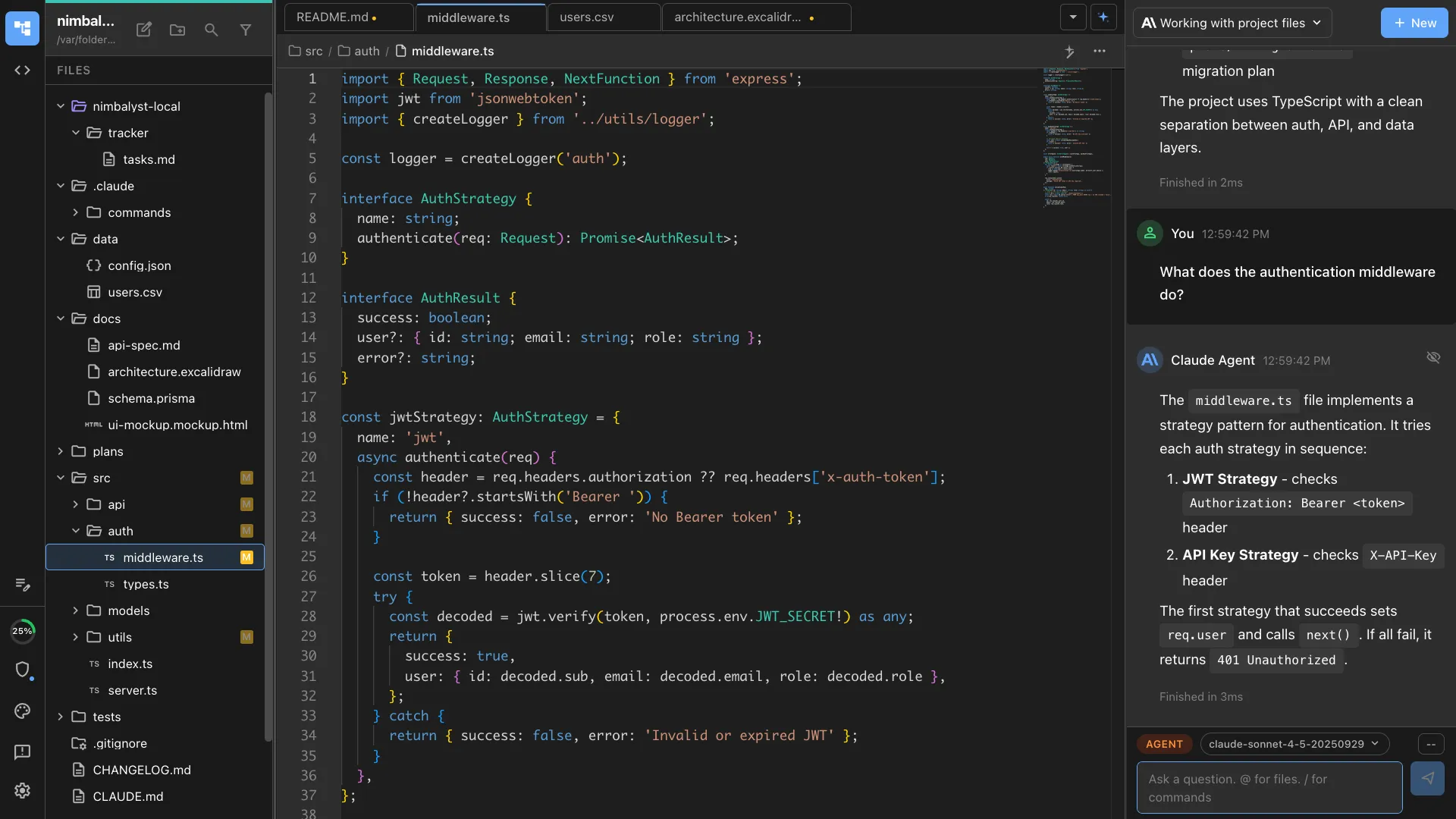
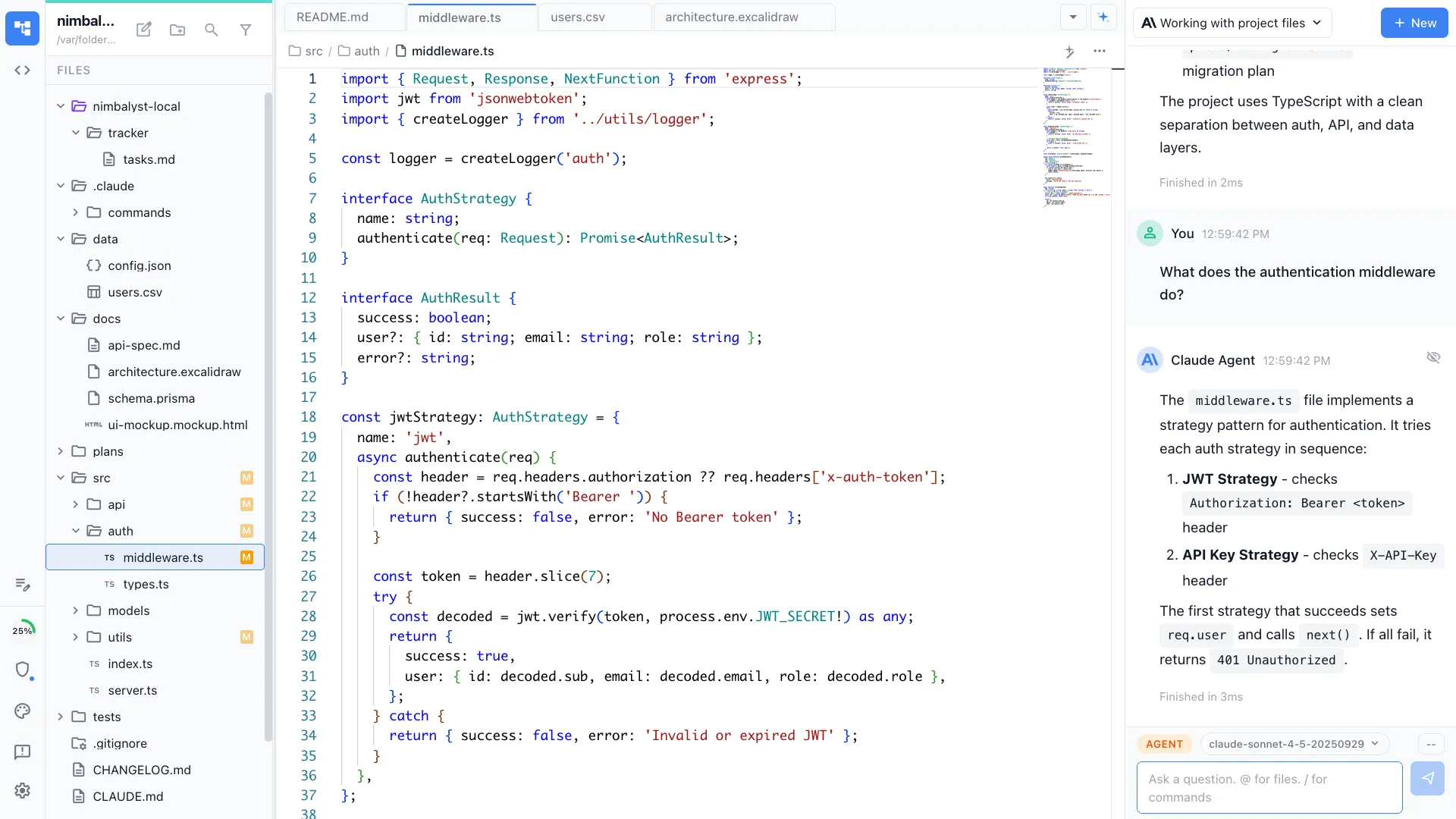
Claude Code Desktop gives you a chat window. Nimbalyst is the visual workspace for building with Codex and Claude Code. Maximize the bandwidth of your agent collaboration by managing sessions, tasks, and files and by visually editing markdown, mockups, diagrams, and code.


Overview
Two tools, different approaches
Nimbalyst
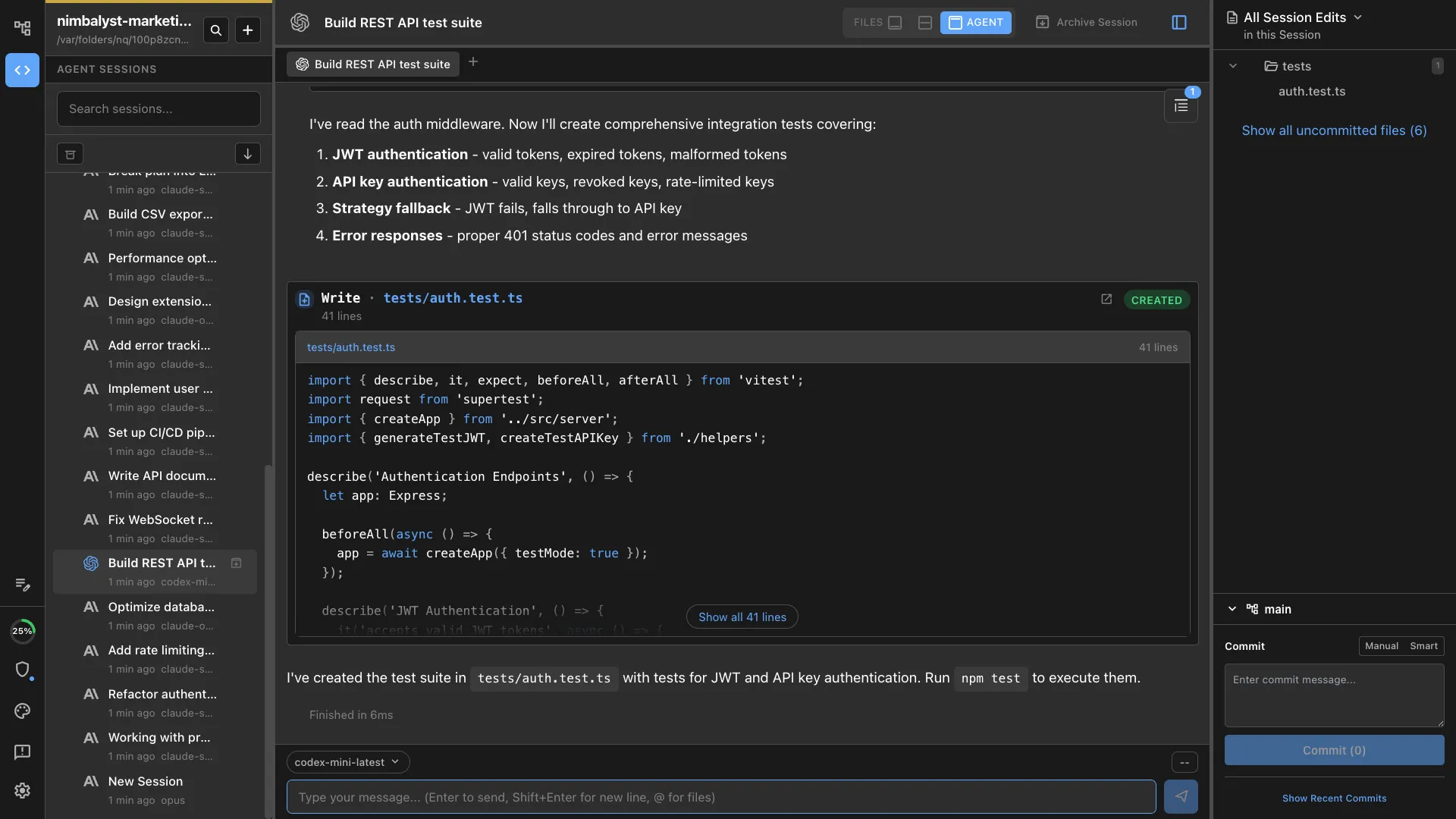
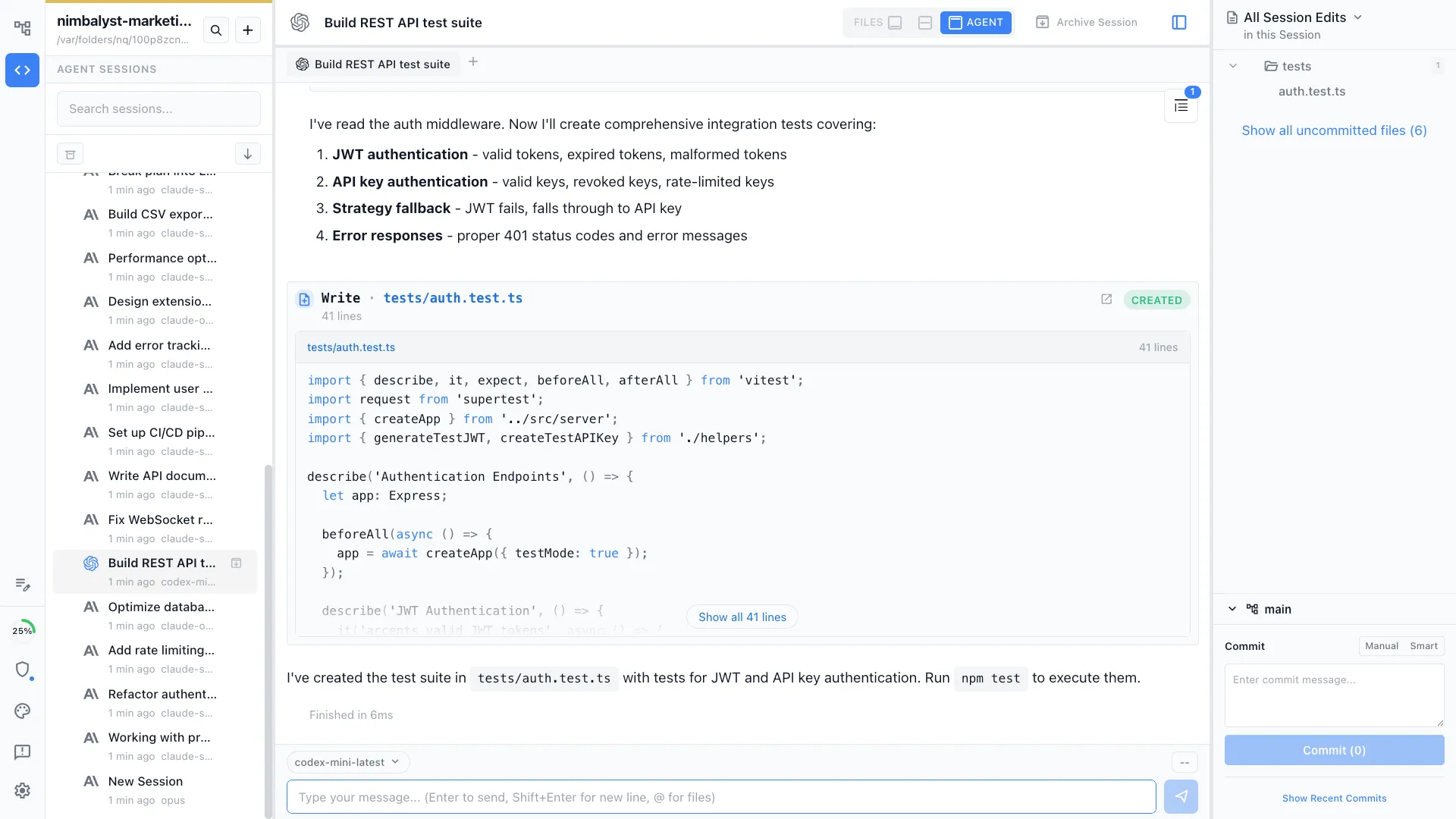
Nimbalyst is an AI-native workspace built on top of Claude Code and Codex. It adds a session kanban board for managing parallel agents, visual editors for markdown, mockups, diagrams, and data models, built-in planning and task tracking, and a mobile companion app. You get the full power of Claude Code inside a workspace designed for how developers actually ship software.
Claude Code Desktop
Claude Code Desktop is Anthropic's official graphical interface for Claude Code. It provides Cowork mode for working in sessions, Dispatch for background tasks, and Computer Use for GUI automation. It is a polished chat-first interface from the team that builds Claude itself.
Feature Comparison
Side-by-side breakdown
Nimbalyst Advantages
Where Nimbalyst shines


Session kanban for parallel agents
Run 10+ Claude Code sessions simultaneously and manage them on a visual kanban board. Drag sessions between planning, implementing, and validating phases. Claude Code Desktop limits you to one active conversation at a time.


Visual editors your agent can use
Mockup editor, Excalidraw diagrams, data model designer, and spreadsheet editor all live inside Nimbalyst. Your agent can create and edit visual artifacts, not just code files.
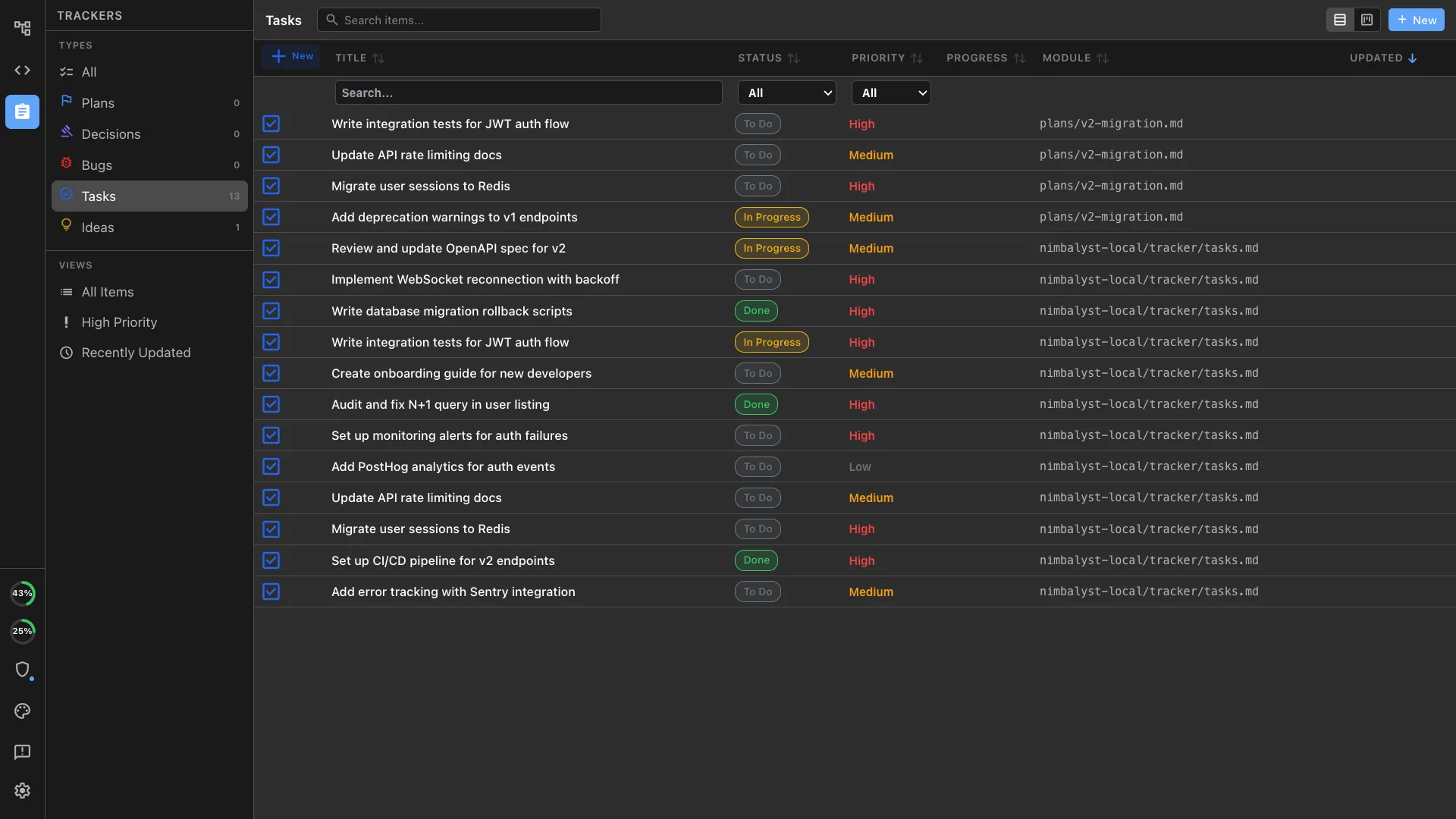
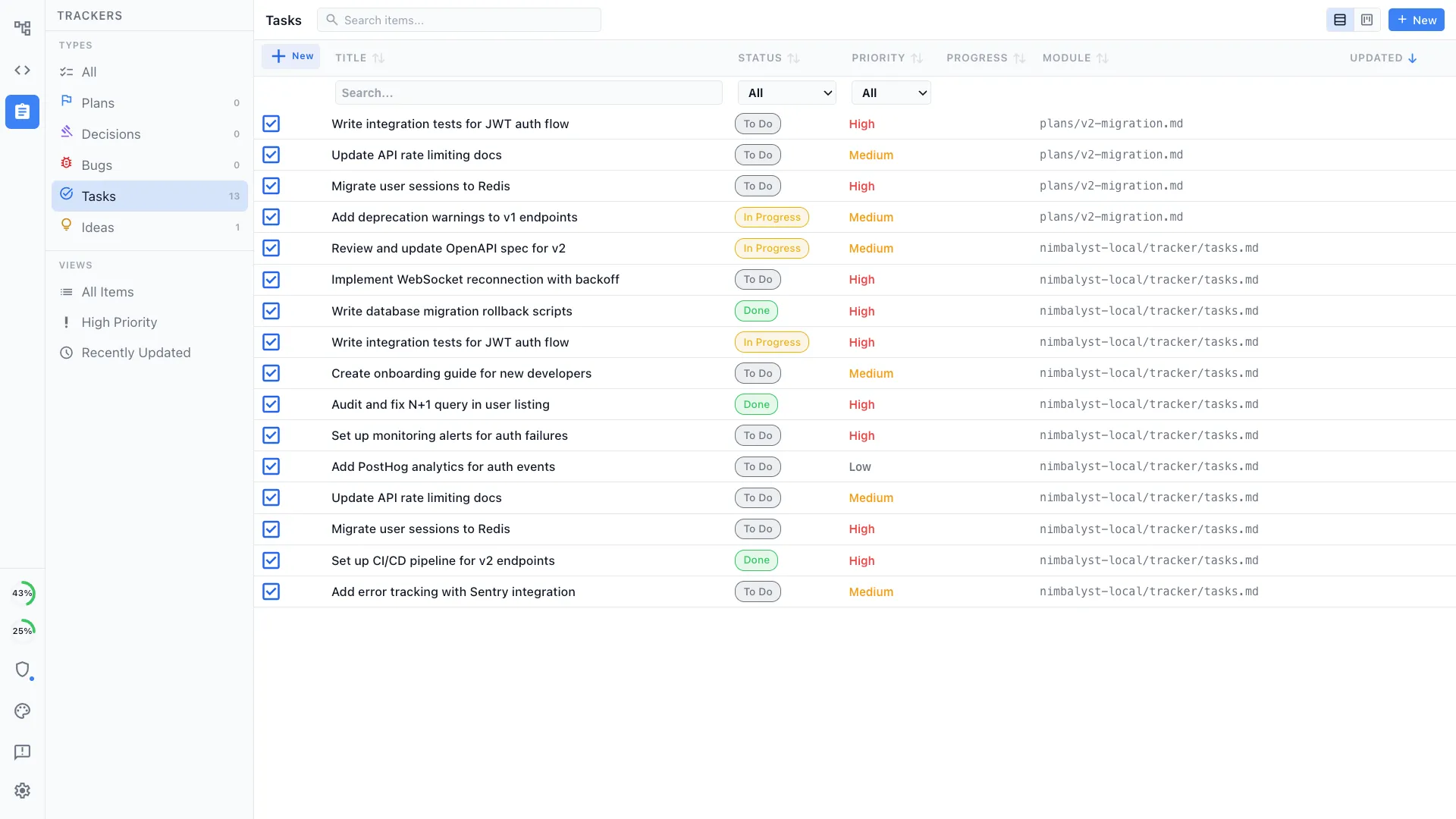
Planning and task tracking built in
Create structured plans, track tasks with YAML frontmatter, and link work items to sessions. Your agent reads the plan and knows what to build next without you repeating context.
Honest Assessment
Where Claude Code Desktop is stronger
Official Anthropic product
Claude Code Desktop is built and maintained by the same team that builds Claude. It gets first access to new Claude Code features like Cowork and Dispatch.
Computer Use
Claude Code Desktop includes built-in Computer Use for GUI automation, letting the agent interact with any application on your screen.
Recommendation
Who should use which
Choose Nimbalyst if…
You want to manage your sessions in parallel and use agents to integrate and organize your sessions, tasks and files. Or you need visual editors for your markdown, mockups, spreadsheets, code and diagrams.
Choose Claude Code Desktop if…
You want the simplest, most direct interface to Claude Code with guaranteed first-day support for new features, or you need Computer Use for GUI automation workflows.
More Comparisons