Developer
AI API scaffolding
Run /api-scaffold and describe your resource. The agent generates routes, controllers, validation, error handling, and tests — a complete API layer from a description.
Generate REST or GraphQL API endpoints with full CRUD operations. Creates routes, controllers, validation, and tests based on your data model.


Capabilities
From model to API
Full CRUD generation
Create, read, update, delete, list, and search endpoints — all generated with proper validation, error handling, and response formatting.
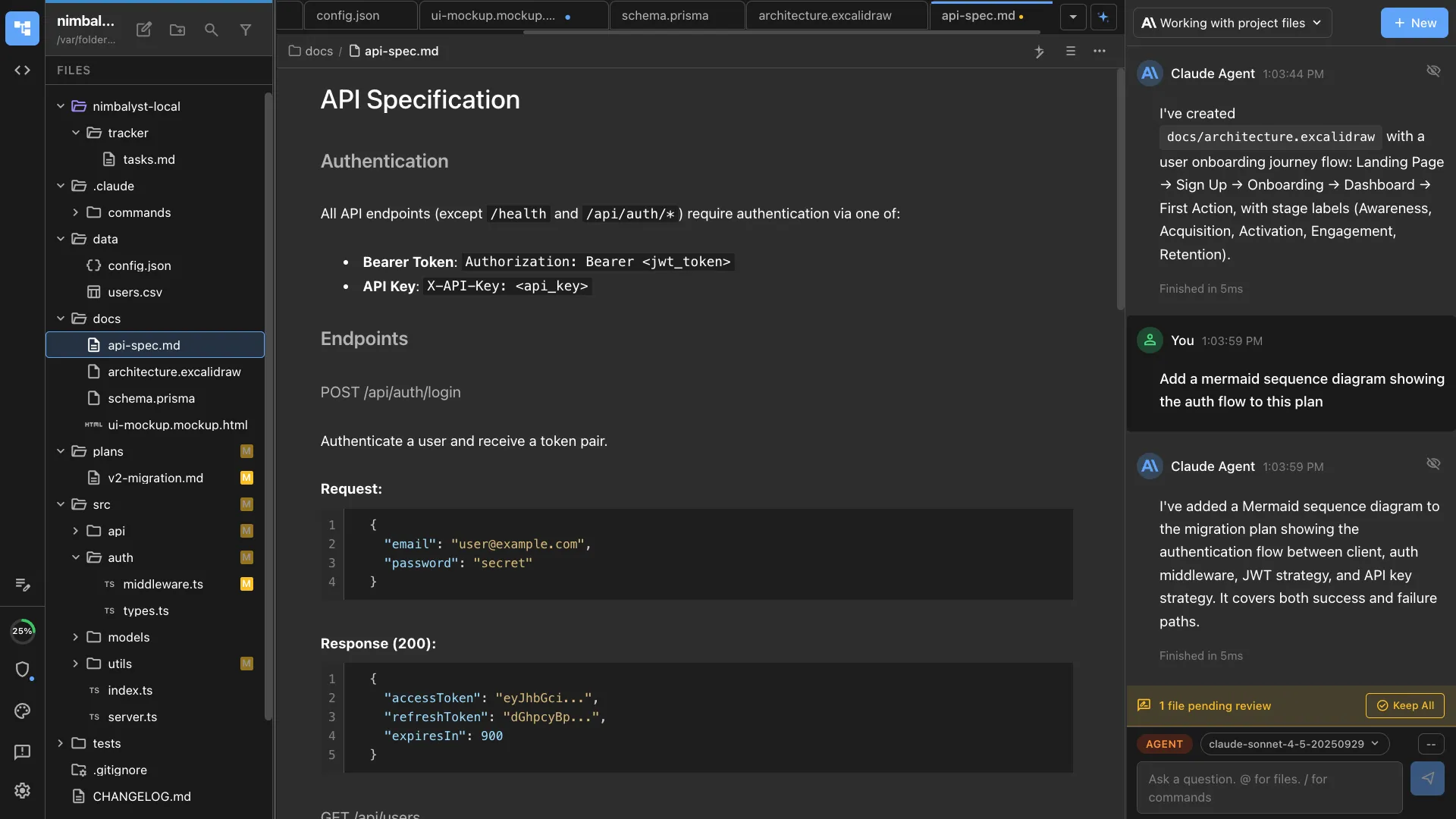
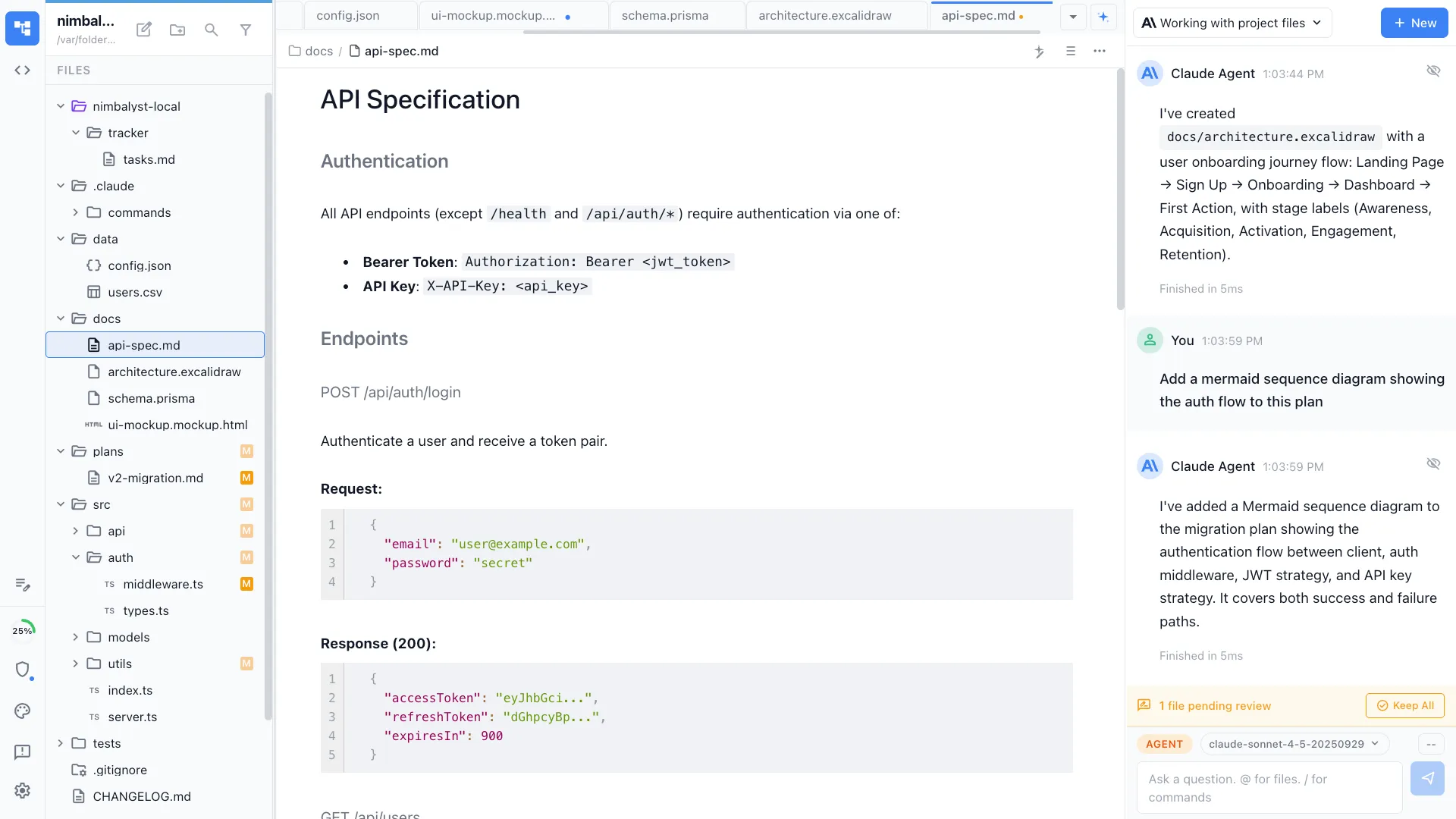
API specification
Generates OpenAPI/Swagger specs alongside the code. Documentation stays in sync with the implementation.
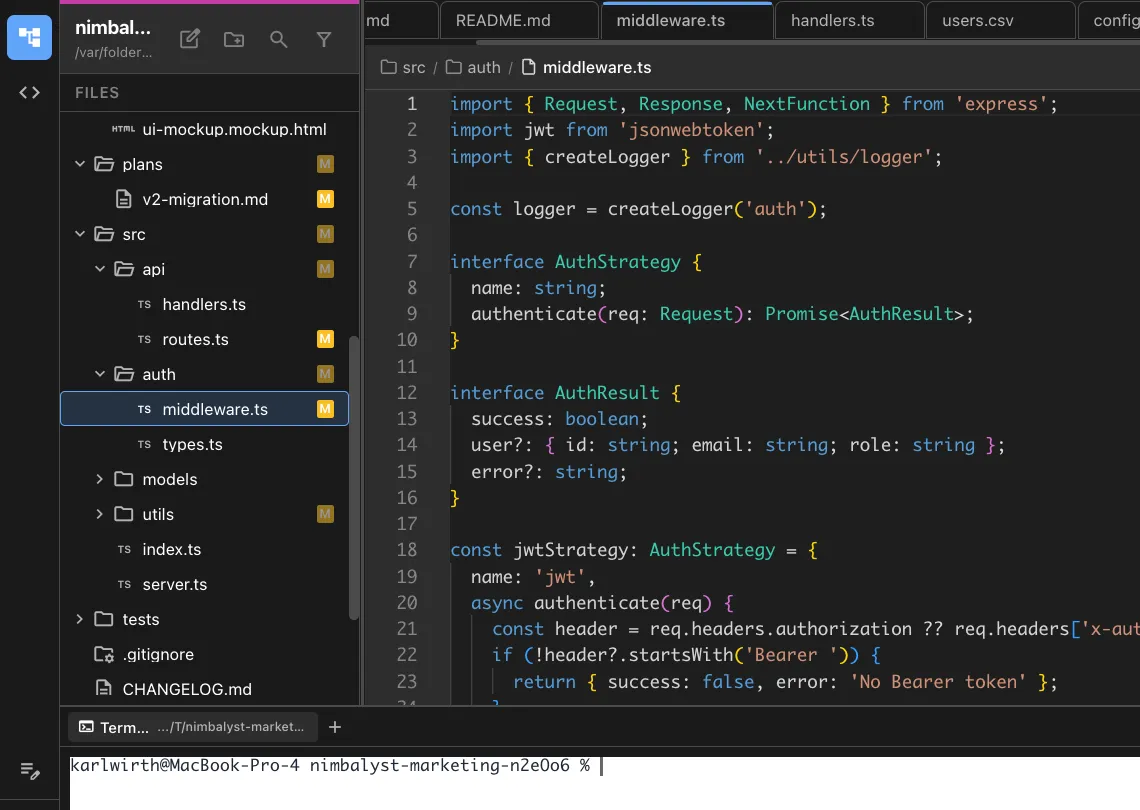
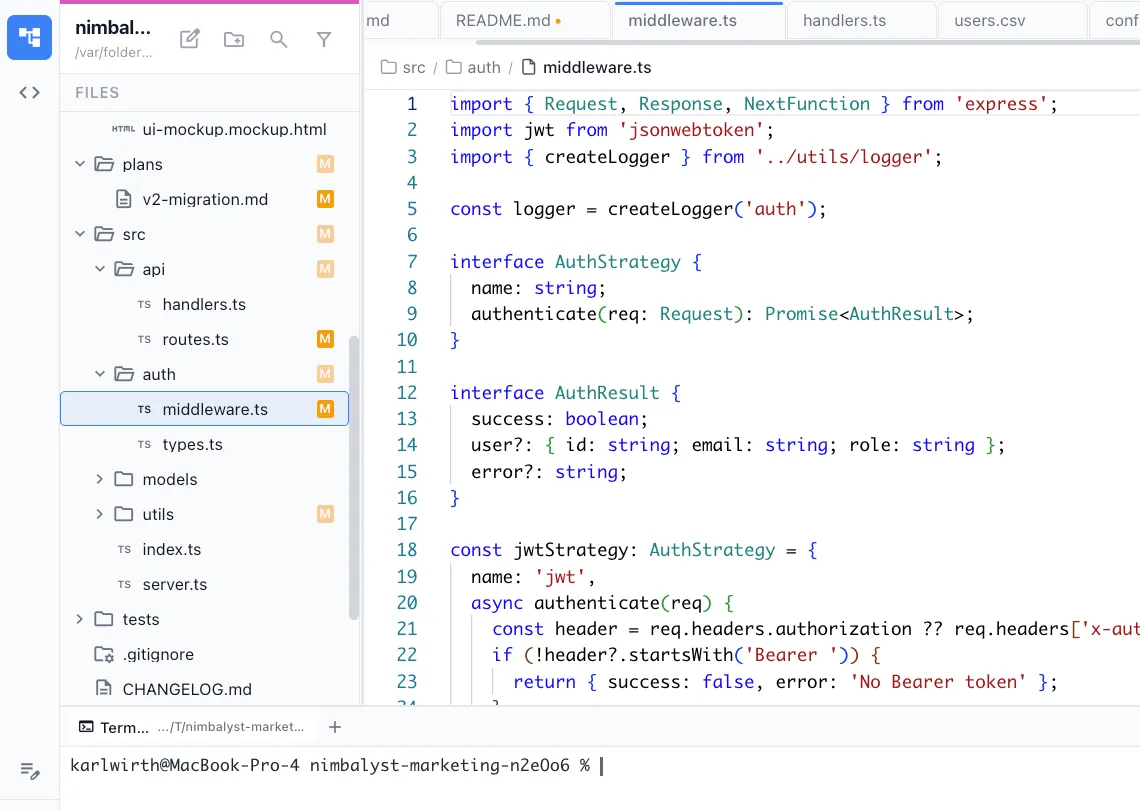
Tests included
Every endpoint gets integration tests. Happy paths, validation errors, and edge cases are all covered.
How It Works
How /api-scaffold works
Type /api-scaffold
Run the command and describe the resource — fields, relationships, and any business rules.
Agent generates the API
Routes, controllers, middleware, validation schemas, and database queries are all created following your project's patterns.
Test and customize
Run the generated tests, then customize the scaffolded code for your specific business logic.
Try It
Example prompts
/api-scaffold user management with roles and permissions /api-scaffold product catalog with categories and search /api-scaffold GraphQL API for the task management system Full Skill Source
Use this skill in your project
Copy the full text below or download it as a markdown file. Place it in your project's .claude/commands/ directory to use it as a slash command.
---
name: api-scaffolder
description: Generate REST or GraphQL API endpoints with CRUD operations, validation, error handling, and documentation. Use when building new APIs, adding endpoints to existing services, or prototyping backend functionality.
allowed-tools: ["Read", "Edit", "Write", "Bash", "Glob", "Grep"]
---

# /api-scaffold

Generate API endpoints with full CRUD operations, input validation, error handling, and inline documentation.

## What This Command Does

1. Gathers the resource definition (name, fields, relationships)
2. Determines the API style (REST or GraphQL) and framework
3. Generates endpoint handlers with CRUD operations
4. Adds input validation and error handling
5. Creates type definitions and data schemas
6. Generates basic tests for each endpoint
7. Produces API documentation

## Usage

```
/api-scaffold [resource-name] [--style rest|graphql] [--framework express|fastify|hono|next]
```

**Examples:**
- `/api-scaffold users --style rest --framework express`
- `/api-scaffold products --style graphql`
- `/api-scaffold comments --style rest` -- auto-detects framework from project

## Execution Steps

1. **Detect project context**

   - Identify the framework by checking `package.json` dependencies, existing route files, or config
   - Identify the language (TypeScript/JavaScript/Python/Go)
   - Identify existing patterns: middleware, auth, error handling, database layer
   - Check for an ORM (Prisma, Drizzle, Sequelize, TypeORM) and its schema
   - Identify the existing file structure for routes/controllers/services

2. **Define the resource**

   Ask the user or infer from context:

   ```
   Resource: [name, singular]
   Fields:
     - id: string (auto-generated, primary key)
     - [field]: [type] [constraints]
     - [field]: [type] [constraints]
   Relationships:
     - belongs_to: [other resource]
     - has_many: [other resource]
   Timestamps: created_at, updated_at
   ```

   **Supported field types:**
   - `string` (with optional max length)
   - `number` / `integer` / `float`
   - `boolean`
   - `date` / `datetime`
   - `enum` (with values)
   - `json` / `object`
   - `array`
   - References to other resources (foreign keys)

3. **Generate the data schema/model**

   Create the database model or type definition:

   **For Prisma:**
   ```prisma
   model [Resource] {
     id        String   @id @default(cuid())
     [field]   [Type]
     createdAt DateTime @default(now())
     updatedAt DateTime @updatedAt
   }
   ```

   **For TypeScript (no ORM):**
   ```typescript
   interface [Resource] {
     id: string;
     [field]: [type];
     createdAt: Date;
     updatedAt: Date;
   }
   ```

   Place the schema/type in the project's conventional location.

4. **Generate CRUD endpoints**

   For REST APIs, create these endpoints:

   | Method | Path | Handler | Description |
   |--------|------|---------|-------------|
   | `GET` | `/[resources]` | list | List with pagination, filtering, sorting |
   | `GET` | `/[resources]/:id` | getById | Get single resource by ID |
   | `POST` | `/[resources]` | create | Create new resource |
   | `PUT` | `/[resources]/:id` | update | Full update of a resource |
   | `PATCH` | `/[resources]/:id` | patch | Partial update of a resource |
   | `DELETE` | `/[resources]/:id` | remove | Soft or hard delete |

   Each handler must include:

   **Input validation:**
   - Required fields are present
   - Types are correct
   - String lengths are within bounds
   - Enum values are valid
   - Referenced resources exist (foreign key validation)

   **Error handling:**
   - 400 for validation failures (with field-level error messages)
   - 404 for resource not found
   - 409 for conflicts (duplicate unique fields)
   - 500 for unexpected errors (with error logging, no stack trace in response)

   **Response format:**
   ```json
   // Success (single)
   { "data": { ... }, "meta": { } }

   // Success (list)
   { "data": [ ... ], "meta": { "total": 100, "page": 1, "perPage": 20 } }

   // Error
   { "error": { "code": "VALIDATION_ERROR", "message": "...", "details": [ ... ] } }
   ```

   **List endpoint features:**
   - Pagination: `?page=1&perPage=20`
   - Sorting: `?sort=createdAt&order=desc`
   - Filtering: `?status=active&createdAfter=2025-01-01`

5. **Generate validation schemas**

   Create validation schemas using the project's validation library (Zod, Joi, Yup, or manual):

   ```typescript
   // Example with Zod
   const createResourceSchema = z.object({
     [field]: z.[type]().[constraint](),
   });

   const updateResourceSchema = createResourceSchema.partial();

   const listResourceQuerySchema = z.object({
     page: z.coerce.number().min(1).default(1),
     perPage: z.coerce.number().min(1).max(100).default(20),
     sort: z.enum(['createdAt', 'updatedAt', '[field]']).default('createdAt'),
     order: z.enum(['asc', 'desc']).default('desc'),
   });
   ```

6. **Generate tests**

   Create a test file with tests for each endpoint:

   ```
   Tests to generate:
   - POST /resources -- creates with valid data, returns 201
   - POST /resources -- rejects invalid data, returns 400 with field errors
   - GET /resources -- returns paginated list
   - GET /resources/:id -- returns single resource
   - GET /resources/:id -- returns 404 for non-existent ID
   - PUT /resources/:id -- updates all fields
   - PATCH /resources/:id -- updates partial fields
   - DELETE /resources/:id -- removes resource
   - DELETE /resources/:id -- returns 404 for non-existent ID
   ```

7. **Generate API documentation**

   Create inline documentation or a separate doc file:

   ```markdown
   ## [Resource] API

   ### Create [Resource]
   `POST /api/[resources]`

   **Request Body:**
   | Field | Type | Required | Description |
   |-------|------|----------|-------------|
   | [field] | [type] | Yes/No | [description] |

   **Response:** `201 Created`
   ```

8. **Wire up routes**

   Register the new routes in the application's router. Follow the project's existing pattern for route registration.

## Output Files

The command generates these files (paths follow project conventions):

| File | Purpose |
|------|---------|
| `models/[resource].ts` | Data model/schema definition |
| `routes/[resource].ts` or `api/[resource]/route.ts` | Endpoint handlers |
| `validators/[resource].ts` | Input validation schemas |
| `tests/[resource].test.ts` | Endpoint tests |
| `docs/api/[resource].md` | API documentation (optional) |

## Error Handling

- **Framework not detected**: Ask the user which framework to use
- **ORM not detected**: Generate plain TypeScript types and document that the user needs to add persistence
- **Existing routes conflict**: Warn about the conflict and ask how to proceed
- **Complex relationships**: Generate the basic CRUD and add TODO comments for relationship-specific endpoints

## Best Practices

- Always validate input at the API boundary, even if the database has constraints
- Use consistent error response formats across all endpoints
- Include pagination on all list endpoints from day one; adding it later is painful
- Generate tests that run against an in-memory database or mock, not a live database
- Soft-delete by default (add a `deletedAt` field) unless the user specifies hard delete
Related Skills
Skills that work well together
Explore More