Developer Tools
A purpose-built code editor for agents
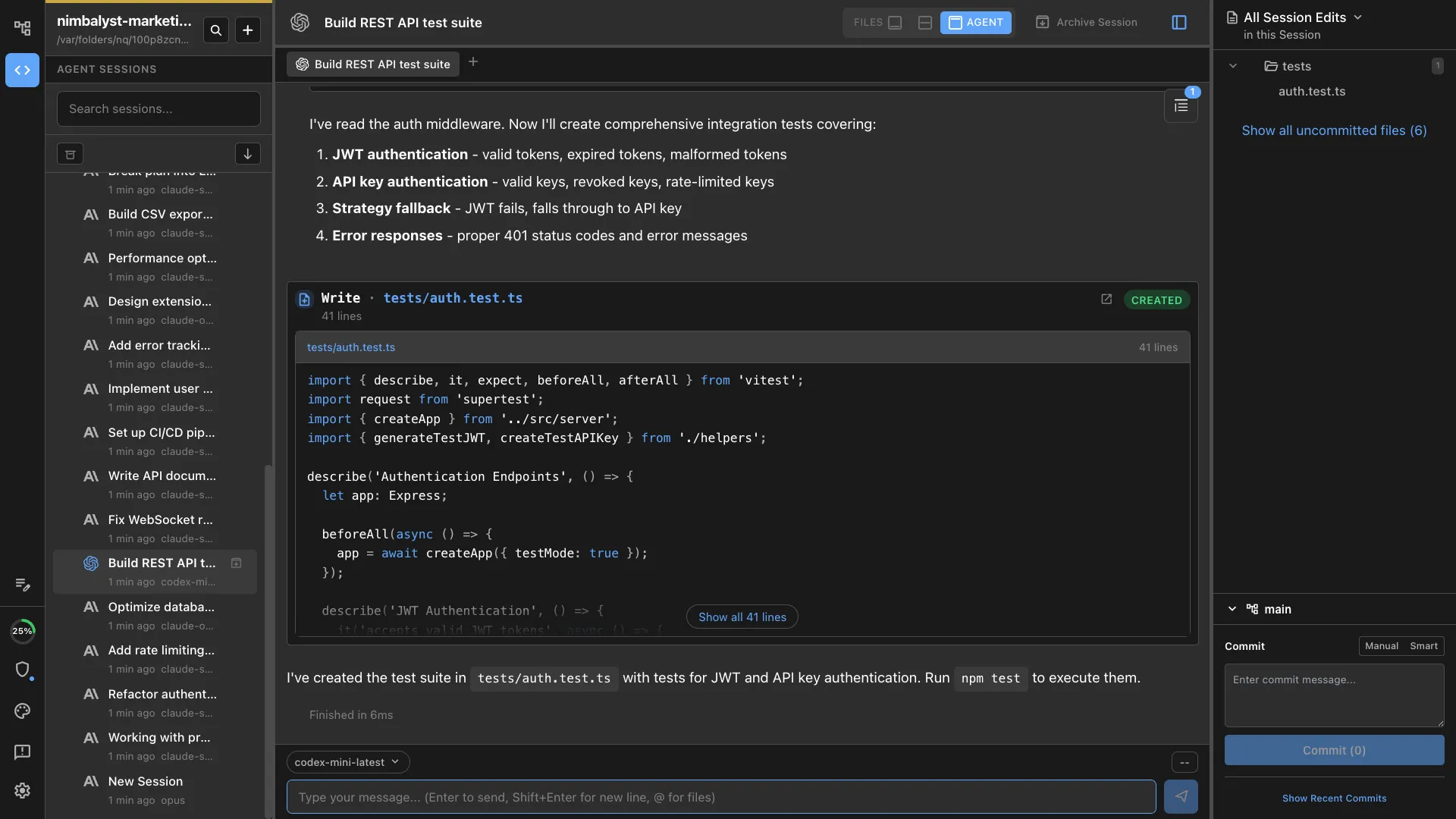
A Monaco-powered code editor with syntax highlighting, AI-generated diffs, and an integrated terminal. Everything you need to read, write, and review code alongside your agents.


Capabilities
Code with confidence


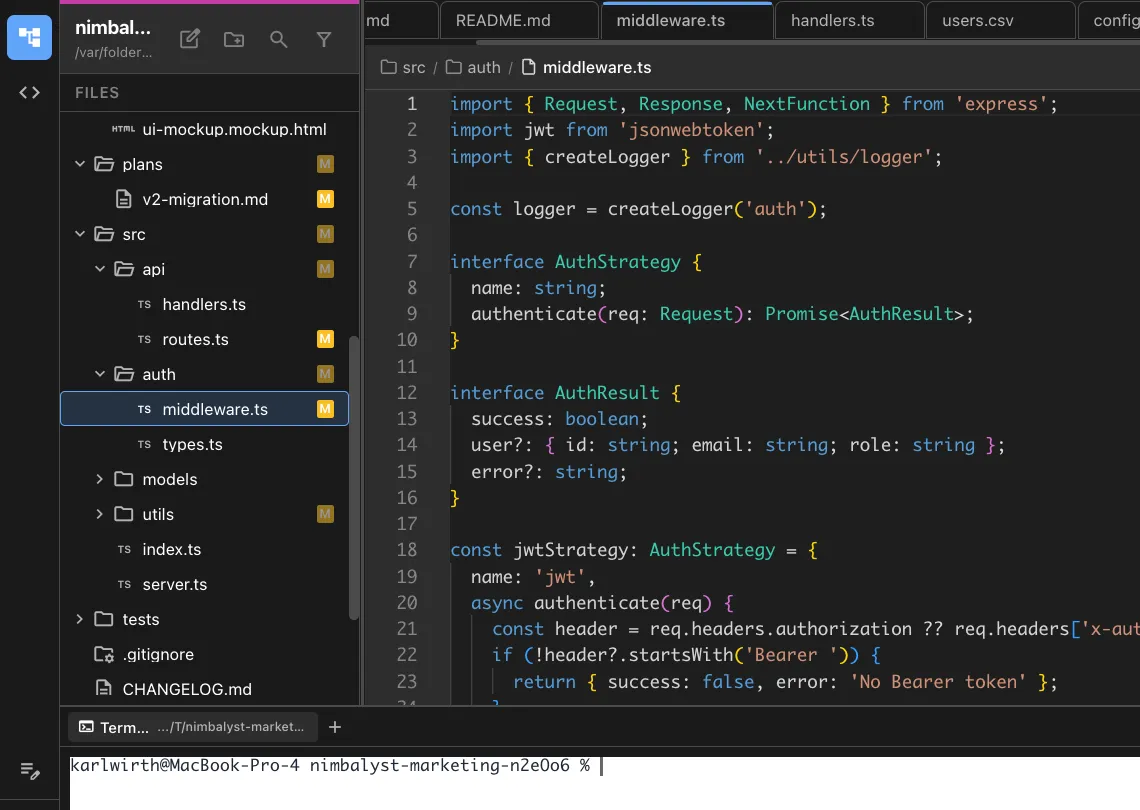
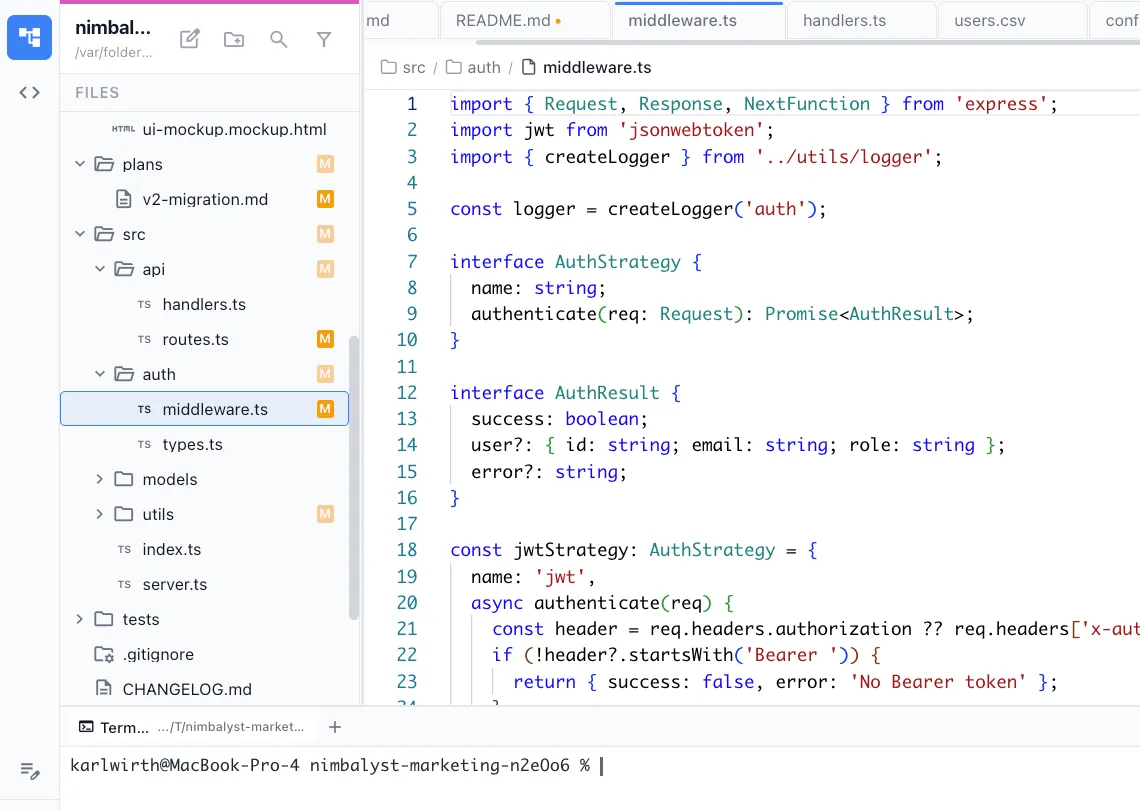
Monaco code editor
Full Monaco editor with syntax highlighting, minimap, multi-cursor, find-and-replace, and all the editing capabilities you expect from a modern code editor.


Inline AI diffs
When Claude Code or Codex edits a file, changes appear as red/green inline diffs. Review each change and choose to keep, revert, or edit it manually.
Integrated terminal
Run commands, scripts, and build tools without leaving the workspace. Full terminal access alongside your editor and agent sessions.
Full-project context
Your agent sees the entire codebase, not just the current file. Ask it to refactor across files, understand dependencies, or trace call chains.
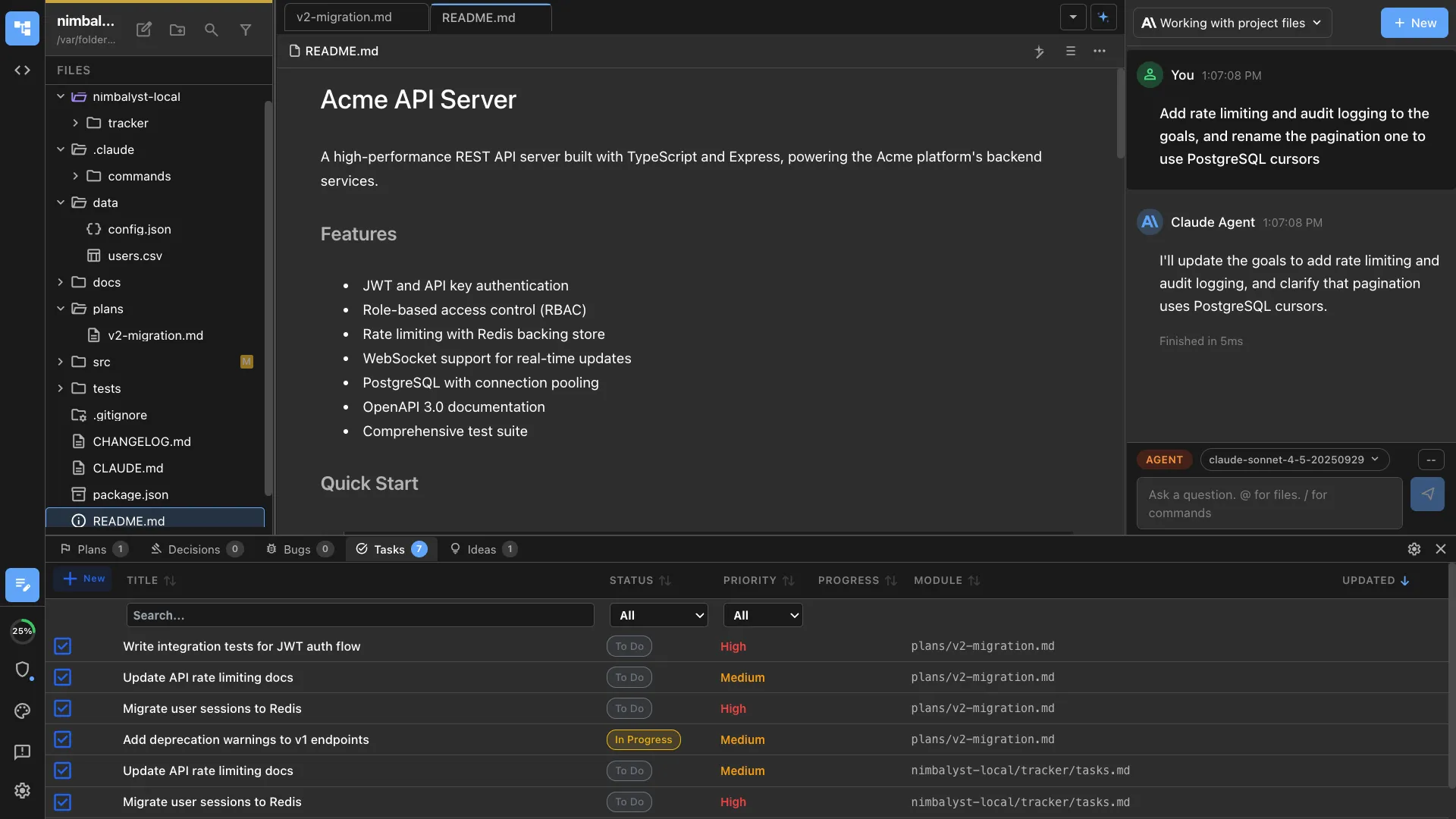
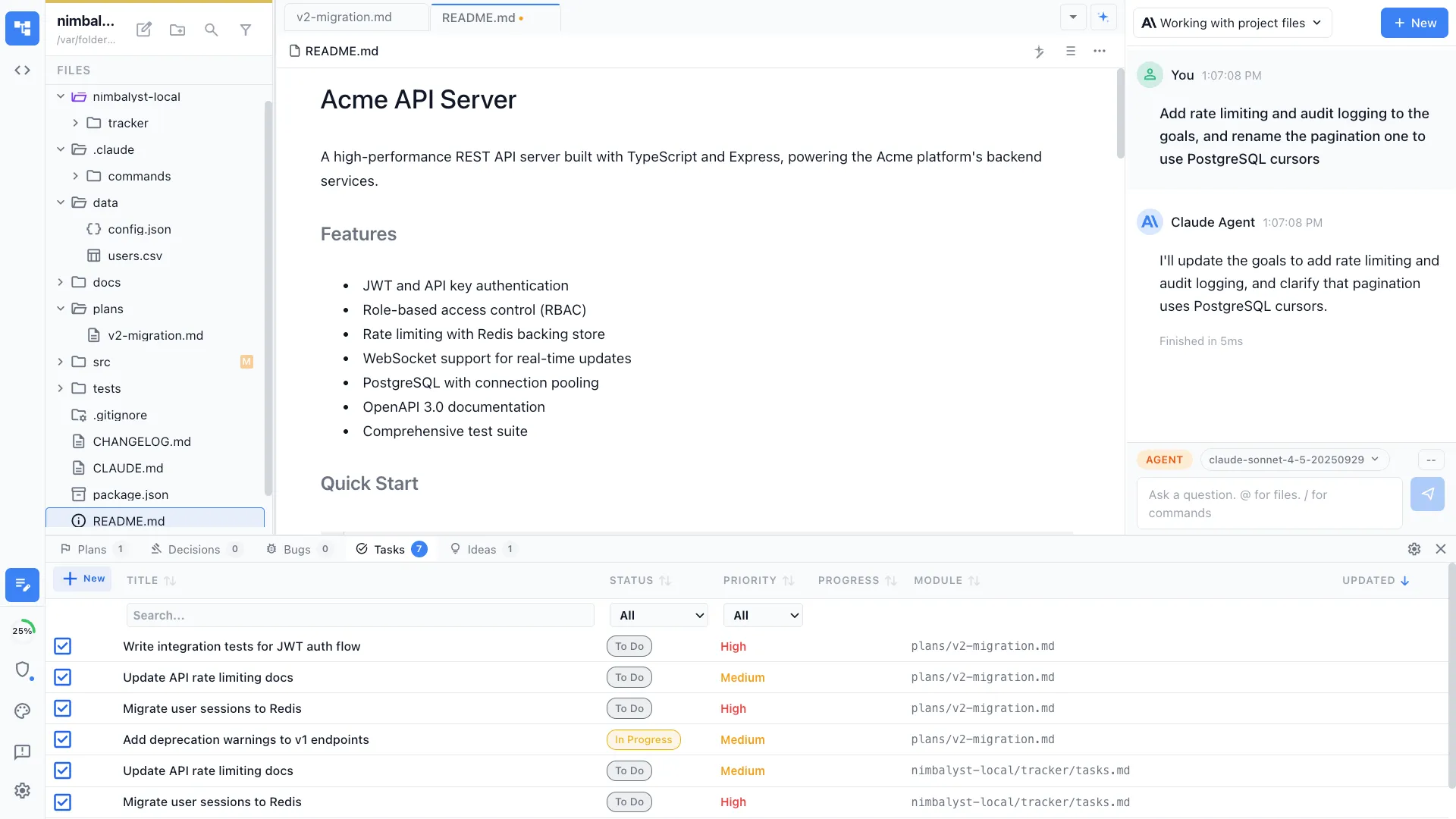
File tree and navigation
Browse your project in a full file tree. Open files by clicking or by asking your agent. See which files your sessions have read or modified.
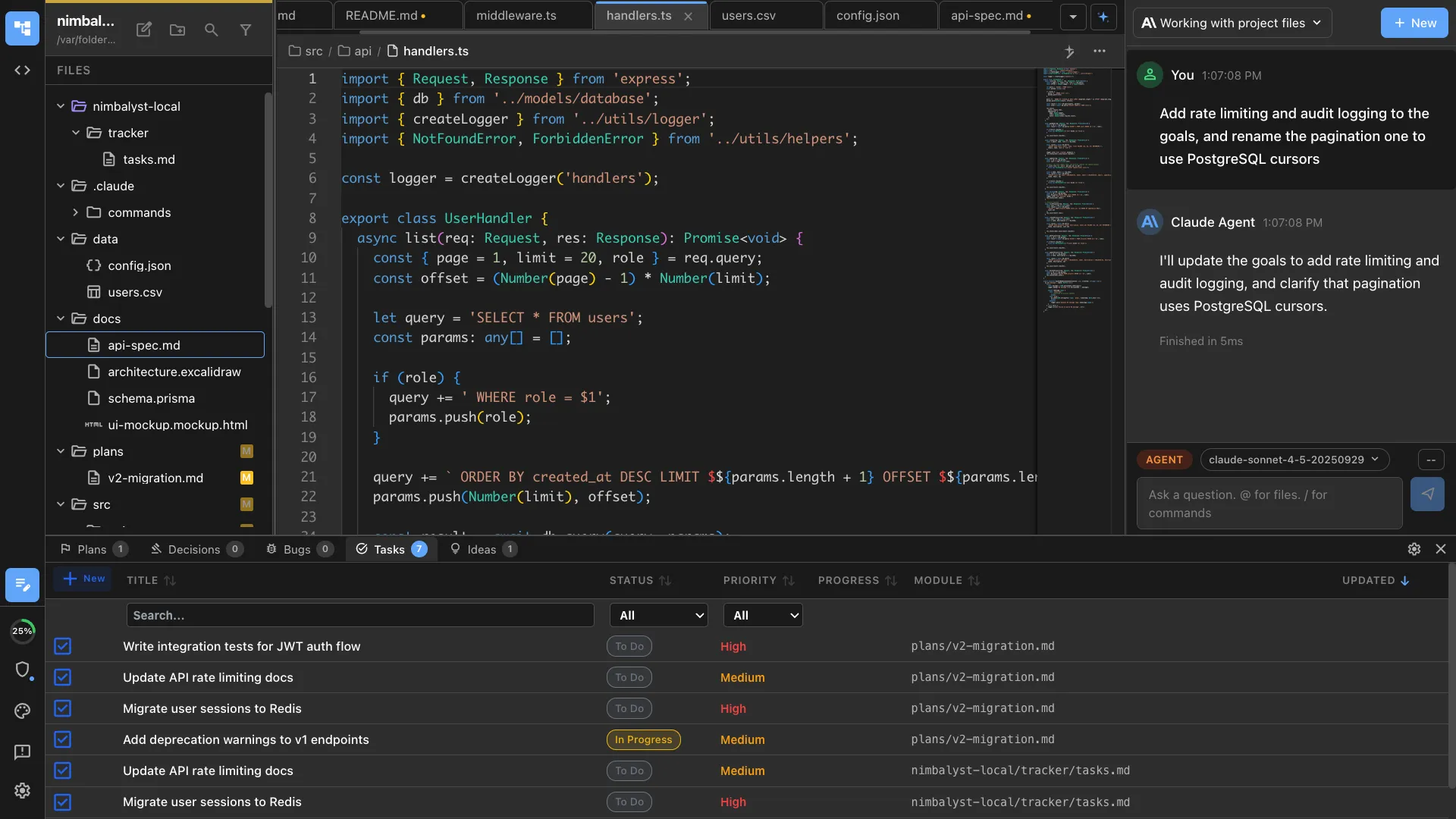
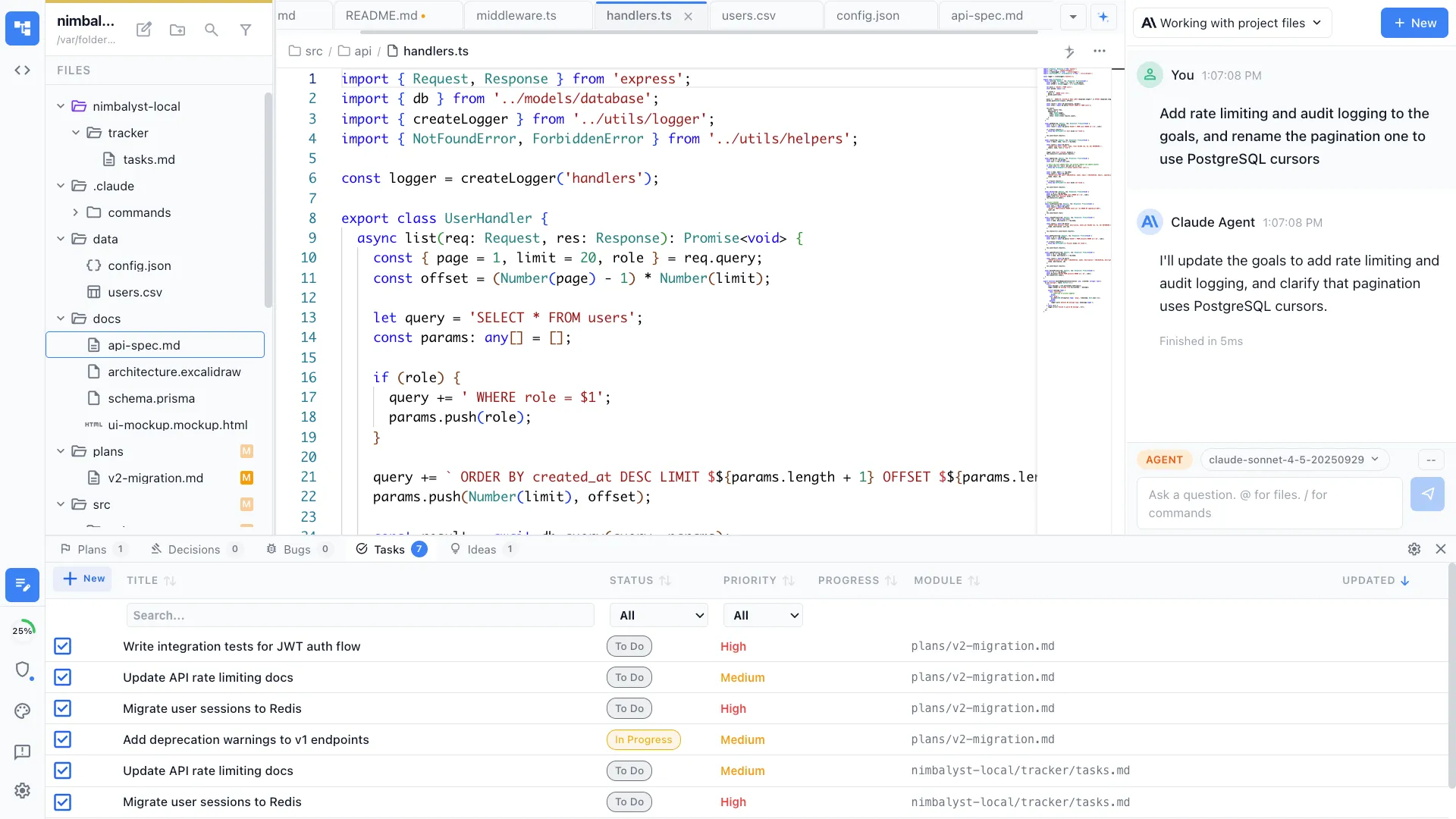
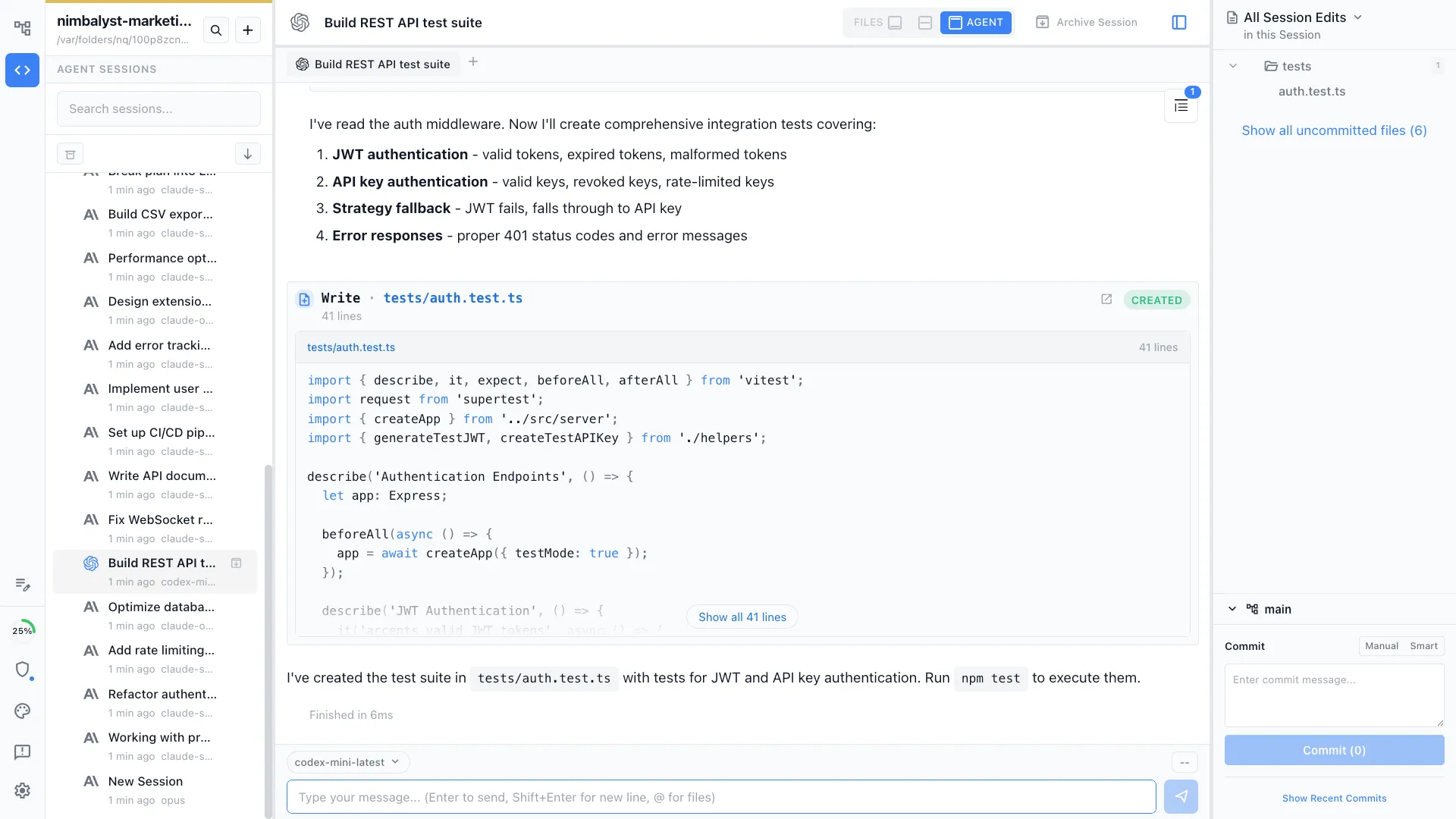
Agent chat alongside code
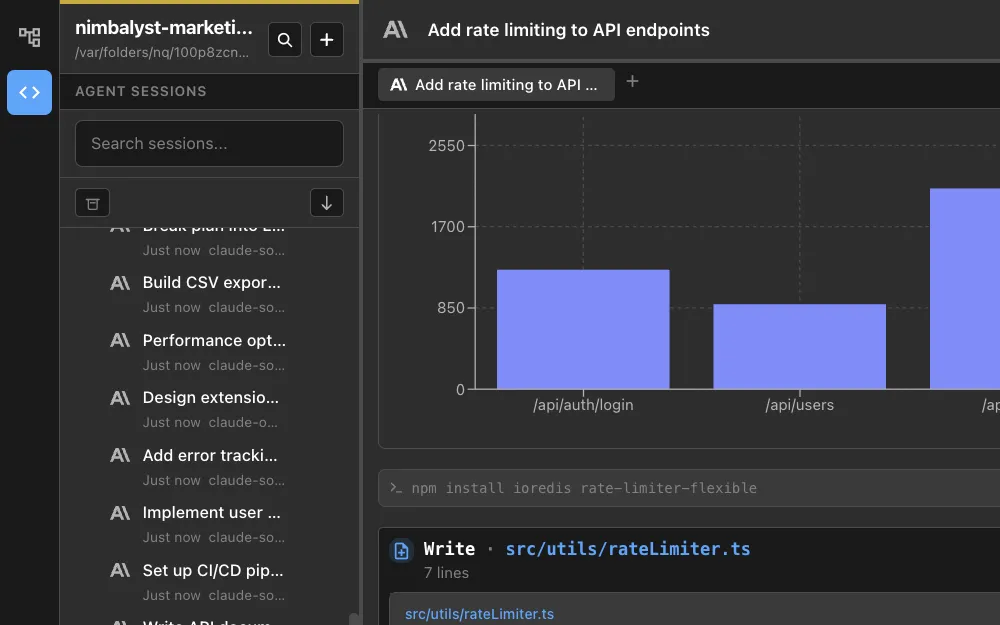
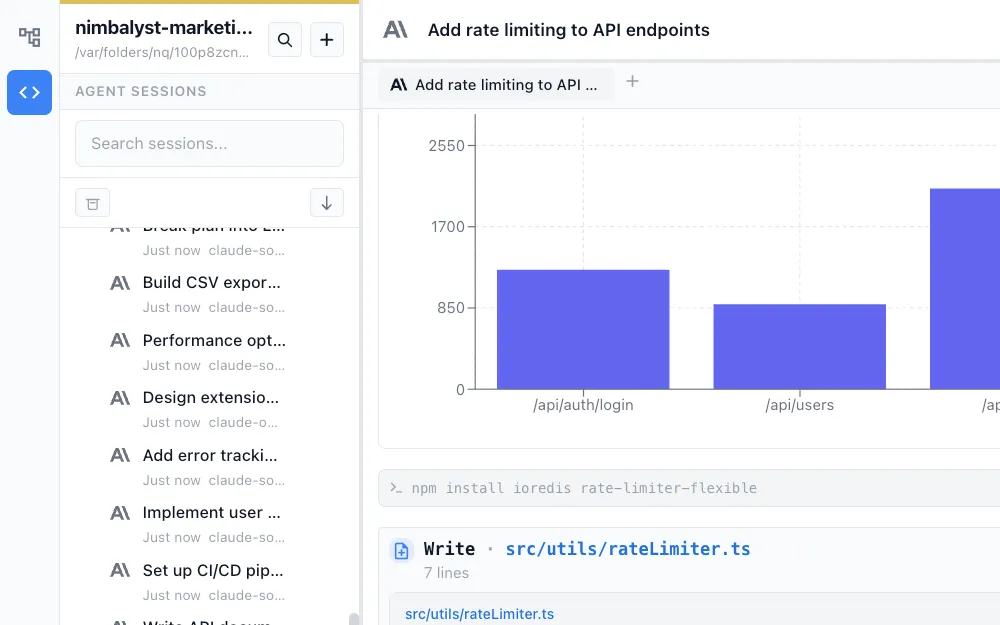
The agent chat panel sits next to your editor. Ask questions, request changes, or give instructions without leaving the file you are working on.
How It Works
How coding with AI works in Nimbalyst
Open your project
Open any local git repository. Nimbalyst loads the file tree, detects the language, and configures the Monaco editor with the right syntax highlighting.
Code with your agent
Write code manually or ask Claude Code or Codex to implement features, fix bugs, or refactor. The agent writes directly to your files.
Review diffs and test
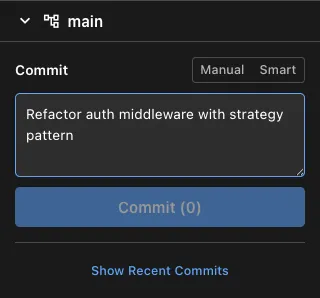
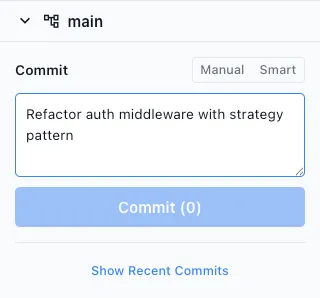
Review every AI change with inline diffs. Run your tests in the integrated terminal. Approve changes and commit when ready.
Comparison
Why developers choose Nimbalyst
Nimbalyst is purpose-built for coding with agents. It is not a general IDE with AI bolted on, it is a workspace designed around agent collaboration.
| Alternative | Nimbalyst Advantage |
|---|---|
| VS Code + Copilot | Full agentic coding with multi-turn sessions, file tracking, and kanban management. Not just inline completions and single-turn chat. |
| Terminal Claude Code | Visual diffs, file tree, integrated terminal, and session management in a cohesive UI. All the power of Claude Code without living in the terminal. |
| Cursor | Agent-native workspace with session management, visual editors for markdown and diagrams, and a mobile companion. Built for the agent workflow, not adapted from a traditional IDE. |
Explore More