Developer
Smarter git commits
Run /commit and your agent analyzes staged changes, understands the intent behind them, and writes a commit message that explains why — not just what changed.
Create git commits with AI-generated messages that focus on impact and intent. Reviews staged changes, understands context, and writes clear commit messages.
Capabilities
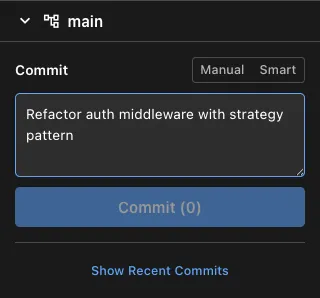
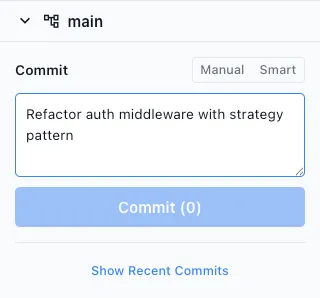
Commit with context
Impact-focused messages
The agent reads your diff, understands what you were trying to accomplish, and writes a message that communicates the impact to future readers.
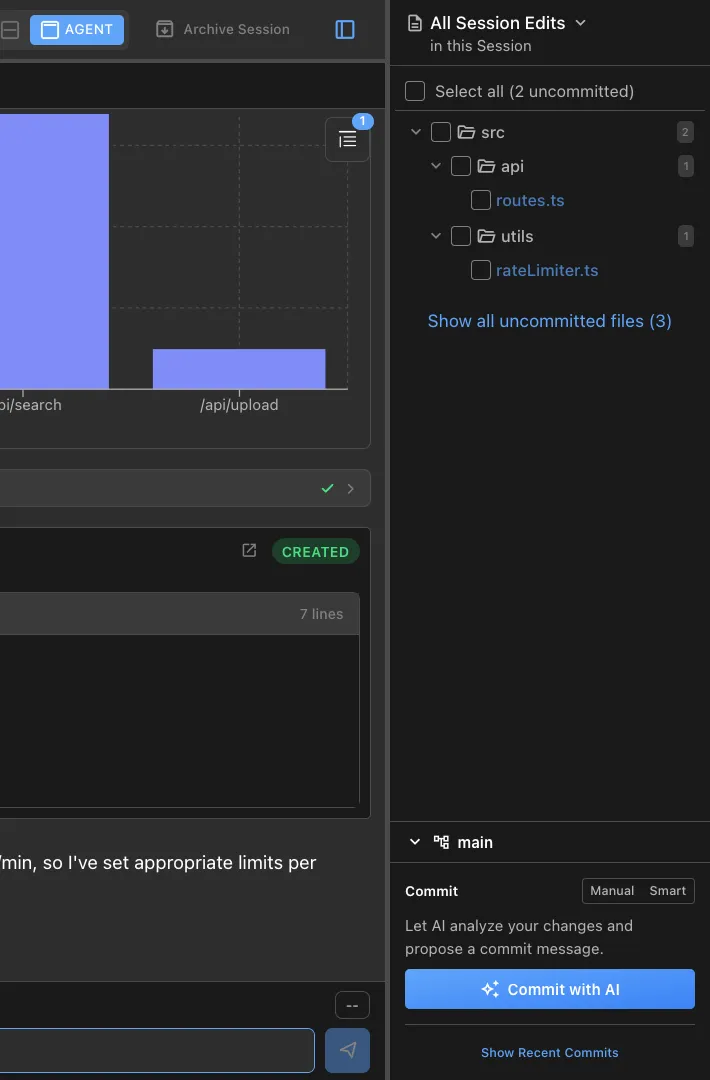
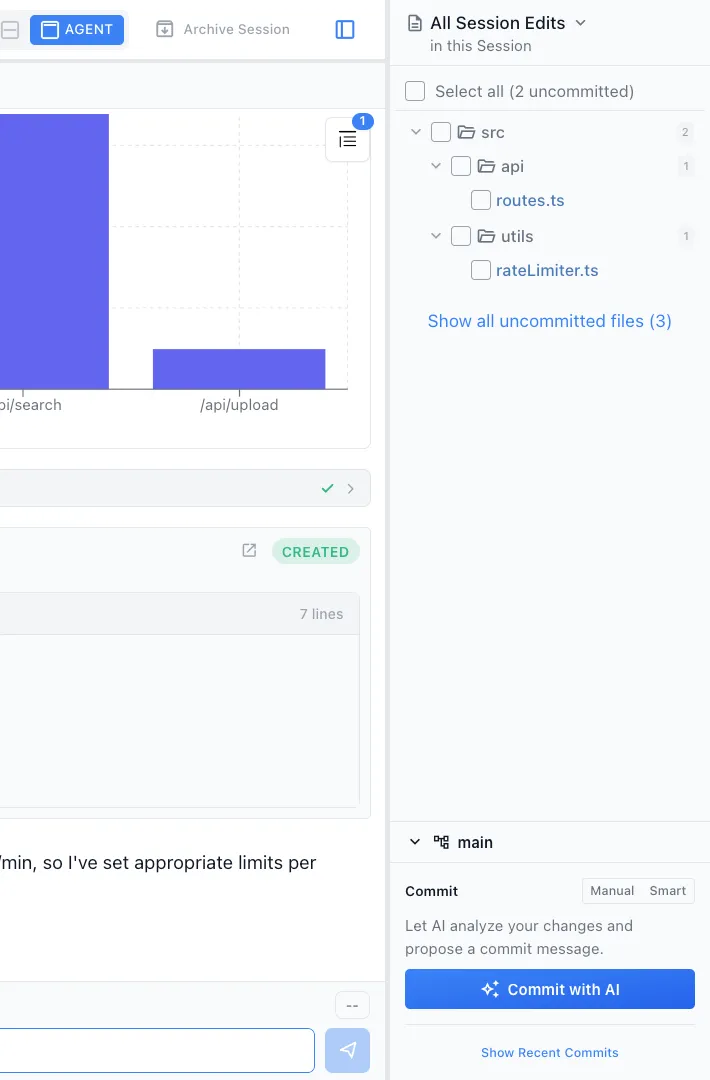
Smart staging
The agent can suggest which files to stage together for logical, atomic commits. Split large changes into meaningful commit boundaries.


Pre-commit review
See a summary of all changes before committing. Catch accidental debug logging, TODO comments, or unintended changes.
How It Works
How /commit works
Make your changes
Write code, edit files, or let your agent implement a feature. Stage the changes you want to commit.
Type /commit
Run /commit and the agent analyzes your staged changes, recent commit history, and branch context.
Review and confirm
The agent proposes a commit message. Review it, adjust if needed, and confirm. The commit is created with a clean, meaningful message.
Try It
Example prompts
/commit /commit these changes fix the race condition in session loading /commit split this into two logical commits Full Skill Source
Use this skill in your project
Copy the full text below or download it as a markdown file. Place it in your project's .claude/commands/ directory to use it as a slash command.
---
name: commit-helper
description: Impact-focused git commit messages. Use when the user wants to commit changes with a well-crafted message.
---

Prepare a git commit following these steps:

1. Run `git status` and `git diff` to see changes
2. Review recent commits (`git log --oneline -5`) to match the style
3. Draft a concise commit message:
  - Start with type prefix: `feat:`, `fix:`, `refactor:`, `docs:`, `test:`, `chore:`
  - **Focus on IMPACT and WHY, not implementation details**
  - The title should describe the user-visible outcome or bug fixed
  - Use bullet points (dash prefix) only if there are multiple distinct changes
  - Keep each line under 72 characters
  - No emojis
4. Run the `developer_git_commit_proposal` tool to propose the commit to the user
  - Do NOT run `git add` - the widget handles staging when the user confirms

**Commit Message Guidelines:**
- Lead with the problem solved or capability added, not the technique used
- BAD: "feat: add pre-edit tagging for non-agentic AI providers"
- GOOD: "fix: OpenAI/LMStudio diffs now persist across app restarts"
- BAD: "refactor: extract helper function for validation"
- GOOD: "fix: prevent crash when user input is empty"
- The body can explain HOW if it's non-obvious, but title = IMPACT

**Issue Linking (for auto-close):**
- If fixing a Linear issue, include `Fixes NIM-XXX` on its own line after the title
- For GitHub issues, use `Fixes #XXX` or `Closes #XXX`

**Important:**
- Do NOT add "Co-Authored-By" or any attribution lines
- Do NOT add marketing taglines or links
- Be direct and factual
- Keep it brief - avoid unnecessary details about what wasn't changed
Related Skills
Skills that work well together
Explore More