Git
AI-powered git workflow
Visual diffs, AI-assisted commits, branch management, and worktree support built into your agent workspace. Review every change before it lands in your repo.
Capabilities
Git built for agent workflows


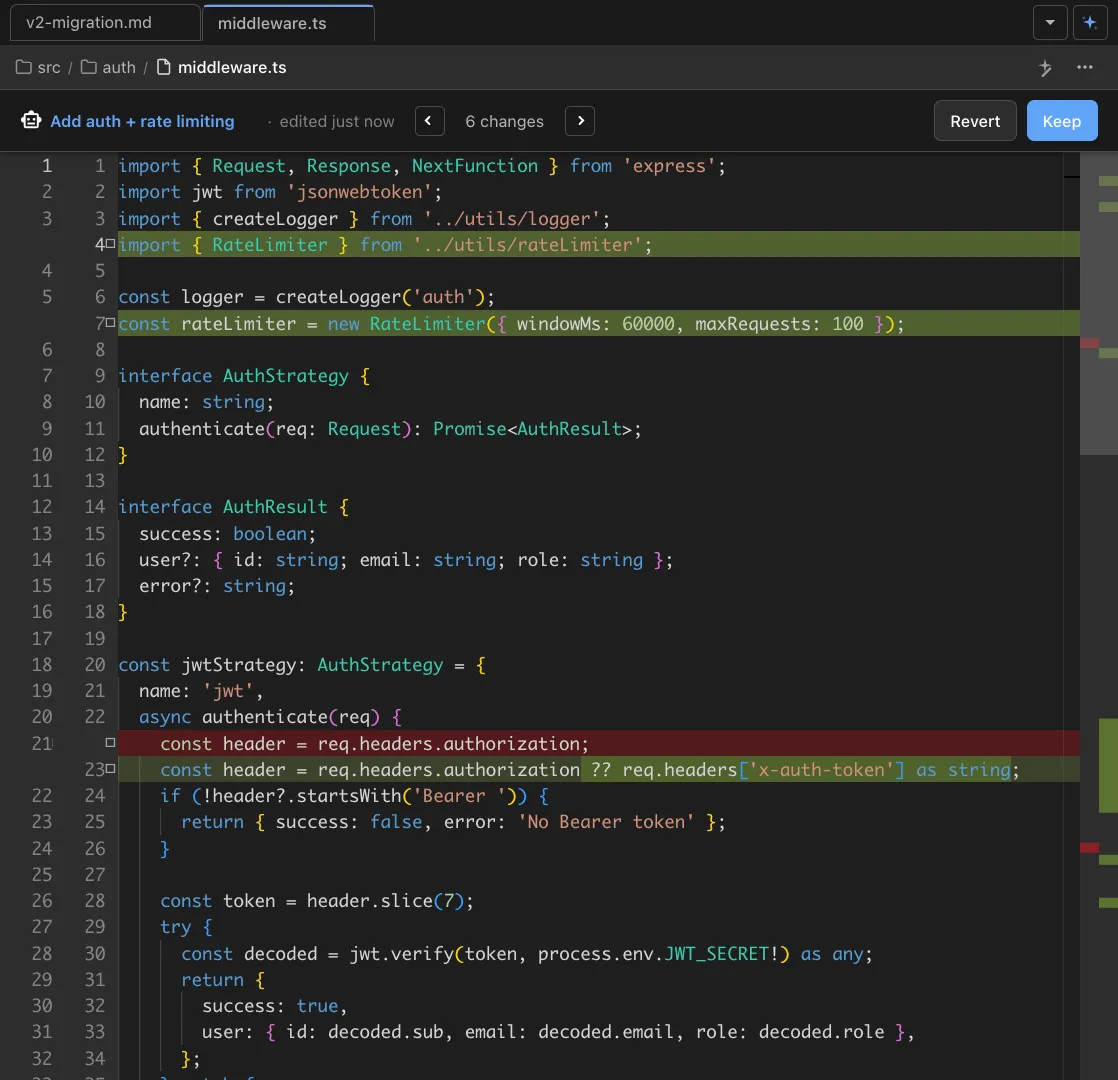
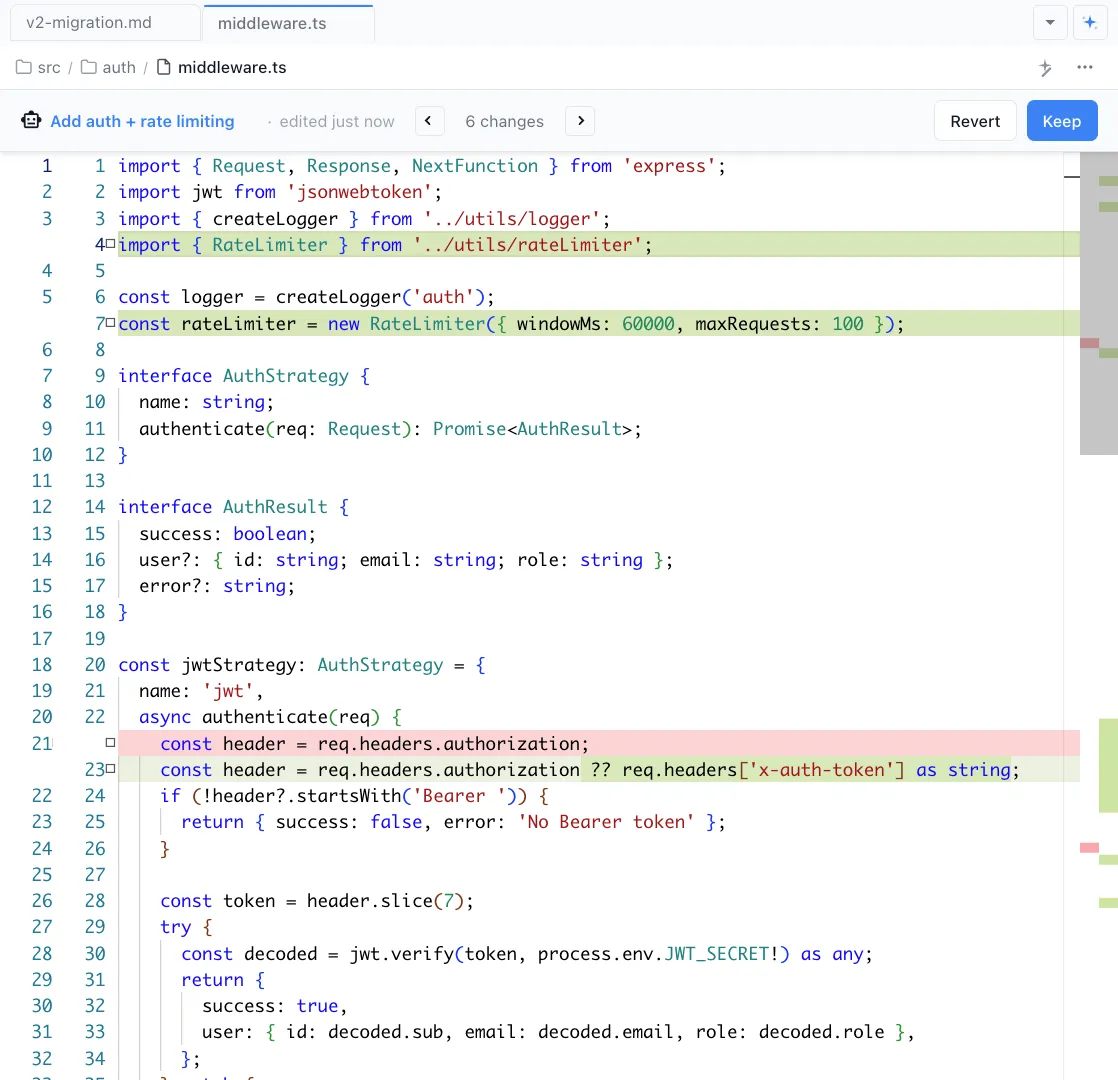
Visual diff review
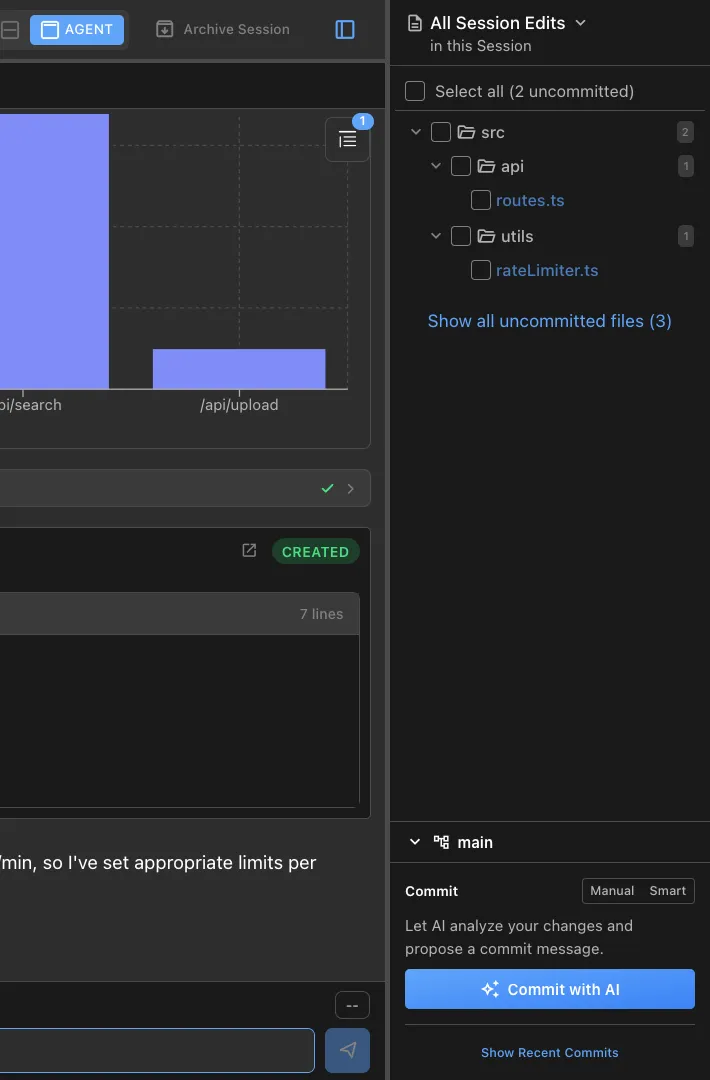
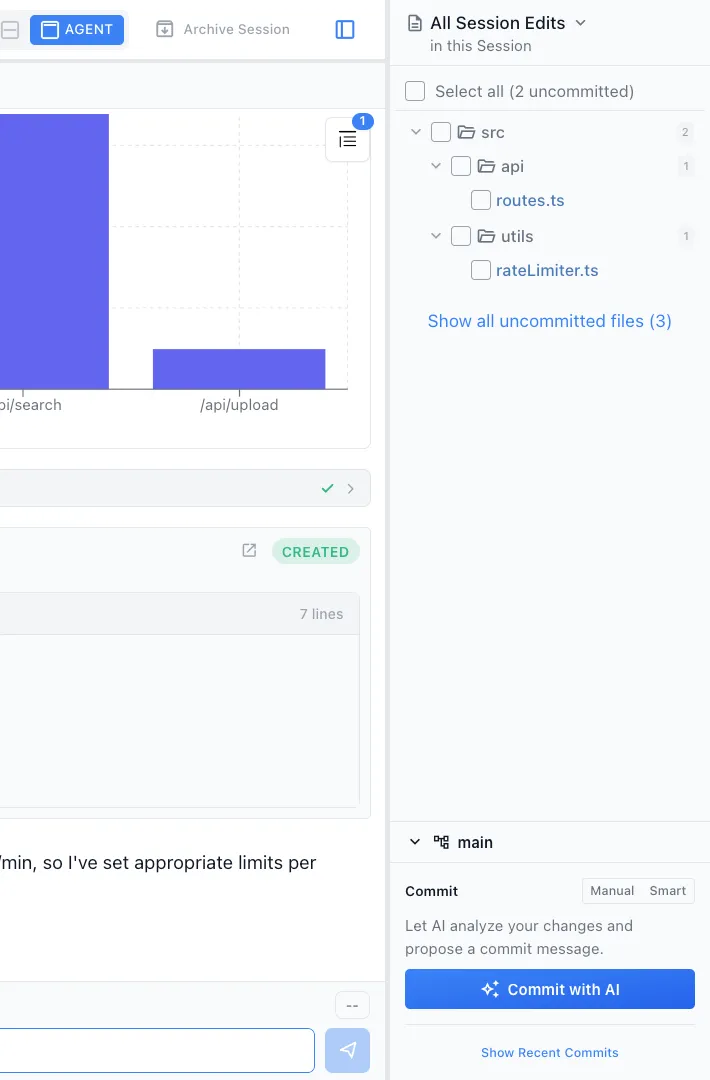
See every file changed by your agent sessions with red/green inline diffs. Review changes file by file before staging and committing.
AI-assisted commits
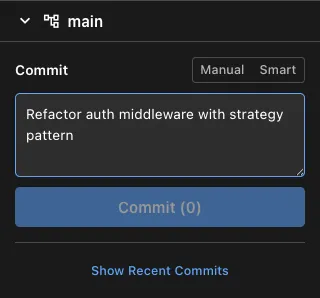
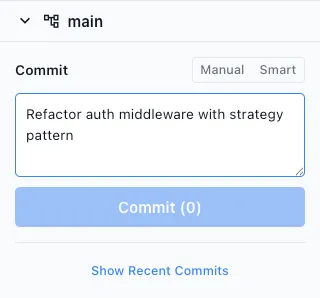
Claude Code or Codex reviews your staged changes and drafts a commit message. Edit the message if needed and commit in one step.
Branch management
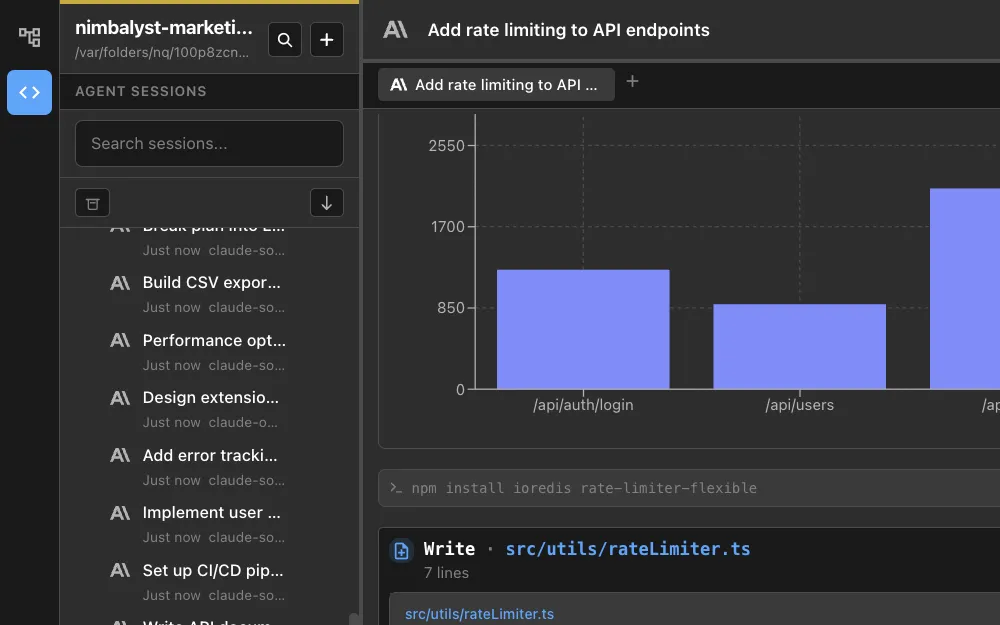
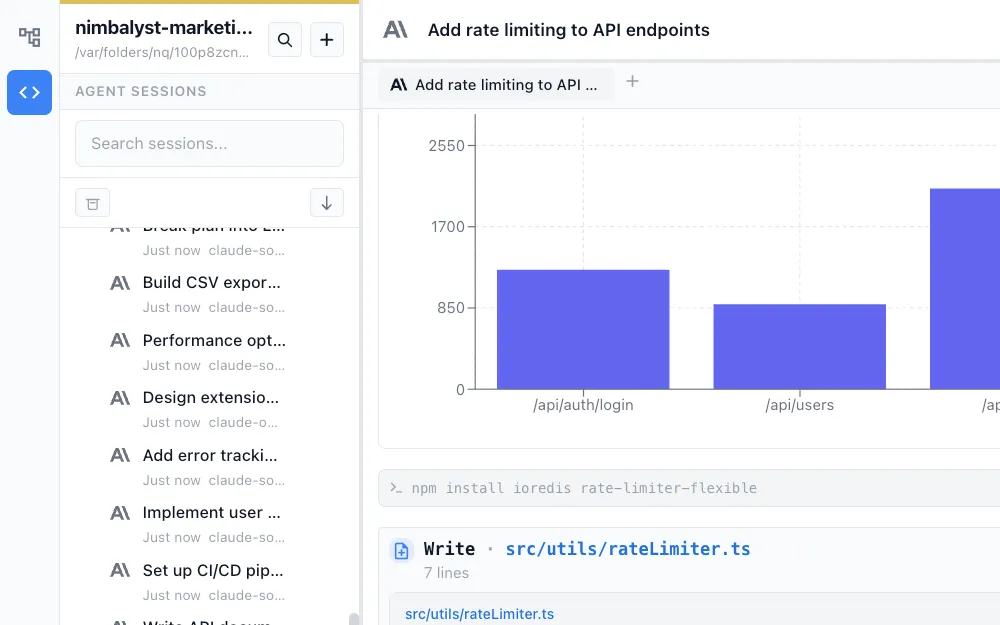
Create, switch, and manage branches from within the workspace. See which branch each agent session is working on.
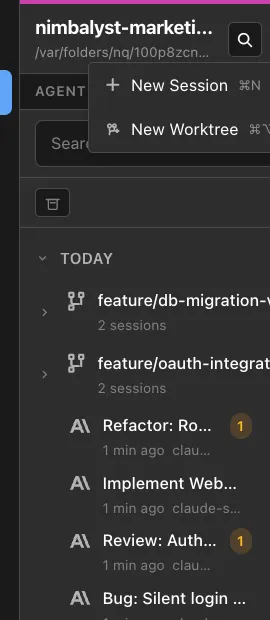
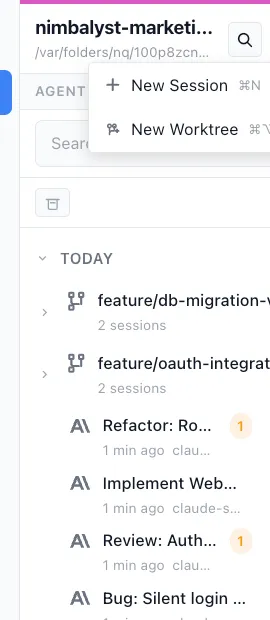
Git worktree support
Work on multiple branches simultaneously with git worktrees. Each worktree gets its own editor context and agent sessions, so parallel work never conflicts.
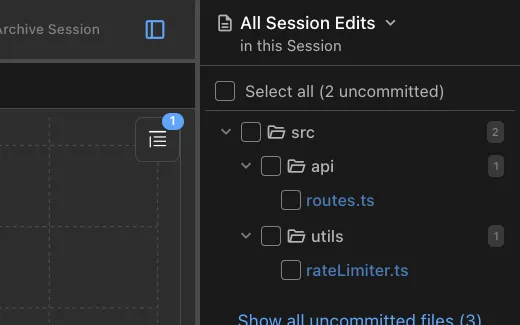
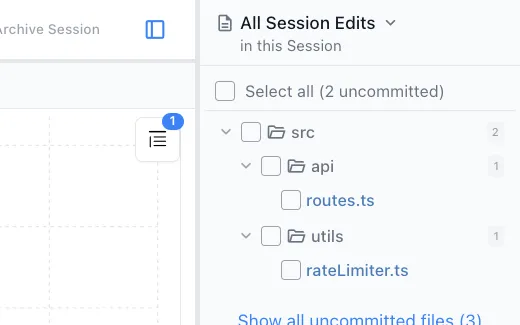
Session file tracking
Every session tracks which files it read and wrote. Jump from a session to its file changes and review the diff before committing.
AI code review
Ask your agent to review diffs, explain changes, flag risks, or suggest improvements. Get a second opinion before merging.
How It Works
How AI-powered git works in Nimbalyst
Agent makes changes
Claude Code or Codex implements a feature, fixes a bug, or refactors code. Nimbalyst tracks every file the agent reads and writes.
Review diffs visually
Open the file changes sidebar to see all modified files. Click into any file to see the inline diff with red/green highlighting.
Commit with AI assistance
Stage your changes, let the agent draft a commit message based on the diff, and commit. Or create a worktree for the next parallel task.
Comparison
Why Nimbalyst for git workflows
Git tooling in Nimbalyst is designed around the agent workflow. Track what agents changed, review AI edits, and commit with confidence.
| Alternative | Nimbalyst Advantage |
|---|---|
| Terminal git | Visual diffs, file change tracking per session, and AI-drafted commit messages. All the context you need to review agent work without hunting through terminal output. |
| GitKraken / SourceTree | Git management integrated into the same workspace where agents code. No switching between your git client and your editor. |
| GitHub PR review | Review changes before they become a PR. Catch issues at the diff stage, not after the code is pushed. |
Explore More