Developer
AI-powered E2E testing
Describe what to test and /playwright generates Playwright specs that cover happy paths, edge cases, and error states. Run them directly from Nimbalyst.
Write, run, and manage Playwright end-to-end tests. The agent generates test specs from feature descriptions and runs them with visual feedback.


Capabilities
Test without the tedium
Test generation from descriptions
Describe a user flow — 'test the checkout process from cart to confirmation' — and the agent generates a complete Playwright spec.
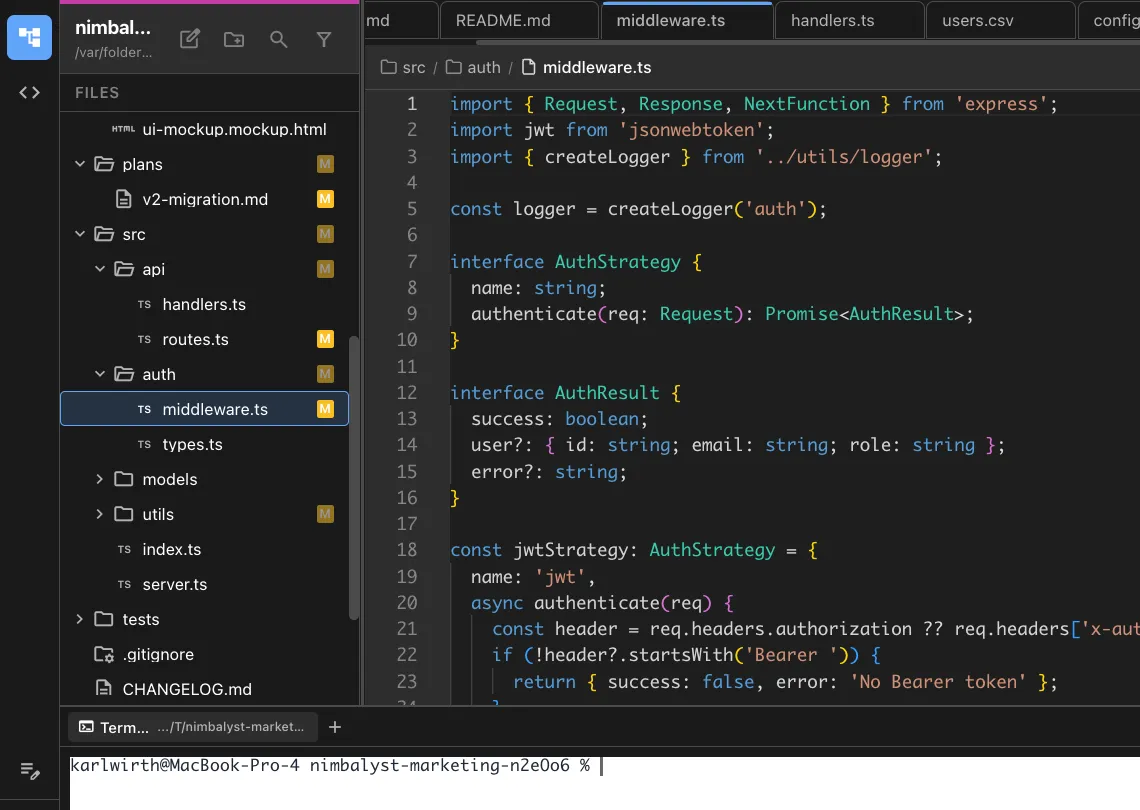
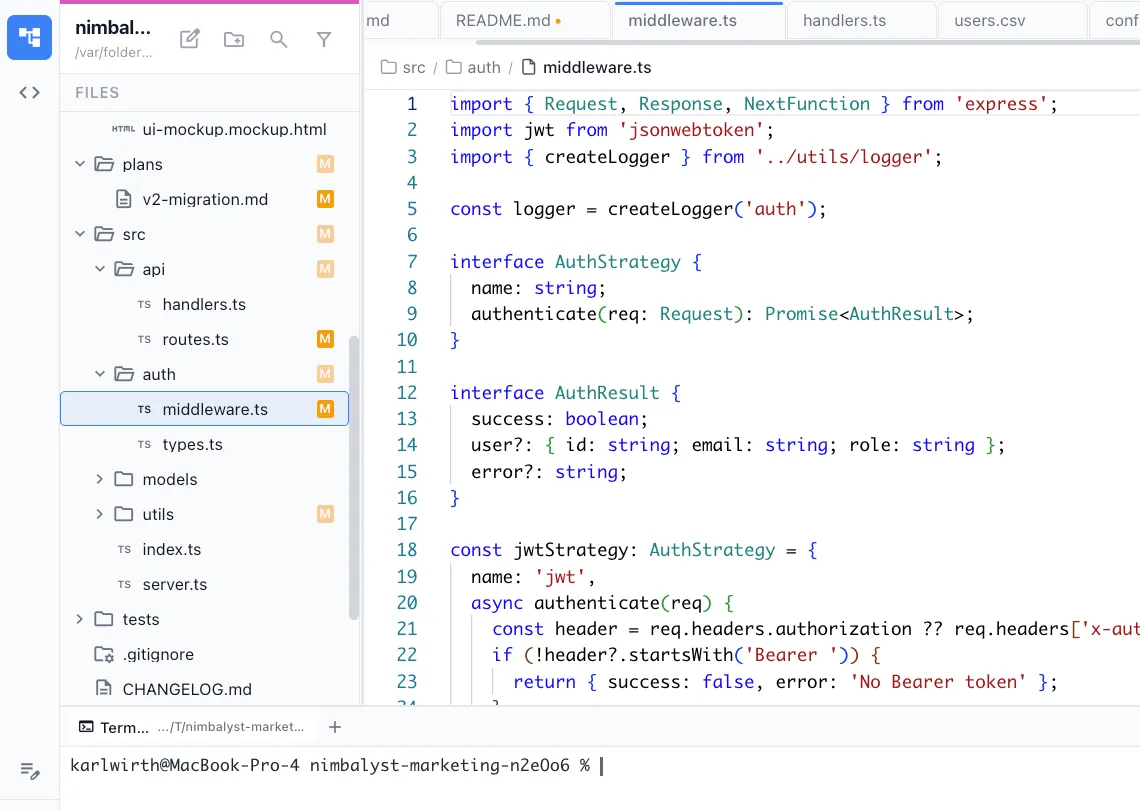
Run and debug
Execute tests from within Nimbalyst and see results inline. Failed tests include screenshots and trace information for debugging.


Codebase-aware tests
The agent reads your actual selectors, routes, and components to generate tests that match your real implementation.
How It Works
How /playwright works
Type /playwright
Run /playwright and describe the user flow you want to test. Include the happy path and any edge cases you're concerned about.
Agent writes the tests
Your AI agent generates Playwright test files with proper selectors, assertions, and setup/teardown. Tests follow your project's existing patterns.
Run and iterate
Execute tests directly from Nimbalyst. Fix failures through conversation — the agent updates the test code based on actual error output.
Try It
Example prompts
/playwright test the user registration flow /playwright add tests for the API error handling on the dashboard /playwright update existing tests after the navigation redesign Full Skill Source
Use this skill in your project
Copy the full text below or download it as a markdown file. Place it in your project's .claude/commands/ directory to use it as a slash command.
---
name: playwright
description: Write or update Playwright E2E tests following project conventions
---

# Playwright E2E Test Instructions

You are writing Playwright E2E tests for the Nimbalyst editor. Follow these rules STRICTLY.

## Critical Rules

### 1. NEVER Hardcode Selectors

Import and use selectors from `PLAYWRIGHT_TEST_SELECTORS` in `e2e/utils/testHelpers.ts`.

```typescript
// BAD - NEVER DO THIS
await page.locator('.tab-dirty-indicator').toBeVisible();
await page.locator('[contenteditable="true"]').click();

// GOOD - Use shared selectors AND target by document path
import { PLAYWRIGHT_TEST_SELECTORS, getTabByFileName } from '../utils/testHelpers';

const tab = getTabByFileName(page, 'test.md');
await expect(tab.locator(PLAYWRIGHT_TEST_SELECTORS.tabDirtyIndicator)).toBeVisible();

// For editors, scope to the specific file's editor
const editor = page.locator(`[data-filepath="${filePath}"]`);
await editor.locator(PLAYWRIGHT_TEST_SELECTORS.contentEditable).click();
```

If a selector doesn't exist in `PLAYWRIGHT_TEST_SELECTORS`, ADD IT THERE first.

### 2. NEVER Use `.first()` as a Lazy Escape Hatch

Nimbalyst is a complex app with multiple windows, multiple editor tabs, multiple AI sessions, etc. You MUST target elements precisely.

```typescript
// BAD - Lazy, will break with multiple tabs/editors
await page.locator('.tab').first().click();
await page.locator('.monaco-editor').first().type('hello');
await page.locator('[contenteditable="true"]').first().click();

// GOOD - Target precisely using data attributes
await page.locator('[data-testid="tab"][data-filepath="/path/to/file.md"]').click();
await page.locator('[data-testid="monaco-editor"][data-filepath="/path/to/file.ts"]').type('hello');
```

**If you can't target an element precisely:**
1. ADD a `data-testid` attribute to the component
2. ADD a `data-filepath`, `data-session-id`, or other identifying data attribute
3. Update `PLAYWRIGHT_TEST_SELECTORS` with the new selector
4. THEN write the test

Common data attributes we use:
- `data-testid` - Unique identifier for test targeting
- `data-filepath` - Full path to file for editors/tabs
- `data-filename` - Filename for simpler cases
- `data-session-id` - AI session identifier
- `data-tab-type` - "document" or "session"
- `data-active` - "true"/"false" for active state

### 3. Use Test Helpers

Check `e2e/utils/testHelpers.ts` and `e2e/helpers.ts` for existing utilities BEFORE writing inline code.

```typescript
// BAD - Inline implementation
await page.locator('.file-tree-name', { hasText: 'test.md' }).click();
await expect(page.locator('.tab', { hasText: 'test.md' })).toBeVisible({ timeout: 3000 });

// GOOD - Use helper
import { openFileFromTree } from '../utils/testHelpers';
await openFileFromTree(page, 'test.md');
```

Available helpers include:
- `openFileFromTree(page, fileName)`
- `manualSaveDocument(page)`
- `waitForAutosave(page, fileName)`
- `dismissAPIKeyDialog(page)`
- `waitForWorkspaceReady(page)`
- `switchToAgentMode(page)`, `switchToFilesMode(page)`
- `editDocumentContent(page, editor, content)`
- `openHistoryDialog(page)`, `restoreFromHistory(page)`
- `closeTabByFileName(page, fileName)`
- `getTabByFileName(page, fileName)`

### 4. Write ONE Test First, Get It Working

Write ONE test case and get it passing before writing more. Do NOT write 10 tests that all fail because the first one didn't even load correctly.

```typescript
// BAD - Writing many tests before verifying any work
test('should open file', async () => { /* ... */ });
test('should edit file', async () => { /* ... */ });
test('should save file', async () => { /* ... */ });
test('should show history', async () => { /* ... */ });
// All 4 fail because app didn't even launch properly

// GOOD - Write one test, run it, fix it, then add more
test('complete file editing workflow', async () => {
  // Start with just the first step, verify it works
  await openFileFromTree(page, 'test.md');
  // Once this works, add more steps...
});
```

### 5. Write Sequential Tests, Not Incremental

Write ONE test that performs a complete workflow sequentially. Do NOT write multiple small tests that each test one tiny step.

```typescript
// BAD - Too many incremental tests
test('should open file', async () => { /* ... */ });
test('should show dirty indicator after edit', async () => { /* ... */ });
test('should save file', async () => { /* ... */ });
test('should clear dirty indicator after save', async () => { /* ... */ });

// GOOD - One sequential test covering the workflow
test('should open file, edit, save, and clear dirty indicator', async () => {
  await openFileFromTree(page, 'test.md');
  await editDocumentContent(page, editor, 'new content');
  await expect(tab.locator(PLAYWRIGHT_TEST_SELECTORS.tabDirtyIndicator)).toBeVisible();
  await manualSaveDocument(page);
  await expect(tab.locator(PLAYWRIGHT_TEST_SELECTORS.tabDirtyIndicator)).not.toBeVisible();
});
```

### 6. Minimize Timeouts and Waits

Use Playwright's built-in waiting (expect with timeout, waitForSelector) instead of arbitrary `waitForTimeout()`.

```typescript
// BAD - Arbitrary timeout
await page.waitForTimeout(2000);
const content = await fs.readFile(filePath, 'utf8');

// GOOD - Wait for specific condition
await expect(tab.locator(PLAYWRIGHT_TEST_SELECTORS.tabDirtyIndicator)).not.toBeVisible({ timeout: 3000 });
const content = await fs.readFile(filePath, 'utf8');
```

Only use `waitForTimeout()` when there is NO other option (e.g., waiting for debounced operations).

### 7. Create Files BEFORE Launching App

```typescript
test.beforeEach(async () => {
  workspaceDir = await createTempWorkspace();

  // CORRECT: Create files BEFORE launch
  await fs.writeFile(path.join(workspaceDir, 'test.md'), '# Test\n', 'utf8');

  electronApp = await launchElectronApp({ workspace: workspaceDir });
  page = await electronApp.firstWindow();
  await waitForAppReady(page);
});
```

### 8. Use `launchElectronApp` Options Correctly

```typescript
// For most tests - auto-trust workspace, no permission prompts
electronApp = await launchElectronApp({
  workspace: workspaceDir,
  permissionMode: 'allow-all'
});

// For permission-specific tests
electronApp = await launchElectronApp({
  workspace: workspaceDir,
  permissionMode: 'ask'
});
```

### 9. Test Structure Pattern

```typescript
import { test, expect, ElectronApplication, Page } from '@playwright/test';
import { launchElectronApp, createTempWorkspace, waitForAppReady, TEST_TIMEOUTS } from '../helpers';
import {
  PLAYWRIGHT_TEST_SELECTORS,
  openFileFromTree,
  manualSaveDocument,
  // ... other helpers as needed
} from '../utils/testHelpers';
import * as fs from 'fs/promises';
import * as path from 'path';

test.describe('Feature Name', () => {
  let electronApp: ElectronApplication;
  let page: Page;
  let workspaceDir: string;

  test.beforeEach(async () => {
    workspaceDir = await createTempWorkspace();
    // Create test files BEFORE launch
    await fs.writeFile(path.join(workspaceDir, 'test.md'), '# Test\n', 'utf8');

    electronApp = await launchElectronApp({ workspace: workspaceDir, permissionMode: 'allow-all' });
    page = await electronApp.firstWindow();
    await waitForAppReady(page);
  });

  test.afterEach(async () => {
    await electronApp?.close();
    await fs.rm(workspaceDir, { recursive: true, force: true });
  });

  test('complete workflow test', async () => {
    // Sequential test steps here
  });
});
```

### 10. Video Recordings

All test runs automatically record WebM videos to `e2e_test_output/videos/`. To disable for a specific test, pass `recordVideo: false` to `launchElectronApp()`.

### 11. Running Tests

```bash
# Run specific test file
npx playwright test e2e/editor/my-test.spec.ts

# Run with UI for debugging
npx playwright test e2e/editor/my-test.spec.ts --ui

# Run in headed mode
npx playwright test e2e/editor/my-test.spec.ts --headed

# Run specific test by line
npx playwright test e2e/editor/my-test.spec.ts:55
```

NEVER use parallel execution. NEVER use unnecessarily long timeouts when running tests.

### 12. NEVER Skip or Disable Tests Without Asking

If a test is failing, FIX IT. Do NOT use `test.skip()`, `test.fixme()`, or `.only()` without explicit user permission.

```typescript
// BAD - Hiding failures by skipping
test.skip('broken test', async () => { /* ... */ });  // NEVER DO THIS
test.fixme('will fix later', async () => { /* ... */ });  // NEVER DO THIS

// GOOD - Fix the test or ask the user
// If you can't fix it, ASK: "This test is failing because X. Should I skip it or debug further?"
```

Telling the user "all tests pass" when you've secretly disabled failing tests is unacceptable.

## Common Anti-Patterns to Avoid

| Anti-Pattern | Problem | Solution |
|--------------|---------|----------|
| Hardcoded CSS selectors | Breaks when UI changes | Use `PLAYWRIGHT_TEST_SELECTORS` |
| Using `.first()` to resolve ambiguity | Fails with multiple tabs/sessions | Add `data-testid`/`data-filepath` to component |
| Using `test.skip()` to hide failures | Lies about test status | Fix the test or ask user first |
| Multiple small incremental tests | Slow, launches app many times | One sequential test |
| `waitForTimeout(5000)` | Wastes time | Use expect with timeout |
| Creating files after app launch | File tree won't update | Create before `launchElectronApp` |
| Repeating code across tests | Maintenance burden | Extract to helper in testHelpers.ts |
| Using `page.keyboard.press('Meta+s')` for save | Doesn't trigger Electron menu | Use `manualSaveDocument(page)` |
| Not checking for existing helpers | Duplicate code | Check testHelpers.ts first |

## Before Writing Tests

1. Read `/docs/PLAYWRIGHT.md` for full documentation
2. Check `e2e/utils/testHelpers.ts` for existing helpers and selectors
3. Check `e2e/helpers.ts` for app launch and workspace utilities
4. Look at existing tests in the same directory for patterns

## Checklist Before Submitting

- [ ] All selectors come from `PLAYWRIGHT_TEST_SELECTORS` or are added there
- [ ] No `.first()` calls used as lazy workarounds - elements are targeted precisely
- [ ] New `data-testid`/`data-filepath` attributes added to components if needed
- [ ] Test helpers are used where applicable
- [ ] Tests are sequential workflows, not incremental unit tests
- [ ] No unnecessary `waitForTimeout()` calls
- [ ] Files created BEFORE app launch
- [ ] Using `permissionMode: 'allow-all'` unless testing permissions
- [ ] Test cleanup in afterEach (close app, remove temp files)
Related Skills
Skills that work well together


Explore More