DOS to Windows for Agents
We're in the DOS era of AI coding agents. Powerful but primitive. Here's what Windows looks like.
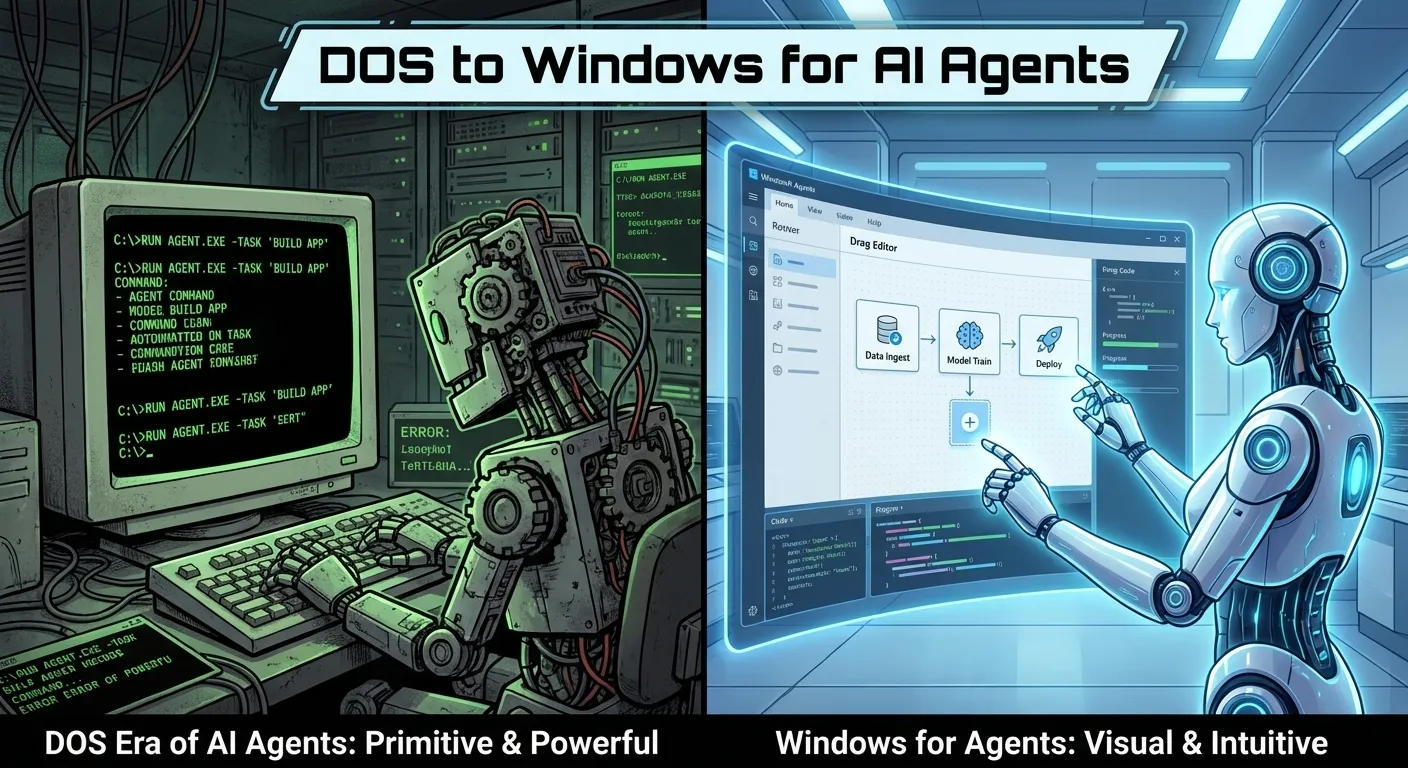
The History Rhyme
In 1981, IBM shipped the PC with DOS. It was powerful. You could do anything from that command line — manage files, run programs, write scripts, automate workflows. Power users loved it.
But most people couldn’t use it. The learning curve was brutal. The interface was opaque. You had to memorize commands and directory structures. There was no way to see your work at a glance.
Then in 1985, Microsoft shipped Windows 1.0. It was slow, limited, and buggy. Power users mocked it. “Why do I need a GUI when I can do everything from the command line?” they said.
By 1995, Windows was everywhere. Not because it was more powerful than DOS — it wasn’t. Because it was more accessible, more visual, and more manageable. It turned the computer from a specialist tool into a universal tool.
The same transition is happening right now with AI agents.
The DOS Era of AI Agents
Look at how we use Codex and Claude Code today:
$ claude
> Build a team management page with invite, role assignment, and member removal

[Agent working... 47 files changed]

$ git diff --stat
 47 files changed, 2341 insertions(+), 156 deletions(-)
Text in. Text out. Scroll through the output. Try to understand what happened. If you’re running multiple agents, switch between terminal tabs.
Now close your eyes and picture the DOS prompt:
C:\> dir /s *.doc
 Volume in drive C is MAIN
 Directory of C:\DOCS

REPORT   DOC    45,312 03-15-93   2:30p
MEMO     DOC    12,288 03-14-93   4:15p
Text in. Text out. Scroll through the output. If you’re managing multiple tasks, switch between sessions.
The parallel isn’t accidental. The terminal was designed for humans issuing commands to a machine. That’s exactly what we’re doing with AI agents. And just like DOS, it works — but it’s leaving enormous value on the table.
What We Lost Without Windows
Before Windows, people could manage files. They could run programs. They could do their work. So what did Windows actually add?
Visual overview
Instead of typing dir and reading filenames, you could see your files as icons. Folders showed their contents at a glance. You could compare things visually instead of textually.
Multi-tasking management
Instead of switching between full-screen applications with Alt+Tab and losing context, you could see multiple windows on screen simultaneously. Side by side. Overlapping. Resizable.
Direct manipulation
Instead of typing copy file.doc backup\file.doc, you could drag the file into the backup folder. The action was visible. The result was immediate. You could see both source and destination.
Accessibility
Instead of memorizing commands, you could explore menus. Discover features by looking. Learn by pointing and clicking instead of reading documentation.
What We’re Losing Without Agent Windows
Similar things.
Visual overview
You can’t see what your agents are doing at a glance. You switch between terminal tabs, read output, try to reconstruct the state of things. A visual dashboard showing all agent sessions with their status, files changed, and progress would give you the overview in a glance.
Multi-agent management
Running 6 Codex or Claude Code sessions in 6 terminal tabs is like running 6 DOS programs in 6 full-screen sessions. You can only see one at a time. You lose context when you switch. A windowed interface where you see all sessions simultaneously would transform your ability to coordinate.
Direct manipulation
When your agent generates a diagram change, you read the Mermaid source diff. With a visual editor, you’d see the rendered diagram and drag nodes around yourself. When it modifies a mockup, you’d see the visual change and annotate it directly.
Accessibility
Codex and Claude Code require CLI fluency. A visual interface opens agent-powered development to product managers, designers, and anyone who can describe what they want but can’t operate a terminal.
This Isn’t Anti-Terminal
I want to be clear: I’m not saying the terminal is bad. DOS wasn’t bad. It was powerful and efficient for people who mastered it.
But Windows didn’t replace DOS. It added a visual layer on top. The command prompt still existed in Windows. Power users still used it. But the visual interface made the computer accessible to everyone else and made even power users more productive at certain tasks.
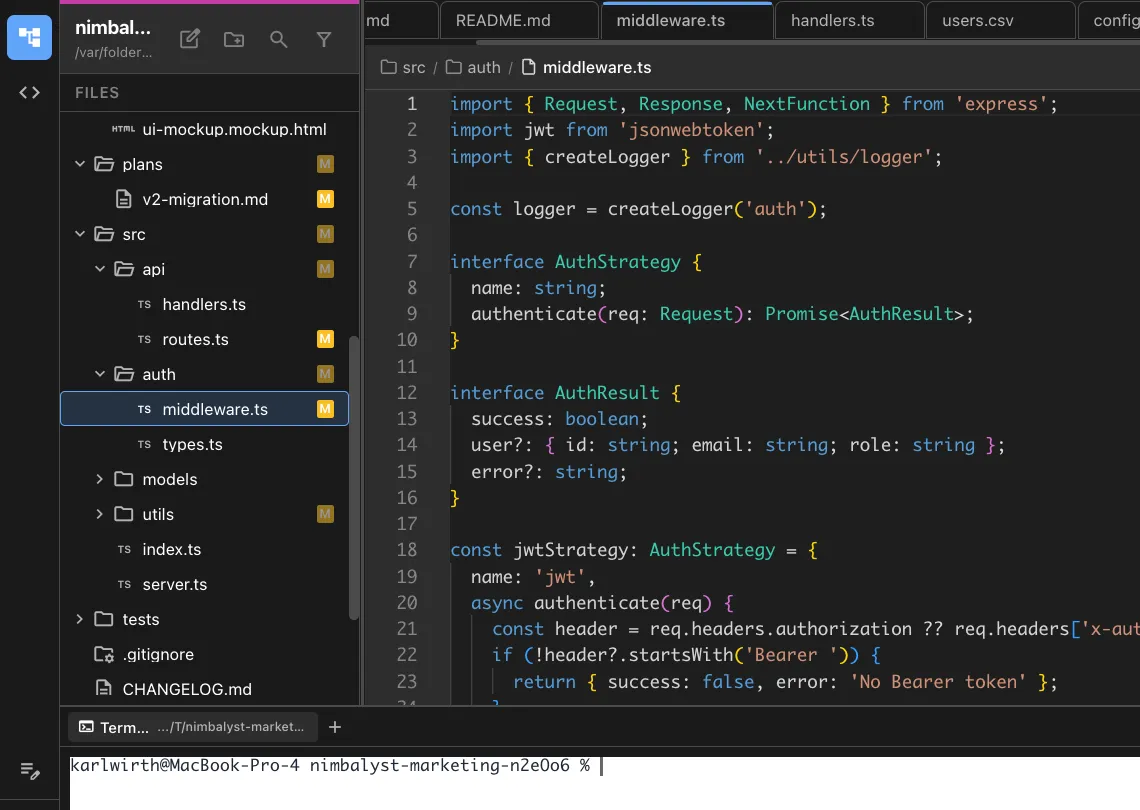
That’s the transition happening now. Nimbalyst doesn’t replace the terminal. Codex and Claude Code still run underneath. The terminal is still there. But the visual layer — session dashboards, WYSIWYG editing, rendered diagrams, visual diffs, mockup iteration — makes agent management more productive for power users and accessible for everyone else.
The Adoption Curve
Every major computing transition follows the same pattern:
- Text-only era: Powerful but limited to specialists (DOS, 1981-1994)
- Visual interface ships: Power users mock it, early adopters see the potential (Windows 1.0-3.1, 1985-1992)
- Visual becomes default: The visual interface is so productive that even power users adopt it (Windows 95+, 1995-present)
- Text survives for specialists: CLI never dies, but becomes a power-user tool within the visual ecosystem (Terminal.app inside macOS)
For AI agents, we’re at step 2. The text-only CLI agents are powerful. The visual interfaces are emerging. Power users are skeptical. Early adopters are seeing the productivity gains.
Give it 2 years.
FAQ
Q: Windows won because of market dominance, not because GUIs are better. A: Fair point about market dynamics. But the Mac had a GUI too. And Linux adopted GUIs. Every major operating system converged on visual interfaces. That’s not one company winning — it’s a universal recognition that visual interfaces serve most tasks better than text.
Q: The terminal is faster for experienced users. A: For input, yes. For reviewing complex, multi-format output from AI agents? No. Visual diffs, rendered diagrams, and live mockups communicate faster than scrolling through text output. The terminal is for typing. The visual interface is for seeing.
Q: This analogy is a stretch. A: Is it? Compare a screenshot of DOS and a screenshot of Codex or Claude Code in a terminal. Compare the workflow: type a command, read text output, switch between sessions. The parallel is almost exact. The only question is whether the next transition follows the same pattern. We think it will.