

Workflows
Comprehensive Product Management Workflows
Work with code, data, diagrams, and mockups in a visual way -- with Claude Code and Codex assisting every step.
Check High-Priority Features
Have Claude Code and Codex pull your Linear backlog and surface the highest-priority items to tackle next.
Brainstorm with Context
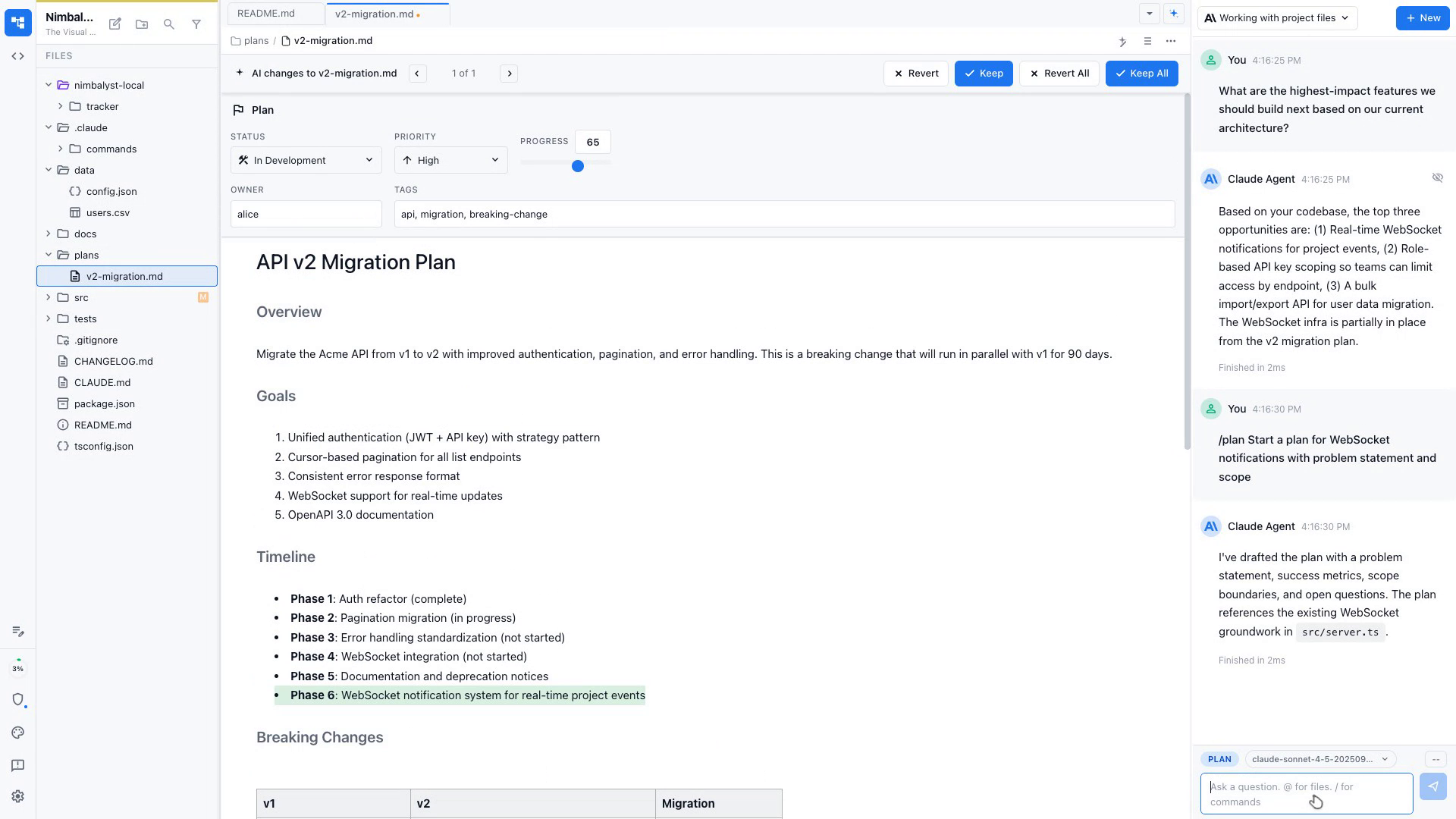
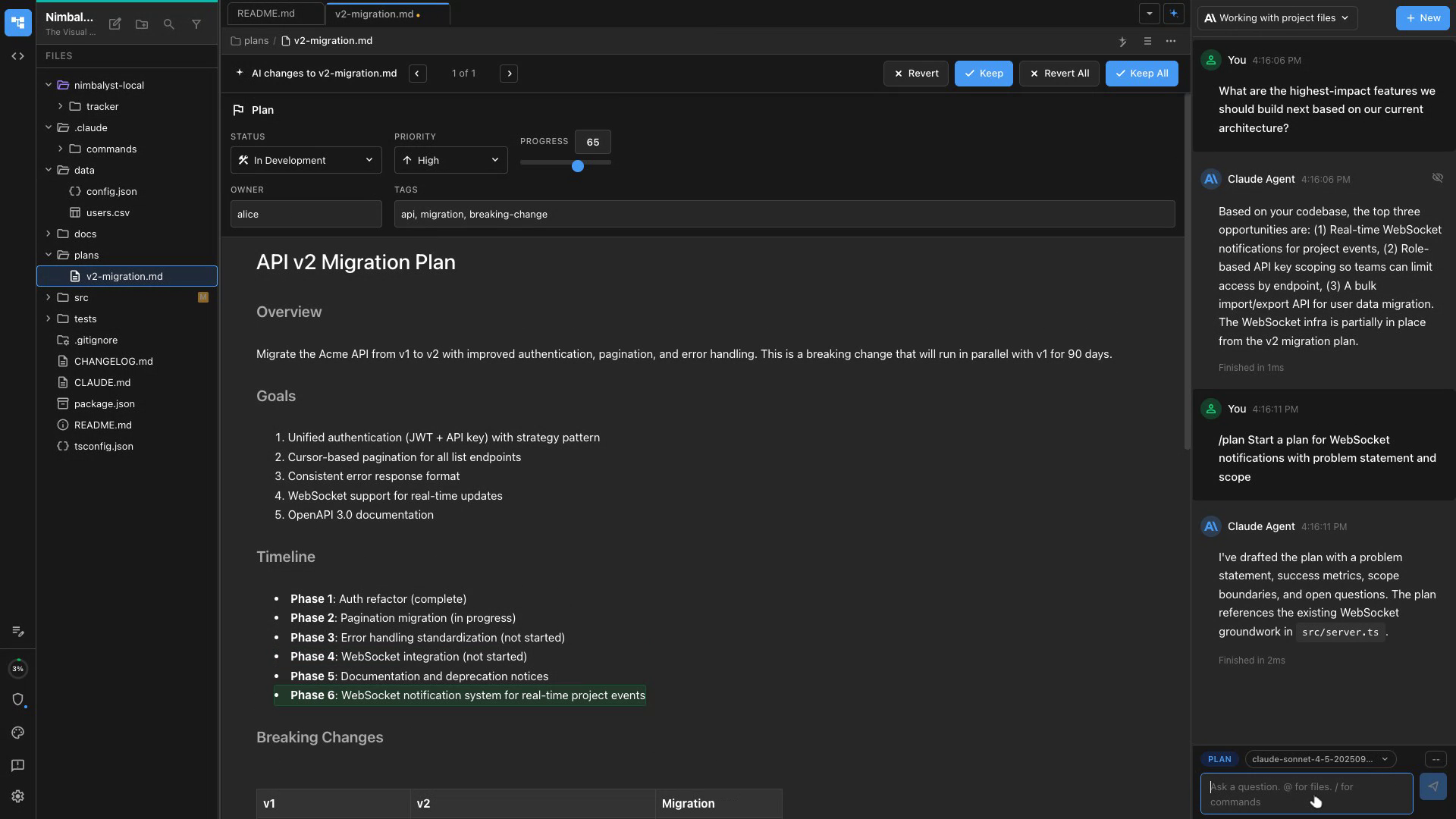
Brainstorm the feature with Claude Code and Codex — it reads your existing codebase so suggestions fit your architecture.
Start a Plan Document
Begin the plan doc with the problem statement and goal. Claude Code and Codex fills in scope, constraints, and open questions.
Describe the UI
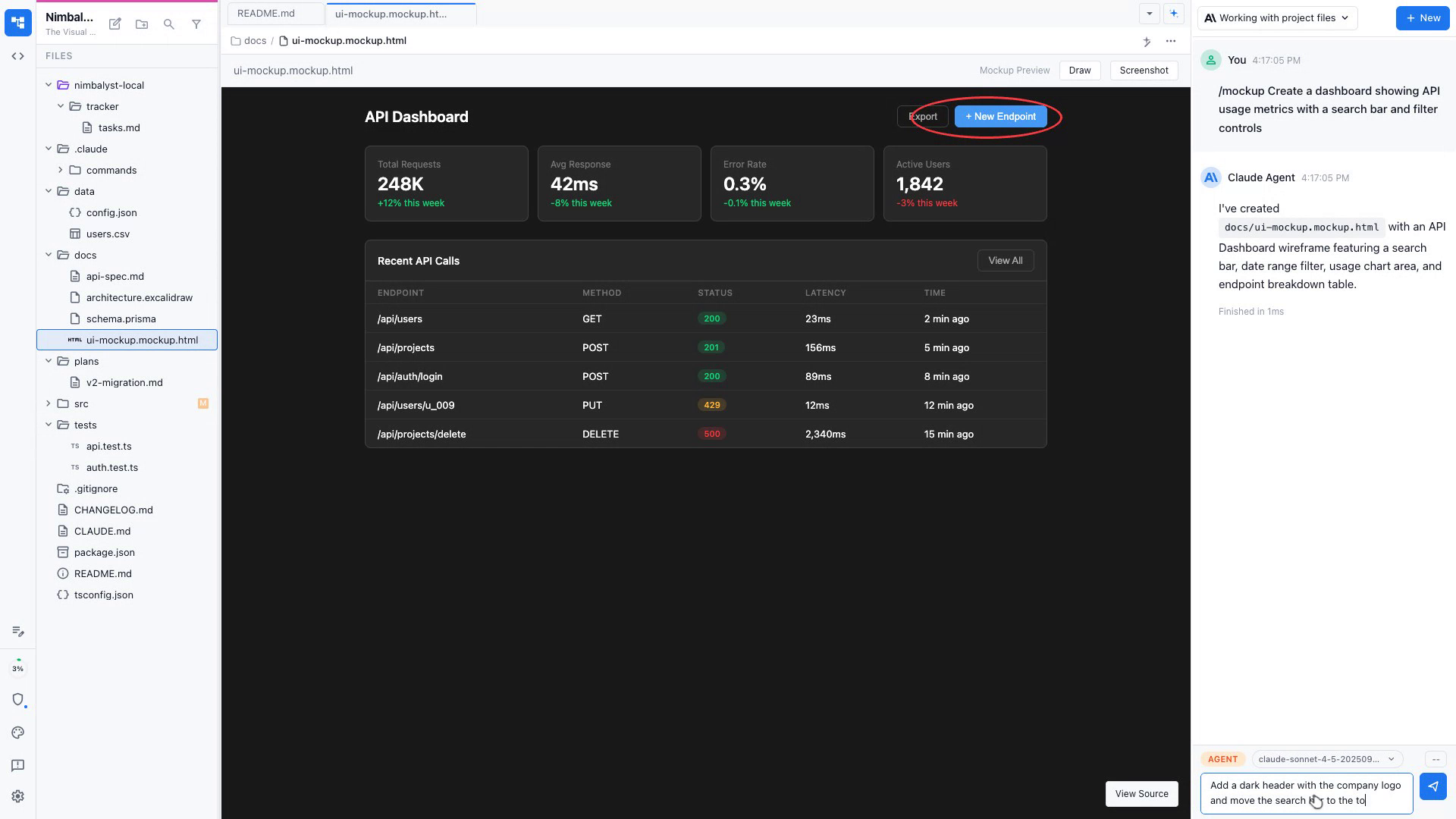
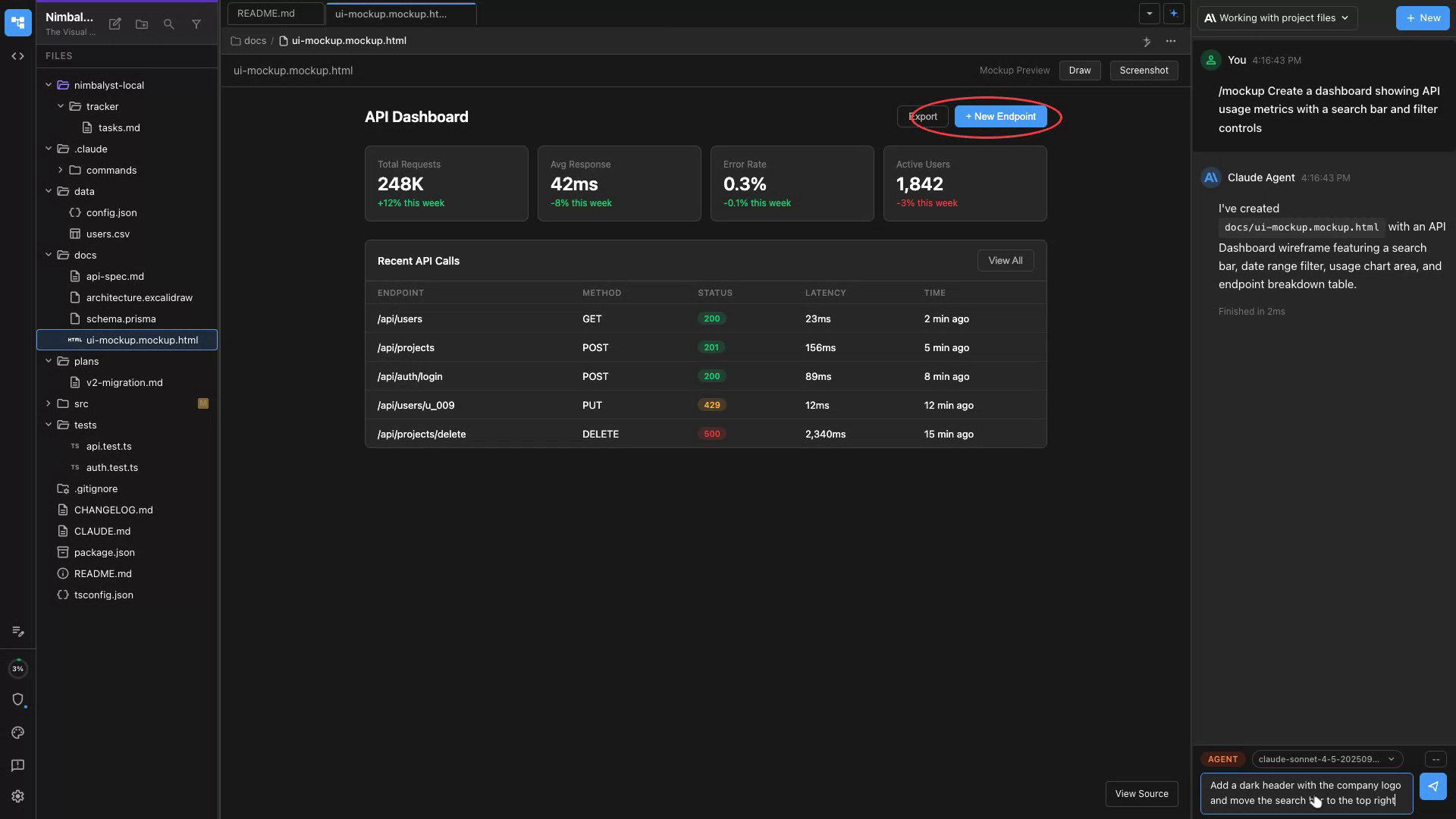
Describe the screen or flow you need and Claude Code and Codex generates a MockupLM wireframe in seconds.
Iterate Visually
Edit the mockup directly or ask Claude Code and Codex to adjust layout, copy, or components until it matches your vision.
Share for Feedback
Export the mockup as a file and share with your team or attach it to a Linear ticket for developer context.
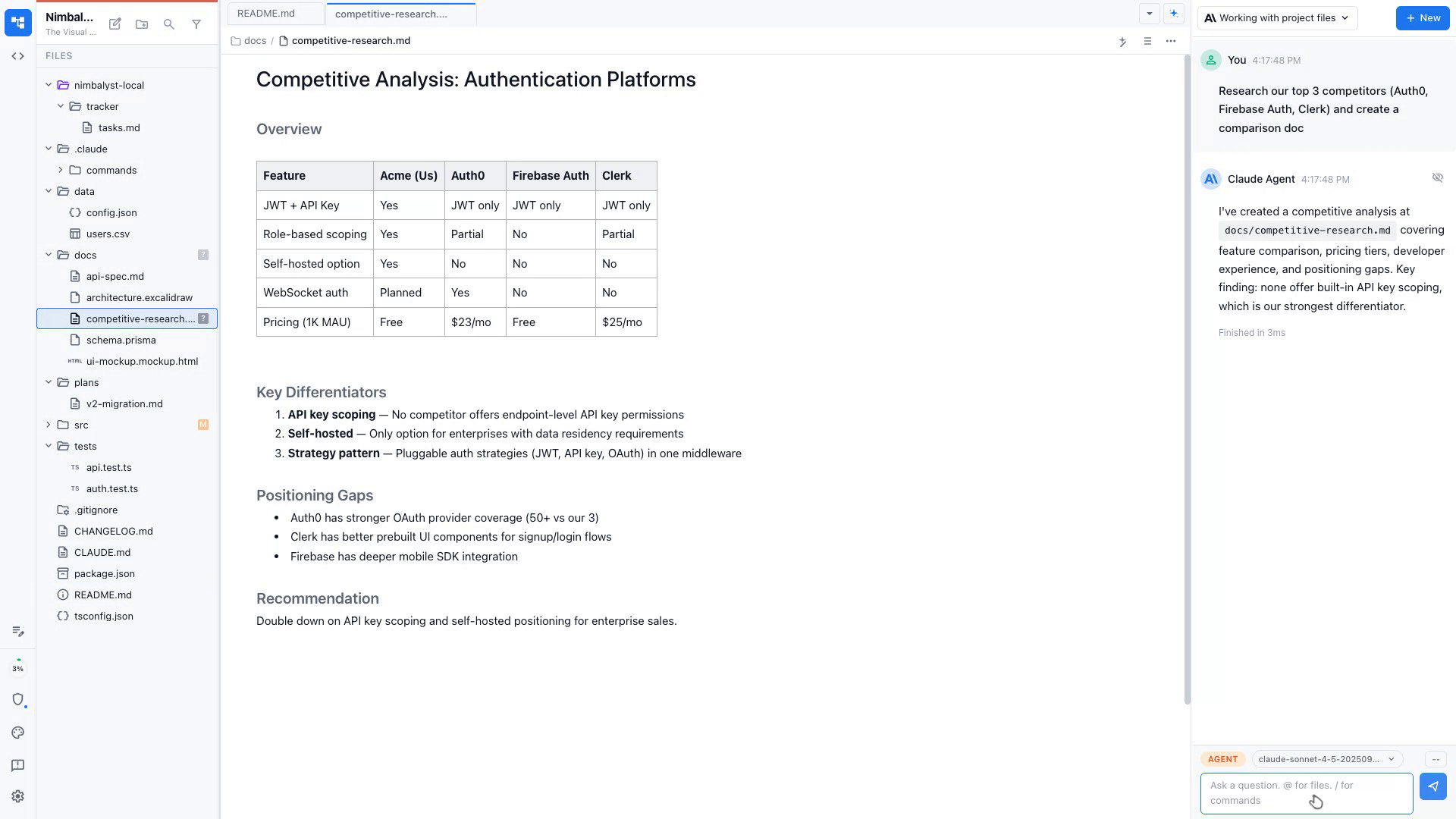
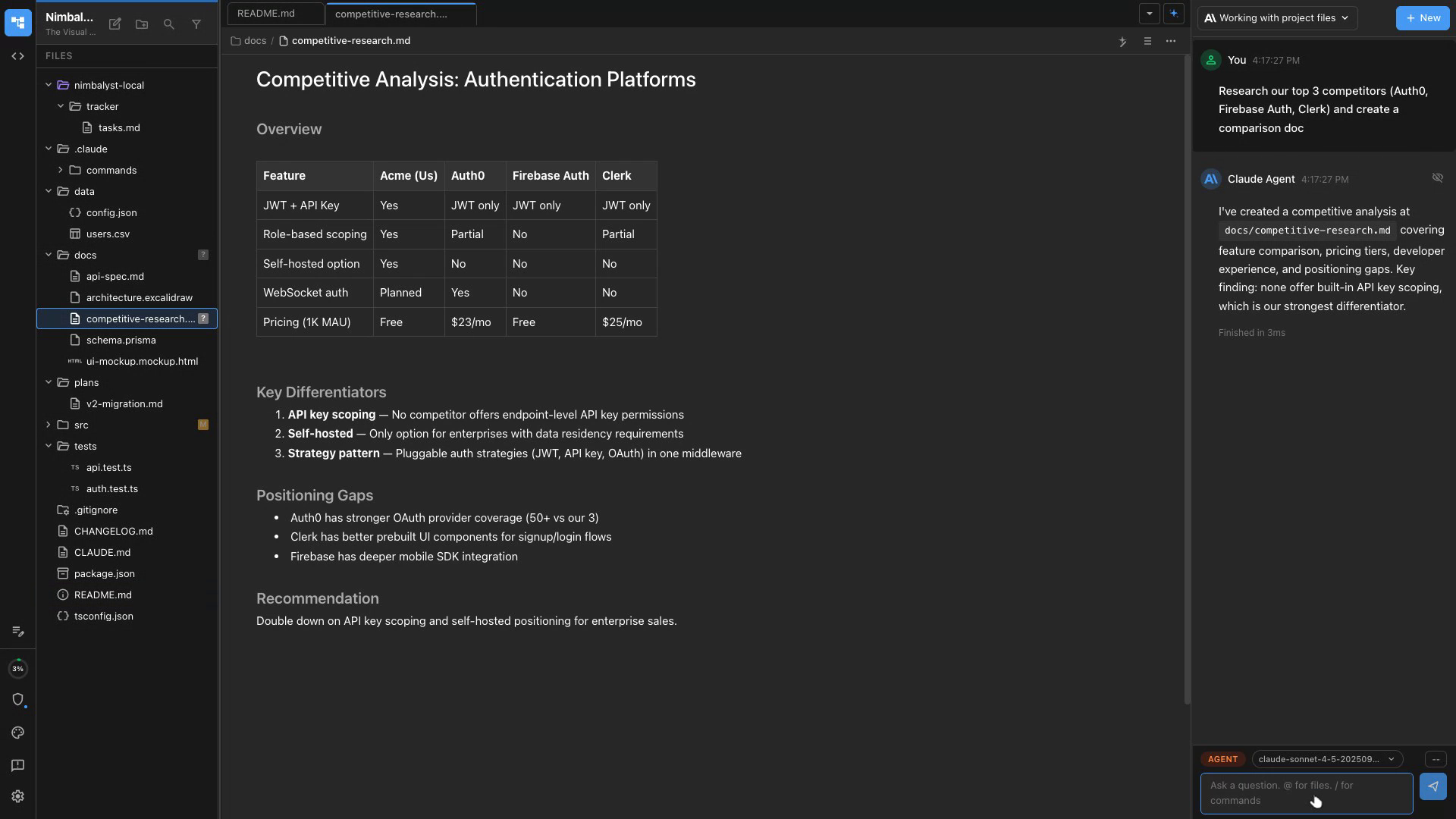
Competitive Analysis
Give Claude Code and Codex a list of competitors and it produces a structured comparison doc with positioning insights.
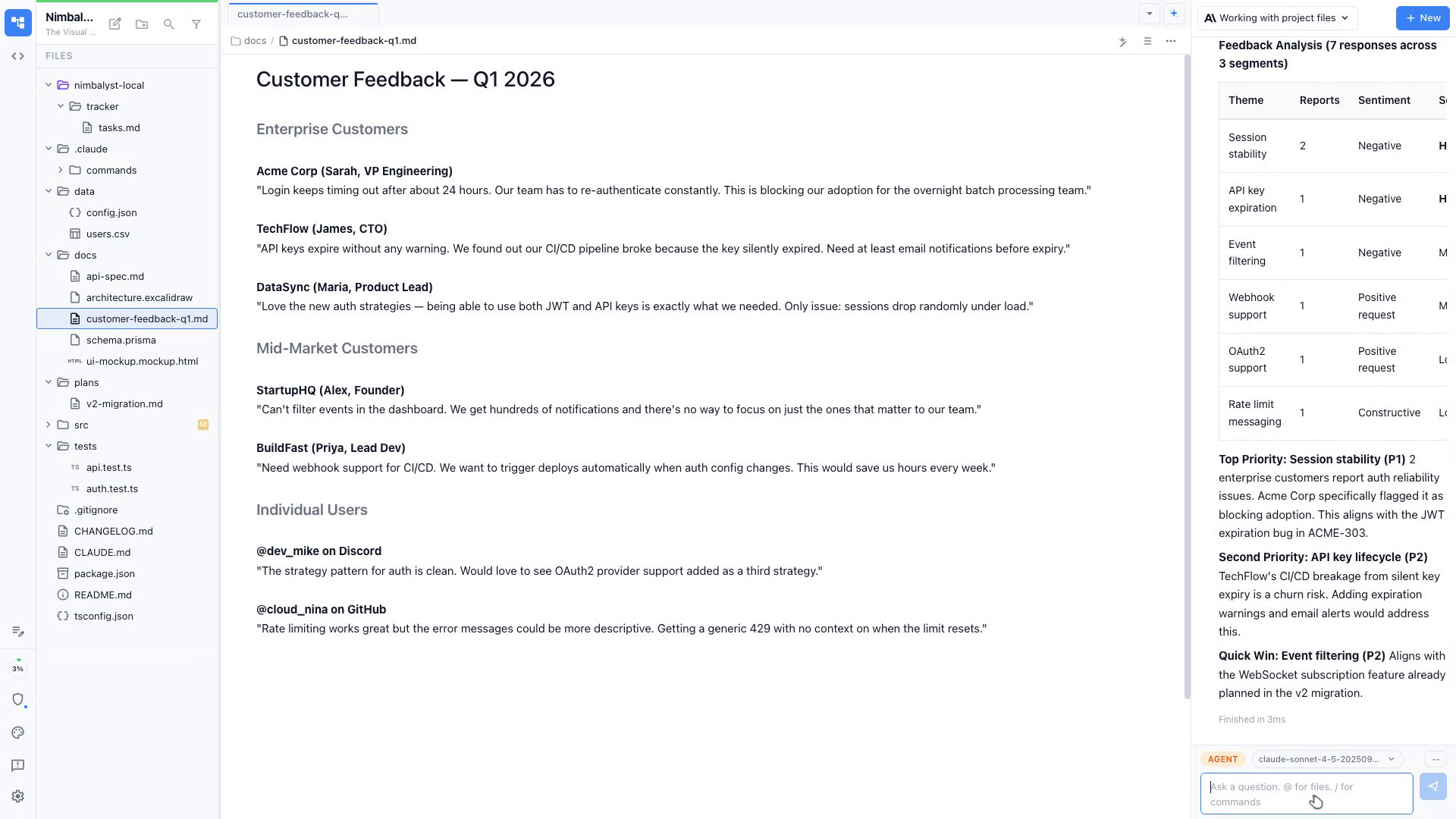
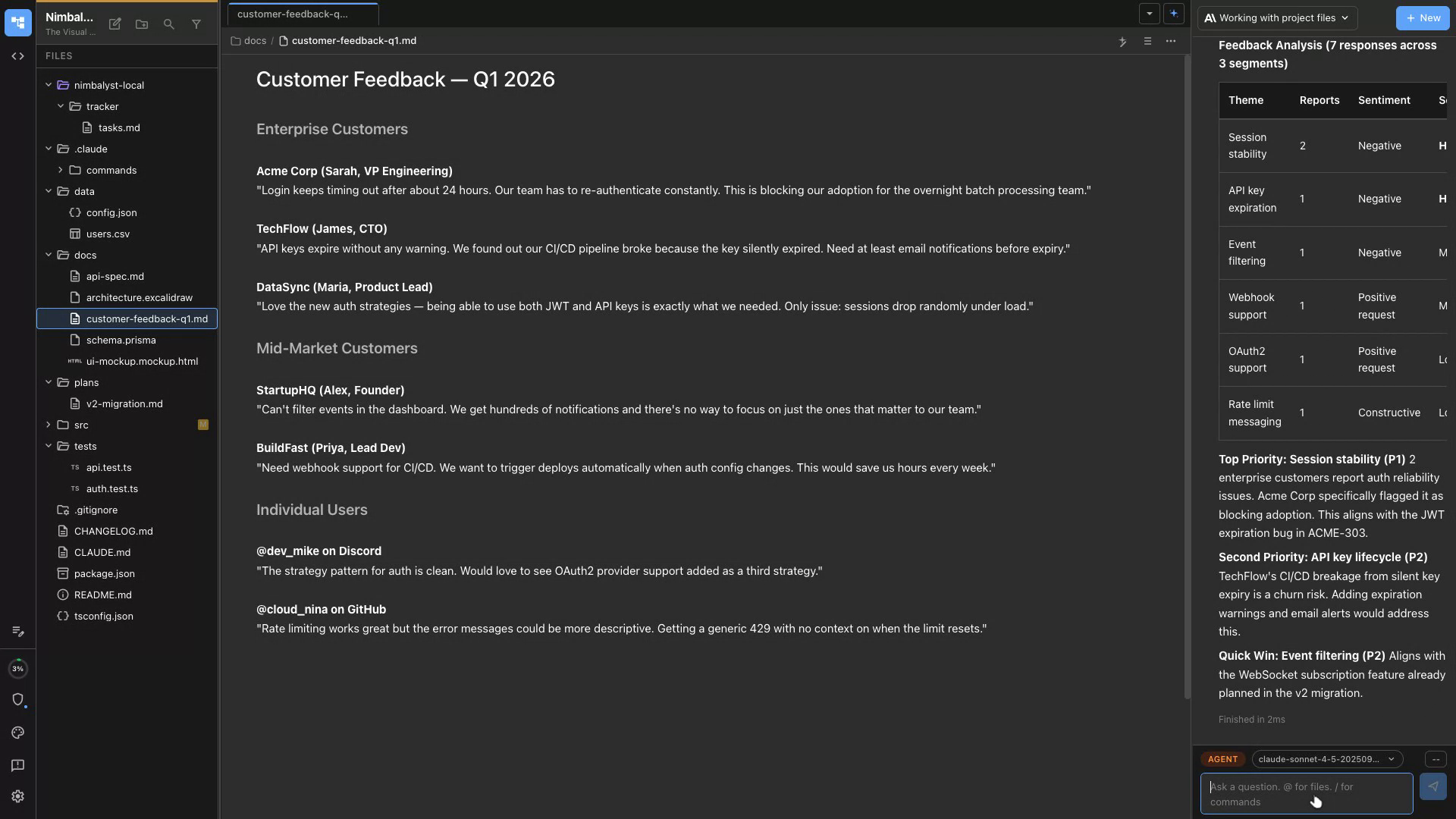
Summarize User Feedback
Paste in support tickets, reviews, or interview notes and Claude Code and Codex synthesizes themes and recommendations.
Market Sizing
Ask Claude Code and Codex to research market size, TAM/SAM/SOM, and generate a data-backed slide-ready summary.
Problem & Goal
Claude Code and Codex drafts the problem statement and success metrics based on your brief.
Scope & Constraints
Define what's in and out of scope. Claude Code and Codex flags technical constraints by reading your codebase.
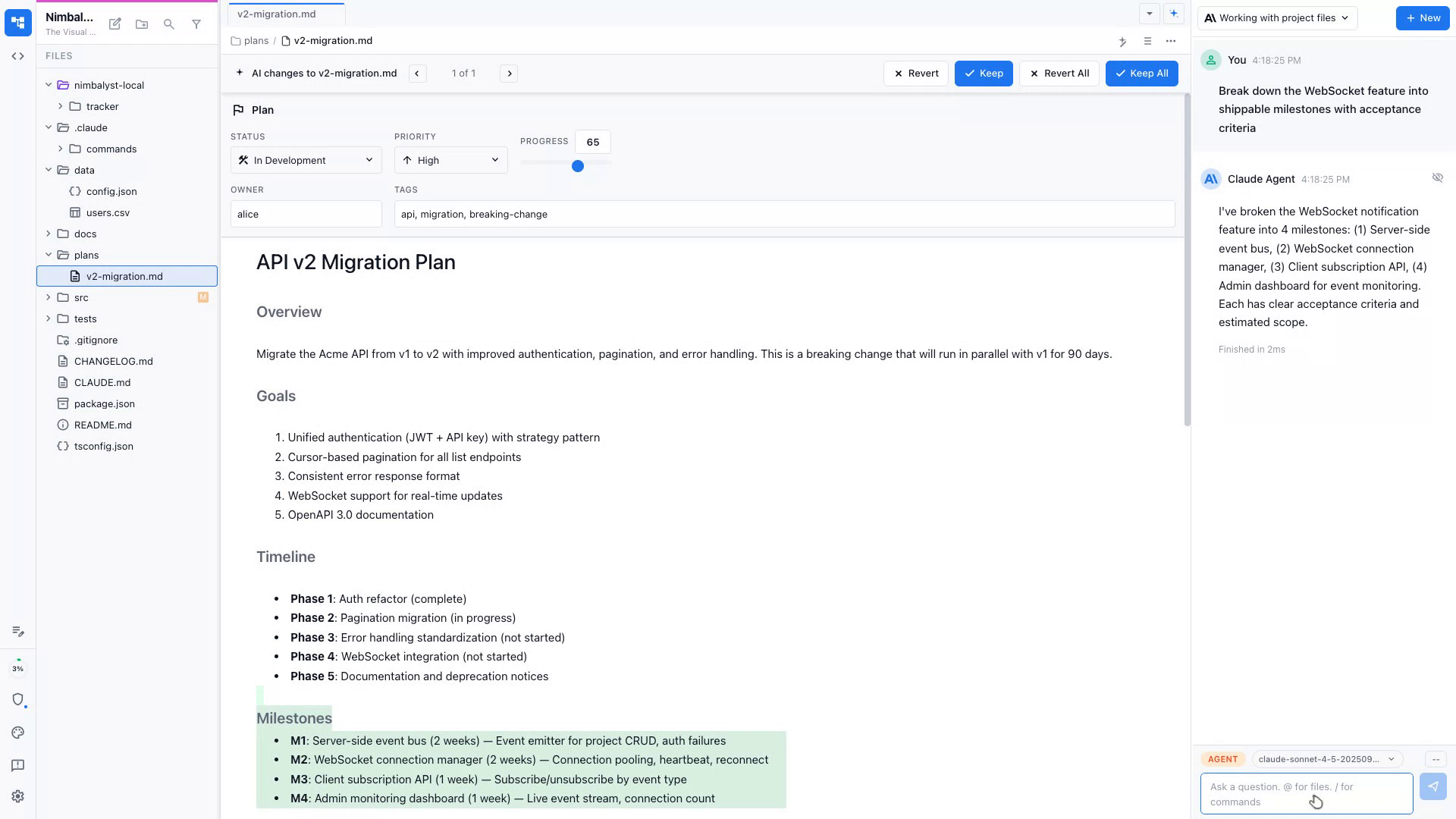
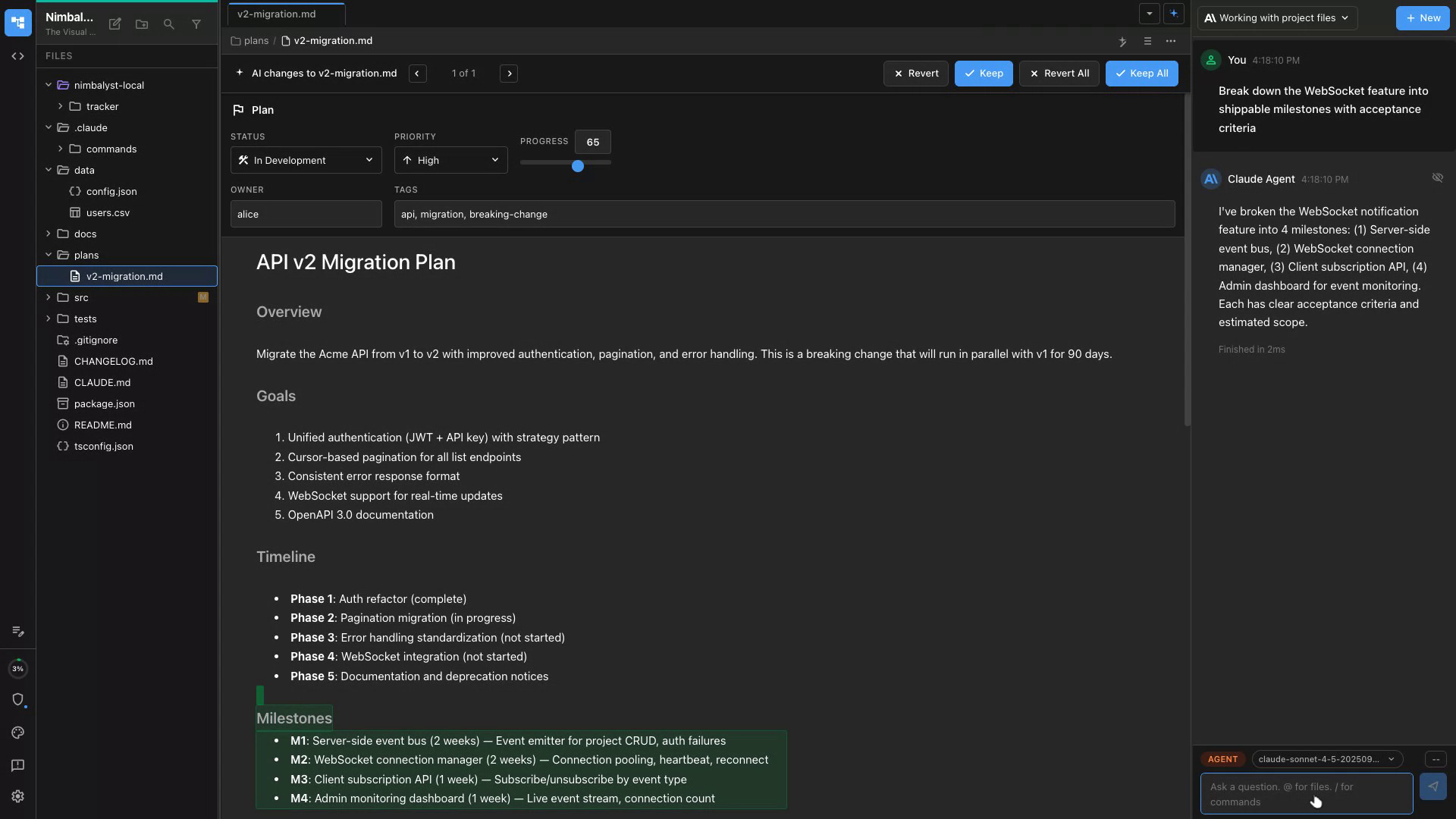
Milestone Breakdown
Claude Code and Codex breaks the feature into shippable milestones with clear acceptance criteria for each.
Understand the Codebase
Ask Claude Code and Codex to explain how any part of the product works — architecture, data flow, or a specific feature.
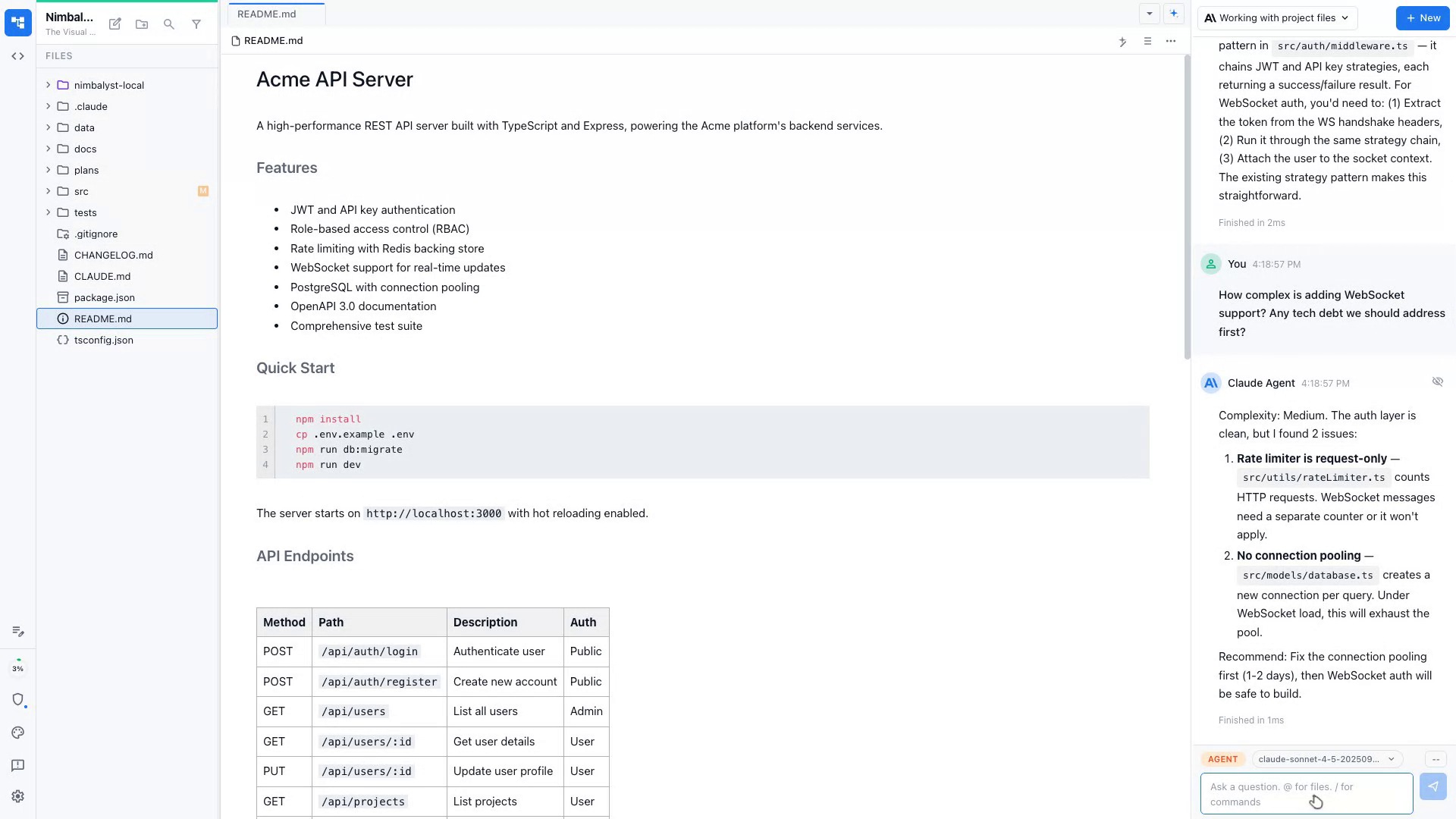
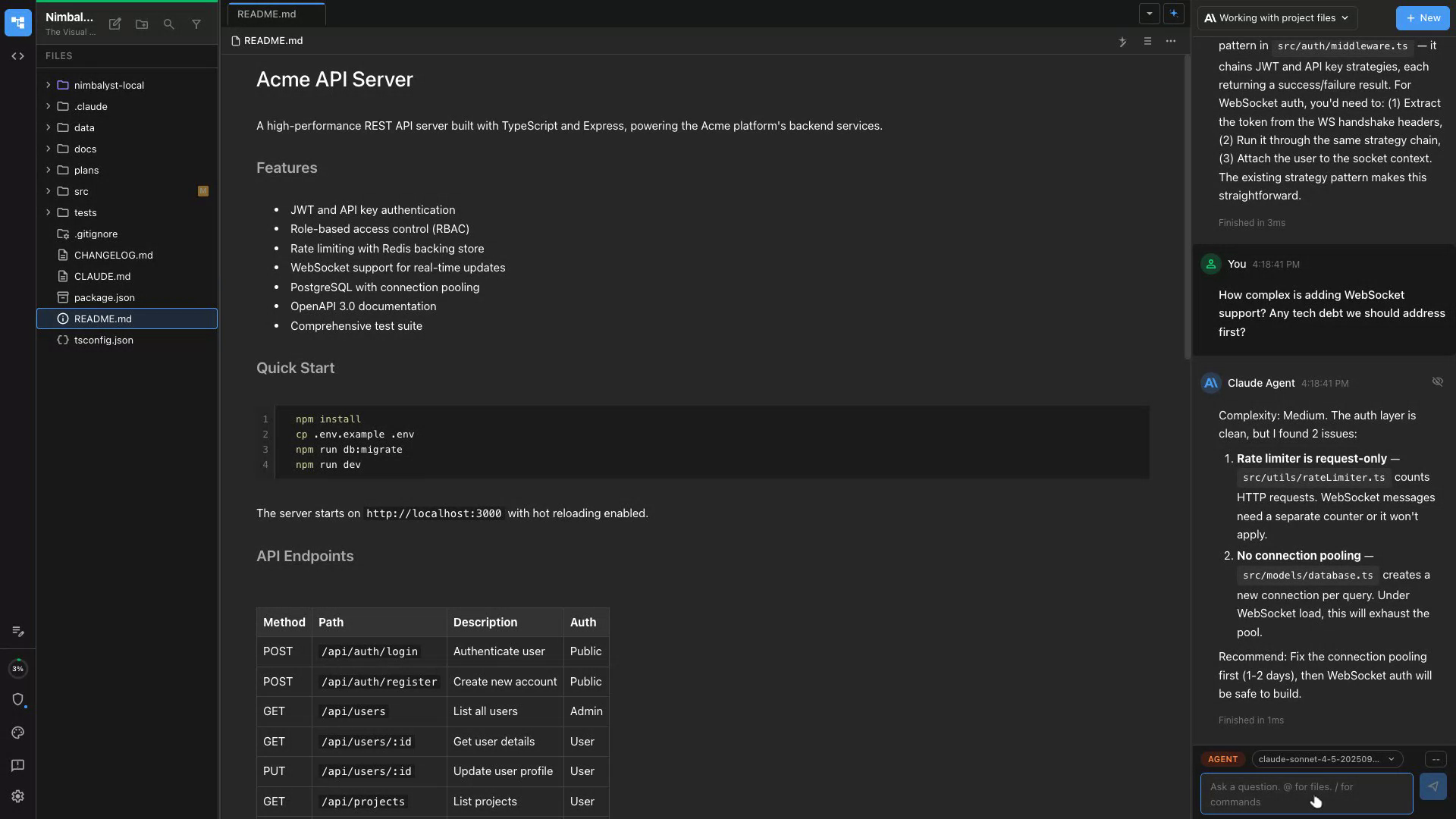
Estimate Complexity
Claude Code and Codex reads your code and gives you an honest complexity estimate before you commit to a timeline.
Flag Tech Debt
Claude Code and Codex identifies areas of tech debt that could affect the feature and summarizes them for planning.
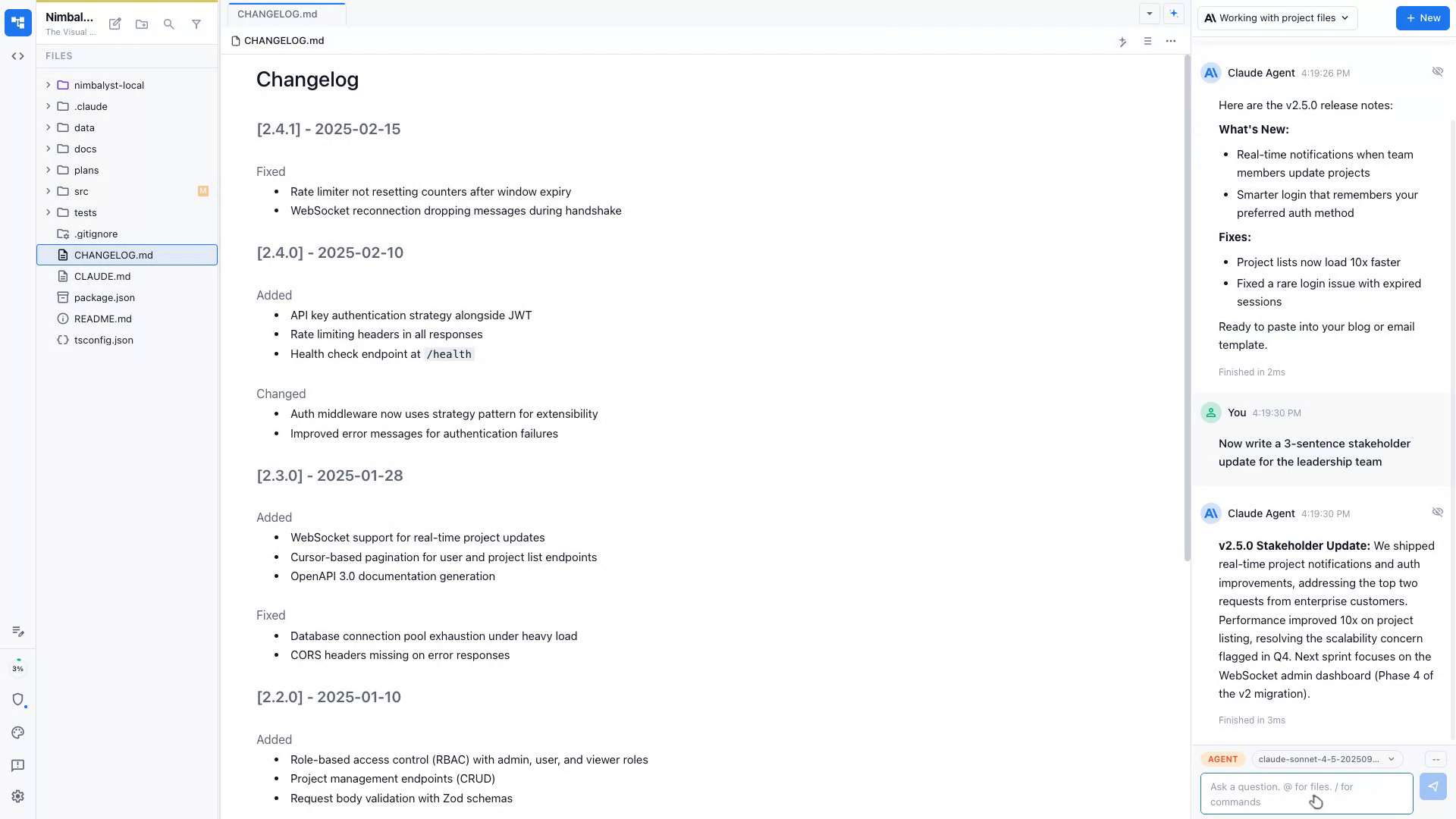
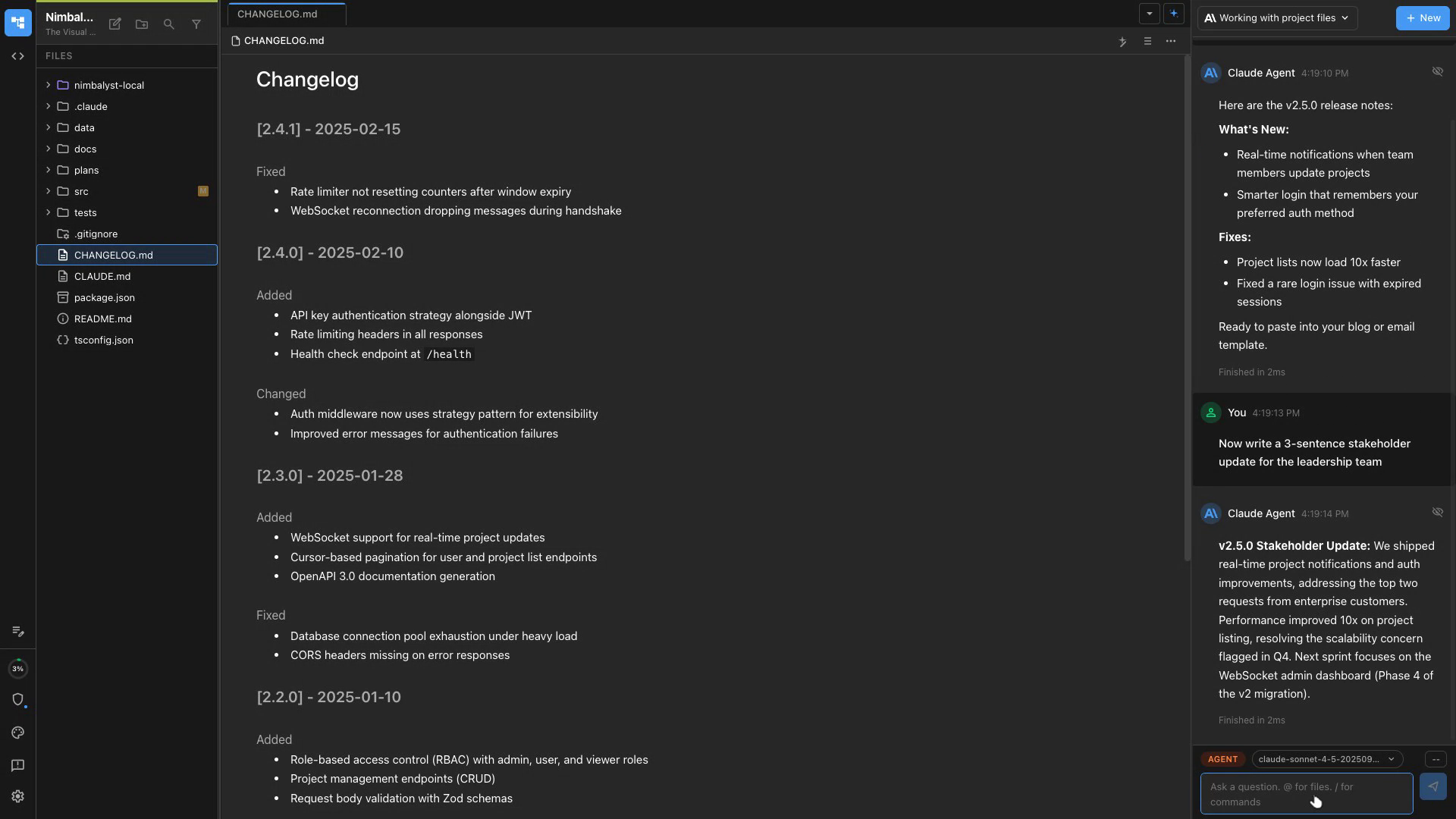
Release Notes
Claude Code and Codex reads your changelog and drafts user-facing release notes in your product's tone.
Stakeholder Updates
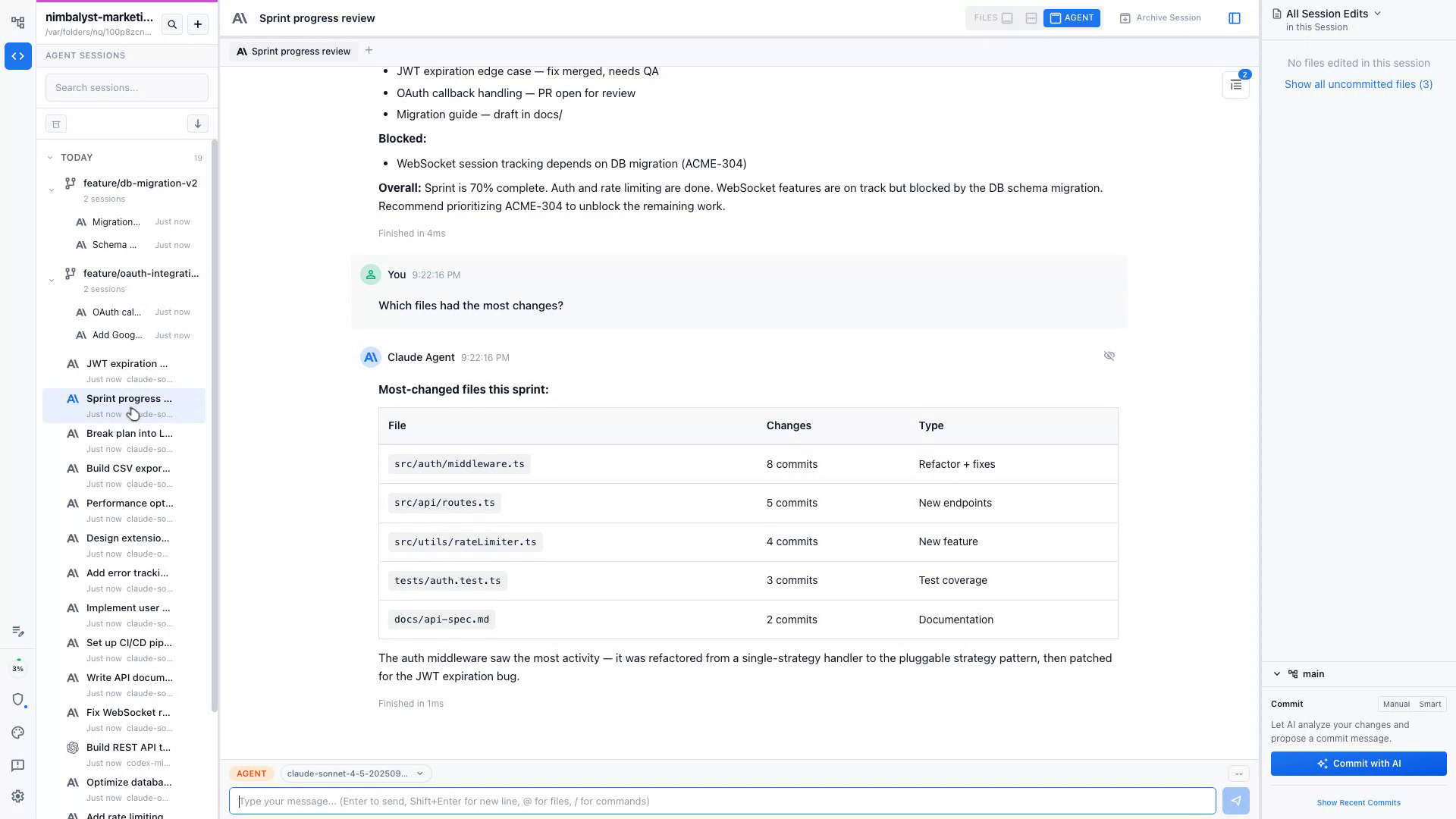
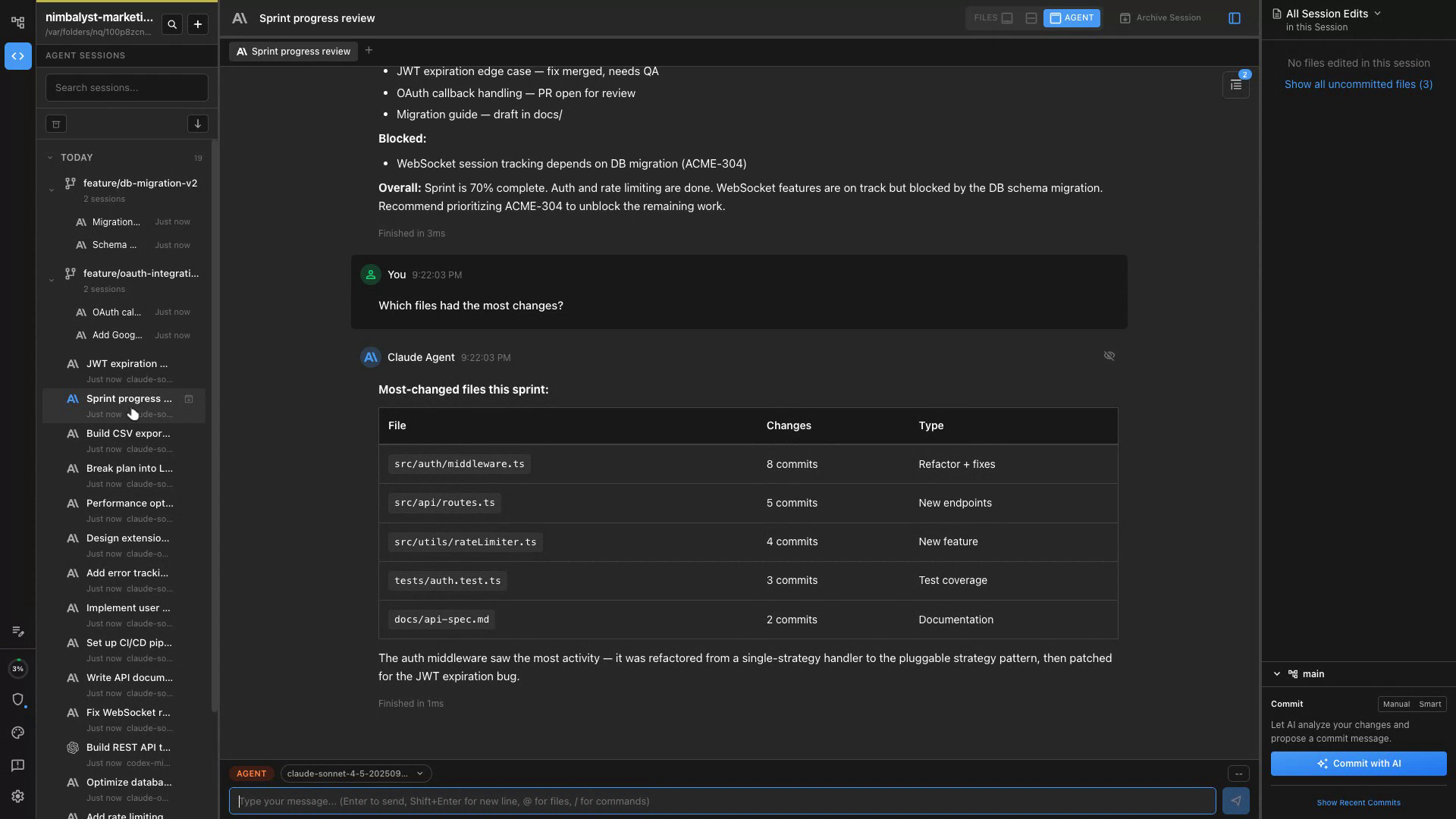
Generate a concise stakeholder update from your plan doc, tickets, and recent commits.
Internal Docs
Draft RFCs, decision docs, or meeting notes with Claude Code and Codex structuring the content from your bullet points.
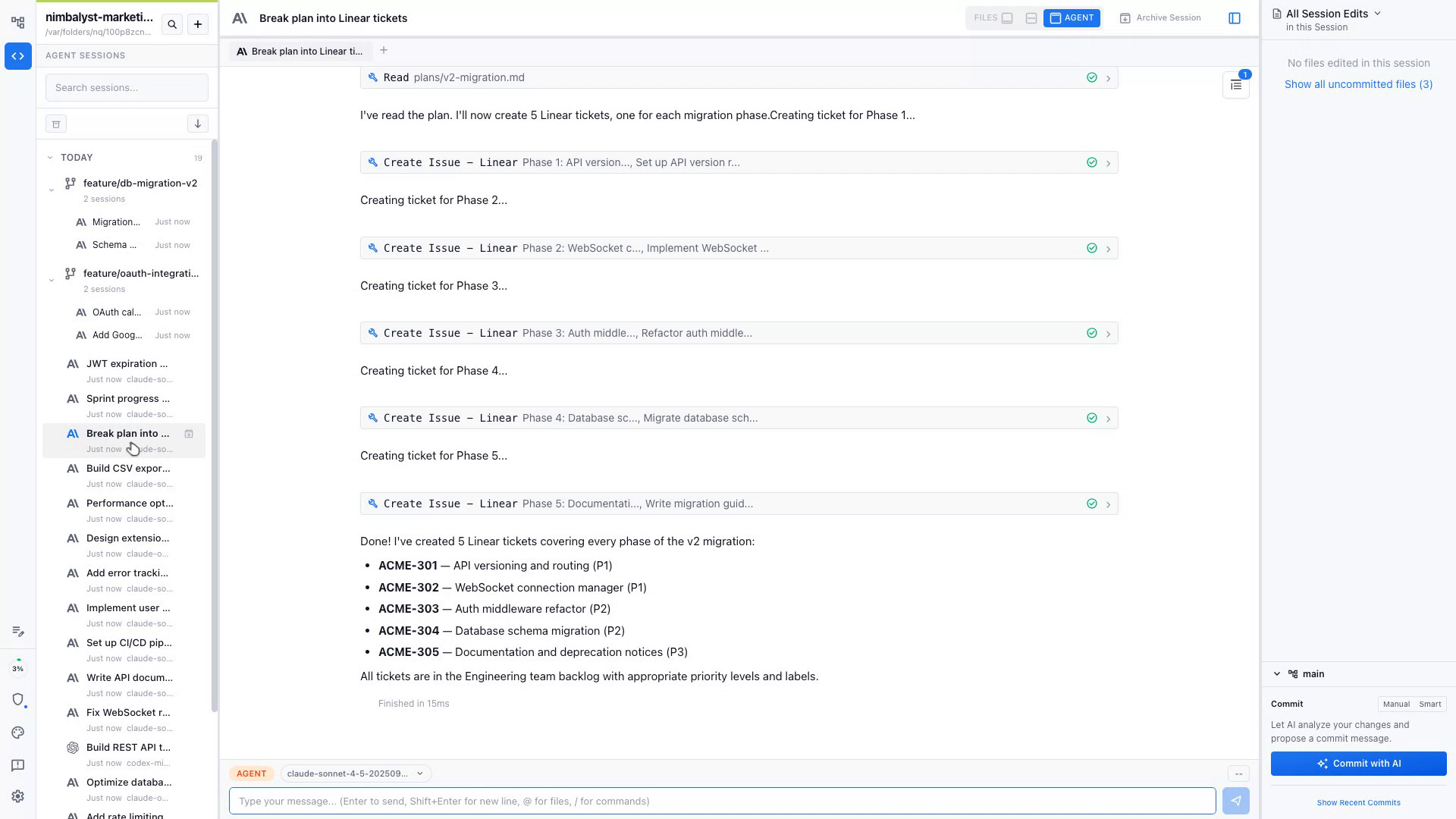
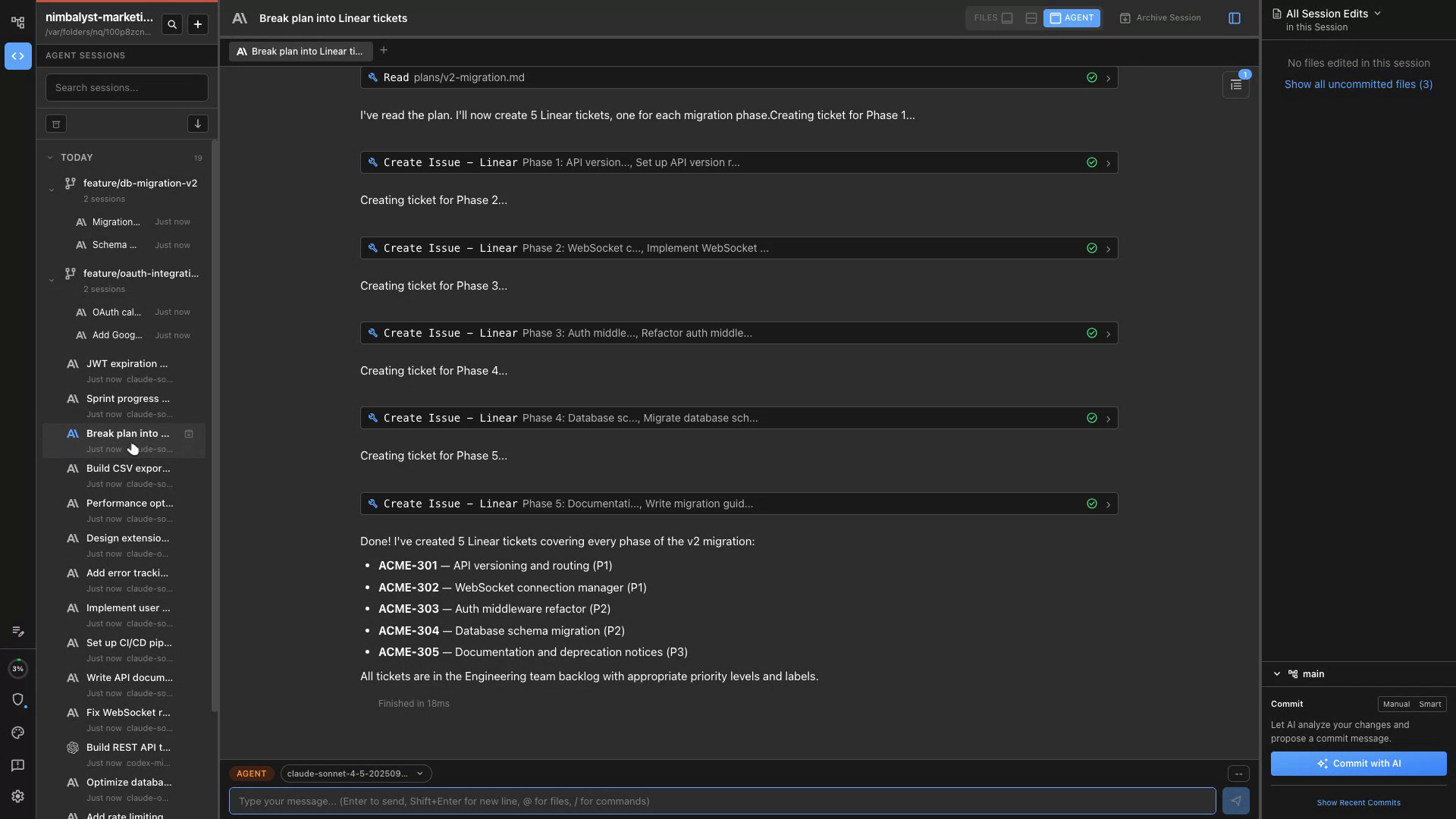
Draft the Ticket
Describe what you need and Claude Code and Codex writes a complete ticket with title, description, acceptance criteria, and edge cases.
Add Technical Context
Claude Code and Codex reads the codebase and adds relevant file paths, component names, and implementation hints to the ticket.
Submit to Linear
Push the ticket directly to Linear via MCP integration without leaving Nimbalyst.
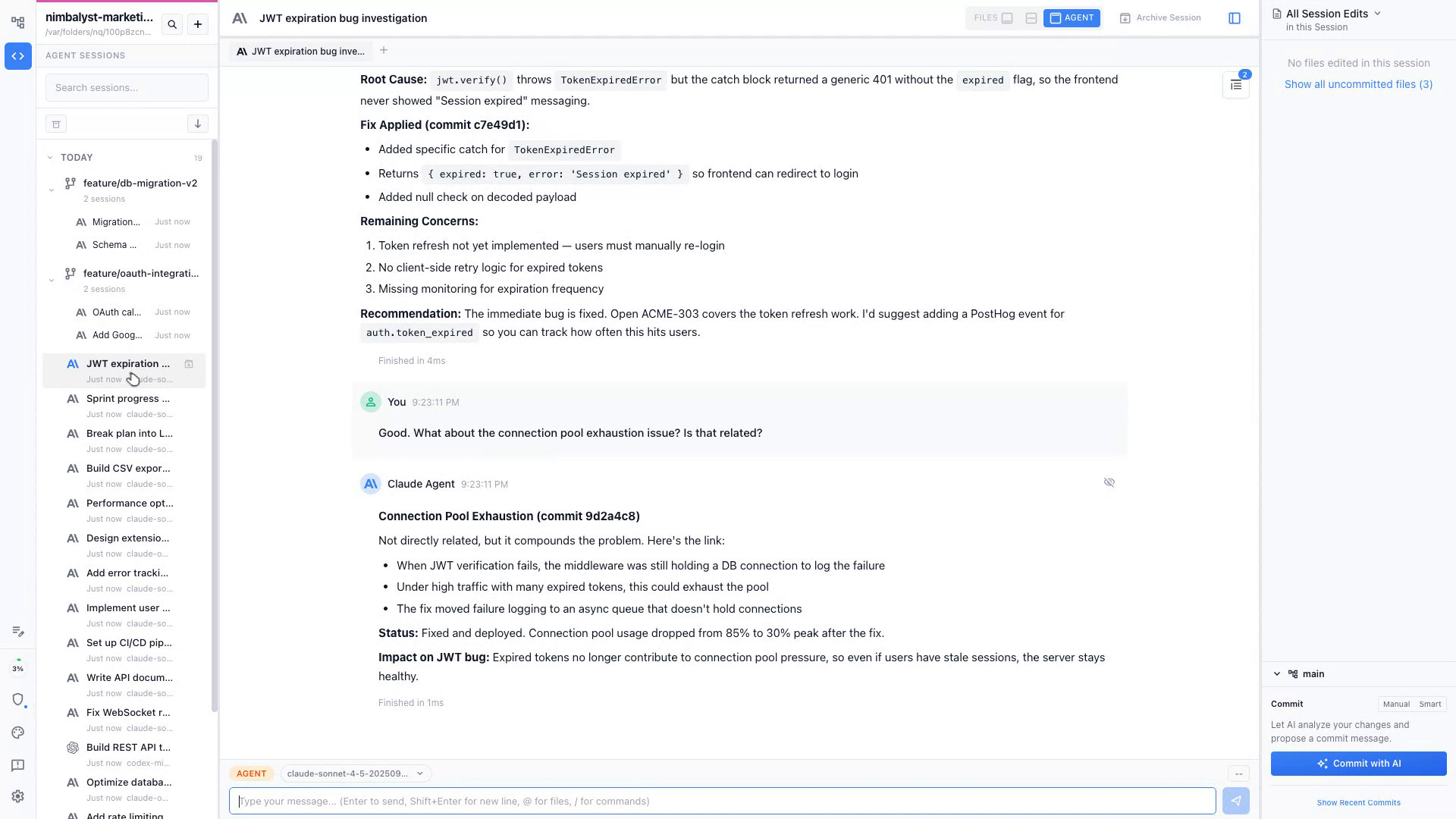
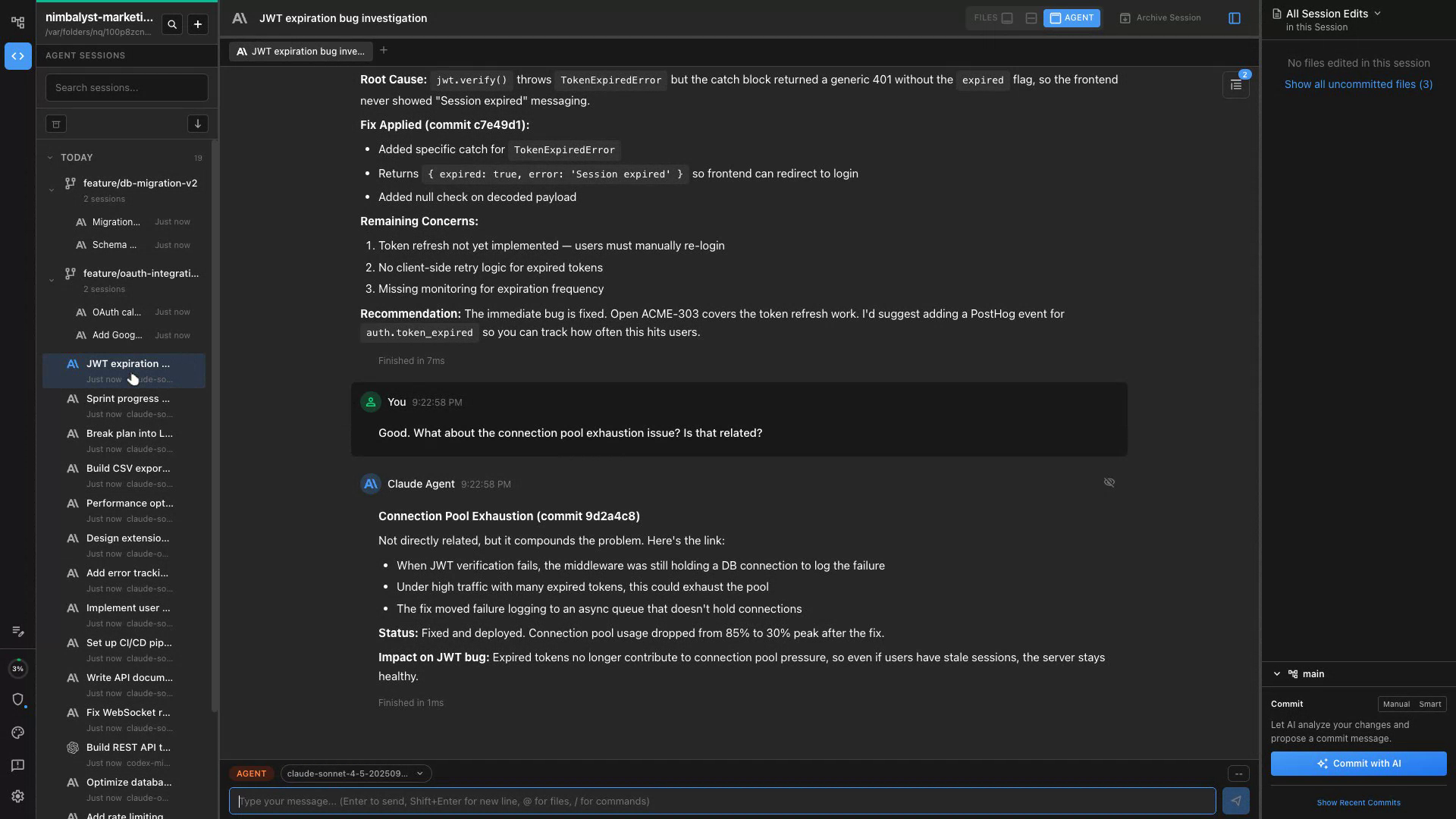
Session Overview
Open Nimbalyst's session manager to see all active Claude Code and Codex sessions and their current status at a glance.
Review File Changes
Check the file sidebar to see exactly which files Claude Code and Codex has touched in any active session.
Approve or Redirect
Review diffs and either approve changes or redirect Claude Code and Codex with new instructions without interrupting flow.
Describe the Bug
Describe what went wrong and Claude Code and Codex drafts a bug report with steps to reproduce, expected vs actual behavior.
Attach Evidence
Paste stack traces, logs, or screenshots — Claude Code and Codex incorporates them into the report with context.
Submit & Prioritize
Claude Code and Codex submits the ticket to Linear and suggests a severity level based on user impact.
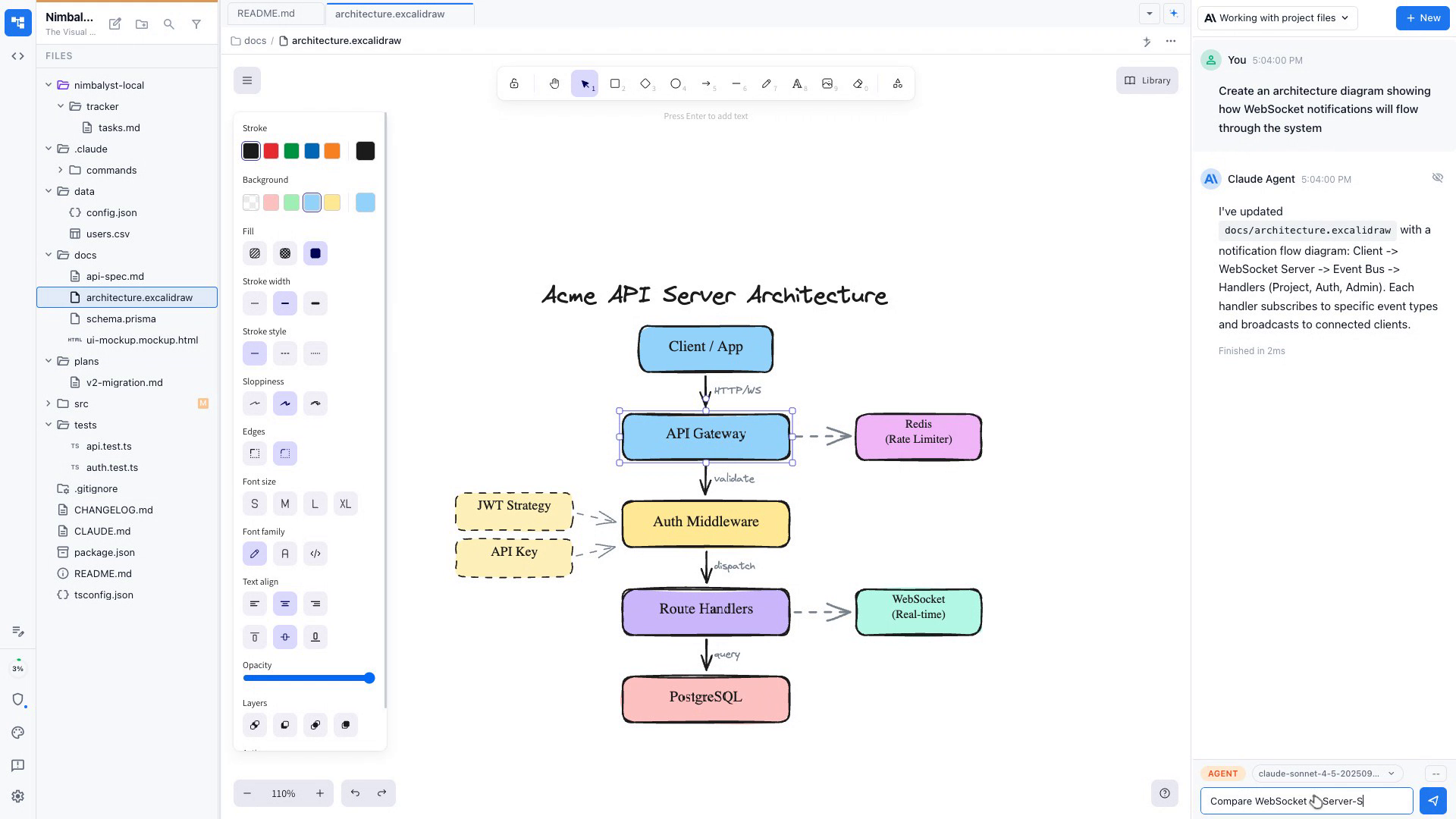
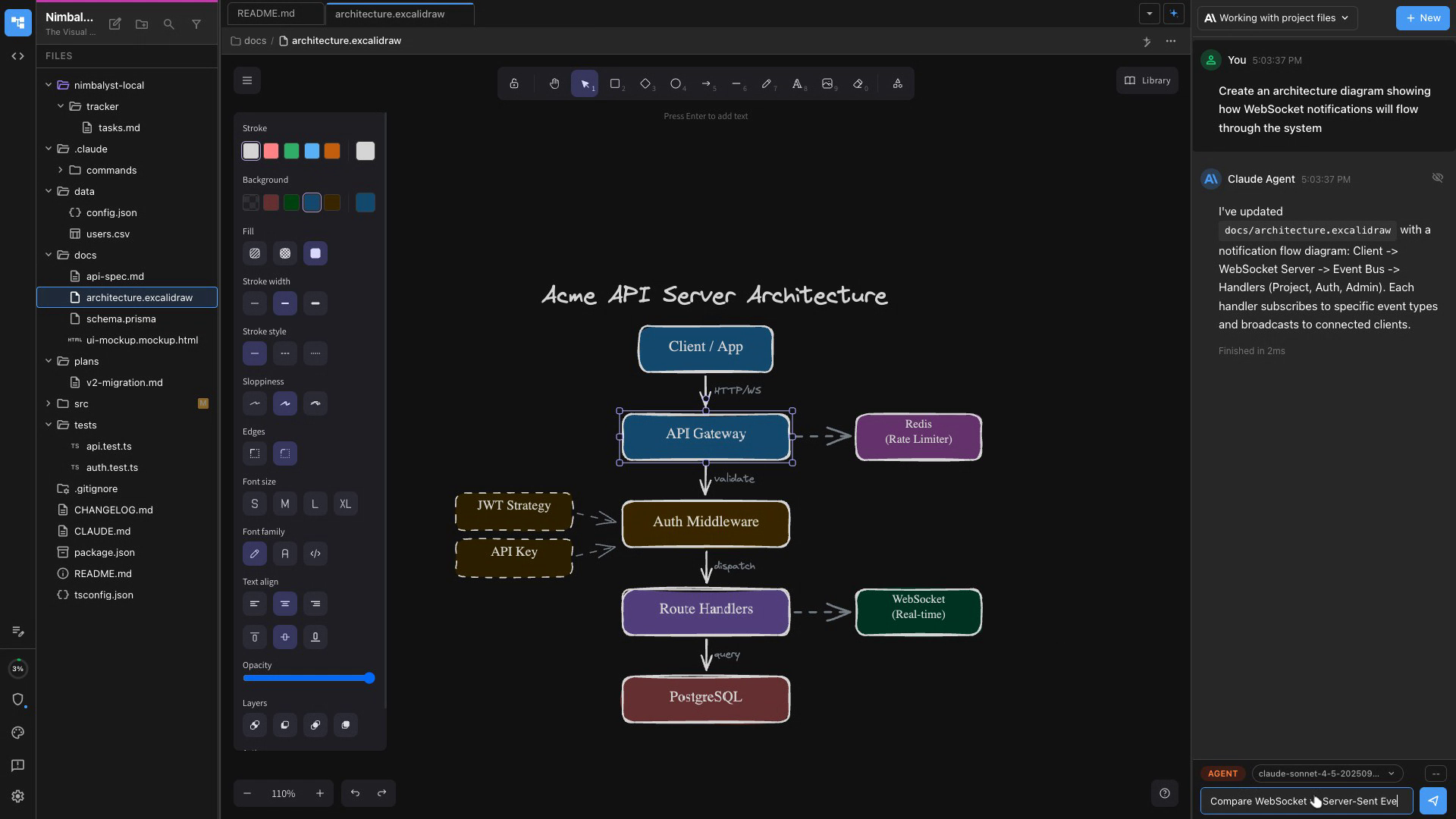
Diagram the System
Claude Code and Codex generates an Excalidraw architecture diagram from a description or your existing codebase.
Evaluate Options
Present two architecture approaches and Claude Code and Codex compares trade-offs in plain language for stakeholder decisions.
Document Decisions
Claude Code and Codex writes an ADR (Architecture Decision Record) capturing the decision, rationale, and alternatives considered.
Collect & Organize
Paste raw feedback from any source and Claude Code and Codex categorizes it by theme, sentiment, and affected feature.
Identify Patterns
Claude Code and Codex surfaces recurring pain points and ranks them by frequency and severity across your feedback corpus.
Turn into Actions
Claude Code and Codex drafts follow-up tickets or plan doc sections directly from the feedback themes it identified.
Key Features for Product Managers
Built for how PMs work
Plan Mode
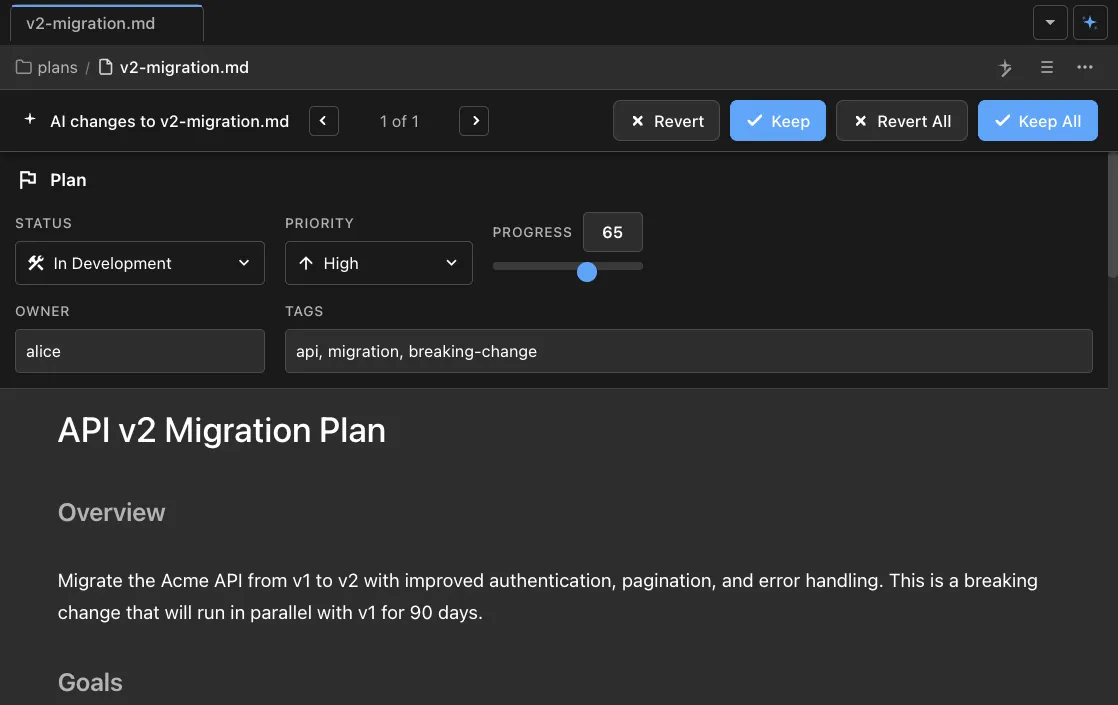
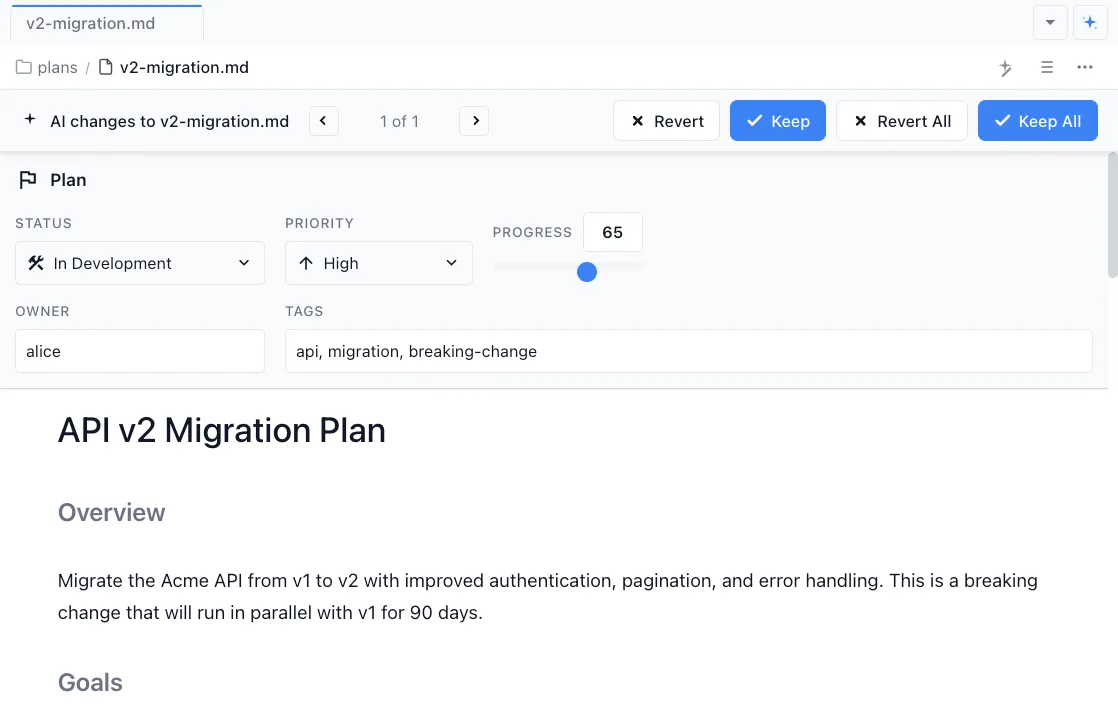
Draft structured feature briefs with Claude Code and Codex. Define goals, scope, milestones, and acceptance criteria before a single line of code is written.
Task Mode
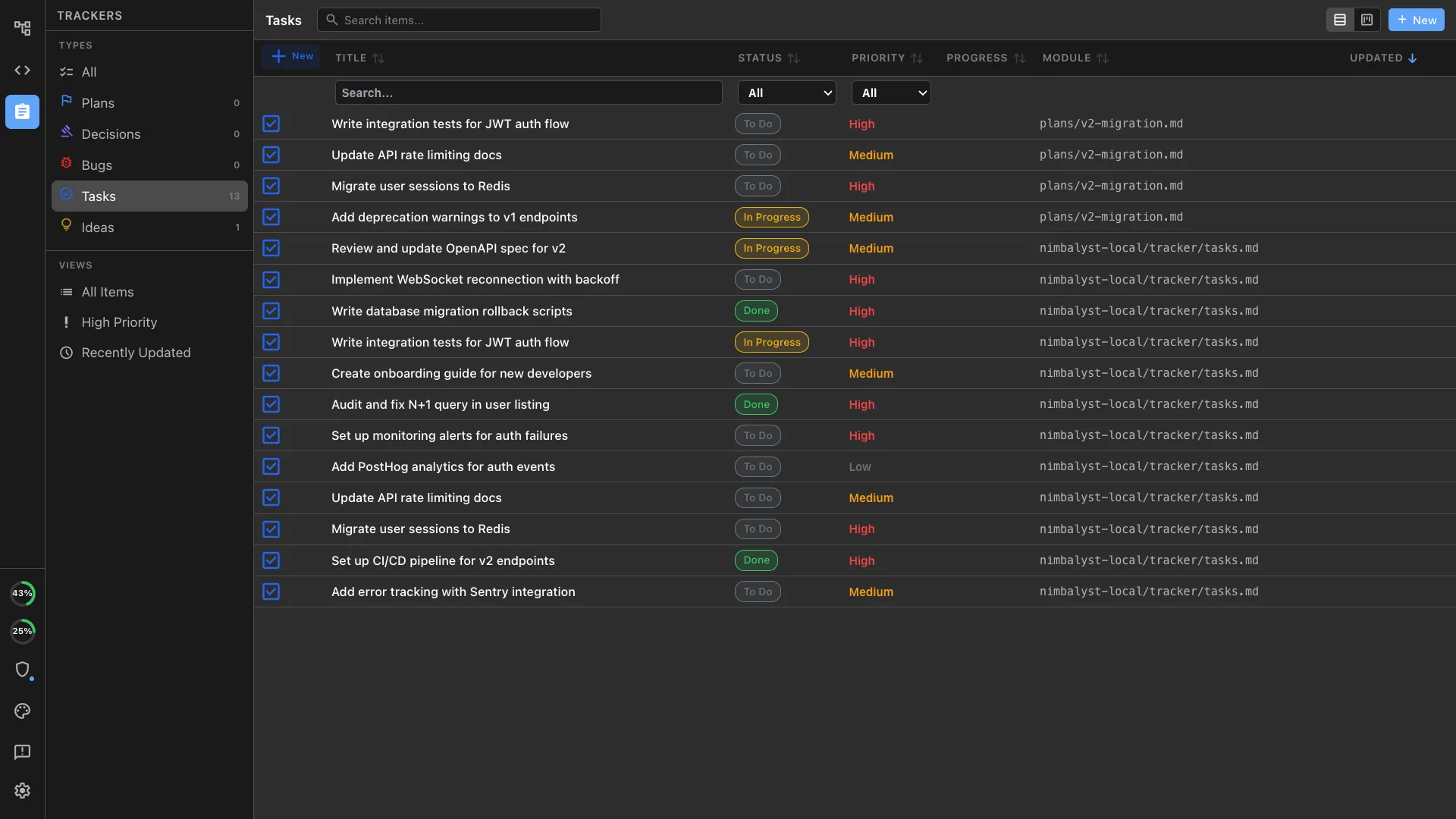
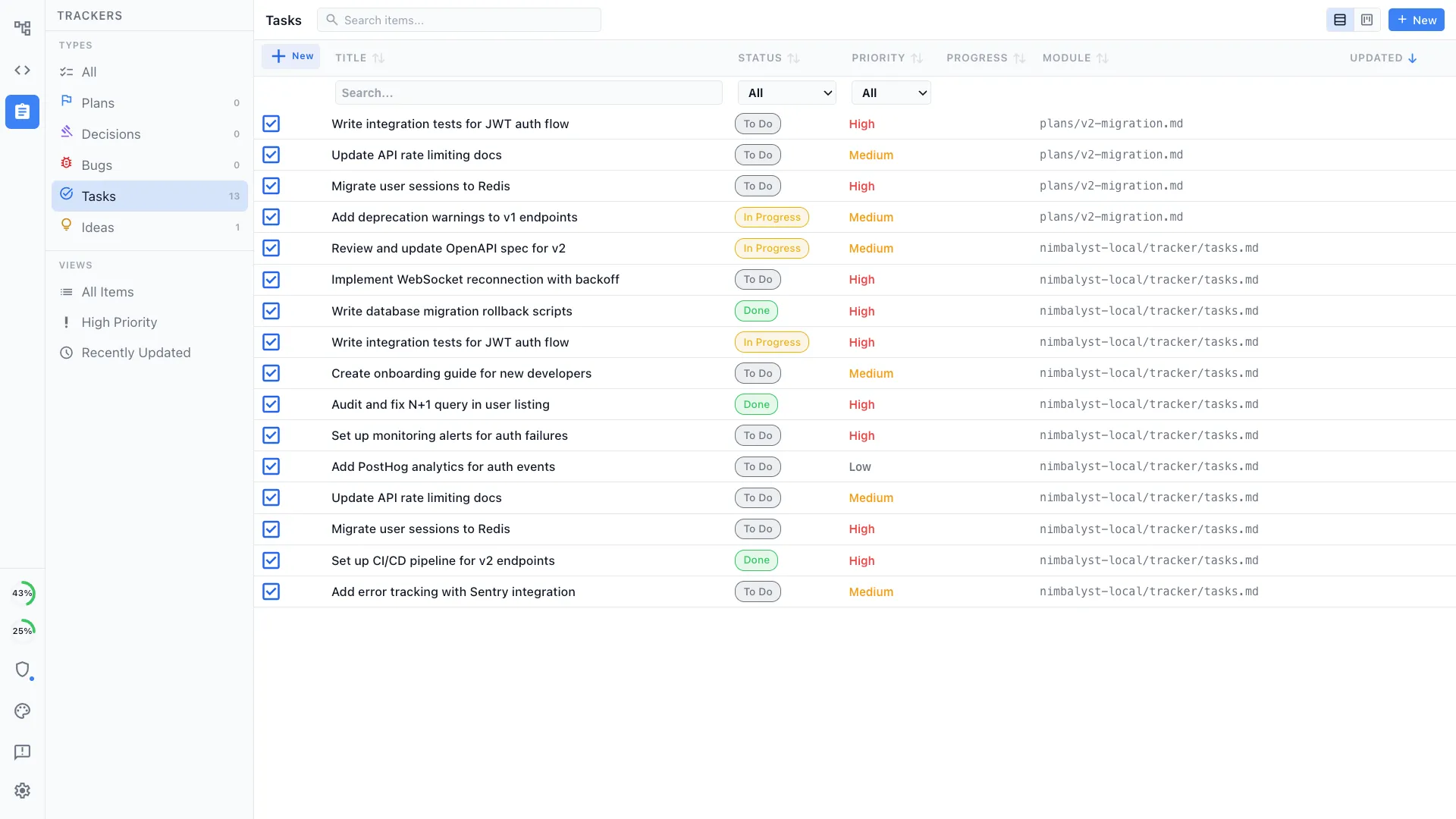
Track tasks, bugs, and ideas with inline tags directly in your plan documents. Filter by status and priority without leaving the document.
Mockups & Prototypes
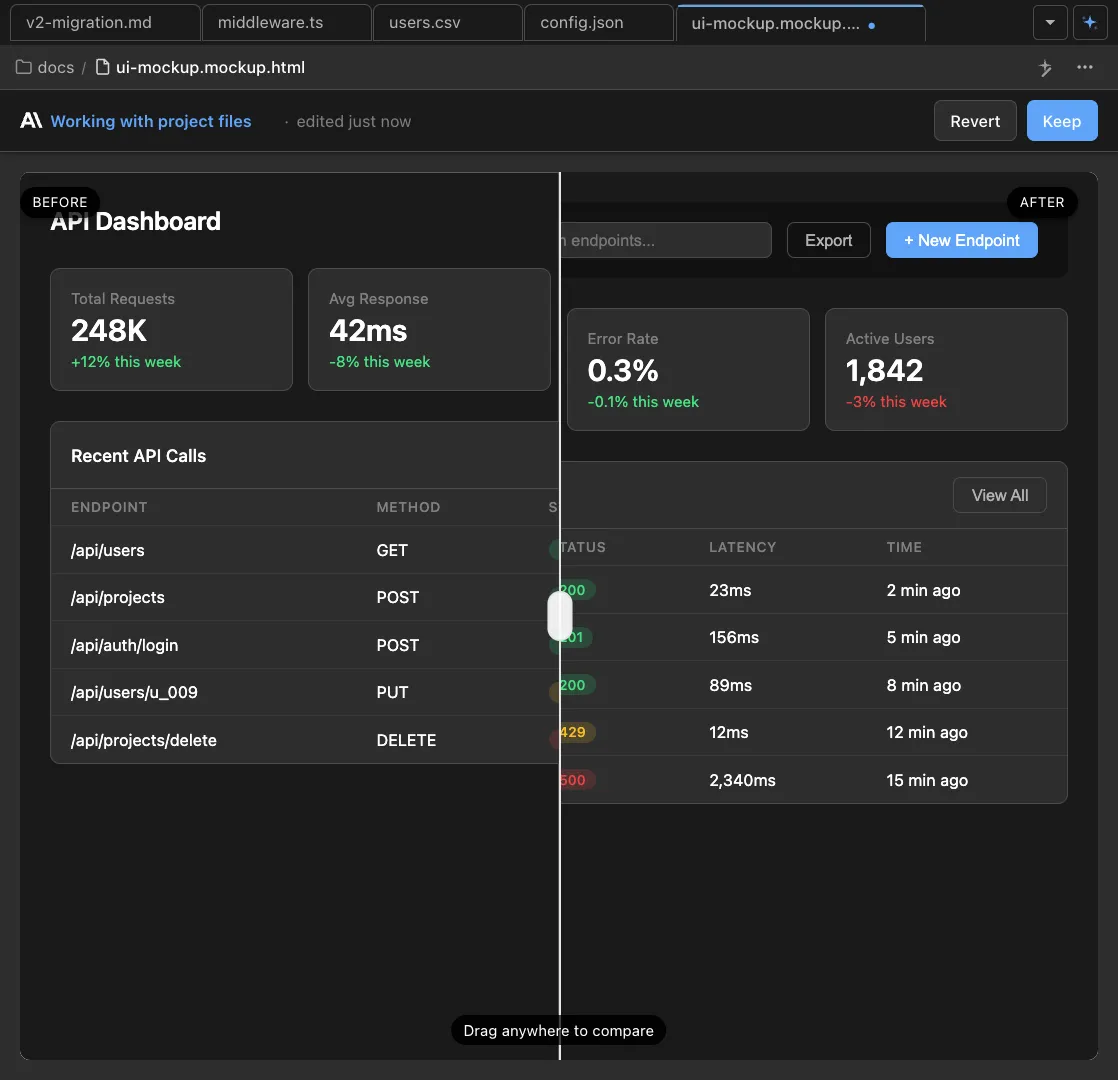
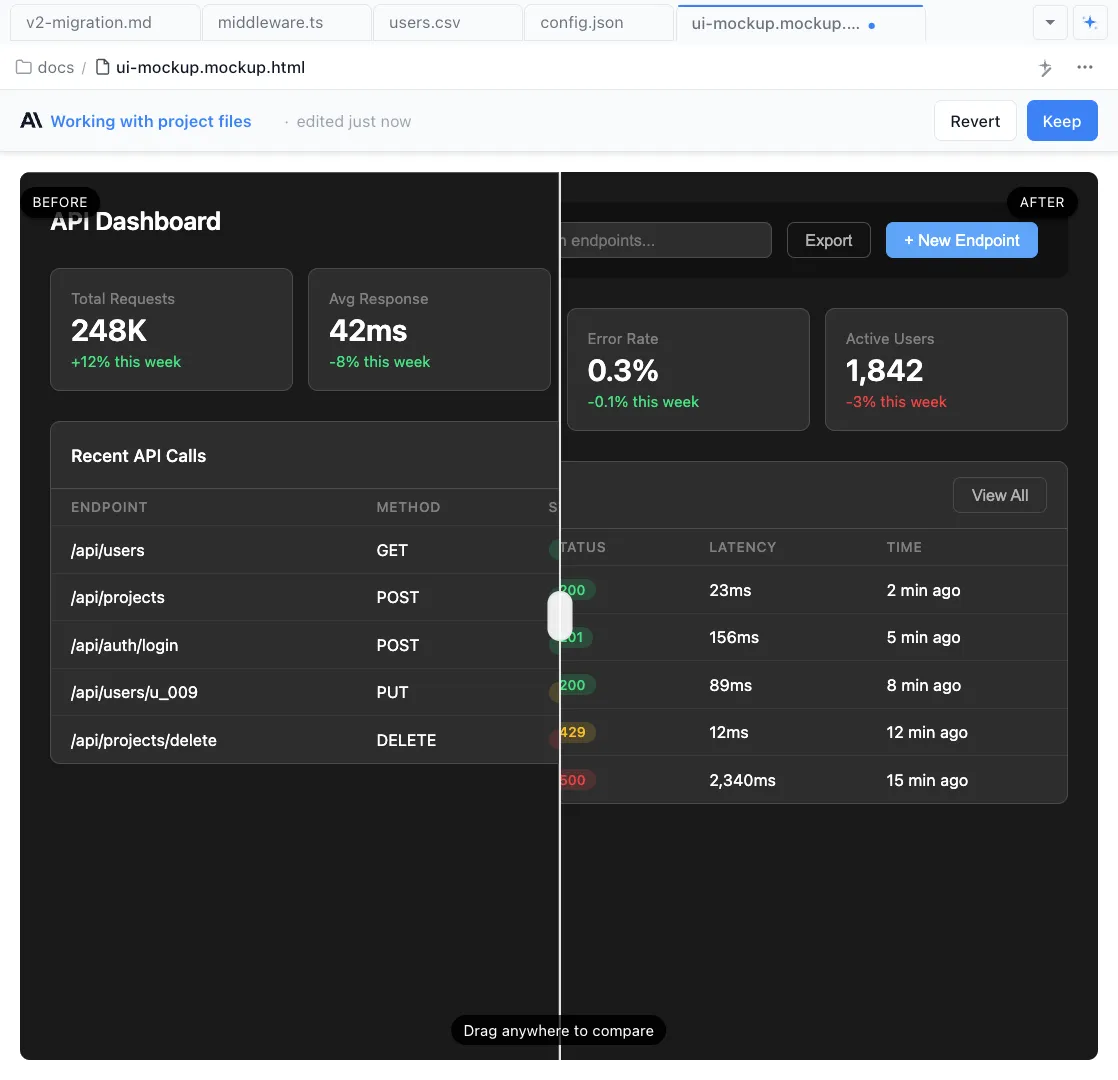
Describe a screen and Claude Code and Codex generates a visual mockup instantly. Iterate on layout and copy, then share with your team or hand off to engineering.
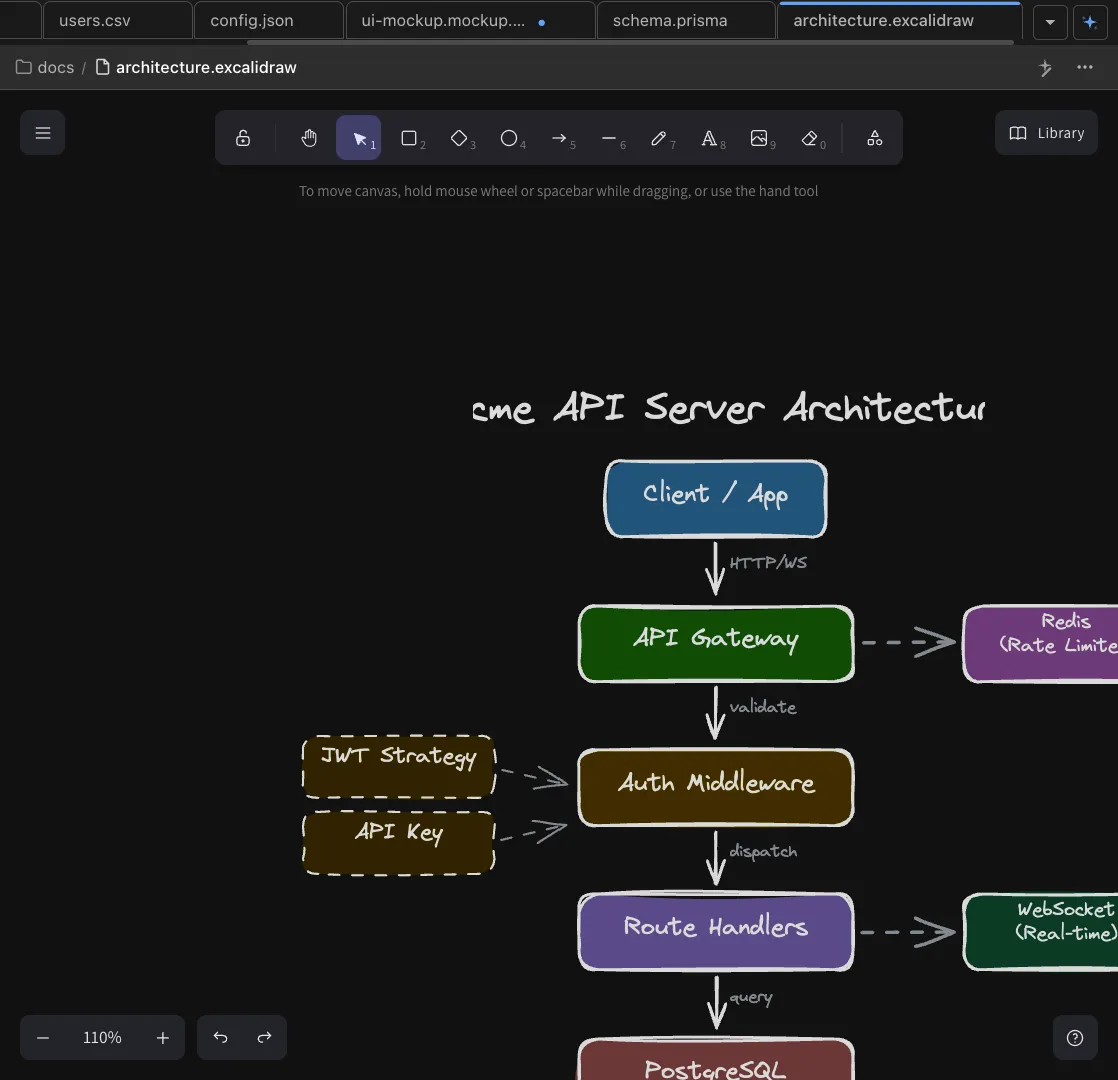
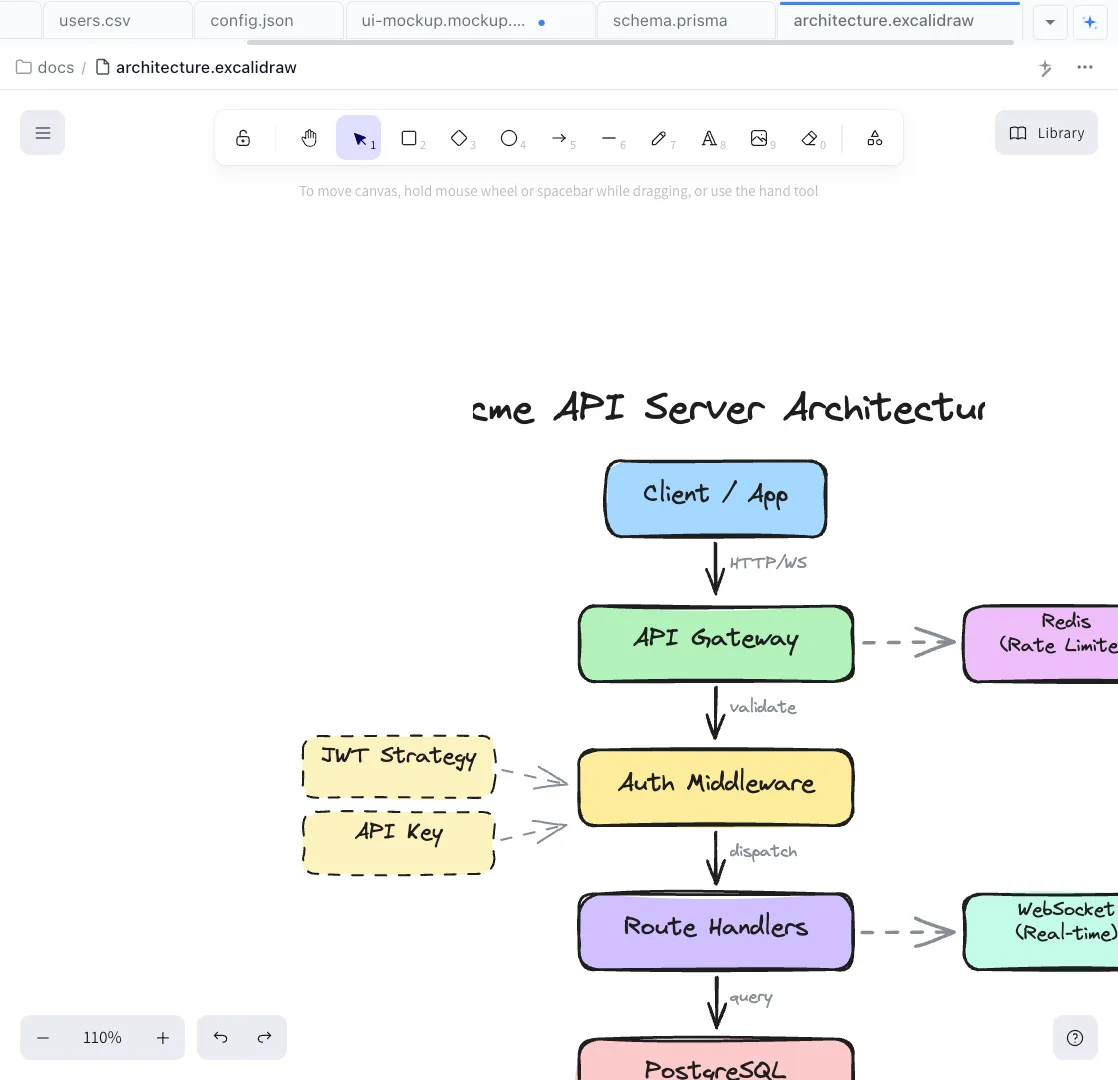
Excalidraw User Flows
Describe a user journey and Claude Code and Codex renders it as an Excalidraw diagram. Visualize feature flows before handing off to engineering.
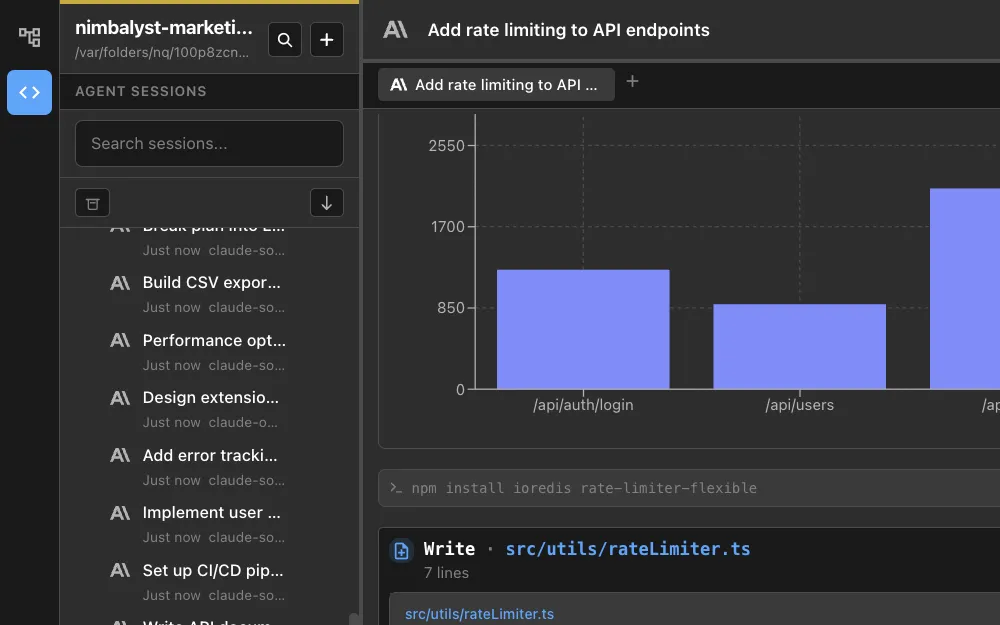
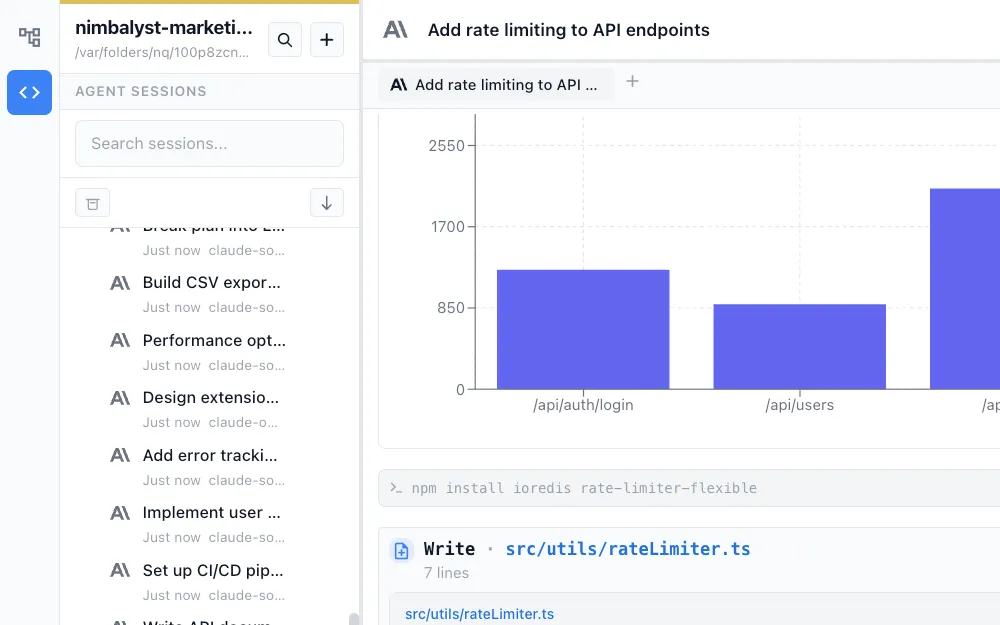
Session Manager
Monitor all active Claude Code and Codex sessions at a glance. See what's in progress, review file changes, and redirect agents without breaking their flow.


Session Kanban
Organize all your Claude Code and Codex sessions on a kanban board. Drag sessions between phases — from backlog to complete — and track the full lifecycle of your work.
From the Blog
Guides for product managers using AI
Best AI Tools for Product Managers in 2026
From spec-to-ship: the tools that help PMs plan, prototype, and ship with AI agents.
Claude Code: Superpowers for Product Managers
How PMs can use Claude Code to investigate codebases, write specs, and validate features.
How to Plan Features with AI Agents
A step-by-step workflow for writing specs that translate directly into agent-driven implementation.
One Plan Doc for Humans and Agents
Why a single living plan document beats scattered PRDs, specs, and design docs.
Deep Dives
Detailed workflow guides for product managers
Feature Planning
Write PRDs, break features into tasks, and hand them to AI agents.
Competitive Research
Run competitive analysis with SWOT, feature comparisons, and strategy memos.
UI Mockups & Wireframes
Generate wireframes from text descriptions without a design tool.
Ticket Writing
Generate structured tickets with acceptance criteria from feature plans.
Project Planning
Plan sprints, assign work to agents, and track progress.
Internal Communications
Generate stakeholder updates, release notes, and team communications.
User Flow Design
Map user journeys and UX flows with AI-generated diagrams.
Startup Planning
Plan, design, build, and ship — all with AI agents.
Prototyping
Build working HTML prototypes to validate ideas quickly.
Bug Analysis
Investigate bugs in the codebase without needing to read code.
Release Management
Automate changelogs and release notes from code changes.
AI Team Lead
Manage multiple coding agents working on your feature plan.
Tech Insight
Understand your codebase without reading code -- for PMs and leads.
Coding Progress
Monitor what AI agents are building in real time.
Feedback Analysis
Analyze customer feedback, identify patterns, and turn insights into action.