Workflows
Design Workflows
Plan features visually, create mockups and prototypes, diagram user flows, build design systems, and iterate on UI with Claude Code and Codex.
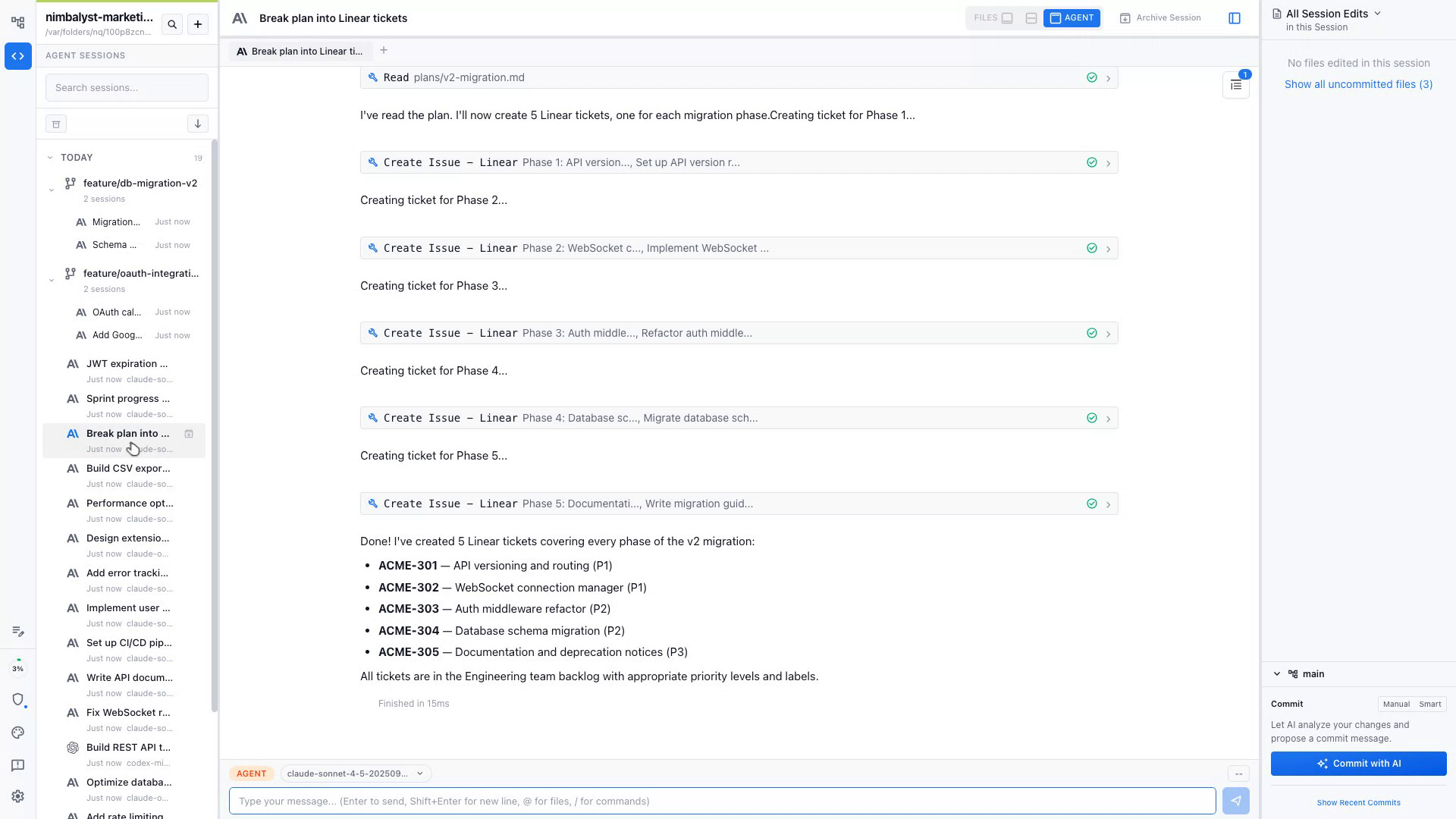
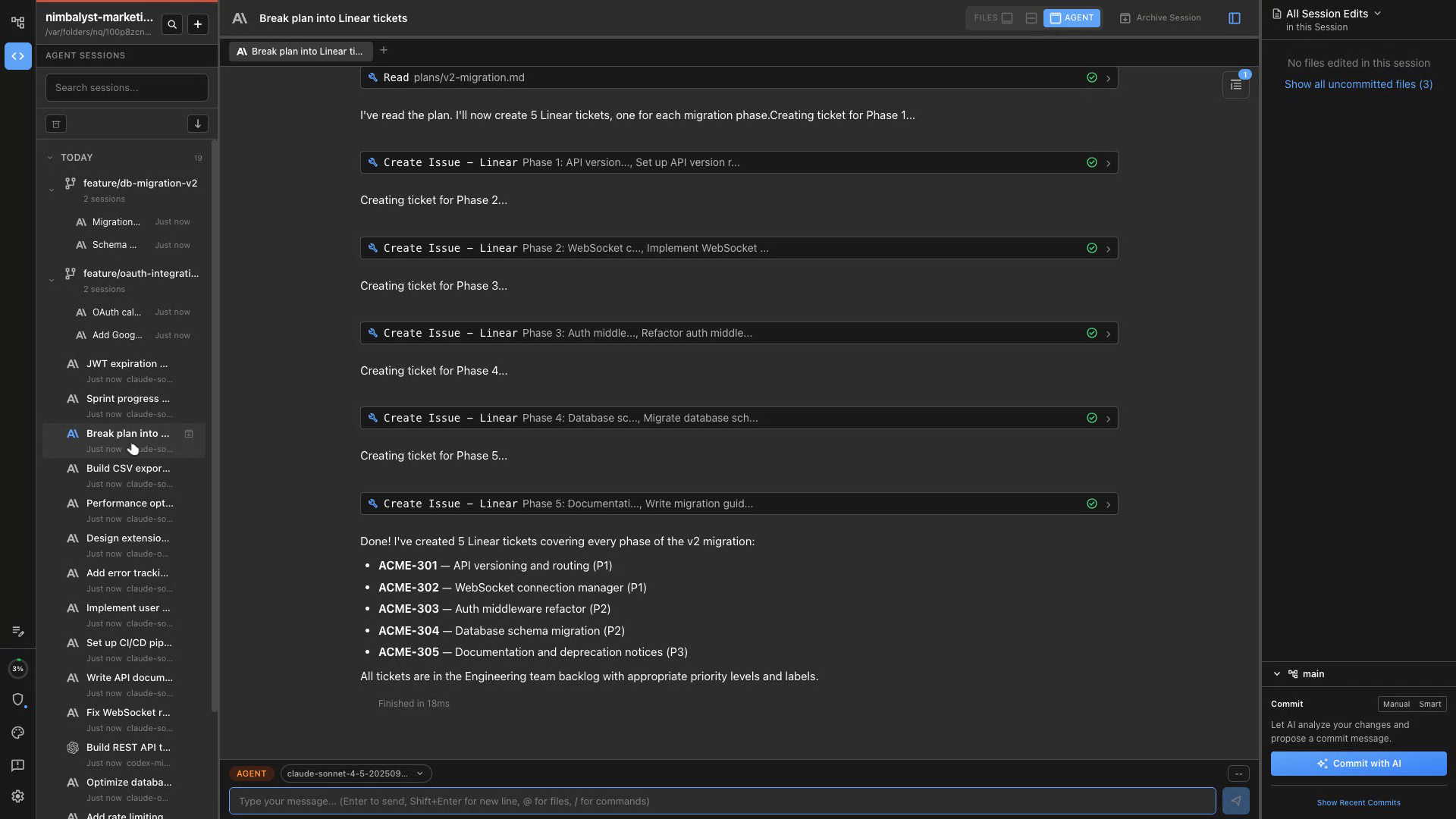
Visual Brief
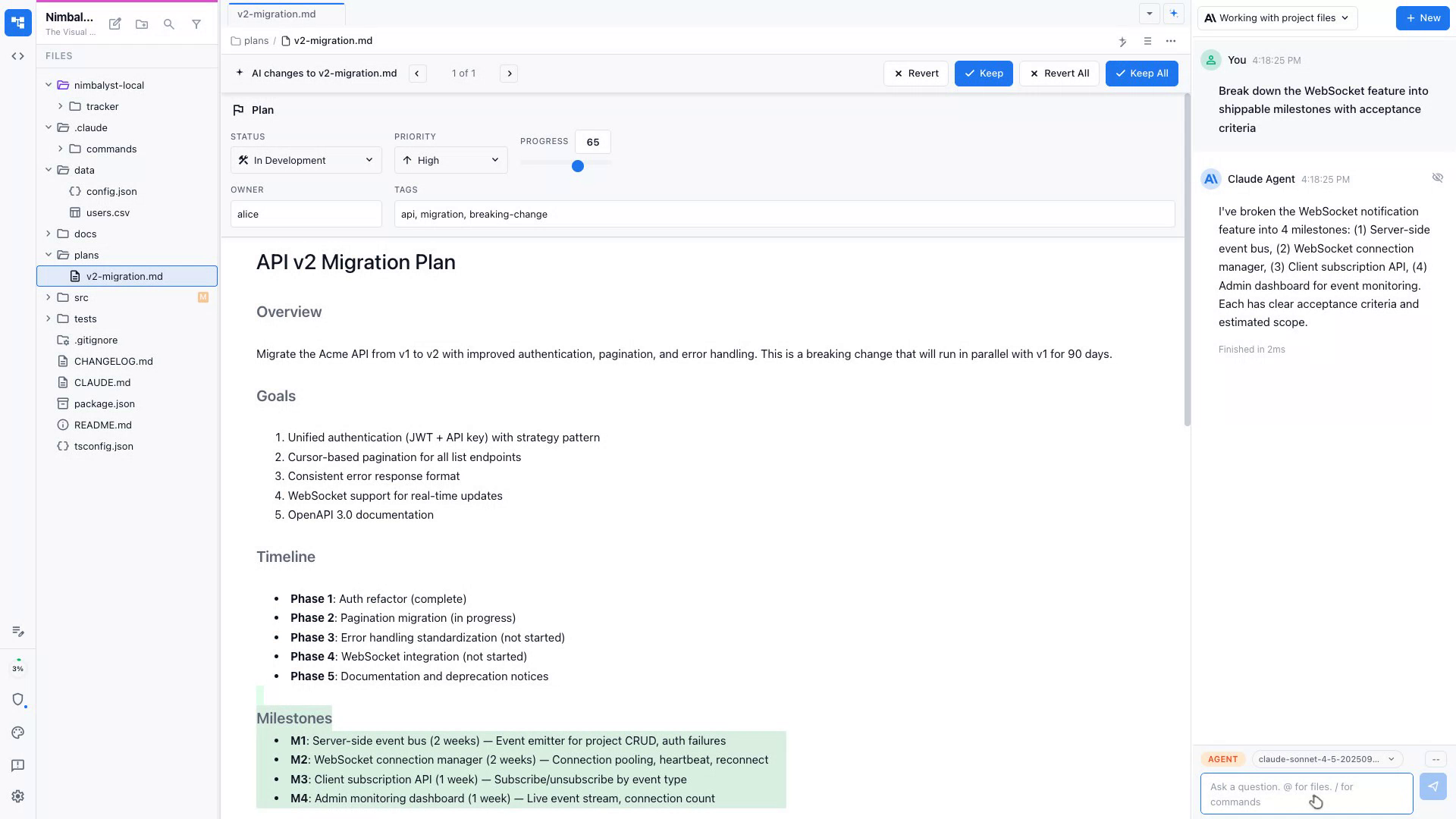
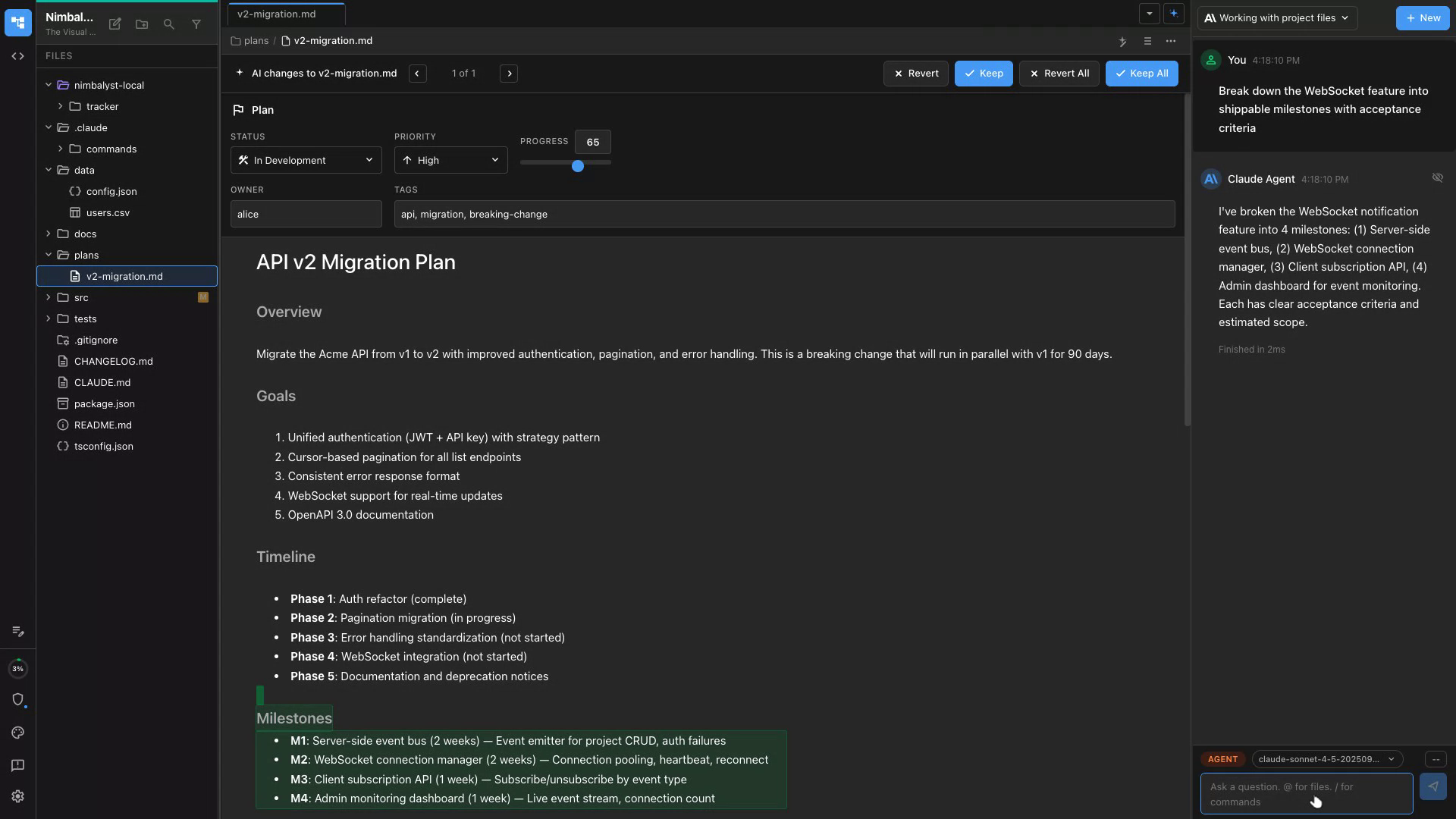
Describe a feature and Claude Code and Codex generates a structured plan with goals, scope, and visual requirements in a clean markdown doc.
Sketch the Flow
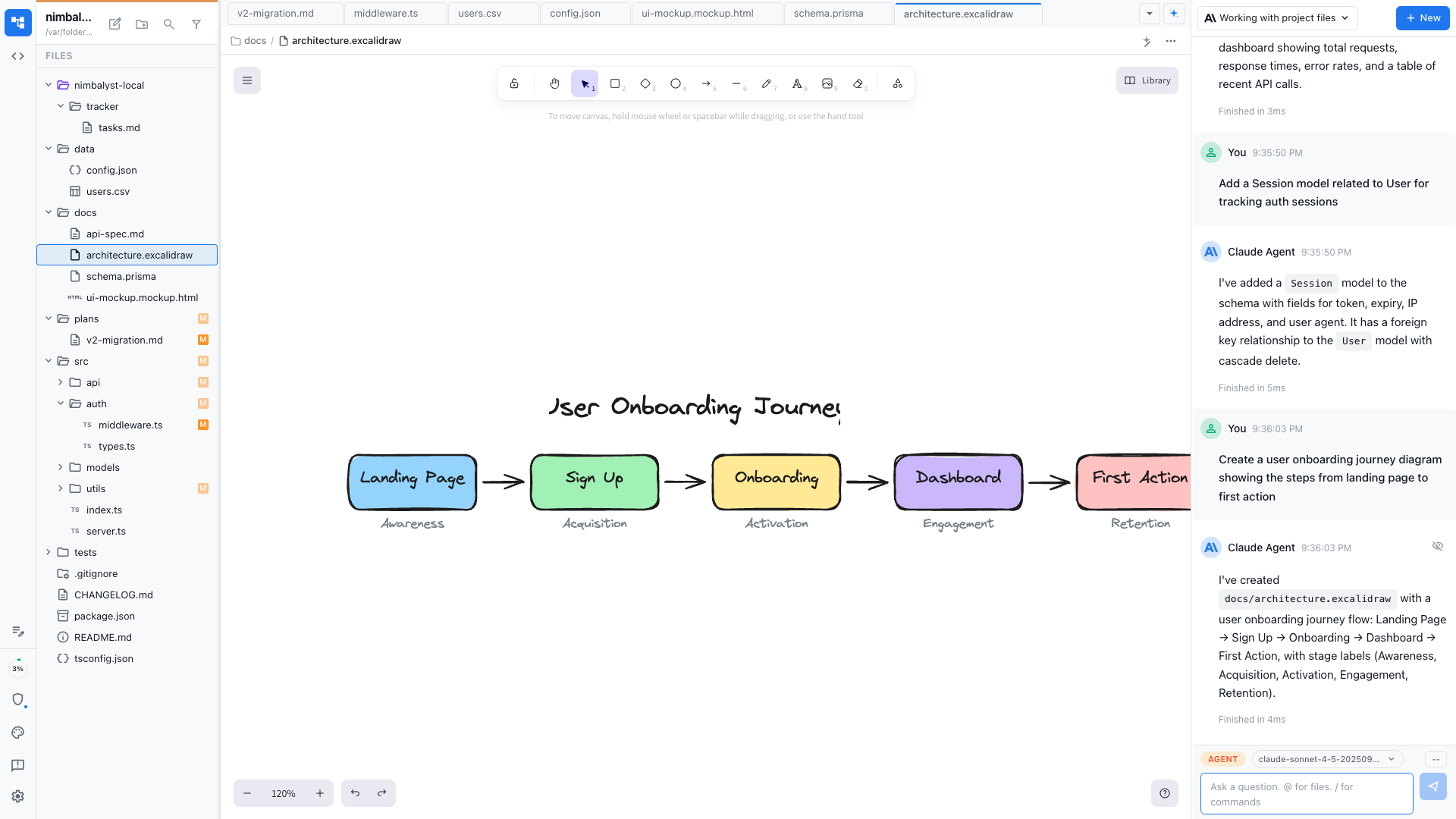
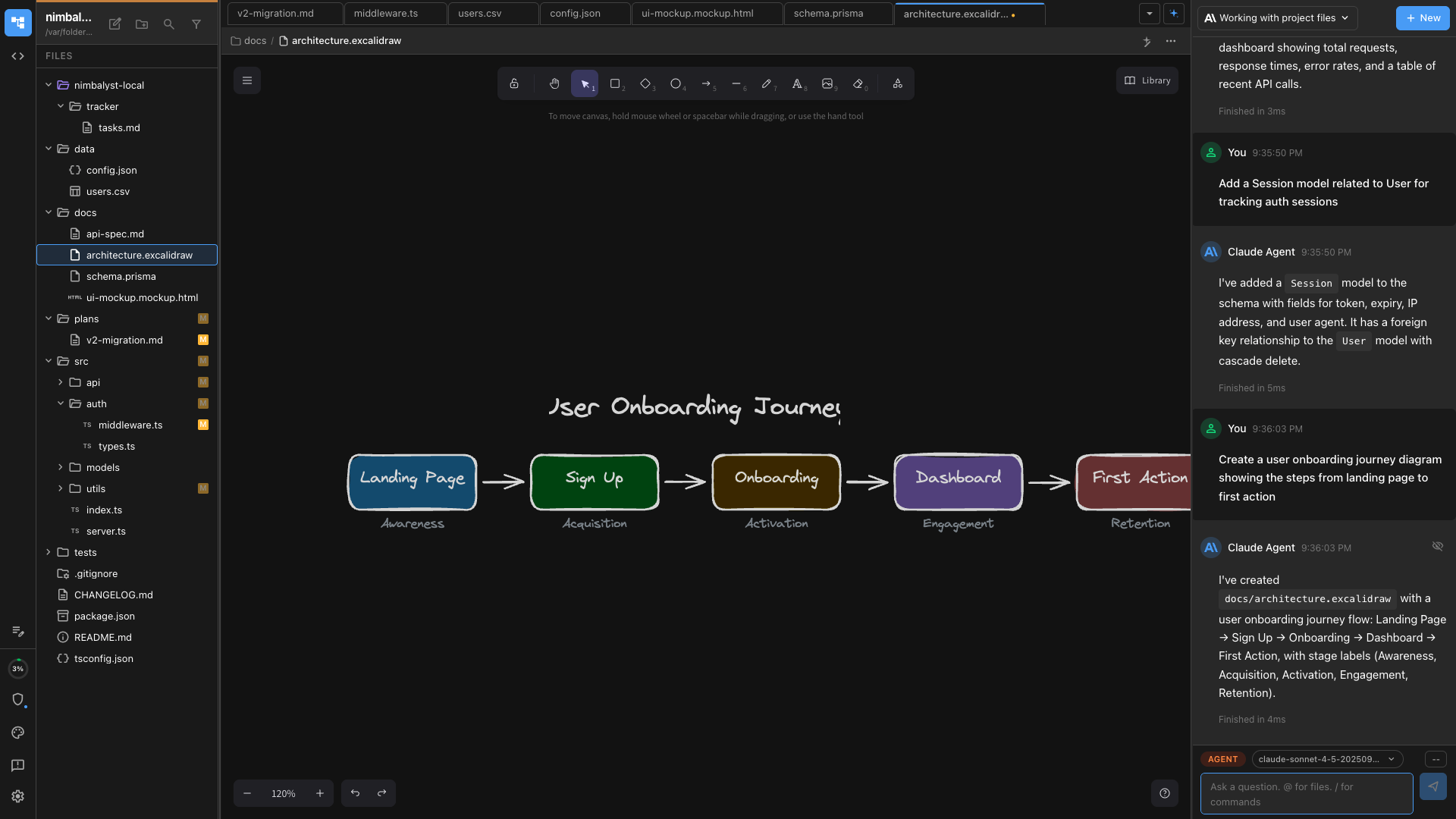
Claude Code and Codex renders an Excalidraw user flow diagram from your description so you can map the experience before designing screens.
Define Components
Claude Code and Codex identifies the UI components you'll need and drafts a component checklist aligned with your design system.
Describe the Screen
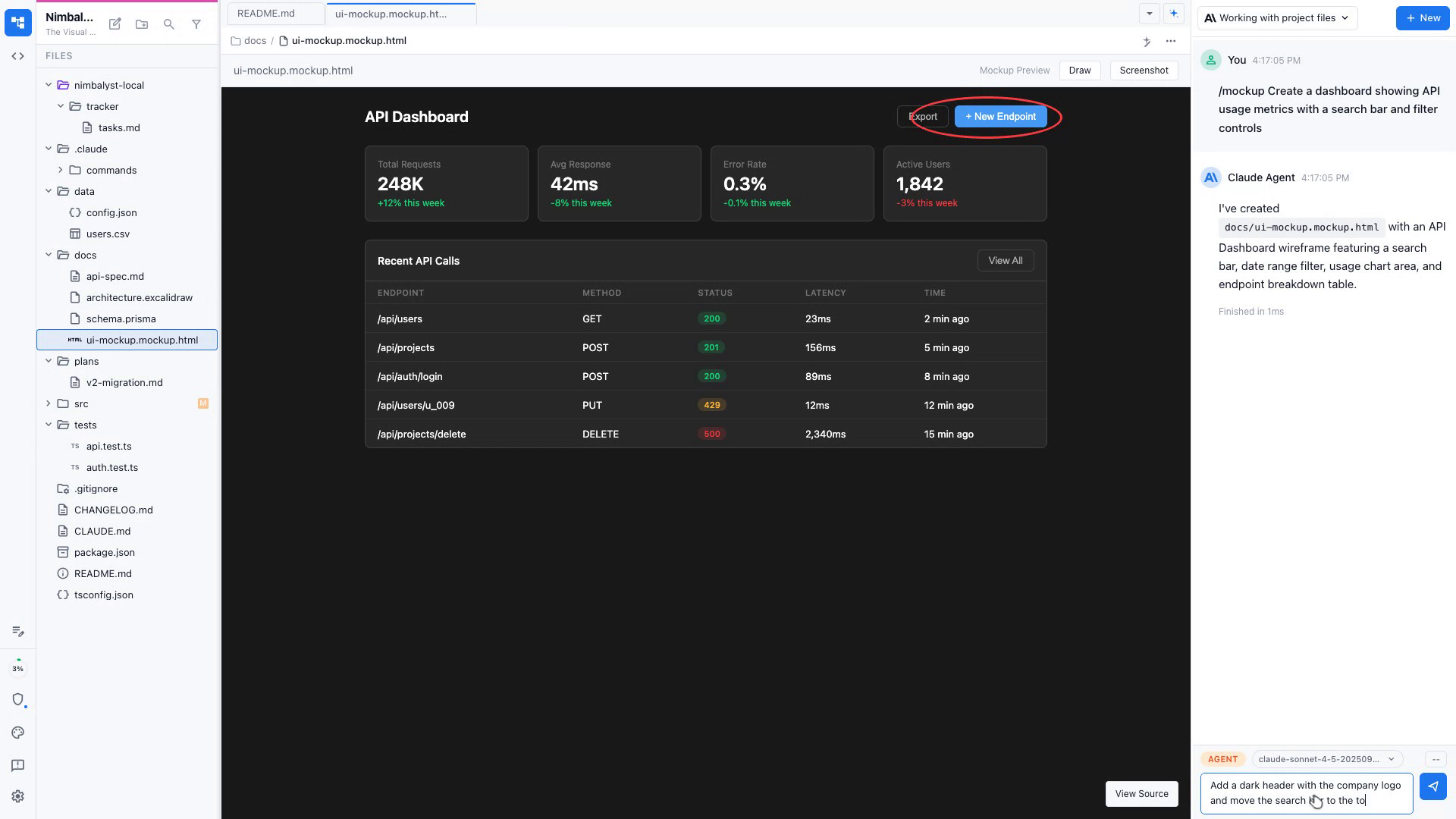
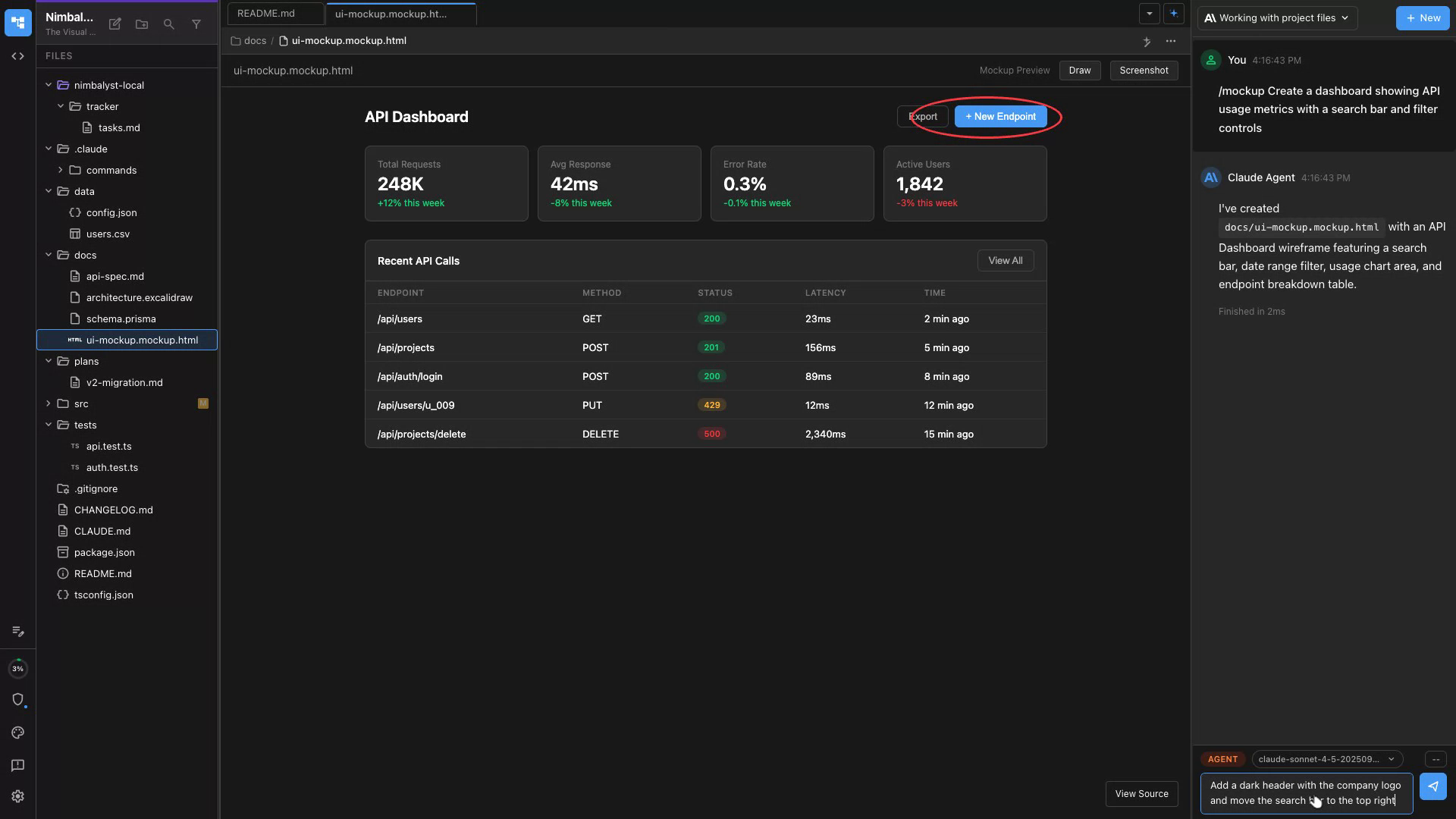
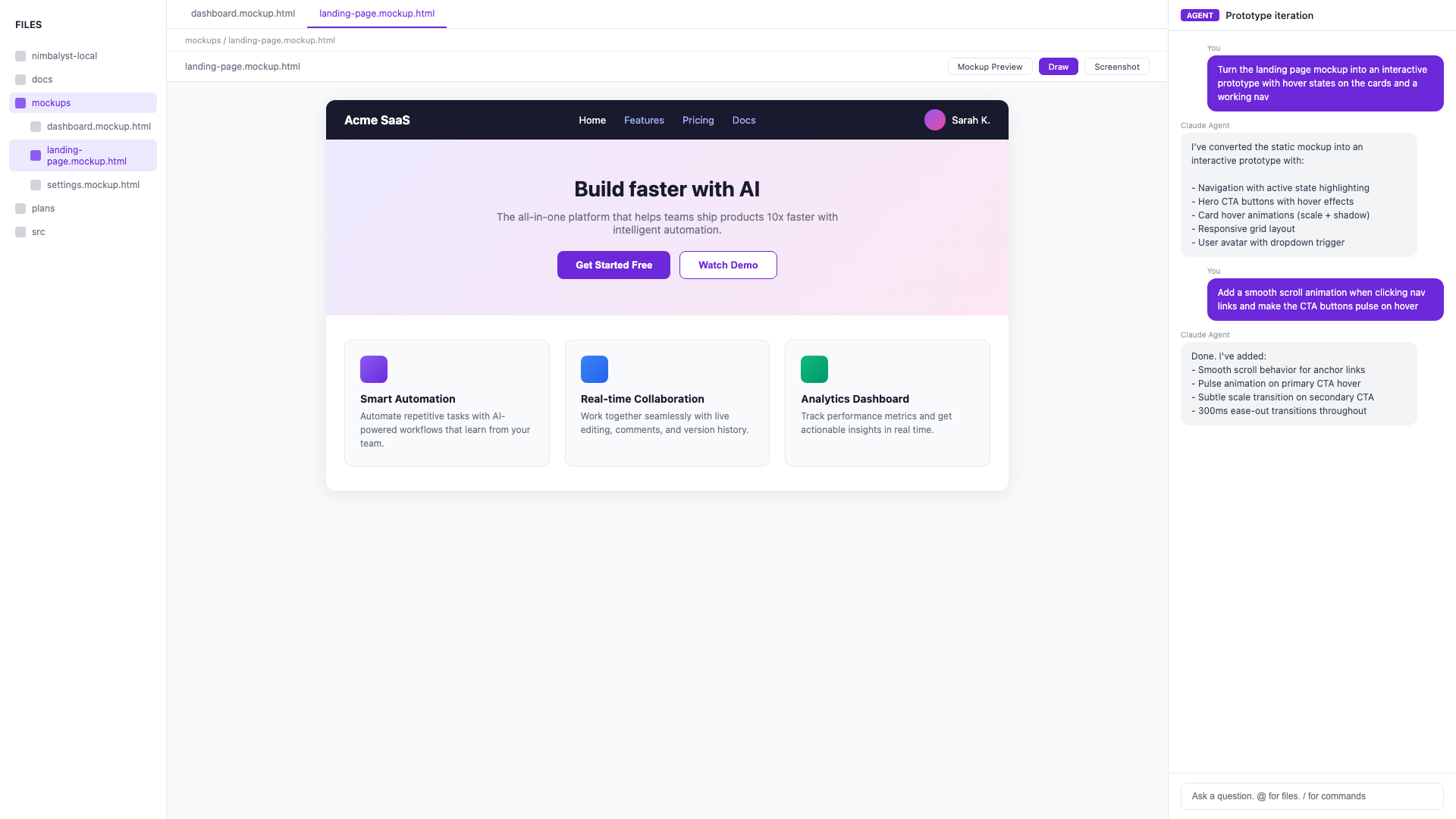
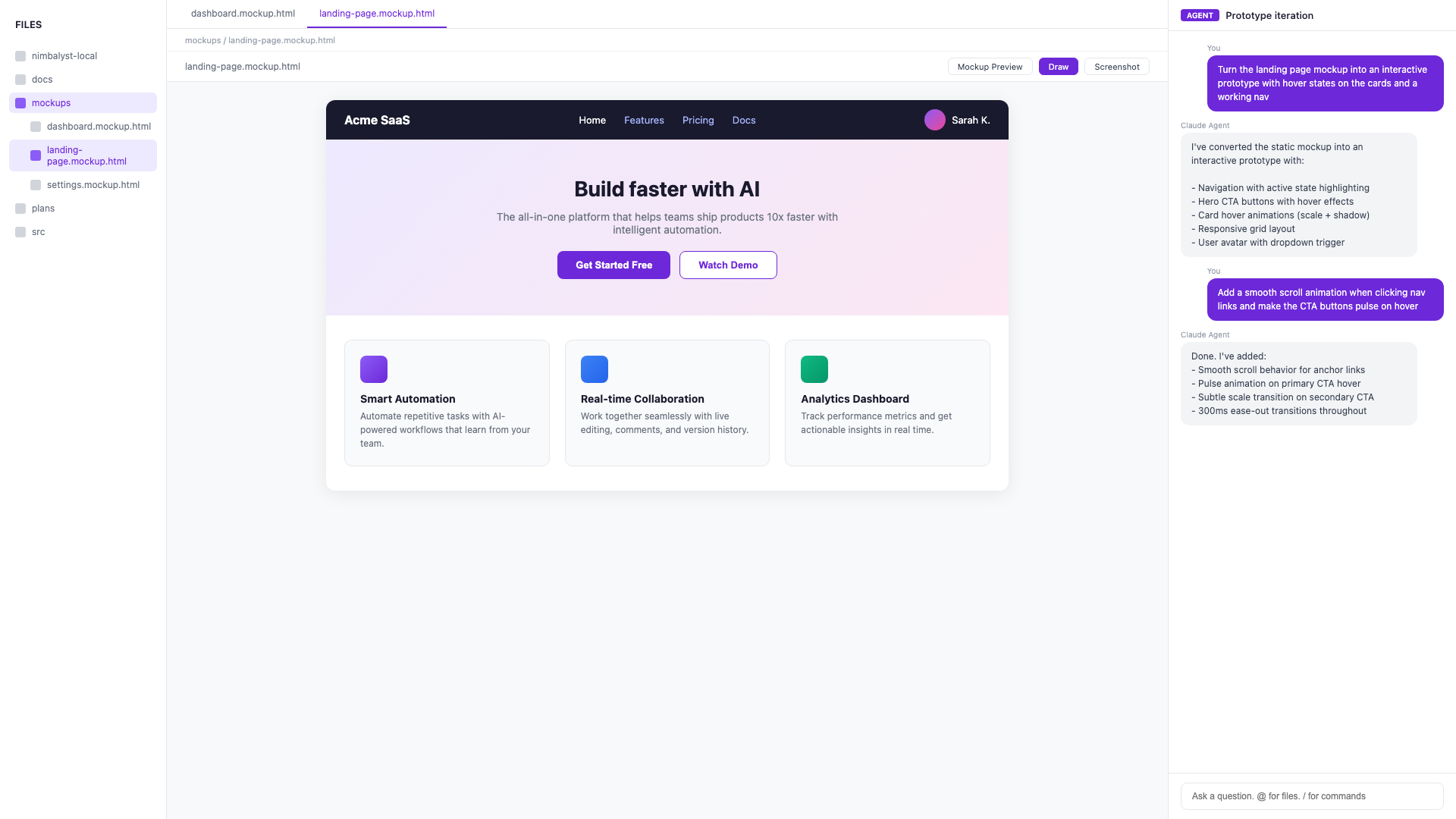
Describe the screen or flow you need and Claude Code and Codex generates a MockupLM wireframe in seconds — layout, copy, and components.
Iterate Visually
Edit the mockup directly or ask Claude Code and Codex to adjust spacing, colors, typography, or component states until it matches your vision.
Compare Variants
Generate multiple layout variants and use Nimbalyst's diff slider to compare them side by side before committing to a direction.
Generate Interactive HTML
Claude Code and Codex turns your mockup into a working HTML/CSS prototype with hover states, transitions, and responsive breakpoints.
Add Interactions
Describe click flows and Claude Code and Codex adds navigation, modals, dropdowns, and form validation to the prototype.
Test & Refine
Preview the prototype directly in Nimbalyst, spot issues, and ask Claude Code and Codex to fix them in real time.
Map the Journey
Describe a user journey and Claude Code and Codex generates an Excalidraw flow diagram with steps, decision points, and branches.
Identify Edge Cases
Claude Code and Codex analyzes your flow and suggests error states, empty states, and edge cases you might have missed.
Document for Handoff
Claude Code and Codex exports the flow diagram with annotations and acceptance criteria ready for engineering handoff.
Audit Existing Patterns
Claude Code and Codex reads your codebase and identifies existing components, color tokens, and typography scales in use.
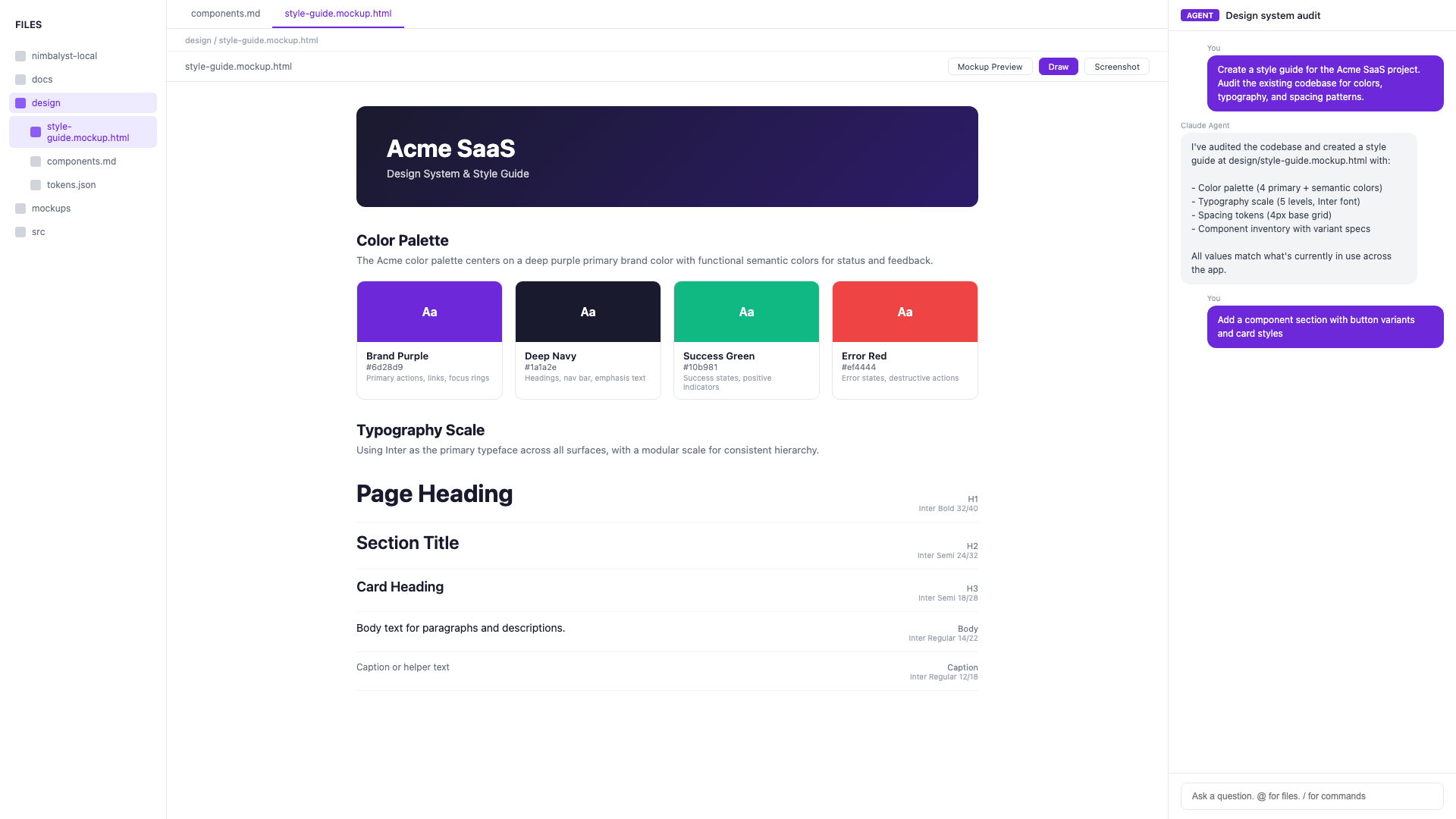
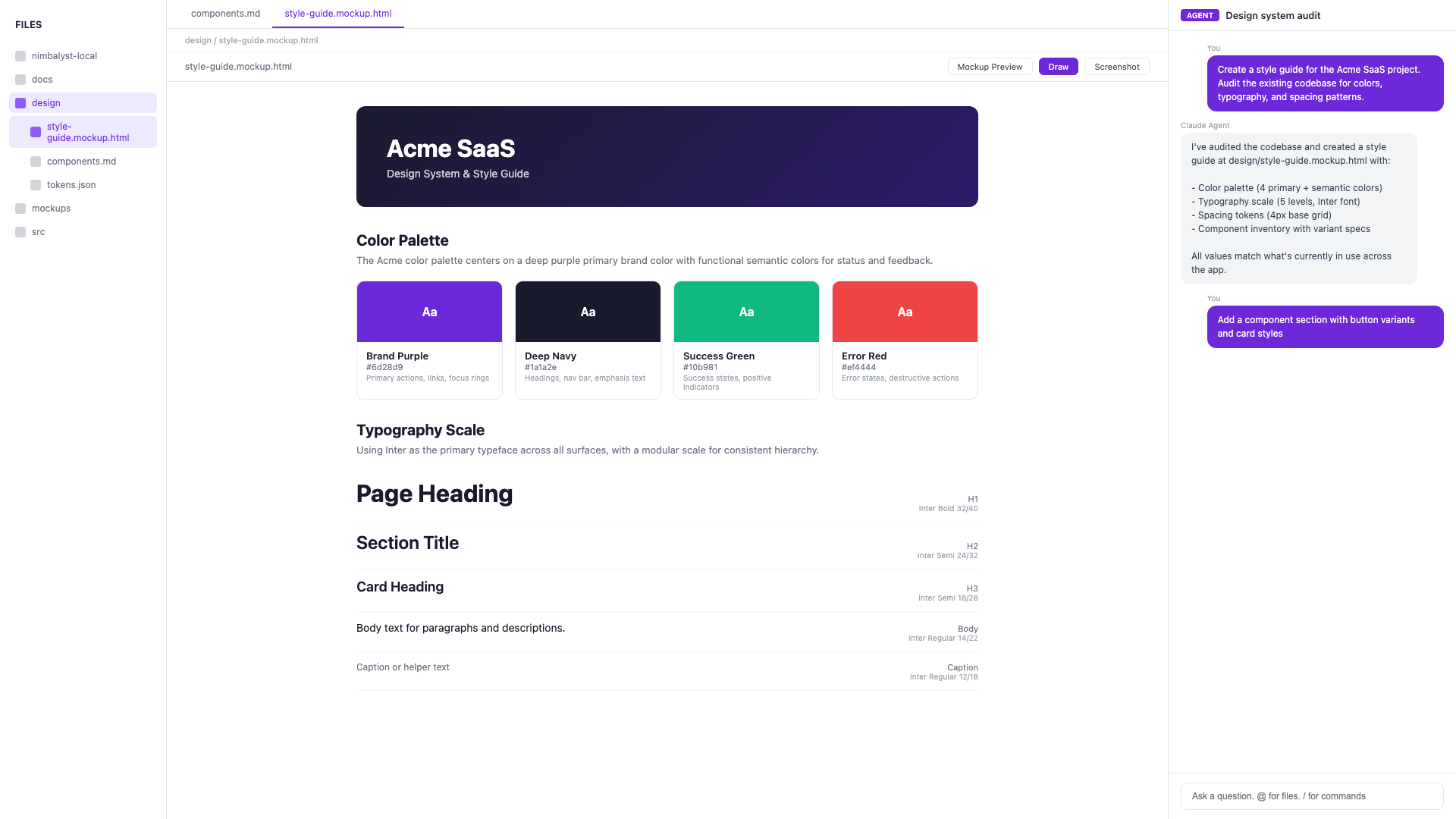
Generate a Style Guide
Claude Code and Codex produces a living style guide document with color palettes, spacing scales, and component specifications.
Create Component Specs
Describe a new component and Claude Code and Codex drafts a spec with variants, states, responsive behavior, and accessibility notes.
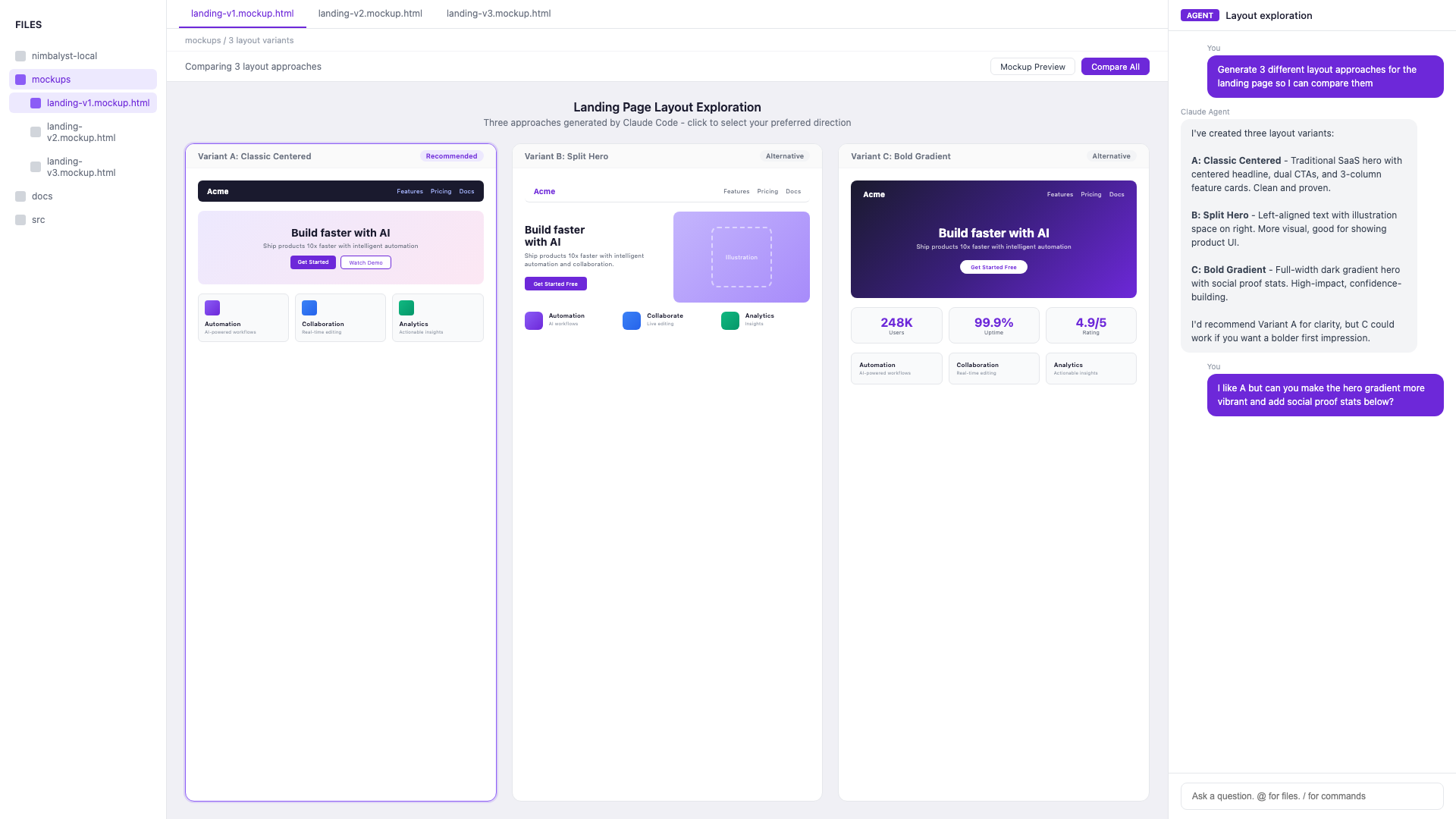
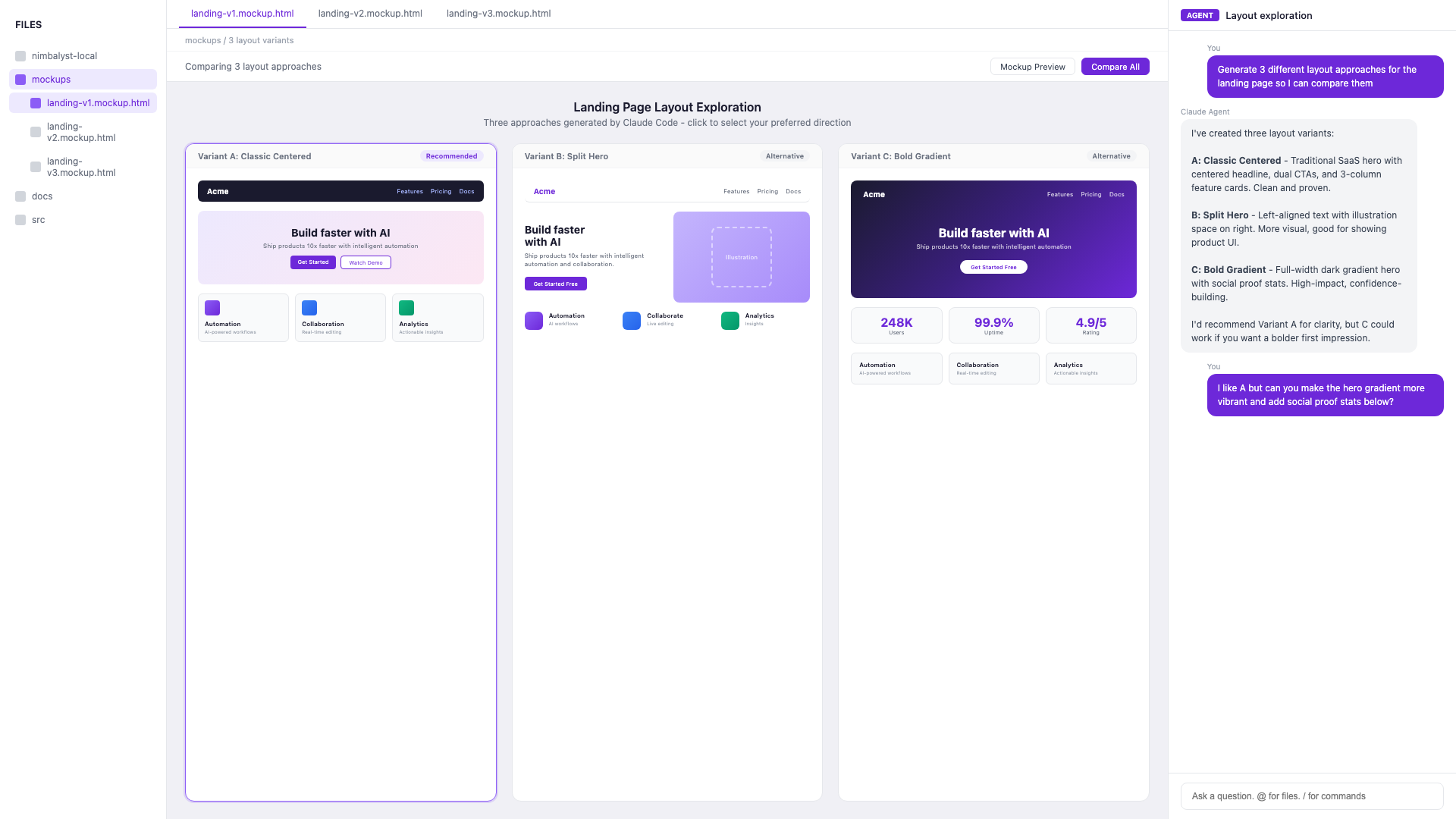
Rapid Exploration
Ask Claude Code and Codex to generate three different layout approaches for any screen and compare them instantly.
Refine with Feedback
Paste design review notes and Claude Code and Codex applies the changes to your mockup or prototype immediately.
Track Changes
Nimbalyst's diff view shows exactly what changed between design iterations so you never lose track of decisions.
Generate Specs
Claude Code and Codex produces detailed specs from your mockups — spacing, colors, typography, and interaction behavior.
Create Tickets
Claude Code and Codex converts your design specs into Linear tickets with screenshots, acceptance criteria, and component references.
Review Implementation
Compare the developer's implementation against your mockup using Nimbalyst's side-by-side view and flag discrepancies.
Key Features for Designers
Built for how designers work

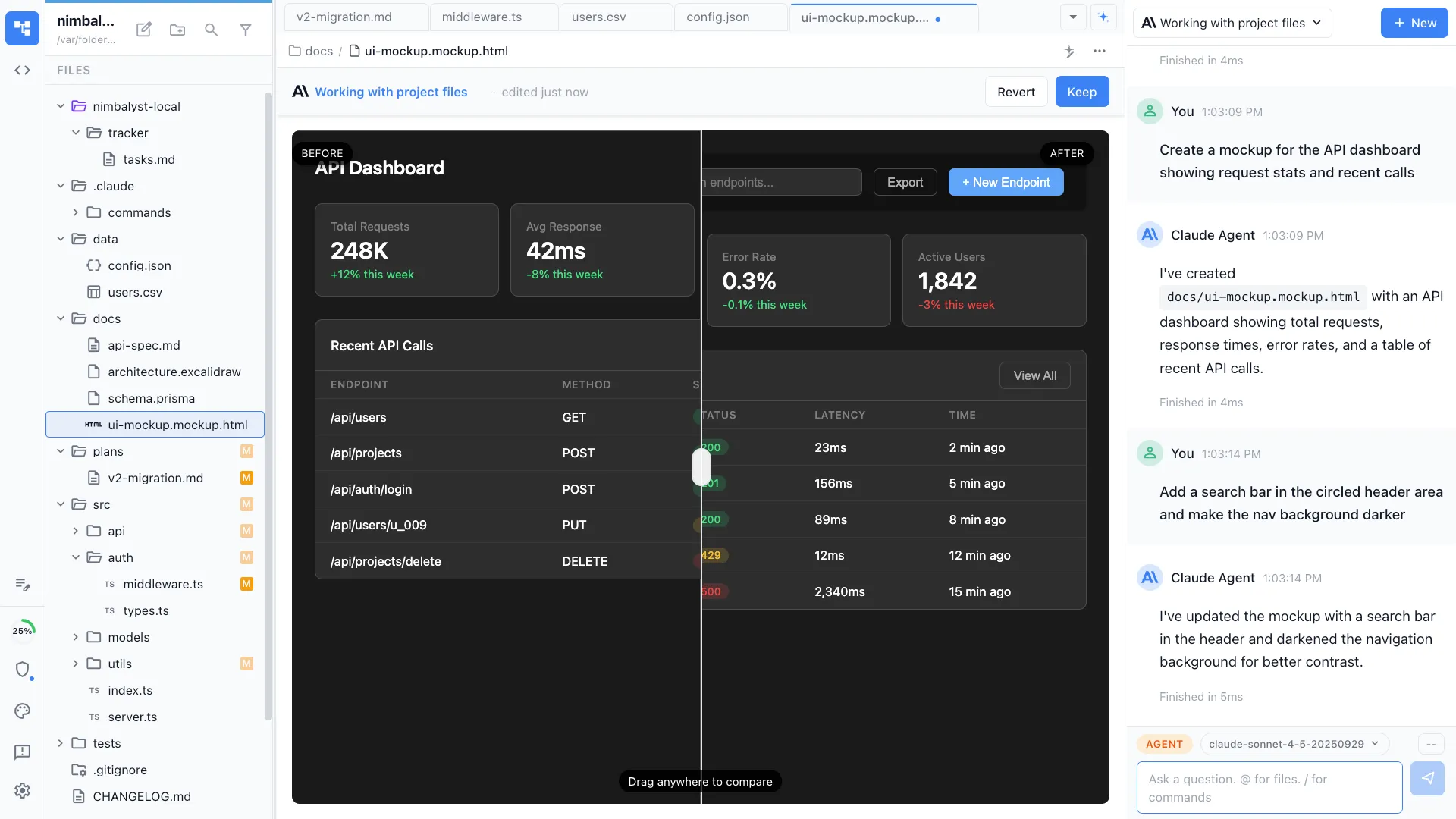
MockupLM Wireframes
Describe a screen and Claude Code and Codex generates a visual wireframe instantly. Iterate on layout, copy, and components until it matches your vision.


Excalidraw Diagrams
Diagram user flows, information architecture, and screen relationships with Claude Code and Codex. Visualize the experience before building it.
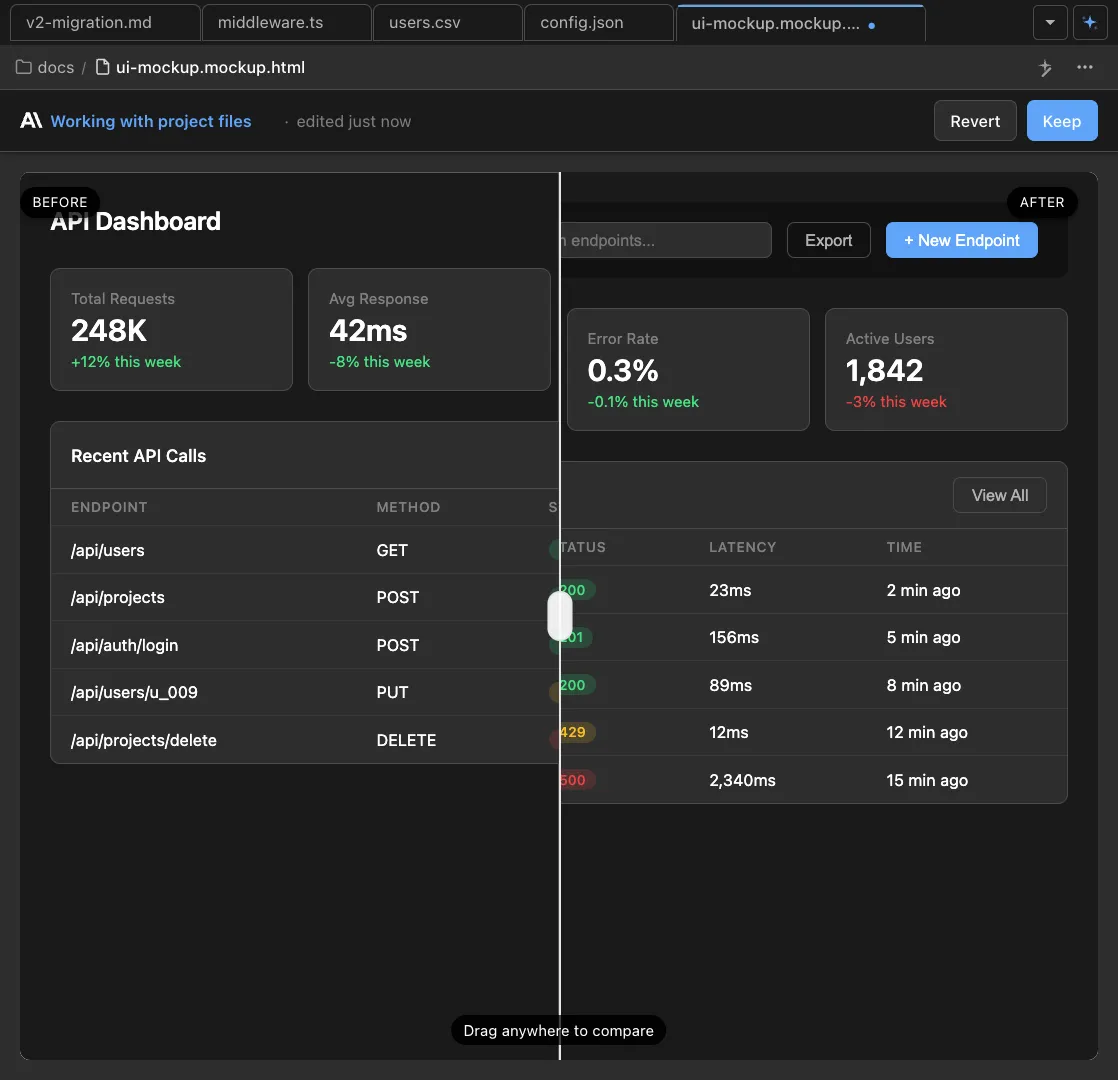
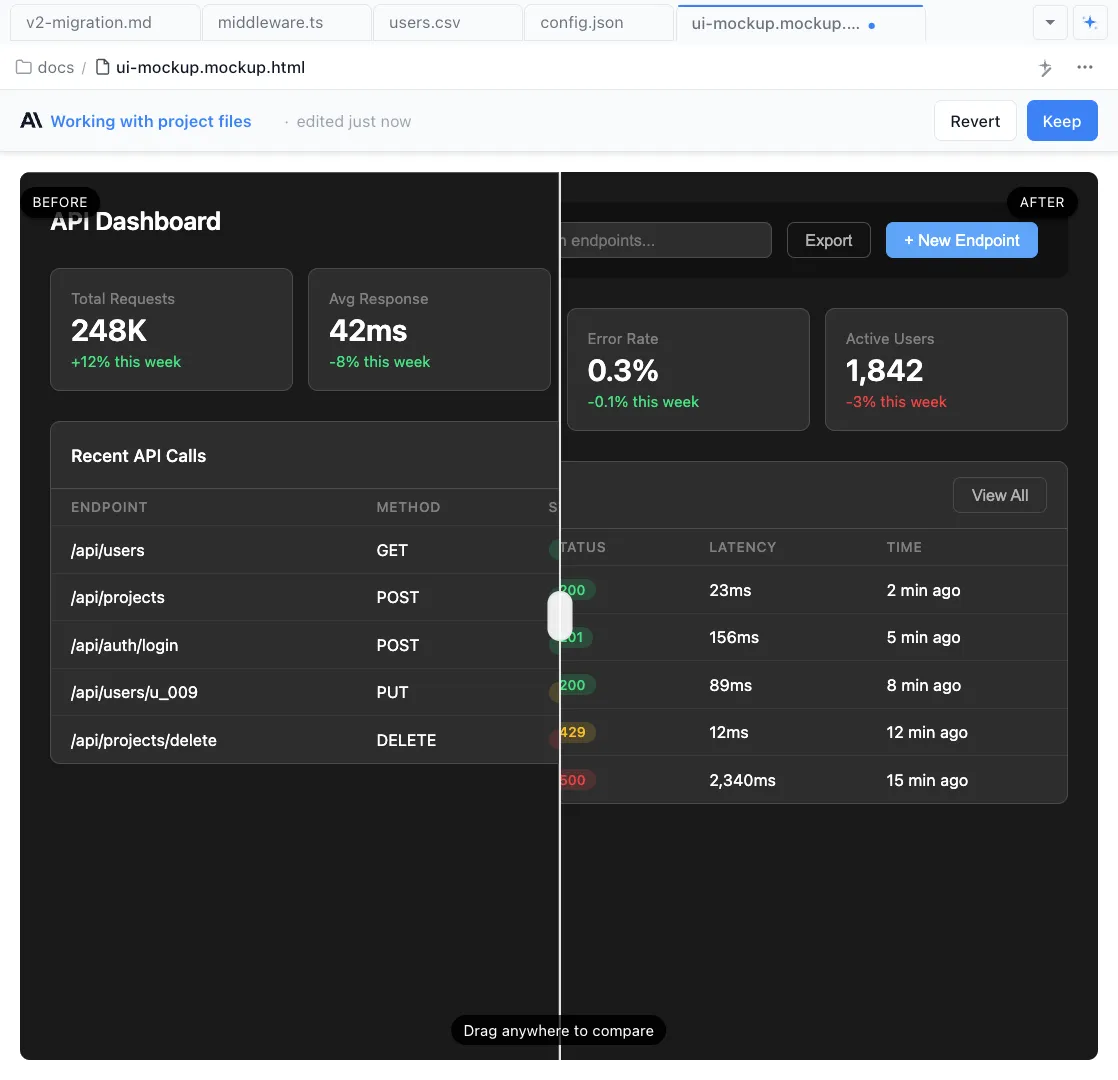
Live Prototypes
Turn mockups into working HTML/CSS prototypes with hover states, transitions, and responsive layouts. Test interactions without writing code.

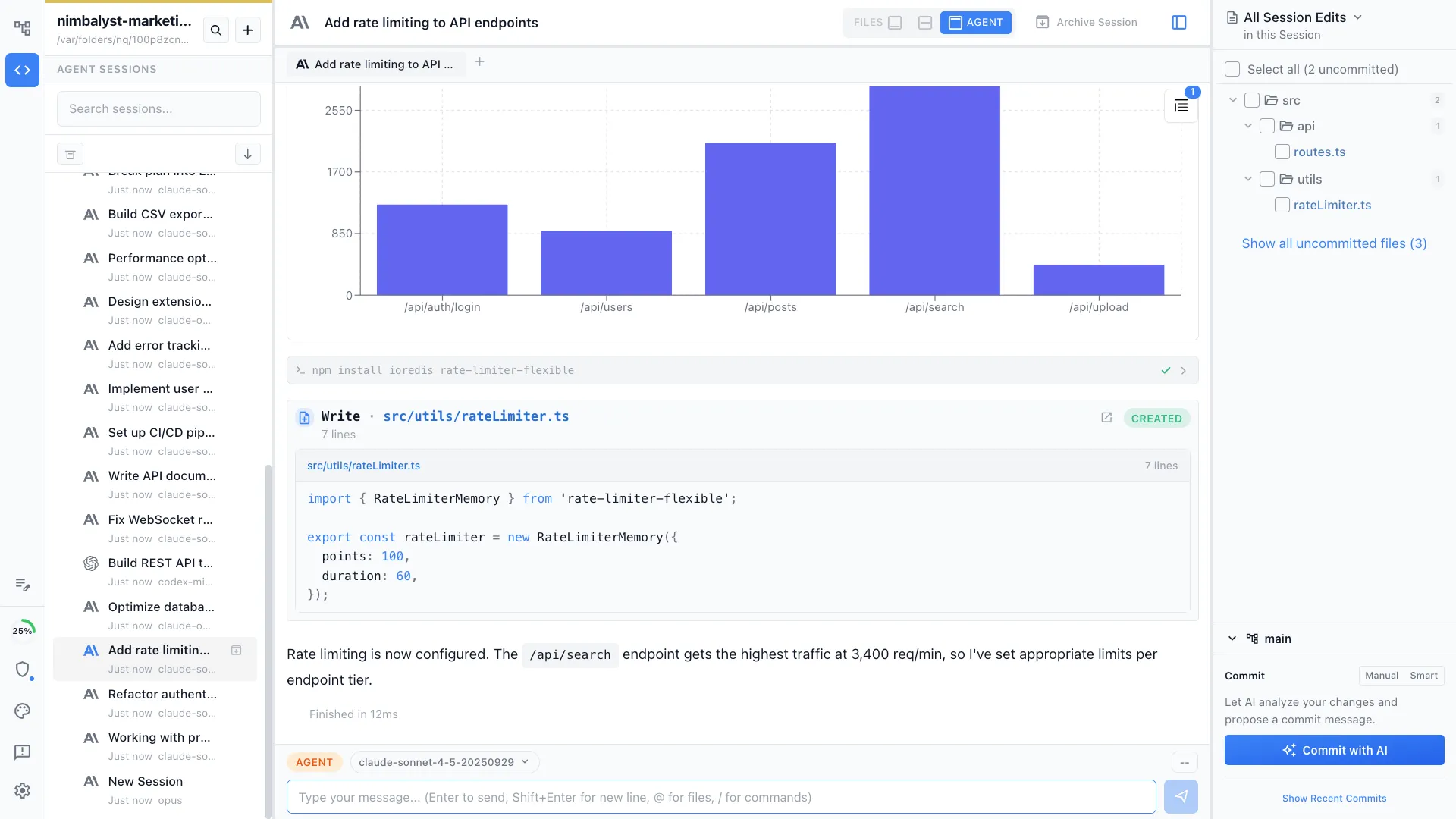
Session Manager
Run mockup creation, flow diagrams, and prototype builds in parallel sessions. Monitor progress and jump between design tasks.
Deep Dives
Detailed workflow guides for designers
UI Mockups & Wireframes
Generate wireframes and mockups from text descriptions in seconds.
User Flow Design
Map user journeys and UX flows with AI-generated diagrams.
Prototyping
Build working HTML prototypes to validate ideas quickly.
Design Systems
Build and maintain component libraries and style guides with AI.
Architecture Diagrams
Generate system architecture and information architecture diagrams.
Feature Planning
Write feature specs alongside visual mockups and flows.
Database Design
Design data models visually with AI-generated ERDs.
Competitive Research
Research competitor UX patterns and design approaches.
Internal Communications
Share design decisions and progress with stakeholders.
Visual Iteration
Generate design variants, apply feedback, and track iterations with AI.
Design Handoff
Generate specs, create tickets, and review implementation against mockups.