Comparison
Nimbalyst vs Aider
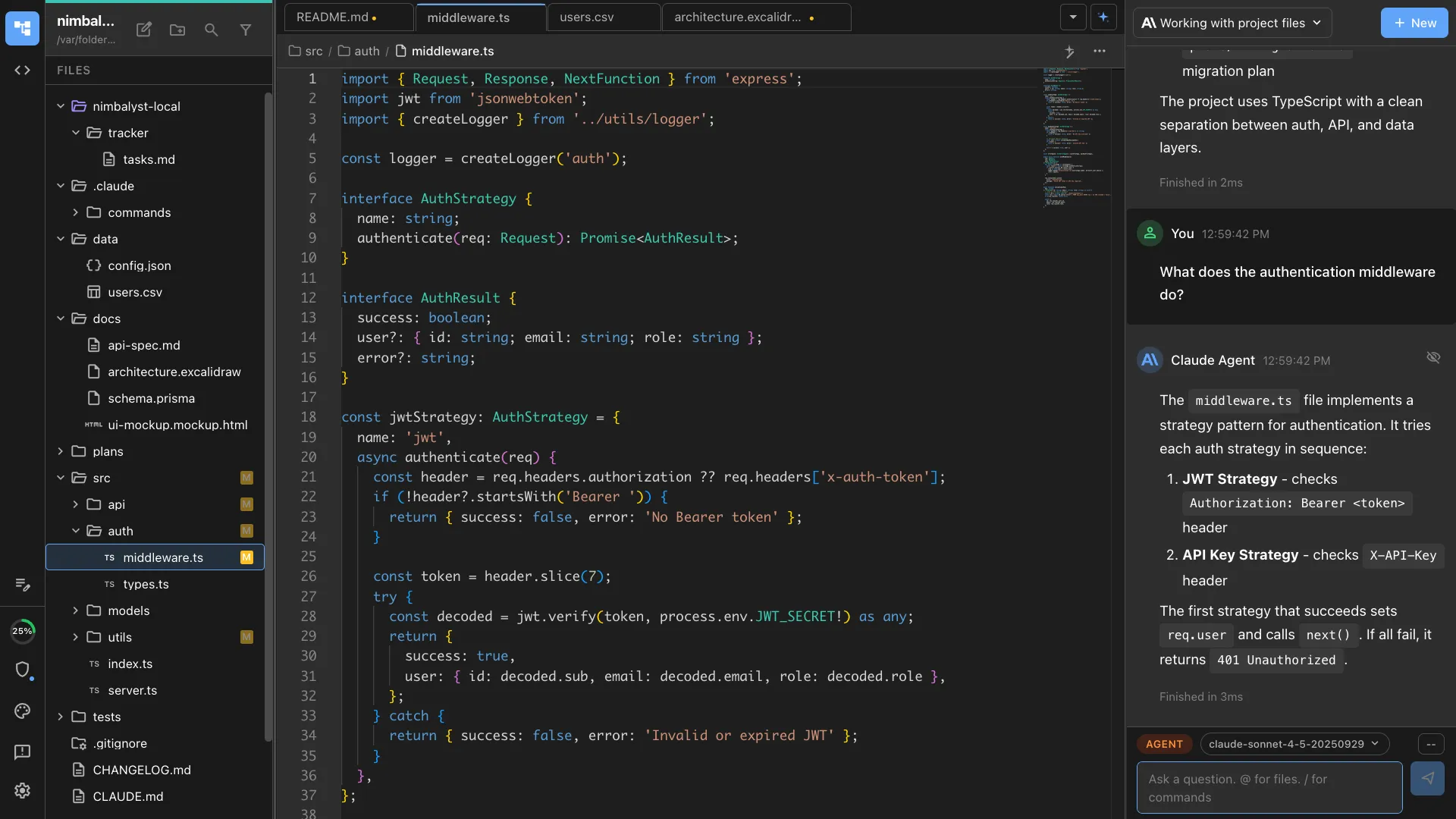
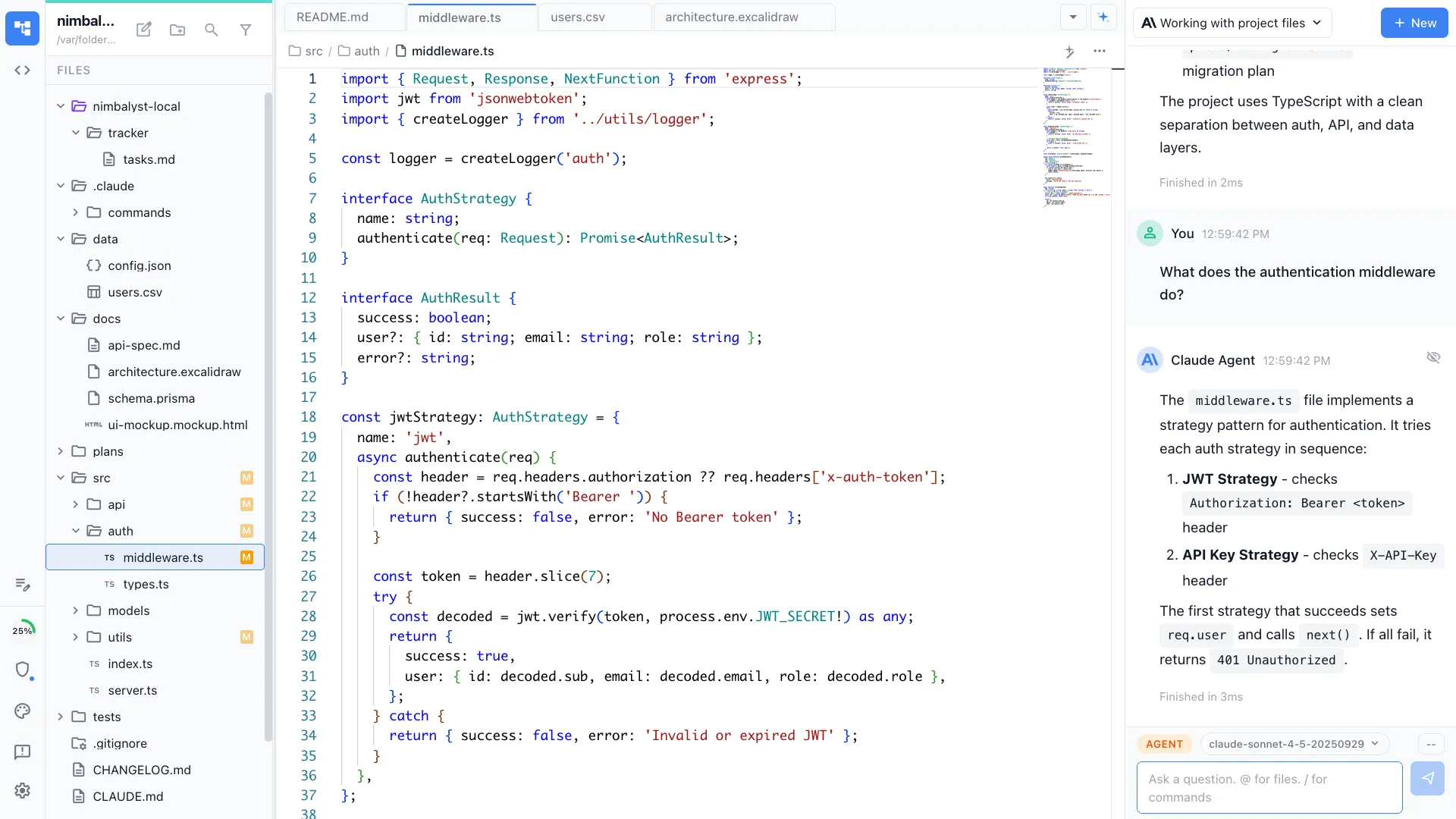
Aider is a powerful terminal tool for AI pair programming. Nimbalyst is the visual workspace for building with Codex and Claude Code. Bring your agents out of the terminal with session management, task tracking, and visual editors for markdown, mockups, diagrams, and code.


Overview
Two tools, different approaches
Nimbalyst
Nimbalyst is an AI-native workspace built on top of Claude Code and Codex. It adds a session kanban board for managing parallel agents, visual editors for markdown, mockups, diagrams, and data models, built-in planning and task tracking, and a mobile companion app. You get the same powerful agents inside a visual workspace designed for managing multiple sessions across projects.
Aider
Aider is an open-source AI pair programming tool that runs in the terminal. It supports multiple AI models and provides excellent git integration, automatically committing changes with descriptive messages. It is one of the most respected terminal AI coding tools.
Feature Comparison
Side-by-side breakdown
Nimbalyst Advantages
Where Nimbalyst shines


Visual session management
Track all your AI coding sessions on a kanban board with status, phases, and progress. In Aider, you manage sessions across terminal windows manually.


Visual editors for non-code artifacts
Create diagrams, mockups, and data models in visual editors that your agent can use. Aider is text-only.


Visual diff review
Review AI-generated code changes with syntax-highlighted diffs, approve or reject inline. Aider shows diffs in the terminal.
Honest Assessment
Where Aider is stronger
Open source
Aider is fully open source. It has a strong community and active development.
Model flexibility
Aider supports virtually any AI model via API: GPT-4, Claude, Gemini, open-source models, and more.
Excellent git integration
Aider automatically commits changes with descriptive messages, manages context across files, and handles complex multi-file edits cleanly.
Recommendation
Who should use which
Choose Nimbalyst if…
You want a visual workspace for managing AI sessions, creating visual artifacts, and planning and implementing work. You prefer a graphical interface over the terminal.
Choose Aider if…
You want an open-source, model-agnostic terminal tool with excellent git integration, or you prefer working in the terminal.
More Comparisons