Best Tools for Running Parallel AI Coding Agents in 2026
Compare the best tools for running multiple Claude Code and Codex sessions in parallel — including ccmanager, dmux, Superset, agentree, and Nimbalyst. Learn how to manage parallel AI coding agents without losing your mind.
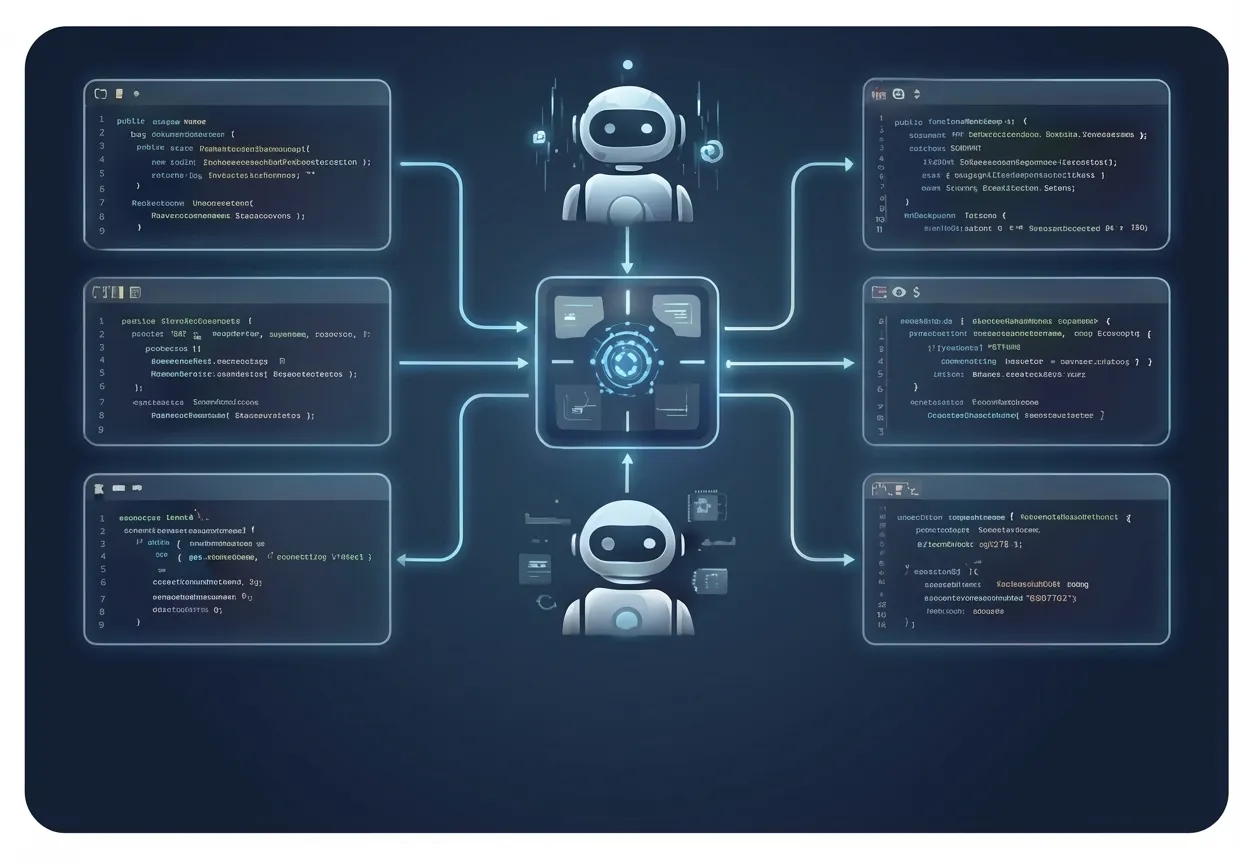
The single biggest productivity unlock with AI coding agents isn’t better prompts — it’s running more agents at once. While one session refactors your auth layer, another writes tests, and a third builds a new API endpoint. Three streams of work, happening simultaneously, while you review and steer.
But the tools weren’t built for this. Claude Code runs in a terminal. Codex runs in a terminal. Running five terminals side by side and trying to track which agent is doing what, which is waiting for input, and which just finished — that’s a workflow problem, not a coding problem.
A growing category of tools has emerged to solve exactly this. Here’s how they compare.
Why Parallel Agents Matter
Sequential development with AI agents looks like this:
- Prompt agent to build feature A
- Wait 5–15 minutes
- Review output
- Prompt agent to build feature B
- Wait 5–15 minutes
- Review output
Parallel development looks like this:
- Prompt agents A, B, and C simultaneously
- Review whichever finishes first while the others continue
- Steer agents that hit blockers
- Merge completed work
The math is simple: 3 parallel agents don’t take 3x the time. They take roughly 1x the time plus review overhead. On a typical day, this means shipping 3–5x more work.
The challenge is managing it. You need to know:
- Which sessions are running vs. waiting vs. done
- What each session is working on
- Whether sessions will conflict with each other’s file changes
- How to review and merge work from multiple branches
The Tools
1. ccmanager
Type: CLI tool | Price: Free (open source)
ccmanager is a terminal-based session manager that supports Claude Code, Codex, Gemini CLI, Cursor Agent, Copilot CLI, Cline CLI, OpenCode, and more. It provides a TUI for listing, starting, stopping, and switching between sessions with git worktree support.
Strengths:
- Supports 10+ AI coding agents, not just Claude Code
- Git worktree creation per session for isolation
- Context transfer between sessions (copies conversation history to new worktrees)
- Automation hooks when session status changes
- DevContainer support for sandboxed environments
- Lightweight — stays in the terminal
Limitations:
- Terminal-only — no visual overview or dashboard
- No diff review across sessions
- No mobile access
Best for: Developers who want multi-agent session management with worktree isolation in the terminal.
2. dmux
Type: CLI tool using tmux | Price: Free (open source)
dmux is a Node.js CLI that creates tmux panes for AI coding agent sessions. Each pane gets its own git worktree and branch, so agents work in complete isolation. Supports Claude Code, Codex, OpenCode, Gemini CLI, and more.
Strengths:
- Automatic git worktree per task for full isolation
- Supports 11+ agent CLIs
- One-key merge when a task is done
- Lifecycle hooks for CI-like automation (pre-merge, post-merge)
- Active development (1K+ GitHub stars)
Limitations:
- Requires tmux
- Terminal-only — no visual dashboard
- No visual diff review
- No mobile access
Best for: Developers who want worktree-isolated parallel agents in a tmux workflow.
3. Superset
Type: Desktop IDE (Electron) | Price: Free (open source, Apache 2.0)
Superset is an IDE built for running 10+ AI coding agents in parallel. Built by three ex-YC CTOs, it provides a unified dashboard for Claude Code, Codex, OpenCode, and any CLI-based agent. Each agent runs in its own git worktree.
Strengths:
- Run 10+ agents simultaneously with full control
- Automatic git worktree isolation per session
- Unified dashboard showing all agent status, progress, and file changes
- Open source (Apache 2.0), bring your own API keys
- Active community and development
Limitations:
- Newer to market
- No mobile access
- No built-in visual editing tools (diagrams, mockups)
Best for: Developers who want a dedicated IDE for orchestrating many parallel agents with worktree isolation.
4. agentree
Type: CLI tool with git worktree support | Price: Free (open source)
agentree focuses specifically on the git isolation problem. It automatically creates git worktrees for each agent session, preventing file conflicts between parallel agents.
Strengths:
- Automatic git worktree creation per session
- Branch management and merge helpers
- Works with any AI coding agent
- Clean CLI interface
Limitations:
- No visual interface — terminal only
- No session monitoring or status dashboard
- No diff review tools
- No mobile access
- Single-purpose — only handles worktree management
Best for: Developers who want git isolation for parallel sessions but don’t need a GUI.
5. Cursor (Multi-Agent Mode)
Type: IDE feature | Price: $20/month (Pro)
Cursor 2.0 introduced multi-agent support, allowing you to run up to 8 parallel AI agents within the IDE, each in its own git worktree.
Strengths:
- Up to 8 parallel agents with automatic git worktree isolation
- Each agent can use a different model (Claude Sonnet, GPT, Gemini)
- Built-in diff review and one-click merge
- Multi-agent judging (auto-recommends the best solution)
- Background/cloud agents for longer tasks
- Large community and ecosystem
Limitations:
- Parallel agents use Cursor’s own agent, not Claude Code or Codex CLI (though you can run those separately in Cursor’s terminal)
- No kanban or project-level view of sessions
- No mobile access
Best for: Developers already in the Cursor ecosystem who want parallel agents with worktree isolation inside their IDE.
6. Nimbalyst
Type: Desktop workspace app | Price: Free
Nimbalyst was designed from the ground up for parallel agent management. It treats multi-session development as the default workflow, not an add-on.
Strengths:
- Session kanban board: Visual board showing all sessions organized by status — backlog, in progress, reviewing, done. One glance tells you the state of everything.
- Automatic git worktree isolation: Every session runs in its own worktree. No file conflicts. No merge headaches. Sessions are completely independent.
- Multi-agent support: Run Claude Code and Codex sessions side by side. Mix and match agents based on what each task needs.
- Visual diff review: Purpose-built diff viewer for reviewing changes across files. Not terminal diffs — a full visual interface.
- iOS app: Monitor all sessions from your phone. See which agents are running, which need input, which finished. Respond to agent questions from anywhere.
- Voice-initiated sessions: Describe a task by voice, assign it to an agent, and it starts working.
- Built-in visual editors: Plan work in markdown, diagrams, and mockups with agents.
Limitations:
- Not open source
- Opinionated about workflow (kanban-based)
Best for: Developers who run 3+ parallel agent sessions regularly and want visual management, git isolation, and mobile monitoring.
Feature Comparison
| Feature | ccmanager | dmux | Superset | agentree | Cursor | Nimbalyst |
|---|---|---|---|---|---|---|
| Visual session dashboard | No | No | Yes | No | Partial | Yes (kanban) |
| Git worktree isolation | Yes | Yes | Yes | Yes | Yes | Yes |
| Multi-agent support | 10+ agents | 11+ agents | Multiple | Any | Cursor agents (up to 8) | Claude Code + Codex |
| Diff review | No | No | No | No | Yes | Yes |
| Mobile monitoring | No | No | No | No | No | iOS app |
| Voice input | No | No | No | No | No | Yes |
| Session status tracking | Basic | Basic | Detailed | No | Basic | Detailed |
| Visual editing tools | No | No | No | No | IDE | Markdown + diagrams |
| Ease of setup | Easy | Medium | Easy | Easy | Easy | Easy |
Recommended Setup by Use Case
”I run 2–3 Claude Code sessions occasionally”
Start with ccmanager. It’s free, lightweight, and adds just enough session management to keep track of a few parallel sessions.
”I’m a tmux user and want agents in my existing workflow”
dmux integrates naturally. You get split panes and session grouping without learning a new tool.
”I need git isolation but want to stay in the terminal”
agentree solves the worktree problem cleanly. Pair it with ccmanager for session management.
”I run 4+ sessions daily and need visual management”
Nimbalyst is built for this. The kanban board, automatic worktree isolation, multi-agent support, and mobile app address every pain point of heavy parallel agent usage. If you’re spending significant time switching between terminal tabs and tracking session state mentally, a visual workspace pays for itself in the first week.
The Future of Parallel Agent Development
We’re in the early innings of multi-agent development. Today, most developers run 1–3 sessions. As models get faster, cheaper, and more reliable, running 5–10 parallel agents will become normal. The tools that win will be the ones that make managing that scale feel simple.
The terminal served us well for single-agent workflows. For multi-agent orchestration, you need something visual.
Download Nimbalyst free and run your first parallel agent session in under a minute.