Developer
Build your own slash commands
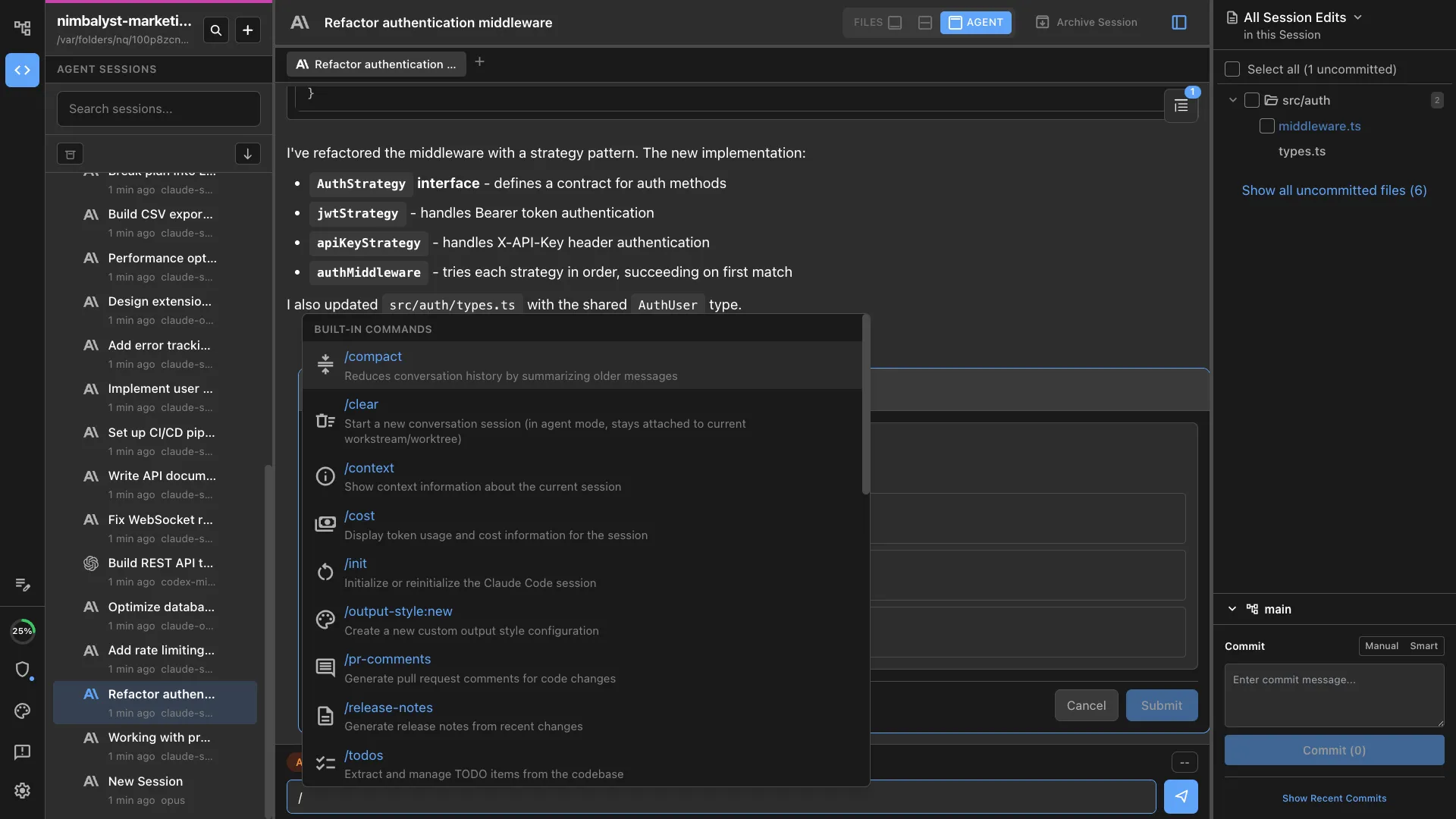
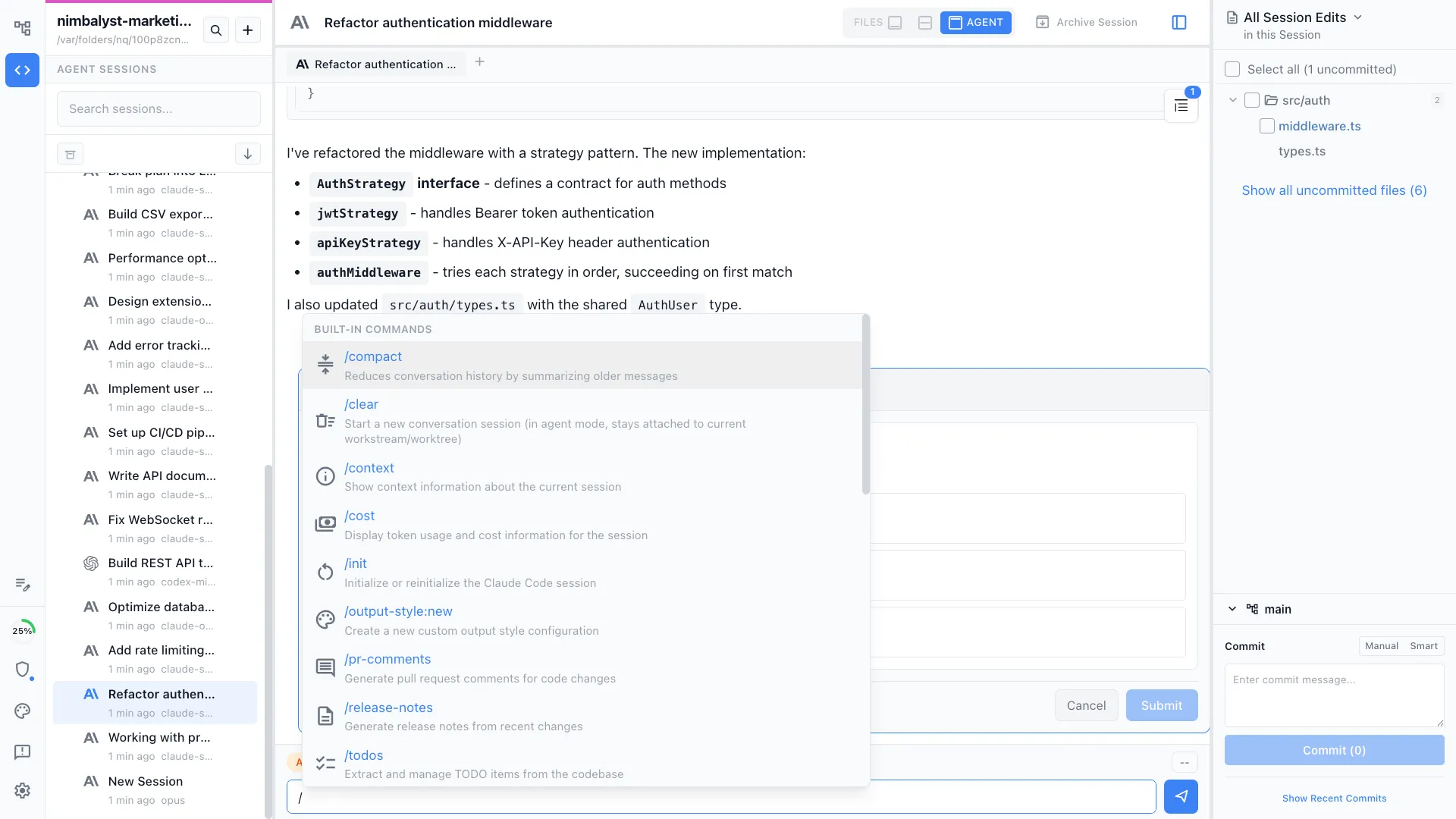
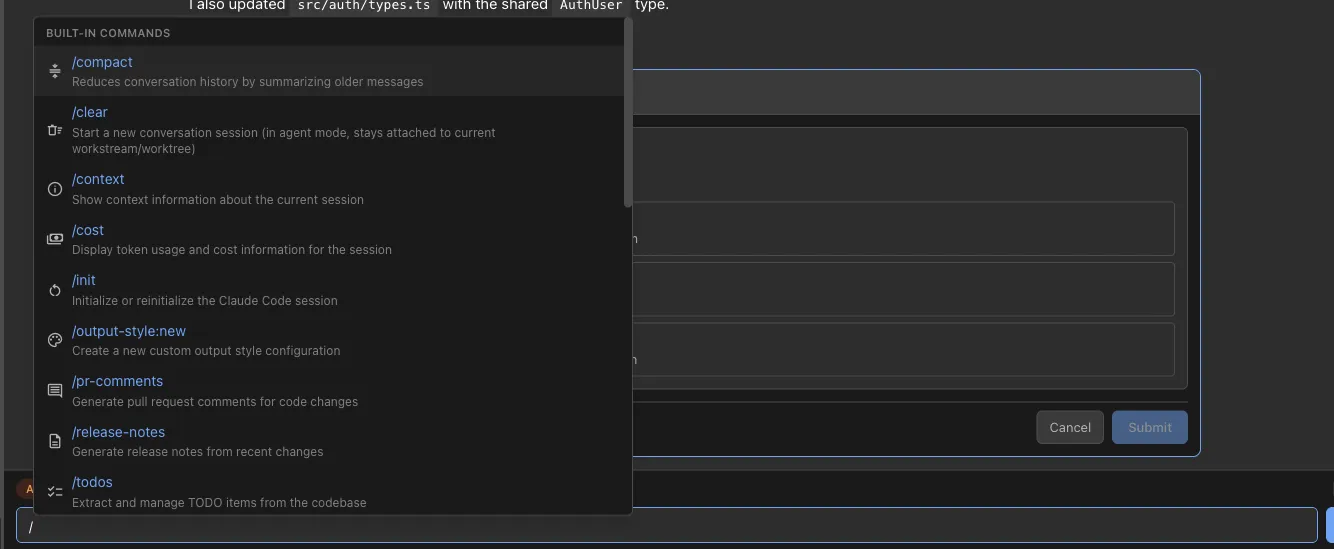
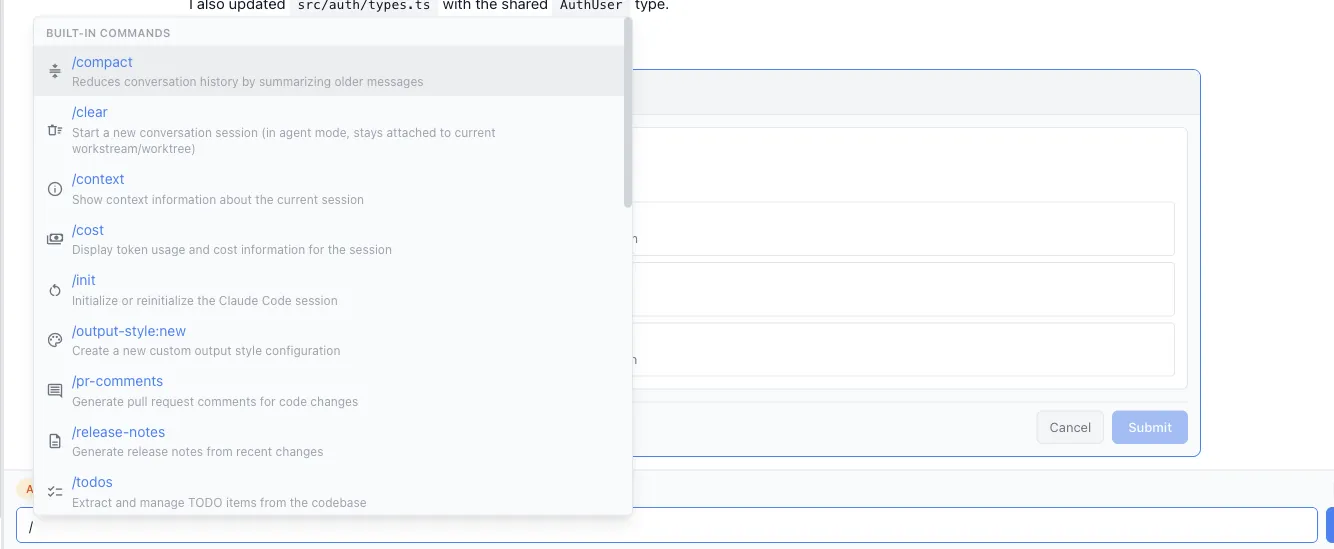
Run /create-command to define a custom skill for your project. Package your team's best practices, workflows, and templates into reusable slash commands.
Create a new custom slash command for your project. Define the behavior, prompt template, and output format — then use it like any built-in command.
Capabilities
Extend your workflow
Template-based creation
Define the command name, description, and prompt template. The agent guides you through structure, parameters, and output format.
Project-scoped or global
Commands can live in your project repo (shared with your team) or in your global config (personal productivity shortcuts).
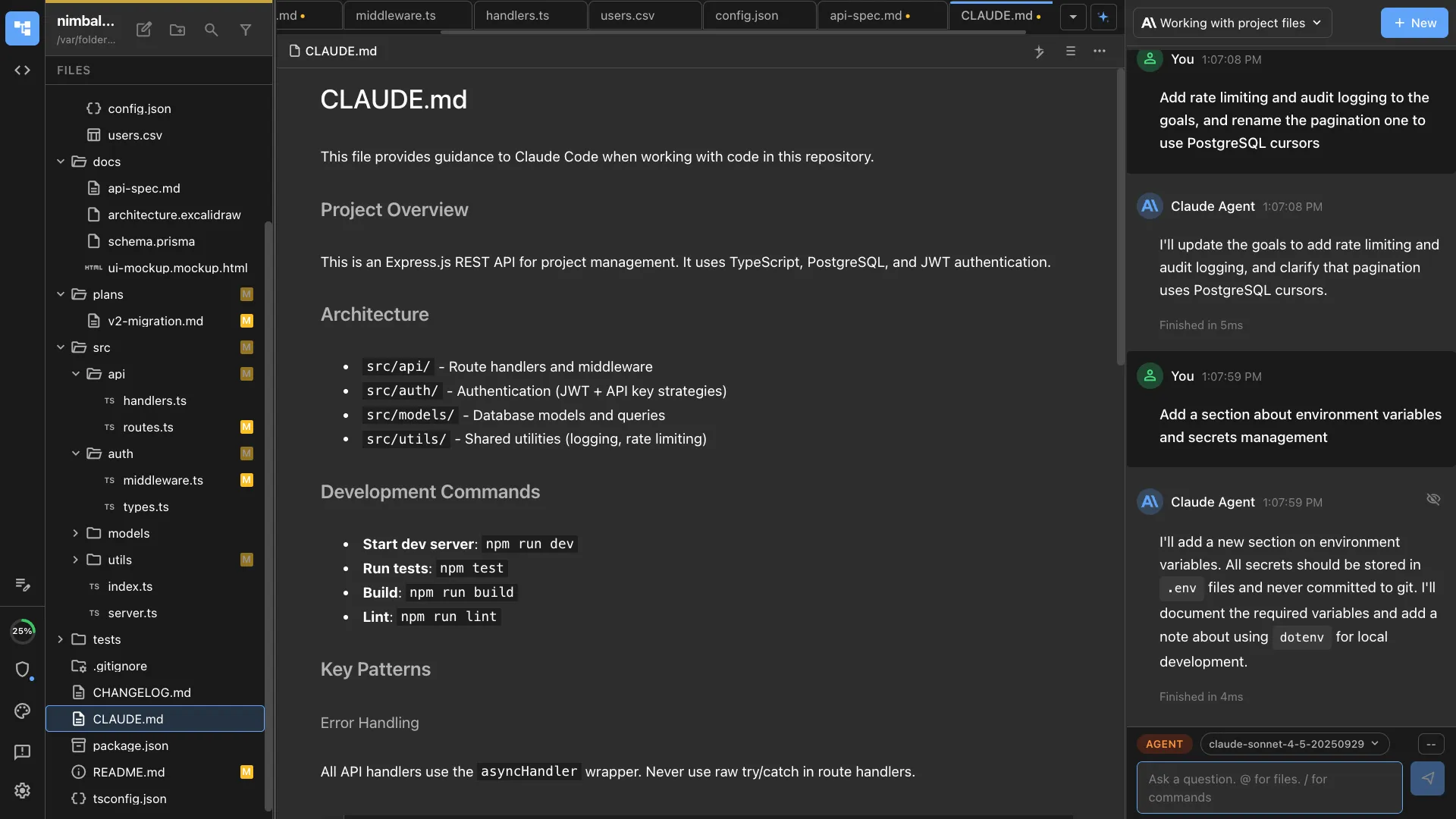
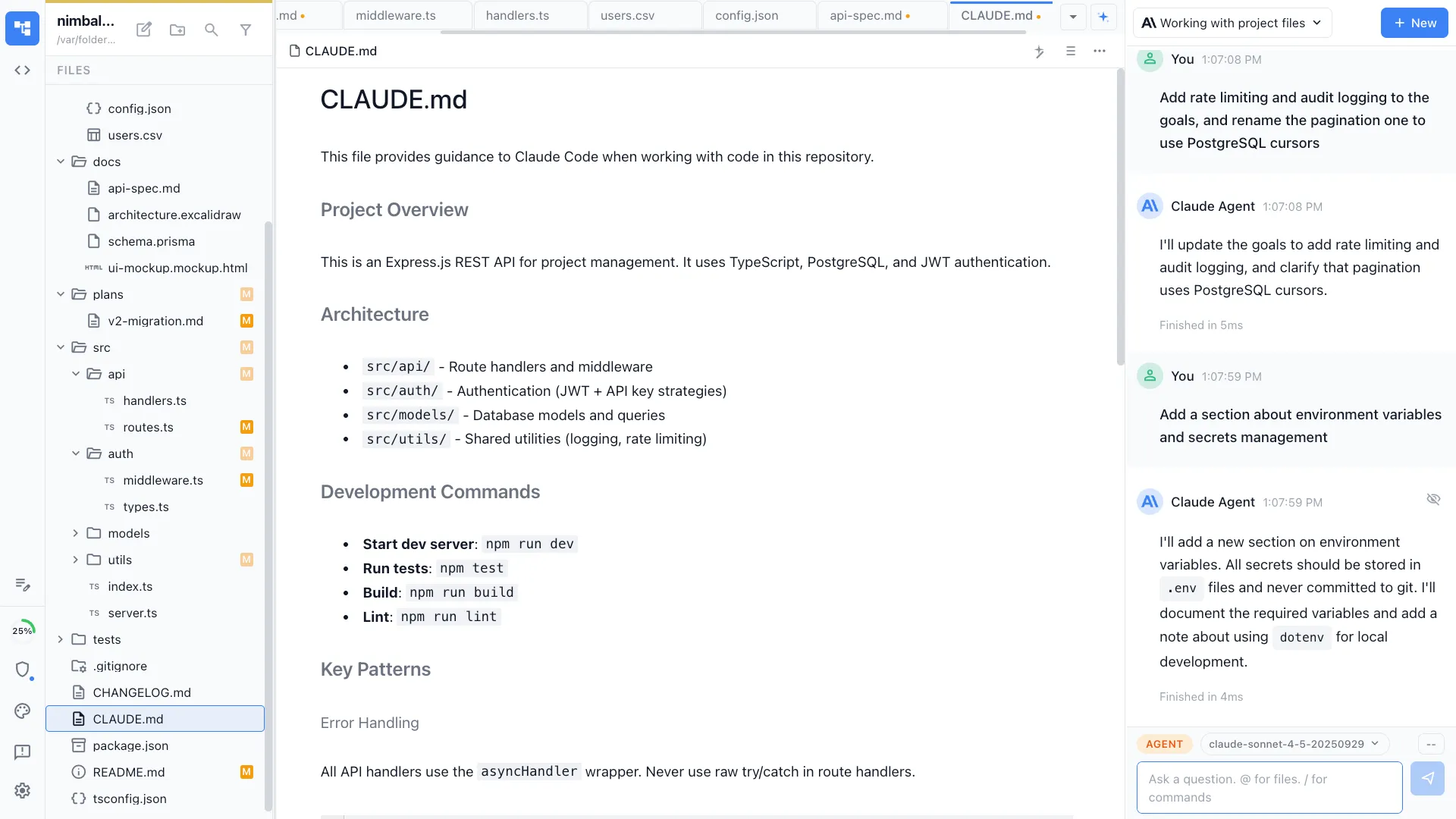
Prompt engineering built in
The agent helps write effective prompts with context injection, output formatting, and guard rails for consistent results.
How It Works
How /create-command works
Type /create-command
Run the command and describe what your new command should do. Include the workflow it should follow and the output it should produce.
Agent scaffolds the command
A skill file is created with the prompt template, parameters, and metadata. The agent tests the command to ensure it works.
Use it everywhere
Your new command is immediately available. Share it with your team by committing it to the repo, or keep it personal in your global config.
Try It
Example prompts
/create-command a /deploy-checklist that generates a pre-deploy verification list for our services /create-command a /meeting-notes that formats raw notes into structured summaries /create-command a /rfc that creates an RFC document from a feature proposal Full Skill Source
Use this skill in your project
Copy the full text below or download it as a markdown file. Place it in your project's .claude/commands/ directory to use it as a slash command.
---
name: command-scaffolder
description: Scaffold a new custom slash command with proper structure, frontmatter, and execution logic. Use when creating reusable slash commands for your workflow.
---

# /create-command

Scaffold a new custom slash command definition file with proper structure, frontmatter, and detailed execution instructions.

## What This Command Does

1. Gathers requirements for the new command from the user
2. Determines the appropriate scope and complexity
3. Creates a well-structured skill definition markdown file
4. Includes frontmatter, usage examples, execution steps, and output format
5. Validates the command doesn't duplicate existing functionality

## Usage

```
/create-command [command-name] [brief description]
```

**Examples:**
- `/create-command changelog-entry Generates a changelog entry from recent commits`
- `/create-command env-check Validates environment variables against a schema`
- `/create-command db-seed Creates seed data for local development`

## Execution Steps

1. **Validate the command name**
   - Must be kebab-case (lowercase, hyphens only)
   - Must not conflict with built-in slash commands
   - Check existing skill files in the project for duplicates

2. **Determine command characteristics**
   - Does it accept arguments? If so, which are required vs. optional?
   - Does it need specific tools? (file system, git, network, etc.)
   - Does it produce output files, terminal output, or both?
   - Is it interactive (asks follow-up questions) or fully automated?

3. **Generate the frontmatter**

   ```yaml
   ---
   name: [descriptive-internal-name]
   description: [One-line description]. Use when [trigger context].
   allowed-tools: [list tools if the command needs restricted tool access]
   ---
   ```

   - `name`: A descriptive identifier (not necessarily the command name)
   - `description`: Must include both what it does AND when to use it
   - `allowed-tools`: Only include if the command should be restricted to specific tools

4. **Write the command body**

   Structure the markdown body with these sections:

   ### Required Sections
   - **Title**: `# /[command-name]` with a one-sentence summary
   - **What This Command Does**: Numbered list of high-level steps
   - **Usage**: Code block showing invocation syntax with examples
   - **Execution Steps**: Detailed numbered steps the agent follows

   ### Recommended Sections
   - **Output Format**: What the command produces (file, terminal output, etc.)
   - **Error Handling**: How to handle common failure modes
   - **Best Practices**: Tips for effective use

   ### Optional Sections
   - **Configuration**: If the command reads from config files
   - **Examples**: Extended real-world usage examples
   - **Related Commands**: Links to complementary commands

5. **Write the file**
   - Save to the project's skill/command directory
   - Filename matches the command name: `[command-name].md`

6. **Verify the output**
   - Confirm frontmatter parses correctly
   - Ensure execution steps are unambiguous
   - Check that a language model could follow the instructions without clarification

## Output Format

The generated file should follow this template:

```markdown
---
name: [internal-name]
description: [What it does]. Use when [context].
---

# /[command-name]

[One-sentence summary of what this command does.]

## What This Command Does

1. [Step 1]
2. [Step 2]
3. [Step 3]

## Usage

\`\`\`
/[command-name] [required-arg] [--optional-flag]
\`\`\`

**Examples:**
- `/[command-name] example-input`
- `/[command-name] example-input --verbose`

## Execution Steps

1. **[First major step]**
   - Detail about what to do
   - How to handle edge cases

2. **[Second major step]**
   - Detail about what to do

## Output Format

[Describe what the command produces]

## Error Handling

- **[Error condition]**: [How to handle it]

## Best Practices

- [Tip 1]
- [Tip 2]
```

## Quality Checklist

Before finishing, verify:
- [ ] Frontmatter has `name` and `description` fields
- [ ] Description includes "Use when..." trigger phrase
- [ ] Usage section has at least two examples
- [ ] Execution steps are specific enough for an AI agent to follow
- [ ] Error handling covers at least the most common failure
- [ ] The command solves a real, recurring workflow need
- [ ] No duplication of existing built-in functionality

## Error Handling

- **Duplicate command name**: Suggest alternative names or offer to extend existing command
- **Vague description**: Ask the user to clarify the command's purpose and expected output
- **Overly broad scope**: Suggest breaking into multiple smaller commands

## Best Practices

- Keep commands focused on a single responsibility
- Prefer composability over monolithic commands
- Include concrete examples with realistic data
- Write execution steps as if for someone unfamiliar with the codebase
- Test the command mentally by walking through the steps before saving
Related Skills
Skills that work well together


Explore More