Developer
Organize your AI project config
Run /claude-md-refactor to split a large CLAUDE.md into focused, path-scoped rules. Each part of your project gets only the instructions that apply to it.
Modularize a large CLAUDE.md file into path-scoped rules. Splits monolithic project instructions into organized, targeted sections that apply where they're needed.
Capabilities
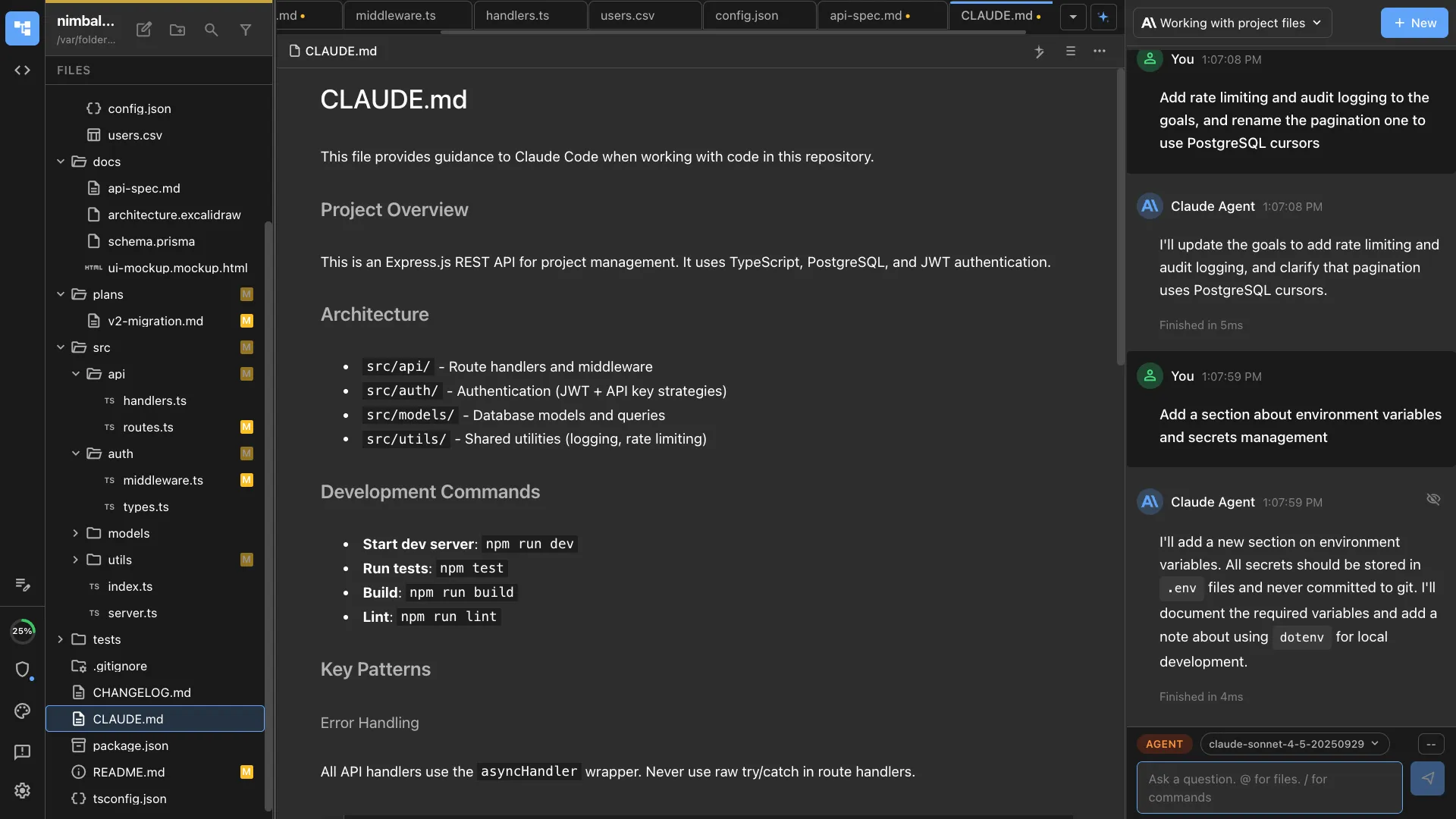
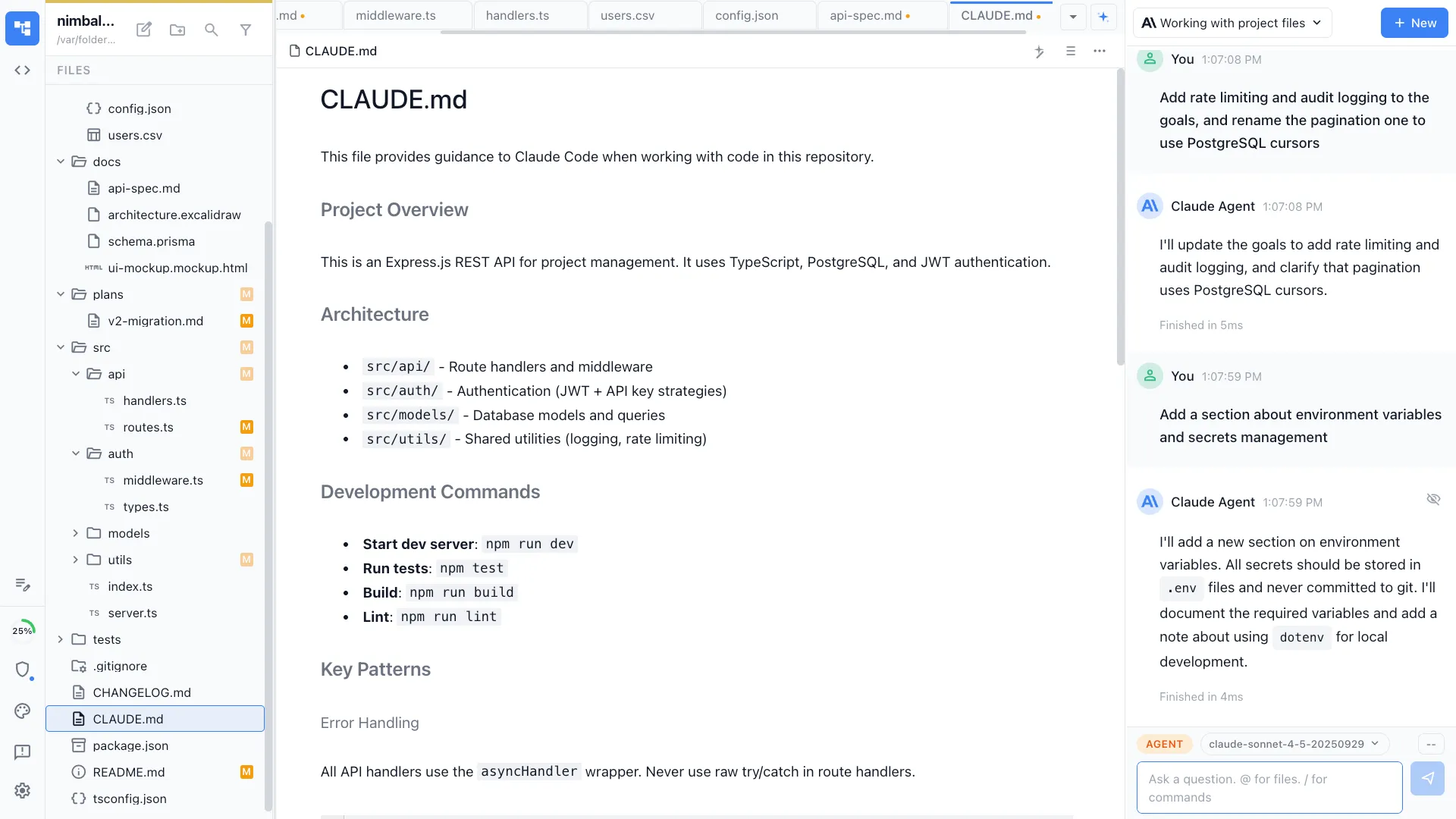
Tame your CLAUDE.md
Intelligent splitting
The agent analyzes your CLAUDE.md and identifies natural boundaries — frontend rules, backend rules, test conventions, deployment config.
Path-scoped rules
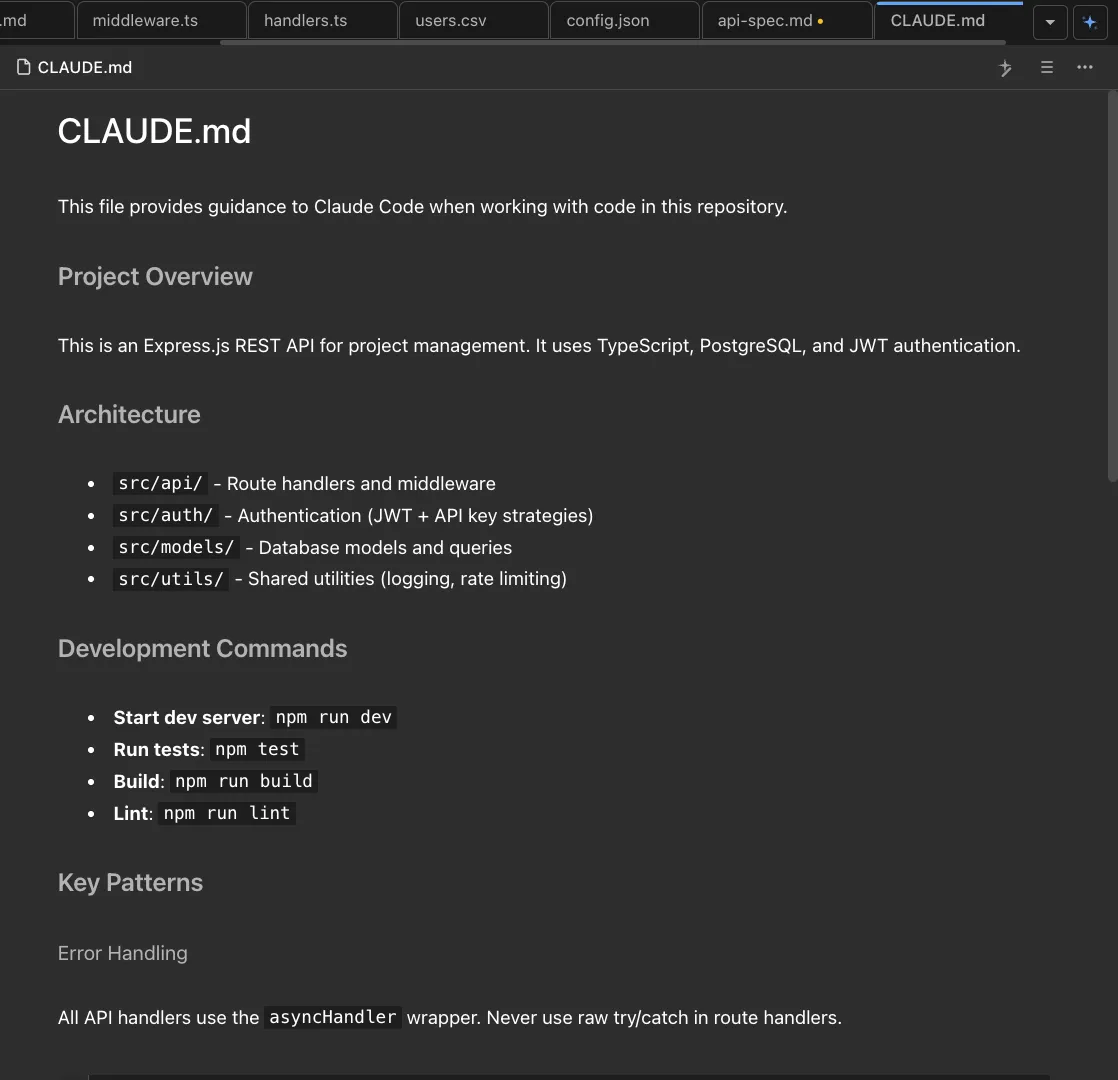
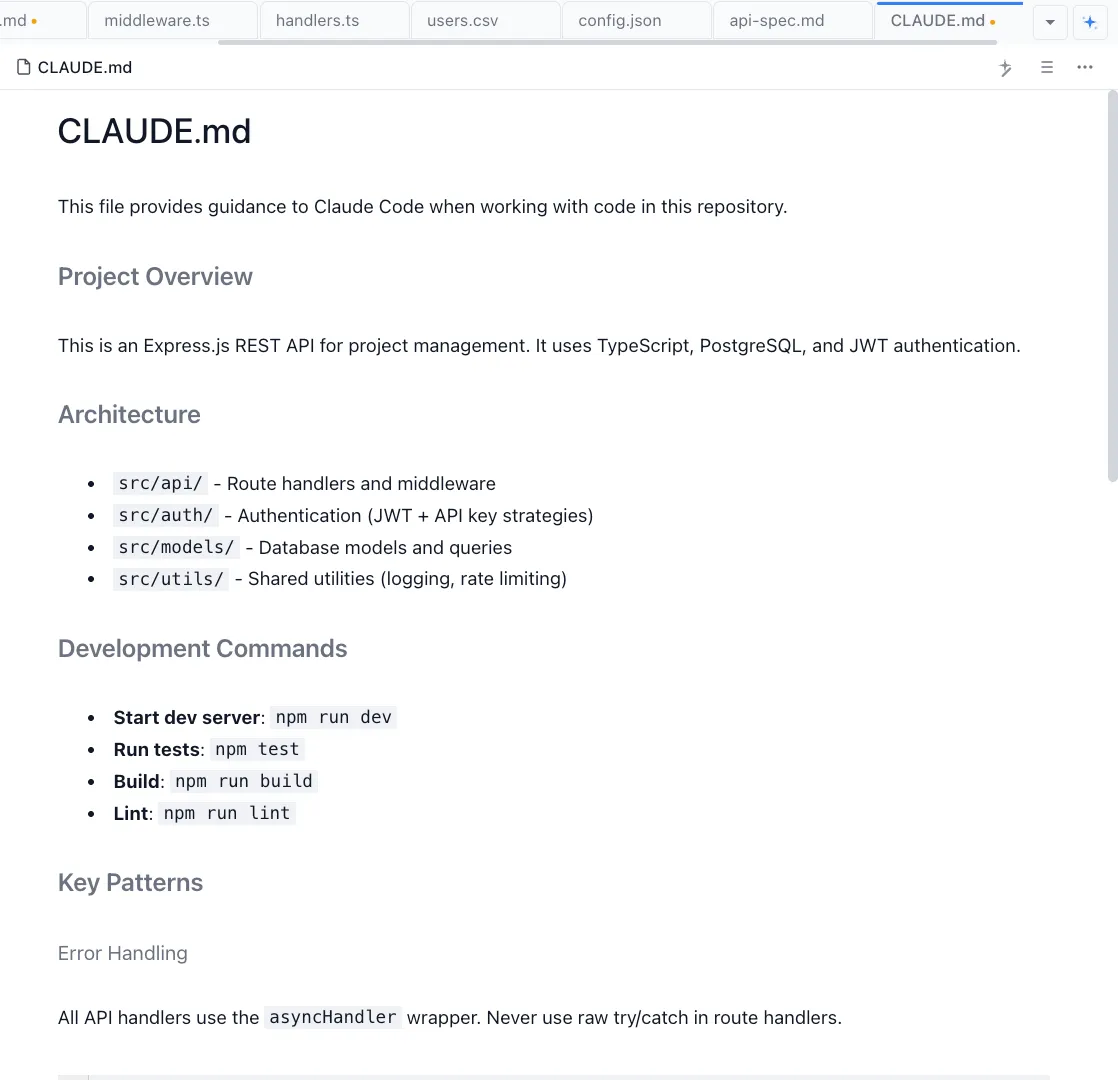
Rules are placed in subdirectory CLAUDE.md files so they apply only where relevant. Frontend conventions don't clutter backend agent context.
No information loss
Every instruction is preserved and placed in the most specific applicable location. The refactor is reversible and auditable.
How It Works
How /claude-md-refactor works
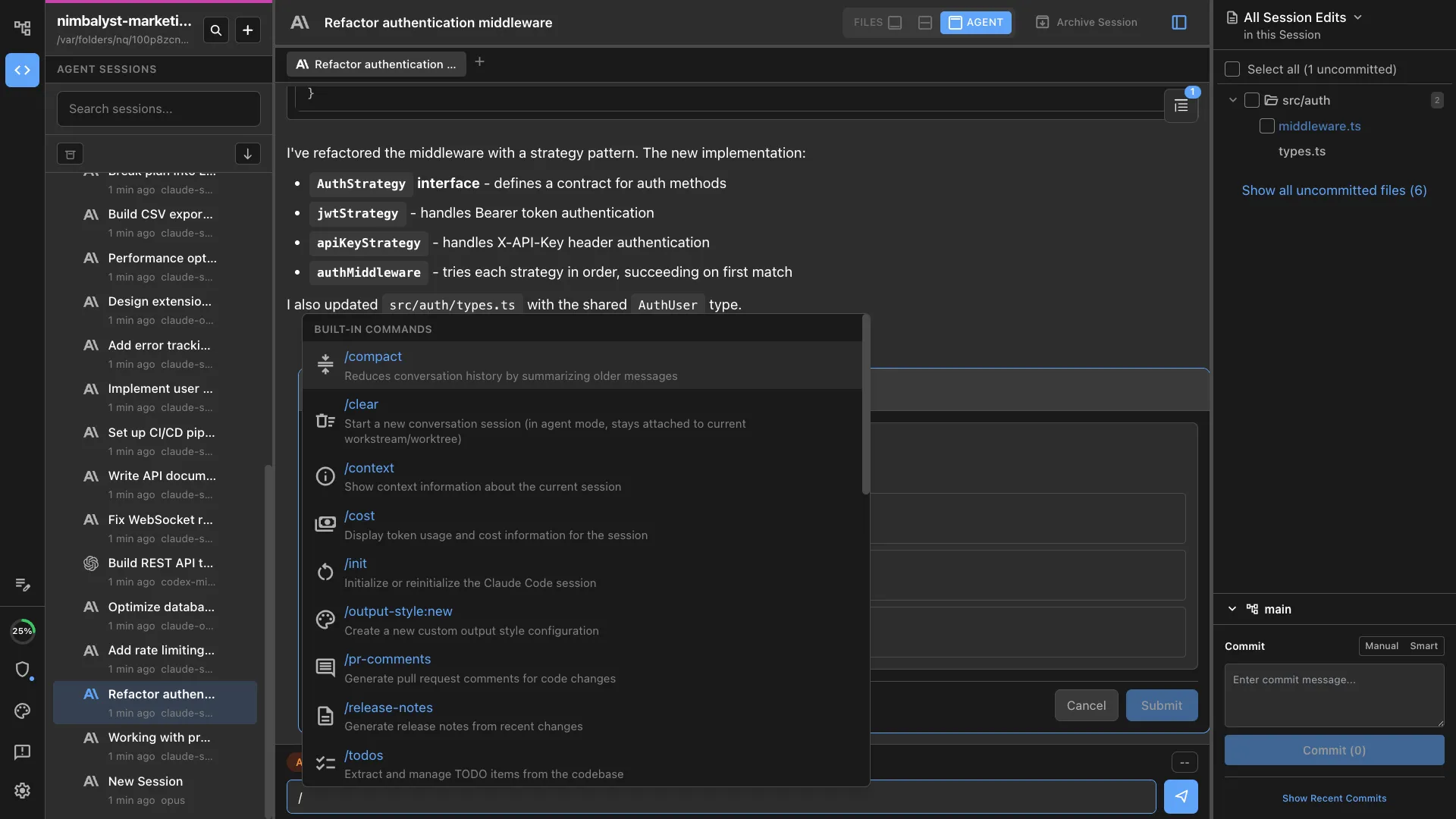
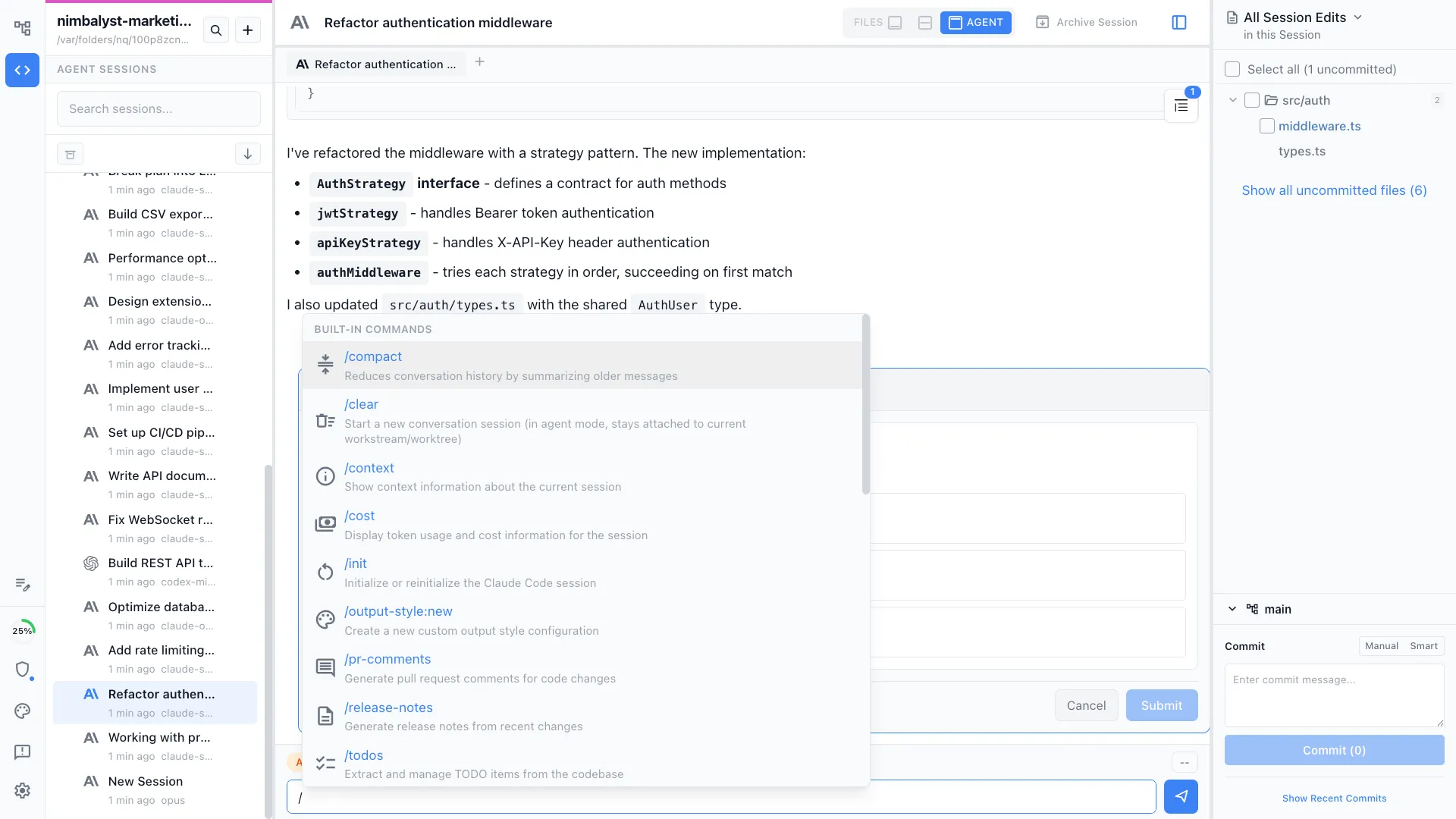
Type /claude-md-refactor
Run the command in a project with a large CLAUDE.md. The agent reads the entire file and your project structure.
Agent proposes structure
A proposed split is shown — which rules go to which path-scoped files. Review and adjust the plan before execution.
Split and verify
The agent creates path-scoped CLAUDE.md files and updates the root file to reference them. All instructions are preserved.
Try It
Example prompts
/claude-md-refactor /claude-md-refactor focus on separating frontend and backend rules /claude-md-refactor the root CLAUDE.md is 500 lines — make it manageable Full Skill Source
Use this skill in your project
Copy the full text below or download it as a markdown file. Place it in your project's .claude/commands/ directory to use it as a slash command.
---
name: claude-md-refactorer
description: Modularize large CLAUDE.md files with path-scoped rules. Use when CLAUDE.md is too large and needs modularization.
---

You are helping refactor a CLAUDE.md file to reduce its size while preserving guidance through dedicated documentation files and path-scoped rules.

## Process

1. **Read and analyze** the current CLAUDE.md file in its entirety

2. **Identify extraction candidates** - sections that are:
   - Cross-cutting patterns (not core setup/architecture)
   - Specific to certain file types or components
   - Large sections with detailed patterns
   - Content that would benefit from contextual loading

3. **For each candidate section**, recommend:
   - **Doc name**: What to call the extracted file in `docs/`
   - **Content scope**: What to include in the doc
   - **Path-scoped rule**: Glob patterns that should trigger loading this doc
   - **Replacement text**: Brief reference to keep in CLAUDE.md

4. **Suggest documentation table structure**:
   - Recommend which docs should be in the main reference table
   - Provide detailed descriptions for the "Description" column
   - Provide specific triggers for the "Read when..." column

5. **Create the files** in this order:
   - Extract content to `docs/[NAME].md`
   - Create `.claude/rules/[name].md` with appropriate globs and `@imports`
   - Update CLAUDE.md to replace extracted content with brief reference
   - Update the Documentation Reference table if it exists

6. **For path-scoped rules**, use this format:
   ```markdown
   ---
   globs:
     - "pattern1/**/*"
     - "pattern2/**/*"
   imports:
     - docs/DOC_NAME.md
   ---

   Brief reminder text with 2-3 key points referencing the imported doc.
   ```

## Key Principles

- **Only extract** sections that are specific to certain contexts (not universal patterns)
- **Preserve critical info** in CLAUDE.md (database rules, setup, architecture overview)
- **Use meaningful glob patterns** that accurately capture when guidance is needed
- **Keep replacements brief** - just enough to know where to look
- **Documentation table entries** should have 2-3 sentence descriptions and specific triggers

## Good Extraction Candidates

- UI/styling patterns (CSS variables, Tailwind, responsive design)
- State management patterns (Jotai, persistence, migration safety)
- Architecture patterns for specific systems (IPC, editors, extensions)
- Testing patterns (E2E, unit test guidelines)
- Feature-specific guides (walkthroughs, dialogs, permissions)

## Keep in CLAUDE.md

- Critical warnings (database access, security)
- Development setup and commands
- High-level architecture overview
- General development guidelines
- Package structure
- Release process basics

## After Extraction

1. Show the size reduction (old lines → new lines, percentage)
2. List all files created
3. Offer to commit the changes

Ask the user which CLAUDE.md file to refactor (default to `./CLAUDE.md` if not specified).
Related Skills
Skills that work well together


Explore More

