Automations
Recurring AI-powered tasks
Automations are recurring tasks that run on a timer inside Nimbalyst. Schedule daily standups, weekly reports, periodic code reviews, or any repeating workflow. Create them with /automation or write a markdown file.

Capabilities
Set it and let it run
Create with /automation
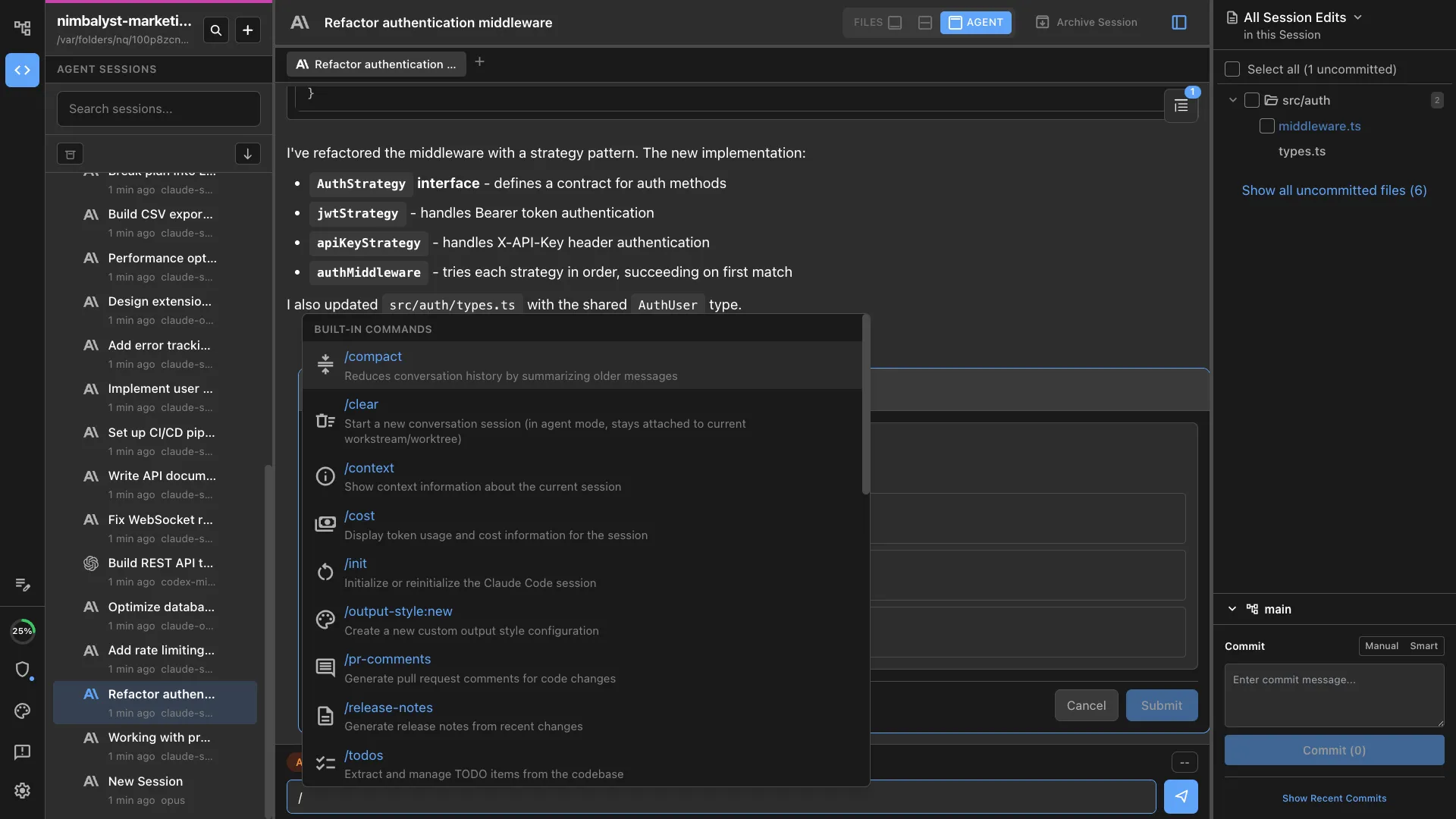
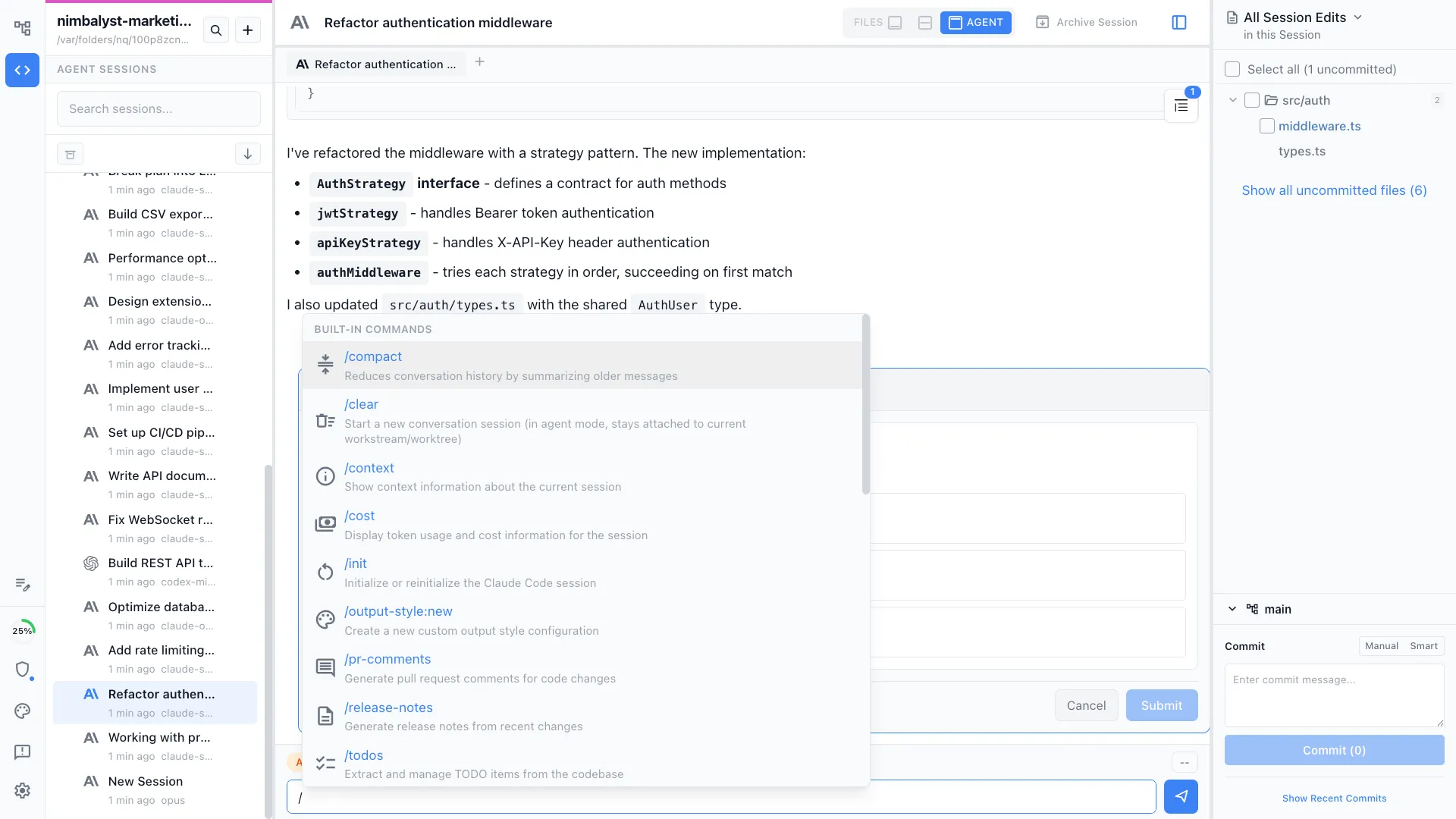
Type /automation followed by a description like 'summarize my git commits every weekday morning.' Nimbalyst generates the automation file and lets you review before enabling.
Schedule-based triggers
Run automations daily at a set time, on specific weekdays, or at a recurring interval while Nimbalyst is open. No event wiring required.
Markdown-based definitions
Each automation is a markdown file in nimbalyst-local/automations/. The frontmatter defines the schedule and output settings. The body is the prompt that runs on each execution.
Flexible output modes
Choose how results are stored: create a new file per run, append to a running log with date headers, or replace a single file with the latest result.
Run history and tracking
Every run is logged with timestamps, duration, success status, and a link to the AI session transcript. See exactly what happened on each execution.
Enable, disable, and run now
The automation header shows the schedule, last run status, and an enable/disable toggle. Hit Run Now to trigger an automation immediately without waiting for the schedule.
How It Works
How automations work in Nimbalyst
Create an automation
Type /automation with a description or create a markdown file in nimbalyst-local/automations/. Set the schedule (daily, weekly, or interval) and write the prompt.
It runs on schedule
At the scheduled time, Nimbalyst starts a Claude Code or Codex session with your prompt. The agent runs the task, generates output, and logs the result.
Review and refine
Check the run history to see what happened. Adjust the prompt, change the schedule, or tweak output settings. Each automation improves over time.
Comparison
Why Nimbalyst for automation
Nimbalyst automations use the same powerful agents you use interactively. Define what you want in natural language and set a schedule.
| Alternative | Nimbalyst Advantage |
|---|---|
| GitHub Actions / CI | Natural language prompts, not bash scripts. Automations reason about your codebase and produce human-readable output like standup summaries and reports. |
| Cron jobs | Full agent intelligence with run history and session transcripts. See exactly what the agent did, not just whether a script exited 0. |
| Custom scripts | Define automations with a sentence instead of writing and maintaining code. The agent handles the implementation and adapts to your codebase. |
Explore More