Developer
AI debugging
Paste a stack trace, error message, or bug description and /debug traces it through your codebase to identify the root cause and suggest a fix.
Perform root cause analysis from stack traces, error logs, and bug descriptions. The agent traces the error through your codebase and identifies the fix.


Capabilities
Find the root cause
Stack trace analysis
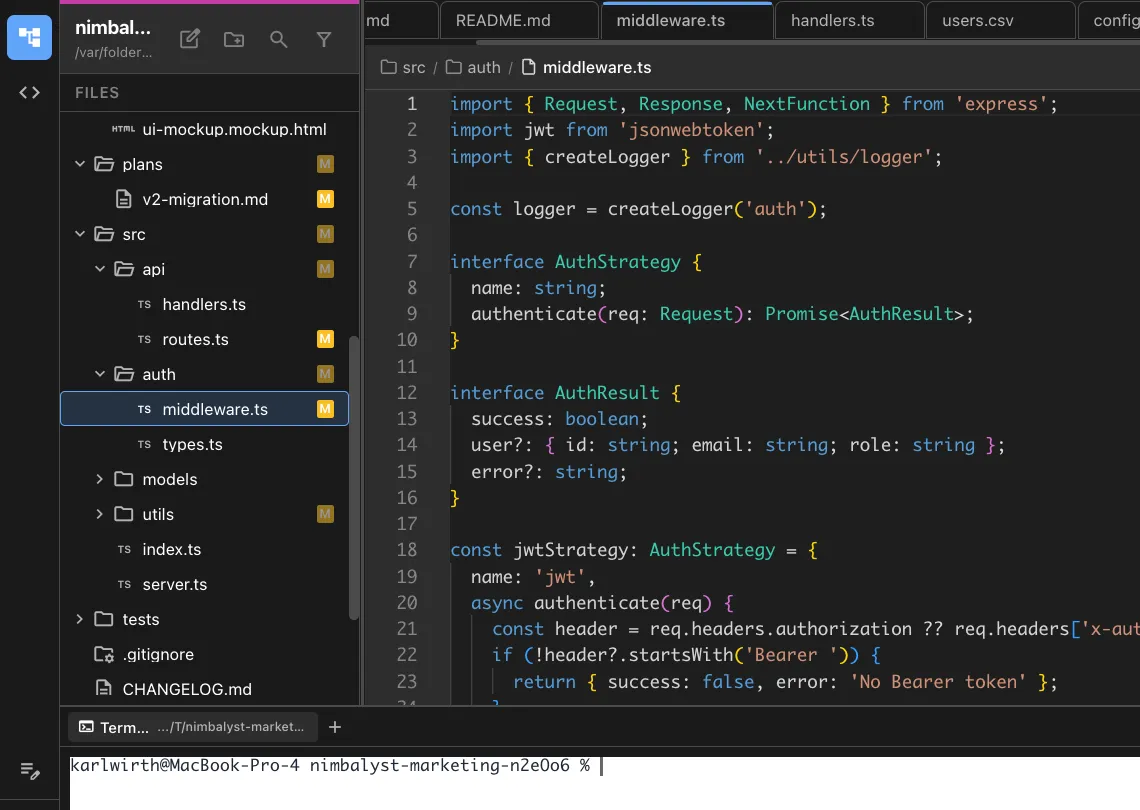
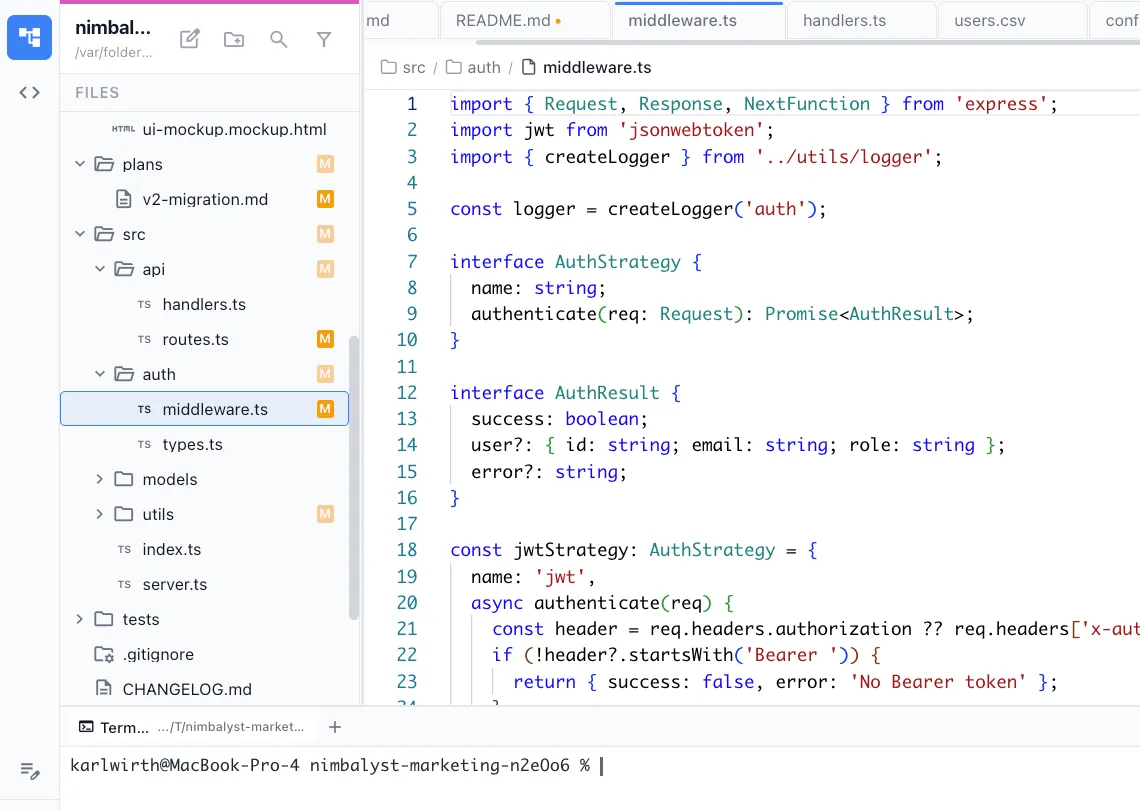
The agent reads stack traces, resolves source maps, and traces the error through your code to the actual cause.
Log correlation
Correlates error logs with code paths. Identifies what state led to the error and what conditions trigger it.


Fix suggestions
Every diagnosis comes with a concrete fix suggestion. The agent can implement the fix directly if you approve.
How It Works
How /debug works
Type /debug
Paste the stack trace, error message, or describe the bug. Include reproduction steps if available.
Agent investigates
Your AI agent traces the error through your codebase, examines related code paths, and identifies the root cause.
Get the fix
Receive a diagnosis with the root cause, explanation, and suggested fix. Approve the fix to apply it immediately.
Try It
Example prompts
/debug TypeError: Cannot read property 'name' of undefined at UserService.ts:42 /debug the API returns 500 when uploading files larger than 10MB /debug intermittent test failure in the session manager tests Full Skill Source
Use this skill in your project
Copy the full text below or download it as a markdown file. Place it in your project's .claude/commands/ directory to use it as a slash command.
---
name: debugger
description: Perform root cause analysis from stack traces, error messages, or unexpected behavior descriptions. Use when investigating bugs, diagnosing errors, or tracing unexpected behavior through code.
allowed-tools: ["Read", "Bash", "Glob", "Grep"]
---

# /debug

Systematically investigate bugs by analyzing stack traces, error messages, logs, and code to identify root causes and propose fixes.

## What This Command Does

1. Accepts a bug report, stack trace, error message, or behavior description
2. Traces the error through the codebase to identify the root cause
3. Distinguishes between the symptom, the proximate cause, and the root cause
4. Proposes targeted fixes with explanation
5. Identifies related code that may have the same underlying issue

## Usage

```
/debug [error description, stack trace, or bug report]
```

**Examples:**
- `/debug "TypeError: Cannot read properties of undefined (reading 'map') in Dashboard.tsx:45"`
- `/debug "API returns 500 on POST /users when email contains a plus sign"`
- `/debug "Build passes locally but fails in CI with exit code 137"`
- `/debug` -- reads the most recent error from terminal output or logs

## Execution Steps

1. **Gather the evidence**

   Collect all available information about the bug:

   - **Error message**: The exact text of any error or exception
   - **Stack trace**: Full trace with file names and line numbers
   - **Expected behavior**: What should have happened
   - **Actual behavior**: What actually happened
   - **Reproduction steps**: How to trigger the issue (if known)
   - **Environment**: Where does this happen? (local dev, CI, staging, production)
   - **Frequency**: Always, sometimes, only under specific conditions?

   If the user provides a stack trace, parse it to extract:
   - The exception type and message
   - The file and line number where the error originated
   - The call chain leading to the error

2. **Form initial hypotheses**

   Based on the error type, generate 2-4 hypotheses:

   | Error Pattern | Common Causes |
   |---------------|---------------|
   | `TypeError: Cannot read properties of undefined` | Missing null check, async data not loaded yet, wrong property path |
   | `404 Not Found` | Wrong URL, missing route definition, middleware blocking |
   | `500 Internal Server Error` | Unhandled exception, database connection failure, missing environment variable |
   | `CORS error` | Missing CORS headers, wrong origin configuration, preflight not handled |
   | `Build failure` | Type error, missing dependency, incompatible versions, OOM (exit code 137) |
   | `Test failure` | Shared mutable state, timing issue, changed API contract, environment dependency |
   | `Timeout` | Infinite loop, deadlock, slow query, missing await |
   | `Memory issue` | Unbounded cache, event listener leak, large dataset in memory |

3. **Investigate each hypothesis**

   For each hypothesis, follow this process:

   **Step A: Read the error origin**
   - Open the file and line number from the stack trace
   - Read 30-50 lines of surrounding context
   - Understand what the code is trying to do

   **Step B: Trace data flow backwards**
   - Where does the problematic value come from?
   - Follow the data: function parameters, return values, database queries, API responses
   - Check each transformation point for where the data could become invalid

   **Step C: Trace the call chain**
   - Who calls this function? Under what conditions?
   - Are there multiple callers, and does the bug only happen from one of them?
   - Check if the function is called with different argument patterns

   **Step D: Check related code**
   - Search for similar patterns elsewhere in the codebase
   - If the bug is in how a library is used, check other uses of the same library
   - Look for recent changes to the affected files (use `git log --oneline -10 [file]`)

   **Step E: Verify or eliminate the hypothesis**
   - Can you construct a scenario where this hypothesis would produce the observed error?
   - If yes, this is a candidate root cause
   - If no, eliminate and move to the next hypothesis

4. **Identify the root cause**

   Distinguish between three levels:

   - **Symptom**: What the user sees (the error message, the broken feature)
   - **Proximate cause**: The immediate code condition that triggers the error (e.g., a variable is undefined)
   - **Root cause**: The underlying reason the proximate cause exists (e.g., data is fetched asynchronously but the component renders before the fetch completes)

   The fix should address the root cause, not just suppress the symptom.

5. **Propose the fix**

   For each root cause identified:

   - **Explain the root cause** in plain language
   - **Show the problematic code** with the issue highlighted
   - **Propose a fix** with the specific code change
   - **Explain why the fix works** -- connect the change to the root cause
   - **Identify risks** of the fix (could it break something else?)
   - **Suggest a test** that would catch this bug if it regressed

6. **Check for related issues**

   The same root cause often manifests in multiple places:
   - Search for the same pattern across the codebase
   - Flag other instances that may have the same vulnerability
   - Include these in the report as "related issues"

7. **Generate the debug report**

## Output Format

```markdown
## Debug Report

**Bug**: [One-line description]
**Severity**: [Critical/High/Medium/Low]
**Status**: Root cause identified / Needs more information

---

### Symptom

[What the user observes -- the error message, broken behavior, etc.]

### Investigation

**Hypothesis 1**: [Description]
- Investigated: [What was checked]
- Result: Confirmed / Eliminated
- Evidence: [What proved or disproved this]

**Hypothesis 2**: [Description]
- Investigated: [What was checked]
- Result: Confirmed / Eliminated

### Root Cause

**Proximate cause**: [The immediate trigger]
**Root cause**: [The underlying reason]
**Explanation**: [Plain-language explanation of why this happens]

### Affected Code

**File**: [path:line]
```
[relevant code with the issue highlighted]
```

### Proposed Fix

**File**: [path]
```
[the fix]
```

**Why this works**: [Explanation connecting fix to root cause]

### Test to Prevent Regression

```
[Test code that would catch this bug]
```

### Related Issues

- [Other instances of the same pattern that should also be fixed]

### Additional Notes

- [Anything else relevant: environment-specific, timing-dependent, etc.]
```

## Investigation Techniques

Use these techniques as needed:

- **Binary search with git bisect**: Find the exact commit that introduced the bug
  ```bash
  git log --oneline -20  # Find good and bad commits
  ```
- **Grep for error messages**: Find where errors are thrown
- **Trace imports**: Follow the dependency chain from the error location
- **Check recent changes**: `git log --oneline -10 -- [file]` to see what changed recently
- **Read test failures**: Existing tests may give clues about expected behavior

## Error Handling

- **Insufficient information**: Ask the user for the specific error message, stack trace, or reproduction steps
- **Cannot reproduce**: Document the investigation so far and suggest logging or monitoring to capture more data next time
- **Multiple possible root causes**: Present all candidates ranked by likelihood and suggest how to verify each

## Best Practices

- Always read the actual error message carefully before forming hypotheses; many bugs are exactly what the error says
- Start at the point of failure and work backwards; do not start by reading the entire codebase
- A fix that suppresses the error without addressing the root cause will cause a harder bug later
- If the investigation takes more than 15 minutes without progress, step back and look for a different angle
- The best debugging output is a failing test that reproduces the bug
Related Skills
Skills that work well together


Explore More