Bug Analysis
AI-powered bug analysis
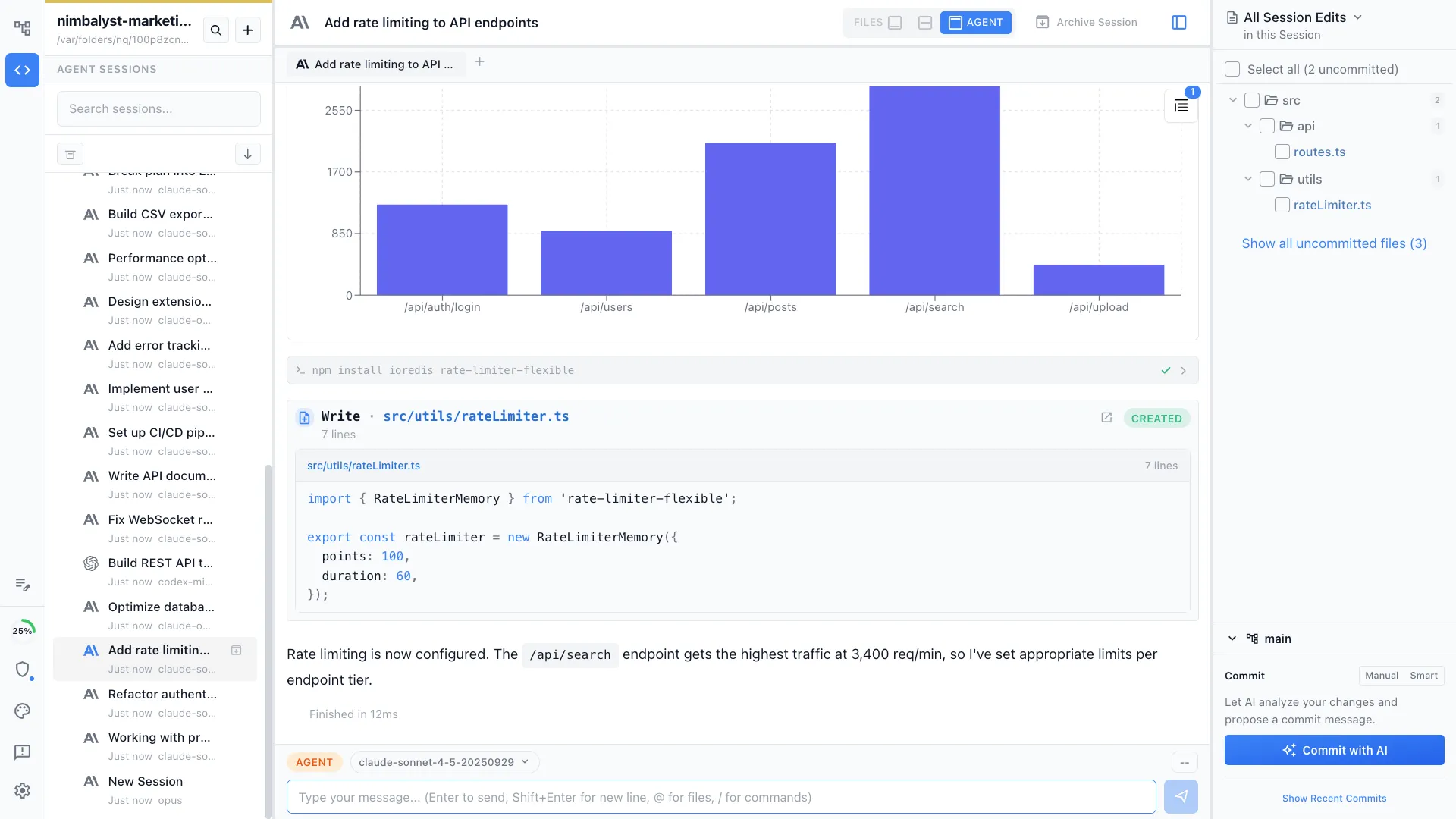
Paste a stack trace, describe a bug, or point your agent at a failing test. It analyzes the codebase, identifies the root cause, and proposes a fix -- all in context.

The Problem
Debugging is time-consuming and context-heavy
Finding and fixing bugs requires deep context about the codebase, the runtime environment, and the user's intent. Most debugging tools provide data but not insight.
- Stack traces point to symptoms, not root causes -- you still need to trace the logic
- Reproducing bugs requires setting up state that's hard to describe
- Context about the codebase is scattered across files, commits, and documentation
- Junior developers spend hours on bugs that senior devs solve in minutes
How It Works
From symptom to root cause to fix
Describe the bug
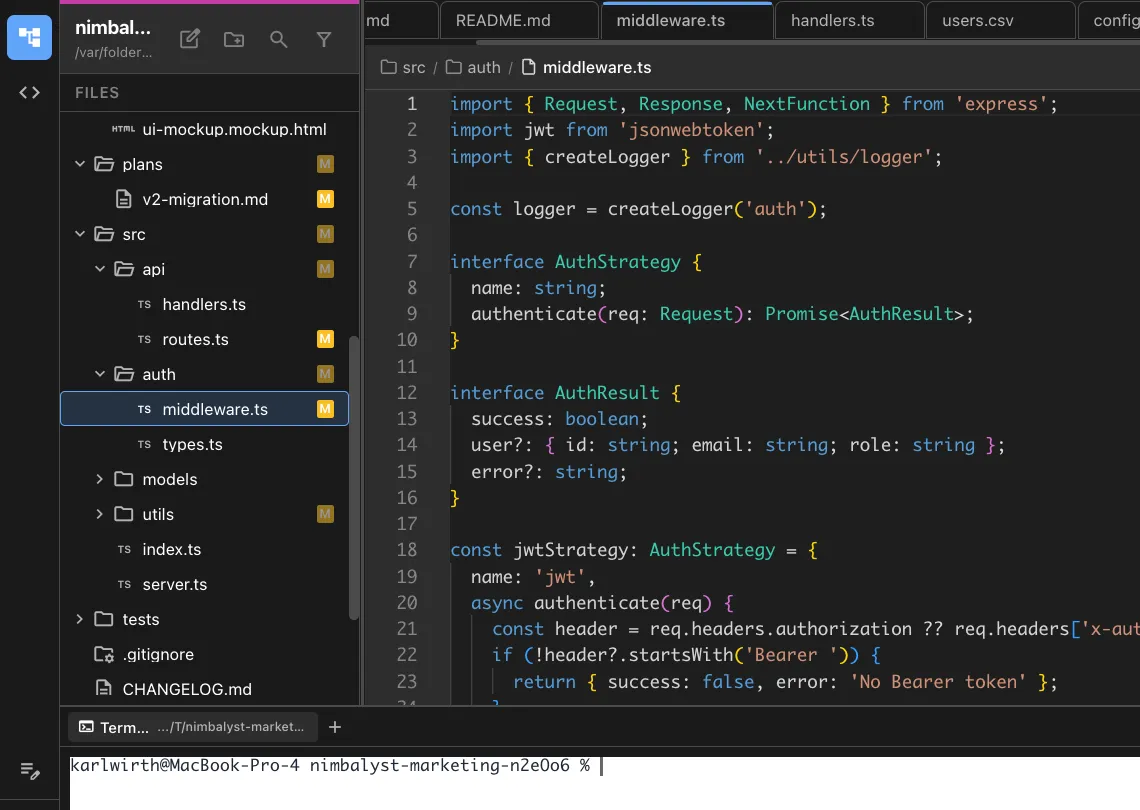
Paste a stack trace, error message, or bug description. Your agent reads the relevant code, traces the execution path, and identifies the root cause.
Reproduce and verify
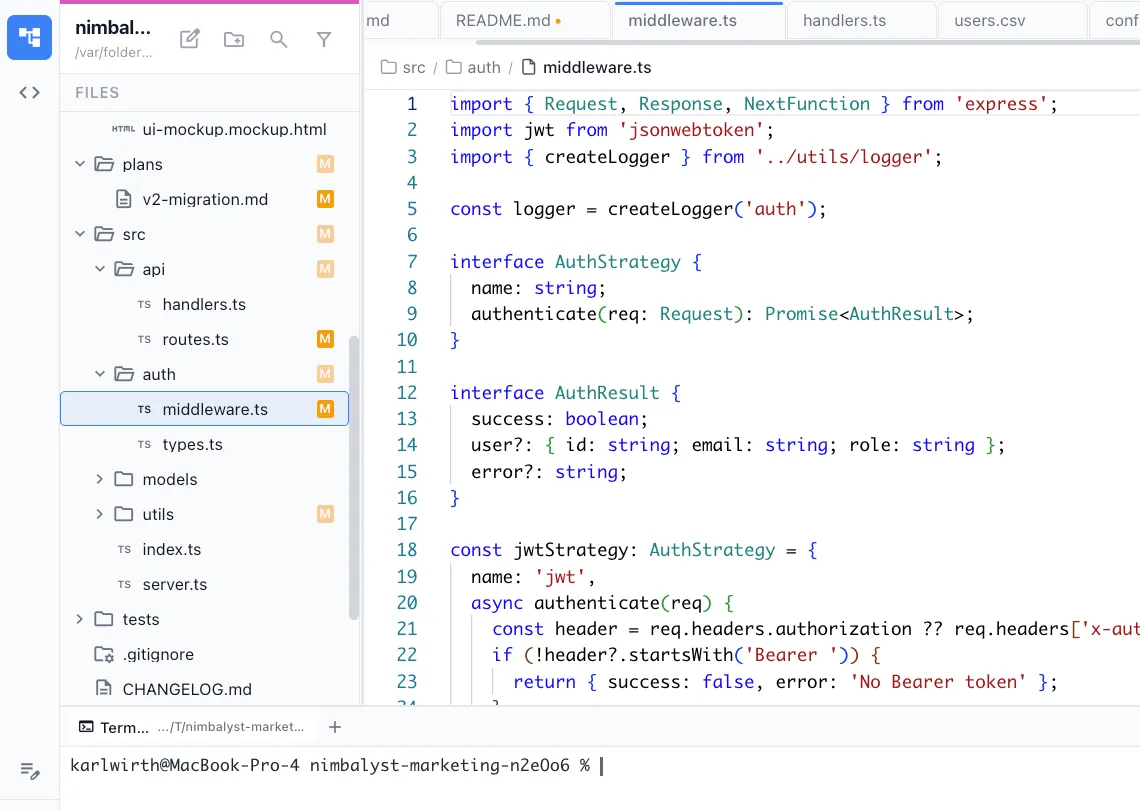
Your agent runs the failing code in the built-in terminal, confirms the bug, and tests hypotheses about the root cause.


Review the fix
The agent proposes a fix with a clear explanation. Review the changes in visual diffs, run tests, and commit when satisfied.
The Difference
Debug faster with AI context
Without Nimbalyst
- ✕ Read stack traces and manually trace execution paths
- ✕ Search through dozens of files looking for the relevant code
- ✕ Spend 30 minutes setting up state to reproduce the bug
- ✕ Write the fix, forget to add a test, regress later
With Nimbalyst
- ✓ Agent traces the full execution path and explains the root cause
- ✓ All relevant files are identified and surfaced automatically
- ✓ Agent reproduces the bug in the terminal and verifies the fix
- ✓ Agent writes the fix and generates a regression test
Powered By
Nimbalyst features behind this workflow
Agent Integration
Claude Code and Codex analyze your full codebase to trace bugs to root causes.
Developer Tools
Built-in terminal for running tests and reproducing bugs.
Git & Version Control
Review bug fixes with visual diffs and smart commits.


Planning & Tracking
Track bugs with /track and link them to fix sessions.

