Developer
Execute plans automatically
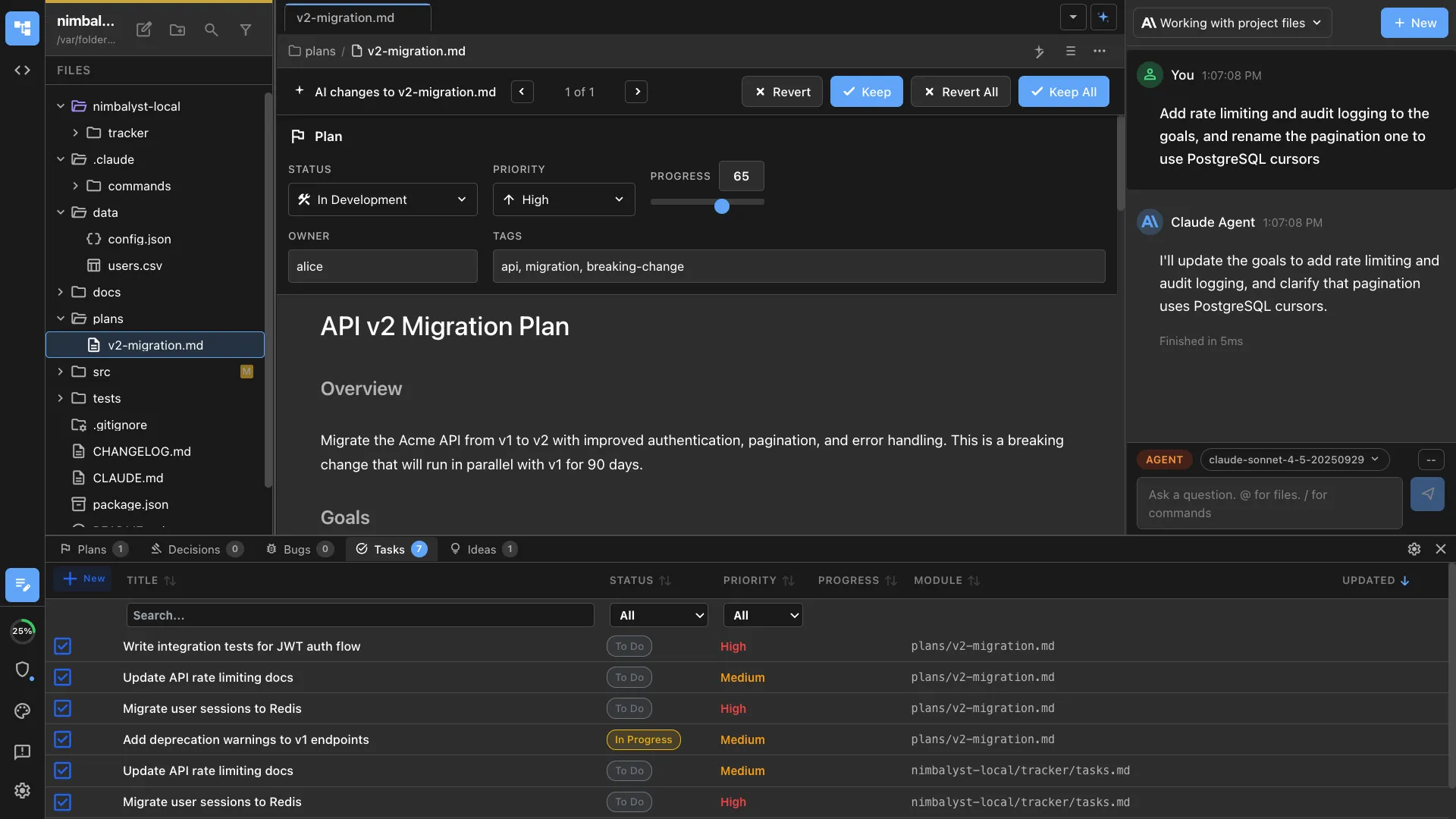
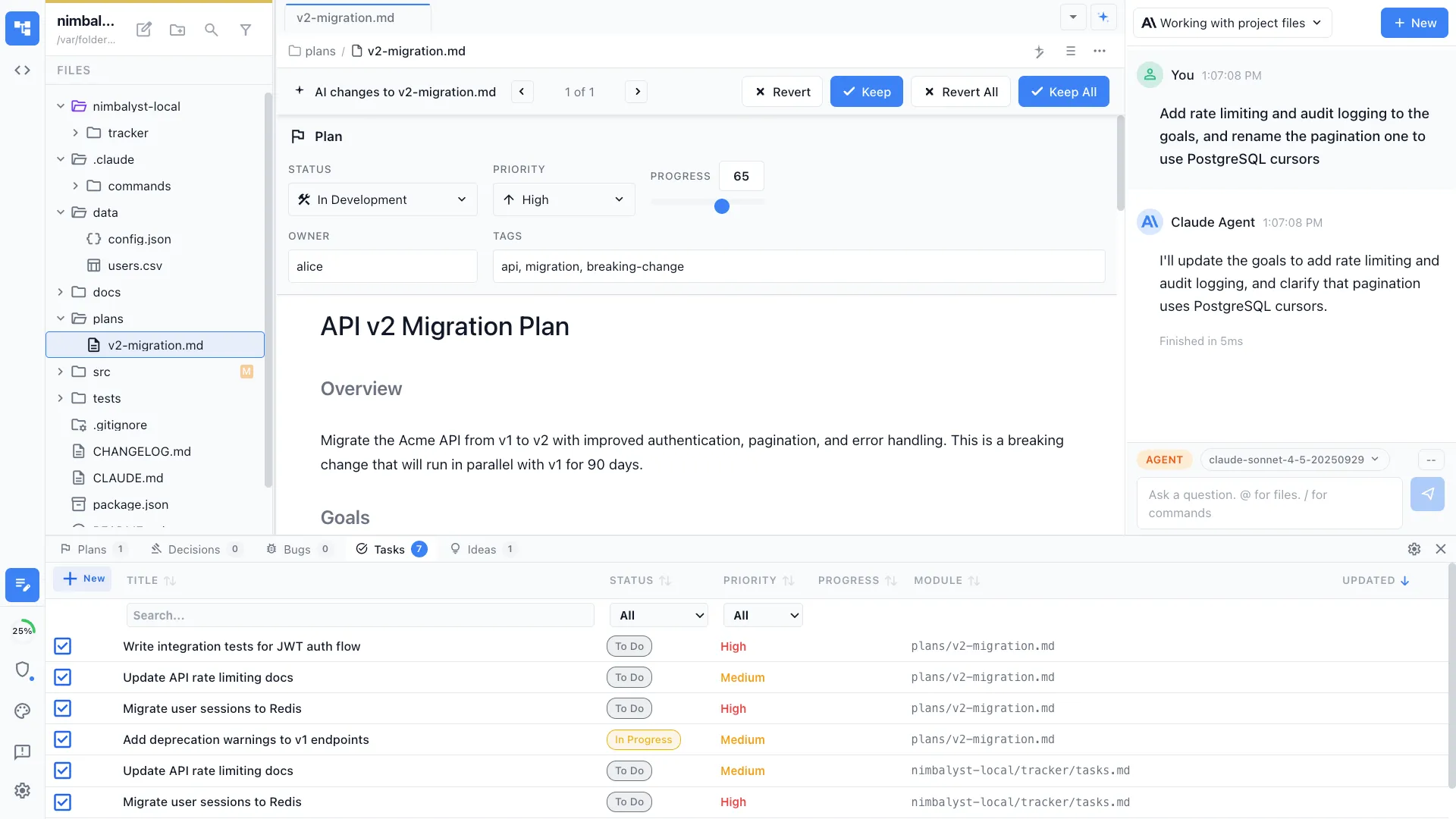
Point /implement at a plan document and your agent works through each task in order — writing code, running tests, and updating progress as it goes.
Execute a plan document step by step with automatic progress tracking. The agent follows the plan, implements each task, and marks completion in the plan file.


Capabilities
From plan to code
Step-by-step execution
The agent reads your plan document and implements tasks in order. Each task gets marked complete as the agent finishes it.
Live progress tracking
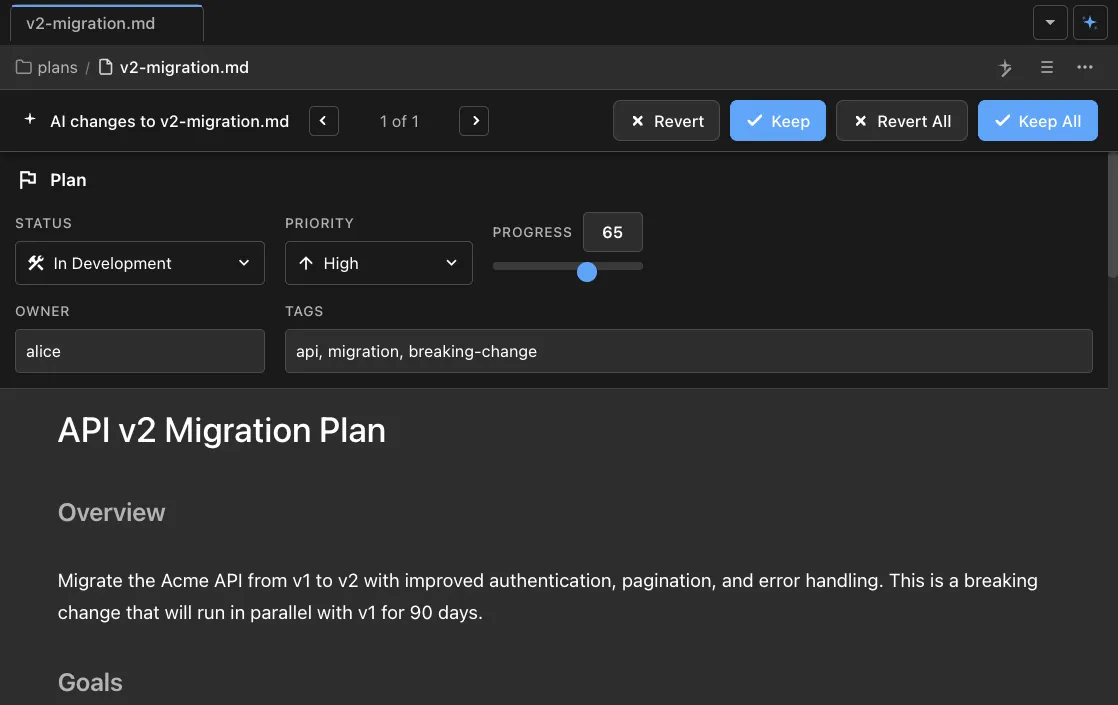
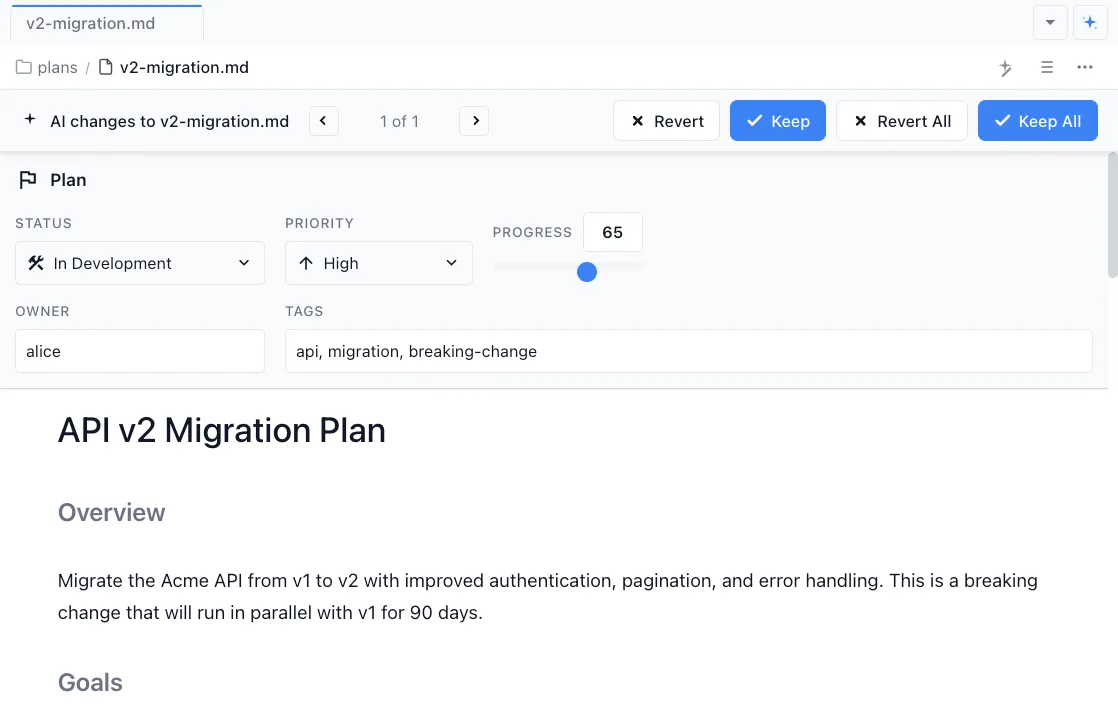
Watch progress in real time as the plan document updates with completion status. See exactly where the agent is and what's left.


Review as you go
Review diffs after each task completes. Approve, reject, or ask the agent to adjust before it moves to the next step.
How It Works
How /implement works
Create a plan first
Use /design to generate a structured plan document, or write one manually. The plan should have ordered tasks with clear scope.
Type /implement
Run /implement and point it at your plan file. The agent reads the plan and starts executing from the first incomplete task.
Agent implements and tracks
Your AI agent writes code, creates files, and runs commands for each task. Progress is updated in the plan file so you always know the status.
Try It
Example prompts
/implement plan.md /implement start from task 3 /implement continue — pick up where we left off Full Skill Source
Use this skill in your project
Copy the full text below or download it as a markdown file. Place it in your project's .claude/commands/ directory to use it as a slash command.
---
description: Execute a plan document with progress tracking
---

# /implement Command

Execute a plan document while maintaining progress tracking.

## Usage

```
/implement [plan-file-path]
```

**Examples:**
- `/implement nimbalyst-local/plans/user-authentication.md`
- `/implement user-authentication.md` (assumes nimbalyst-local/plans/ directory)

## Execution Steps

1. **Read the plan file**
   - Parse the YAML frontmatter
   - Extract implementation details, acceptance criteria, and goals

2. **Generate task list**
   - Create markdown checkboxes from acceptance criteria
   - Add implementation tasks from the plan
   - Insert task list after the plan title

3. **Update plan frontmatter**
   - Set `status` to `in-development`
   - Set `startDate` to today if not set
   - Update `updated` timestamp
   - Set `progress` to 0

4. **Begin implementation**
   - Use TodoWrite for internal task tracking
   - Work through each task systematically
   - Check off tasks as completed
   - Update progress percentage

5. **Calculate progress**
   - Progress = (completed checkboxes / total) x 100
   - Round to nearest integer

6. **Final updates**
   - Set `status` to `in-review` when complete
   - Set `progress` to 100

## Task List Format

Insert after the plan title:

```markdown
## Implementation Progress

- [ ] Task 1 from acceptance criteria
- [ ] Task 2 from acceptance criteria
- [ ] Implementation task A
```

## Progress Rules

- Count ONLY tasks in "Implementation Progress" section
- Update progress after each task, not in batches
- Always update `updated` timestamp with changes

## Error Handling

- **File doesn't exist**: Ask for correct path
- **No frontmatter**: Warn about invalid plan format
- **Already completed**: Ask if user wants to re-implement
- **Blocked status**: Ask what needs unblocking

## Important Notes

- Keep plan in sync - update after each major task
- Never disable tests - fix failures instead
- Don't commit automatically unless asked
- Track blockers by updating plan status
Related Skills
Skills that work well together


Explore More