Developer
AI code migration
Run /migrate to move between frameworks, languages, or API versions. The agent plans the migration, transforms code module by module, and verifies with tests.
Migrate code between frameworks, languages, or API versions. Plans the migration, transforms code, and verifies the result with tests.


Capabilities
Migrate safely
Migration planning
The agent analyzes your codebase, identifies all affected files, and creates a phased migration plan with dependency ordering.


Incremental transformation
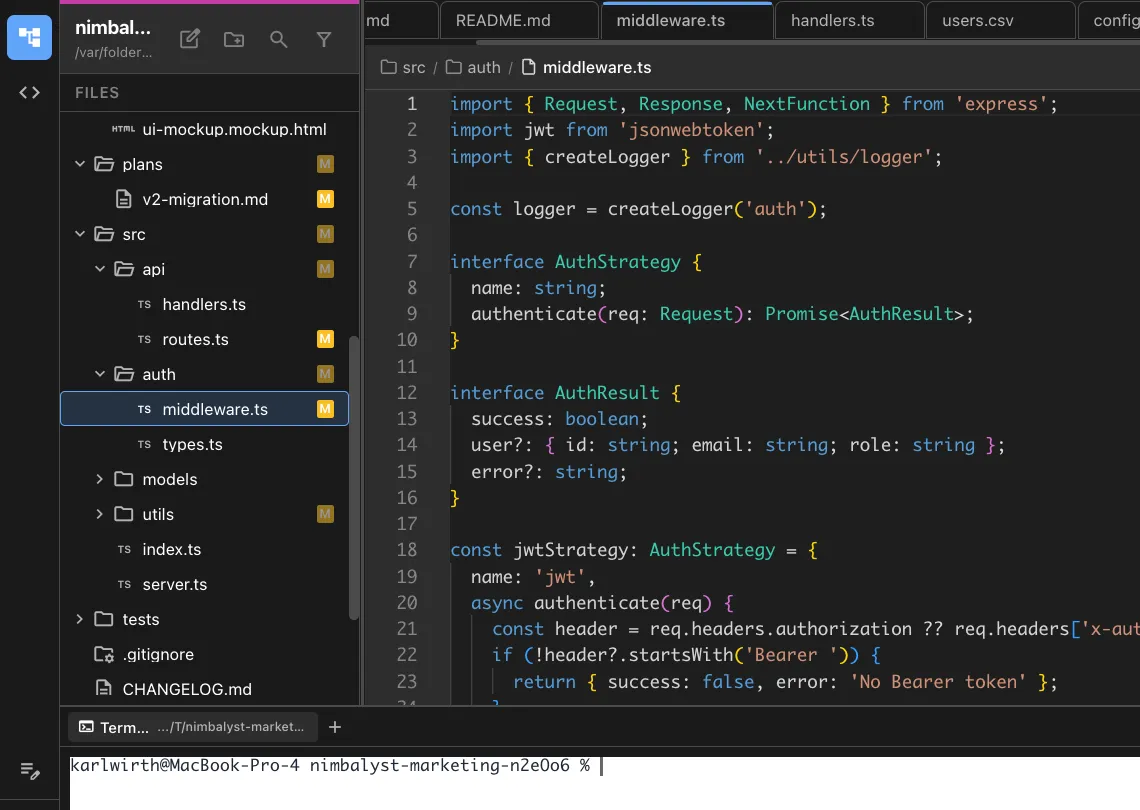
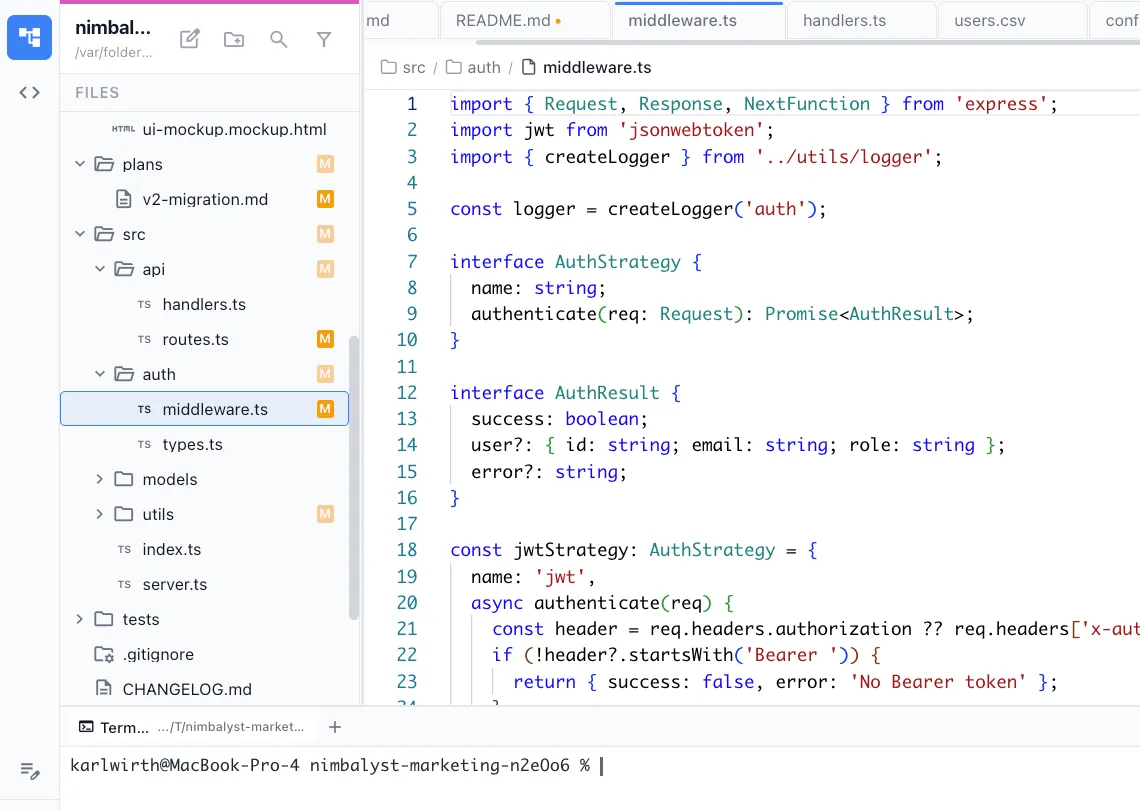
Code is migrated module by module with tests running between each step. Problems are caught early, not after everything changes.
Test verification
Existing tests are updated and run at each step. New tests are added when coverage gaps are found during migration.
How It Works
How /migrate works
Type /migrate
Run the command and describe the migration — from what to what. Include any constraints or priorities.
Agent plans and executes
A migration plan is created with ordered steps. Code is transformed incrementally with verification at each stage.
Verify and commit
Each migration step is verified with tests. Review the changes and commit milestone by milestone.
Try It
Example prompts
/migrate from Express to Hono /migrate JavaScript to TypeScript in src/utils/ /migrate upgrade from React 18 to React 19 Full Skill Source
Use this skill in your project
Copy the full text below or download it as a markdown file. Place it in your project's .claude/commands/ directory to use it as a slash command.
---
name: migration-planner
description: Plan and execute framework, language, or library migrations with incremental steps, compatibility checks, and rollback strategies. Use when upgrading major versions, switching frameworks, or modernizing a codebase.
allowed-tools: ["Read", "Edit", "Write", "Bash", "Glob", "Grep"]
---

# /migrate

Plan and execute codebase migrations incrementally, with compatibility checks and rollback strategies at each step.

## What This Command Does

1. Analyzes the current codebase to understand what needs to change
2. Reads the migration guide for the target version or framework
3. Creates a step-by-step migration plan with dependency ordering
4. Executes each migration step with verification
5. Handles breaking changes, deprecated APIs, and configuration updates
6. Produces a migration report documenting all changes

## Usage

```
/migrate [from] [to] [--scope file-or-directory] [--plan-only]
```

**Examples:**
- `/migrate react@17 react@18` -- upgrade React major version
- `/migrate javascript typescript --scope src/services/` -- convert JS to TS
- `/migrate express fastify` -- switch web framework
- `/migrate next@13 next@14 --plan-only` -- generate migration plan without executing
- `/migrate node@18 node@20` -- upgrade runtime version

## Execution Steps

1. **Assess the current state**

   Analyze the codebase to build a migration inventory:

   **Dependency analysis:**
   - Read `package.json` (or equivalent) to identify current versions
   - Identify all dependencies that will be affected by the migration
   - Check for peer dependency constraints
   - Map which files import from the libraries being migrated

   **Usage analysis:**
   - Search for deprecated APIs that will break in the target version
   - Count occurrences of each pattern that needs to change
   - Identify the most-affected files (these are the highest risk)
   - Check for custom wrappers or abstractions around the migrated library

   **Test analysis:**
   - Run the existing test suite to establish a green baseline
   - Identify tests that directly test the migrating functionality
   - Note test coverage gaps in the affected code

   **Output a migration inventory:**
   ```
   Migration: [from] -> [to]
   Files affected: [count]
   Deprecated APIs found: [count]
   Breaking changes applicable: [count]
   Test coverage of affected code: [percentage or qualitative]
   ```

2. **Research the migration path**

   Gather information about what changed between versions:

   - Read the official migration guide (if available)
   - Check the changelog for breaking changes
   - Identify codemods or automated migration tools
   - List all breaking changes that apply to this codebase

   Organize changes into categories:

   | Category | Description | Automation |
   |----------|-------------|------------|
   | **Syntax changes** | Import paths, API signatures changed | Often has codemod |
   | **Behavioral changes** | Same API, different behavior | Manual review needed |
   | **Removed APIs** | Features deleted, must find alternative | Manual migration |
   | **New requirements** | New config, new dependencies needed | One-time setup |
   | **Default changes** | Defaults changed, may affect behavior | Review and decide |

3. **Create the migration plan**

   Order the steps to minimize risk:

   **Phase 1: Preparation (non-breaking)**
   - Update configuration files for compatibility with both versions
   - Add compatibility shims where possible
   - Update types and interfaces
   - Run tests to confirm nothing is broken

   **Phase 2: Dependency updates**
   - Update the primary package to the target version
   - Update peer dependencies and related packages
   - Resolve any dependency conflicts
   - Run tests

   **Phase 3: Breaking changes (one at a time)**
   - For each breaking change:
     - Apply the change across all affected files
     - Run tests after each change
     - Commit if tests pass (for easy rollback)
   - Order: least risky changes first, most complex last

   **Phase 4: Cleanup**
   - Remove compatibility shims added in Phase 1
   - Remove deprecated code paths
   - Update documentation
   - Final test run

   For `--plan-only`, stop here and output the plan.

4. **Execute migration steps**

   For each step in the plan:

   **Before the change:**
   - Verify tests are green
   - Note the current git commit (rollback point)

   **Make the change:**
   - Apply the smallest coherent change
   - If a codemod exists, run it:
     ```bash
     npx [codemod-name] --transform [transform] [target-path]
     ```
   - If no codemod, apply changes manually using Edit tool
   - Handle each file in the affected set

   **After the change:**
   - Run the test suite
   - If tests pass: continue to next step
   - If tests fail: analyze failures
     - If failures are expected (tests need updating for new API): update the tests
     - If failures are unexpected: investigate and fix, or revert the step

   **Record the step:**
   - What was changed
   - How many files were modified
   - Test results
   - Any issues encountered

5. **Handle common migration patterns**

   ### Import path changes
   ```
   Search: import { X } from 'old-path'
   Replace: import { X } from 'new-path'
   ```
   Use Grep to find all occurrences, then Edit to update each file.

   ### API signature changes
   ```
   Search: oldFunction(arg1, arg2)
   Replace: newFunction({ param1: arg1, param2: arg2 })
   ```
   Identify all call sites, understand each usage context, then update.

   ### Configuration changes
   Read the new config format requirements. Update config files, preserving any custom settings that are still valid.

   ### TypeScript type changes
   Update interfaces and type definitions first, then let type errors guide the remaining changes. Run `tsc --noEmit` to find all type errors.

   ### Behavioral changes
   These are the hardest. For each behavioral change:
   - Write a test that captures the current behavior
   - Make the migration change
   - Update the test to reflect the new expected behavior
   - Verify the updated test passes

6. **Verify the migration**

   After all steps are complete:

   - Run the full test suite
   - Run the linter
   - Run the type checker
   - Build the project
   - Start the development server and manually verify key functionality
   - Check for console warnings about deprecated usage

7. **Generate the migration report**

## Output Format

```markdown
# Migration Report

**Migration**: [from] -> [to]
**Date**: [current date]
**Scope**: [files/directories migrated]
**Duration**: [how long the migration took]

---

## Summary

| Metric | Count |
|--------|-------|
| Files modified | [N] |
| Breaking changes resolved | [N] |
| Tests updated | [N] |
| New tests added | [N] |
| Deprecated APIs removed | [N] |

---

## Migration Steps Executed

### Step 1: [Description]
- **Files**: [count] modified
- **Change**: [What was changed and why]
- **Tests**: All passing
- **Commit**: [hash] (rollback point)

### Step 2: [Description]
...

---

## Breaking Changes Resolved

| Change | Occurrences | Resolution |
|--------|-------------|------------|
| [API change] | [count] | [How it was handled] |

---

## Post-Migration Verification

| Check | Result |
|-------|--------|
| Tests pass | [X/Y passed] |
| Lint passes | [Yes/No] |
| Types check | [Yes/No] |
| Build succeeds | [Yes/No] |
| Dev server starts | [Yes/No] |

---

## Known Issues

- [Any issues that couldn't be resolved during migration]

## Rollback Instructions

If the migration needs to be reverted:
1. `git revert [commit-range]` to undo migration commits
2. `npm install` to restore previous dependency versions
3. Run tests to verify rollback is clean

---

## Follow-Up Tasks

- [ ] [Any post-migration cleanup needed]
- [ ] [New features from the target version to adopt]
- [ ] [Documentation to update]
```

## Error Handling

- **No migration guide available**: Research the changelog and release notes; build the migration plan from breaking change lists
- **Codemod produces invalid code**: Revert the codemod output and apply changes manually
- **Circular dependency conflicts**: Resolve by updating related packages together in a single step
- **Tests fail and root cause is unclear**: Use `/debug` to investigate, or revert the step and flag for manual review

## Best Practices

- Never migrate and add features in the same commit; migrations should be behavior-preserving
- Migrate in small steps, not one big bang; each step should be independently revertable
- Read the official migration guide before starting; many frameworks provide codemods that save hours
- If the migration is large (100+ files), consider doing it in phases across multiple PRs
- Keep the old version working in parallel as long as possible (compatibility shims) before cutting over
- Run the migration on a branch; merge only after full verification


Explore More