Developer
Standup summaries from git
Run /mychanges before standup and get a clear summary of what you shipped, what's in progress, and what's next — all generated from your actual commit history.
Summarize recent git commits in a standup-ready format. Shows what you shipped, what's in progress, and what's blocked — all from your commit history.
Capabilities
Never forget what you did
Commit analysis
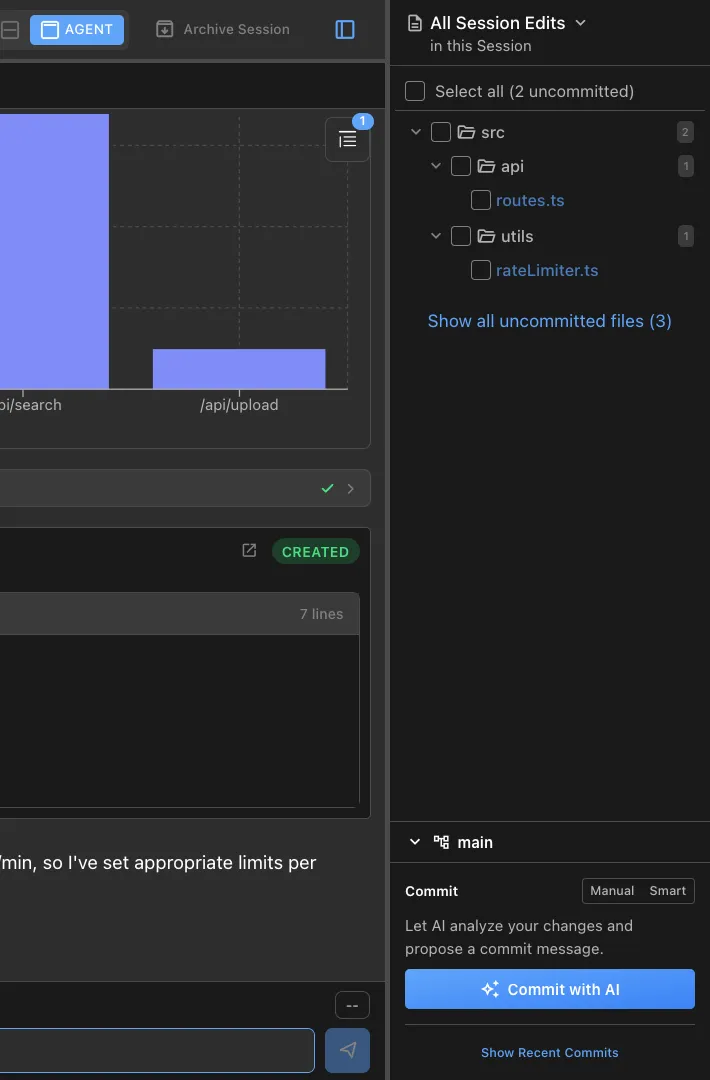
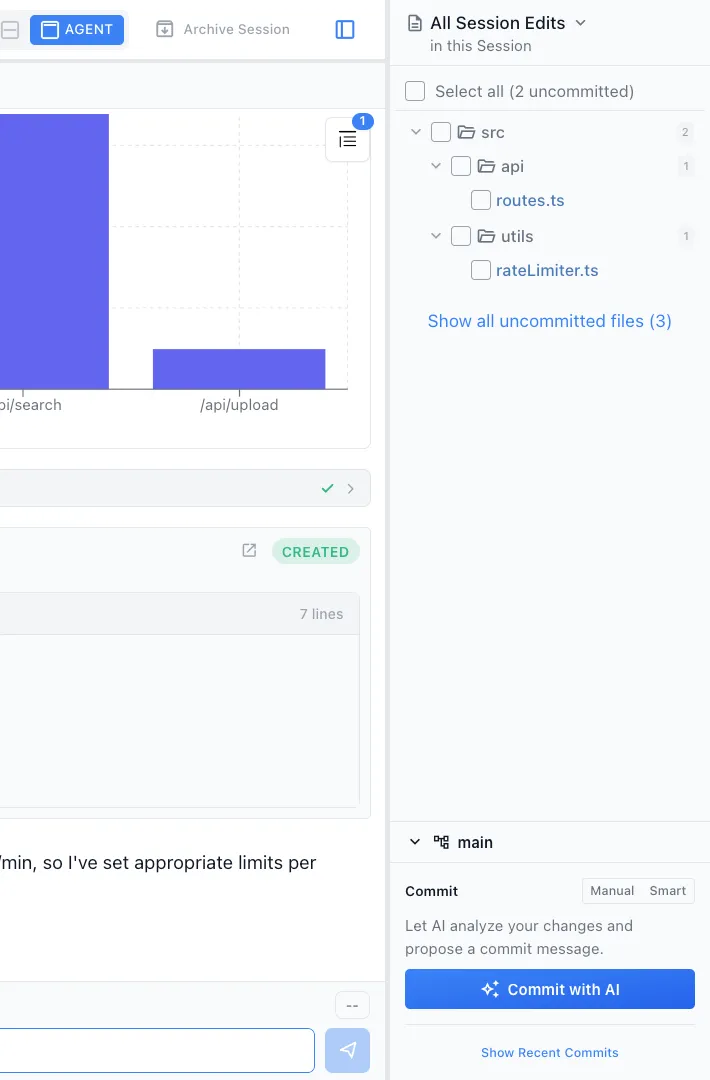
The agent reads your recent commits across branches and summarizes them by feature area, not raw file paths.


Standup format
Output follows a clear done/doing/blocked format. Copy-paste into Slack, Linear, or your team's standup tool.
Time range control
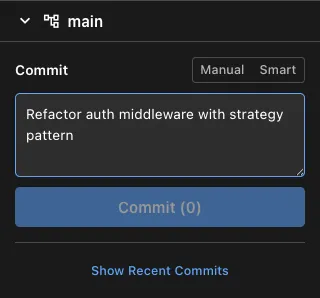
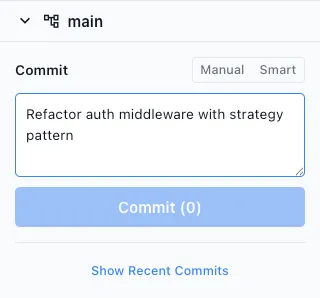
Default to the last day, but ask for 'last week' or 'since Monday' to get exactly the timeframe you need.
How It Works
How /mychanges works
Type /mychanges
Run the command before your standup or at the end of the day. Optionally specify a time range.
Agent reads git history
Your AI agent scans commits, groups them by feature or area, and identifies in-progress work from branch state.
Get your summary
Receive a clean standup summary with completed items, in-progress work, and any blockers identified from failed tests or TODOs.
Try It
Example prompts
/mychanges /mychanges last week /mychanges since v2.1 release Full Skill Source
Use this skill in your project
Copy the full text below or download it as a markdown file. Place it in your project's .claude/commands/ directory to use it as a slash command.
---
name: standup-summary
description: Summarize recent git commits in standup format. Use when preparing for standups or summarizing recent work.
---

# Standup Changes Summary

Generate a concise standup-style summary of my recent git commits.

## Usage
Arguments: <time-period>
- Examples: 1d (1 day), 2d (2 days), 1w (1 week), 3d (3 days)

## Task
1. Parse the time period argument (e.g., "1d" = 1 day ago)
2. Get git commits since that time using: `git log --since="<time>" --author="$(git config user.name)" --pretty=format:"%h - %s (%cr)" --no-merges`
3. Get the actual commit details using: `git log --since="<time>" --author="$(git config user.name)" --pretty=format:"%h|%s|%b" --no-merges`
4. Summarize the changes in standup format:
  - Start with "Here's what I worked on in the last [period]:"
  - Group related changes together
  - Use concise bullet points
  - Focus on what was accomplished (features, fixes, improvements)
  - Mention any notable refactoring or infrastructure work
  - Keep it brief and conversational (standup style, not formal)
  - Don't just list commits - synthesize them into achievements

## Output Format
```
Here's what I worked on in the last [period]:

- [Achievement/feature area]: [summary of what was done]
- [Another area]: [summary]
- [Additional work]: [summary]
```

## Important
- If no commits found, say "No commits found in the last [period]"
- Focus on the "what" and "why", not technical implementation details
- Group similar commits together (e.g., multiple bug fixes, related features)
- Keep it conversational and brief - this is for standup, not a detailed report
Explore More