Internal Communications
AI-powered internal communications
Your AI agent reads code changes, session history, and project status to draft release notes, stakeholder updates, and team communications automatically.


The Problem
Communicating technical progress is tedious
Translating technical work into updates that non-technical stakeholders understand is a constant time sink for developers and PMs.
- Writing weekly updates means reviewing git logs and trying to remember context
- Stakeholder updates require translating technical jargon into business language
- Release notes are either too technical or too vague
- Status updates are copy-pasted from different tools and always incomplete
How It Works
Updates that write themselves
Generate from activity
Your agent reads git history, session logs, and task tracker data to draft comprehensive updates. No manual log review required.
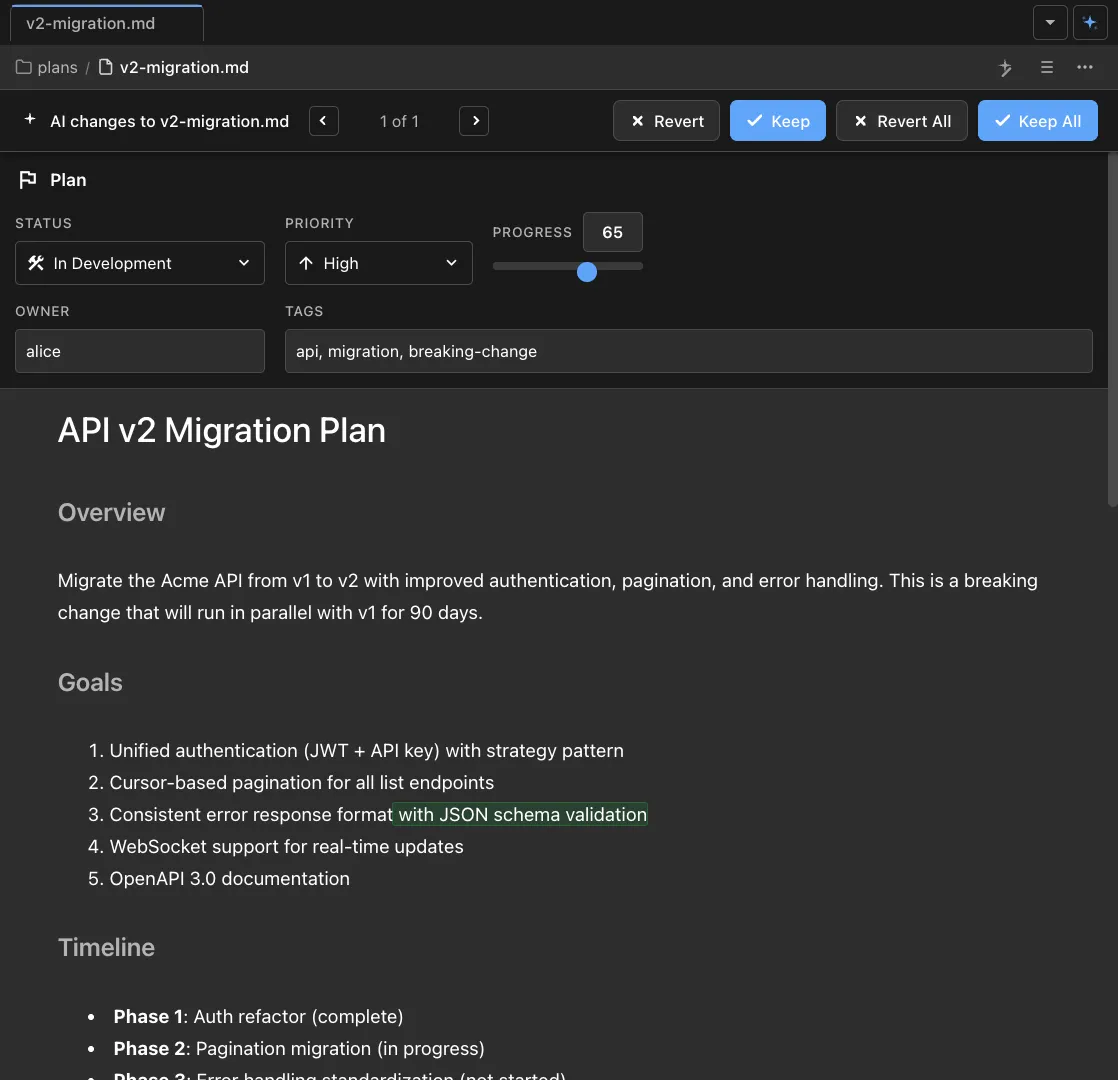
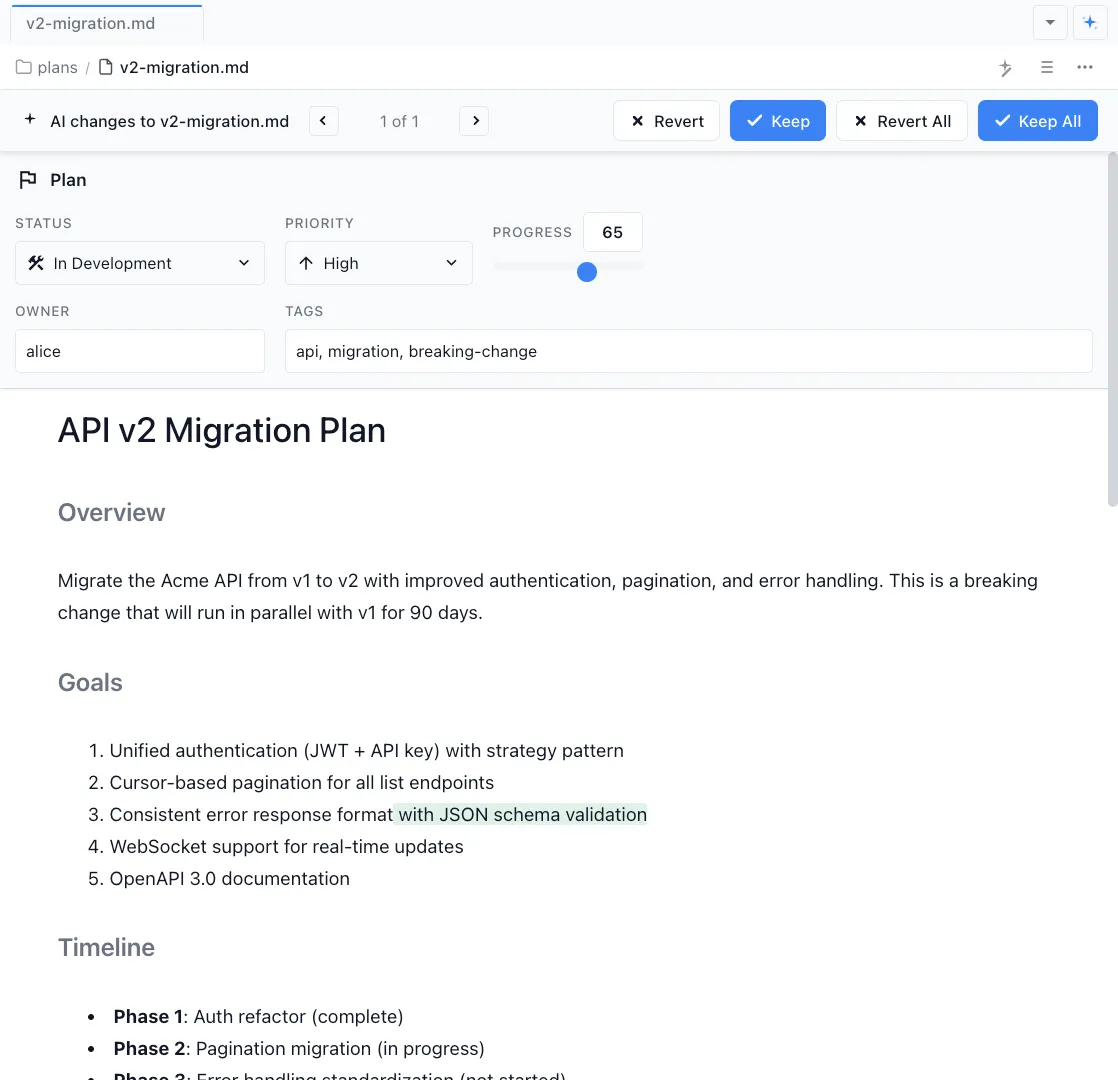
Edit and customize
Refine the draft for different audiences -- technical detail for engineering, business impact for leadership, user-facing language for customers.
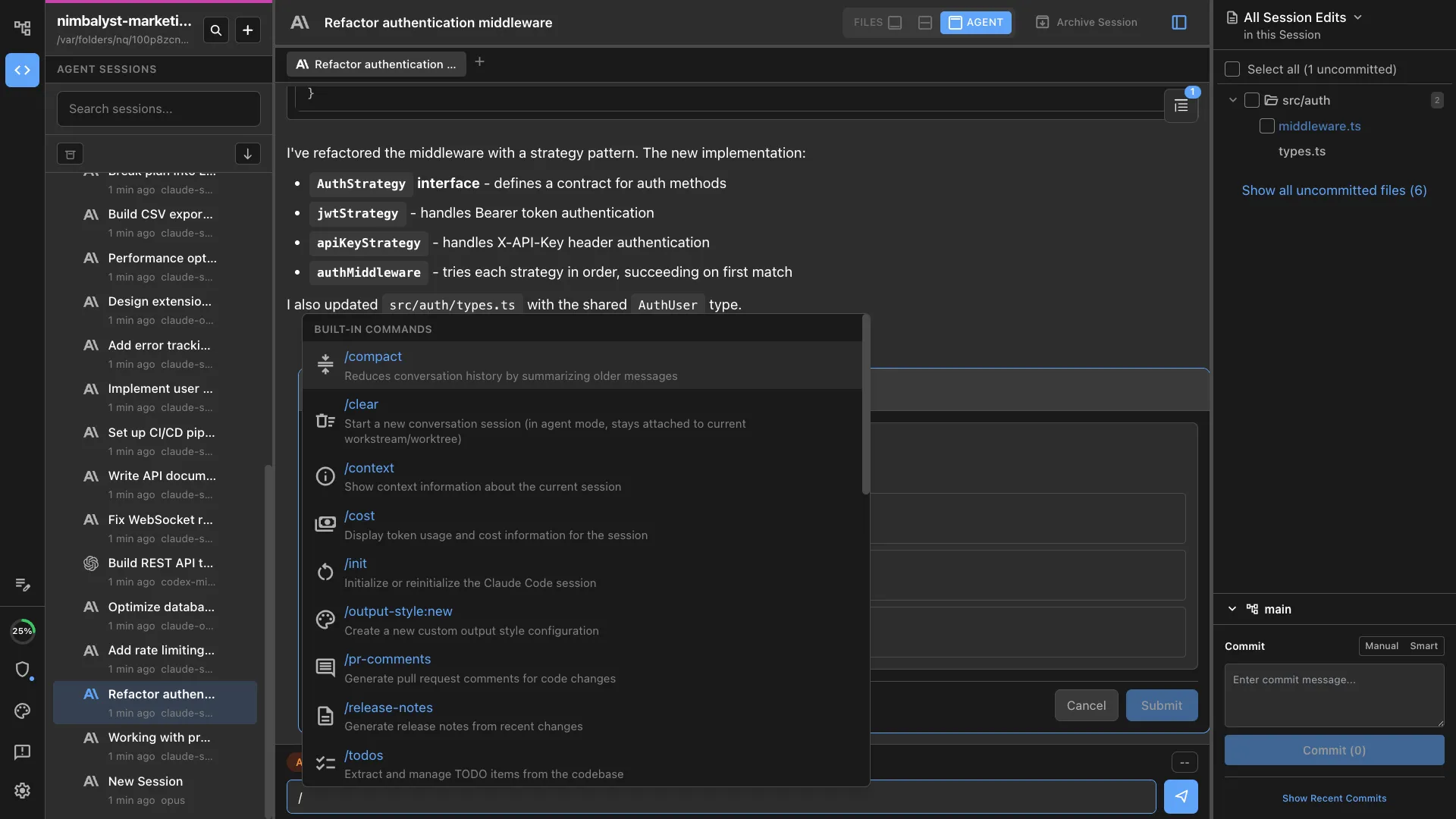
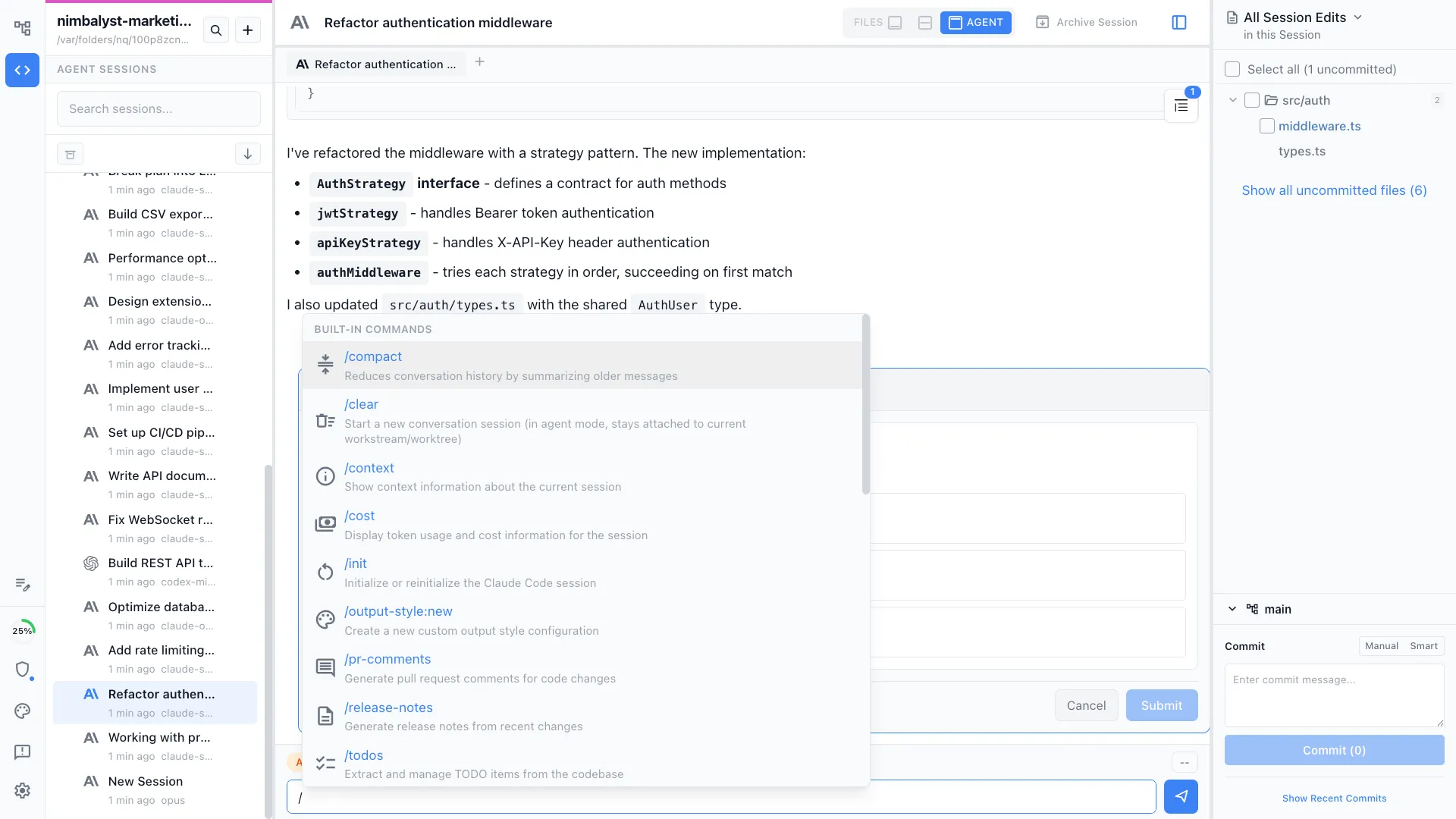
Automate recurring updates
Use /mychanges for daily standups, /status for weekly summaries, and /launch for release announcements. Each pulls from real data, not memory.
The Difference
Communication without the overhead
Without Nimbalyst
- ✕ Spend 30 minutes every Monday reviewing git log for status updates
- ✕ Manually translate technical changes into stakeholder language
- ✕ Release notes are an afterthought written hours before the deadline
- ✕ Different audiences get the same generic update
With Nimbalyst
- ✓ Agent generates updates from actual git history and session data
- ✓ Automatic audience-appropriate language for each stakeholder group
- ✓ Release notes drafted automatically from code changes
- ✓ Recurring updates automated with slash commands
Powered By
Nimbalyst features behind this workflow
Markdown Editor
Rich editor for drafting and formatting internal communications.
Git & Version Control
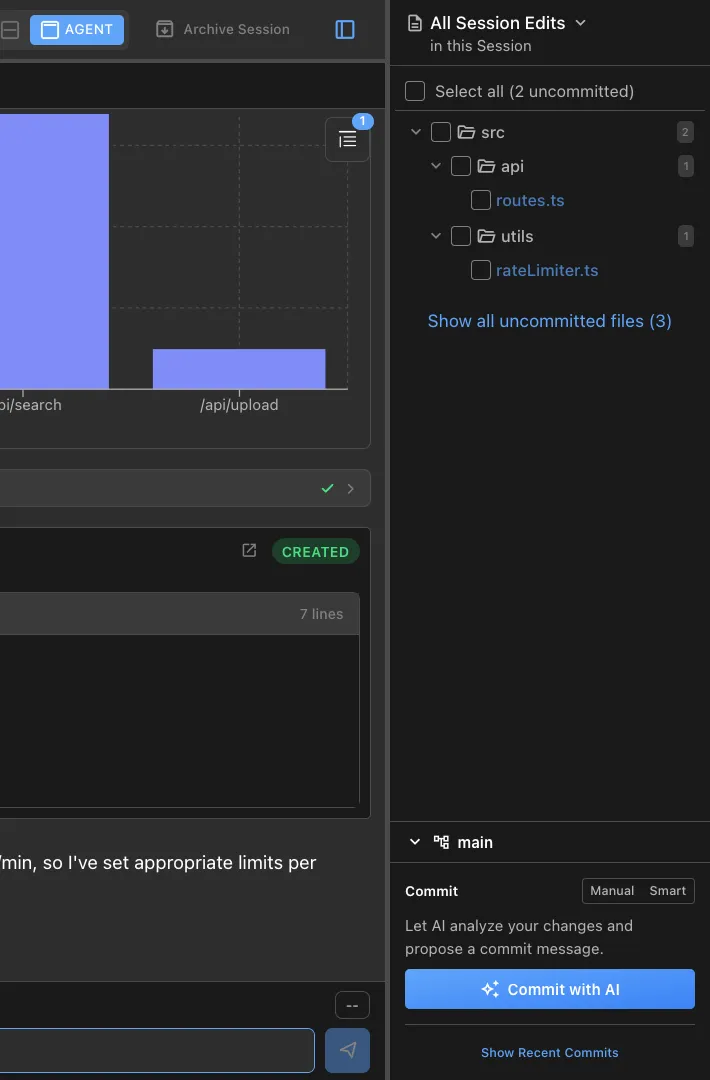
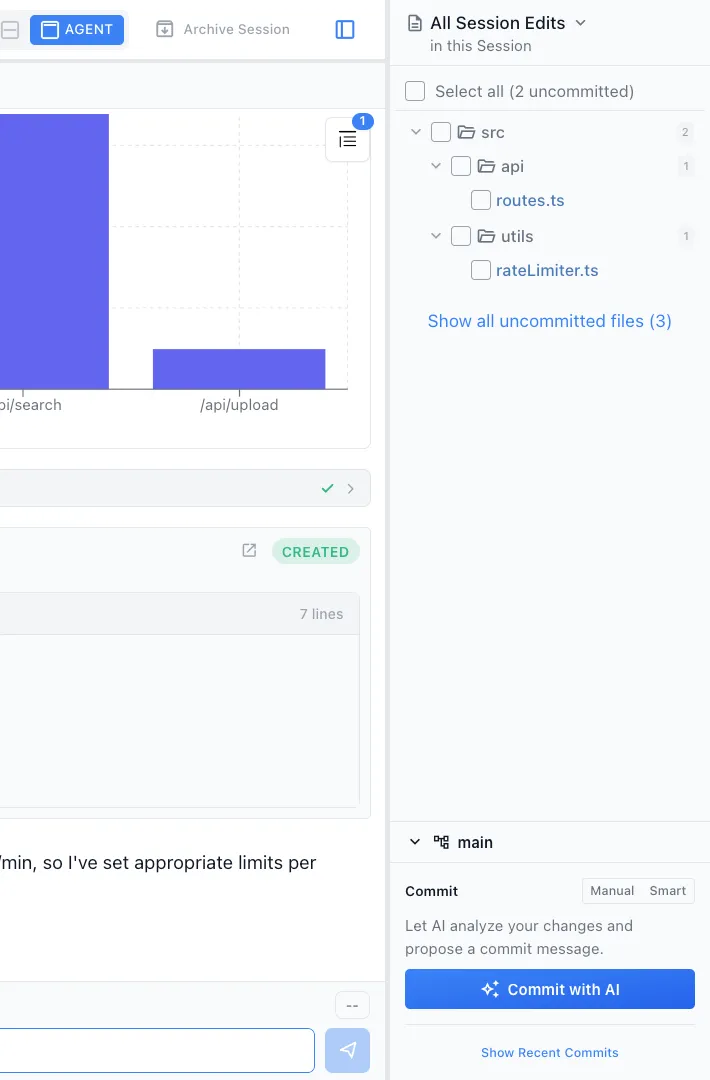
Agent reads git history to summarize changes accurately.
Commands & Skills
Use /mychanges, /status, and /launch for automated updates.

Session Management
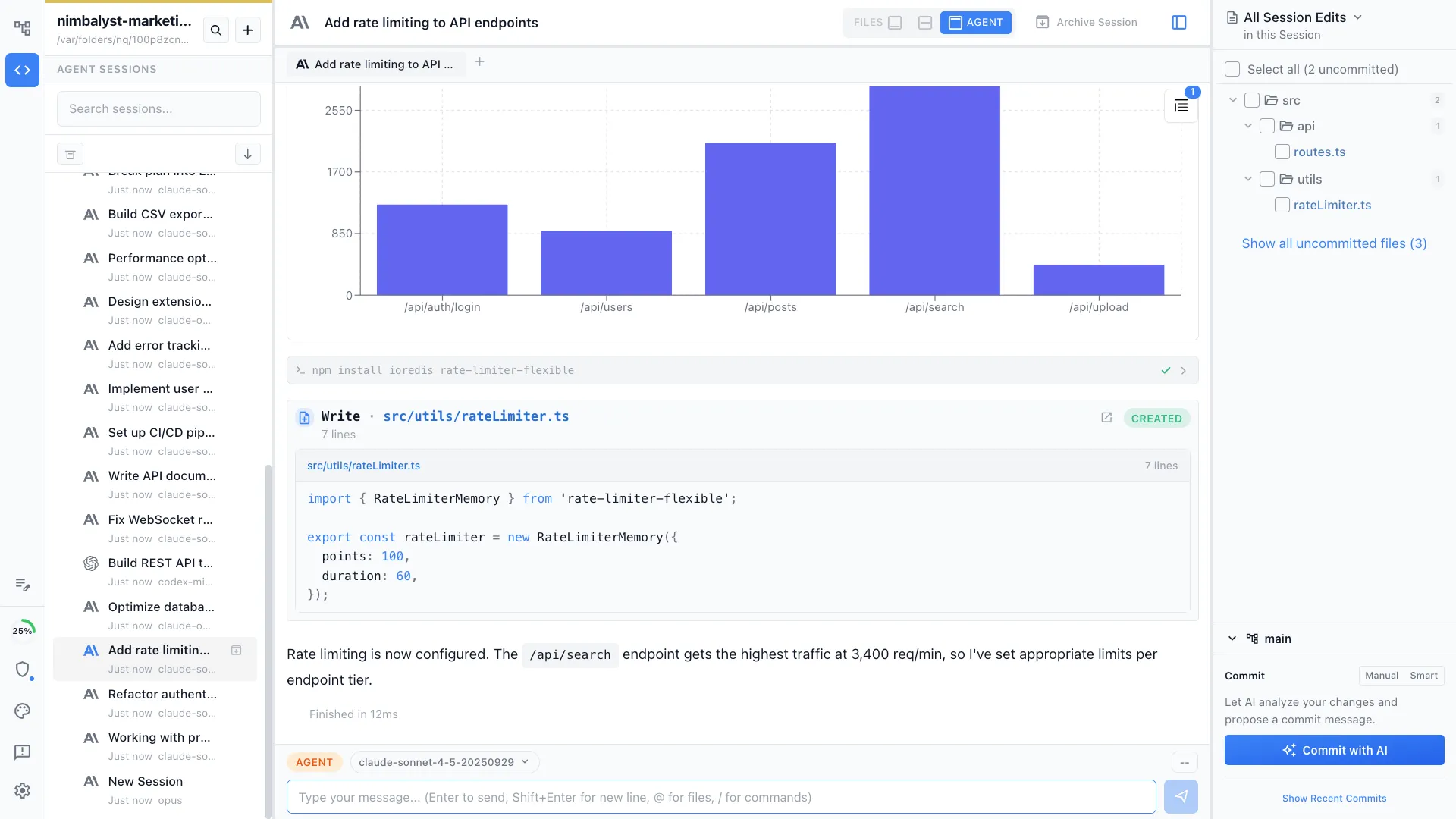
Session history provides context for what was worked on and why.



