Product Management
AI product roadmaps
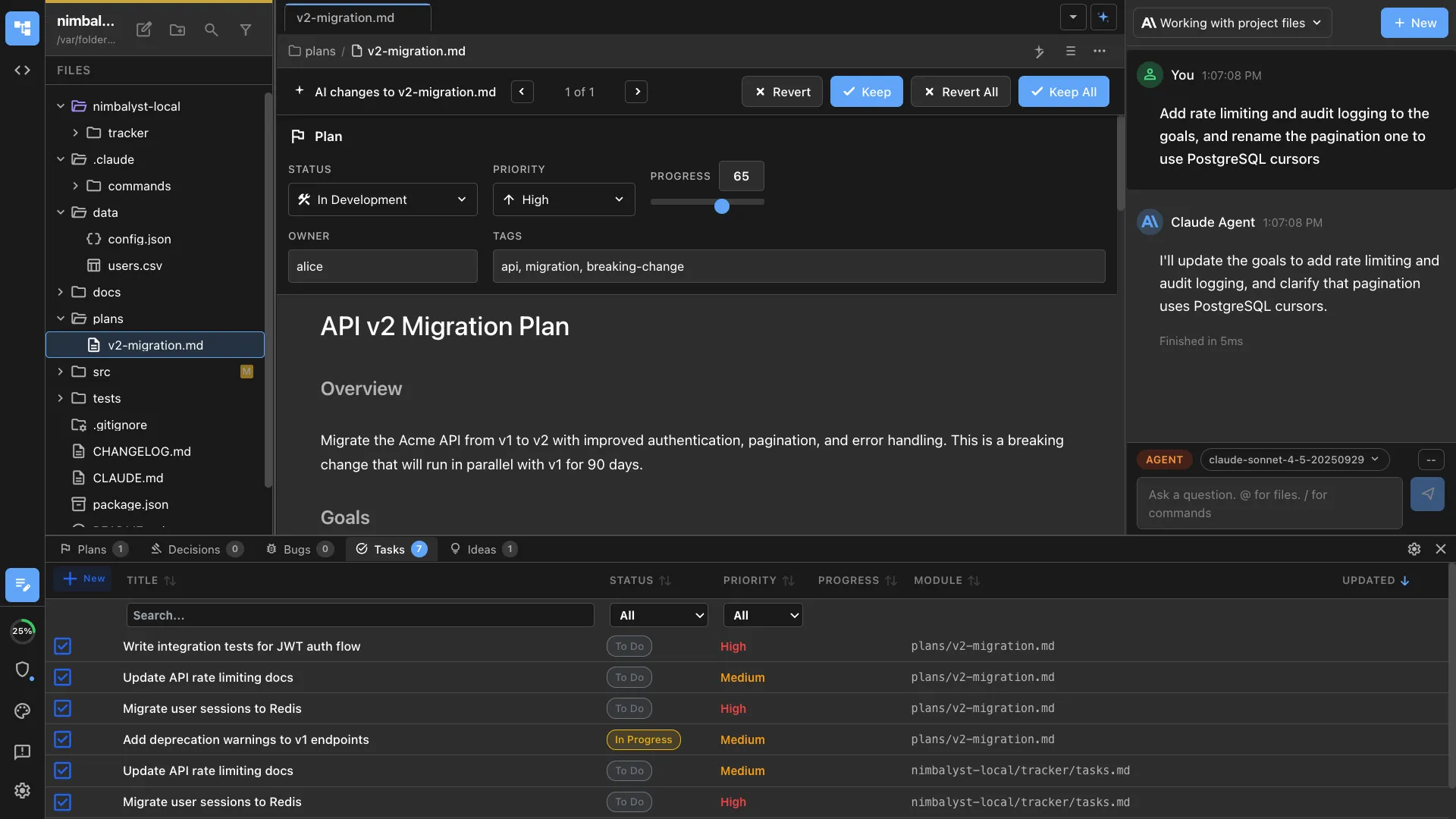
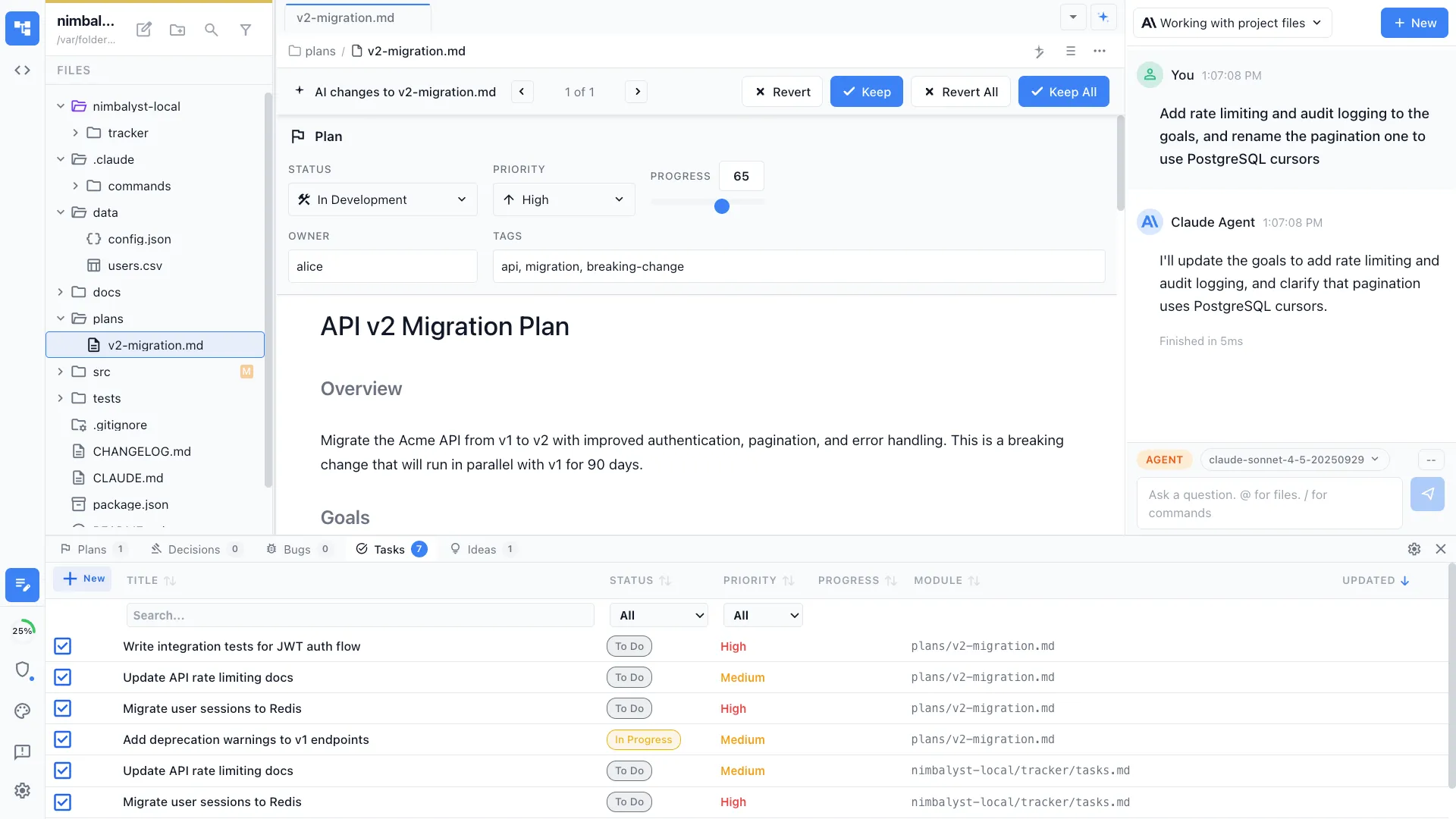
Run /roadmap and the agent reads your plans, tracked items, and priorities to generate a roadmap view — what's shipping now, what's next, and what's planned.
Generate a product roadmap from your plans, tracked items, and priorities. Creates a time-based view of what's planned, in progress, and coming next.
Capabilities
See the big picture
Auto-generated from plans
The agent reads your plan documents, tracked items, and session history to assemble a roadmap. No manual timeline management.


Stakeholder-ready
Output is formatted for sharing — now/next/later buckets, milestone markers, and dependency callouts.
Visual timeline
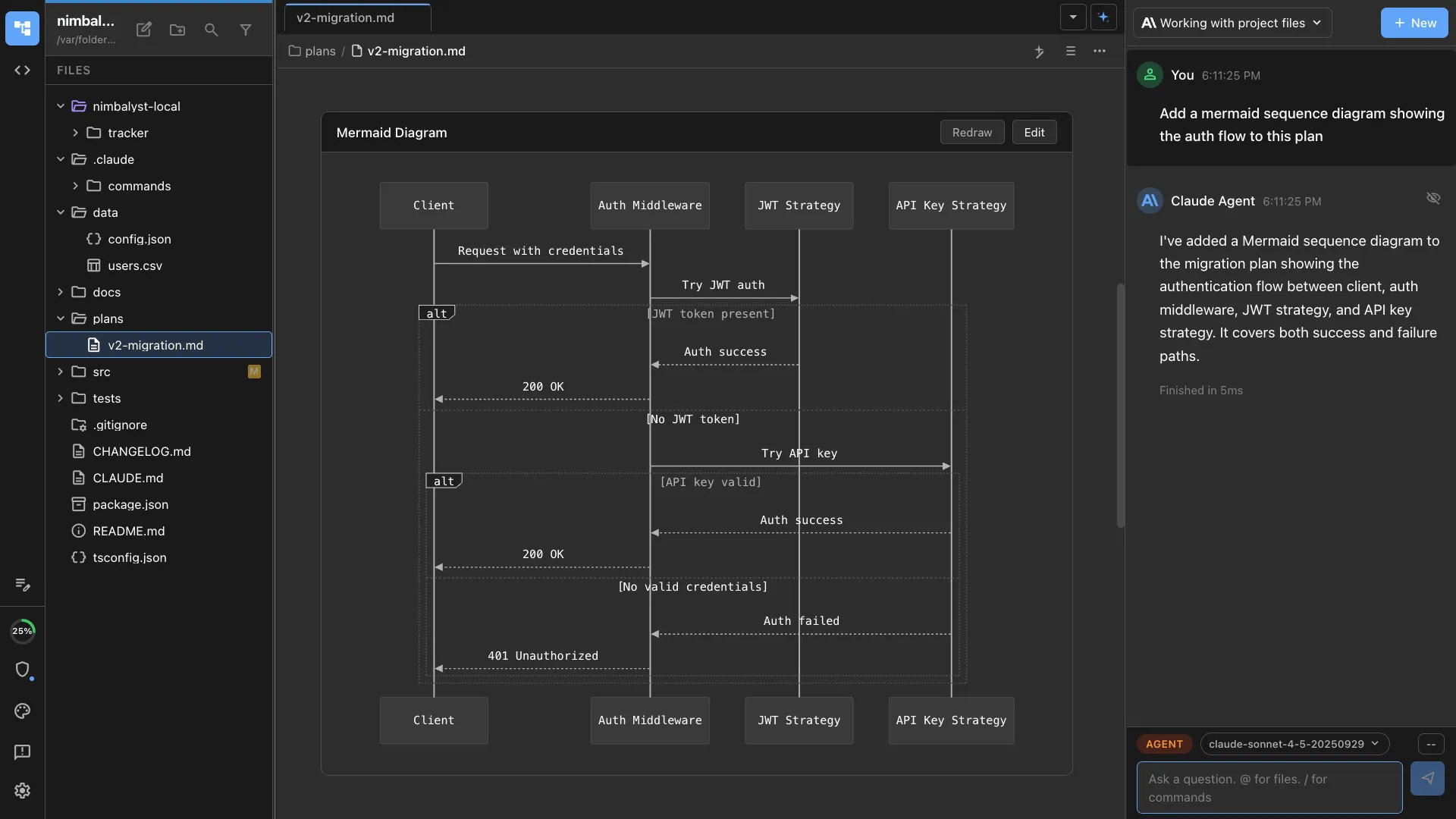
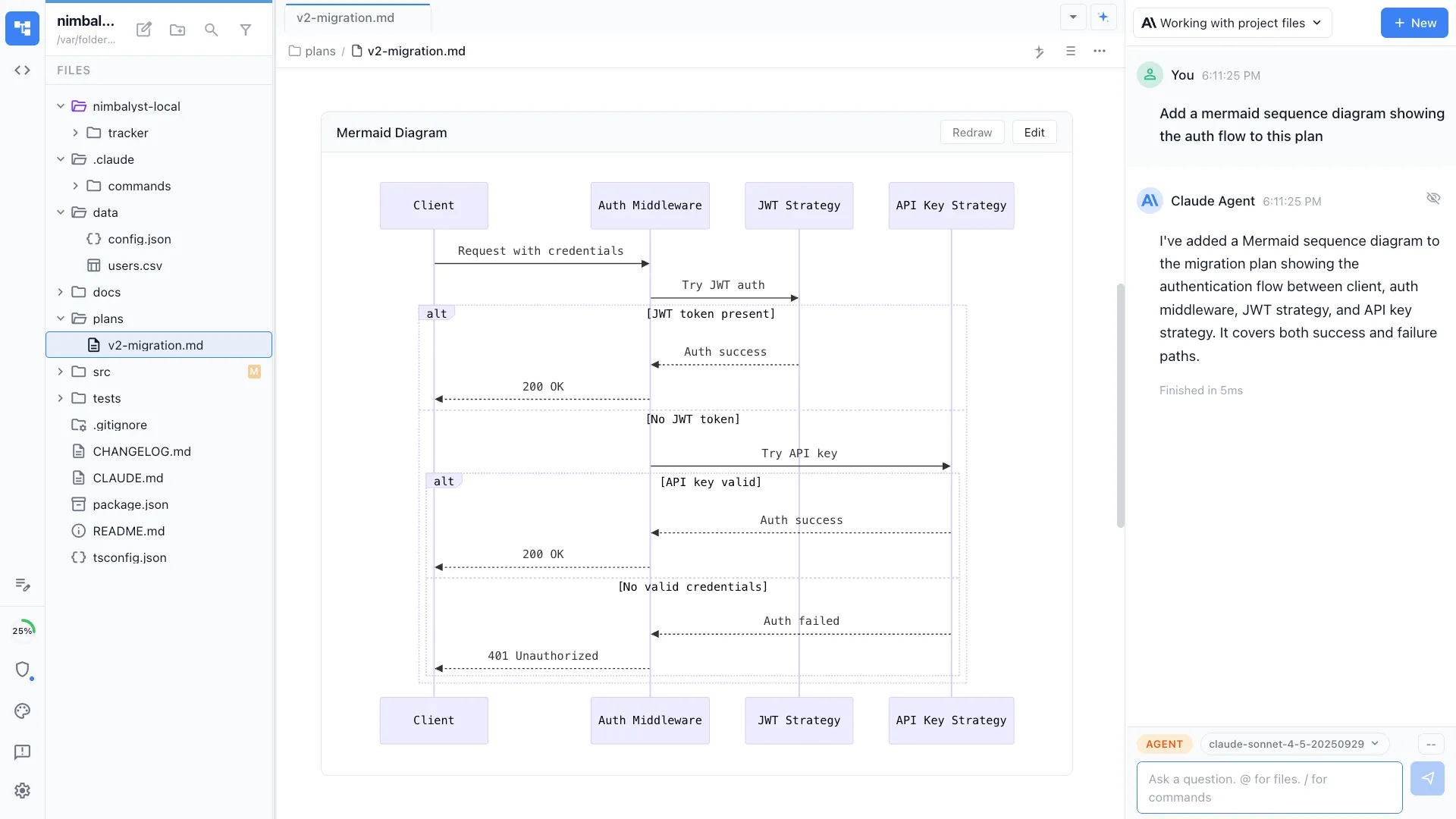
Optionally generates Mermaid Gantt charts or timeline diagrams alongside the text roadmap.
How It Works
How /roadmap works
Type /roadmap
Run the command and optionally specify the timeframe, audience, and focus area.
Agent assembles the roadmap
Plans, tracked items, and priorities are read and organized into a time-based view with clear milestones.
Share and update
Review the roadmap, adjust priorities, and share with stakeholders. Re-run to update as plans evolve.
Try It
Example prompts
/roadmap for Q3 2026 /roadmap executive summary of what's planned for mobile /roadmap generate a Gantt chart from our current plans Full Skill Source
Use this skill in your project
Copy the full text below or download it as a markdown file. Place it in your project's .claude/commands/ directory to use it as a slash command.
---
name: roadmap-generator
description: Generate product roadmaps from plans, priorities, and strategic goals. Use when creating quarterly roadmaps, feature timelines, or initiative planning documents.
---

# /roadmap

Generate a structured product roadmap document from existing plans, priorities, and strategic goals.

## What This Command Does

1. Gathers input from existing plan files, PRDs, and user-provided priorities
2. Organizes initiatives into time horizons (Now, Next, Later)
3. Maps dependencies between initiatives
4. Estimates relative effort and impact for prioritization
5. Produces a roadmap document with visual timeline and detailed initiative cards

## Usage

```
/roadmap [time-horizon] [--theme optional-strategic-theme]
```

**Examples:**
- `/roadmap Q3 2025` -- Generate a quarterly roadmap
- `/roadmap 6-month --theme growth` -- Six-month roadmap focused on growth
- `/roadmap` -- Generate a roadmap from all open plans and priorities

## File Location

**Location**: `nimbalyst-local/Product/roadmaps/[period]-roadmap.md`

**Naming**: `q3-2025-roadmap.md`, `h2-2025-roadmap.md`, `6-month-growth-roadmap.md`

## Execution Steps

1. **Gather source material**

   Scan for existing inputs:
   - Read plan files from `nimbalyst-local/plans/` (filter by status: draft, ready-for-development, in-development)
   - Read PRDs from `nimbalyst-local/Product/PRDs/`
   - Check for any strategy documents
   - Ask the user for additional context: What are the top 3 strategic priorities this period?

   For each item found, extract:
   - Title and description
   - Priority level (P0/P1/P2 or high/medium/low)
   - Current status
   - Dependencies on other items
   - Estimated effort (if available)
   - Target persona or user segment

2. **Categorize into time horizons**

   Sort all initiatives into three buckets:

   | Horizon | Timeframe | Criteria |
   |---------|-----------|----------|
   | **Now** | Current sprint/month | Already in progress, P0 items, committed deliverables |
   | **Next** | 1-3 months out | P0/P1 items ready to start, dependencies of Now items resolved |
   | **Later** | 3-6 months out | P1/P2 items, items waiting on dependencies, exploratory work |

   Rules for categorization:
   - Items with status `in-development` go to Now
   - Items with status `ready-for-development` and P0 priority go to Now
   - Items blocked by Now items go to Next
   - Everything else goes to Later unless user overrides

3. **Map dependencies**

   For each initiative, identify:
   - **Depends on**: What must be completed first?
   - **Enables**: What does completing this unblock?
   - **Related**: What other initiatives share context or resources?

   Produce a dependency list in the roadmap:
   ```
   Initiative A --> Initiative B --> Initiative D
                --> Initiative C
   ```

4. **Score and prioritize**

   Apply a lightweight prioritization framework:

   **Impact Score** (1-5):
   - 5: Directly drives primary business metric
   - 4: Meaningful improvement for large user segment
   - 3: Moderate improvement or enables future high-impact work
   - 2: Quality-of-life improvement
   - 1: Nice to have

   **Effort Score** (1-5):
   - 1: Hours (config change, copy update)
   - 2: Days (small feature, bug fix)
   - 3: 1-2 weeks (medium feature)
   - 4: 2-4 weeks (large feature)
   - 5: 4+ weeks (epic-level work)

   **Priority Score** = Impact / Effort (higher is better)

   Sort within each time horizon by priority score.

5. **Identify risks and open questions**

   For each horizon, call out:
   - Initiatives with unclear scope or missing PRDs
   - Resource conflicts (two high-effort items competing for same time)
   - External dependencies (third-party APIs, vendor timelines)
   - Items that have been in "Later" for multiple roadmap cycles

6. **Generate the roadmap document**

## Output Format

```markdown
# Product Roadmap: [Period]

**Generated**: [Date]
**Strategic Theme**: [Theme if provided]
**Owner**: [User name]

---

## Strategic Context

[2-3 sentences on what this period is about and what success looks like]

---

## Roadmap Overview

### Now (In Progress)
| Initiative | Priority | Effort | Impact | Status | Owner |
|-----------|----------|--------|--------|--------|-------|
| [Name]    | P0       | M      | High   | 60%    | [Who] |

### Next (1-3 Months)
| Initiative | Priority | Effort | Impact | Depends On | Target |
|-----------|----------|--------|--------|------------|--------|
| [Name]    | P1       | L      | High   | [Init A]   | [Month]|

### Later (3-6 Months)
| Initiative | Priority | Effort | Impact | Notes |
|-----------|----------|--------|--------|-------|
| [Name]    | P2       | M      | Medium | [Why later] |

---

## Initiative Details

### [Initiative Name]
- **Goal**: [What success looks like]
- **Problem**: [What user problem this solves]
- **Scope**: [Key deliverables]
- **Dependencies**: [What this needs or enables]
- **Effort Estimate**: [T-shirt size with rationale]
- **Source**: [Link to plan/PRD]

---

## Dependencies Map

[Text-based dependency graph]

---

## Risks & Open Questions

| Risk | Impact | Mitigation |
|------|--------|------------|
| [Risk] | [H/M/L] | [Plan] |

### Open Questions
- [ ] [Question needing resolution]

---

## Decisions Log

| Decision | Date | Rationale |
|----------|------|-----------|
| [What was decided] | [When] | [Why] |
```

## Error Handling

- **No plan files found**: Create the roadmap from scratch by interviewing the user about priorities
- **Conflicting priorities**: Flag the conflict and ask the user to resolve before finalizing
- **Too many items for the time horizon**: Recommend cutting or deferring lowest-priority items

## Best Practices

- Update the roadmap at least monthly; stale roadmaps lose trust
- Keep Now to 3-5 items maximum; more than that means nothing is truly prioritized
- Later is not a graveyard; review it each cycle and either promote or remove items
- Share the roadmap with stakeholders after generating; use it as a communication tool
- Pair with `/sprint-plan` to break Now items into actionable sprint work
Related Skills
Skills that work well together


Explore More