Project Planning
AI-powered project planning
Create structured plans, break work into tasks, and orchestrate AI agents to implement them -- all in one workspace. Plan the work, then watch agents execute it.


The Problem
Planning and execution live in different tools
Project planning tools like Linear, Jira, and Notion are disconnected from where work actually happens. The gap between plan and execution creates overhead.
- Plans live in one tool, code lives in another -- constant context switching
- Task descriptions lose context by the time a developer (or agent) picks them up
- No way to see implementation progress alongside the plan in real time
- Sprint planning takes hours of manual ticket writing and estimation
How It Works
Plan, assign to agents, and track progress
Create structured plans
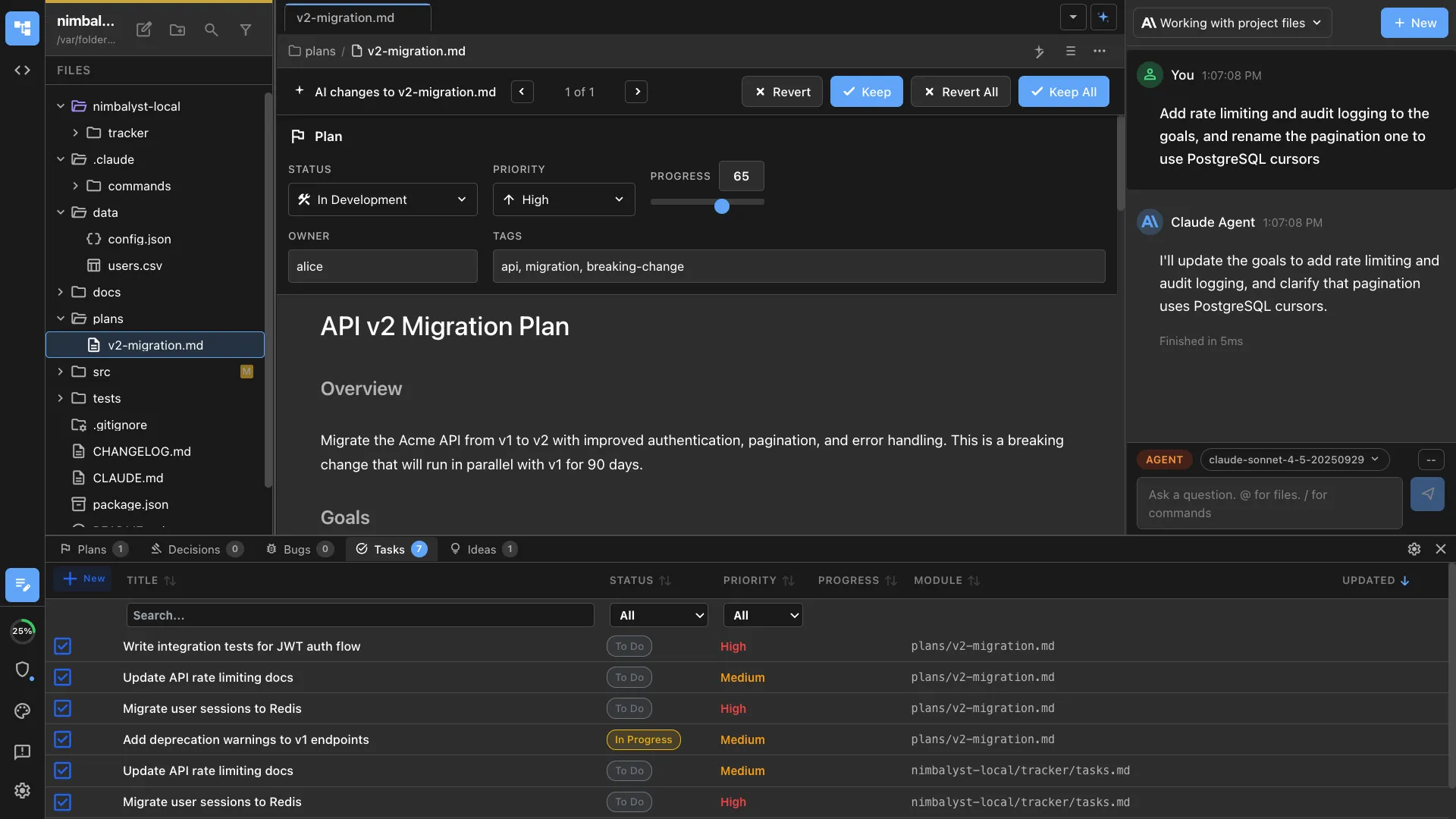
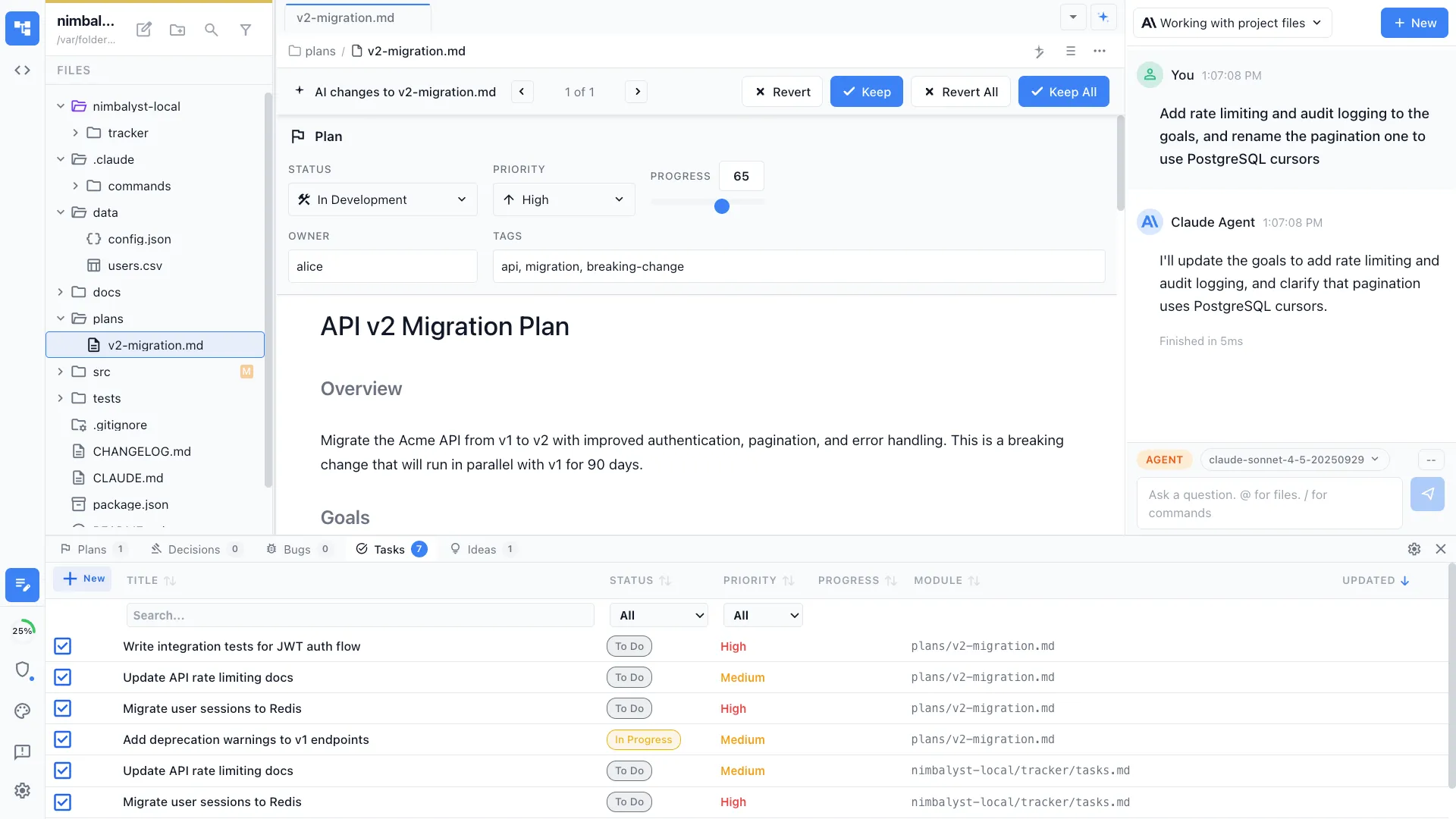
Use Nimbalyst's plan mode to break features into structured implementation plans with architecture decisions, file-by-file changes, and acceptance criteria.


Assign work to agents
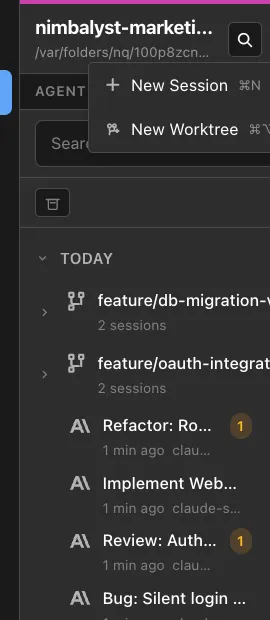
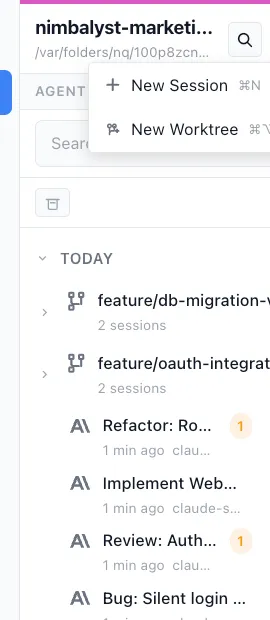
Launch AI agent sessions for each task. The session kanban shows every active agent, what it's working on, and its current status.


Track everything
Bugs, tasks, ideas, and decisions are tracked in markdown with tags, status, and links to sessions. Your agent updates tracker items as work progresses.
The Difference
From separate tools to one workflow
Without Nimbalyst
- ✕ Write tickets in Jira, discuss in Slack, code in VS Code
- ✕ Plans lose context as they move between tools
- ✕ Manual status updates that nobody remembers to make
- ✕ No visibility into what agents are actually doing
With Nimbalyst
- ✓ Plan, assign, and track in the same workspace where agents work
- ✓ Plans include full implementation context and file references
- ✓ Agent sessions auto-update progress as work is completed
- ✓ Session kanban shows real-time status of all active agents
Powered By
Nimbalyst features behind this workflow
Planning & Tracking
Structured plans with tasks, statuses, tags, and links to agent sessions.
Agent Orchestration
Launch and manage multiple agent sessions from a kanban board.
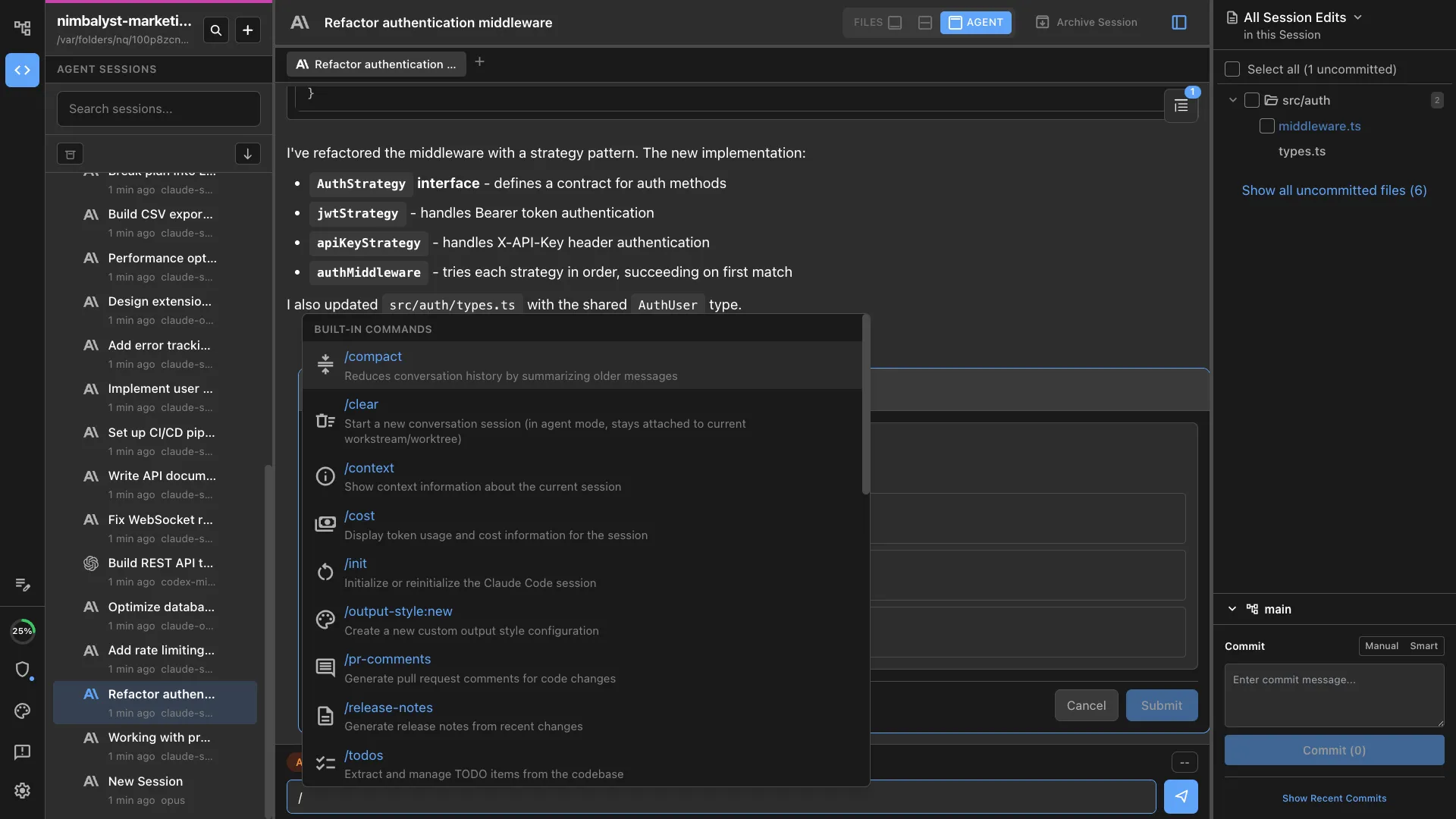
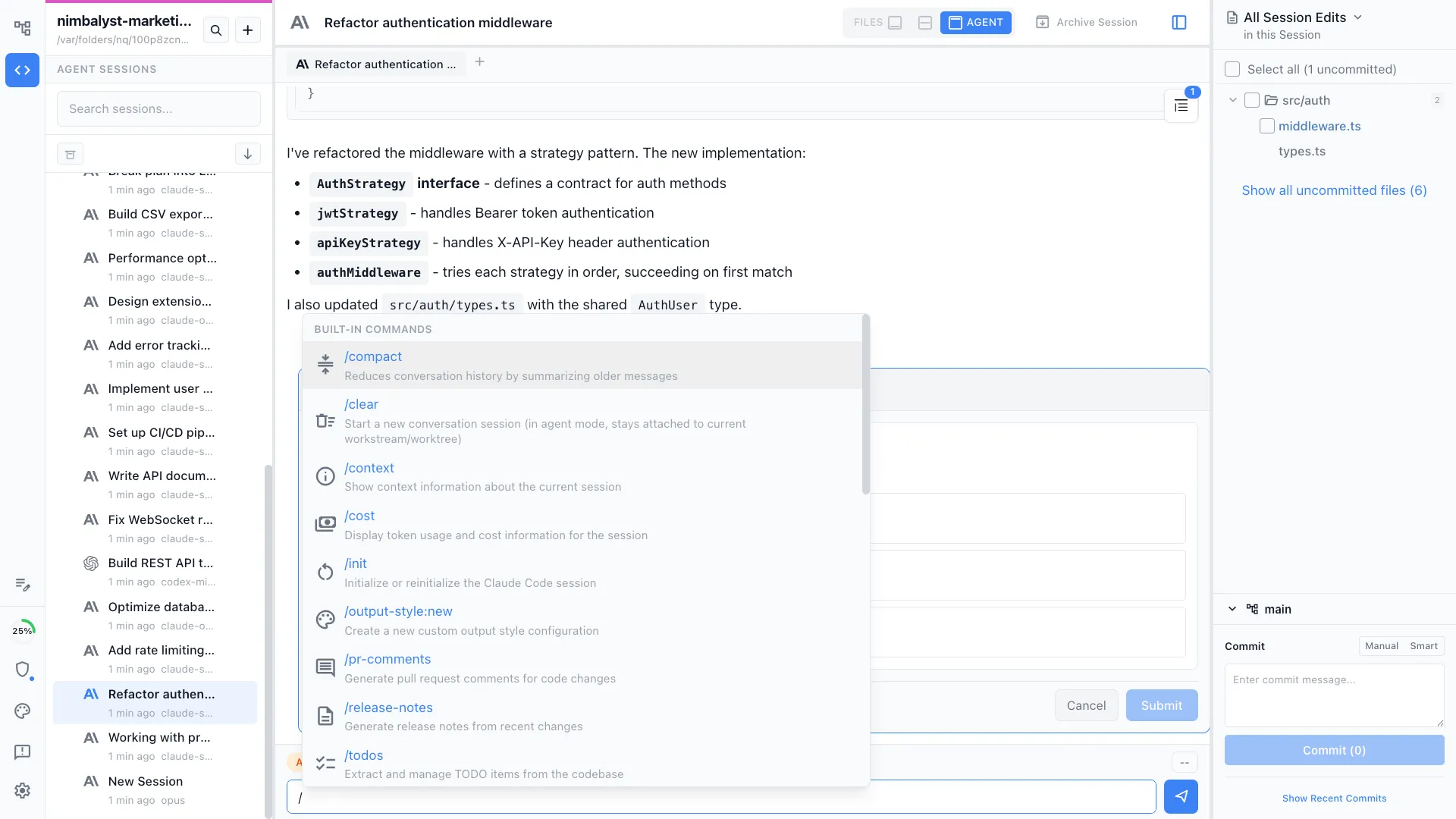
Commands & Skills
Use /plan to create structured plans and /implement to execute them.
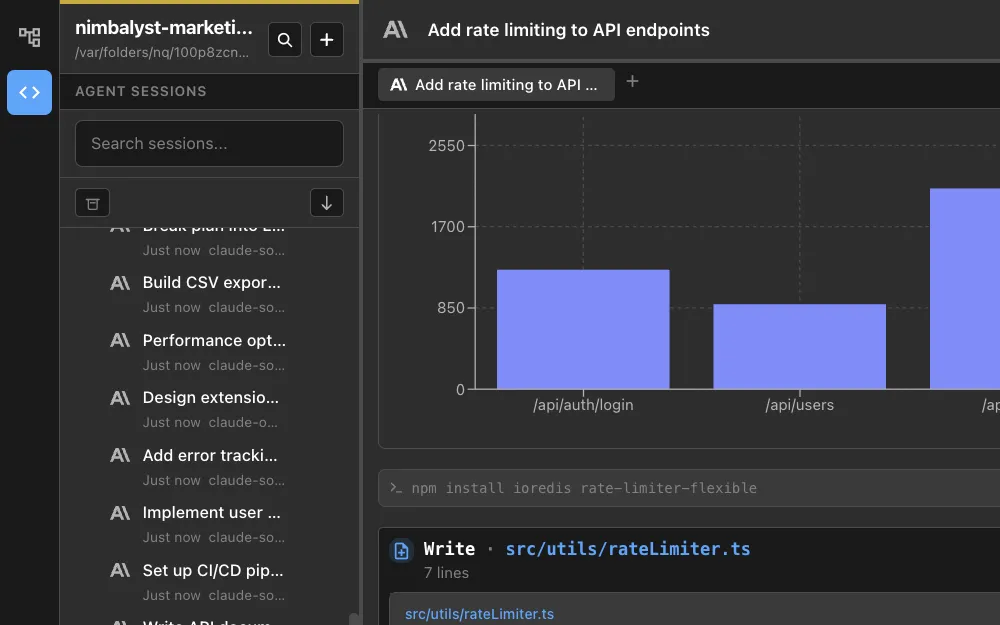
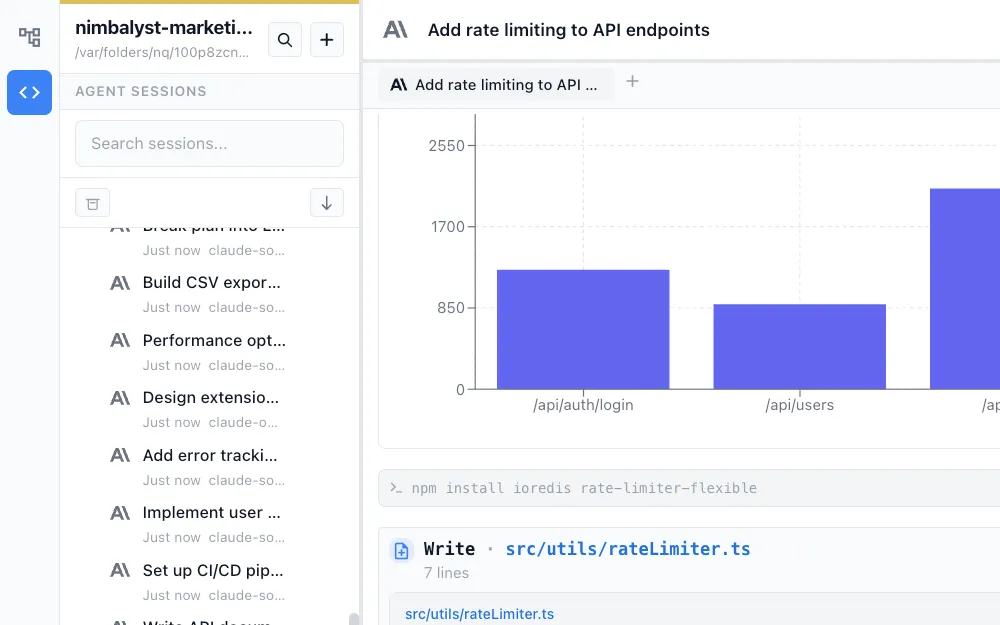
Session Management
Every session tracks which plan items it's working on and what it changed.